Fine-tune Your Reaction
Move your face bubble, balance the sound, and choose whose words show as captions after you record a reaction.
Once a reaction is on a clip, everything about how it looks and sounds stays adjustable. This guide covers the small controls that make a reaction feel right: the sound balance, the captions, and where your face sits.
Steps
1. Reopen your reaction
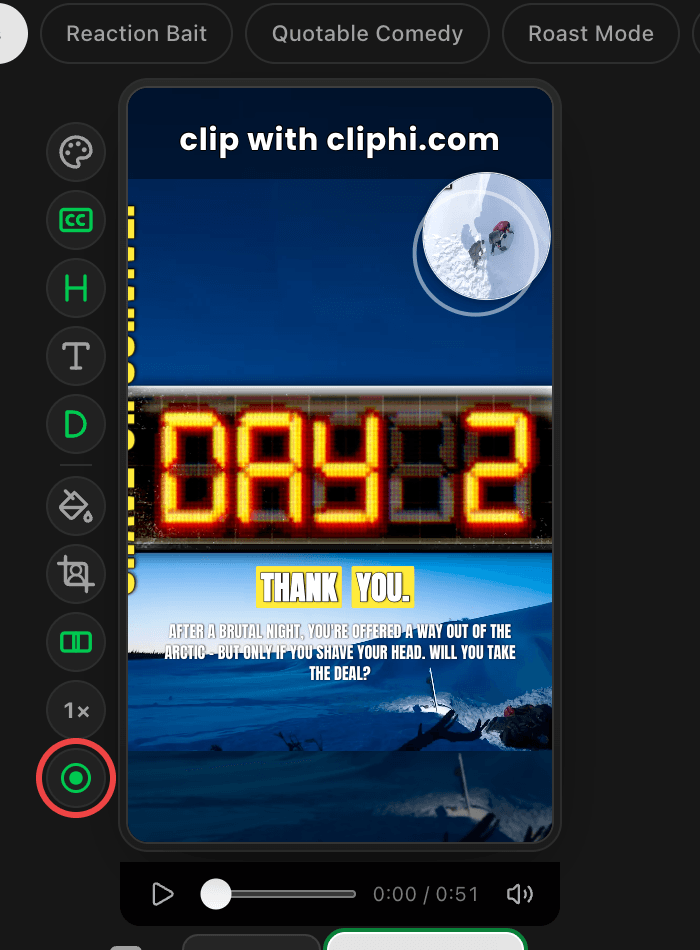
The record button in the quick-edit rail turns green when a clip has a reaction. Tap it to open the reaction card again, then tap Adjust to see the options.
2. Balance the sound
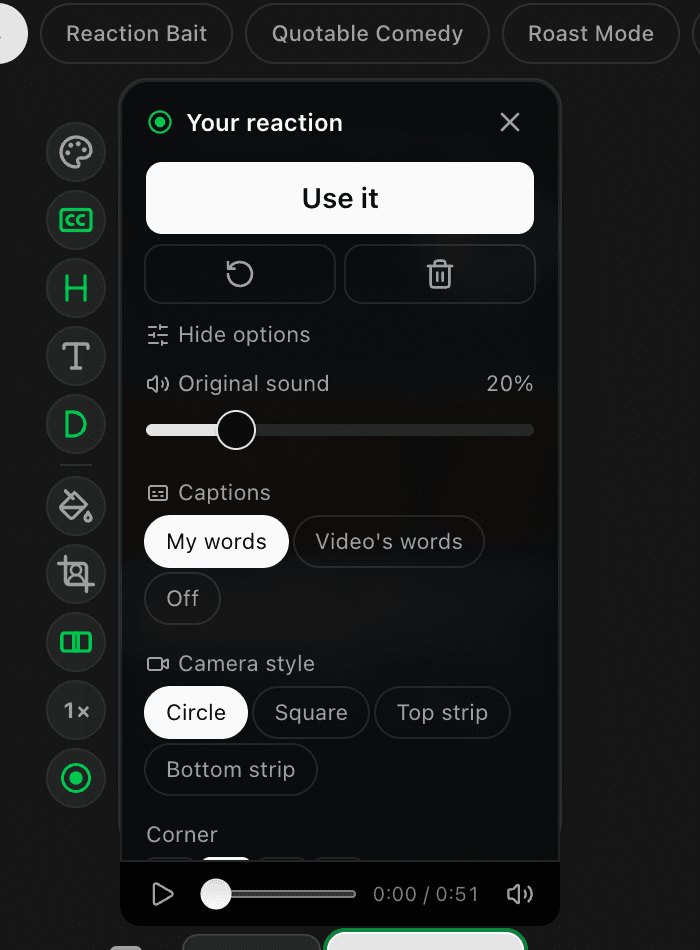
The Original sound slider sets how much of the clip's own audio plays under your voice. Slide it to zero and only your recording is heard. The preview updates as you drag, so trust your ears.
3. Choose the captions
Under Captions, pick whose words appear on the clip:
- My words burns in what you said, transcribed automatically.
- Video's words keeps the original speaker's captions.
- Off hides captions on this clip.
Right after recording you may see "Writing your captions" for a few seconds while your words are prepared.
4. Style the camera bubble
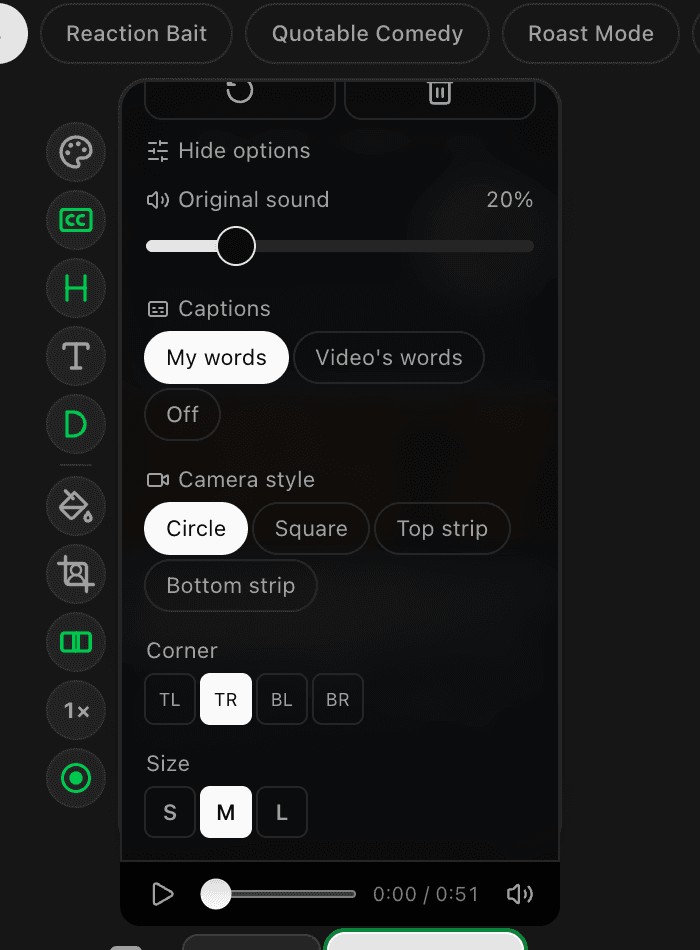
Camera reactions can be a Circle or Square bubble, or a strip across the top or bottom of the clip. Corner and size presets sit below the style choices. Voice-only recordings skip this section since there is nothing to place.
5. Or just drag it
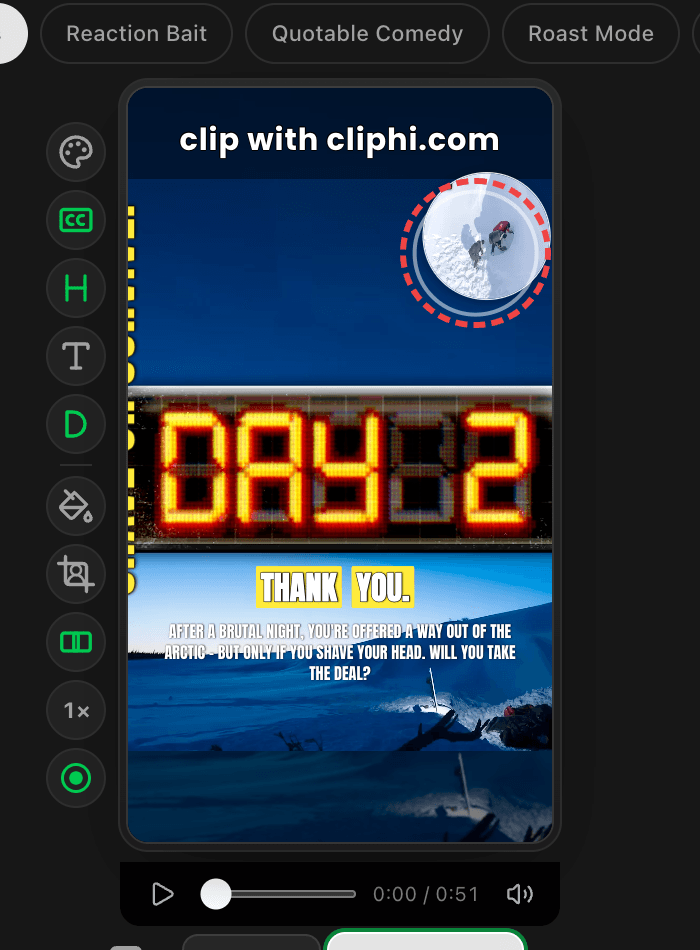
Grab the bubble right on the preview and drop it anywhere. It snaps to the center lines to help you line things up. Picking a corner preset afterwards moves it back to a corner.
Good to know
- Every change here shows up in the preview immediately and in the final render exactly the same.
- The trash button on the reaction card removes the reaction entirely. The clip goes back to how it was, and you can record a fresh reaction any time.
- Each aspect ratio remembers its own bubble position, so your 9:16 layout will not disturb a 1:1 version of the same clip.
What's next
Last updated on