Filter and bookmark your clips
A long video can give you a lot of clips. Filters help you find the ones you want, and bookmarks help you keep track.
A long video can give you a lot of clips. Two things help you stay on top of them: filters to narrow down to the ones you want, and bookmarks to mark the ones you like.
Filter your clips
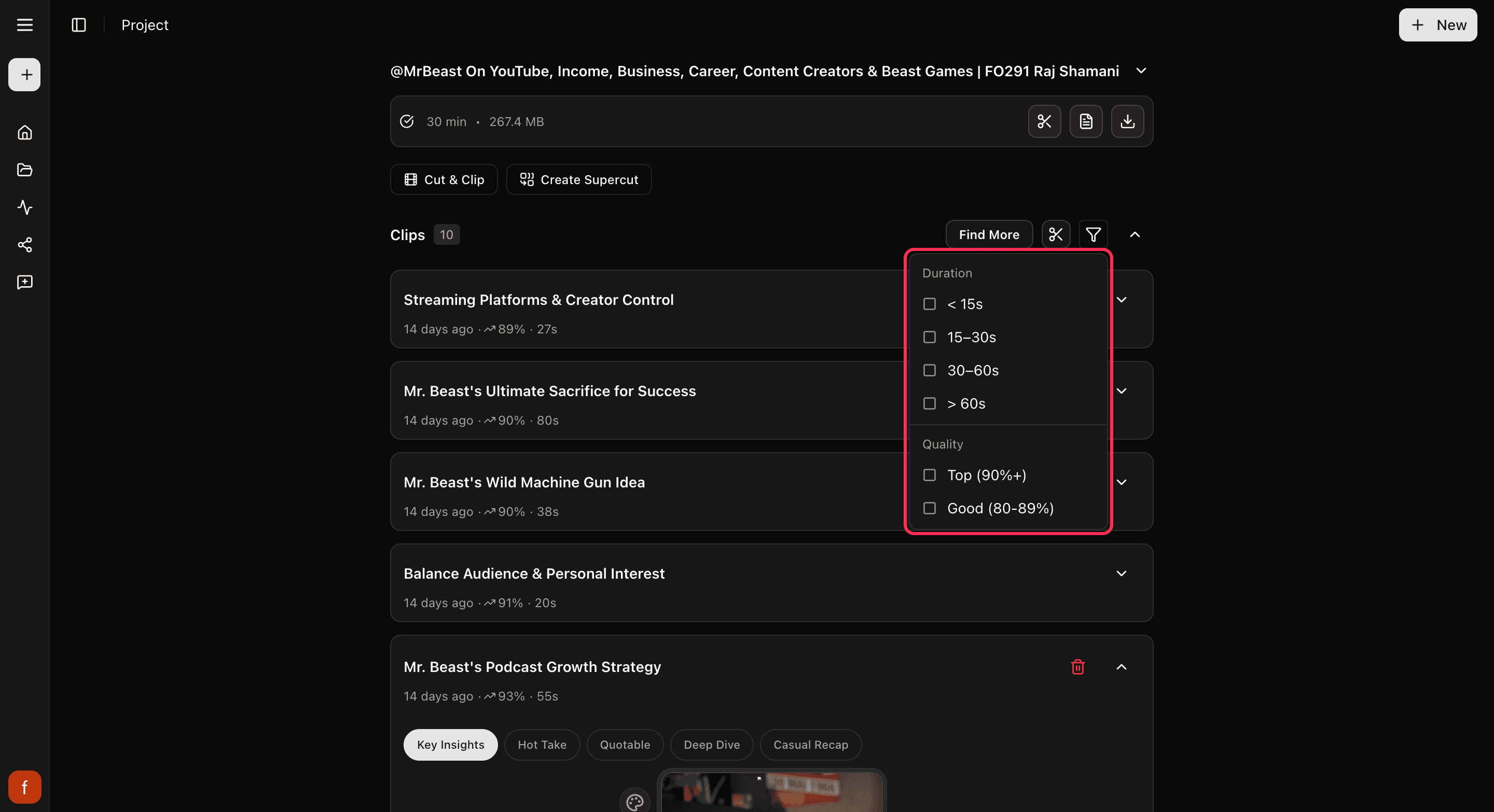
Near your clips, tap the filter button. You can narrow down by:
- How well a clip might do: Top, Good, or Fair.
- How long it is: short clips, longer ones, and in between.
- What you have done with it: the ones you have bookmarked, or already posted.
Pick as many as you like to zero in, then tap Clear all filters to see everything again.
Bookmark the ones you like
Each clip has a bookmark. Tap it once to bookmark a clip you want to come back to, again to mark it as posted, and once more to clear it. Making a clip bookmarks it for you automatically, and posting one marks it as posted, so your clips keep themselves sorted as you work.
What's next
- What the scores mean: How the score works.
- Get to know your clips: A tour of your project page.
Last updated on