Download the source video
Pasted a link? You can download the original video file too, straight from your project.
If you started from a link, Cliphi can hand you the original video file as well, not just the clips. Handy when you want the whole thing saved on your device.
Steps
1. Find the download button
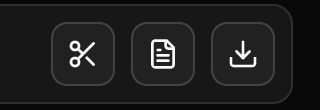
On your project page, look at the video at the top. Tap the download button on it, the down-arrow icon next to the transcript and cut buttons.
2. Save it
The original video saves to your device. This is the full video you started with, not a clip.
Good to know
Downloading the original is free. If you uploaded the video yourself, you already have the file, so this button does not show up for uploads.
What's next
- Get the words instead: Get the full transcript.
- Save a finished clip: Download a clip.
Last updated on