Add an intro, outro, and thumbnail
Top and tail your clip with a short intro or outro, and choose the cover image people see first.
Beyond the clip itself, you can add a short intro or outro, and pick the cover image that shows before it plays. Little touches that make a clip feel finished.
Add an intro or outro
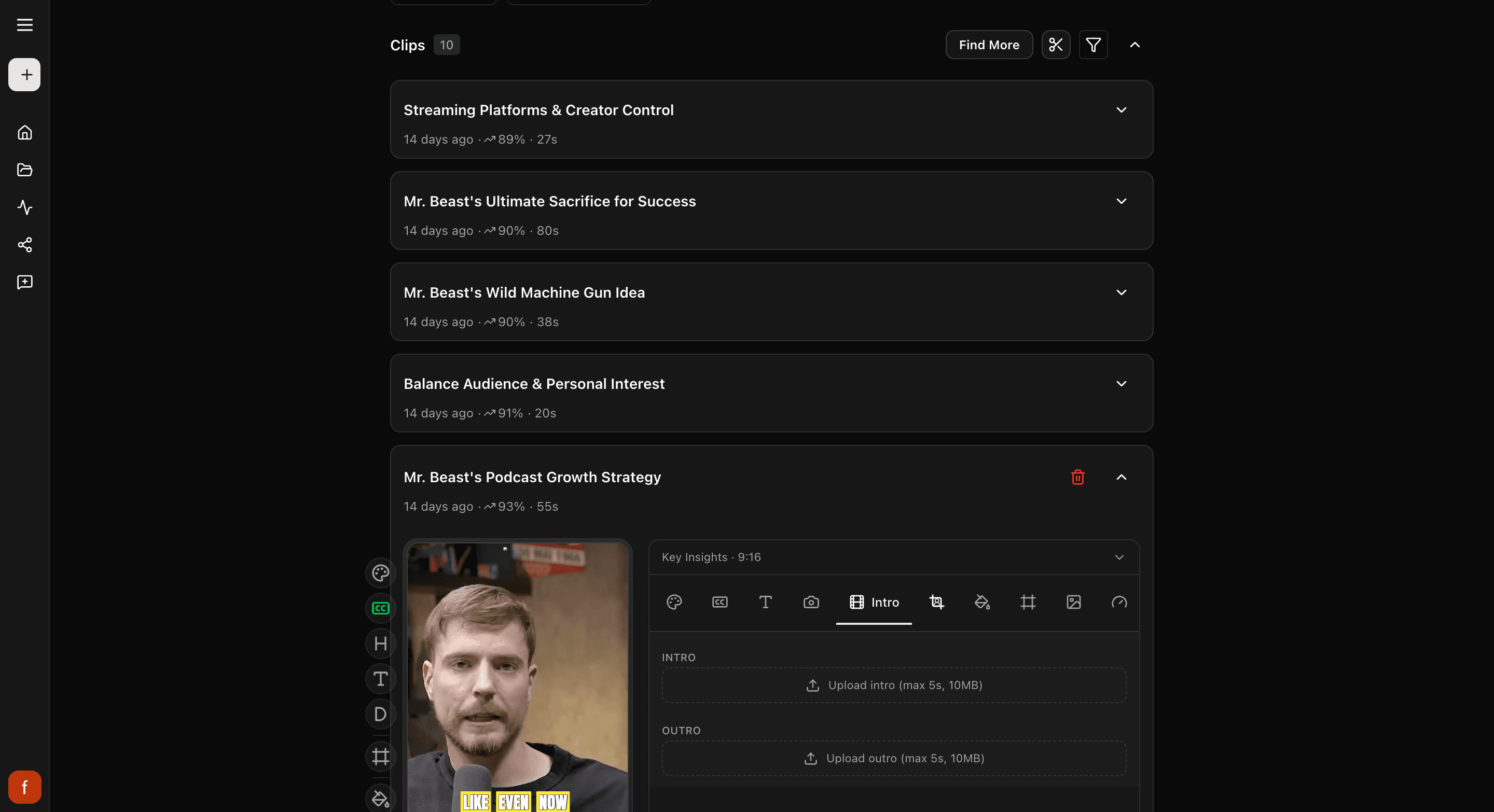
Open a clip and tap Intro.
- Intro: tap Upload intro and pick a short clip, up to 5 seconds and 10 MB, to play before your clip. Good for a quick logo sting or a "welcome back."
- Outro: tap Upload outro and pick a short clip, up to 5 seconds and 10 MB, to play after. Good for a "follow for more."
Set the thumbnail
The thumbnail is the cover image people see before the clip plays. Tap Thumbnail.
- Pick a frame from the clip: play to the moment you want, then tap Use current frame.
- Or upload your own: tap Upload image and pick a picture.
If you pick a frame from the clip, you can also choose whether the hook, title, and description show on the cover.

Quick check before you Get Clip
- The cover looks good small, the way it shows in a feed.
- Your intro and outro are short, so the clip gets going fast.
- Any text on the cover is easy to read.
What's next
- Choose what text shows: Show, hide, and edit the Hook, Title, and Description.
- Add your logo: Set up your brand kit.
Last updated on