Set up your brand kit
Put your logo on your clips and save your look so every clip you make looks like yours.
Your brand kit is the pieces that make a clip look like yours: your logo, and the look you save and reuse. Set them up once and every clip can carry them.
Add your logo
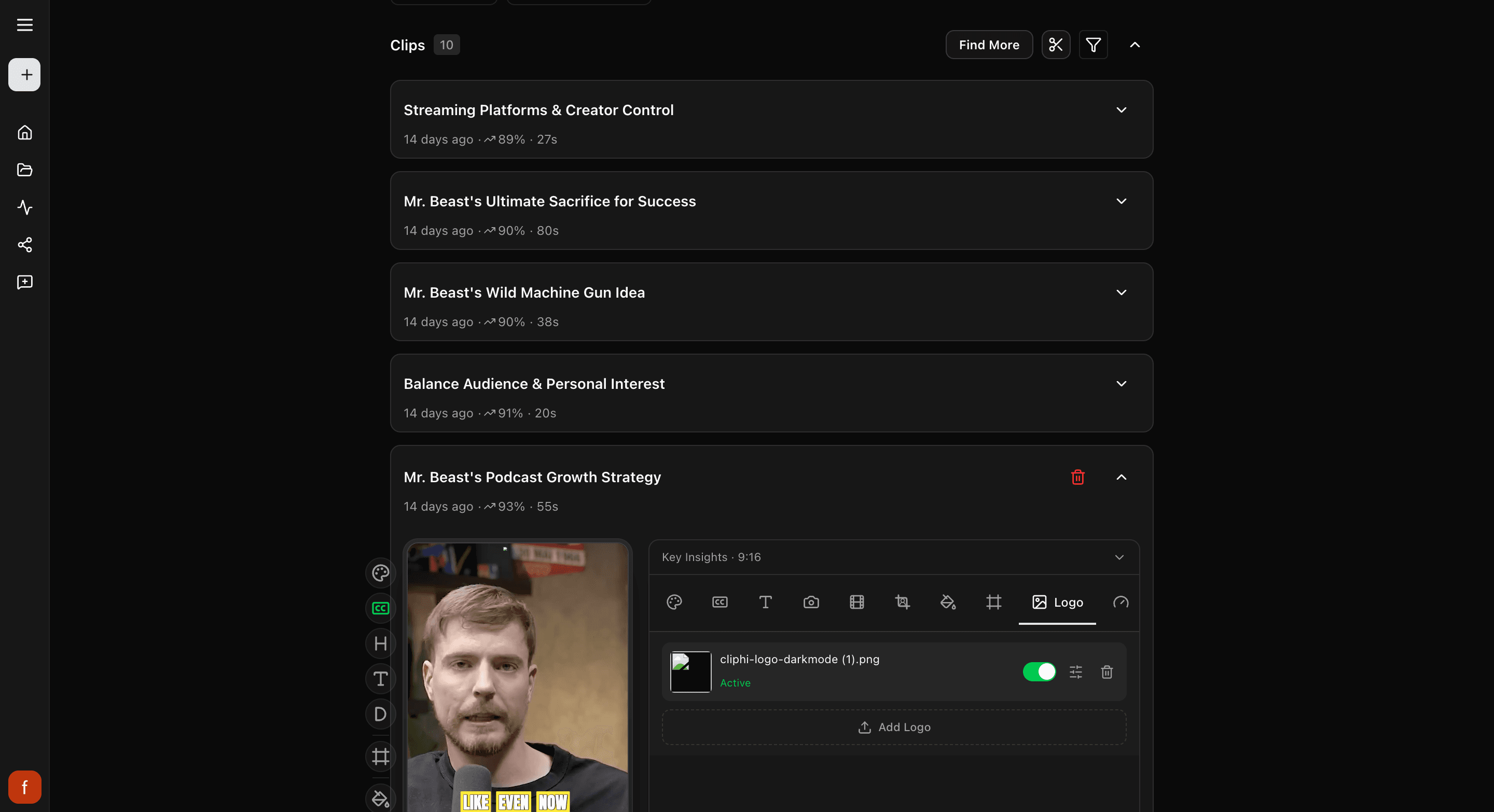
Open a clip and tap Logo.
- Tap Upload Logo and pick your logo file. A see-through PNG works best, up to 10 MB.
- Move it where you want, make it bigger or smaller, and set how strong or faint it looks.
Save your look to reuse it
Your look, the captions, colors, and text, can be saved and put on any clip in one tap. Style a clip the way you like, then tap Save as Brand Style and give it a name. After that, pick it from the Brand Style menu on any clip. Full steps are in Save a style preset.
What's next
- Save your look: Save a style preset.
- Add an intro or a cover image: Add an intro, outro, and thumbnail.
Last updated on