Cut a clip from any moment
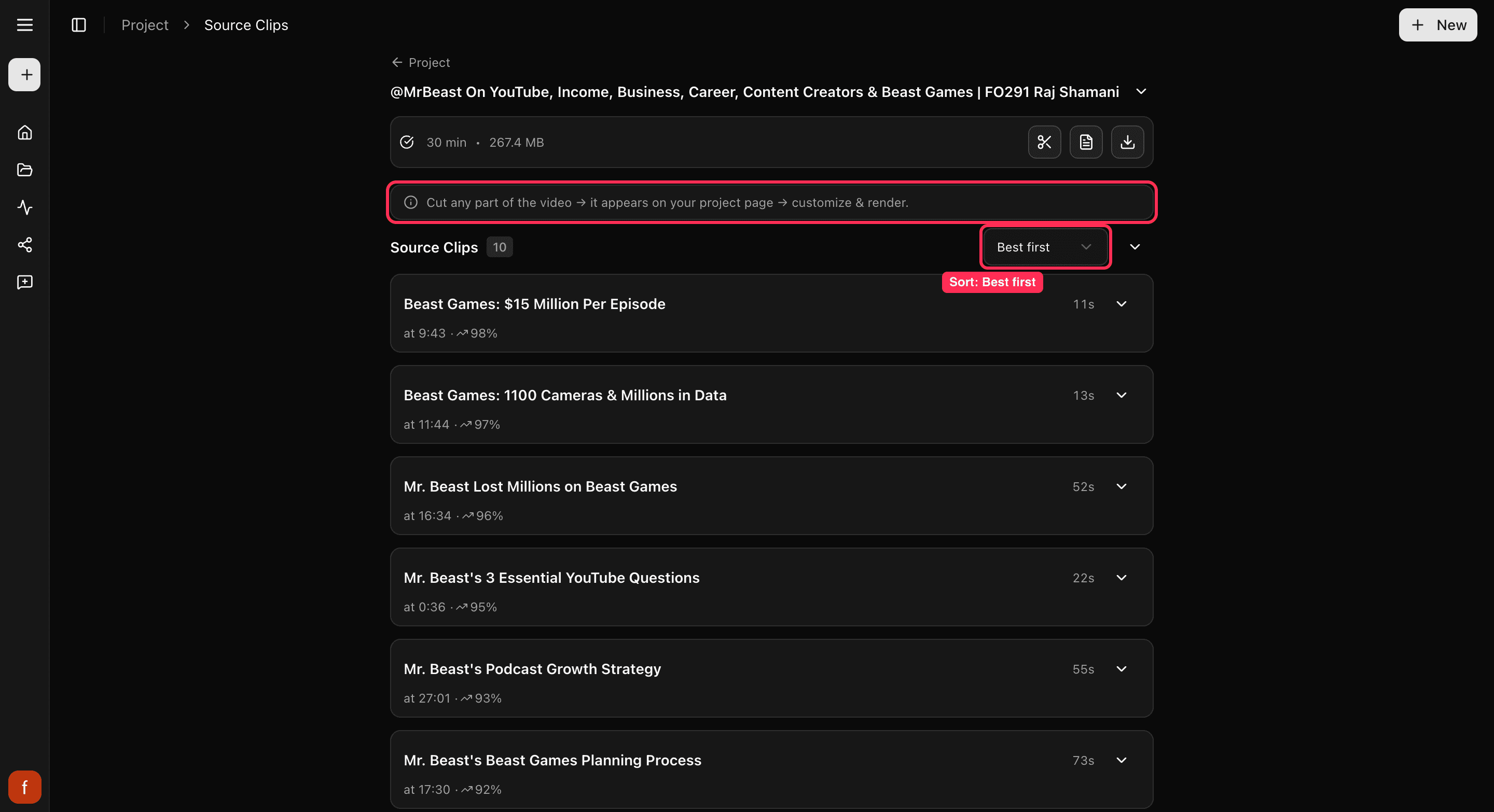
Cliphi finds the best moments for you, but if there is a specific bit you want, Cut & Clip lets you make a clip from any part of the video.
Cliphi picks the best moments on its own, but sometimes there is an exact bit you have in mind that it did not pull out. Cut & Clip lets you grab any part of the video and turn it into a clip.
Steps
1. Open Cut & Clip
On your project page, tap Cut & Clip.
2. Pick the part you want
There are two ways to choose the moment:
- By time: drag the two handles, or set a start and end time, to mark the bit you want. The preview jumps to the spot as you drag.
- By what's said: switch to the transcript, tap the line where you want to start, then tap the lines after it to extend your selection.
A cut can be as short as one second and up to ten minutes long.
3. Create the clip
Tap Create. Your new clip appears with your others, ready to customize and finish like any other clip.
Good to know
Cutting is free, so grab as many moments as you like. You only spend a credit when you make the final clip with Get Clip.
Quick check before you Get Clip
- The clip starts and ends on the moment you wanted.
- The speaker stays in frame.
- The captions read clearly.
What's next
- Get to know your clips: A tour of your project page.
- What each control does: The quick edit rail.
- Ready to save it? Download a clip.
Last updated on