Create a Supercut
A supercut stitches your video's best moments into one short highlight reel, grouped by theme. Here is how to make one.
A supercut is a highlight reel. Instead of a single moment, Cliphi takes the best bits from across your whole video and stitches them together by theme into one short clip. It is a great way to sum up a long video in something snappy.
Before you start
The Create Supercut button shows up once your video is long enough to have a few moments worth stringing together, so you will see it on longer videos and not on very short ones.
Steps
1. Open Create Supercut
On your project page, tap Create Supercut.
2. Get your supercuts
Tap Get Supercut Clips. Cliphi goes through your video and puts together a few supercut ideas, each grouped around a theme. They show up as clips you can play.
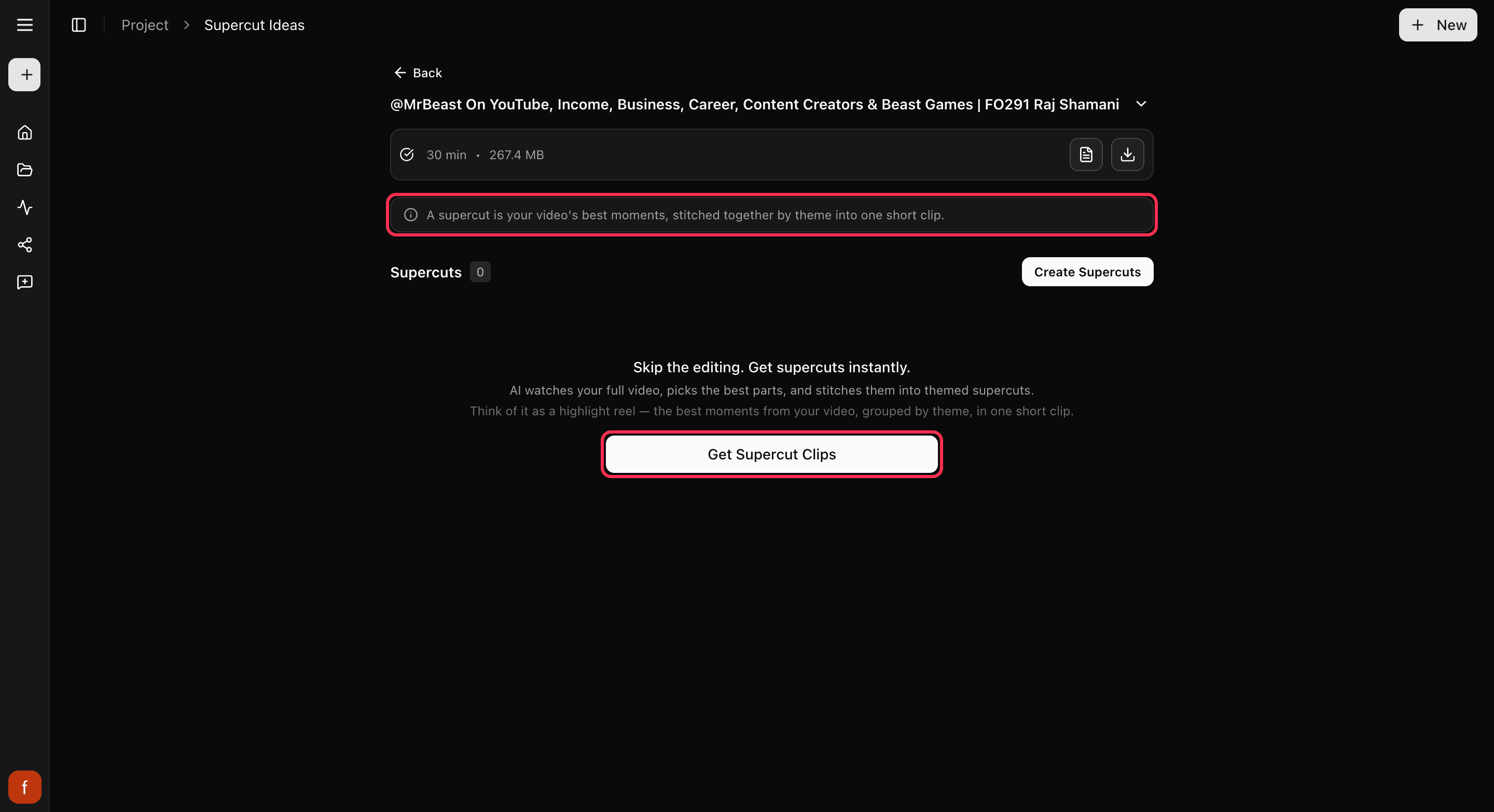
3. Ask for a specific one (optional)
Want a supercut about something in particular? Tap Find More and describe it, like "funny moments" or "the best advice." You can also set how long you want the supercut to be.
4. Customize and finish
A supercut works like any other clip. Change the look, then make the final version and download it or post it.
Good to know
Making a supercut uses credits, since Cliphi builds a new clip for you. Watching the ideas and picking one is free; you spend credits when you make the supercut. See How credits work.
What's next
- Get to know your clips: A tour of your project page.
- Grab one exact moment instead: Cut a clip from any moment.
- What each control does: The quick edit rail.
- New here? See what supercuts can do: YouTube compilation maker.
Last updated on