Clip angles explained
Some clips come with a row of tabs like Key Insights or Hot Take. They are the same moment worded a different way. Here is how to use them.
Open a clip and you might see a little row of tabs across the top, with names like Key Insights, Hot Take, or Quotable. These are angles. They are all the same moment, just framed a different way, so you can pick the one that fits how you want to post it.
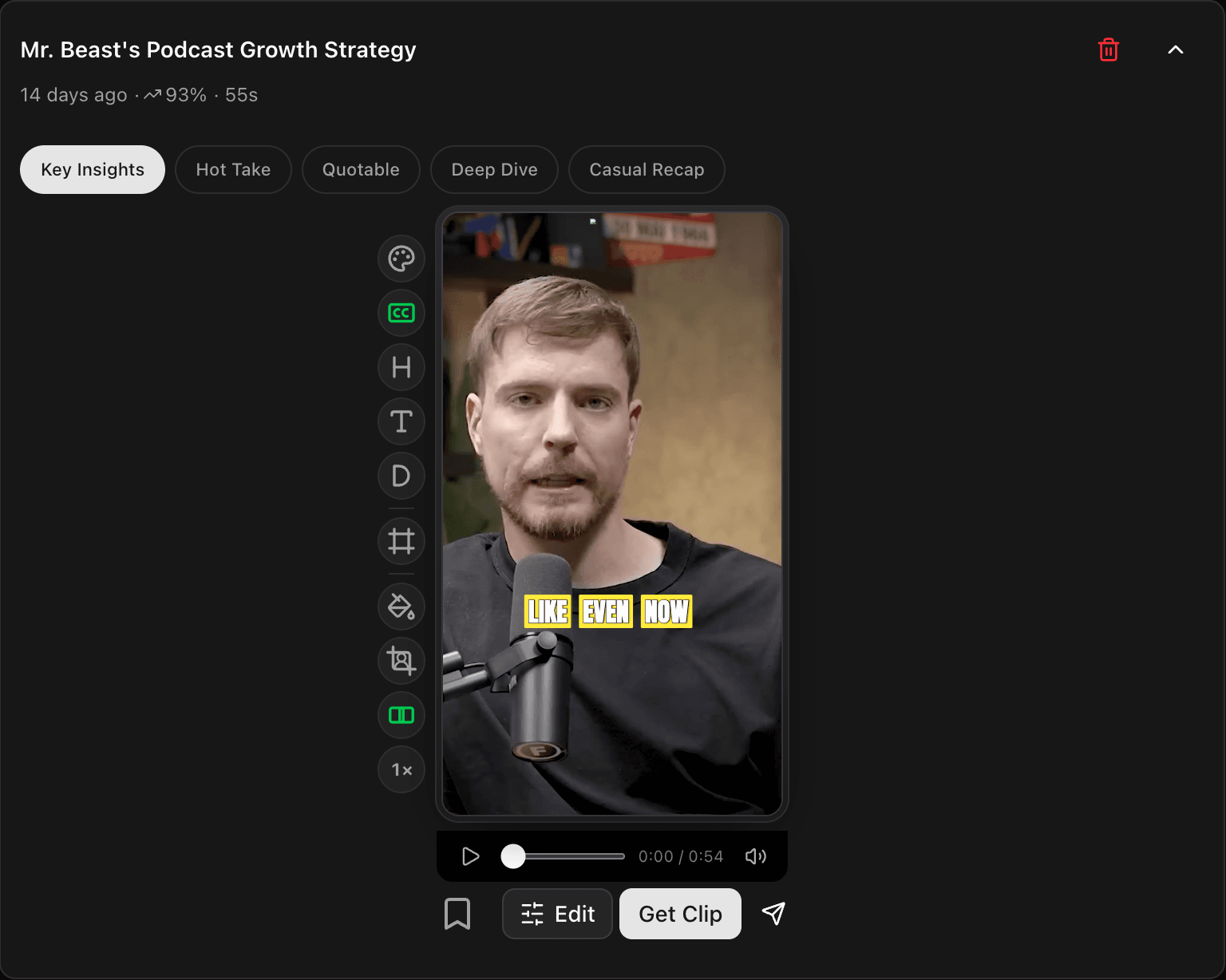
What changes when you switch
Tapping a different angle changes the words around the clip: the title, the hook, the description, and the post text that goes out with it. The video itself does not change. It is the same moment, the same length, the same framing. Only the wording changes.
So one clip can be a serious "Key Insights" take or a punchy "Hot Take," depending on which angle you pick, without making a whole new clip.
The names depend on the video
The angle names fit the kind of video you clipped. A podcast or interview gives you names like Key Insights, Hot Take, Quotable, Deep Dive, and Casual Recap. A gaming stream or a tutorial shows its own set that suits that content.
How to use them
Tap through the angles and read how each one frames the moment. Keep the one that matches the mood you want, then post it or tweak it further. If you would rather write your own line, you can always change the hook, title, and description by hand.
What's next
- Edit the text yourself: Show, hide, and edit the Hook, Title, and Description.
- Get to know your clips: A tour of your project page.
Last updated on