Add Captions to Instagram Reels
Paste or upload your video and Cliphi adds animated captions, placed to stay clear of the Reels buttons and synced to every word.
or
Using video you don't own may violate copyright laws. By continuing, you confirm you have the rights to use this video.
How it works
- 1
Paste a link or upload your video
Drop in a supported video link or upload a file. Cliphi pulls the audio and reads what is said.
- 2
AI captions every word
Cliphi transcribes the speech and lays animated captions over the video, synced word by word.
- 3
Style it, then post
Pick a caption style and tweak the font, color, size, and position, or keep the default. Then download or publish to your socials.
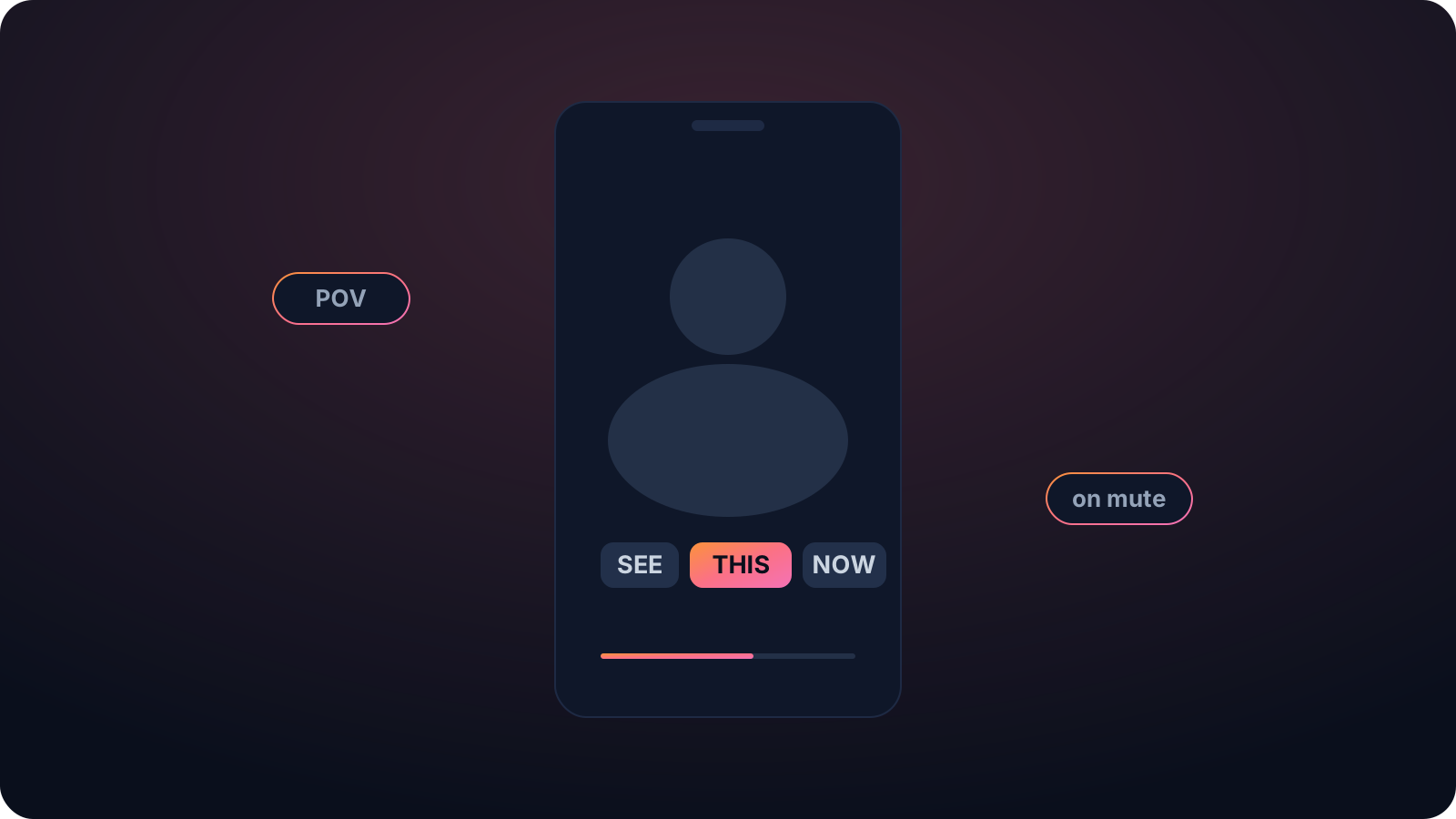
Clear of the Reels buttons
The username runs along the bottom and the action icons stack up the side. Cliphi keeps the captions in the safe middle of the frame, so nothing important sits under a button.
Not a buried repost
Instagram tends to push down clips carrying another app's logo. Cliphi exports clean, so the captioned clip isn't treated as a recycled repost.
Watchable on mute
Most short-form gets watched with the sound off. On-screen captions are usually the difference between someone watching and someone scrolling past.
Made with Cliphi
Real clips, real reach, published to Instagram Reels, Facebook Reels, and YouTube Shorts.
Captions that stay clear of the Reels buttons
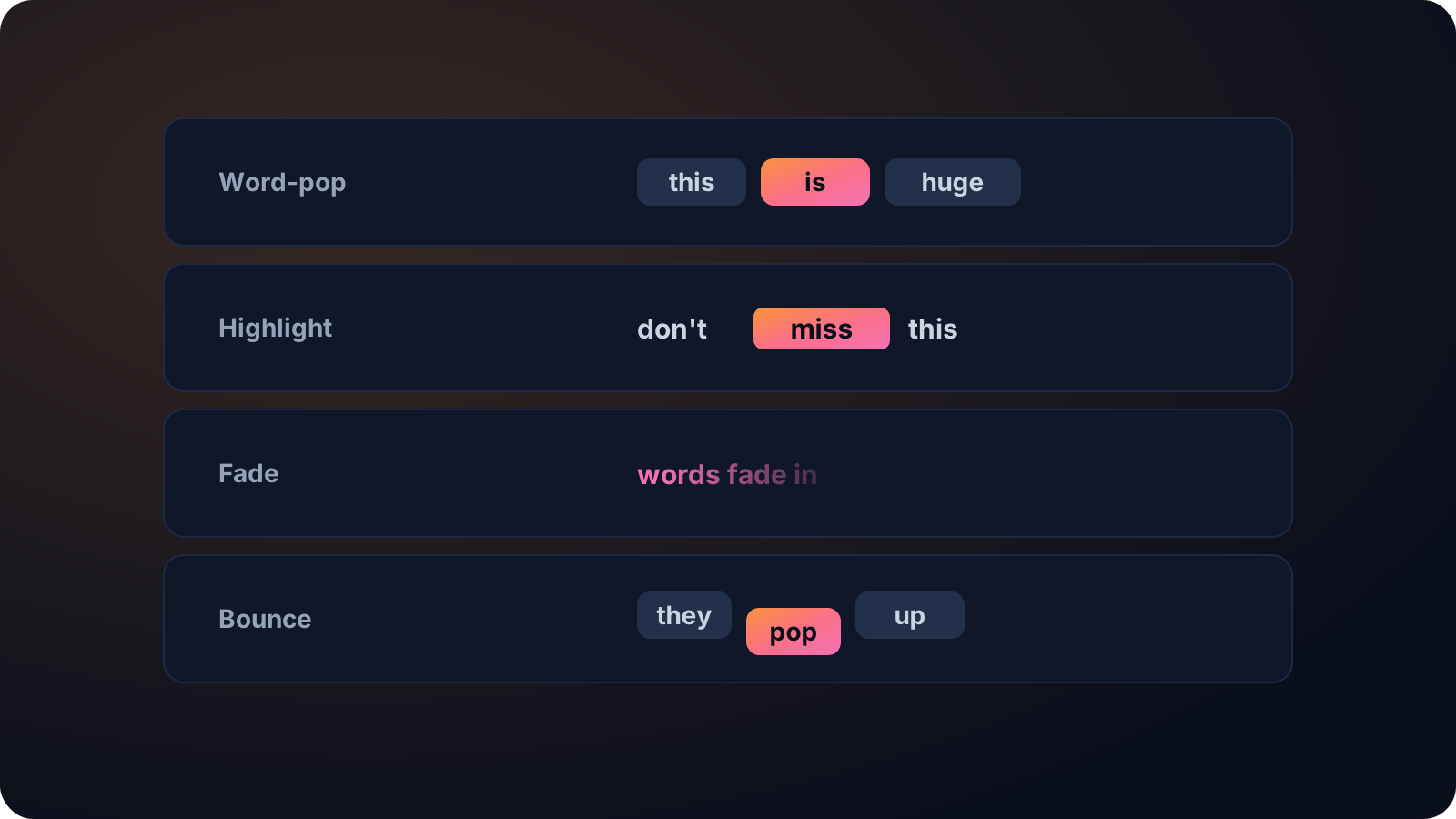
Reels covers a lot of the screen with its own buttons. The username runs along the bottom and the action icons stack up the side, so captions placed wrong get hidden behind the interface. Cliphi keeps the captions in the safe middle of the frame and animates them word by word, so nothing important sits under a button and the clip reads on mute.
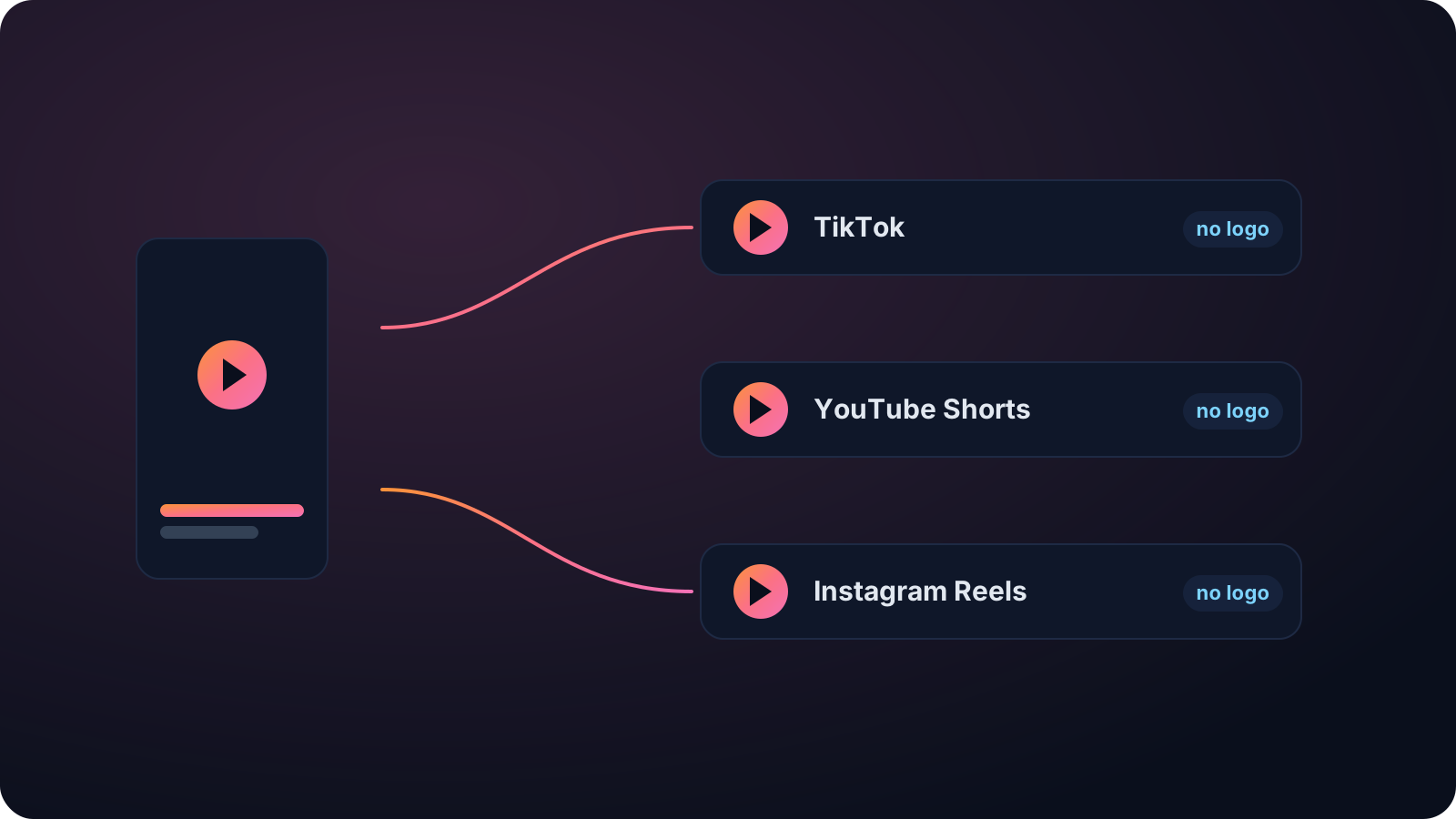
Clean export, not a buried repost
Instagram tends to push down clips that carry another app's watermark. Cliphi exports clean, with no logo, so the captioned clip is not treated as a recycled repost. Pick the caption style and match the font and colors to your brand, or keep a default that works anywhere.
The captions come from accurate transcription that handles accents, several speakers, and noise, in around 99 languages. And because Cliphi is a clip tool, you can paste a long video and get captioned vertical Reels out of it, not just captions on one file.
Posting a Reel without captions leaves most of its reach on the table, since the feed autoplays on mute and a silent talking head is easy to scroll past. Animated captions give a viewer a reason to stop in the first second. Paste a clip you already have or a longer video to cut down, pick the look that fits your account, and the captions come out synced and placed to read clearly over the busy Reels layout.
Keep going with Cliphi
Add Captions to a TikTok
Paste or upload your video and Cliphi adds TikTok-style word-pop captions automatically, synced to every word.
OpenTurn your YouTube videos into Instagram Reels
Drop in any YouTube video or livestream. Cliphi finds the best moments, crops them to vertical, and adds the captions and music for you.
OpenAnimated Captions Generator
Paste or upload your video and Cliphi adds animated captions, synced word by word, in the styles short-form actually uses.
OpenFrequently asked questions
Add captions to your Reels
Paste a link or upload a file and get captioned Reels.
or