Video to Text Converter
Upload a video or paste a link and Cliphi turns the whole thing into clean, readable text.
or
Using video you don't own may violate copyright laws. By continuing, you confirm you have the rights to use this video.
How it works
- 1
Paste a link or upload a file
Drop in a supported video link or upload a video or audio file. Cliphi pulls the audio for you.
- 2
AI transcribes every word
Whisper-grade transcription turns the whole thing into clean, readable text, with the language detected for you.
- 3
Read it, or turn it into clips
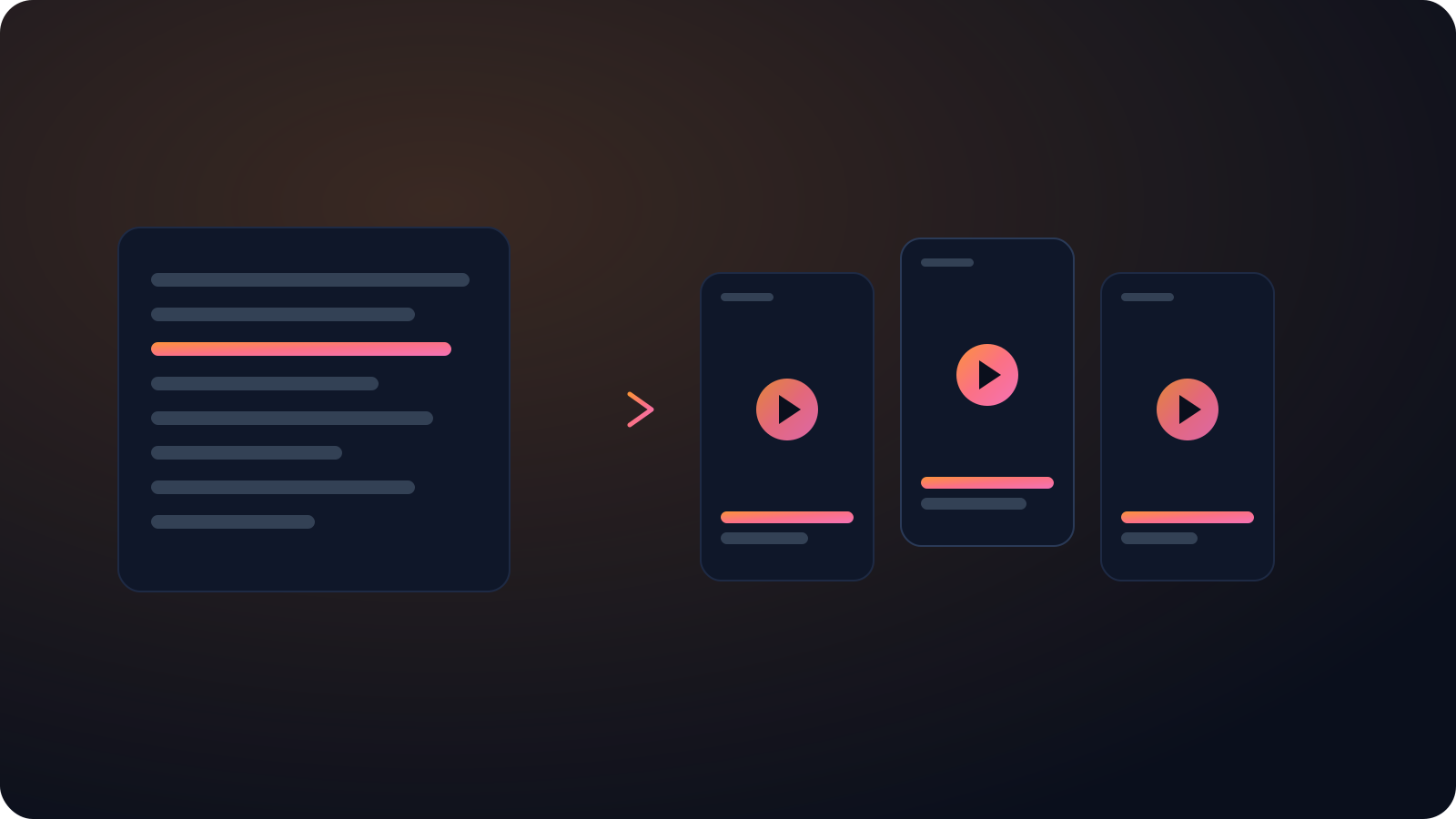
Get the full transcript to read, copy, or search. If you want, let Cliphi cut the best moments into captioned vertical clips too.
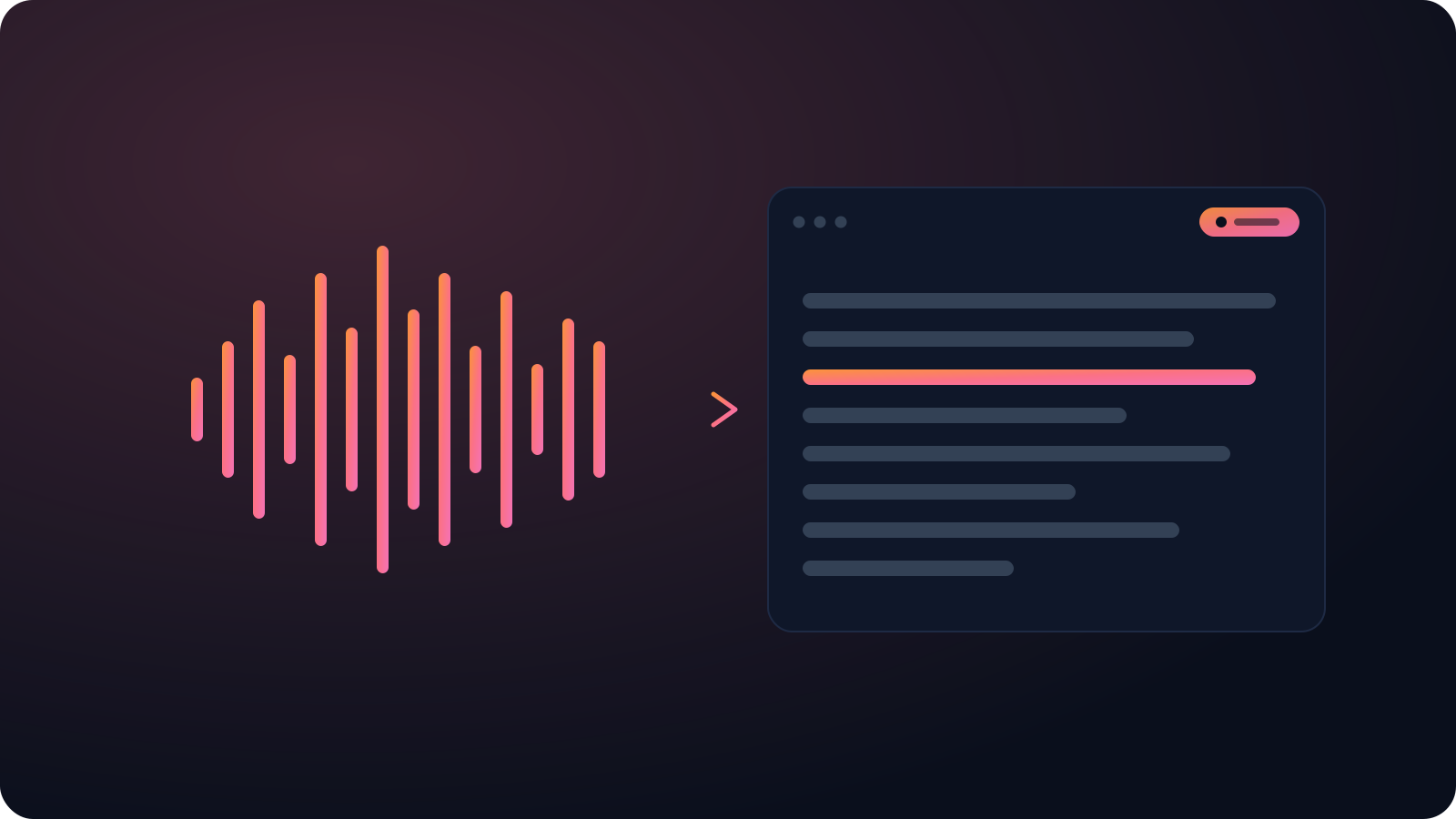
Clean text, punctuation and all
Drop it straight into a doc instead of fixing run-on captions for an hour. A meeting, lecture, or interview comes back as readable text with the punctuation in place.
Link or file, no length cap
Paste a supported link or upload the file. A quick clip and a three-hour recording are handled the same way, both returned as one transcript.
Accurate, word for word
Cliphi transcribes with Whisper-grade models that handle accents, several speakers, and background noise, so you are not cleaning up garbled text.
What you get back
A clean, timestamped transcript you can read, search, copy, or export, not a wall of rough auto-captions.
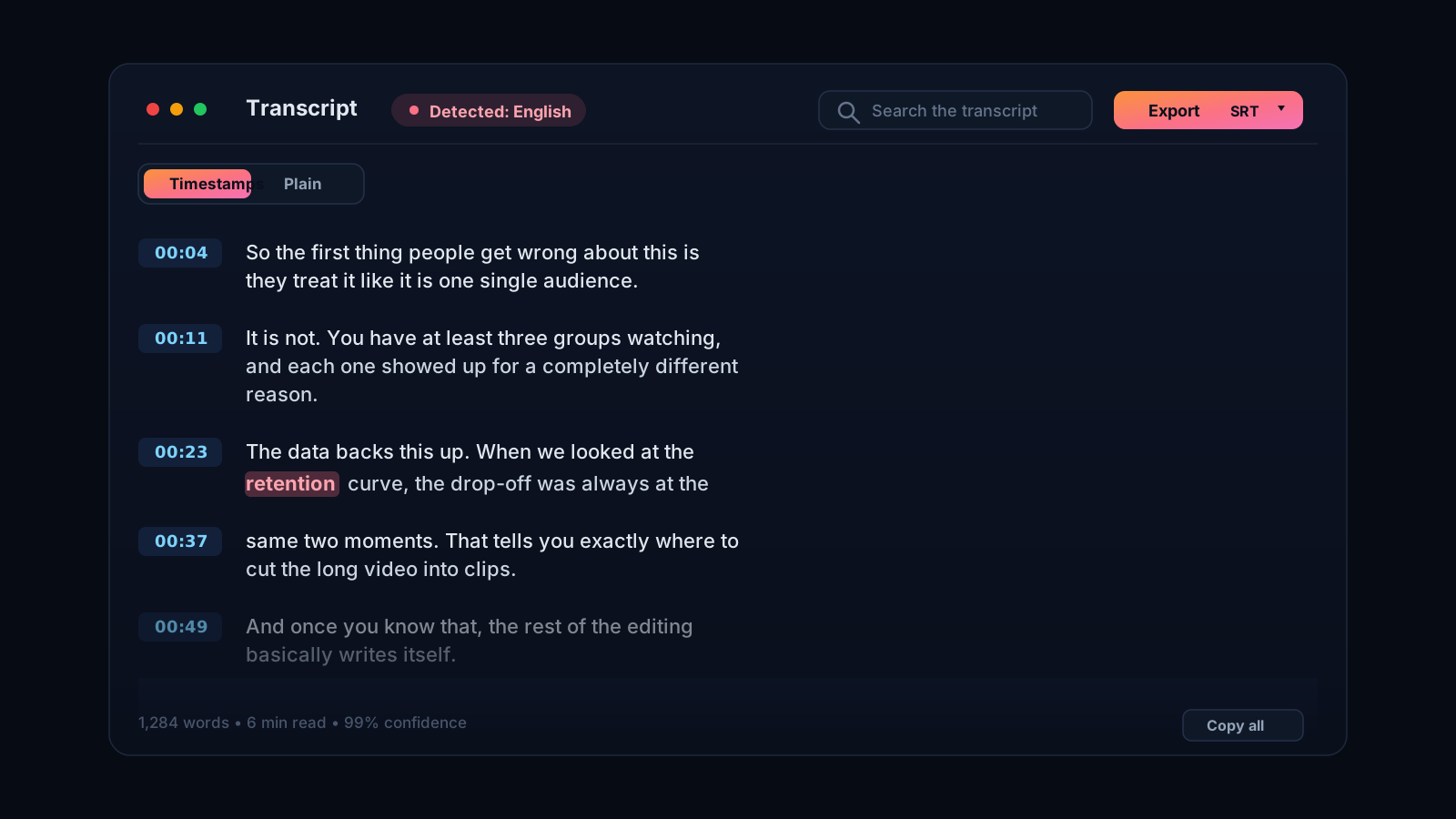
Turn any video into text you can use
Sometimes you just need the words out of a video. A recorded meeting, a lecture, an interview, a talk you want to quote. Retyping it or scrubbing back and forth is slow and error-prone. Cliphi converts the video to text for you. Paste a supported link or upload the file and it pulls the audio and transcribes the lot into clean text with punctuation.
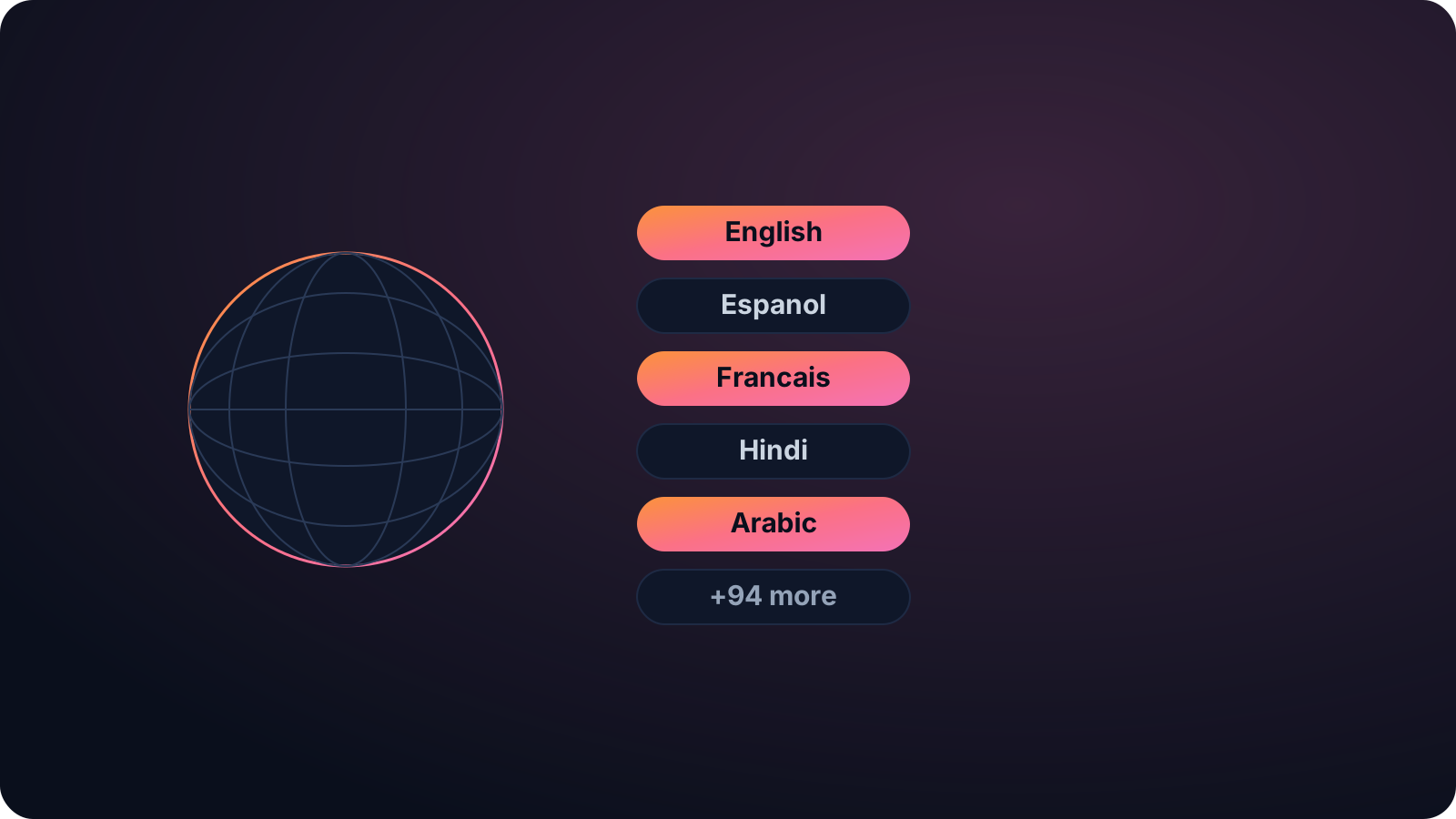
Accurate enough to actually use
The transcript handles accents, several speakers, and background noise, so it reads cleanly rather than as a garbled approximation. From there you can copy it, search it, turn it into writing, or caption it. Long videos are fine, so a full recording comes back as one transcript instead of a pile of fragments.
It detects the language for you and works across the full Whisper set. And if the video is worth posting, Cliphi can caption it and turn it into vertical clips from the same upload, so you are not bouncing between a transcriber and a clip tool.
It fits a lot of jobs. Turn a recorded meeting into minutes you can search, a lecture into study notes, an interview into a document, or a webinar into a blog post. Because the text is clean and punctuated, you can drop it straight into a doc rather than spending an hour fixing run-on captions. There is no length cap either, so a quick clip and a three-hour recording are both handled the same way.
Keep going with Cliphi
Audio to Text Converter
Paste or upload your audio and Cliphi transcribes it into clean, accurate text.
OpenAdd Captions to a Video
Paste or upload your video and Cliphi adds animated captions automatically, synced to every word and ready to post.
OpenTranscribe a YouTube Video
Paste a YouTube link and get a clean, accurate transcript of the whole video, ready to read, copy, or turn into clips.
OpenFrequently asked questions
Convert your video to text
Paste a link or upload a file and get the transcript.
or