Transcribe a YouTube Video
Paste a YouTube link and get a clean, accurate transcript of the whole video, ready to read, copy, or turn into clips.
or
Using video you don't own may violate copyright laws. By continuing, you confirm you have the rights to use this video.
How it works
- 1
Paste a link or upload a file
Drop in a supported video link or upload a video or audio file. Cliphi pulls the audio for you.
- 2
AI transcribes every word
Whisper-grade transcription turns the whole thing into clean, readable text, with the language detected for you.
- 3
Read it, or turn it into clips
Get the full transcript to read, copy, or search. If you want, let Cliphi cut the best moments into captioned vertical clips too.
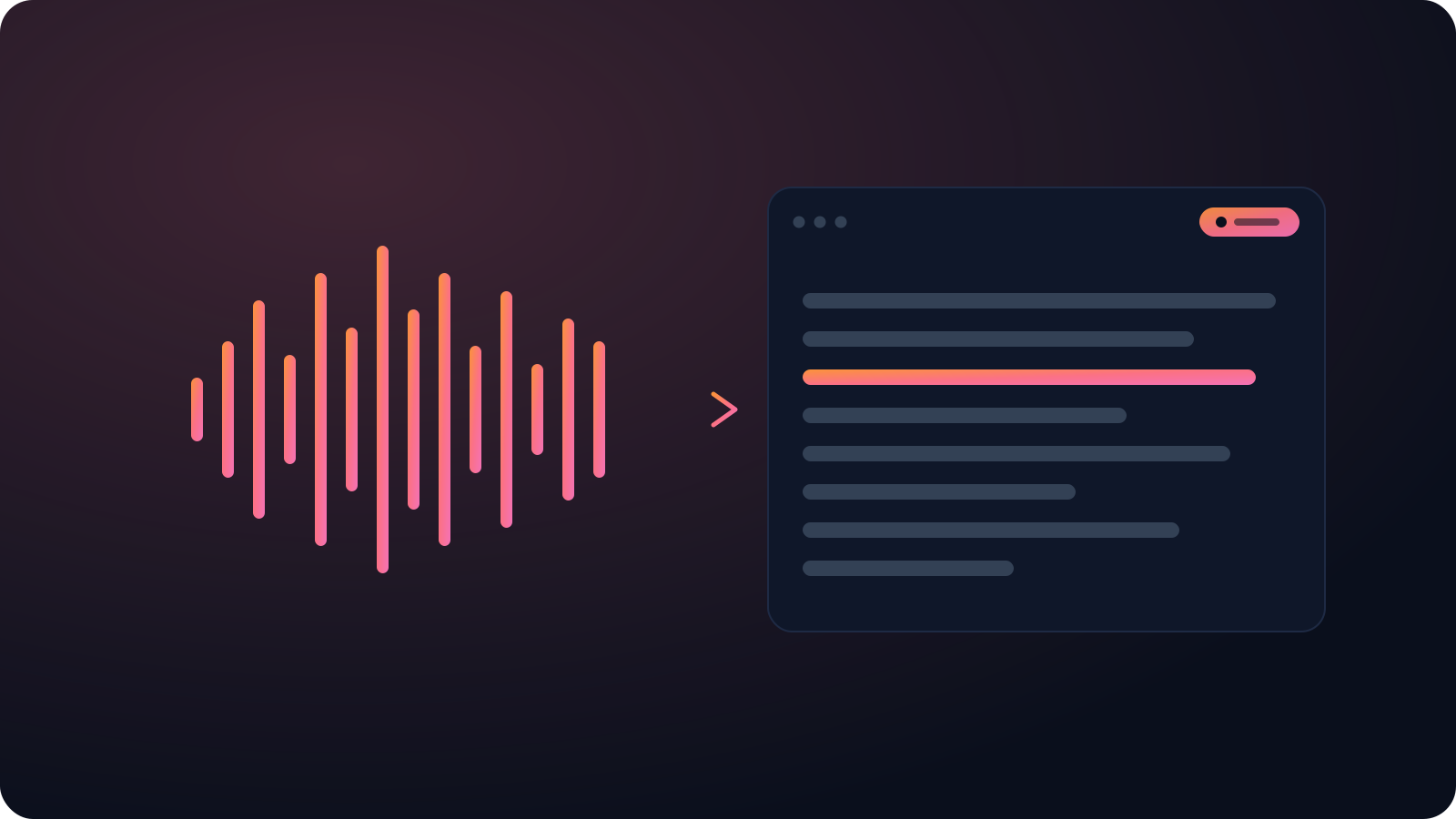
Better than auto-captions
YouTube's own captions run words together and trip on names and accents. Cliphi gives you a proper transcript with punctuation instead, so you skip the cleanup.
A whole video, ready to reuse
Copy it into your notes, pull quotes, or make a long talk searchable. A two-hour video comes back as one transcript, not fragments you stitch together.
Accurate, word for word
Cliphi transcribes with Whisper-grade models that handle accents, several speakers, and background noise, so you are not cleaning up garbled text.
What you get back
A clean, timestamped transcript you can read, search, copy, or export, not a wall of rough auto-captions.
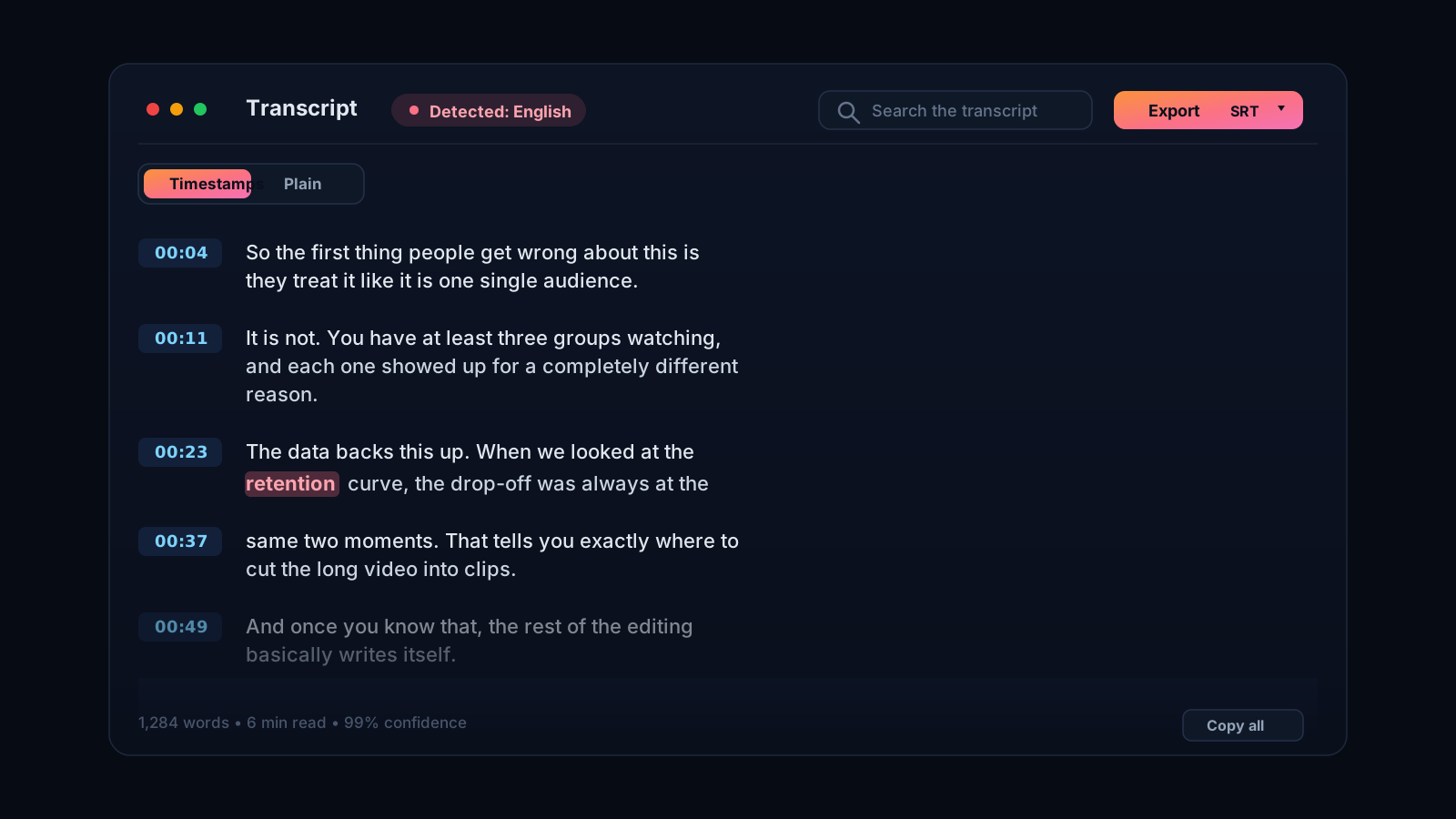
A real transcript, not YouTube's rough auto-captions
YouTube's own auto-captions are fine for a rough idea, but they run words together, drop punctuation, and stumble on names, accents, and anything technical. If you actually need the words, for show notes, a blog post, subtitles, a quote, or just to search the video, that rough version means a lot of cleanup. Cliphi gives you a proper transcript instead. Paste the link and it pulls the audio and transcribes the whole video with models that handle accents, multiple speakers, and background noise, so the text reads the way the video sounded.
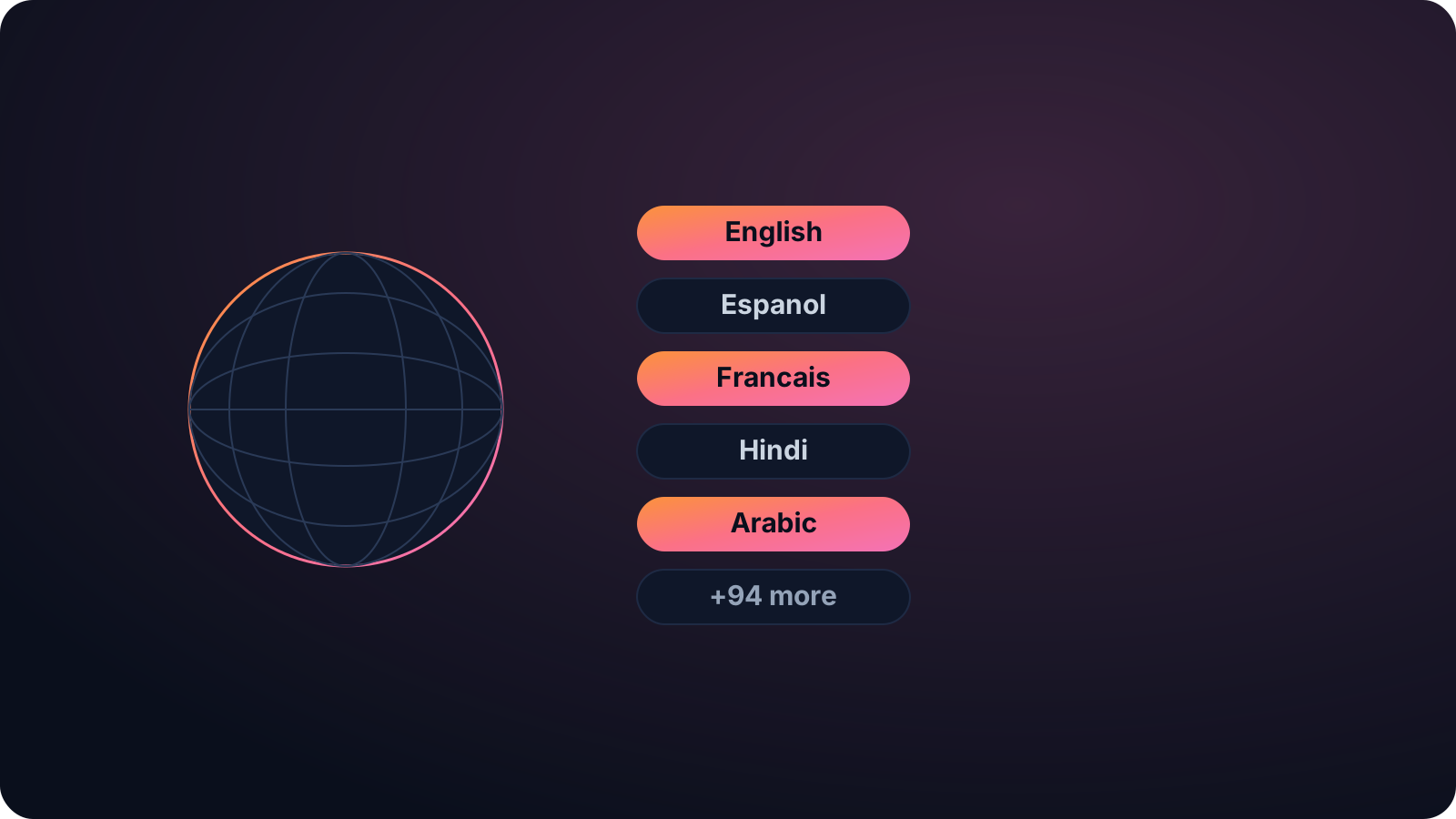
One paste, and the whole video is yours to reuse
Once you have the transcript you can do a lot with it. Copy it into your notes, pull the best quotes, turn a long video into a written piece, or make the content searchable. Long videos are no problem, so a two-hour talk or interview comes back as one clean transcript rather than something you have to stitch together.
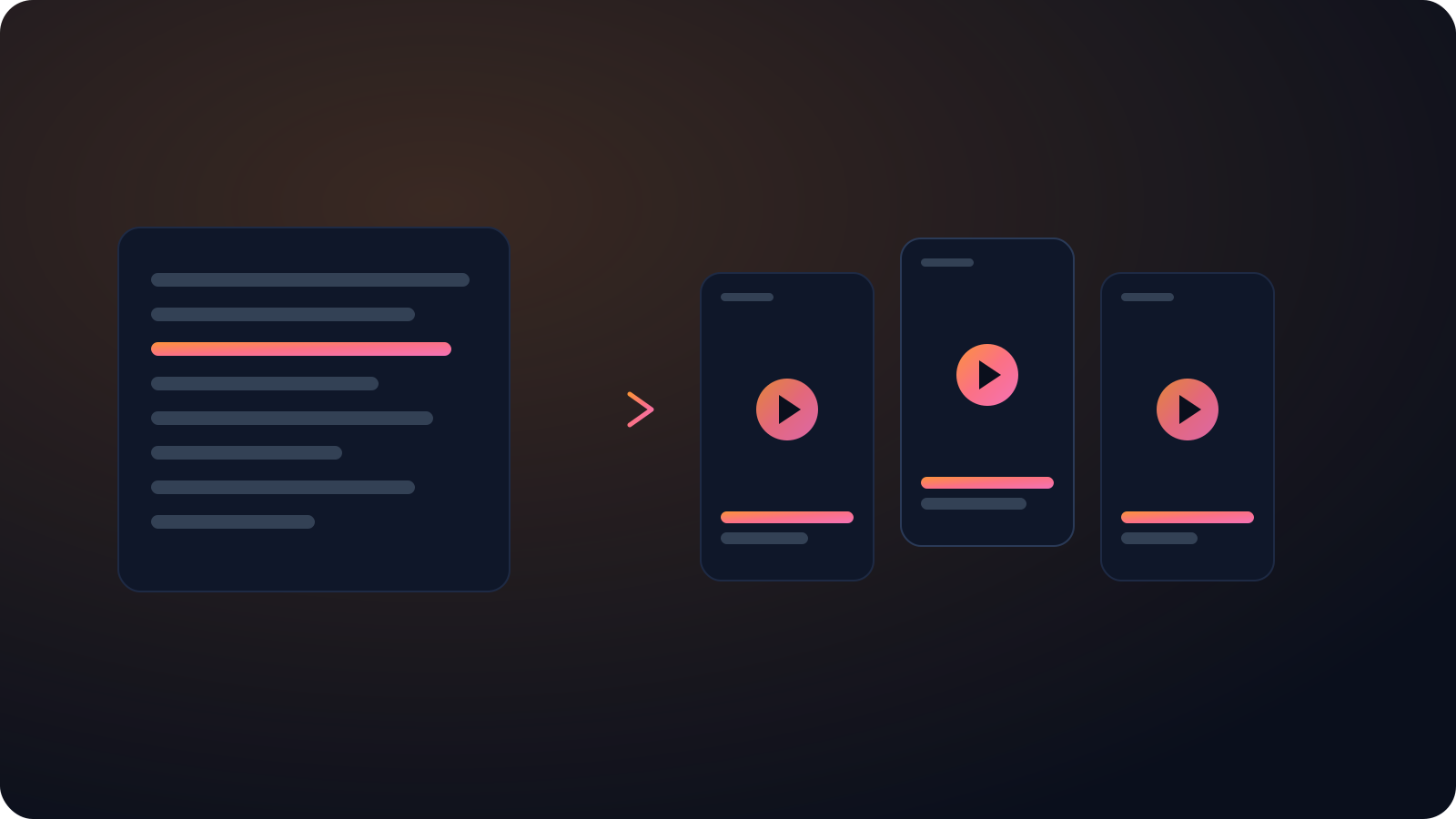
If the video is in another language, that is fine. Cliphi detects the language for you and transcribes across the full Whisper set, so a Spanish, Hindi, or Arabic video comes back in its own words instead of a mangled guess. And because Cliphi is built to clip, the same video can become short vertical clips with captions already on them, so a single paste gives you both the words and the shorts.
It fits a lot of jobs. Students and researchers quote lectures and talks accurately, marketers turn a webinar into a blog post, and creators caption their own uploads so they rank in search and stay watchable on mute. Whatever you came for, the clean text is the starting point.
Keep going with Cliphi
Transcribe a YouTube Livestream
Paste a YouTube live broadcast and Cliphi transcribes the whole stream, even while it is still running.
OpenAdd Captions to a Video
Paste or upload your video and Cliphi adds animated captions automatically, synced to every word and ready to post.
OpenTurn your YouTube videos into TikToks
Drop in any YouTube video or livestream. Cliphi finds the best moments, crops them to vertical, and adds the captions and music for you.
OpenFrequently asked questions
Transcribe your YouTube video
Paste a link and get a clean, accurate transcript.
or