Transcribe a YouTube Livestream
Paste a YouTube live broadcast and Cliphi transcribes the whole stream, even while it is still running.
or
Using video you don't own may violate copyright laws. By continuing, you confirm you have the rights to use this video.
How it works
- 1
Paste a link or upload a file
Drop in a supported video link or upload a video or audio file. Cliphi pulls the audio for you.
- 2
AI transcribes every word
Whisper-grade transcription turns the whole thing into clean, readable text, with the language detected for you.
- 3
Read it, or turn it into clips
Get the full transcript to read, copy, or search. If you want, let Cliphi cut the best moments into captioned vertical clips too.
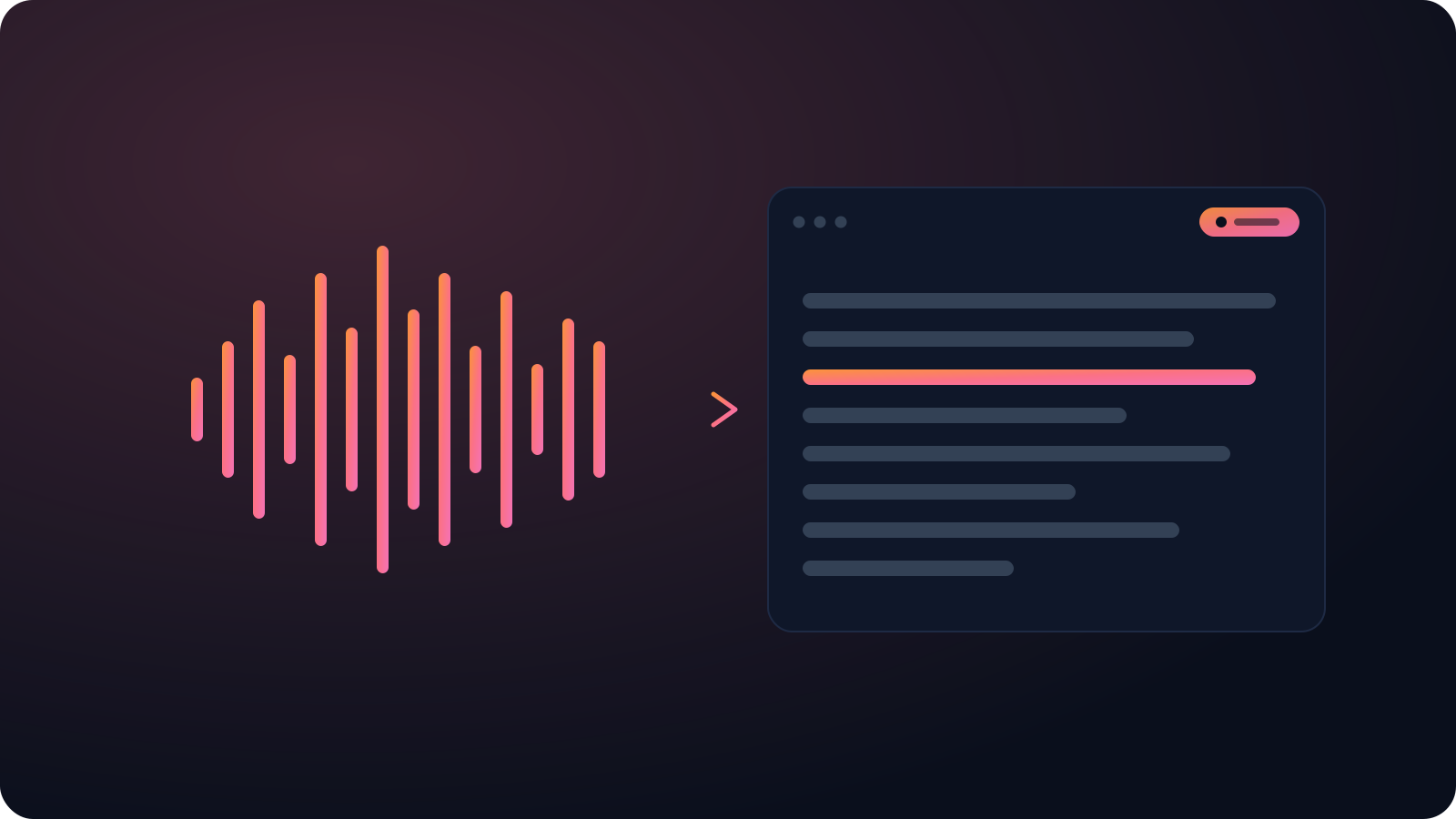
The transcript builds while you're live
Cliphi can process a stream in real time, so the text fills in as the broadcast runs. You're not waiting for the upload to finish to read what was said.
Find the moment in a long stream
Three hours of broadcast becomes something you can search. Jump to where a topic came up, pull a quote for the recap, and skip scrubbing the replay.
Accurate, word for word
Cliphi transcribes with Whisper-grade models that handle accents, several speakers, and background noise, so you are not cleaning up garbled text.
What you get back
A clean, timestamped transcript you can read, search, copy, or export, not a wall of rough auto-captions.
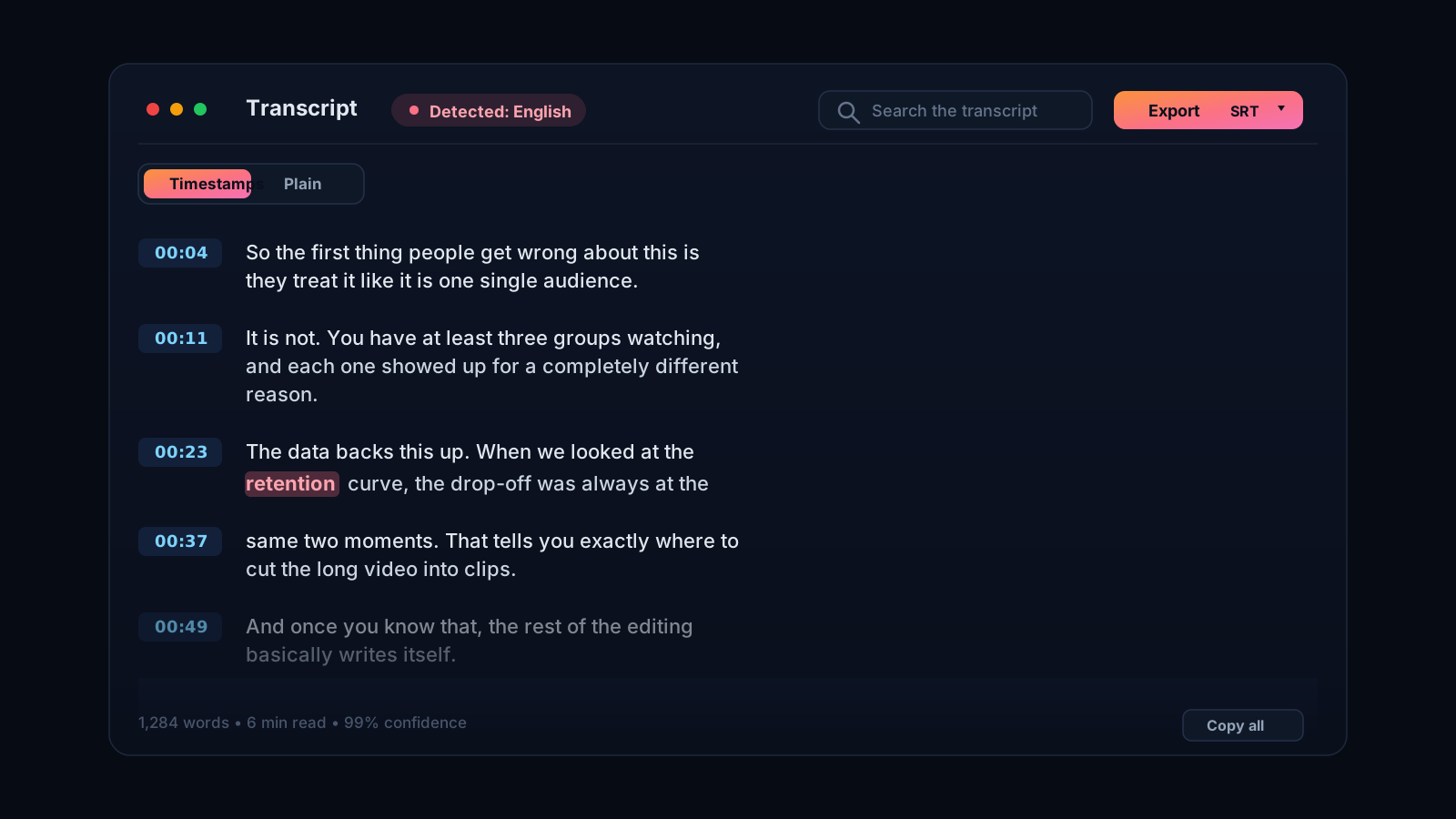
Get the words out of a multi-hour broadcast
Livestreams run long, and there is no clean transcript waiting for you afterwards. If you streamed for three hours and need to find what was said and when, scrubbing the replay is painful, and the auto-captions on it are rough and arrive late. Cliphi transcribes the broadcast for you, and because it can process a stream in real time, the transcript builds while you are still live instead of waiting for the upload to finish.
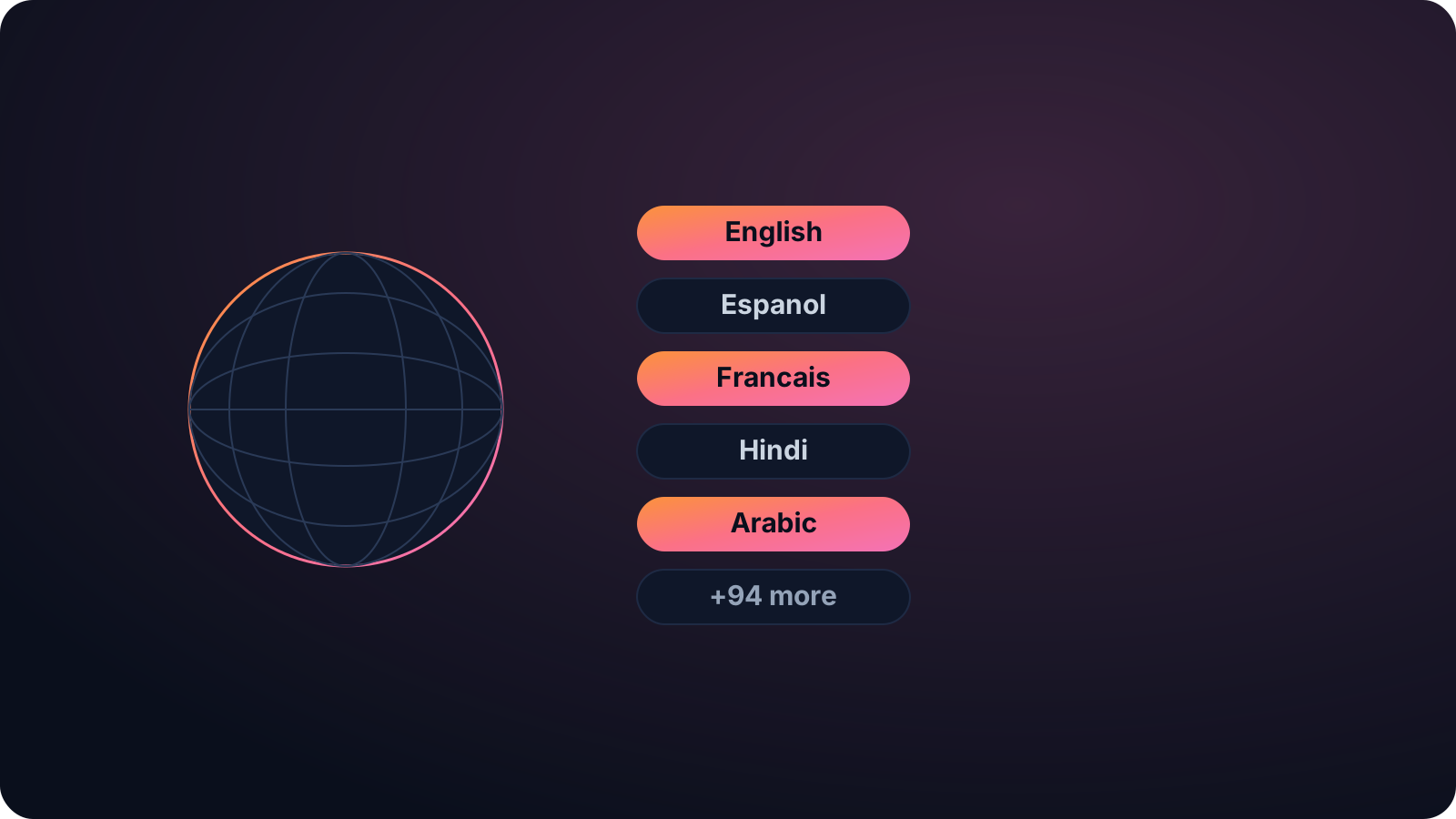
Why a live transcript is worth having
A running transcript turns a long stream into something you can actually use. Search it for the moment a topic came up, pull quotes for a recap, caption the highlights, or hand it to your team while the stream is still going. It works after the fact too, so an old broadcast you never captioned can become clean text in one paste.
It handles real stream audio, with several people talking and the usual background noise, and detects the language for you across the full Whisper set. And since Cliphi clips as well as transcribes, the same livestream can become captioned vertical clips for Shorts, TikTok, and Reels while the moment is still warm.
Streamers use it to caption highlights and write recaps, teams running webinars and town halls use it for an accessible record, and anyone covering a live event gets a searchable account of what was said without rewatching the whole thing. The transcript is there the moment you need it, not a day later.
Keep going with Cliphi
Transcribe a Twitch Video
Paste a Twitch video or past broadcast and get a full transcript of the stream, ready to search, caption, or clip.
OpenTurn your YouTube livestream into TikToks
Paste a YouTube livestream and Cliphi clips the best moments in real time, crops them to vertical, and adds the captions and music for you.
OpenAudio to Text Converter
Paste or upload your audio and Cliphi transcribes it into clean, accurate text.
OpenFrequently asked questions
Transcribe your livestream
Paste a live link and get the whole broadcast as text.
or