Audio to Text Converter
Paste or upload your audio and Cliphi transcribes it into clean, accurate text.
or
Using video you don't own may violate copyright laws. By continuing, you confirm you have the rights to use this video.
How it works
- 1
Paste a link or upload a file
Drop in a supported video link or upload a video or audio file. Cliphi pulls the audio for you.
- 2
AI transcribes every word
Whisper-grade transcription turns the whole thing into clean, readable text, with the language detected for you.
- 3
Read it, or turn it into clips
Get the full transcript to read, copy, or search. If you want, let Cliphi cut the best moments into captioned vertical clips too.
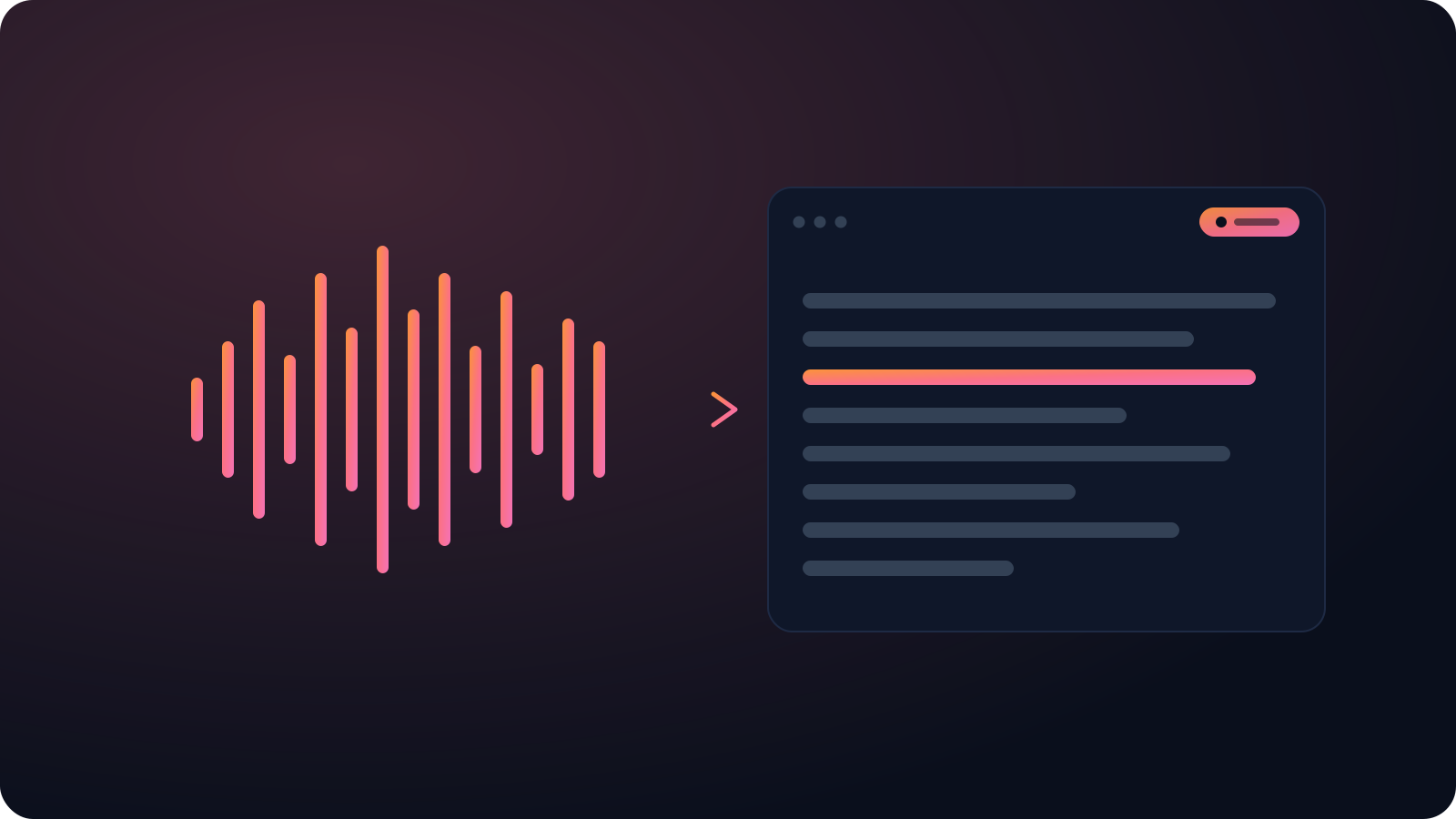
Any recording, from memo to call
Podcasts, interviews, voice notes, recorded calls. Upload the audio or paste a link and Cliphi returns the full text, punctuation and all, ready to use.
No per-minute bill, no queue
Most services charge by the minute or leave you waiting. Cliphi runs off a single link or file, so a long recording isn't a big bill or a long wait.
Accurate, word for word
Cliphi transcribes with Whisper-grade models that handle accents, several speakers, and background noise, so you are not cleaning up garbled text.
What you get back
A clean, timestamped transcript you can read, search, copy, or export, not a wall of rough auto-captions.
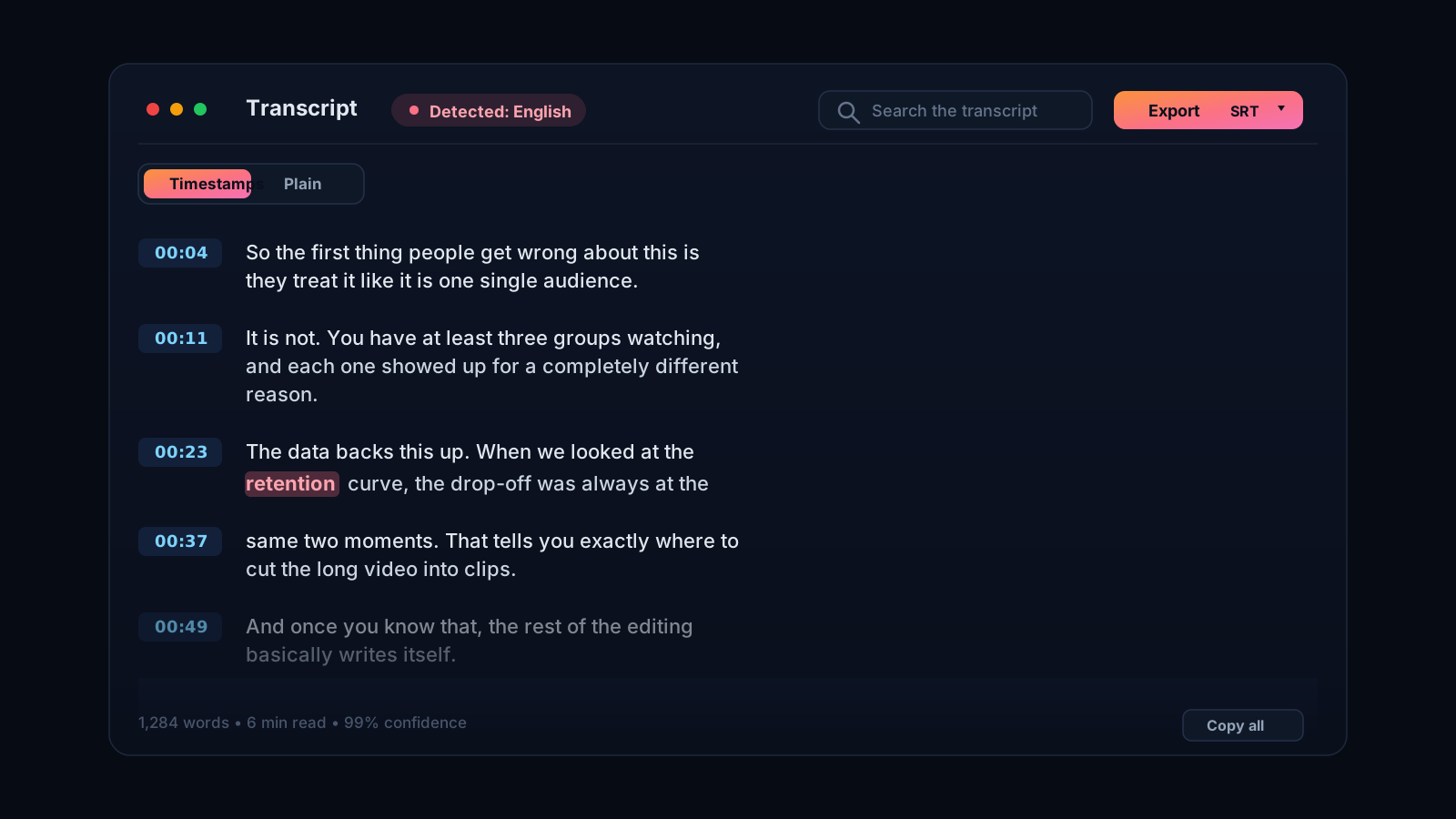
Audio in, clean text out
Podcasts, interviews, voice notes, recorded calls. When you need the words from an audio file, typing them yourself is hours you do not have. Cliphi transcribes the audio for you. Upload the file or paste a supported link and it returns the full text, punctuation and all, ready to use.
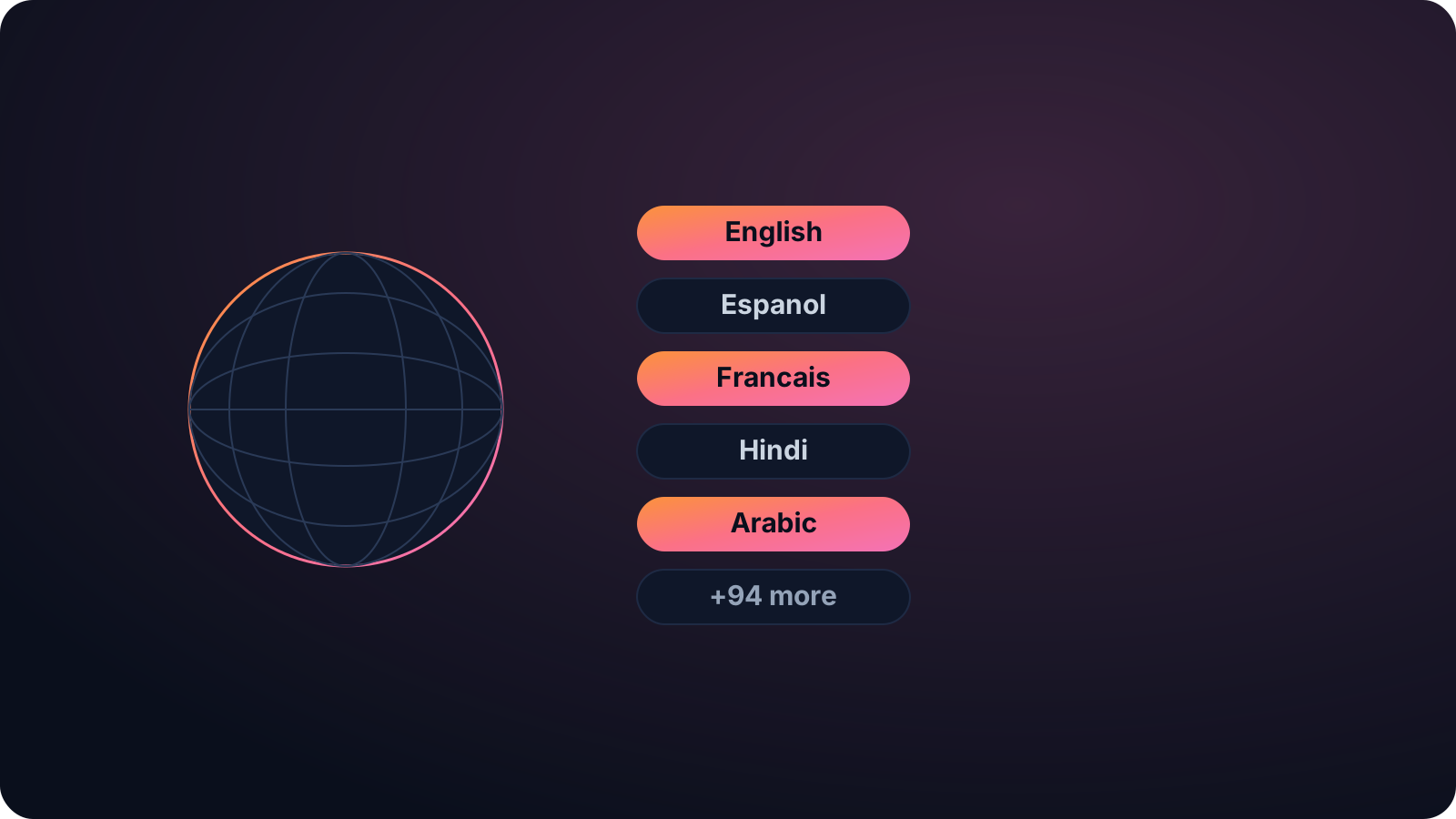
Built for real recordings
Real audio is messy, with accents, crosstalk, and background noise. Cliphi's transcription is built for that, so the output reads like the conversation rather than a rough guess. Use it for show notes, subtitles, accessibility, search, quotes, or to turn the recording into writing.
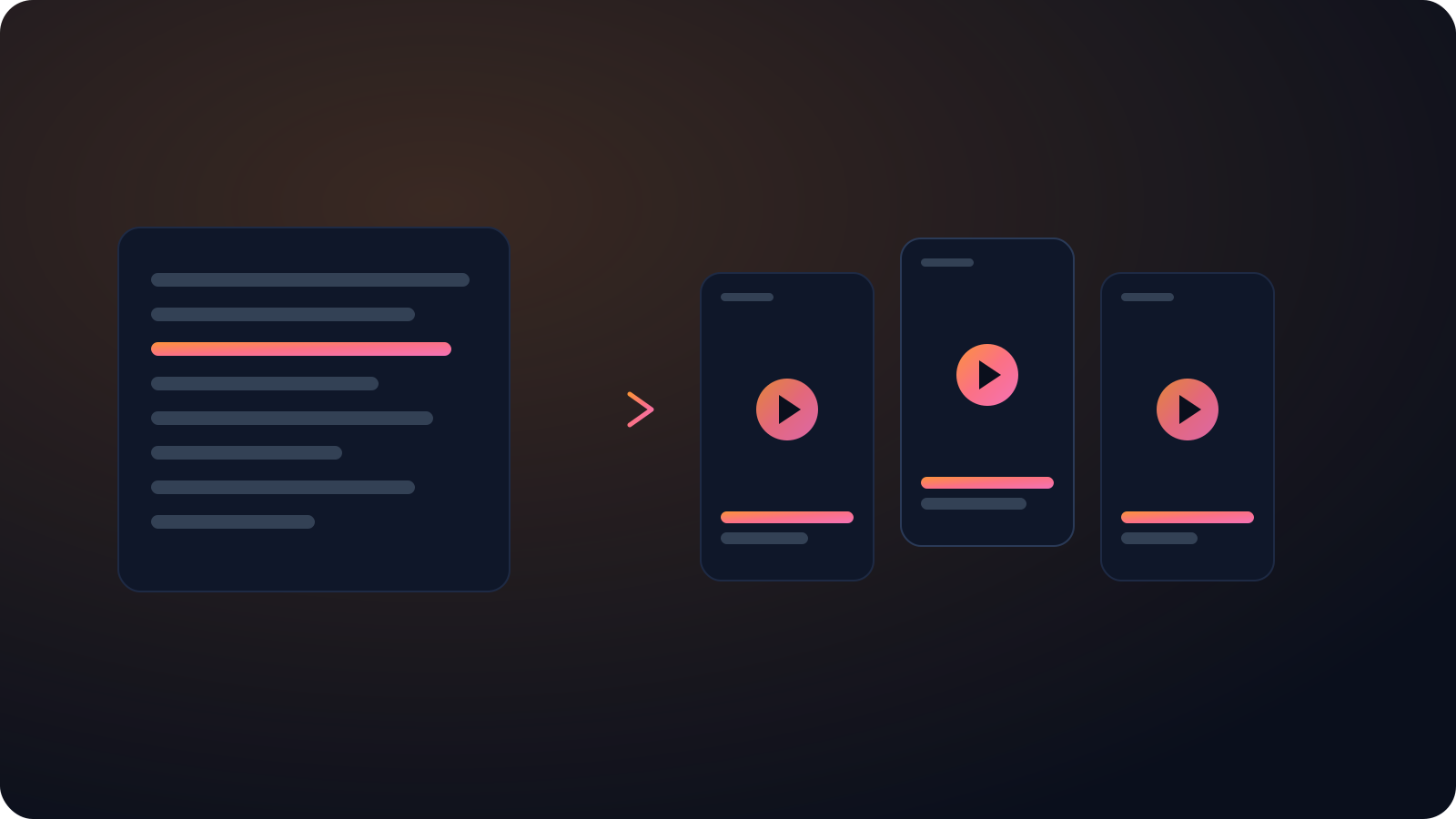
It works in around 99 languages and detects the language for you, including non-Latin scripts like Hindi and Arabic. And if there is video alongside the audio, Cliphi can clip it into captioned vertical shorts from the same upload, so one tool covers both the text and the clips.
There is no length to worry about. A short voice memo or a three-hour recording both come back as one transcript you can read on screen, copy, or keep editing. Researchers use it for interviews, podcasters for show notes, journalists for quotes, and teams for turning a recorded call into a written record they can search later. The point is always the same, to get the words out without typing them by hand.
Most transcription services charge by the minute or leave you waiting in a queue. Cliphi runs it off a single link or file, so a long recording does not turn into a big bill or a long wait, and the transcript is yours to copy and edit.
Keep going with Cliphi
Video to Text Converter
Upload a video or paste a link and Cliphi turns the whole thing into clean, readable text.
OpenPodcast Transcription Generator
Paste your podcast's link and get an accurate, full transcript, ready for show notes, SEO, and clips.
OpenAdd Captions to a Video
Paste or upload your video and Cliphi adds animated captions automatically, synced to every word and ready to post.
OpenFrequently asked questions
Convert your audio to text
Paste a link or upload a file and get the transcript.
or