Auto Subtitle Generator
Paste or upload a video and Cliphi generates accurate subtitles automatically, styled and synced to the speech.
or
Using video you don't own may violate copyright laws. By continuing, you confirm you have the rights to use this video.
How it works
- 1
Paste a link or upload your video
Drop in a supported video link or upload a file. Cliphi pulls the audio and reads what is said.
- 2
AI captions every word
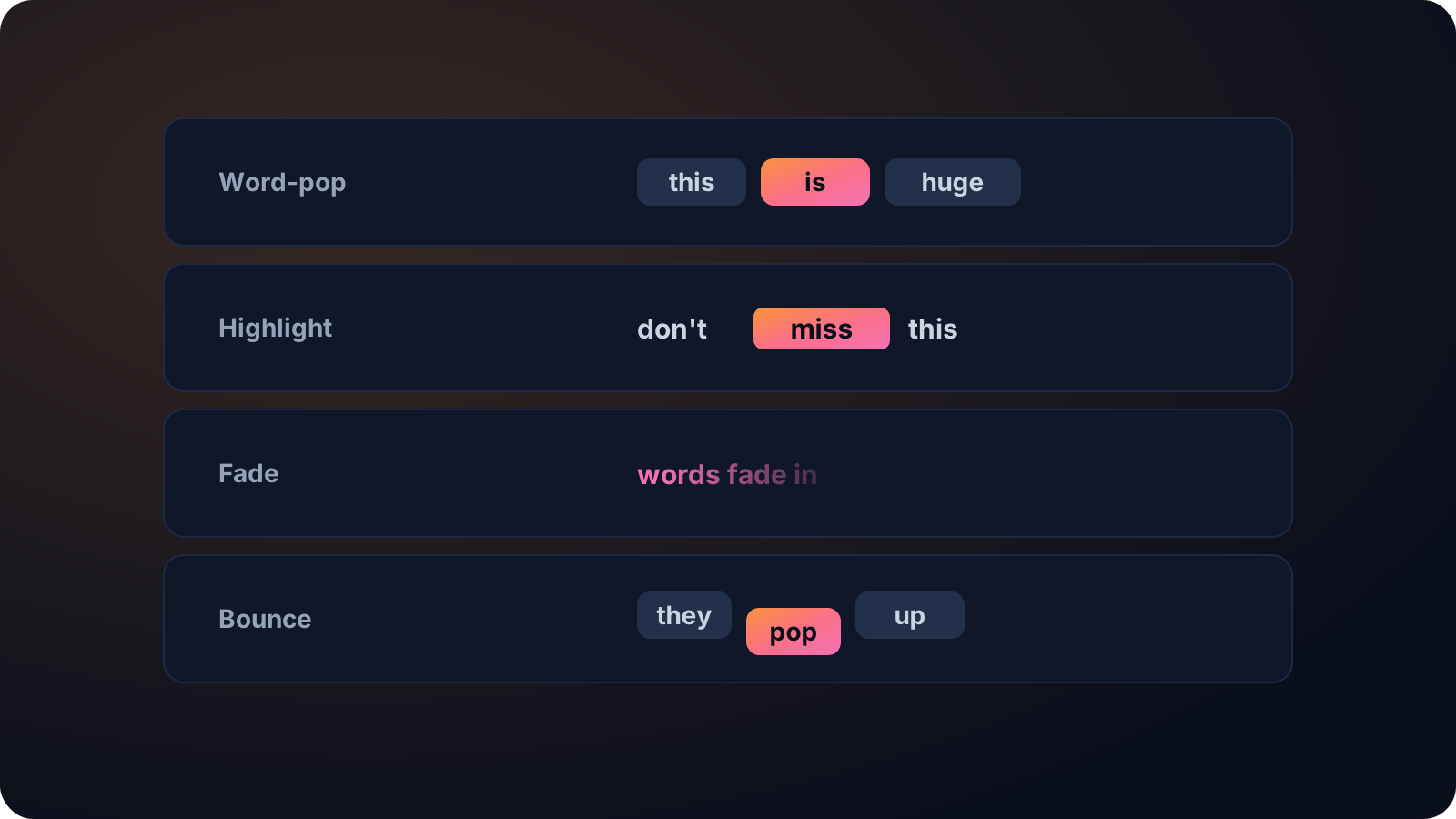
Cliphi transcribes the speech and lays animated captions over the video, synced word by word.
- 3
Style it, then post
Pick a caption style and tweak the font, color, size, and position, or keep the default. Then download or publish to your socials.
Editable, not locked in
The generated subtitles are text you can change. Fix a name, tidy a line, or restyle the whole look before you export.
Handles non-Latin scripts
It detects the language for you and works across around 99 languages, including non-Latin scripts, so the subtitles match what was said rather than guessing.
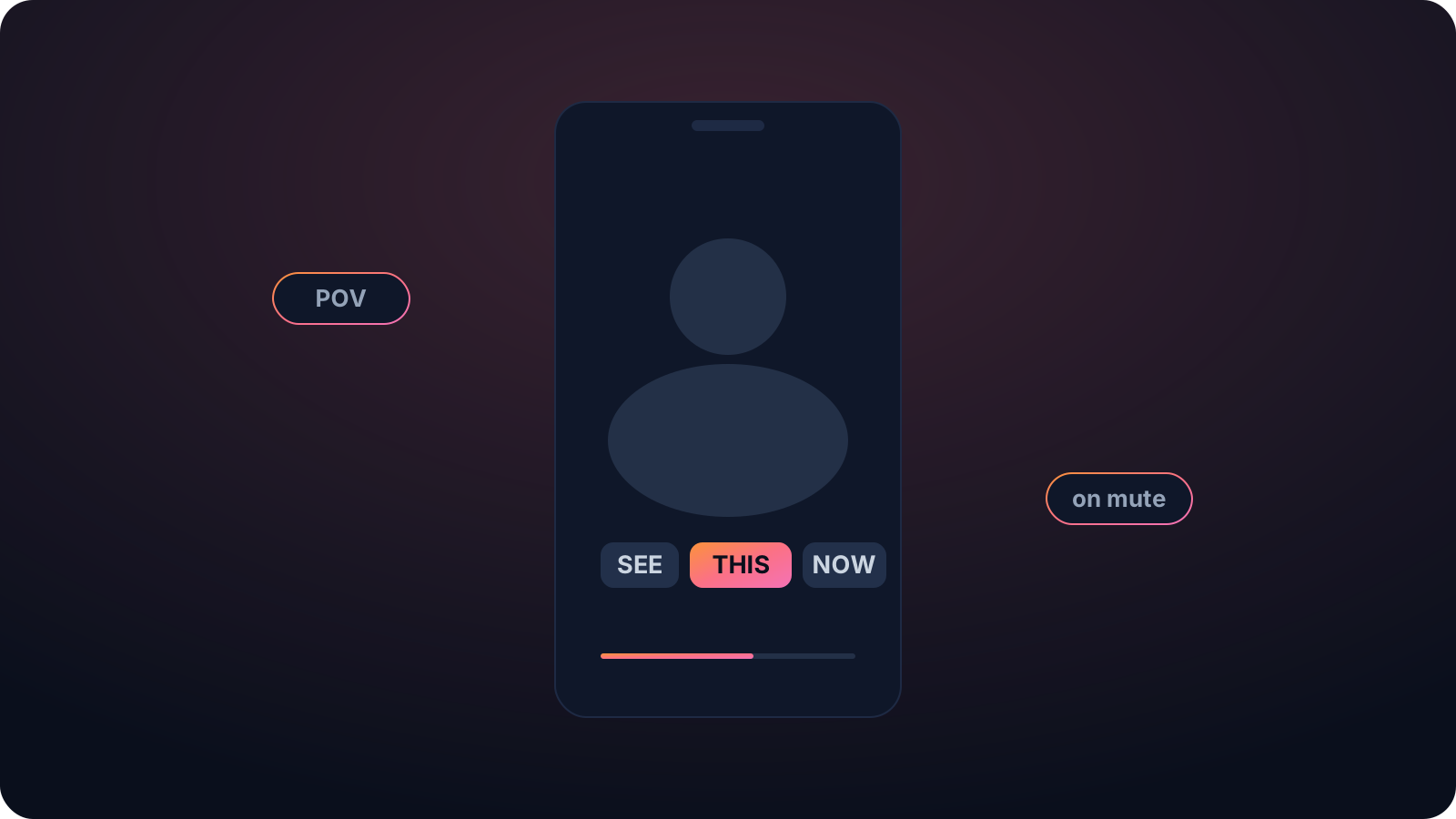
Watchable on mute
Most short-form gets watched with the sound off. On-screen captions are usually the difference between someone watching and someone scrolling past.
Made with Cliphi
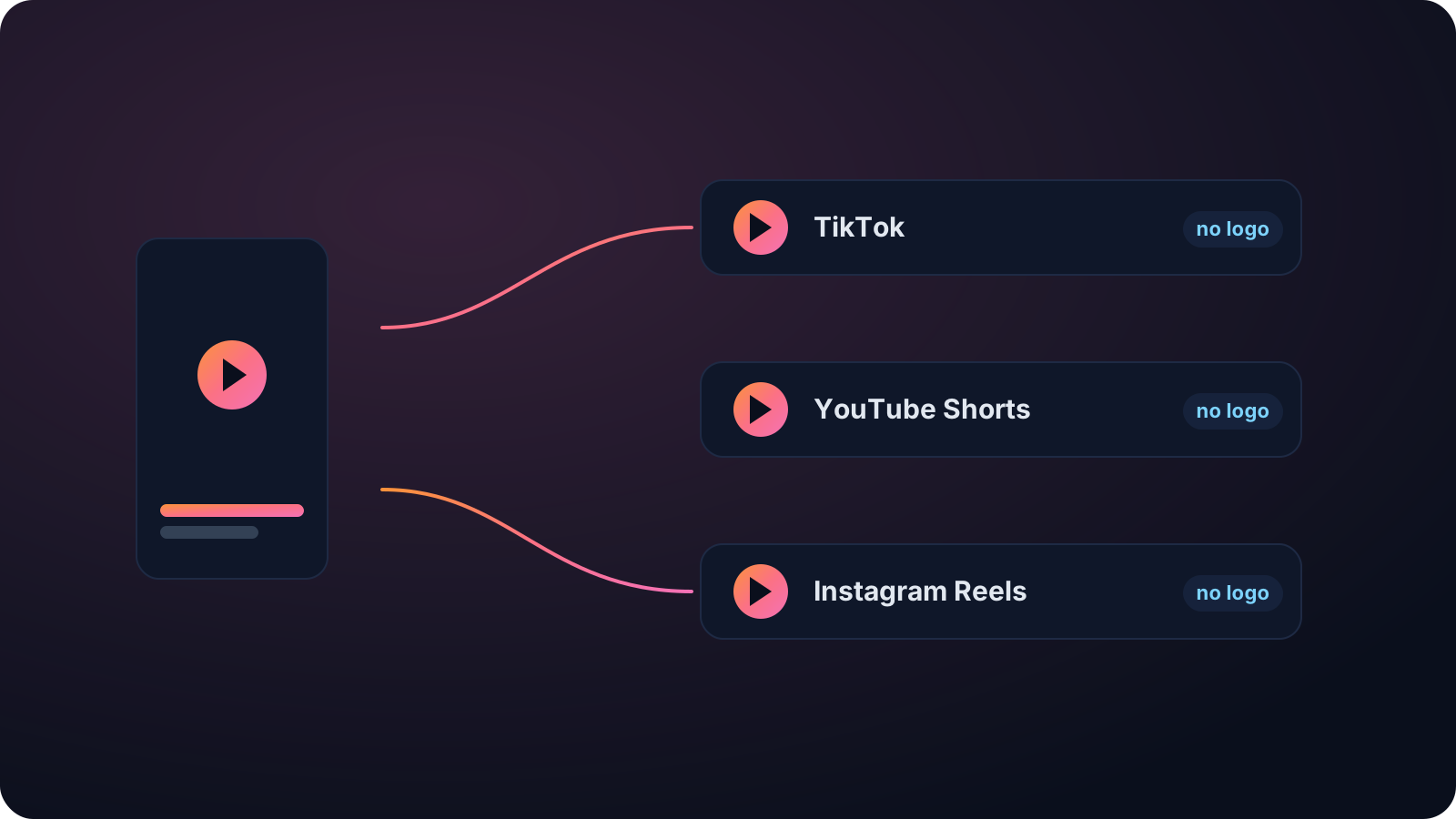
Real clips, real reach, published to Instagram Reels, Facebook Reels, and YouTube Shorts.
Subtitles in one step, not an afternoon
Subtitling a video by hand means transcribing every line and lining each one up with the audio. It is slow and easy to get wrong. Cliphi generates the subtitles for you. Paste a link or upload the file and it transcribes the audio and places accurate, timed subtitles over the video, ready to post or refine.
Accurate enough to trust, in any language
The subtitles come from Whisper-grade transcription that handles accents, crosstalk, and noise, so they match what was said instead of guessing. It works in around 99 languages and detects the language for you, including non-Latin scripts. You can edit the text and restyle the look before you post.
Subtitles are not just nice to have. They keep your clip watchable on mute, make it accessible to viewers who are deaf or hard of hearing, and give the platforms clean text to understand the video by. Cliphi can also turn a long video into captioned short clips, so subtitling and clipping happen in one place rather than two tools.
It works on anything with speech, a tutorial, an interview, a webinar, a vlog, so you are not boxed into one kind of video. And there is no length to fight with, since a thirty-second clip and a ninety-minute recording both come back subtitled in one go, ready to post or to refine in the editor.
Keep going with Cliphi
Add Captions to a Video
Paste or upload your video and Cliphi adds animated captions automatically, synced to every word and ready to post.
OpenVideo to Text Converter
Upload a video or paste a link and Cliphi turns the whole thing into clean, readable text.
OpenBurn Captions into a Video
Paste or upload your video and Cliphi burns animated captions directly into the export, so they show on every platform.
OpenFrequently asked questions
Generate subtitles for your video
Paste a link or upload a file and get accurate subtitles.
or