Arabic Video Transcription
Paste or upload your Arabic video and Cliphi transcribes it into clean Arabic-script text.
or
Using video you don't own may violate copyright laws. By continuing, you confirm you have the rights to use this video.
How it works
- 1
Paste a link or upload a file
Drop in a supported video link or upload a video or audio file. Cliphi pulls the audio for you.
- 2
AI transcribes every word
Cliphi detects the language and transcribes the whole thing into clean, readable text, accents and all.
- 3
Read it, or turn it into clips
Get the full transcript to read, copy, or search. If you want, let Cliphi cut captioned vertical clips in the same language.

Right-to-left script, done right
Arabic is written right to left in its own script, and it drops short vowels. Cliphi handles both, so the text comes back clean rather than mangled.
MSA and the dialects
Modern Standard Arabic and dialects like Egyptian, Gulf, and Levantine can mix inside one video. Cliphi follows the shift between registers without breaking.
Detected automatically
You do not have to set the language. Cliphi detects it for you, including non-Latin scripts and the odd switch between languages mid-sentence.
What you get back
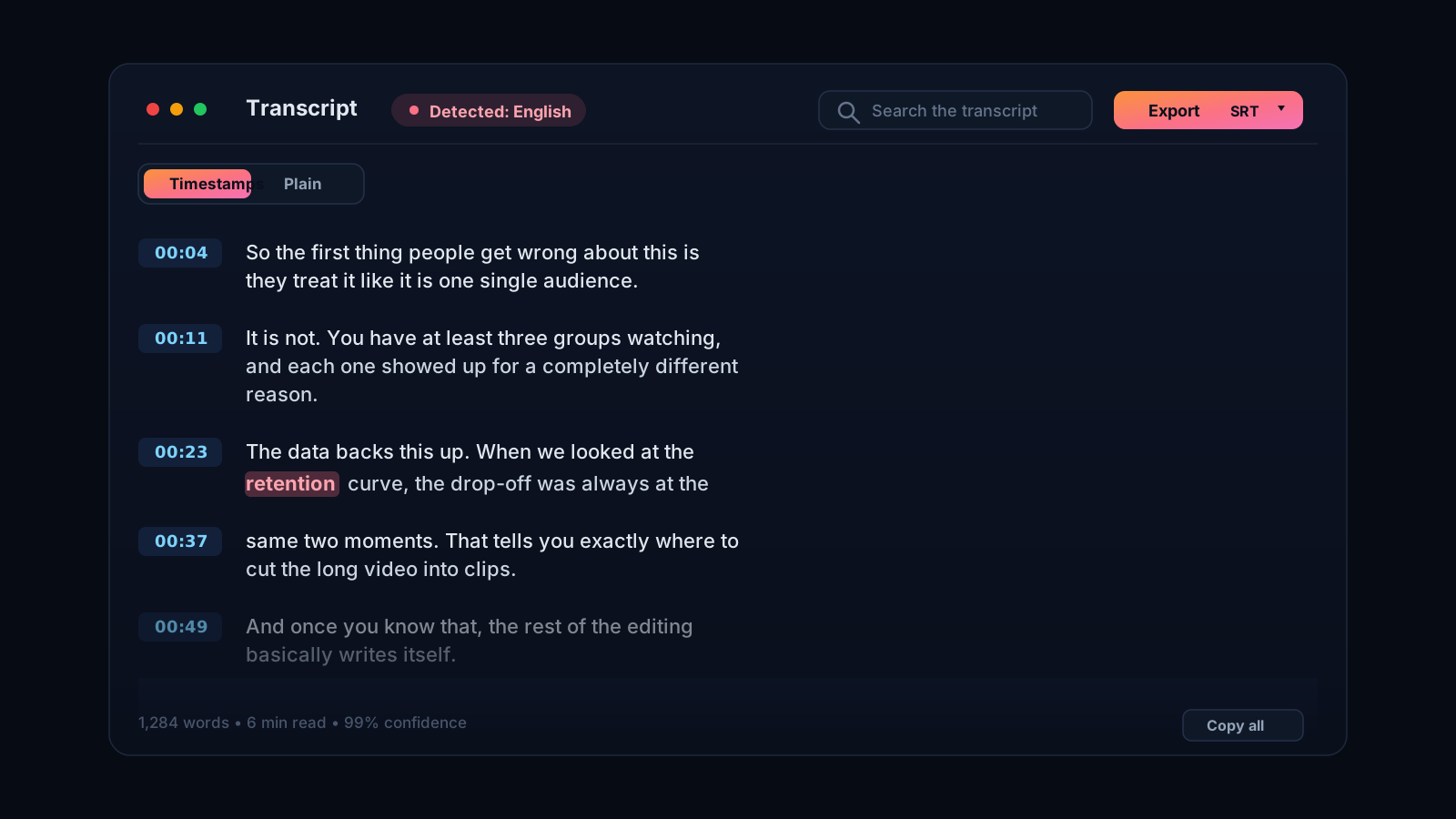
A clean, timestamped transcript you can read, search, copy, or export, not a wall of rough auto-captions.
Arabic script, standard or dialect
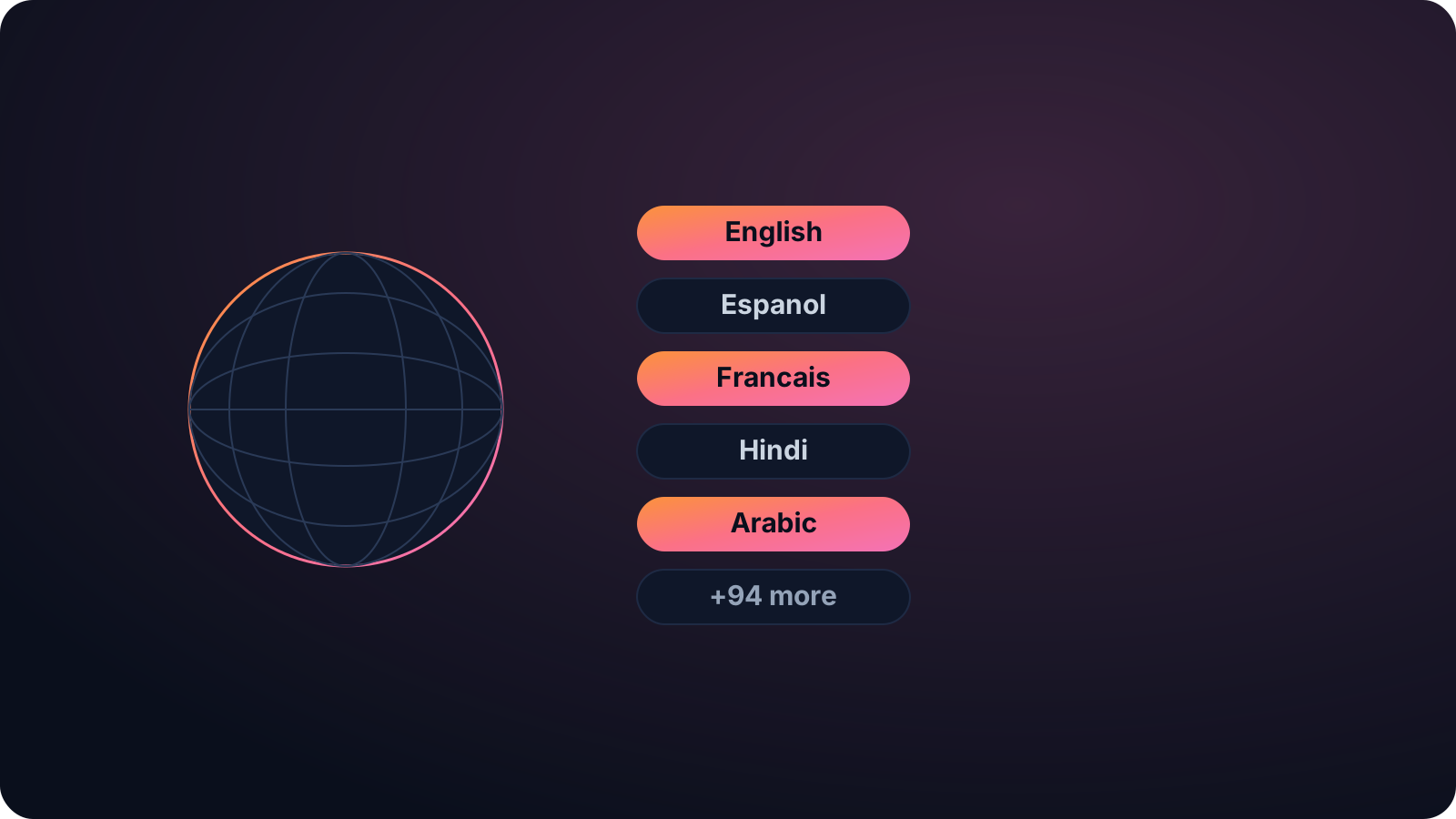
Arabic spans Modern Standard Arabic and a wide range of dialects, from Egyptian to Gulf to Levantine, and it is written right to left in its own script. That is a lot for a transcriber to get right. Cliphi transcribes Arabic in its own script and handles the spread of dialects, so a formal talk or an Egyptian vlog both come back as clean Arabic text rather than a mangled guess.
Put your Arabic video to use
A transcript is how an Arabic video gets subtitles for viewers watching on mute, show notes, a searchable record, or a written version for a wider audience. Cliphi detects the language for you, with the script handled correctly, so you just paste or upload.
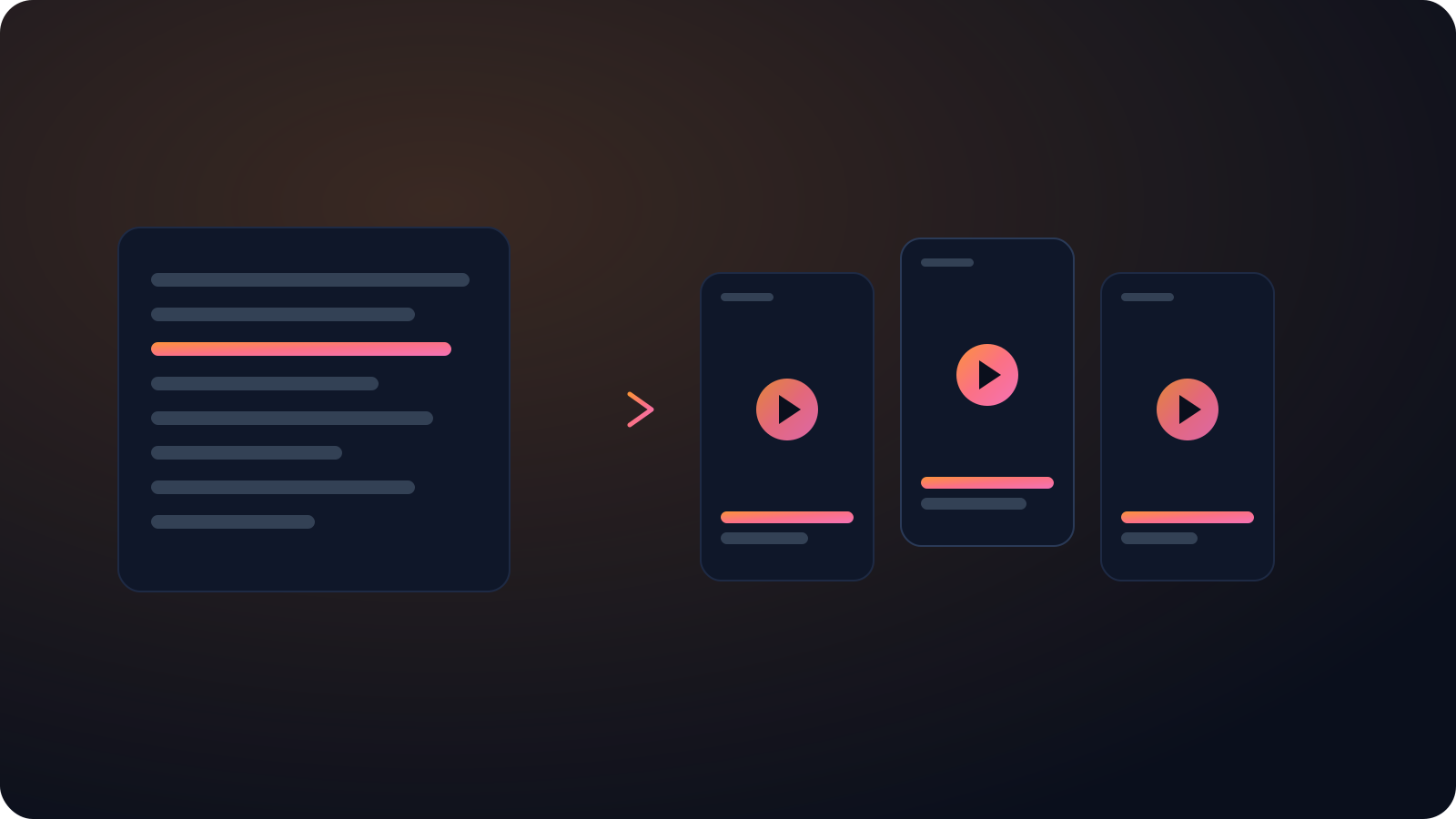
And because Cliphi clips, the same Arabic video can become captioned vertical clips with Arabic captions, ready for TikTok, Reels, and Shorts, so the transcript and the shorts come from a single paste.
Arabic also drops short vowels in writing and mixes the formal standard with everyday dialect inside the same video, which is a lot for a transcriber to track. Cliphi handles the right-to-left script and the shift between registers, so the text reads naturally instead of breaking. Paste a short clip or a long recording, and the transcript comes back ready to subtitle, search, or quote for an Arabic-speaking audience.
Keep going with Cliphi
Hindi Video Transcription
Paste or upload your Hindi video and Cliphi transcribes it into clean Devanagari text, even when it mixes with English.
OpenAnimated Captions Generator
Paste or upload your video and Cliphi adds animated captions, synced word by word, in the styles short-form actually uses.
OpenTranscribe a YouTube Video
Paste a YouTube link and get a clean, accurate transcript of the whole video, ready to read, copy, or turn into clips.
OpenFrequently asked questions
Transcribe your Arabic video
Paste a link or upload a file and get clean Arabic text.
or