Hindi Video Transcription
Paste or upload your Hindi video and Cliphi transcribes it into clean Devanagari text, even when it mixes with English.
or
Using video you don't own may violate copyright laws. By continuing, you confirm you have the rights to use this video.
How it works
- 1
Paste a link or upload a file
Drop in a supported video link or upload a video or audio file. Cliphi pulls the audio for you.
- 2
AI transcribes every word
Cliphi detects the language and transcribes the whole thing into clean, readable text, accents and all.
- 3
Read it, or turn it into clips
Get the full transcript to read, copy, or search. If you want, let Cliphi cut captioned vertical clips in the same language.

Output in Devanagari
Hindi should come back in Devanagari, not spelled out in Latin letters. Cliphi writes the script properly, the way the video actually reads.
Hinglish handled mid-sentence
Most Hindi content mixes English words in as people talk. Cliphi slots those English words in where they belong instead of dropping them or breaking the line.
Detected automatically
You do not have to set the language. Cliphi detects it for you, including non-Latin scripts and the odd switch between languages mid-sentence.
What you get back
A clean, timestamped transcript you can read, search, copy, or export, not a wall of rough auto-captions.
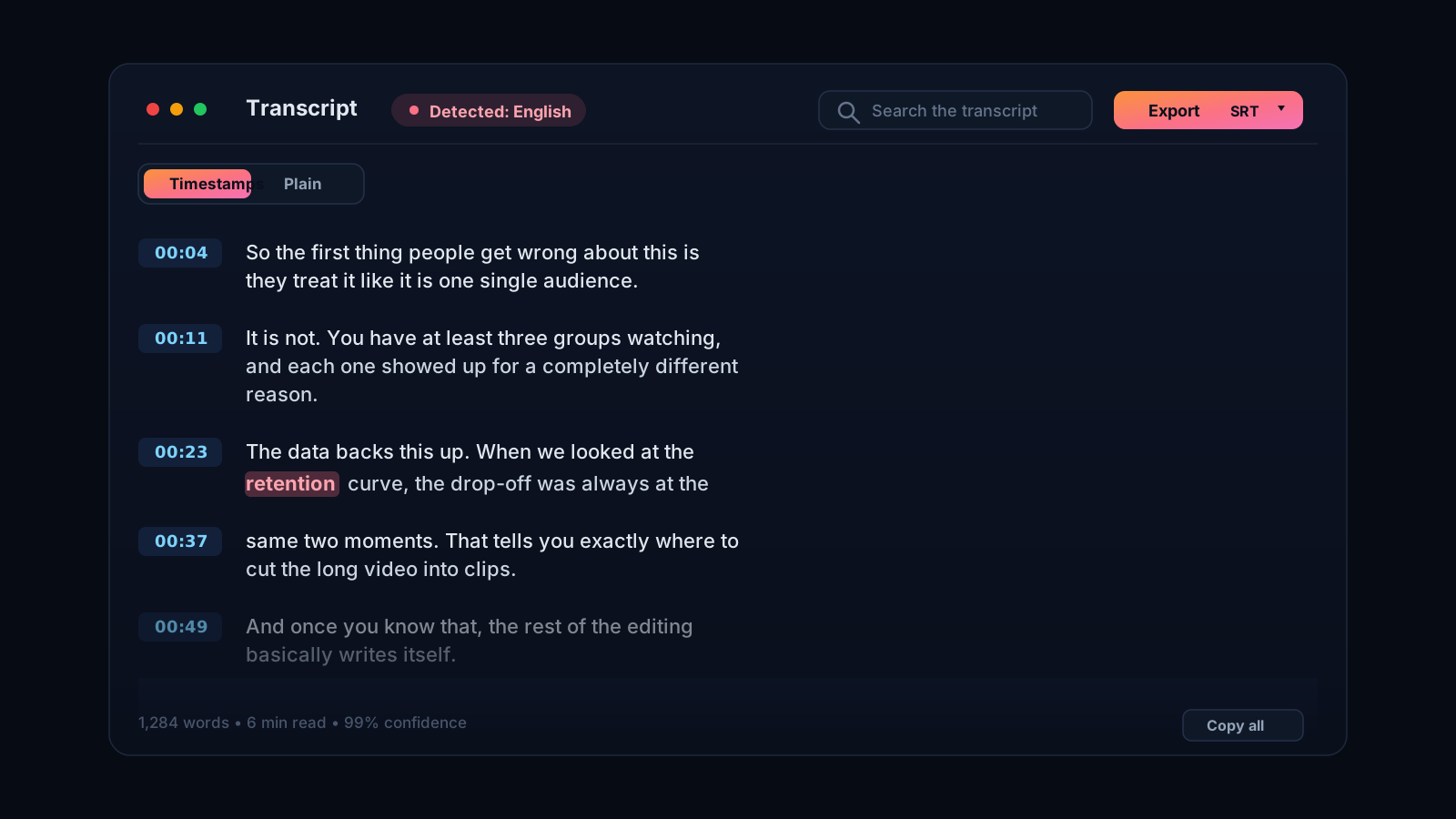
Hindi in Devanagari, Hinglish and all
Most Hindi content is not pure Hindi. It mixes English words in mid-sentence, the way people actually talk, and it should come out in Devanagari rather than spelled out in Latin letters. Plenty of transcribers get both wrong. Cliphi is built for this. It transcribes Hindi in Devanagari script and handles the constant switching between Hindi and English, so an English word in a Hindi sentence lands correctly instead of breaking the line.
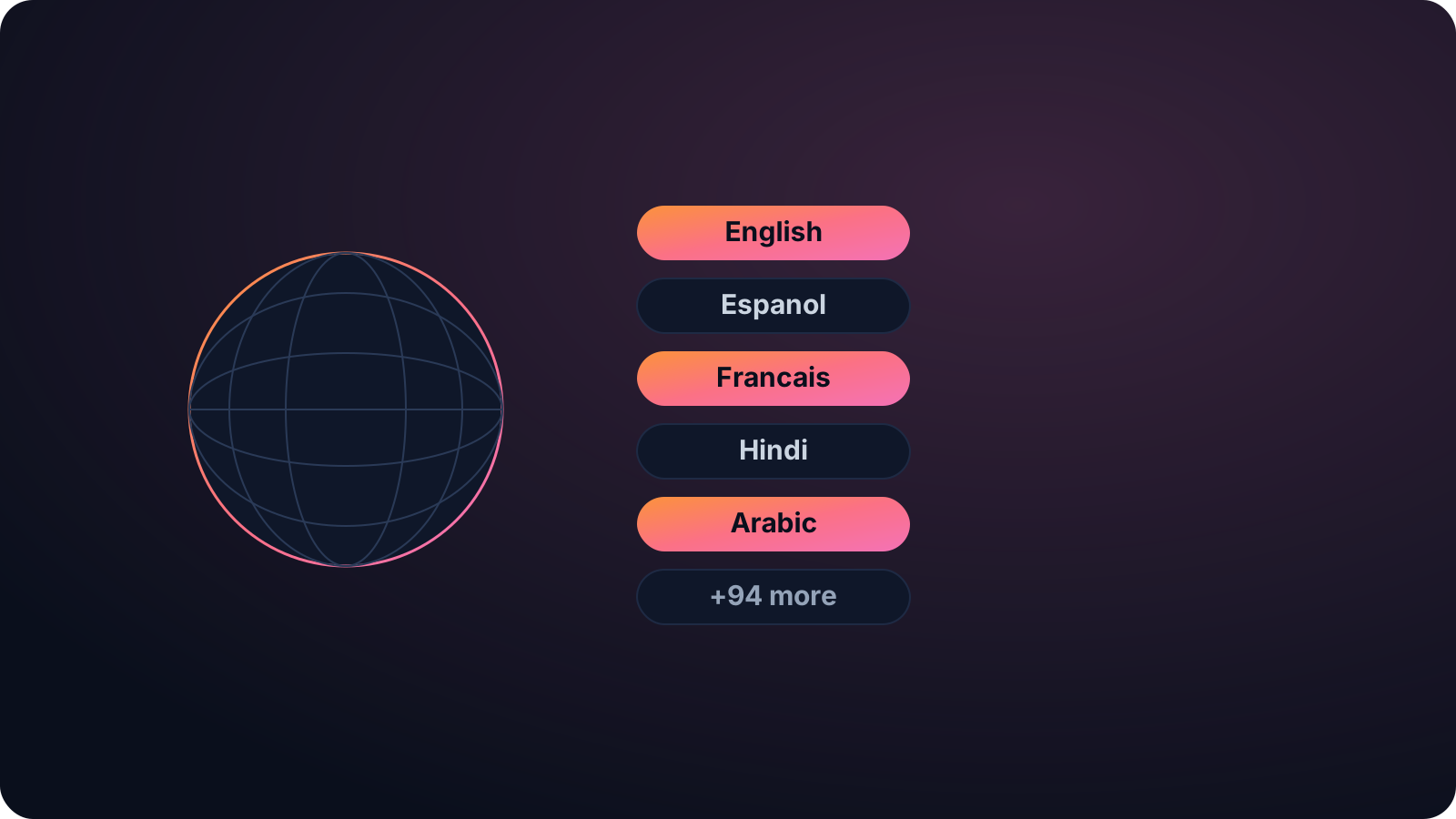
Reach one of the biggest creator audiences
India is one of the largest short-form audiences anywhere, and a Hindi transcript is how you add subtitles for it, write show notes, make a video searchable, or repurpose it into writing. Cliphi detects the language for you, so you just paste or upload.
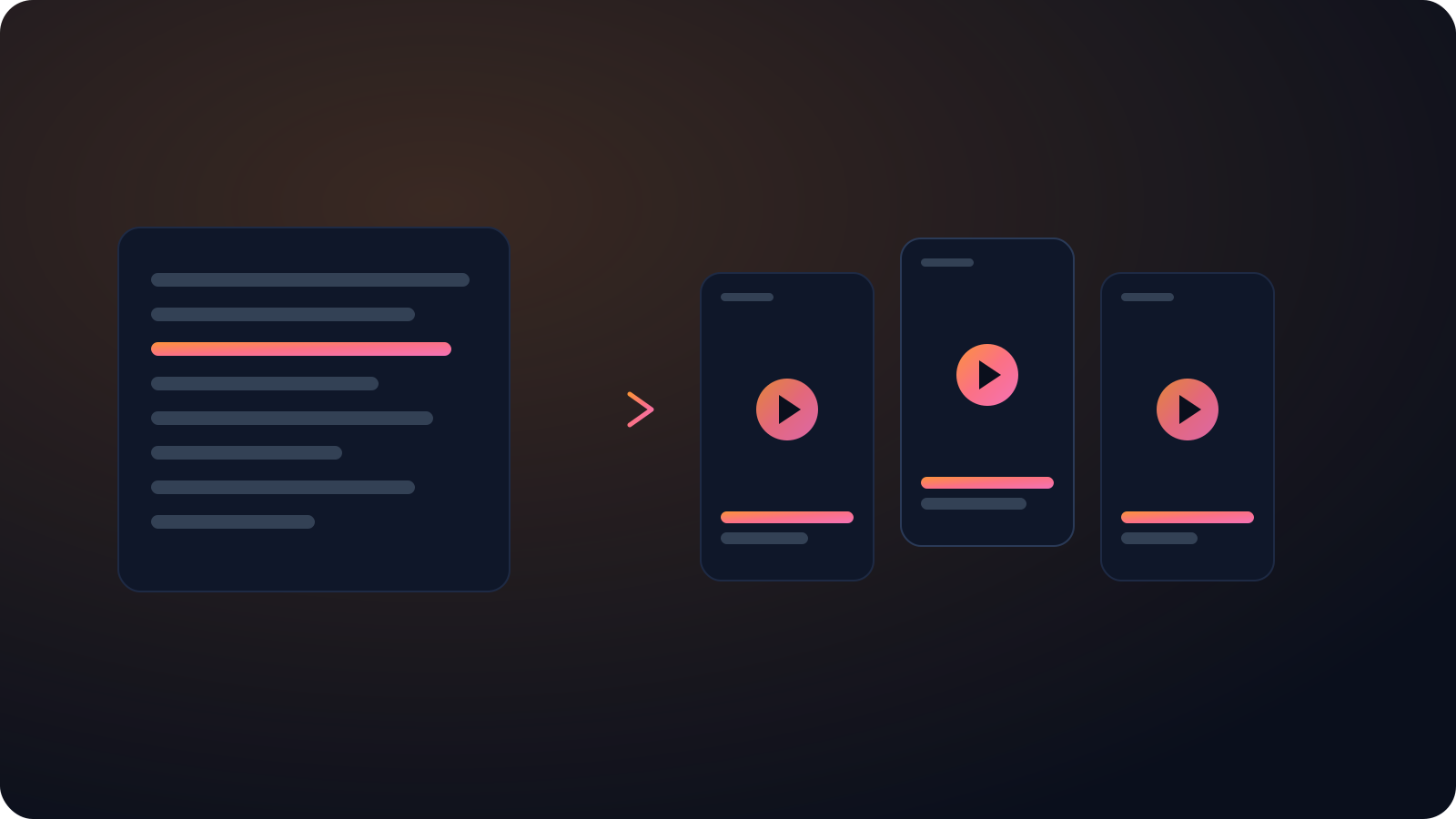
And because Cliphi clips, the same Hindi video can become captioned vertical clips with Hindi captions, ready for TikTok, Reels, and Shorts, so the transcript and the shorts come from a single paste.
Getting Hinglish right is the hard part, and it is where most tools fail: they either spell Hindi out in Latin letters or drop the English words entirely. Cliphi keeps Hindi in Devanagari and slots the English in where it belongs, so the transcript reads the way the video actually sounded. Paste a short clip or a long video, and the text is ready to subtitle, search, or repurpose for an Indian audience.
Keep going with Cliphi
Arabic Video Transcription
Paste or upload your Arabic video and Cliphi transcribes it into clean Arabic-script text.
OpenTurn your YouTube videos into Instagram Reels
Drop in any YouTube video or livestream. Cliphi finds the best moments, crops them to vertical, and adds the captions and music for you.
OpenTranscribe a YouTube Video
Paste a YouTube link and get a clean, accurate transcript of the whole video, ready to read, copy, or turn into clips.
OpenFrequently asked questions
Transcribe your Hindi video
Paste a link or upload a file and get clean Devanagari text.
or