Add Captions to a TikTok
Paste or upload your video and Cliphi adds TikTok-style word-pop captions automatically, synced to every word.
or
Using video you don't own may violate copyright laws. By continuing, you confirm you have the rights to use this video.
How it works
- 1
Paste a link or upload your video
Drop in a supported video link or upload a file. Cliphi pulls the audio and reads what is said.
- 2
AI captions every word
Cliphi transcribes the speech and lays animated captions over the video, synced word by word.
- 3
Style it, then post
Pick a caption style and tweak the font, color, size, and position, or keep the default. Then download or publish to your socials.
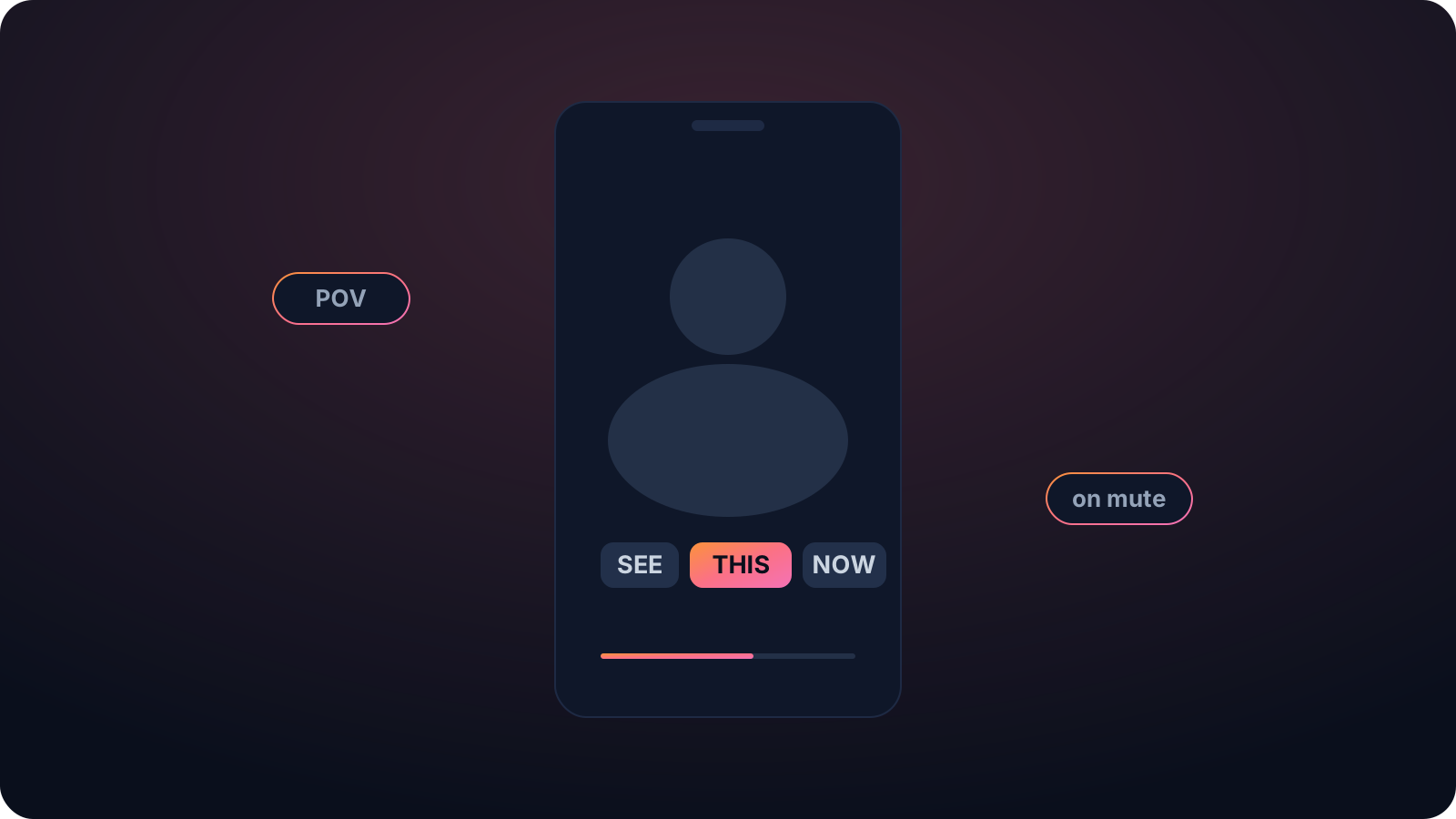
Looks native in the feed
Word-pop captions animate one word at a time, the look almost every TikTok already has, so your clip reads as part of the feed instead of bare.
Clean export, no watermark
TikTok's own caption tool makes you stop and type each line, and some apps stamp a logo. Cliphi adds the captions automatically and exports with no watermark.
Watchable on mute
Most short-form gets watched with the sound off. On-screen captions are usually the difference between someone watching and someone scrolling past.
Made with Cliphi
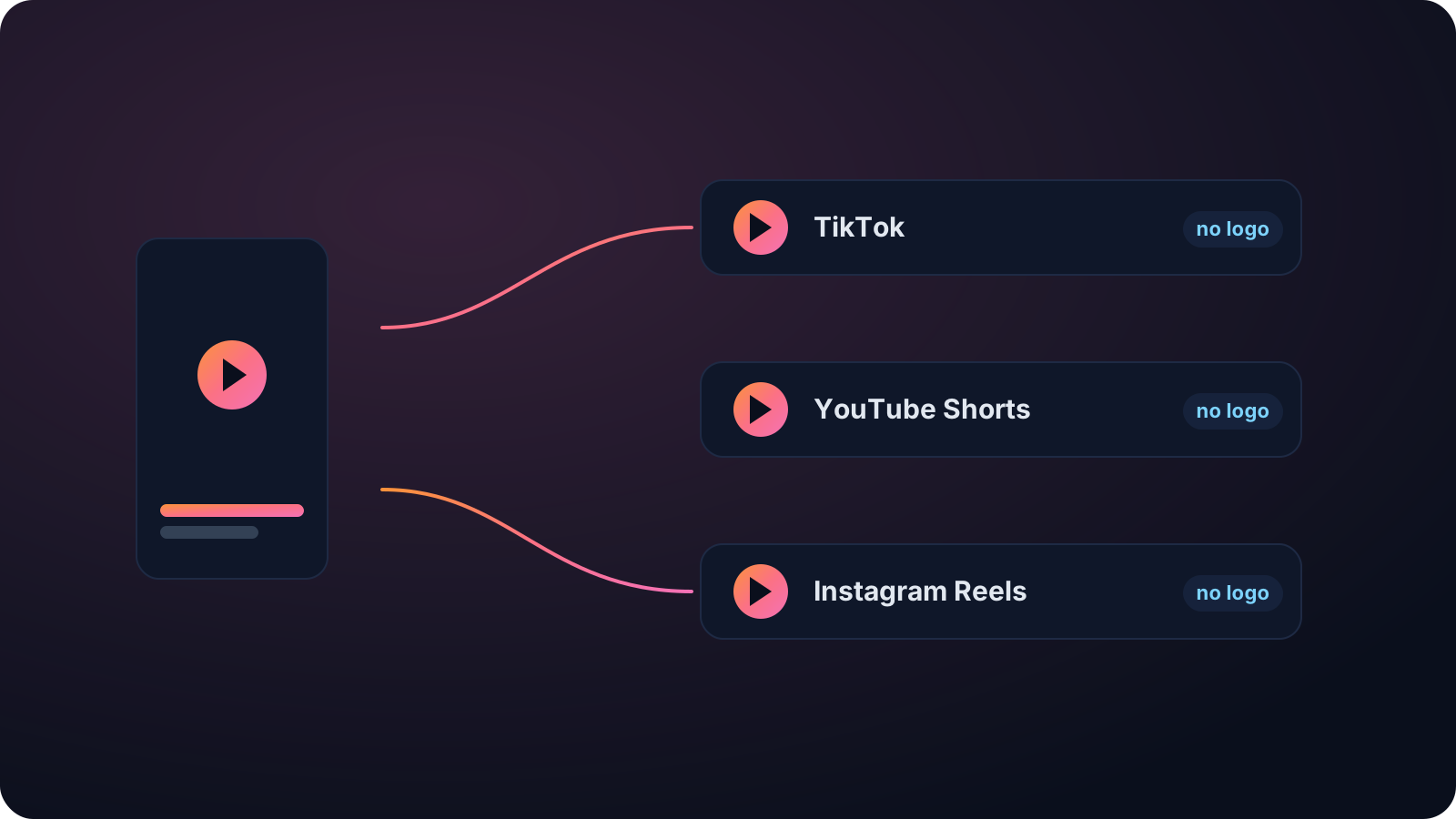
Real clips, real reach, published to Instagram Reels, Facebook Reels, and YouTube Shorts.
The word-pop captions every TikTok has
Open TikTok and almost every clip has captions popping up one word at a time. That is not a coincidence. The sound is off for a lot of viewers, and the moving captions hold attention in the first second. Cliphi adds exactly that style for you, transcribing the speech and animating the captions word by word, so your clip looks native in the feed instead of bare.
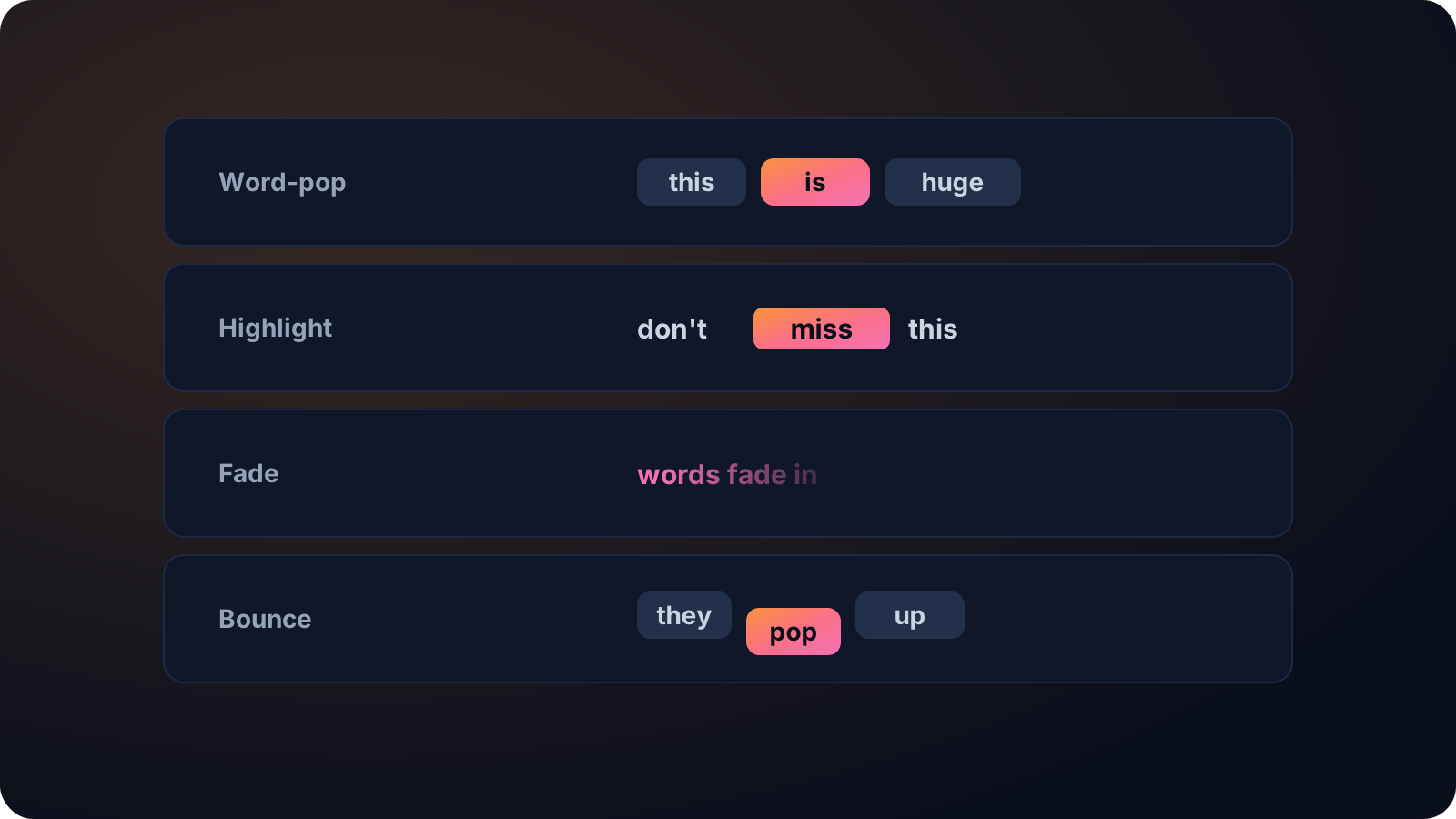
No manual captioning, no watermark
TikTok's own caption tool means stopping to type and time each line, and some apps stamp a watermark on the export that the feed quietly buries. Cliphi adds the captions automatically and exports clean, so the clip reads as something you made. Pick the word-pop style or another look, and match the font and colors to your brand.
It transcribes with models that handle accents, several speakers, and background noise, in around 99 languages. And because Cliphi is a clip tool, you can hand it a long video and get back captioned vertical clips ready for TikTok, not just captions on a single file.
Speed matters on TikTok, where posting often is half the game. Captioning each clip by hand is exactly the friction that stops people posting daily, so handing it to Cliphi keeps you moving. Paste, pick a style, post, and do it again, without the part where you stop to type out every line and nudge the timing.
Keep going with Cliphi
Add Subtitles to YouTube Shorts
Paste or upload your video and Cliphi adds accurate, animated subtitles, sized and synced for YouTube Shorts.
OpenTurn your YouTube videos into TikToks
Drop in any YouTube video or livestream. Cliphi finds the best moments, crops them to vertical, and adds the captions and music for you.
OpenAnimated Captions Generator
Paste or upload your video and Cliphi adds animated captions, synced word by word, in the styles short-form actually uses.
OpenFrequently asked questions
Add captions to your TikTok
Paste a link or upload a file and get word-pop captions.
or