Turn your Kick streams into TikToks
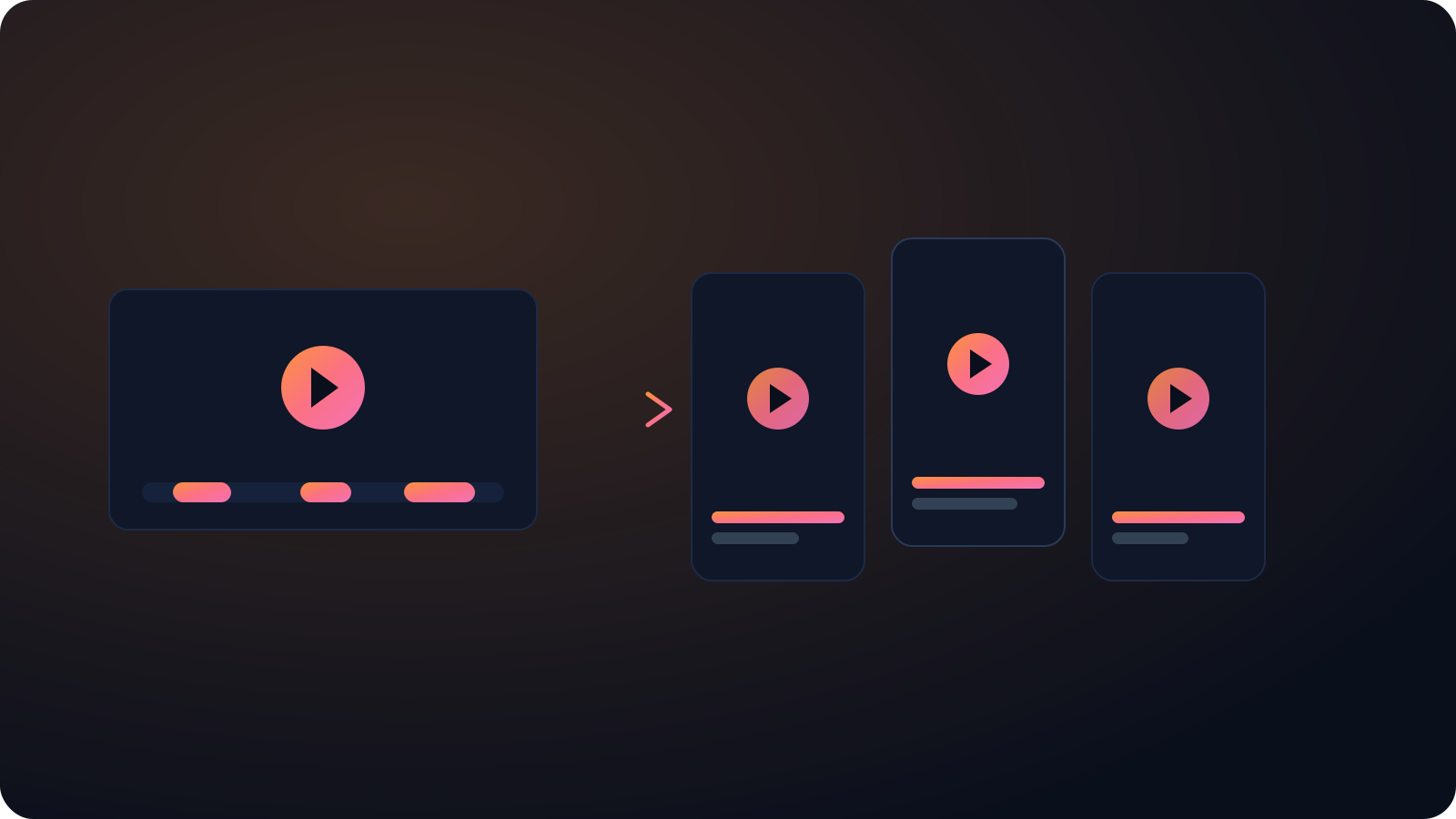
Drop in a Kick stream or clip. Cliphi pulls out the best moments, crops them to vertical, and adds the captions and music for you.
or
Using video you don't own may violate copyright laws. By continuing, you confirm you have the rights to use this video.
How it works
- 1
Paste your Kick link
Drop in a clip or a full past broadcast. Hand Cliphi a whole stream and it watches the lot to find the moments worth posting.
- 2
AI finds and reframes the moment
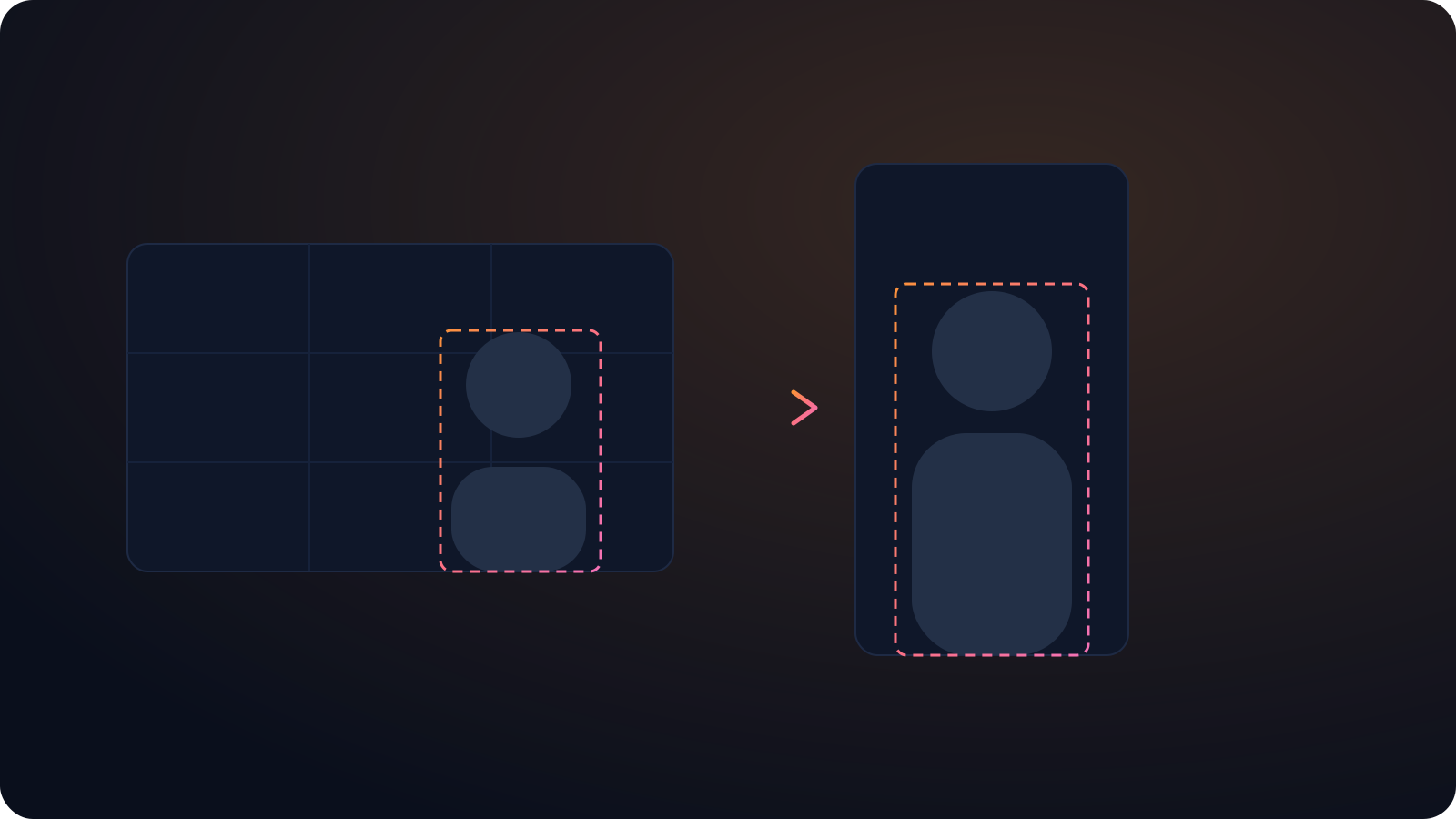
Cliphi spots the plays and the reactions chat blew up over, then crops each one to vertical so your camera and the action both stay in shot.
- 3
Post to TikTok
Each clip comes out vertical with the captions already on screen and a caption written for you. Post it to TikTok from Cliphi, or download it and upload it yourself.
Built for a newer platform
Most clipping tools still ignore Kick. Cliphi treats it as a first-class source, so you can repurpose a stream the same day it goes out.
Clip while you are still live
Cliphi can work on your broadcast in real time, so a highlight can go up before you have ended the stream.
Looks native in the feed
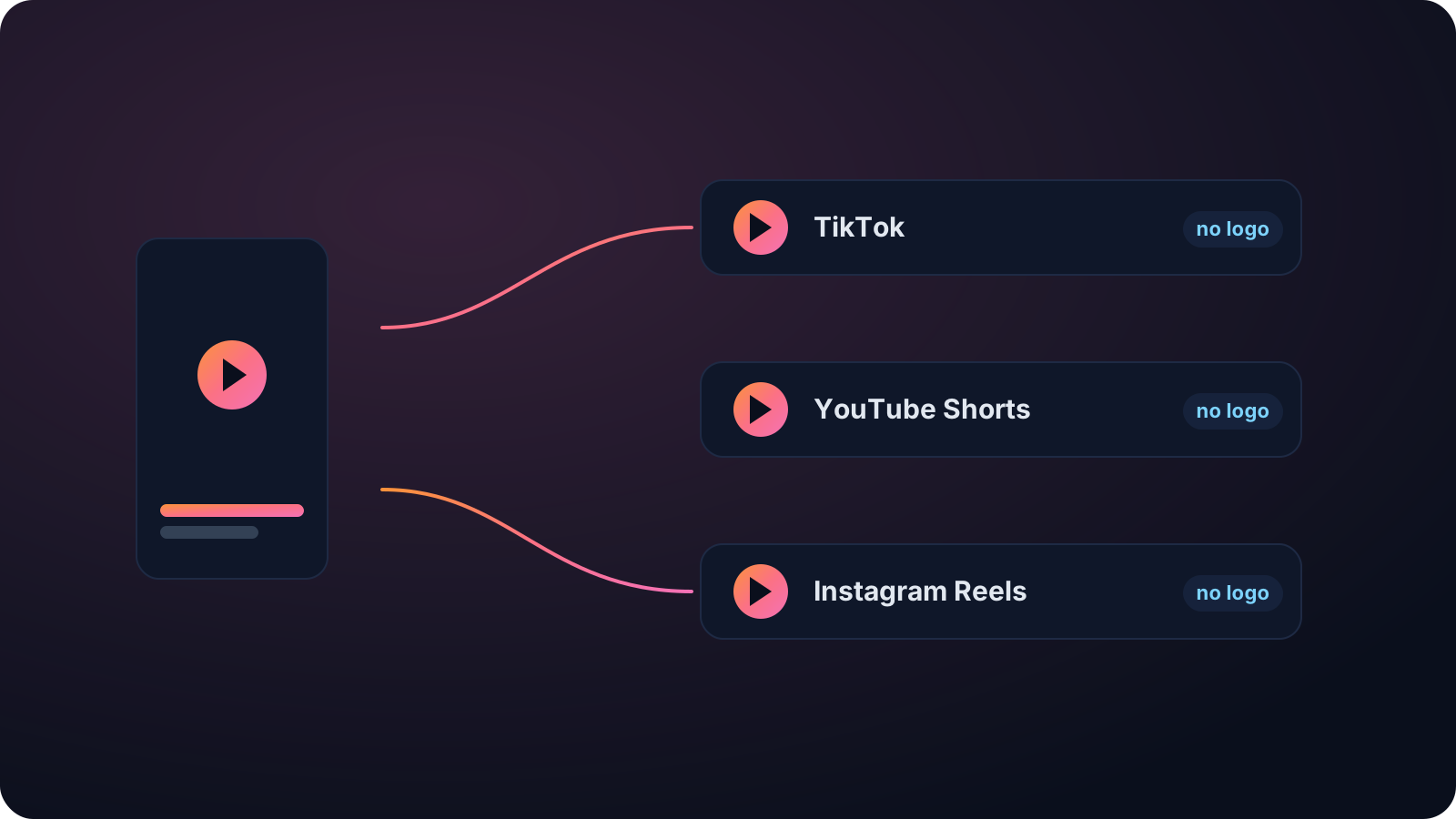
No watermark and no Cliphi branding, captions on by default, and a caption written for TikTok, so the clip looks like something you made, not something you reposted.
Made with Cliphi
Real clips, real reach, published to Instagram Reels, Facebook Reels, and YouTube Shorts.
A Kick stream, cut for the For You page
Kick streams run long and lean into gaming and IRL, where the reaction that pops happens once and then it's gone in the scroll-back. TikTok's For You page rewards a clip that lands its hook in the first second, not a slow climb into the bit. Cliphi finds that reaction across the broadcast and opens the clip right on it, so it hits before anyone swipes.
Repurpose your Kick streams while they are still fresh
Kick has pulled in a wave of streamers fast, but the short-form tooling around it has not caught up. Most clippers were built for YouTube and Twitch, so Kick creators end up cropping and captioning by hand, or they skip repurposing and leave the reach on the table. The moments that pop on TikTok and Reels are usually buried somewhere in a long Kick broadcast, and digging them out by hand is the part nobody has time for.
Cliphi treats Kick as a first-class source. Paste a clip when you already know the moment, or a full stream when you want it to find the highlights across a few hours of footage. Either way you get finished vertical clips. The crop keeps your camera and the gameplay in the tall frame, the captions track what you are saying, and the music sits under the moment instead of fighting it.
Because it can also work on a broadcast in real time, you do not have to wait until you are offline. A highlight from tonight can be cut, captioned, and posted while you are still on, which is the fastest way to turn a Kick moment into reach somewhere else.
Cut for the way TikTok gets watched
TikTok decides fast. If the first second is a slow intro, people are already gone. Cliphi opens on the moment instead of the build-up, puts the captions on screen so the clip works with the sound off, and keeps everything inside the frame so nothing important sits behind the buttons on the right.
You have room to breathe on length. A clip can run seven seconds or a couple of minutes, and TikTok will take up to ten. The caption and hashtags come written for TikTok, so you are not rewriting them every time you post.
There is no watermark and no Cliphi branding on the export, so the clip looks made for TikTok rather than lifted from another app. Pull a handful of clips from one long video and you have enough to post every day, which is the cadence the For You page tends to reward.
Keep going with Cliphi
Turn your Kick streams into YouTube Shorts
Drop in a Kick stream or clip. Cliphi pulls out the best moments, crops them to vertical, and adds the captions and music for you.
OpenTurn your Kick streams into Instagram Reels
Drop in a Kick stream or clip. Cliphi pulls out the best moments, crops them to vertical, and adds the captions and music for you.
OpenAdd Captions to a TikTok
Paste or upload your video and Cliphi adds TikTok-style word-pop captions automatically, synced to every word.
OpenFrequently asked questions
Clip your Kick streams
Paste a link and get TikTok clips you can post today.
or