Make Reaction Videos from Any Clip
Paste a link and Cliphi finds the best moments. Then record your face or your voice right over the clip, captions and all.
or
Using video you don't own may violate copyright laws. By continuing, you confirm you have the rights to use this video.
How it works
- 1
Paste a link or upload your video
Drop in a supported video link or upload a file. Cliphi finds the best moments and turns them into clips.
- 2
Record over the clip
Open a clip and tap the record button. The clip plays while you talk, on camera or voice only, so your reaction lands exactly where you want it.
- 3
Review and get your clip
Your take replays over the clip the moment you stop. Keep it, try again, or fine-tune the mix and captions, then render.
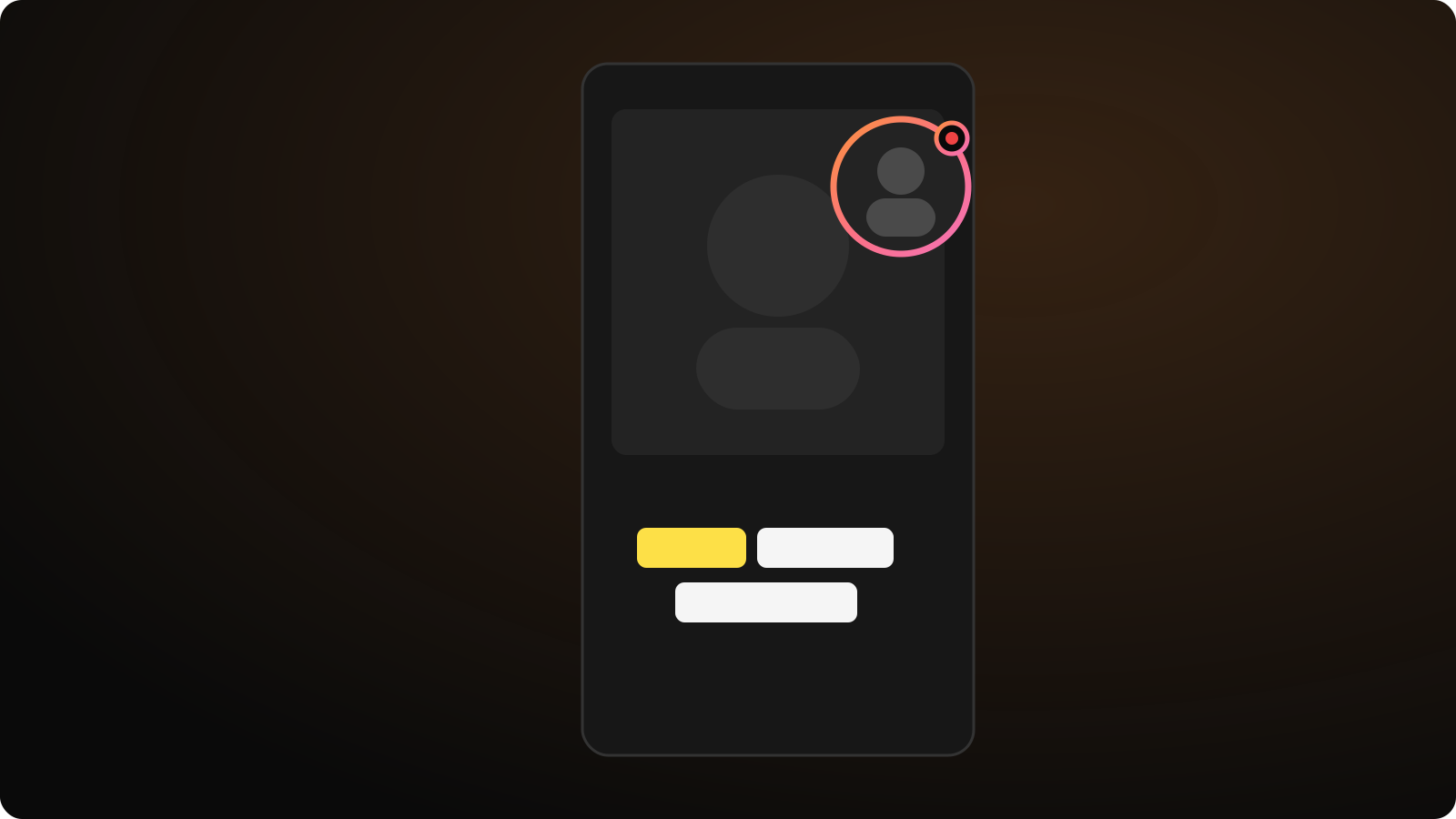
Camera bubble or voice only
Record with your camera in a draggable bubble, as a top or bottom strip, or drop the camera and record voice only. Your choice is remembered for next time.
Captions from YOUR words
Cliphi transcribes your take and burns your words in as animated captions. Switch back to the video's own words, or turn captions off, with one tap.
The original ducks under you
While your reaction plays, the clip's own audio drops to a background level automatically. No timeline, no keyframing audio lanes, and you can set exactly how much of the original comes through.
Made with Cliphi
Real clips, real reach, posted to Instagram Reels, Facebook Reels, and YouTube Shorts.
Reacting is the format now
The biggest accounts on every vertical feed are not re-uploading other people's videos. They are reacting to them: a face in the corner, a running commentary, a take of their own on top of the moment everyone is talking about. That is what makes a clip yours instead of a copy. The catch is that making one has always meant a real editor: record yourself separately, line the takes up on a timeline, duck the original audio, re-caption everything, export. Cliphi collapses all of that into one tap on the clip itself.
Paste a link, pick the moment Cliphi found, and hit record. The clip plays while you talk so your timing is real, not guessed at in an editor afterwards. Your camera lands as a bubble you can drag anywhere on the clip, or switch to voice only and skip the camera entirely.
Your words become the captions
A reaction clip lives or dies on its captions, because most feeds play muted. Cliphi transcribes your recording and burns your words in as the clip's captions, in the same animated style as everything else you make. Prefer the original speaker's words, or no captions at all? One tap switches between them.
Everything else you expect from Cliphi still applies to a reacted clip: auto reframing keeps the subject centered, caption styles match your brand, and the clip renders ready for TikTok, Reels, and Shorts. A reaction is not a separate workflow bolted on the side. It is one more layer on the clip you were already making.
For clippers working paid campaigns, this is the difference that matters: campaigns increasingly reject plain re-cuts and ask for transformative commentary. A recorded reaction with your own captions is exactly that, and it takes about as long as watching the clip once.
Keep going with Cliphi
Add a Voiceover to Any Video
Record your narration right over the clip while it plays. The original audio ducks under your voice automatically.
OpenMake a Compilation from Any YouTube Video
Paste a link. Cliphi watches the whole video, groups its best moments by theme, and stitches each theme into a supercut you can post as-is.
OpenAdd Captions to a Video
Paste or upload your video and Cliphi adds animated captions automatically, synced to every word and ready to post.
OpenFrequently asked questions
React to your first clip
Paste a link, pick a moment, and record over it.
or