Turn your podcast into Instagram Reels
Paste your episode and Cliphi finds the most shareable moments, keeps every host in frame, and adds the captions and music for you.
or
Using video you don't own may violate copyright laws. By continuing, you confirm you have the rights to use this video.
How it works
- 1
Paste your episode link
Drop your podcast's YouTube link. A full two-hour episode is fine, and you can upload a video file too. Cliphi watches the whole thing.
- 2
AI finds the best moments
Cliphi surfaces the lines and exchanges most likely to travel and scores each one, then crops the best to vertical and cuts between hosts.
- 3
Post to Instagram Reels
Each clip comes out vertical and sized for Reels, with captions on screen and a caption written for you. Share it to Instagram from Cliphi, or download it.
Every host stays in frame
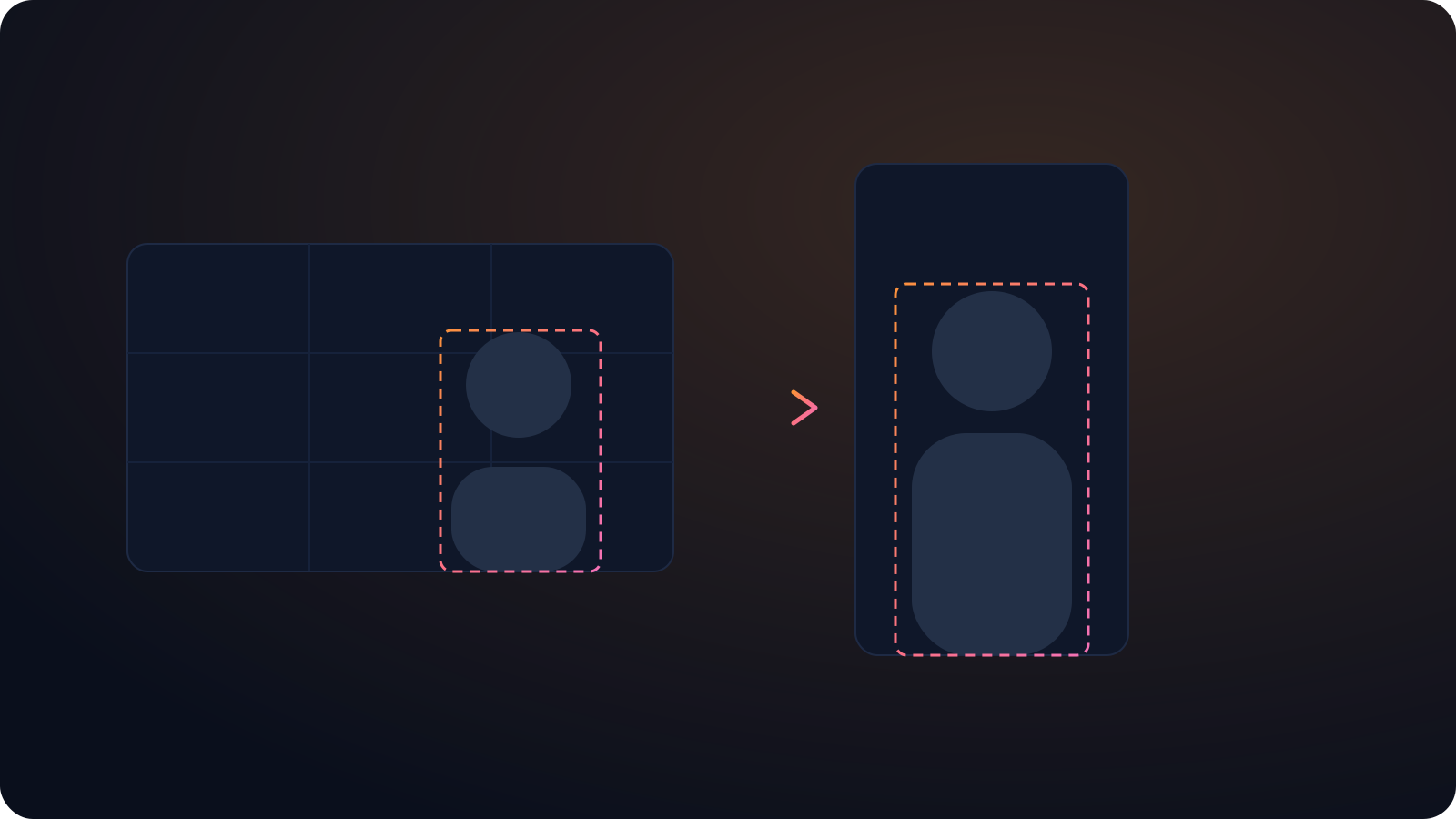
Active speaker detection follows whoever is talking and cuts between guests, so a two or three person episode looks edited, not cropped.
One episode, a week of posts
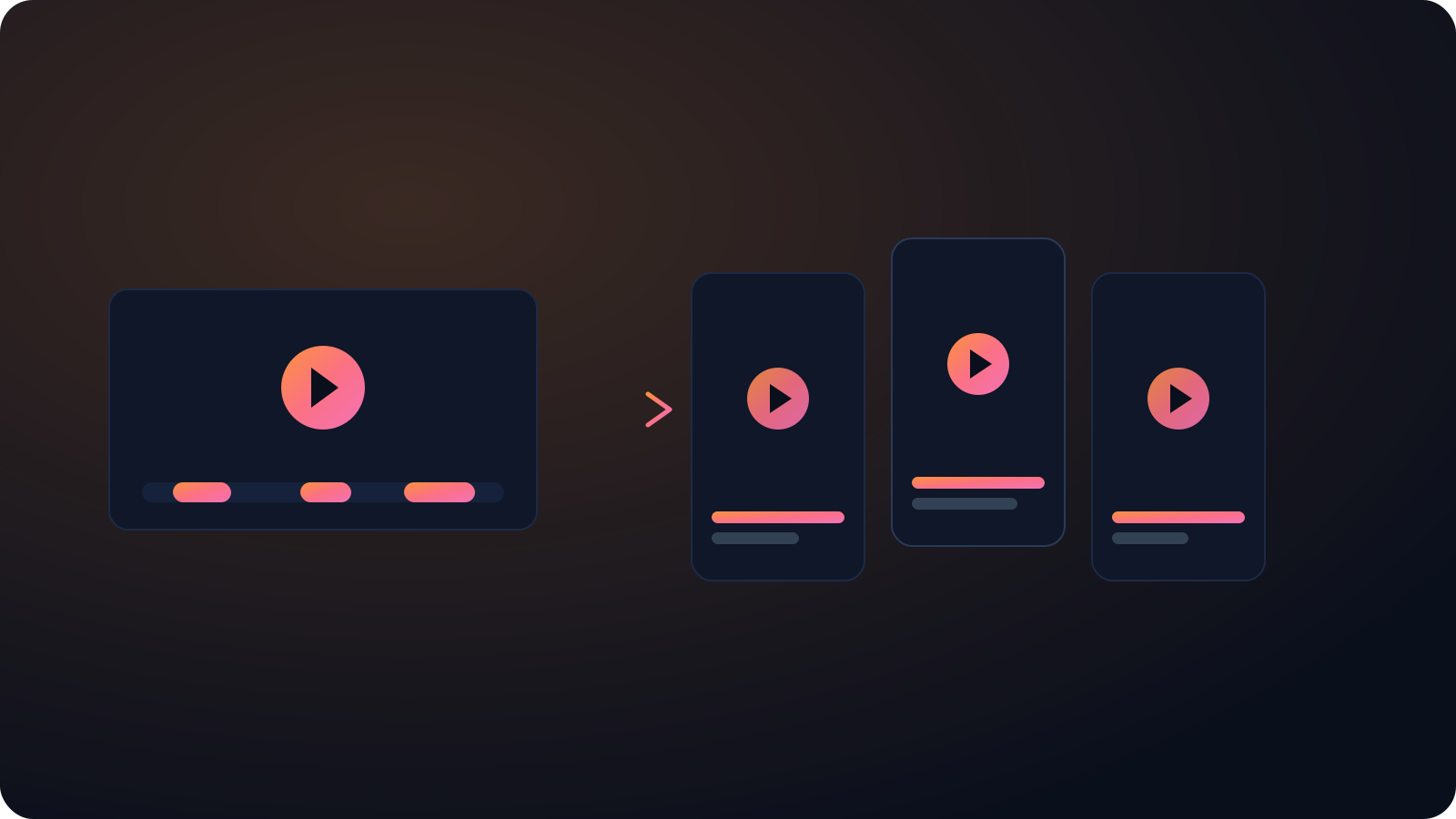
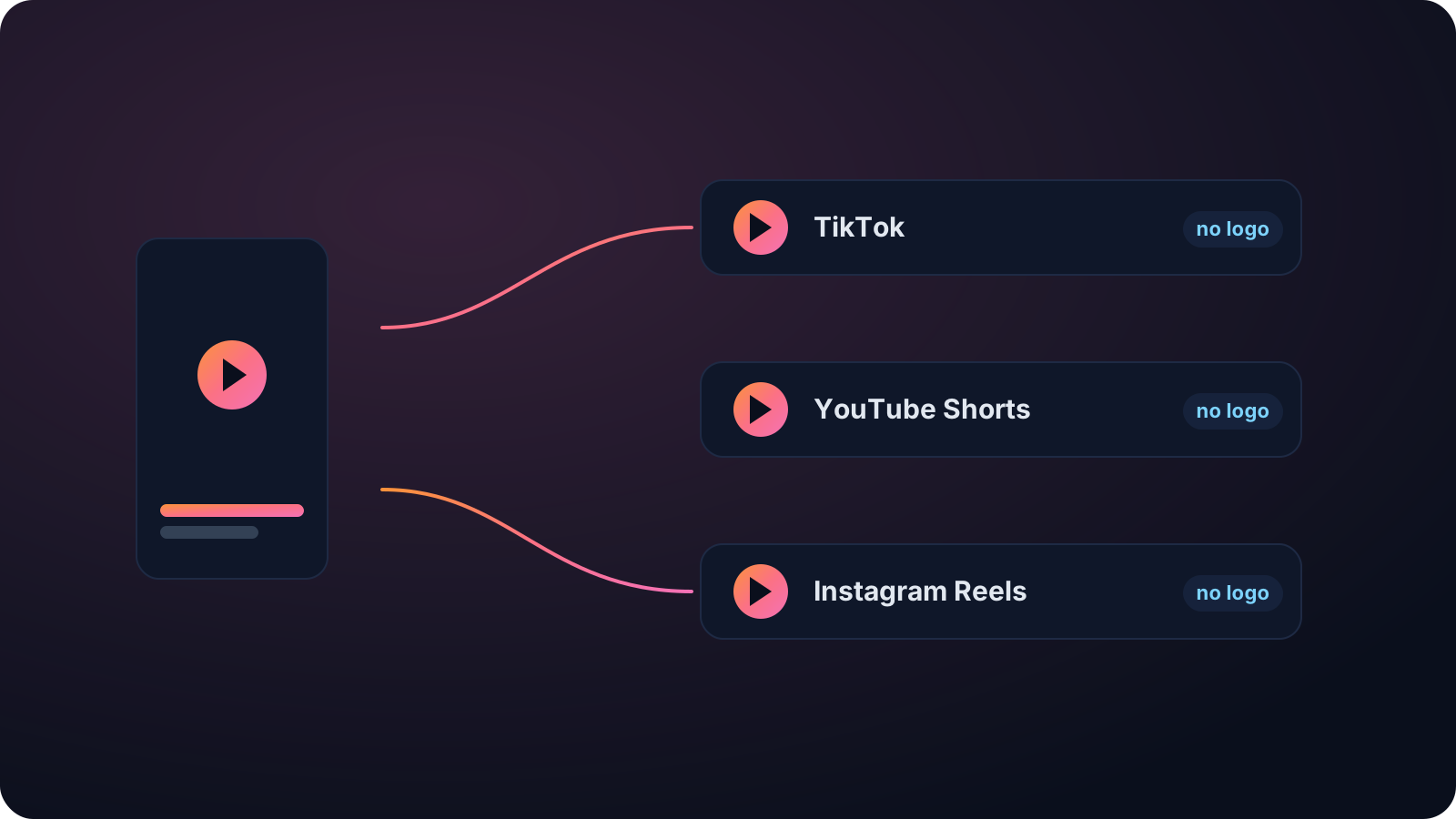
A single episode yields a batch of clips, each with its own caption, so you can feed TikTok, Reels, and Shorts without re-editing.
Stays clear of the Reels buttons
Cliphi keeps your subject in the safe middle of the frame so the username along the bottom and the buttons up the side never cover the part people came to see.
Made with Cliphi
Real clips, real reach, published to Instagram Reels, Facebook Reels, and YouTube Shorts.
A podcast moment that reads on mute
Reels gets watched silently while someone scrolls, which is a hard ask for a podcast where all the value is in what people are saying. Cliphi keeps the captions synced through crosstalk and accents so the exchange lands without sound, cuts between hosts and guests, and keeps each person clear of the username and buttons that crowd the Reels frame.
Your best episodes are full of clips you will never cut by hand
Every episode has a few moments that would do numbers as a short. The unexpected confession, the take that splits the room, the line a guest drops without noticing. The hard part is finding them. Scrubbing a two-hour recording to mark timestamps, then cropping to vertical, cutting between speakers, and captioning each clip, is hours of work that most shows cannot spare week after week.
Cliphi does that pass for you. Paste your episode's YouTube link and it listens to the whole thing, surfaces the moments most likely to travel, and scores each one so you know what to post first. You are picking from a ranked shortlist, not guessing.
Multi-person audio is where most automatic clippers fall apart, and it is where Cliphi is strongest. Active speaker detection follows whoever is talking and cuts between hosts and guests, keeping each person centered in the tall frame, so the clip looks intentionally edited. Captions stay synced through accents and crosstalk, so it reads on mute. One episode becomes a batch of posts for TikTok, Reels, and Shorts, ready to download or publish from Cliphi.
Framed around the Reels layout
Reels covers a lot of the screen with its own buttons. The username runs along the bottom and the action icons stack up the right side, so anything near those edges gets hidden. Cliphi keeps your subject and the captions in the safe middle of the frame, so nothing gets lost behind the interface. Reels runs up to ninety seconds, which suits one clean moment rather than a long lead-in.
The clip exports with no watermark. That matters on Instagram, because Reels tends to bury clips that carry another app's logo, treating them as reposts. A clean export does not get that treatment, and the caption and hashtags come written for Instagram, ready to paste.
Reels also rewards posting often, so pulling several clips from one source keeps your account active without extra filming. Each clip is a fresh way for someone who has never seen your work to find it.
Keep going with Cliphi
Turn your podcast into TikToks
Paste your episode and Cliphi finds the most shareable moments, keeps every host in frame, and adds the captions and music for you.
OpenTurn your podcast into YouTube Shorts
Paste your episode and Cliphi finds the most shareable moments, keeps every host in frame, and adds the captions and music for you.
OpenAdd Captions to Instagram Reels
Paste or upload your video and Cliphi adds animated captions, placed to stay clear of the Reels buttons and synced to every word.
OpenFrequently asked questions
Turn your next episode into a week of clips
Paste a link and get Instagram Reels clips you can post today.
or