Active Speaker Detection
Cliphi tracks whoever is talking and keeps them in frame, so multi-person videos reframe to vertical cleanly.
or
Using video you don't own may violate copyright laws. By continuing, you confirm you have the rights to use this video.
How it works
- 1
Paste a link or upload your video
Drop in a supported video link or upload a file. Cliphi reads the frame and the audio.
- 2
AI reframes to vertical
Cliphi finds the subject and keeps them centered, tracking the speaker and the action as they move.
- 3
Post or keep editing
Get a vertical clip ready to post, or adjust the framing, add captions, and a music bed before you do.
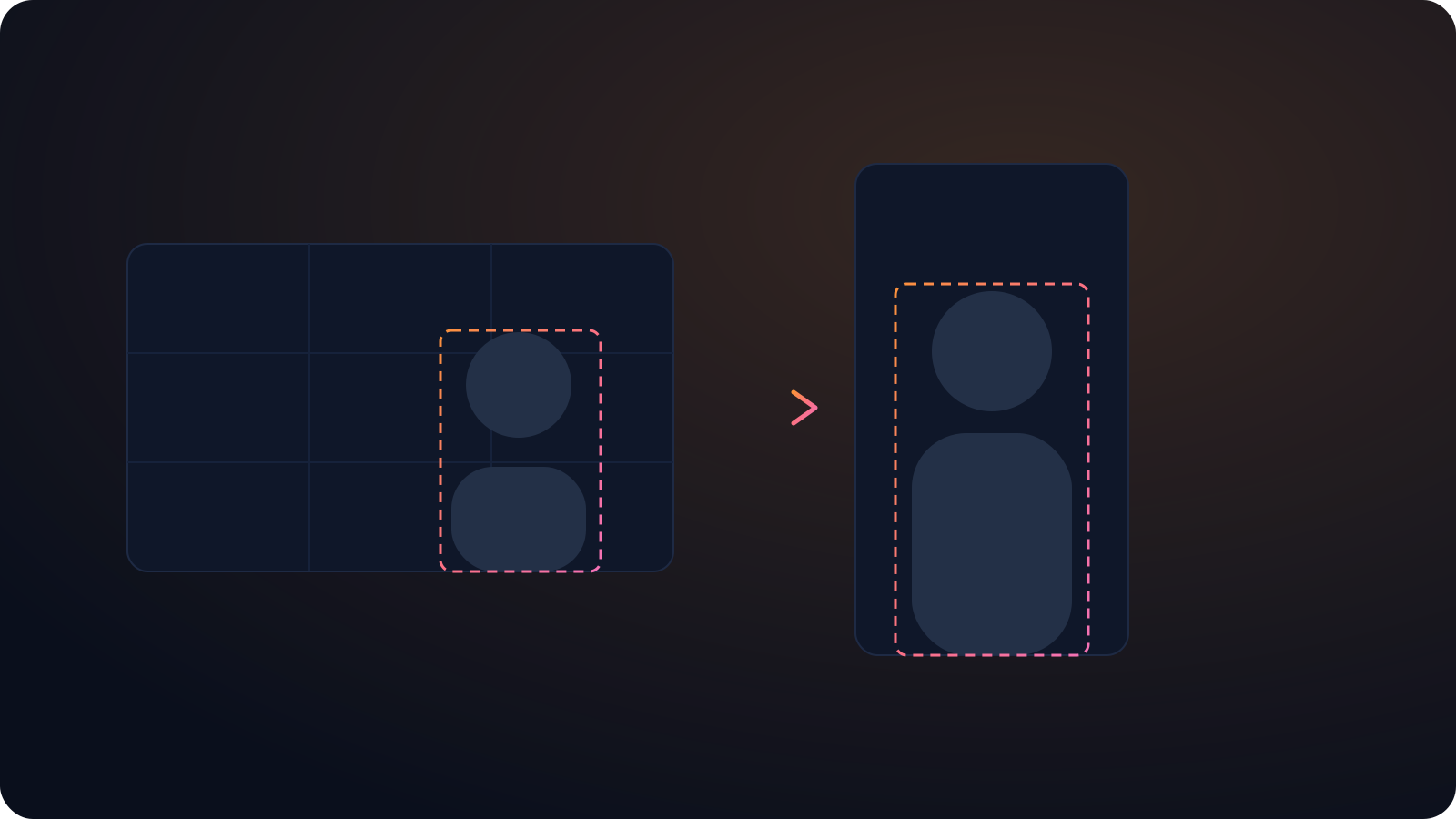
No crop keyframing
The old way to follow a moving talker is to keyframe the crop across the whole clip. Cliphi does that automatically, so you're not editing frame by frame for every clip you cut.
Comes with the clips
Speaker tracking isn't a separate tool you run first. It's built into the vertical clips Cliphi makes, alongside the captions and a music bed.
The subject stays centered
Cliphi tracks the speaker and the action and keeps them in the vertical frame, so you never lose the important part to a fixed crop.
Made with Cliphi
Real clips, real reach, published to Instagram Reels, Facebook Reels, and YouTube Shorts.
The frame follows the speaker
In a conversation the person talking moves, leans, gestures, and trades off with the next speaker. A fixed crop cannot keep up, so someone always ends up half out of frame. Cliphi's active speaker detection follows whoever is talking and keeps them centered, and when the speaker changes, the frame changes with them. The vertical clip stays on the right person without you touching it.
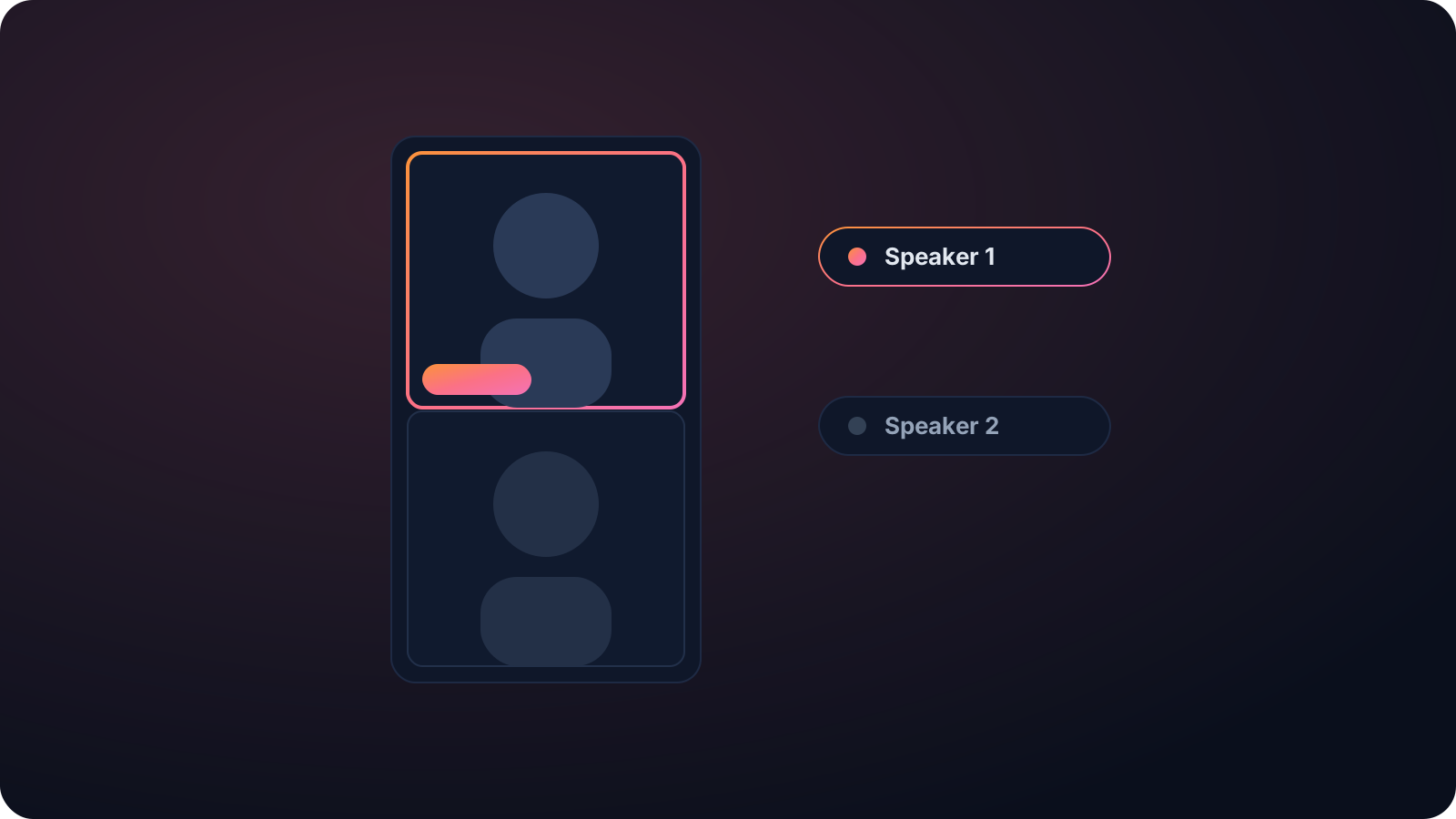
Built for interviews, podcasts, and panels
Multi-person content is exactly where automatic cropping usually falls apart, and it is what speaker detection is for. Cliphi can cut between speakers as they talk or lay two or three people out in a grid, so an interview or panel reads clearly in vertical instead of cramming everyone into a strip.
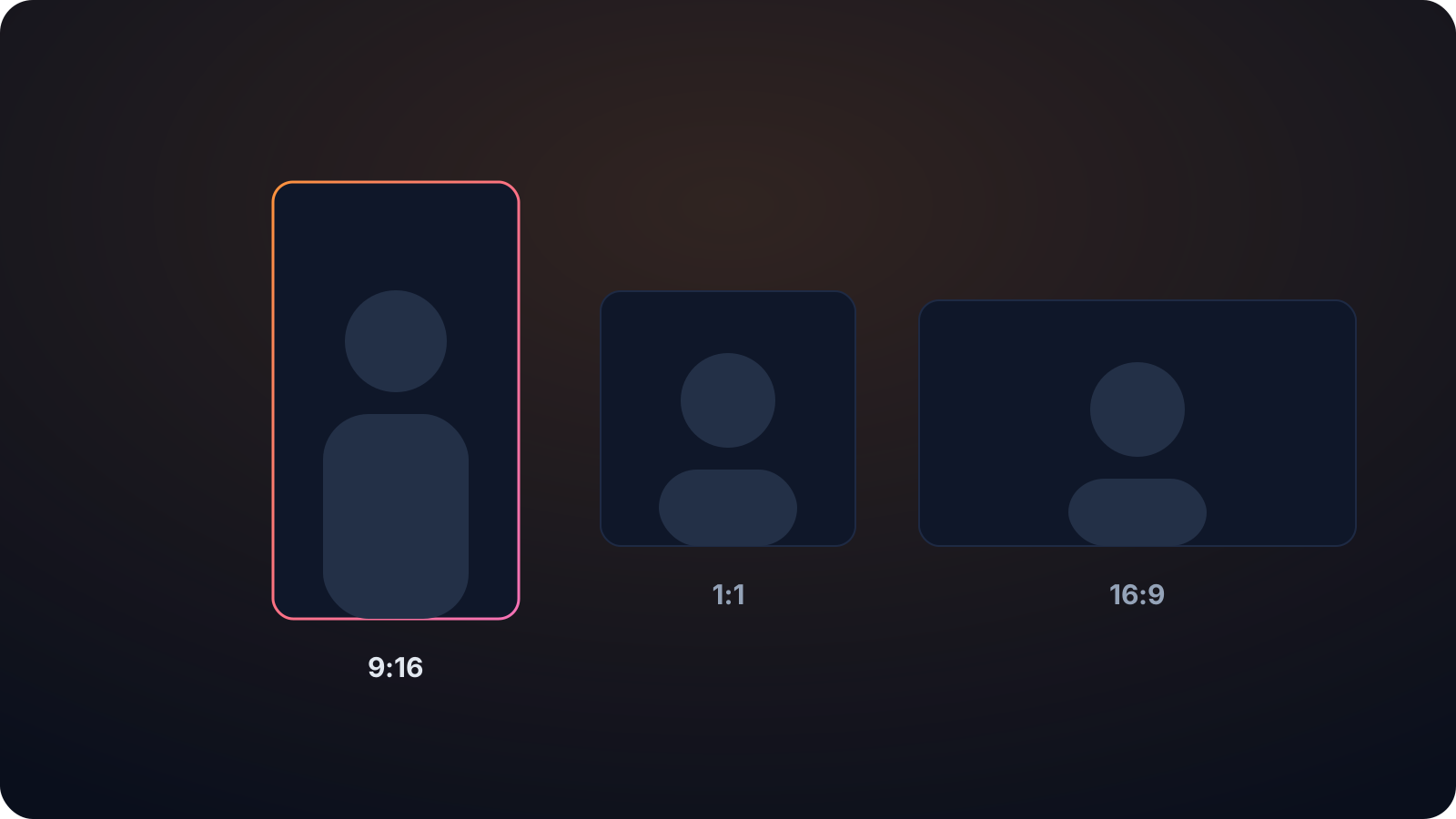
It works across the aspect ratios you need, 9:16, 1:1, and 16:9, and handles accents and crosstalk in the audio it transcribes. And since Cliphi is a clip tool, speaker tracking comes built into the clips it makes, alongside captions and music, rather than being a separate tool you run first.
Without speaker tracking, the only ways to handle a moving talker are to crop wide and lose the close-up, or to keyframe the crop by hand, which is the kind of editing nobody wants to do per clip. Cliphi does it automatically for every clip it makes, so a two-person podcast or a four-person panel comes out reframed cleanly without an editor babysitting the crop.
Keep going with Cliphi
Auto Reframe a Video
Paste or upload your video and Cliphi reframes it to vertical, keeping the subject centered as they move.
OpenSplit-Screen Video Layout
Paste or upload a multi-person video and Cliphi lays the speakers out in a clean grid for vertical.
OpenPodcast Transcription Generator
Paste your podcast's link and get an accurate, full transcript, ready for show notes, SEO, and clips.
OpenFrequently asked questions
Track speakers in your video
Paste a link or upload a file and get a tracked vertical clip.
or