Split-Screen Video Layout
Paste or upload a multi-person video and Cliphi lays the speakers out in a clean grid for vertical.
or
Using video you don't own may violate copyright laws. By continuing, you confirm you have the rights to use this video.
How it works
- 1
Paste a link or upload your video
Drop in a supported video link or upload a file. Cliphi reads the frame and the audio.
- 2
AI reframes to vertical
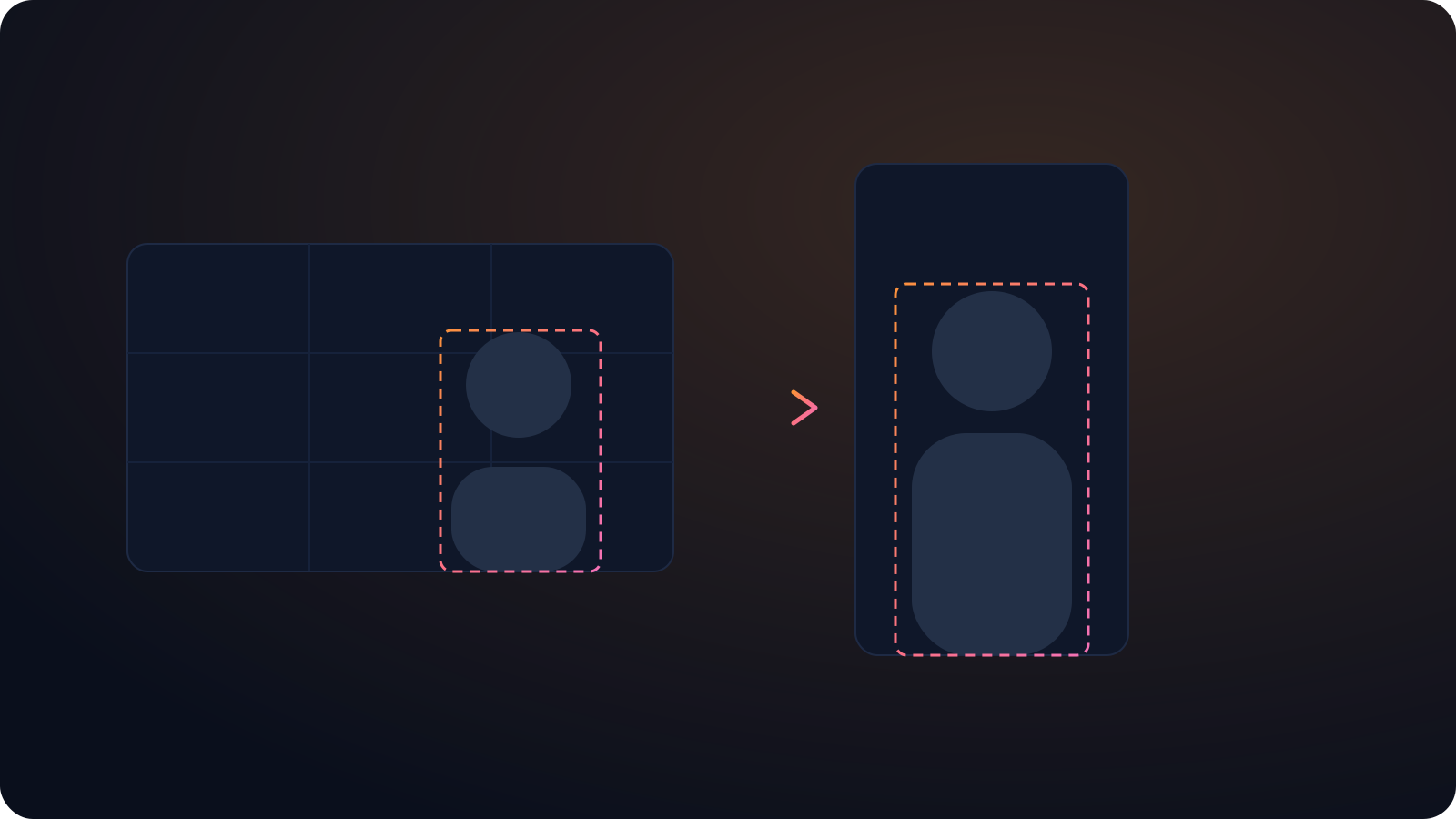
Cliphi finds the subject and keeps them centered, tracking the speaker and the action as they move.
- 3
Post or keep editing
Get a vertical clip ready to post, or adjust the framing, add captions, and a music bed before you do.
Everyone stays on screen
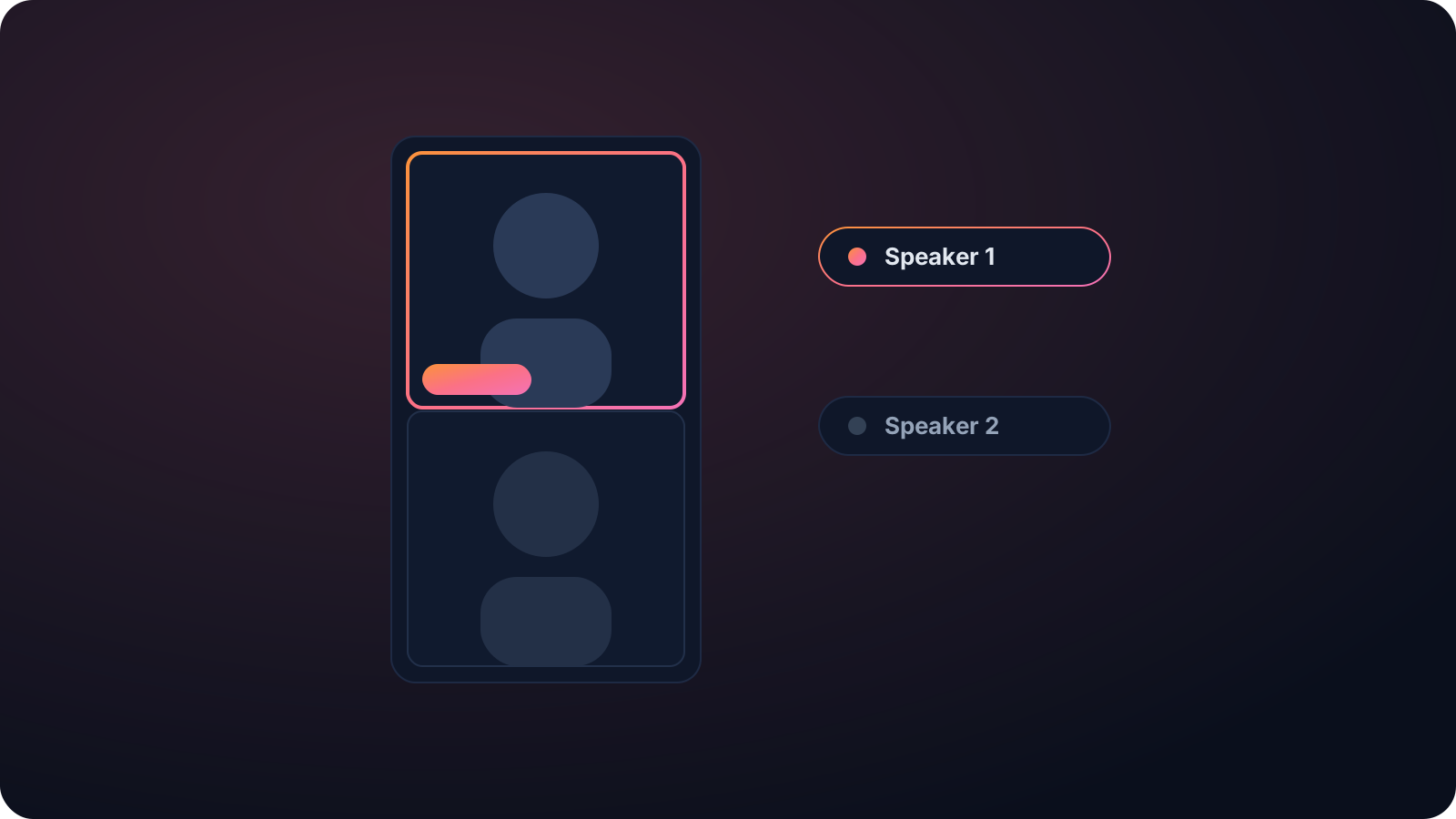
Cutting between speakers loses the reactions. A grid stacks two or three people so the whole conversation stays visible at once in one vertical frame.
Assembled from one recording
Building a split-screen by hand means exporting each person and lining the boxes up in sync. Cliphi assembles the layout from your single recording for you.
The subject stays centered
Cliphi tracks the speaker and the action and keeps them in the vertical frame, so you never lose the important part to a fixed crop.
Made with Cliphi
Real clips, real reach, published to Instagram Reels, Facebook Reels, and YouTube Shorts.
Two or three people, one vertical frame
When several people are talking, a single crop cannot show all of them, and cutting between them loses the reactions. A grid or split-screen layout stacks the speakers so everyone stays visible at once, which is why so many podcast and interview clips use it. Cliphi builds that layout for you, fitting the people into a vertical frame so the conversation reads clearly.
Smart about who is on screen
Cliphi tracks the speakers and arranges them so each one stays framed, and it can switch between a grid and following the active speaker depending on what works for the moment. You are not lining up boxes by hand or guessing where to crop.
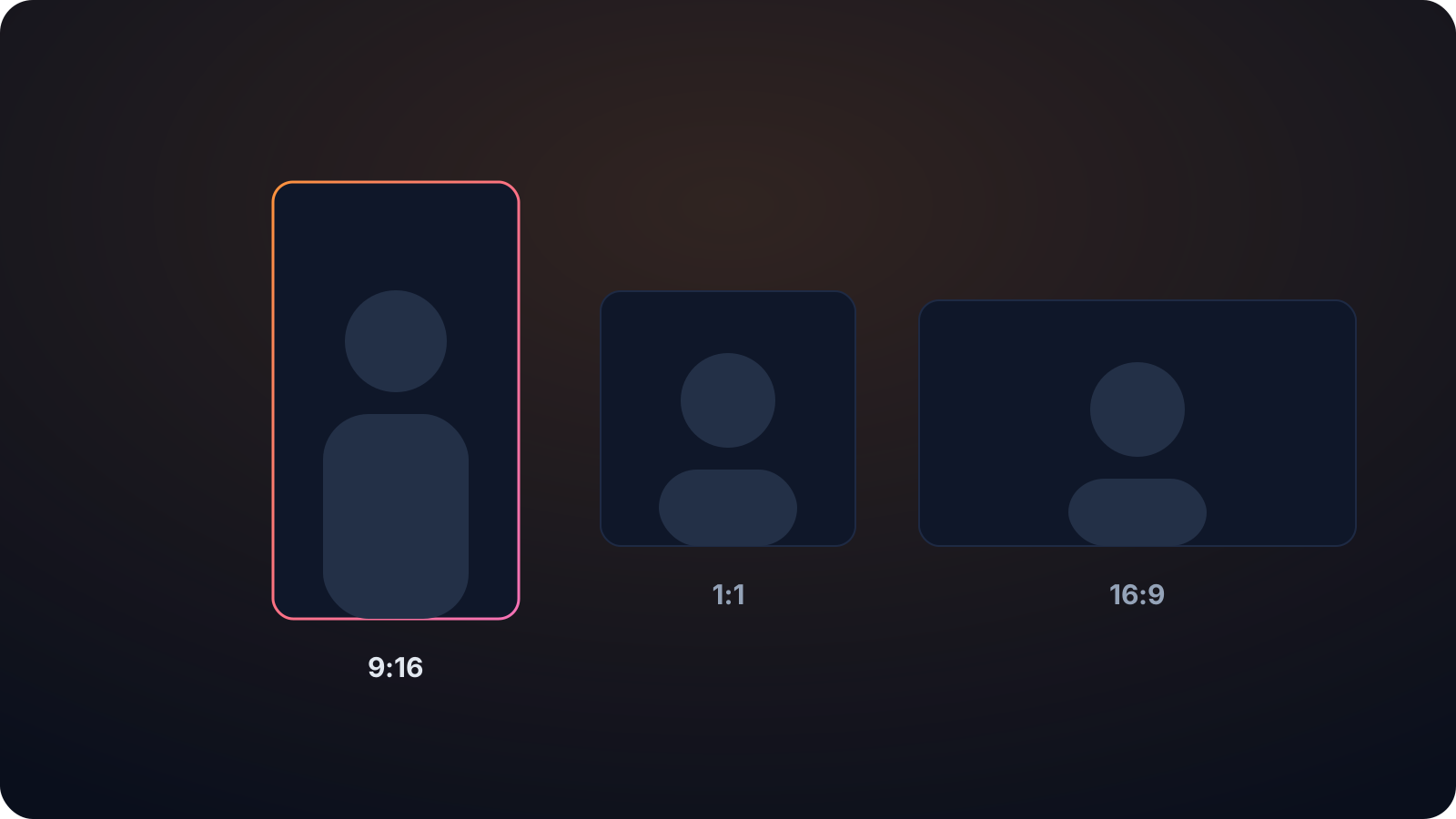
The output fits the vertical feeds at 9:16, with 1:1 and 16:9 available too. And because Cliphi is a clip tool, the split-screen layout is part of the clips it makes from your video, with captions and music applied, so a multi-person recording becomes ready-to-post clips in one step.
Building a split-screen by hand means exporting each speaker, lining the boxes up, and keeping them in sync, which is slow and easy to get wrong. Cliphi assembles it from the single recording for you. That makes the grid layout practical for every clip rather than something you reserve for the one post you have time to fuss over, so a long conversation can turn into a run of clean split-screen clips instead of just one.
Keep going with Cliphi
Active Speaker Detection
Cliphi tracks whoever is talking and keeps them in frame, so multi-person videos reframe to vertical cleanly.
OpenMake a Video Vertical
Paste or upload a horizontal video and Cliphi turns it into a vertical clip for TikTok, Reels, and Shorts.
OpenTurn your podcast into TikToks
Paste your episode and Cliphi finds the most shareable moments, keeps every host in frame, and adds the captions and music for you.
OpenFrequently asked questions
Build a split-screen clip
Paste a link or upload a file and get a grid-layout vertical clip.
or