Turn your podcast into TikToks
Paste your episode and Cliphi finds the most shareable moments, keeps every host in frame, and adds the captions and music for you.
or
Using video you don't own may violate copyright laws. By continuing, you confirm you have the rights to use this video.
How it works
- 1
Paste your episode link
Drop your podcast's YouTube link. A full two-hour episode is fine, and you can upload a video file too. Cliphi watches the whole thing.
- 2
AI finds the best moments
Cliphi surfaces the lines and exchanges most likely to travel and scores each one, then crops the best to vertical and cuts between hosts.
- 3
Post to TikTok
Each clip comes out vertical with the captions already on screen and a caption written for you. Post it to TikTok from Cliphi, or download it and upload it yourself.
Every host stays in frame
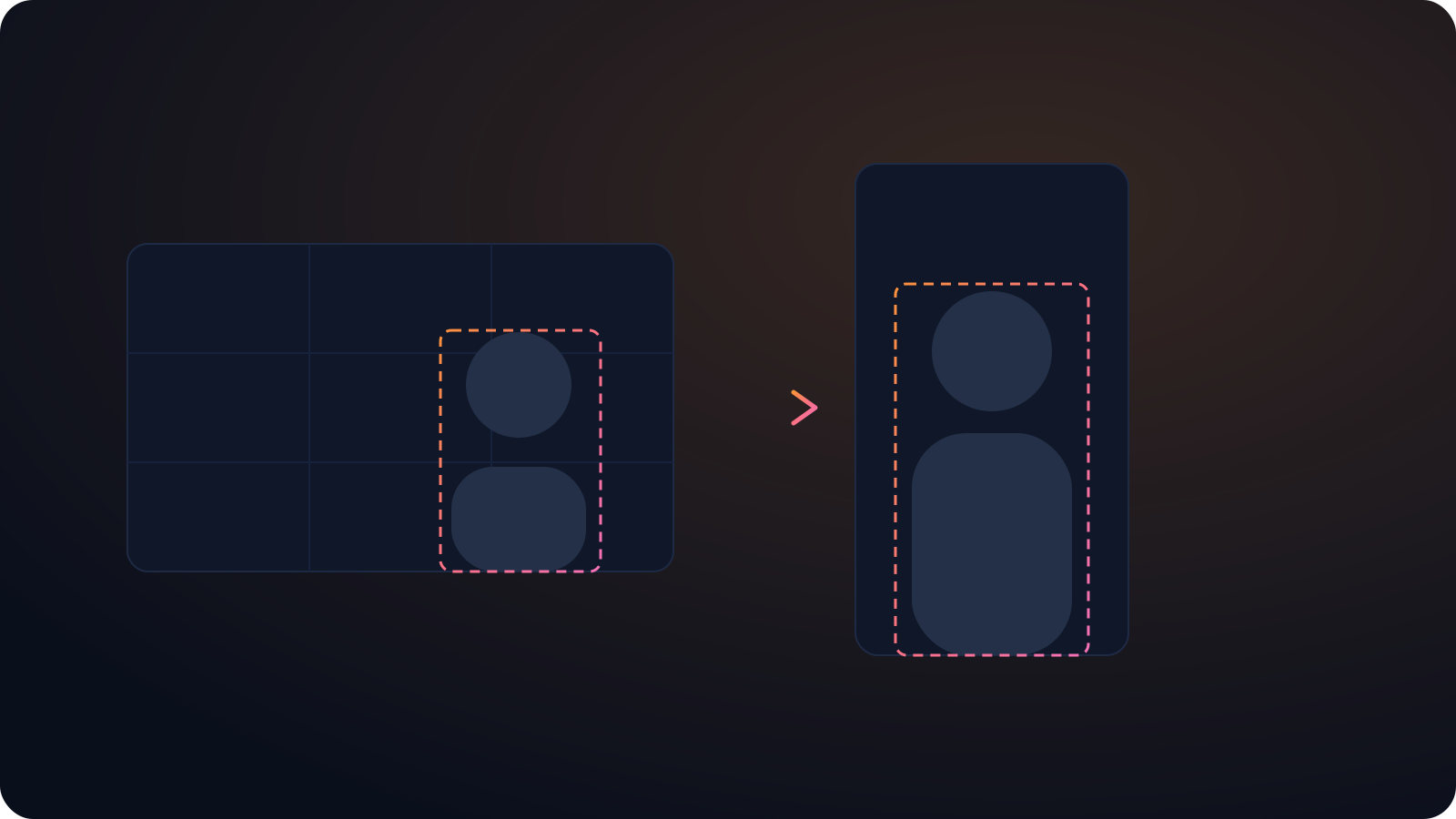
Active speaker detection follows whoever is talking and cuts between guests, so a two or three person episode looks edited, not cropped.
One episode, a week of posts
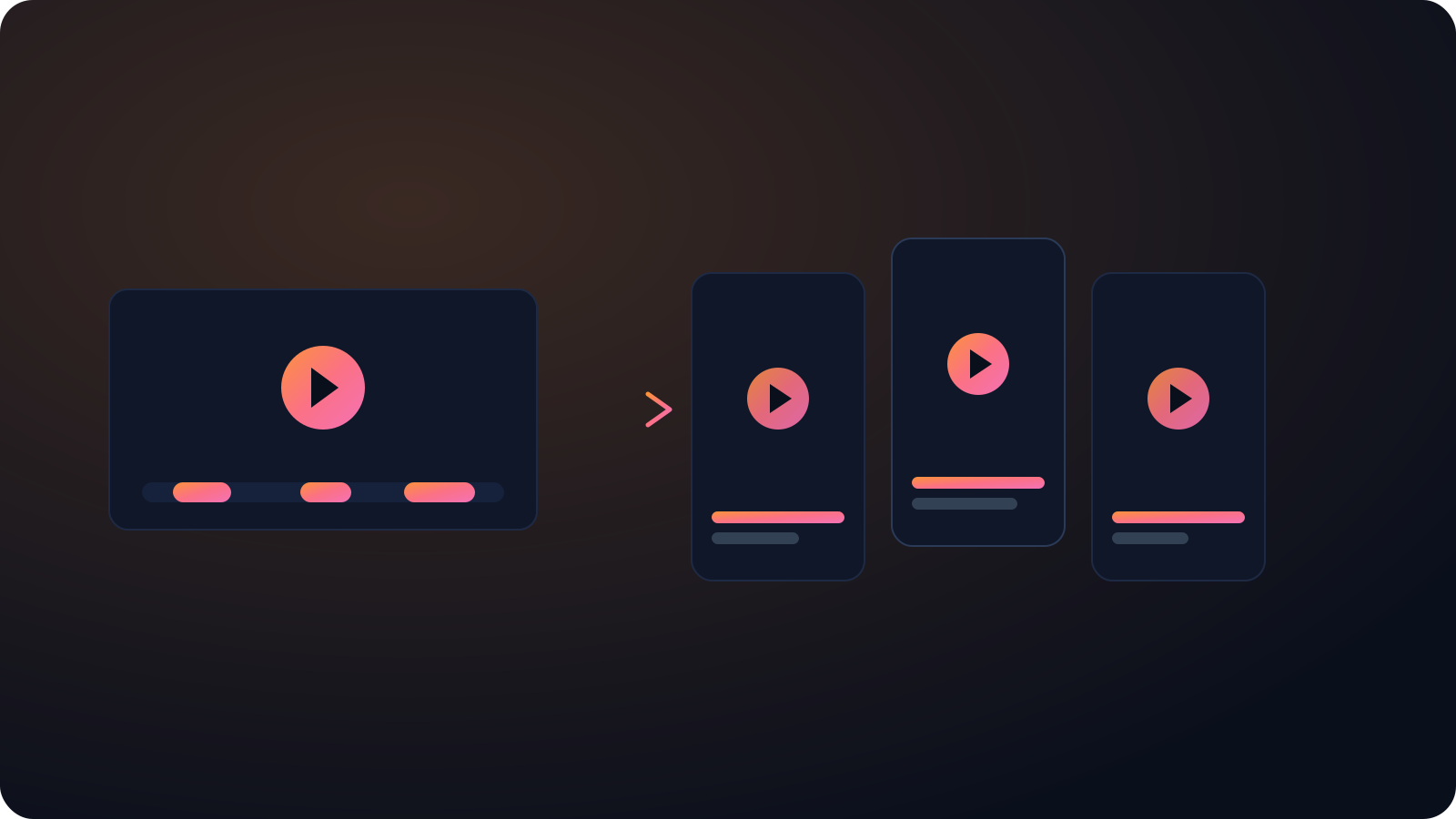
A single episode yields a batch of clips, each with its own caption, so you can feed TikTok, Reels, and Shorts without re-editing.
Looks native in the feed
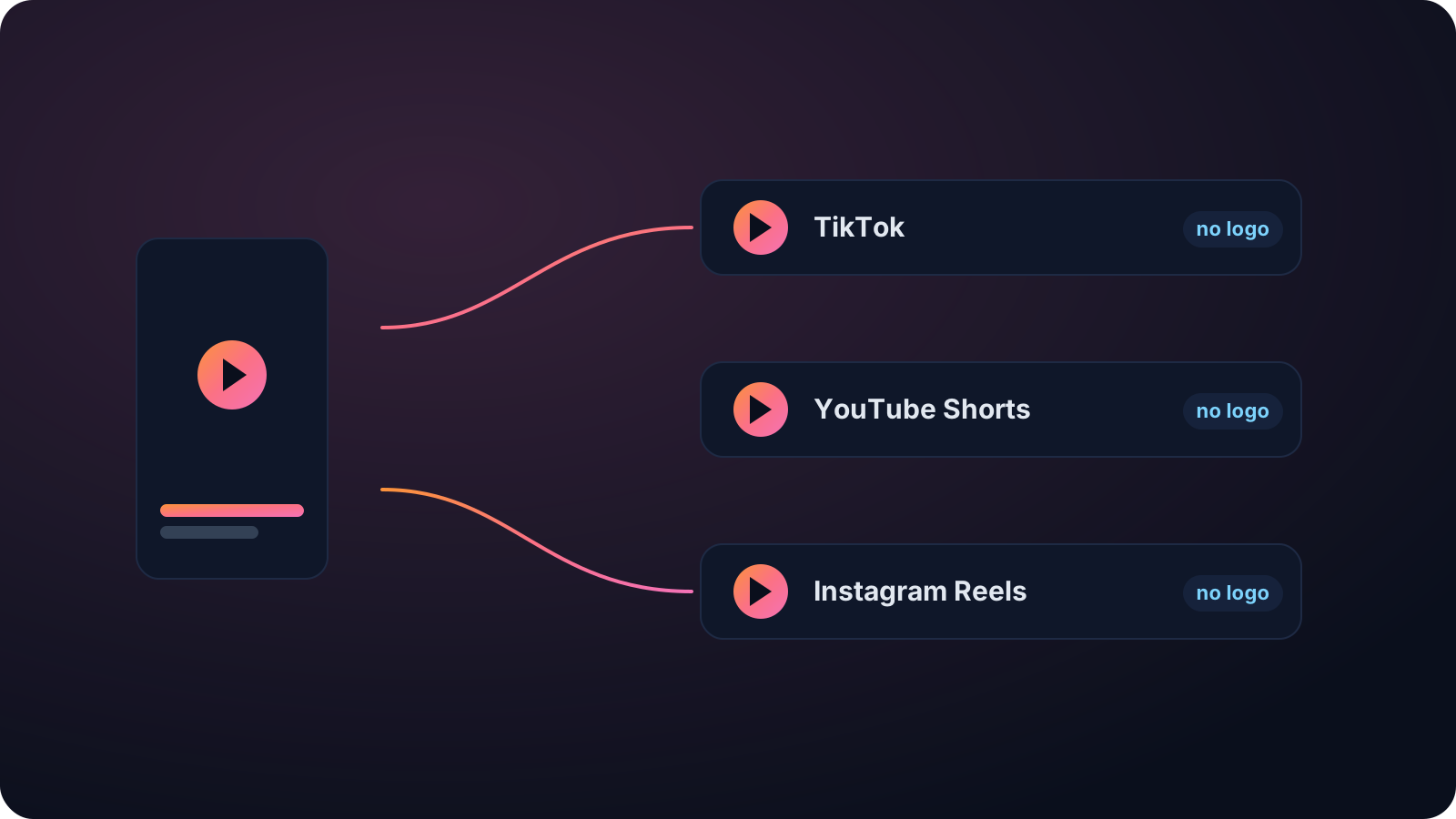
No watermark and no Cliphi branding, captions on by default, and a caption written for TikTok, so the clip looks like something you made, not something you reposted.
Made with Cliphi
Real clips, real reach, posted to Instagram Reels, Facebook Reels, and YouTube Shorts.
Podcast talk that hooks in a second
A podcast is a long, audio-first conversation, and TikTok's For You page won't sit through a slow build-up to the good line. The clips that travel open mid-sentence on the take that splits the room. Cliphi finds that exchange in a two-hour episode, opens the clip right on it, and cuts between hosts so a talking-head conversation reads as edited video instead of two people sitting still.
Your best episodes are full of clips you will never cut by hand
Every episode has a few moments that would do numbers as a short. The unexpected confession, the take that splits the room, the line a guest drops without noticing. The hard part is finding them. Scrubbing a two-hour recording to mark timestamps, then cropping to vertical, cutting between speakers, and captioning each clip, is hours of work that most shows cannot spare week after week.
Cliphi does that pass for you. Paste your episode's YouTube link and it listens to the whole thing, surfaces the moments most likely to travel, and scores each one so you know what to post first. You are picking from a ranked shortlist, not guessing.
Multi-person audio is where most automatic clippers fall apart, and it is where Cliphi is strongest. Active speaker detection follows whoever is talking and cuts between hosts and guests, keeping each person centered in the tall frame, so the clip looks intentionally edited. Captions stay synced through accents and crosstalk, so it reads on mute. One episode becomes a batch of posts for TikTok, Reels, and Shorts, ready to download or post from Cliphi.
Cut for the way TikTok gets watched
TikTok decides fast. If the first second is a slow intro, people are already gone. Cliphi opens on the moment instead of the build-up, puts the captions on screen so the clip works with the sound off, and keeps everything inside the frame so nothing important sits behind the buttons on the right.
You have room to breathe on length. A clip can run seven seconds or a couple of minutes, and TikTok will take up to ten. The caption and hashtags come written for TikTok, so you are not rewriting them every time you post.
There is no watermark and no Cliphi branding on the export, so the clip looks made for TikTok rather than lifted from another app. Pull a handful of clips from one long video and you have enough to post every day, which is the cadence the For You page tends to reward.
Keep going with Cliphi
Turn your podcast into YouTube Shorts
Paste your episode and Cliphi finds the most shareable moments, keeps every host in frame, and adds the captions and music for you.
OpenTurn your podcast into Instagram Reels
Paste your episode and Cliphi finds the most shareable moments, keeps every host in frame, and adds the captions and music for you.
OpenAdd Captions to a TikTok
Paste or upload your video and Cliphi adds TikTok-style word-pop captions automatically, synced to every word.
OpenFrequently asked questions
Turn your next episode into a week of clips
Paste a link and get TikTok clips you can post today.
or