Turn your YouTube livestream into Instagram Reels
Paste a YouTube livestream and Cliphi clips the best moments in real time, crops them to vertical, and adds the captions and music for you.
or
Using video you don't own may violate copyright laws. By continuing, you confirm you have the rights to use this video.
How it works
- 1
Paste your livestream link
Drop in the link to a YouTube live broadcast while it is running, or a stream that has just ended. Cliphi starts working through it for you.
- 2
AI clips the best moments as they happen
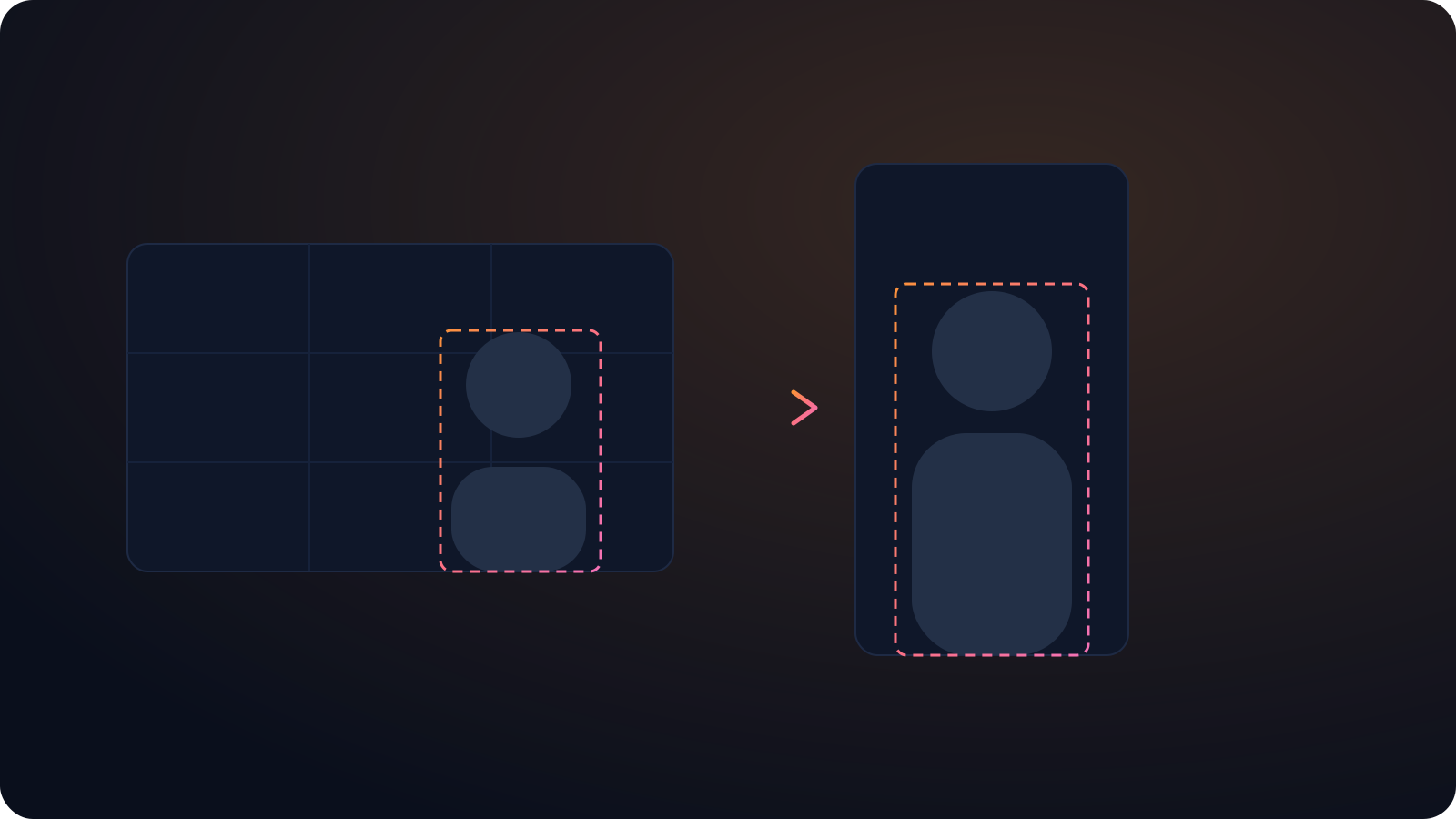
Cliphi watches the stream, finds the moments worth posting, and crops each one to vertical with whoever is talking kept in frame.
- 3
Post to Instagram Reels
Each clip comes out vertical and sized for Reels, with captions on screen and a caption written for you. Share it to Instagram from Cliphi, or download it.
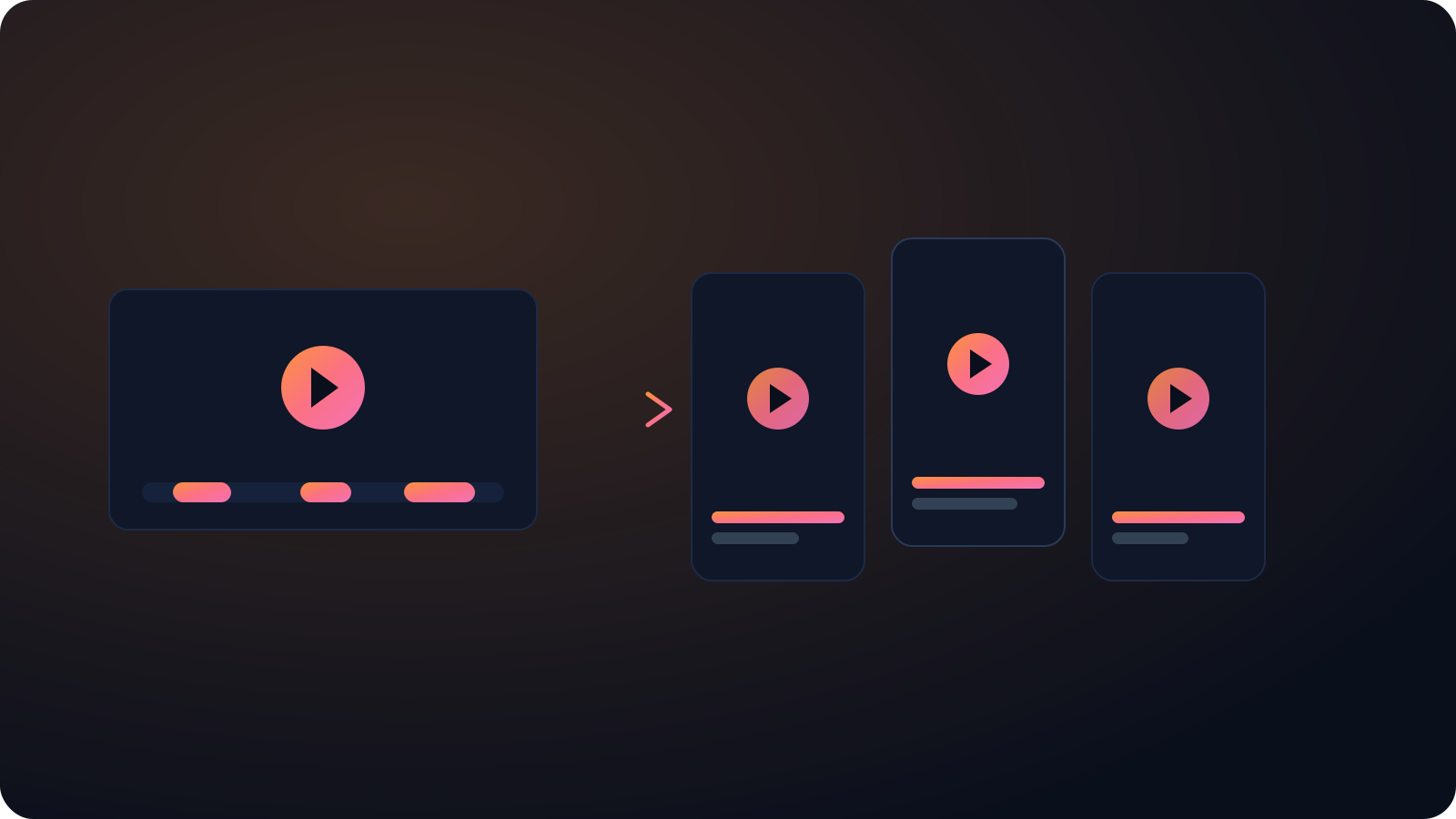
Clips while you are still live
Cliphi processes the broadcast in real time, so a highlight can be cut and posted before the stream has even ended.
No waiting for the VOD
You do not have to wait for the upload to finish processing. The clips are ready close to when the moment actually happened.
Stays clear of the Reels buttons
Cliphi keeps your subject in the safe middle of the frame so the username along the bottom and the buttons up the side never cover the part people came to see.
Made with Cliphi
Real clips, real reach, published to Instagram Reels, Facebook Reels, and YouTube Shorts.
Pull a live moment into Reels
A live broadcast plays out wide on a monitor, but Reels gets watched on a phone, on mute, with the username and buttons covering the edges. The good bit is somewhere in a multi-hour stream nobody's going to rewatch. Cliphi catches it as it happens, crops it tall with your subject and captions kept clear of the interface, so it reads on a silent scroll through the feed.
Clip your YouTube livestream while it is still running
A livestream is where the moment happens live, but by the time you have ended the broadcast, exported the VOD, and started cutting clips, the moment has cooled off. The audience that was buzzing about it has moved on. The whole advantage of streaming live is speed, and clipping by hand the next day throws that away.
Cliphi keeps the speed. Paste your YouTube livestream link while you are on air and it works through the broadcast in real time, finding the moments worth posting and turning each one into a finished vertical clip. The crop keeps whoever is talking in frame, the captions track the audio, and a music bed gets matched to the moment, all without you stopping the stream to do it.
So a highlight from twenty minutes ago can be cut, captioned, and posted while you are still live. Instead of waiting for the VOD and clipping the next day, you ride the moment while people still care about it, and every clip is a door back to the live channel.
Framed around the Reels layout
Reels covers a lot of the screen with its own buttons. The username runs along the bottom and the action icons stack up the right side, so anything near those edges gets hidden. Cliphi keeps your subject and the captions in the safe middle of the frame, so nothing gets lost behind the interface. Reels runs up to ninety seconds, which suits one clean moment rather than a long lead-in.
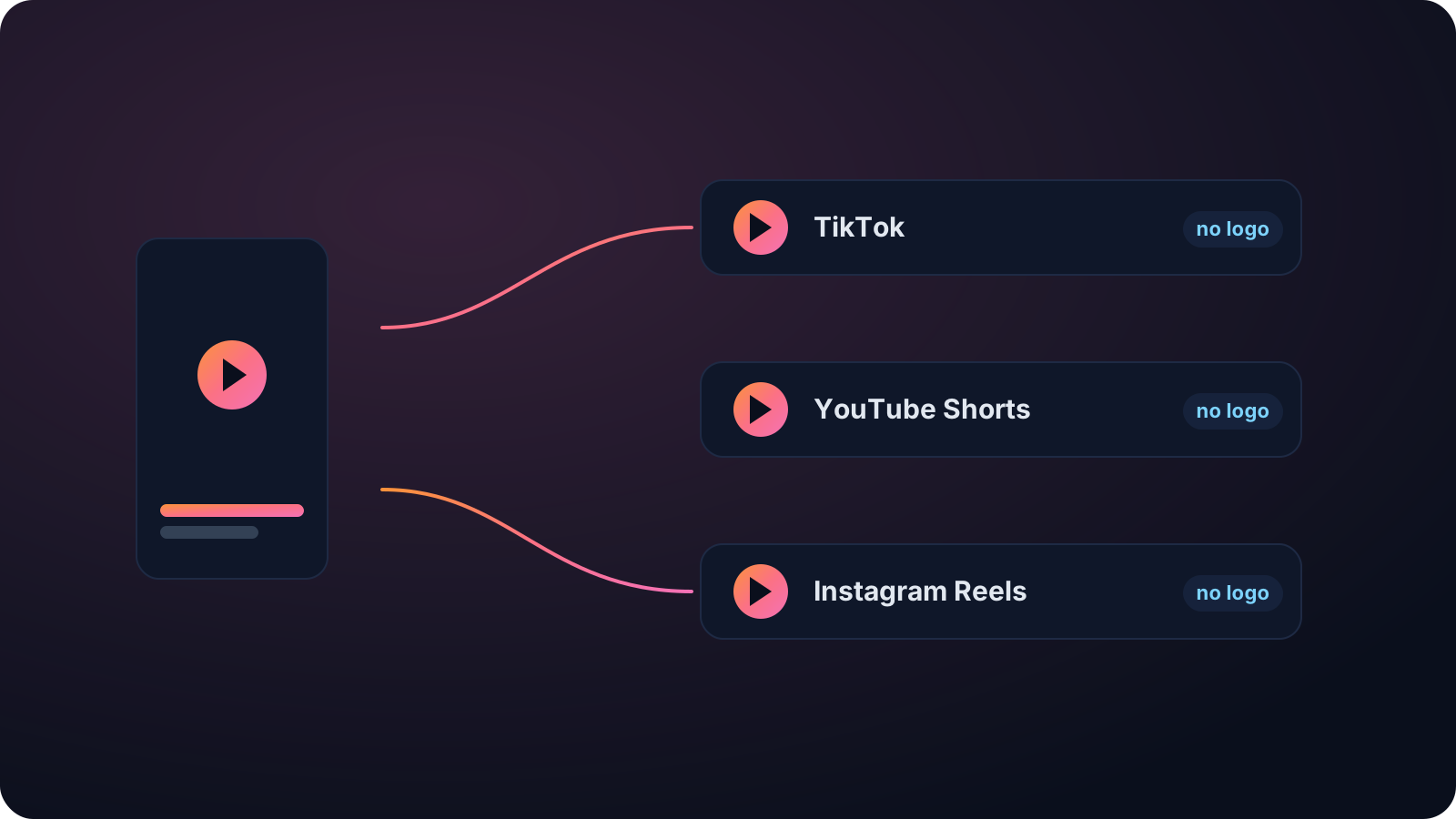
The clip exports with no watermark. That matters on Instagram, because Reels tends to bury clips that carry another app's logo, treating them as reposts. A clean export does not get that treatment, and the caption and hashtags come written for Instagram, ready to paste.
Reels also rewards posting often, so pulling several clips from one source keeps your account active without extra filming. Each clip is a fresh way for someone who has never seen your work to find it.
Keep going with Cliphi
Turn your YouTube livestream into TikToks
Paste a YouTube livestream and Cliphi clips the best moments in real time, crops them to vertical, and adds the captions and music for you.
OpenTurn your YouTube livestream into YouTube Shorts
Paste a YouTube livestream and Cliphi clips the best moments in real time, crops them to vertical, and adds the captions and music for you.
OpenAdd Captions to Instagram Reels
Paste or upload your video and Cliphi adds animated captions, placed to stay clear of the Reels buttons and synced to every word.
OpenFrequently asked questions
Clip your YouTube livestream
Paste a link and get Instagram Reels clips you can post today.
or