Turn your Instagram reels into TikToks
Drop in an Instagram reel or video. Cliphi finds the best moment, crops it to vertical, and adds the captions and music for you.
or
Using video you don't own may violate copyright laws. By continuing, you confirm you have the rights to use this video.
How it works
- 1
Paste your Instagram link
Drop in the link to a reel or video post. Cliphi pulls the video and finds the moment worth keeping.
- 2
AI finds and reframes the moment
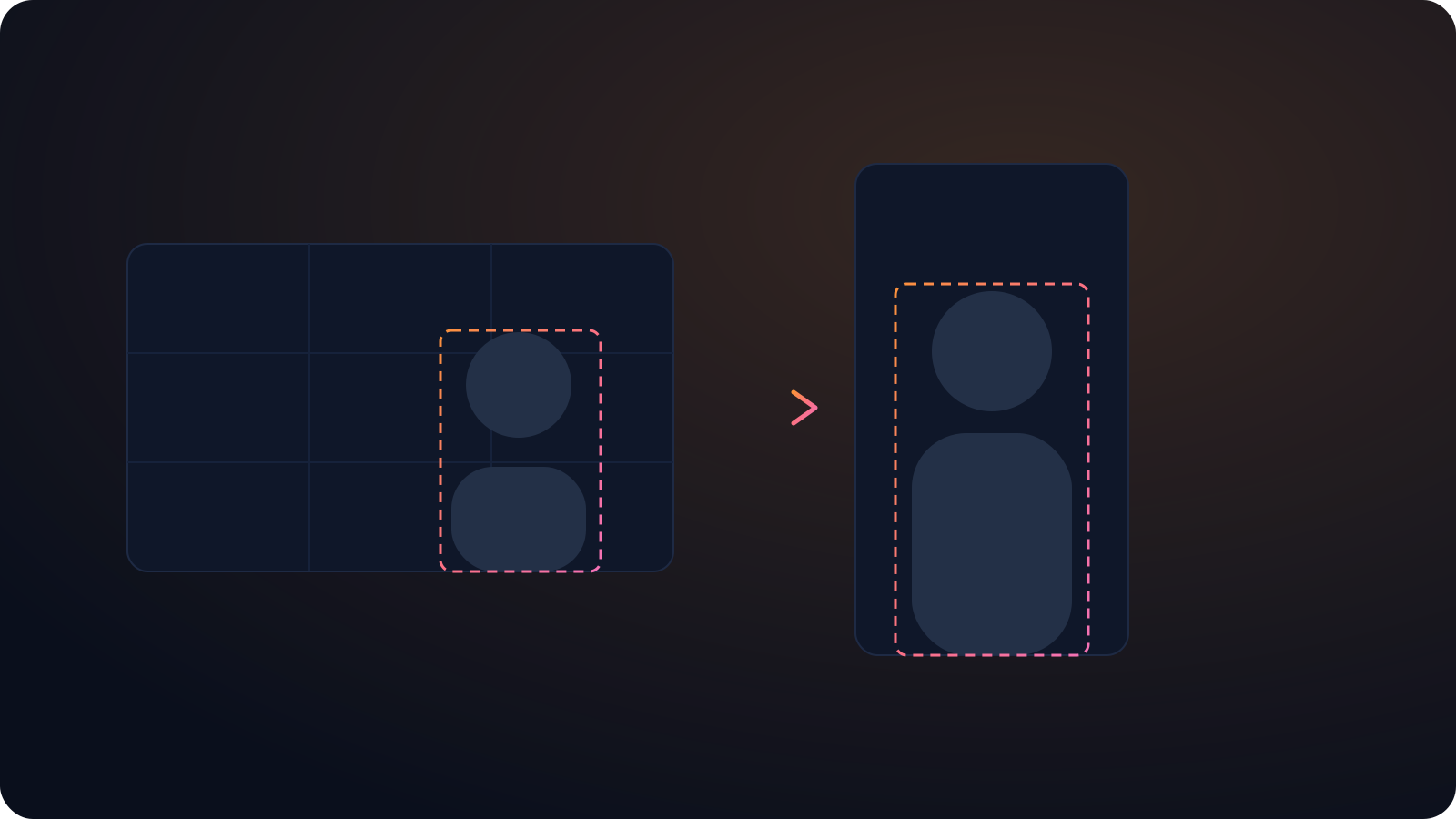
Cliphi crops the best part to a tall frame and keeps the subject centered, so it reads on every feed you move it to.
- 3
Post to TikTok
Each clip comes out vertical with the captions already on screen and a caption written for you. Post it to TikTok from Cliphi, or download it and upload it yourself.

Cross-post without re-editing
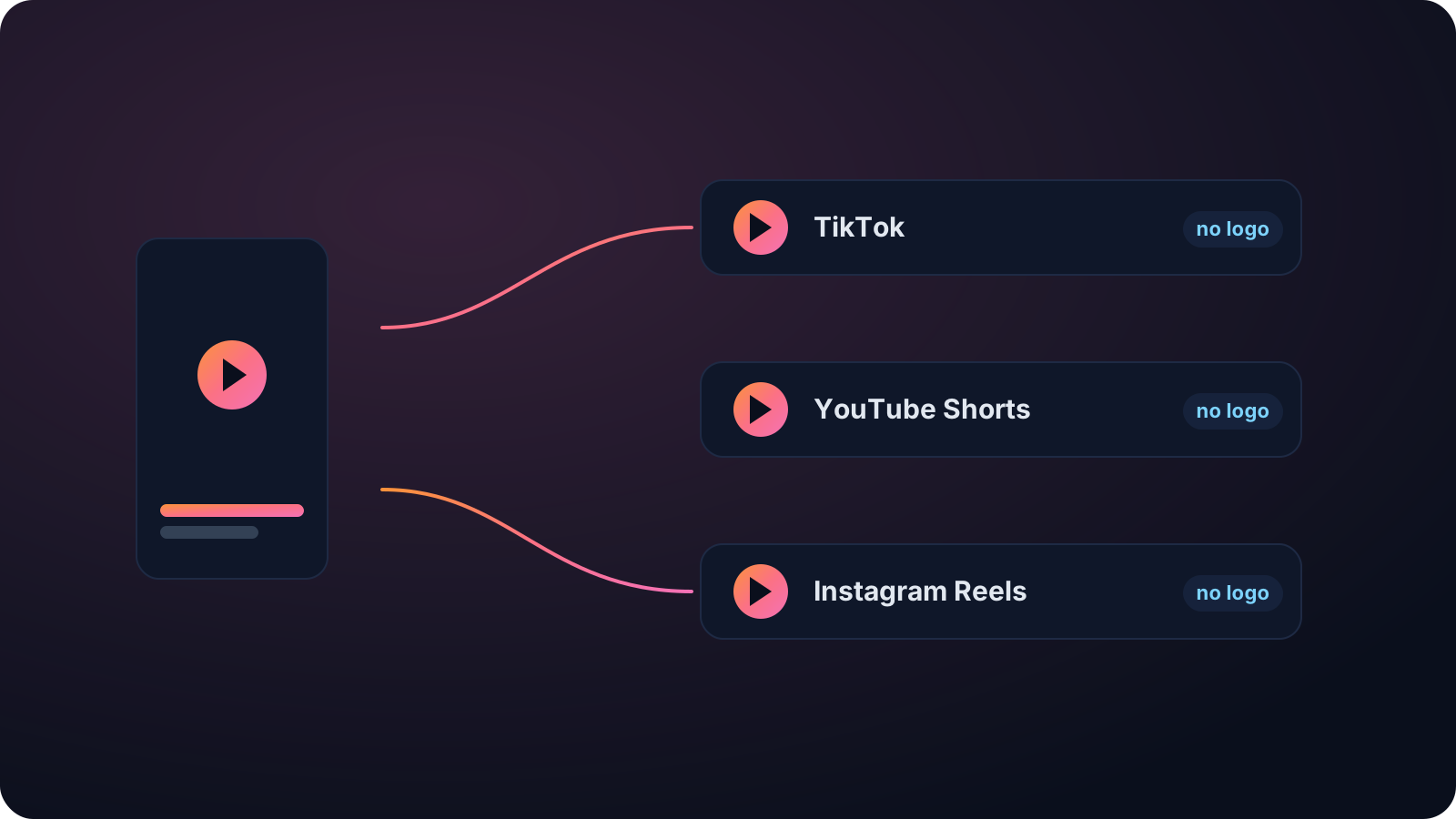
Take a reel that worked on Instagram and move it to TikTok and Shorts in a couple of clicks, captions and all.
No watermark
The export is clean, so the clip does not get treated as a repost on the platform you move it to.
Looks native in the feed
No watermark and no Cliphi branding, captions on by default, and a caption written for TikTok, so the clip looks like something you made, not something you reposted.
Made with Cliphi
Real clips, real reach, published to Instagram Reels, Facebook Reels, and YouTube Shorts.
A Reel rebuilt for the FYP hook
A Reel that did well on Instagram often opens soft, because feed discovery gives it a beat to land. TikTok's For You page won't wait that long. Cliphi trims your Reel to the moment that actually hooks, keeps it vertical, and writes a TikTok caption instead of the Instagram one, so the same clip starts strong where a slow first second would sink it.
Take a reel that worked and put it everywhere
If a reel did well on Instagram, the same moment will usually do well on TikTok and YouTube Shorts. The problem is that cross-posting by hand is fiddly. Saving the video, re-cropping it, and rewriting the caption for each platform is enough friction that most people just leave the reach on Instagram and move on.
Cliphi takes the friction out. Paste a reel or video link and it pulls the video, finds the part worth keeping, and makes a clean vertical clip with captions and a music bed. If you paste a longer Instagram video, it finds the strongest moment instead of making you scrub for it.
The export carries no watermark, which matters because TikTok and other feeds tend to bury clips with another app's logo on them. The caption and hashtags come written for wherever you are posting. So a reel that worked once can go straight to TikTok and Shorts and work again, without you re-editing anything.
Cut for the way TikTok gets watched
TikTok decides fast. If the first second is a slow intro, people are already gone. Cliphi opens on the moment instead of the build-up, puts the captions on screen so the clip works with the sound off, and keeps everything inside the frame so nothing important sits behind the buttons on the right.
You have room to breathe on length. A clip can run seven seconds or a couple of minutes, and TikTok will take up to ten. The caption and hashtags come written for TikTok, so you are not rewriting them every time you post.
There is no watermark and no Cliphi branding on the export, so the clip looks made for TikTok rather than lifted from another app. Pull a handful of clips from one long video and you have enough to post every day, which is the cadence the For You page tends to reward.
Keep going with Cliphi
Turn your Instagram reels into YouTube Shorts
Drop in an Instagram reel or video. Cliphi finds the best moment, crops it to vertical, and adds the captions and music for you.
OpenAdd Captions to a TikTok
Paste or upload your video and Cliphi adds TikTok-style word-pop captions automatically, synced to every word.
OpenFrequently asked questions
Reuse your Instagram reels
Paste a link and get TikTok clips you can post today.
or