# Cliphi — Full Content
> Concatenated Markdown of all indexed Cliphi pages. See https://www.cliphi.com/llms.txt for the index.
---
> Canonical: https://www.cliphi.com
# Cliphi: Long Video to Short Clips
Cliphi turns podcasts, livestreams, and long videos into vertical clips for YouTube Shorts, TikTok, and Instagram Reels. The AI finds the best moments, keeps every speaker in frame, and adds captions and music. Clips come out ready to post.
## What Cliphi does
- **Finds the best moments.** Paste a podcast, gaming session, interview, tutorial, or any long video. Cliphi scans it, finds the most engaging moments, and scores each on viral potential. Livestreams work too, and clips arrive while the stream is still live.
- **Keeps speakers in frame.** Active speaker detection tracks faces frame by frame and frames the talker automatically. Multi-person content gets grid layouts, with smooth cuts between speakers.
- **Captions every word.** Word-by-word animated captions sync to speech, so every clip is watchable on mute. Pick the style, font, color, and position to match your brand.
- **Adds a soundtrack.** Every clip gets an AI-generated instrumental matched to its mood, with ducking that keeps speech clear underneath.
- **Writes the post and posts it.** Each clip comes with a post description and hashtags written for the platform. Post straight to your socials, schedule for later, or download ready to post.
## How it works
1. **Paste a link.** Drop your podcast episode, gaming stream, interview, tutorial, or any long video. You can upload your own file too. Livestreams work, and processing starts while the stream is still live.
2. **AI finds the best moments.** Cliphi scans the video and scores each moment on viral potential. Custom prompts let you hunt for specific kinds of moments.
3. **Get ready-to-post clips.** Each moment becomes a vertical clip with captions, music, speaker tracking, and framing already applied.
4. **Customize if you want.** Trim the timing, adjust the framing, edit captions, swap the music, or add your logo. Or skip this and post as-is.
5. **Post or schedule.** Connect your accounts to post directly or schedule for later, or download each clip to post anywhere.
## Supported sources
YouTube, TikTok, Instagram, Twitch, Kick, X (Twitter), Facebook, Pinterest, and Google Drive, plus livestreams and direct file uploads.
## Aspect ratios
9:16 vertical for TikTok, Reels, and Shorts. 1:1 square for the Instagram feed. 16:9 for YouTube.
## FAQ
### How do I turn my podcast or long video into clips?
Paste any link: a podcast episode, gaming stream, interview, tutorial, or any long video. Cliphi's AI scans it, finds the most engaging moments, and turns each into a ready-to-post vertical clip with animated captions, music, and speaker tracking. Livestreams work too, and processing starts while the stream is still live.
### Can I turn my podcast into TikToks, Reels, and Shorts?
Yes. Paste your podcast's YouTube URL or any long-form video and Cliphi generates vertical 9:16 clips for TikTok, Instagram Reels, and YouTube Shorts. Every clip includes word-by-word captions, background music, and speaker framing.
### How does the AI find the best moments?
Cliphi scans the whole video and looks at speech, energy, and engagement signals. It surfaces the moments most likely to travel and scores each one, so you know what is worth posting first. Custom prompts let you hunt for specific kinds of moments.
### Can I post directly to social media?
Yes. Connect your social account to post clips directly from Cliphi or schedule them for later. You can also download each clip with the right aspect ratio, captions, and post description.
### Do I need to edit the clips manually?
No. Every clip comes ready to post, with captions, music, speaker framing, and a post description already generated. You can polish in the editor if you want, but most creators post clips as generated.
### How long does clip generation take?
Most individual clips render in two to five minutes. Long videos take longer overall, but clips become available as they finish, so you do not have to wait for the full batch.
## Get started
[Try Cliphi](https://www.cliphi.com/)
---
> Canonical: https://www.cliphi.com/tools/twitch-to-tiktok
# Turn your Twitch clips into TikToks
Drop in a Twitch clip or a full VOD. Cliphi pulls out the best moments, crops them to vertical, and adds the captions and music for you.
## How it works
1. **Paste your Twitch link** Drop in a clip, a highlight, or a full past broadcast. Hand it a whole VOD and Cliphi watches the entire thing to find the moments worth posting.
2. **AI finds and reframes the moment** Cliphi spots the plays and the bits your chat went off for, then crops each one to vertical so your facecam and the gameplay both stay in shot.
3. **Post to TikTok** Each clip comes out vertical with the captions already on screen and a caption written for you. Post it to TikTok from Cliphi, or download it and upload it yourself.
## Why Cliphi
- **Your facecam stays in shot** Cliphi follows your face and the action frame by frame, so the part people care about never gets cropped out of the tall frame.
- **Clip while you are still live** Cliphi can work on your broadcast in real time, so a highlight can go up before you have even ended the stream.
- **Looks native in the feed** No watermark and no Cliphi branding, captions on by default, and a caption written for TikTok, so the clip looks like something you made, not something you reposted.
## From a Twitch VOD to the For You page
A Twitch VOD can run six hours, and the one play that would crush on TikTok is buried somewhere around hour three. TikTok's For You page won't wait for it. It judges the first second, so a clip that opens on your loading screen is dead before chat would've reacted. Cliphi digs that play out of the broadcast and starts the clip on the moment itself.
## Going from Twitch to short-form without the editing
Twitch is where the moment happens. Short-form feeds are where people who have never heard of you run into it. The catch is that a Twitch clip is wide and built for a monitor, while short-form is tall and watched on a phone with the sound off. Cropping each clip, re-centering your facecam, and typing out captions by hand is the kind of work that quietly eats the hours you would rather spend live.
Cliphi takes that part off your plate. Paste a clip or a whole VOD and it looks for the moments that tend to land, the clutch play or the line your chat spammed, and turns each one into a finished vertical clip. Your gameplay and your facecam both stay in the tall frame, the captions follow what you are saying, and the music sits under the moment instead of fighting it.
You do not have to clip inside Twitch first either. Paste a single clip when you already know the moment, or let Cliphi find the highlights across a few hours of footage. If you stream live, it can work on the broadcast as it happens, so a good moment can go out while you are still on.
## Cut for the way TikTok gets watched
TikTok decides fast. If the first second is a slow intro, people are already gone. Cliphi opens on the moment instead of the build-up, puts \[the captions on screen\]\(/tools/add-captions-to-tiktok\) so the clip works with the sound off, and \[keeps everything inside the frame\]\(/tools/auto-reframe-video\) so nothing important sits behind the buttons on the right.
You have room to breathe on length. A clip can run seven seconds or a couple of minutes, and TikTok will take up to ten. The caption and hashtags come written for TikTok, so you are not rewriting them every time you post.
There is no watermark and no Cliphi branding on the export, so the clip looks made for TikTok rather than lifted from another app. Pull a handful of clips from one long video and you have enough to post every day, which is the cadence the For You page tends to reward.
## FAQ
### Can I turn an old Twitch broadcast into clips?
Yes. Paste the VOD link and Cliphi watches the whole broadcast, picks the moments worth posting, and makes a vertical clip from each one. You do not have to clip them in Twitch first.
### Will my facecam stay in the shot?
Yes. Cliphi follows your facecam and the on-screen action and keeps them in the tall frame, so the important part does not get cut off.
### Can I clip my stream while I am still live?
Yes. Cliphi can work on your broadcast in real time, so a highlight can be cut, captioned, and posted before the stream ends.
### How long should a TikTok be?
TikTok allows up to ten minutes, but the clips that tend to do well are short and start on the moment. Cliphi trims to the part that matters, so you are not padding with a slow intro.
## Related
- [Twitch → Shorts](https://www.cliphi.com/tools/twitch-to-youtube-shorts.md)
- [Twitch → Reels](https://www.cliphi.com/tools/twitch-to-instagram-reels.md)
- [Add Captions to TikTok](https://www.cliphi.com/tools/add-captions-to-tiktok.md)
## About Cliphi
Clip your Twitch streams. Paste a link and get TikTok clips you can post today.
[Get clips](https://www.cliphi.com/)
---
> Canonical: https://www.cliphi.com/tools/twitch-to-youtube-shorts
# Turn your Twitch clips into YouTube Shorts
Drop in a Twitch clip or a full VOD. Cliphi pulls out the best moments, crops them to vertical, and adds the captions and music for you.
## How it works
1. **Paste your Twitch link** Drop in a clip, a highlight, or a full past broadcast. Hand it a whole VOD and Cliphi watches the entire thing to find the moments worth posting.
2. **AI finds and reframes the moment** Cliphi spots the plays and the bits your chat went off for, then crops each one to vertical so your facecam and the gameplay both stay in shot.
3. **Post to YouTube Shorts** Each clip comes out vertical and inside the Shorts length limit, with captions on screen and a title and description written for you. Post from Cliphi or download it.
## Why Cliphi
- **Your facecam stays in shot** Cliphi follows your face and the action frame by frame, so the part people care about never gets cropped out of the tall frame.
- **Clip while you are still live** Cliphi can work on your broadcast in real time, so a highlight can go up before you have even ended the stream.
- **Keeps working after you post** A written title and description help a Short get found in search and on the Shorts shelf, so it can keep pulling views weeks later instead of dying in a day.
## Turn a Twitch VOD into searchable Shorts
Your Twitch VOD disappears once the stream ends, and the clutch moment inside it goes with it. YouTube Shorts works the other way. A Short keeps surfacing in search and on the shelf for weeks, and the title and description carry real weight there. Cliphi pulls the moment out of the broadcast and writes that text, so a play from last night keeps finding people.
## Going from Twitch to short-form without the editing
Twitch is where the moment happens. Short-form feeds are where people who have never heard of you run into it. The catch is that a Twitch clip is wide and built for a monitor, while short-form is tall and watched on a phone with the sound off. Cropping each clip, re-centering your facecam, and typing out captions by hand is the kind of work that quietly eats the hours you would rather spend live.
Cliphi takes that part off your plate. Paste a clip or a whole VOD and it looks for the moments that tend to land, the clutch play or the line your chat spammed, and turns each one into a finished vertical clip. Your gameplay and your facecam both stay in the tall frame, the captions follow what you are saying, and the music sits under the moment instead of fighting it.
You do not have to clip inside Twitch first either. Paste a single clip when you already know the moment, or let Cliphi find the highlights across a few hours of footage. If you stream live, it can work on the broadcast as it happens, so a good moment can go out while you are still on.
## Sized for the Shorts shelf
Shorts has its own rules. A clip has to be vertical and under three minutes, and the first couple of seconds decide whether someone watches or swipes away. Cliphi opens on the moment, \[keeps the framing tall\]\(/tools/auto-reframe-video\), and \[burns in captions\]\(/tools/add-subtitles-to-youtube-shorts\) so the clip reads even on mute.
YouTube leans on text more than other platforms, so Cliphi writes a title and a description too. That matters because a Short can show up in search and on the shelf long after you post it, and it sits right next to your long-form videos, which makes it an easy way to send people back to the full upload.
Shorts also leans on volume, so a batch of clips from one upload gives you something to post most days without filming anything new. And because the export is clean with no watermark, it does not get quietly pushed down as a repost.
## FAQ
### Can I turn an old Twitch broadcast into clips?
Yes. Paste the VOD link and Cliphi watches the whole broadcast, picks the moments worth posting, and makes a vertical clip from each one. You do not have to clip them in Twitch first.
### Will my facecam stay in the shot?
Yes. Cliphi follows your facecam and the on-screen action and keeps them in the tall frame, so the important part does not get cut off.
### Can I clip my stream while I am still live?
Yes. Cliphi can work on your broadcast in real time, so a highlight can be cut, captioned, and posted before the stream ends.
### How long can a YouTube Short be?
Up to three minutes. Cliphi keeps clips inside that limit and trims to the strongest part, so you are not relying on a slow opening to hold attention.
## Related
- [Twitch → TikTok](https://www.cliphi.com/tools/twitch-to-tiktok.md)
- [Twitch → Reels](https://www.cliphi.com/tools/twitch-to-instagram-reels.md)
- [Add Subtitles to YouTube Shorts](https://www.cliphi.com/tools/add-subtitles-to-youtube-shorts.md)
## About Cliphi
Clip your Twitch streams. Paste a link and get YouTube Shorts clips you can post today.
[Get clips](https://www.cliphi.com/)
---
> Canonical: https://www.cliphi.com/tools/twitch-to-instagram-reels
# Turn your Twitch clips into Instagram Reels
Drop in a Twitch clip or a full VOD. Cliphi pulls out the best moments, crops them to vertical, and adds the captions and music for you.
## How it works
1. **Paste your Twitch link** Drop in a clip, a highlight, or a full past broadcast. Hand it a whole VOD and Cliphi watches the entire thing to find the moments worth posting.
2. **AI finds and reframes the moment** Cliphi spots the plays and the bits your chat went off for, then crops each one to vertical so your facecam and the gameplay both stay in shot.
3. **Post to Instagram Reels** Each clip comes out vertical and sized for Reels, with captions on screen and a caption written for you. Share it to Instagram from Cliphi, or download it.
## Why Cliphi
- **Your facecam stays in shot** Cliphi follows your face and the action frame by frame, so the part people care about never gets cropped out of the tall frame.
- **Clip while you are still live** Cliphi can work on your broadcast in real time, so a highlight can go up before you have even ended the stream.
- **Stays clear of the Reels buttons** Cliphi keeps your subject in the safe middle of the frame so the username along the bottom and the buttons up the side never cover the part people came to see.
## A Twitch moment that survives the Reels layout
On Twitch your facecam and the gameplay both matter, but Reels stacks its buttons up the right side and your username along the bottom, so a careless crop hides half of what made the moment good. Most people also watch Reels on mute. Cliphi keeps your face and the action in the safe middle of the tall frame and captions it, so the play reads with the sound off.
## Going from Twitch to short-form without the editing
Twitch is where the moment happens. Short-form feeds are where people who have never heard of you run into it. The catch is that a Twitch clip is wide and built for a monitor, while short-form is tall and watched on a phone with the sound off. Cropping each clip, re-centering your facecam, and typing out captions by hand is the kind of work that quietly eats the hours you would rather spend live.
Cliphi takes that part off your plate. Paste a clip or a whole VOD and it looks for the moments that tend to land, the clutch play or the line your chat spammed, and turns each one into a finished vertical clip. Your gameplay and your facecam both stay in the tall frame, the captions follow what you are saying, and the music sits under the moment instead of fighting it.
You do not have to clip inside Twitch first either. Paste a single clip when you already know the moment, or let Cliphi find the highlights across a few hours of footage. If you stream live, it can work on the broadcast as it happens, so a good moment can go out while you are still on.
## Framed around the Reels layout
Reels covers a lot of the screen with its own buttons. The username runs along the bottom and the action icons stack up the right side, so anything near those edges gets hidden. Cliphi \[keeps your subject\]\(/tools/auto-reframe-video\) and \[the captions\]\(/tools/add-captions-to-instagram-reels\) in the safe middle of the frame, so nothing gets lost behind the interface. Reels runs up to ninety seconds, which suits one clean moment rather than a long lead-in.
The clip exports with no watermark. That matters on Instagram, because Reels tends to bury clips that carry another app's logo, treating them as reposts. A clean export does not get that treatment, and the caption and hashtags come written for Instagram, ready to paste.
Reels also rewards posting often, so pulling several clips from one source keeps your account active without extra filming. Each clip is a fresh way for someone who has never seen your work to find it.
## FAQ
### Can I turn an old Twitch broadcast into clips?
Yes. Paste the VOD link and Cliphi watches the whole broadcast, picks the moments worth posting, and makes a vertical clip from each one. You do not have to clip them in Twitch first.
### Will my facecam stay in the shot?
Yes. Cliphi follows your facecam and the on-screen action and keeps them in the tall frame, so the important part does not get cut off.
### Can I clip my stream while I am still live?
Yes. Cliphi can work on your broadcast in real time, so a highlight can be cut, captioned, and posted before the stream ends.
### Why do my reposted clips get fewer views on Reels?
Instagram tends to push down clips that carry another app's watermark, because it reads them as reposts. Cliphi exports a clean clip with no branding, so it is not treated that way.
## Related
- [Twitch → TikTok](https://www.cliphi.com/tools/twitch-to-tiktok.md)
- [Twitch → Shorts](https://www.cliphi.com/tools/twitch-to-youtube-shorts.md)
- [Add Captions to Instagram Reels](https://www.cliphi.com/tools/add-captions-to-instagram-reels.md)
## About Cliphi
Clip your Twitch streams. Paste a link and get Instagram Reels clips you can post today.
[Get clips](https://www.cliphi.com/)
---
> Canonical: https://www.cliphi.com/tools/kick-to-tiktok
# Turn your Kick streams into TikToks
Drop in a Kick stream or clip. Cliphi pulls out the best moments, crops them to vertical, and adds the captions and music for you.
## How it works
1. **Paste your Kick link** Drop in a clip or a full past broadcast. Hand Cliphi a whole stream and it watches the lot to find the moments worth posting.
2. **AI finds and reframes the moment** Cliphi spots the plays and the reactions chat blew up over, then crops each one to vertical so your camera and the action both stay in shot.
3. **Post to TikTok** Each clip comes out vertical with the captions already on screen and a caption written for you. Post it to TikTok from Cliphi, or download it and upload it yourself.
## Why Cliphi
- **Built for a newer platform** Most clipping tools still ignore Kick. Cliphi treats it as a first-class source, so you can repurpose a stream the same day it goes out.
- **Clip while you are still live** Cliphi can work on your broadcast in real time, so a highlight can go up before you have ended the stream.
- **Looks native in the feed** No watermark and no Cliphi branding, captions on by default, and a caption written for TikTok, so the clip looks like something you made, not something you reposted.
## A Kick stream, cut for the For You page
Kick streams run long and lean into gaming and IRL, where the reaction that pops happens once and then it's gone in the scroll-back. TikTok's For You page rewards a clip that lands its hook in the first second, not a slow climb into the bit. Cliphi finds that reaction across the broadcast and opens the clip right on it, so it hits before anyone swipes.
## Repurpose your Kick streams while they are still fresh
Kick has pulled in a wave of streamers fast, but the short-form tooling around it has not caught up. Most clippers were built for YouTube and Twitch, so Kick creators end up cropping and captioning by hand, or they skip repurposing and leave the reach on the table. The moments that pop on TikTok and Reels are usually buried somewhere in a long Kick broadcast, and digging them out by hand is the part nobody has time for.
Cliphi treats Kick as a first-class source. Paste a clip when you already know the moment, or a full stream when you want it to find the highlights across a few hours of footage. Either way you get finished vertical clips. The crop keeps your camera and the gameplay in the tall frame, the captions track what you are saying, and the music sits under the moment instead of fighting it.
Because it can also work on a broadcast in real time, you do not have to wait until you are offline. A highlight from tonight can be cut, captioned, and posted while you are still on, which is the fastest way to turn a Kick moment into reach somewhere else.
## Cut for the way TikTok gets watched
TikTok decides fast. If the first second is a slow intro, people are already gone. Cliphi opens on the moment instead of the build-up, puts \[the captions on screen\]\(/tools/add-captions-to-tiktok\) so the clip works with the sound off, and \[keeps everything inside the frame\]\(/tools/auto-reframe-video\) so nothing important sits behind the buttons on the right.
You have room to breathe on length. A clip can run seven seconds or a couple of minutes, and TikTok will take up to ten. The caption and hashtags come written for TikTok, so you are not rewriting them every time you post.
There is no watermark and no Cliphi branding on the export, so the clip looks made for TikTok rather than lifted from another app. Pull a handful of clips from one long video and you have enough to post every day, which is the cadence the For You page tends to reward.
## FAQ
### Can I turn a Kick VOD into clips?
Yes. Paste the past broadcast link and Cliphi watches the whole thing, picks the moments worth posting, and makes a vertical clip from each. You do not have to clip them on Kick first.
### Does Cliphi work with Kick clips and full streams?
Both. Paste a single clip when you already know the moment, or a full stream when you want the AI to find the highlights across the session.
### Can I clip my Kick stream while I am live?
Yes. Cliphi can process your broadcast in real time, so a highlight can be cut, captioned, and posted before the stream ends.
### How long should a TikTok be?
TikTok allows up to ten minutes, but the clips that tend to do well are short and start on the moment. Cliphi trims to the part that matters, so you are not padding with a slow intro.
## Related
- [Kick → Shorts](https://www.cliphi.com/tools/kick-to-youtube-shorts.md)
- [Kick → Reels](https://www.cliphi.com/tools/kick-to-instagram-reels.md)
- [Add Captions to TikTok](https://www.cliphi.com/tools/add-captions-to-tiktok.md)
## About Cliphi
Clip your Kick streams. Paste a link and get TikTok clips you can post today.
[Get clips](https://www.cliphi.com/)
---
> Canonical: https://www.cliphi.com/tools/kick-to-youtube-shorts
# Turn your Kick streams into YouTube Shorts
Drop in a Kick stream or clip. Cliphi pulls out the best moments, crops them to vertical, and adds the captions and music for you.
## How it works
1. **Paste your Kick link** Drop in a clip or a full past broadcast. Hand Cliphi a whole stream and it watches the lot to find the moments worth posting.
2. **AI finds and reframes the moment** Cliphi spots the plays and the reactions chat blew up over, then crops each one to vertical so your camera and the action both stay in shot.
3. **Post to YouTube Shorts** Each clip comes out vertical and inside the Shorts length limit, with captions on screen and a title and description written for you. Post from Cliphi or download it.
## Why Cliphi
- **Built for a newer platform** Most clipping tools still ignore Kick. Cliphi treats it as a first-class source, so you can repurpose a stream the same day it goes out.
- **Clip while you are still live** Cliphi can work on your broadcast in real time, so a highlight can go up before you have ended the stream.
- **Keeps working after you post** A written title and description help a Short get found in search and on the Shorts shelf, so it can keep pulling views weeks later instead of dying in a day.
## Put your Kick streams where they get found
Kick is built around the live moment, so almost nothing from a stream ends up anywhere it can be discovered later. YouTube Shorts is the opposite. It surfaces clips in search and pushes them to your subscribers, and the title and description do a lot of the lifting. Cliphi pulls the highlight out of a long Kick stream and writes that text, so it keeps working long after you log off.
## Repurpose your Kick streams while they are still fresh
Kick has pulled in a wave of streamers fast, but the short-form tooling around it has not caught up. Most clippers were built for YouTube and Twitch, so Kick creators end up cropping and captioning by hand, or they skip repurposing and leave the reach on the table. The moments that pop on TikTok and Reels are usually buried somewhere in a long Kick broadcast, and digging them out by hand is the part nobody has time for.
Cliphi treats Kick as a first-class source. Paste a clip when you already know the moment, or a full stream when you want it to find the highlights across a few hours of footage. Either way you get finished vertical clips. The crop keeps your camera and the gameplay in the tall frame, the captions track what you are saying, and the music sits under the moment instead of fighting it.
Because it can also work on a broadcast in real time, you do not have to wait until you are offline. A highlight from tonight can be cut, captioned, and posted while you are still on, which is the fastest way to turn a Kick moment into reach somewhere else.
## Sized for the Shorts shelf
Shorts has its own rules. A clip has to be vertical and under three minutes, and the first couple of seconds decide whether someone watches or swipes away. Cliphi opens on the moment, \[keeps the framing tall\]\(/tools/auto-reframe-video\), and \[burns in captions\]\(/tools/add-subtitles-to-youtube-shorts\) so the clip reads even on mute.
YouTube leans on text more than other platforms, so Cliphi writes a title and a description too. That matters because a Short can show up in search and on the shelf long after you post it, and it sits right next to your long-form videos, which makes it an easy way to send people back to the full upload.
Shorts also leans on volume, so a batch of clips from one upload gives you something to post most days without filming anything new. And because the export is clean with no watermark, it does not get quietly pushed down as a repost.
## FAQ
### Can I turn a Kick VOD into clips?
Yes. Paste the past broadcast link and Cliphi watches the whole thing, picks the moments worth posting, and makes a vertical clip from each. You do not have to clip them on Kick first.
### Does Cliphi work with Kick clips and full streams?
Both. Paste a single clip when you already know the moment, or a full stream when you want the AI to find the highlights across the session.
### Can I clip my Kick stream while I am live?
Yes. Cliphi can process your broadcast in real time, so a highlight can be cut, captioned, and posted before the stream ends.
### How long can a YouTube Short be?
Up to three minutes. Cliphi keeps clips inside that limit and trims to the strongest part, so you are not relying on a slow opening to hold attention.
## Related
- [Kick → TikTok](https://www.cliphi.com/tools/kick-to-tiktok.md)
- [Kick → Reels](https://www.cliphi.com/tools/kick-to-instagram-reels.md)
- [Add Subtitles to YouTube Shorts](https://www.cliphi.com/tools/add-subtitles-to-youtube-shorts.md)
## About Cliphi
Clip your Kick streams. Paste a link and get YouTube Shorts clips you can post today.
[Get clips](https://www.cliphi.com/)
---
> Canonical: https://www.cliphi.com/tools/kick-to-instagram-reels
# Turn your Kick streams into Instagram Reels
Drop in a Kick stream or clip. Cliphi pulls out the best moments, crops them to vertical, and adds the captions and music for you.
## How it works
1. **Paste your Kick link** Drop in a clip or a full past broadcast. Hand Cliphi a whole stream and it watches the lot to find the moments worth posting.
2. **AI finds and reframes the moment** Cliphi spots the plays and the reactions chat blew up over, then crops each one to vertical so your camera and the action both stay in shot.
3. **Post to Instagram Reels** Each clip comes out vertical and sized for Reels, with captions on screen and a caption written for you. Share it to Instagram from Cliphi, or download it.
## Why Cliphi
- **Built for a newer platform** Most clipping tools still ignore Kick. Cliphi treats it as a first-class source, so you can repurpose a stream the same day it goes out.
- **Clip while you are still live** Cliphi can work on your broadcast in real time, so a highlight can go up before you have ended the stream.
- **Stays clear of the Reels buttons** Cliphi keeps your subject in the safe middle of the frame so the username along the bottom and the buttons up the side never cover the part people came to see.
## Move a Kick highlight into the Reels feed
A Kick stream is wide and made for a monitor, full of gaming and IRL moments people never see unless they were live. Reels is feed discovery, watched on mute, with buttons crowding the edges of the frame. Cliphi crops the highlight to a tall 9:16 with your camera kept clear of those buttons and burns in captions, so it lands for someone scrolling with the sound down.
## Repurpose your Kick streams while they are still fresh
Kick has pulled in a wave of streamers fast, but the short-form tooling around it has not caught up. Most clippers were built for YouTube and Twitch, so Kick creators end up cropping and captioning by hand, or they skip repurposing and leave the reach on the table. The moments that pop on TikTok and Reels are usually buried somewhere in a long Kick broadcast, and digging them out by hand is the part nobody has time for.
Cliphi treats Kick as a first-class source. Paste a clip when you already know the moment, or a full stream when you want it to find the highlights across a few hours of footage. Either way you get finished vertical clips. The crop keeps your camera and the gameplay in the tall frame, the captions track what you are saying, and the music sits under the moment instead of fighting it.
Because it can also work on a broadcast in real time, you do not have to wait until you are offline. A highlight from tonight can be cut, captioned, and posted while you are still on, which is the fastest way to turn a Kick moment into reach somewhere else.
## Framed around the Reels layout
Reels covers a lot of the screen with its own buttons. The username runs along the bottom and the action icons stack up the right side, so anything near those edges gets hidden. Cliphi \[keeps your subject\]\(/tools/auto-reframe-video\) and \[the captions\]\(/tools/add-captions-to-instagram-reels\) in the safe middle of the frame, so nothing gets lost behind the interface. Reels runs up to ninety seconds, which suits one clean moment rather than a long lead-in.
The clip exports with no watermark. That matters on Instagram, because Reels tends to bury clips that carry another app's logo, treating them as reposts. A clean export does not get that treatment, and the caption and hashtags come written for Instagram, ready to paste.
Reels also rewards posting often, so pulling several clips from one source keeps your account active without extra filming. Each clip is a fresh way for someone who has never seen your work to find it.
## FAQ
### Can I turn a Kick VOD into clips?
Yes. Paste the past broadcast link and Cliphi watches the whole thing, picks the moments worth posting, and makes a vertical clip from each. You do not have to clip them on Kick first.
### Does Cliphi work with Kick clips and full streams?
Both. Paste a single clip when you already know the moment, or a full stream when you want the AI to find the highlights across the session.
### Can I clip my Kick stream while I am live?
Yes. Cliphi can process your broadcast in real time, so a highlight can be cut, captioned, and posted before the stream ends.
### Why do my reposted clips get fewer views on Reels?
Instagram tends to push down clips that carry another app's watermark, because it reads them as reposts. Cliphi exports a clean clip with no branding, so it is not treated that way.
## Related
- [Kick → TikTok](https://www.cliphi.com/tools/kick-to-tiktok.md)
- [Kick → Shorts](https://www.cliphi.com/tools/kick-to-youtube-shorts.md)
- [Add Captions to Instagram Reels](https://www.cliphi.com/tools/add-captions-to-instagram-reels.md)
## About Cliphi
Clip your Kick streams. Paste a link and get Instagram Reels clips you can post today.
[Get clips](https://www.cliphi.com/)
---
> Canonical: https://www.cliphi.com/tools/youtube-to-tiktok
# Turn your YouTube videos into TikToks
Drop in any YouTube video or livestream. Cliphi finds the best moments, crops them to vertical, and adds the captions and music for you.
## How it works
1. **Paste your YouTube link** Drop in any video, long or short, or a livestream. A two-hour upload is fine. Cliphi watches the whole thing and finds the moments worth posting.
2. **AI finds and reframes the moment** Cliphi scores each moment on how likely it is to travel, then crops the best ones to vertical and keeps whoever is talking in frame.
3. **Post to TikTok** Each clip comes out vertical with the captions already on screen and a caption written for you. Post it to TikTok from Cliphi, or download it and upload it yourself.
## Why Cliphi
- **Any length, any topic** Podcasts, interviews, tutorials, gameplay, vlogs. Paste a long video and Cliphi pulls a batch of clips out of it, each one ready to post.
- **Speakers stay in frame** Active speaker detection follows whoever is talking and cuts between people, so interviews and panels look edited rather than cropped.
- **Looks native in the feed** No watermark and no Cliphi branding, captions on by default, and a caption written for TikTok, so the clip looks like something you made, not something you reposted.
## Mine a long YouTube video for TikToks
A long YouTube upload, a talk or a tutorial or a podcast, usually has a few lines that would do real numbers as standalone clips. The trouble is the TikTok For You page gives you about a second before someone swipes, and a forty-minute video doesn't hand you a one-second hook. Cliphi scores the moments most likely to travel and opens each clip on the line itself, not the setup around it.
## Get a week of clips out of one YouTube video
Most channels are sitting on a back catalogue of long videos that never get a second life. Each upload has a handful of moments that would do well as a short, but finding them means scrubbing the whole thing, then cropping to vertical, cutting between speakers, and captioning each clip by hand. That is hours of work for content you already made, so it usually does not happen.
Cliphi does that pass for you. Paste any YouTube link, long or short, and it watches the whole video, scores the moments most likely to travel, and turns the best ones into finished vertical clips. You are choosing from a ranked shortlist instead of guessing which forty seconds to cut. Captions track the speech, the framing follows whoever is talking, and a music bed gets matched to the moment.
It works on livestreams too, and can process them in real time, so a highlight from a live broadcast can go out while the stream is still running. One long video turns into a steady run of posts for TikTok, Reels, and Shorts, without re-editing anything.
## Cut for the way TikTok gets watched
TikTok decides fast. If the first second is a slow intro, people are already gone. Cliphi opens on the moment instead of the build-up, puts \[the captions on screen\]\(/tools/add-captions-to-tiktok\) so the clip works with the sound off, and \[keeps everything inside the frame\]\(/tools/auto-reframe-video\) so nothing important sits behind the buttons on the right.
You have room to breathe on length. A clip can run seven seconds or a couple of minutes, and TikTok will take up to ten. The caption and hashtags come written for TikTok, so you are not rewriting them every time you post.
There is no watermark and no Cliphi branding on the export, so the clip looks made for TikTok rather than lifted from another app. Pull a handful of clips from one long video and you have enough to post every day, which is the cadence the For You page tends to reward.
## FAQ
### Can I make shorts from a long YouTube video?
Yes. Paste the video link, even a two-hour one, and Cliphi finds the strongest moments and turns each into a vertical clip with captions and music.
### Does it work with YouTube livestreams?
Yes. Cliphi can process a livestream in real time, so clips can go out while the stream is still live.
### How many clips do I get from one video?
It depends on the video, but a long one usually yields a batch. Each moment is scored on potential so you can post the strongest first.
### How long should a TikTok be?
TikTok allows up to ten minutes, but the clips that tend to do well are short and start on the moment. Cliphi trims to the part that matters, so you are not padding with a slow intro.
## Related
- [YouTube → Shorts](https://www.cliphi.com/tools/youtube-to-youtube-shorts.md)
- [YouTube → Reels](https://www.cliphi.com/tools/youtube-to-instagram-reels.md)
- [Add Captions to TikTok](https://www.cliphi.com/tools/add-captions-to-tiktok.md)
## About Cliphi
Clip your YouTube videos. Paste a link and get TikTok clips you can post today.
[Get clips](https://www.cliphi.com/)
---
> Canonical: https://www.cliphi.com/tools/youtube-to-youtube-shorts
# Turn your YouTube videos into YouTube Shorts
Drop in any YouTube video or livestream. Cliphi finds the best moments, crops them to vertical, and adds the captions and music for you.
## How it works
1. **Paste your YouTube link** Drop in any video, long or short, or a livestream. A two-hour upload is fine. Cliphi watches the whole thing and finds the moments worth posting.
2. **AI finds and reframes the moment** Cliphi scores each moment on how likely it is to travel, then crops the best ones to vertical and keeps whoever is talking in frame.
3. **Post to YouTube Shorts** Each clip comes out vertical and inside the Shorts length limit, with captions on screen and a title and description written for you. Post from Cliphi or download it.
## Why Cliphi
- **Any length, any topic** Podcasts, interviews, tutorials, gameplay, vlogs. Paste a long video and Cliphi pulls a batch of clips out of it, each one ready to post.
- **Speakers stay in frame** Active speaker detection follows whoever is talking and cuts between people, so interviews and panels look edited rather than cropped.
- **Keeps working after you post** A written title and description help a Short get found in search and on the Shorts shelf, so it can keep pulling views weeks later instead of dying in a day.
## Feed your long videos back as Shorts
You already uploaded the long video, so the moments are sitting there. Shorts is the natural place to surface them, because a Short shows up in YouTube search and right beside your full uploads, which makes it a clean path back to the original. Cliphi pulls the strongest moments and writes a title and description for each, so a Short can also point viewers to the video it came from.
## Get a week of clips out of one YouTube video
Most channels are sitting on a back catalogue of long videos that never get a second life. Each upload has a handful of moments that would do well as a short, but finding them means scrubbing the whole thing, then cropping to vertical, cutting between speakers, and captioning each clip by hand. That is hours of work for content you already made, so it usually does not happen.
Cliphi does that pass for you. Paste any YouTube link, long or short, and it watches the whole video, scores the moments most likely to travel, and turns the best ones into finished vertical clips. You are choosing from a ranked shortlist instead of guessing which forty seconds to cut. Captions track the speech, the framing follows whoever is talking, and a music bed gets matched to the moment.
It works on livestreams too, and can process them in real time, so a highlight from a live broadcast can go out while the stream is still running. One long video turns into a steady run of posts for TikTok, Reels, and Shorts, without re-editing anything.
## Sized for the Shorts shelf
Shorts has its own rules. A clip has to be vertical and under three minutes, and the first couple of seconds decide whether someone watches or swipes away. Cliphi opens on the moment, \[keeps the framing tall\]\(/tools/auto-reframe-video\), and \[burns in captions\]\(/tools/add-subtitles-to-youtube-shorts\) so the clip reads even on mute.
YouTube leans on text more than other platforms, so Cliphi writes a title and a description too. That matters because a Short can show up in search and on the shelf long after you post it, and it sits right next to your long-form videos, which makes it an easy way to send people back to the full upload.
Shorts also leans on volume, so a batch of clips from one upload gives you something to post most days without filming anything new. And because the export is clean with no watermark, it does not get quietly pushed down as a repost.
## FAQ
### Can I make shorts from a long YouTube video?
Yes. Paste the video link, even a two-hour one, and Cliphi finds the strongest moments and turns each into a vertical clip with captions and music.
### Does it work with YouTube livestreams?
Yes. Cliphi can process a livestream in real time, so clips can go out while the stream is still live.
### How many clips do I get from one video?
It depends on the video, but a long one usually yields a batch. Each moment is scored on potential so you can post the strongest first.
### How long can a YouTube Short be?
Up to three minutes. Cliphi keeps clips inside that limit and trims to the strongest part, so you are not relying on a slow opening to hold attention.
## Related
- [YouTube → TikTok](https://www.cliphi.com/tools/youtube-to-tiktok.md)
- [YouTube → Reels](https://www.cliphi.com/tools/youtube-to-instagram-reels.md)
- [Add Subtitles to YouTube Shorts](https://www.cliphi.com/tools/add-subtitles-to-youtube-shorts.md)
## About Cliphi
Clip your YouTube videos. Paste a link and get YouTube Shorts clips you can post today.
[Get clips](https://www.cliphi.com/)
---
> Canonical: https://www.cliphi.com/tools/youtube-to-instagram-reels
# Turn your YouTube videos into Instagram Reels
Drop in any YouTube video or livestream. Cliphi finds the best moments, crops them to vertical, and adds the captions and music for you.
## How it works
1. **Paste your YouTube link** Drop in any video, long or short, or a livestream. A two-hour upload is fine. Cliphi watches the whole thing and finds the moments worth posting.
2. **AI finds and reframes the moment** Cliphi scores each moment on how likely it is to travel, then crops the best ones to vertical and keeps whoever is talking in frame.
3. **Post to Instagram Reels** Each clip comes out vertical and sized for Reels, with captions on screen and a caption written for you. Share it to Instagram from Cliphi, or download it.
## Why Cliphi
- **Any length, any topic** Podcasts, interviews, tutorials, gameplay, vlogs. Paste a long video and Cliphi pulls a batch of clips out of it, each one ready to post.
- **Speakers stay in frame** Active speaker detection follows whoever is talking and cuts between people, so interviews and panels look edited rather than cropped.
- **Stays clear of the Reels buttons** Cliphi keeps your subject in the safe middle of the frame so the username along the bottom and the buttons up the side never cover the part people came to see.
## Take a YouTube moment to the Reels feed
A YouTube video is wide and made to be watched with sound, often a tutorial or interview where the speaker is the whole point. Reels is the opposite end. It's feed discovery, watched on mute, with interface stacked up the sides. Cliphi finds the moment in the long video, keeps whoever is talking centered away from the Reels buttons, and captions it so it reads silently as someone scrolls past.
## Get a week of clips out of one YouTube video
Most channels are sitting on a back catalogue of long videos that never get a second life. Each upload has a handful of moments that would do well as a short, but finding them means scrubbing the whole thing, then cropping to vertical, cutting between speakers, and captioning each clip by hand. That is hours of work for content you already made, so it usually does not happen.
Cliphi does that pass for you. Paste any YouTube link, long or short, and it watches the whole video, scores the moments most likely to travel, and turns the best ones into finished vertical clips. You are choosing from a ranked shortlist instead of guessing which forty seconds to cut. Captions track the speech, the framing follows whoever is talking, and a music bed gets matched to the moment.
It works on livestreams too, and can process them in real time, so a highlight from a live broadcast can go out while the stream is still running. One long video turns into a steady run of posts for TikTok, Reels, and Shorts, without re-editing anything.
## Framed around the Reels layout
Reels covers a lot of the screen with its own buttons. The username runs along the bottom and the action icons stack up the right side, so anything near those edges gets hidden. Cliphi \[keeps your subject\]\(/tools/auto-reframe-video\) and \[the captions\]\(/tools/add-captions-to-instagram-reels\) in the safe middle of the frame, so nothing gets lost behind the interface. Reels runs up to ninety seconds, which suits one clean moment rather than a long lead-in.
The clip exports with no watermark. That matters on Instagram, because Reels tends to bury clips that carry another app's logo, treating them as reposts. A clean export does not get that treatment, and the caption and hashtags come written for Instagram, ready to paste.
Reels also rewards posting often, so pulling several clips from one source keeps your account active without extra filming. Each clip is a fresh way for someone who has never seen your work to find it.
## FAQ
### Can I make shorts from a long YouTube video?
Yes. Paste the video link, even a two-hour one, and Cliphi finds the strongest moments and turns each into a vertical clip with captions and music.
### Does it work with YouTube livestreams?
Yes. Cliphi can process a livestream in real time, so clips can go out while the stream is still live.
### How many clips do I get from one video?
It depends on the video, but a long one usually yields a batch. Each moment is scored on potential so you can post the strongest first.
### Why do my reposted clips get fewer views on Reels?
Instagram tends to push down clips that carry another app's watermark, because it reads them as reposts. Cliphi exports a clean clip with no branding, so it is not treated that way.
## Related
- [YouTube → TikTok](https://www.cliphi.com/tools/youtube-to-tiktok.md)
- [YouTube → Shorts](https://www.cliphi.com/tools/youtube-to-youtube-shorts.md)
- [Add Captions to Instagram Reels](https://www.cliphi.com/tools/add-captions-to-instagram-reels.md)
## About Cliphi
Clip your YouTube videos. Paste a link and get Instagram Reels clips you can post today.
[Get clips](https://www.cliphi.com/)
---
> Canonical: https://www.cliphi.com/tools/youtube-livestream-to-tiktok
# Turn your YouTube livestream into TikToks
Paste a YouTube livestream and Cliphi clips the best moments in real time, crops them to vertical, and adds the captions and music for you.
## How it works
1. **Paste your livestream link** Drop in the link to a YouTube live broadcast while it is running, or a stream that has just ended. Cliphi starts working through it for you.
2. **AI clips the best moments as they happen** Cliphi watches the stream, finds the moments worth posting, and crops each one to vertical with whoever is talking kept in frame.
3. **Post to TikTok** Each clip comes out vertical with the captions already on screen and a caption written for you. Post it to TikTok from Cliphi, or download it and upload it yourself.
## Why Cliphi
- **Clips while you are still live** Cliphi processes the broadcast in real time, so a highlight can be cut and posted before the stream has even ended.
- **No waiting for the VOD** You do not have to wait for the upload to finish processing. The clips are ready close to when the moment actually happened.
- **Looks native in the feed** No watermark and no Cliphi branding, captions on by default, and a caption written for TikTok, so the clip looks like something you made, not something you reposted.
## From live stream to the For You page
A live stream can run for hours, and the moment that would crush on TikTok is buried somewhere in the middle of it. TikTok's For You page is brutal about the first second, so a clip that opens on dead air or setup is gone before anyone watches. Cliphi finds those buried moments while you're still on air and opens each clip right on the line that lands.
## Clip your YouTube livestream while it is still running
A livestream is where the moment happens live, but by the time you have ended the broadcast, exported the VOD, and started cutting clips, the moment has cooled off. The audience that was buzzing about it has moved on. The whole advantage of streaming live is speed, and clipping by hand the next day throws that away.
Cliphi keeps the speed. Paste your YouTube livestream link while you are on air and it works through the broadcast in real time, finding the moments worth posting and turning each one into a finished vertical clip. The crop keeps whoever is talking in frame, the captions track the audio, and a music bed gets matched to the moment, all without you stopping the stream to do it.
So a highlight from twenty minutes ago can be cut, captioned, and posted while you are still live. Instead of waiting for the VOD and clipping the next day, you ride the moment while people still care about it, and every clip is a door back to the live channel.
## Cut for the way TikTok gets watched
TikTok decides fast. If the first second is a slow intro, people are already gone. Cliphi opens on the moment instead of the build-up, puts \[the captions on screen\]\(/tools/add-captions-to-tiktok\) so the clip works with the sound off, and \[keeps everything inside the frame\]\(/tools/auto-reframe-video\) so nothing important sits behind the buttons on the right.
You have room to breathe on length. A clip can run seven seconds or a couple of minutes, and TikTok will take up to ten. The caption and hashtags come written for TikTok, so you are not rewriting them every time you post.
There is no watermark and no Cliphi branding on the export, so the clip looks made for TikTok rather than lifted from another app. Pull a handful of clips from one long video and you have enough to post every day, which is the cadence the For You page tends to reward.
## FAQ
### Can Cliphi clip my livestream while I am still live?
Yes. Paste the live broadcast link and Cliphi processes the stream in real time, so a highlight can be cut, captioned, and posted before the stream ends.
### Do I have to wait for the VOD?
No. Cliphi works through the broadcast as it happens, so clips are ready close to when the moment happened, not the next day.
### Does it keep the speaker in frame for a live broadcast?
Yes. Active speaker detection follows whoever is talking and keeps them centered in the vertical crop, the same as it does for an uploaded video.
### How long should a TikTok be?
TikTok allows up to ten minutes, but the clips that tend to do well are short and start on the moment. Cliphi trims to the part that matters, so you are not padding with a slow intro.
## Related
- [YouTube Live → Shorts](https://www.cliphi.com/tools/youtube-livestream-to-youtube-shorts.md)
- [YouTube Live → Reels](https://www.cliphi.com/tools/youtube-livestream-to-instagram-reels.md)
- [Add Captions to TikTok](https://www.cliphi.com/tools/add-captions-to-tiktok.md)
## About Cliphi
Clip your YouTube livestream. Paste a link and get TikTok clips you can post today.
[Get clips](https://www.cliphi.com/)
---
> Canonical: https://www.cliphi.com/tools/youtube-livestream-to-youtube-shorts
# Turn your YouTube livestream into YouTube Shorts
Paste a YouTube livestream and Cliphi clips the best moments in real time, crops them to vertical, and adds the captions and music for you.
## How it works
1. **Paste your livestream link** Drop in the link to a YouTube live broadcast while it is running, or a stream that has just ended. Cliphi starts working through it for you.
2. **AI clips the best moments as they happen** Cliphi watches the stream, finds the moments worth posting, and crops each one to vertical with whoever is talking kept in frame.
3. **Post to YouTube Shorts** Each clip comes out vertical and inside the Shorts length limit, with captions on screen and a title and description written for you. Post from Cliphi or download it.
## Why Cliphi
- **Clips while you are still live** Cliphi processes the broadcast in real time, so a highlight can be cut and posted before the stream has even ended.
- **No waiting for the VOD** You do not have to wait for the upload to finish processing. The clips are ready close to when the moment actually happened.
- **Keeps working after you post** A written title and description help a Short get found in search and on the Shorts shelf, so it can keep pulling views weeks later instead of dying in a day.
## Live moments that keep getting found
Your live stream sits as a long replay almost nobody scrubs back through. Pulled into Shorts, the same moment can surface in YouTube search and in front of your subscribers, which is exactly the audience that already follows the stream. Cliphi clips the moment in real time and writes a title and description, so a Short can keep pulling views and point people back to the channel weeks later.
## Clip your YouTube livestream while it is still running
A livestream is where the moment happens live, but by the time you have ended the broadcast, exported the VOD, and started cutting clips, the moment has cooled off. The audience that was buzzing about it has moved on. The whole advantage of streaming live is speed, and clipping by hand the next day throws that away.
Cliphi keeps the speed. Paste your YouTube livestream link while you are on air and it works through the broadcast in real time, finding the moments worth posting and turning each one into a finished vertical clip. The crop keeps whoever is talking in frame, the captions track the audio, and a music bed gets matched to the moment, all without you stopping the stream to do it.
So a highlight from twenty minutes ago can be cut, captioned, and posted while you are still live. Instead of waiting for the VOD and clipping the next day, you ride the moment while people still care about it, and every clip is a door back to the live channel.
## Sized for the Shorts shelf
Shorts has its own rules. A clip has to be vertical and under three minutes, and the first couple of seconds decide whether someone watches or swipes away. Cliphi opens on the moment, \[keeps the framing tall\]\(/tools/auto-reframe-video\), and \[burns in captions\]\(/tools/add-subtitles-to-youtube-shorts\) so the clip reads even on mute.
YouTube leans on text more than other platforms, so Cliphi writes a title and a description too. That matters because a Short can show up in search and on the shelf long after you post it, and it sits right next to your long-form videos, which makes it an easy way to send people back to the full upload.
Shorts also leans on volume, so a batch of clips from one upload gives you something to post most days without filming anything new. And because the export is clean with no watermark, it does not get quietly pushed down as a repost.
## FAQ
### Can Cliphi clip my livestream while I am still live?
Yes. Paste the live broadcast link and Cliphi processes the stream in real time, so a highlight can be cut, captioned, and posted before the stream ends.
### Do I have to wait for the VOD?
No. Cliphi works through the broadcast as it happens, so clips are ready close to when the moment happened, not the next day.
### Does it keep the speaker in frame for a live broadcast?
Yes. Active speaker detection follows whoever is talking and keeps them centered in the vertical crop, the same as it does for an uploaded video.
### How long can a YouTube Short be?
Up to three minutes. Cliphi keeps clips inside that limit and trims to the strongest part, so you are not relying on a slow opening to hold attention.
## Related
- [YouTube Live → TikTok](https://www.cliphi.com/tools/youtube-livestream-to-tiktok.md)
- [YouTube Live → Reels](https://www.cliphi.com/tools/youtube-livestream-to-instagram-reels.md)
- [Add Subtitles to YouTube Shorts](https://www.cliphi.com/tools/add-subtitles-to-youtube-shorts.md)
## About Cliphi
Clip your YouTube livestream. Paste a link and get YouTube Shorts clips you can post today.
[Get clips](https://www.cliphi.com/)
---
> Canonical: https://www.cliphi.com/tools/youtube-livestream-to-instagram-reels
# Turn your YouTube livestream into Instagram Reels
Paste a YouTube livestream and Cliphi clips the best moments in real time, crops them to vertical, and adds the captions and music for you.
## How it works
1. **Paste your livestream link** Drop in the link to a YouTube live broadcast while it is running, or a stream that has just ended. Cliphi starts working through it for you.
2. **AI clips the best moments as they happen** Cliphi watches the stream, finds the moments worth posting, and crops each one to vertical with whoever is talking kept in frame.
3. **Post to Instagram Reels** Each clip comes out vertical and sized for Reels, with captions on screen and a caption written for you. Share it to Instagram from Cliphi, or download it.
## Why Cliphi
- **Clips while you are still live** Cliphi processes the broadcast in real time, so a highlight can be cut and posted before the stream has even ended.
- **No waiting for the VOD** You do not have to wait for the upload to finish processing. The clips are ready close to when the moment actually happened.
- **Stays clear of the Reels buttons** Cliphi keeps your subject in the safe middle of the frame so the username along the bottom and the buttons up the side never cover the part people came to see.
## Pull a live moment into Reels
A live broadcast plays out wide on a monitor, but Reels gets watched on a phone, on mute, with the username and buttons covering the edges. The good bit is somewhere in a multi-hour stream nobody's going to rewatch. Cliphi catches it as it happens, crops it tall with your subject and captions kept clear of the interface, so it reads on a silent scroll through the feed.
## Clip your YouTube livestream while it is still running
A livestream is where the moment happens live, but by the time you have ended the broadcast, exported the VOD, and started cutting clips, the moment has cooled off. The audience that was buzzing about it has moved on. The whole advantage of streaming live is speed, and clipping by hand the next day throws that away.
Cliphi keeps the speed. Paste your YouTube livestream link while you are on air and it works through the broadcast in real time, finding the moments worth posting and turning each one into a finished vertical clip. The crop keeps whoever is talking in frame, the captions track the audio, and a music bed gets matched to the moment, all without you stopping the stream to do it.
So a highlight from twenty minutes ago can be cut, captioned, and posted while you are still live. Instead of waiting for the VOD and clipping the next day, you ride the moment while people still care about it, and every clip is a door back to the live channel.
## Framed around the Reels layout
Reels covers a lot of the screen with its own buttons. The username runs along the bottom and the action icons stack up the right side, so anything near those edges gets hidden. Cliphi \[keeps your subject\]\(/tools/auto-reframe-video\) and \[the captions\]\(/tools/add-captions-to-instagram-reels\) in the safe middle of the frame, so nothing gets lost behind the interface. Reels runs up to ninety seconds, which suits one clean moment rather than a long lead-in.
The clip exports with no watermark. That matters on Instagram, because Reels tends to bury clips that carry another app's logo, treating them as reposts. A clean export does not get that treatment, and the caption and hashtags come written for Instagram, ready to paste.
Reels also rewards posting often, so pulling several clips from one source keeps your account active without extra filming. Each clip is a fresh way for someone who has never seen your work to find it.
## FAQ
### Can Cliphi clip my livestream while I am still live?
Yes. Paste the live broadcast link and Cliphi processes the stream in real time, so a highlight can be cut, captioned, and posted before the stream ends.
### Do I have to wait for the VOD?
No. Cliphi works through the broadcast as it happens, so clips are ready close to when the moment happened, not the next day.
### Does it keep the speaker in frame for a live broadcast?
Yes. Active speaker detection follows whoever is talking and keeps them centered in the vertical crop, the same as it does for an uploaded video.
### Why do my reposted clips get fewer views on Reels?
Instagram tends to push down clips that carry another app's watermark, because it reads them as reposts. Cliphi exports a clean clip with no branding, so it is not treated that way.
## Related
- [YouTube Live → TikTok](https://www.cliphi.com/tools/youtube-livestream-to-tiktok.md)
- [YouTube Live → Shorts](https://www.cliphi.com/tools/youtube-livestream-to-youtube-shorts.md)
- [Add Captions to Instagram Reels](https://www.cliphi.com/tools/add-captions-to-instagram-reels.md)
## About Cliphi
Clip your YouTube livestream. Paste a link and get Instagram Reels clips you can post today.
[Get clips](https://www.cliphi.com/)
---
> Canonical: https://www.cliphi.com/tools/podcast-to-tiktok
# Turn your podcast into TikToks
Paste your episode and Cliphi finds the most shareable moments, keeps every host in frame, and adds the captions and music for you.
## How it works
1. **Paste your episode link** Drop your podcast's YouTube link. A full two-hour episode is fine, and you can upload a video file too. Cliphi watches the whole thing.
2. **AI finds the best moments** Cliphi surfaces the lines and exchanges most likely to travel and scores each one, then crops the best to vertical and cuts between hosts.
3. **Post to TikTok** Each clip comes out vertical with the captions already on screen and a caption written for you. Post it to TikTok from Cliphi, or download it and upload it yourself.
## Why Cliphi
- **Every host stays in frame** Active speaker detection follows whoever is talking and cuts between guests, so a two or three person episode looks edited, not cropped.
- **One episode, a week of posts** A single episode yields a batch of clips, each with its own caption, so you can feed TikTok, Reels, and Shorts without re-editing.
- **Looks native in the feed** No watermark and no Cliphi branding, captions on by default, and a caption written for TikTok, so the clip looks like something you made, not something you reposted.
## Podcast talk that hooks in a second
A podcast is a long, audio-first conversation, and TikTok's For You page won't sit through a slow build-up to the good line. The clips that travel open mid-sentence on the take that splits the room. Cliphi finds that exchange in a two-hour episode, opens the clip right on it, and cuts between hosts so a talking-head conversation reads as edited video instead of two people sitting still.
## Your best episodes are full of clips you will never cut by hand
Every episode has a few moments that would do numbers as a short. The unexpected confession, the take that splits the room, the line a guest drops without noticing. The hard part is finding them. Scrubbing a two-hour recording to mark timestamps, then cropping to vertical, cutting between speakers, and captioning each clip, is hours of work that most shows cannot spare week after week.
Cliphi does that pass for you. Paste your episode's YouTube link and it listens to the whole thing, surfaces the moments most likely to travel, and scores each one so you know what to post first. You are picking from a ranked shortlist, not guessing.
Multi-person audio is where most automatic clippers fall apart, and it is where Cliphi is strongest. Active speaker detection follows whoever is talking and cuts between hosts and guests, keeping each person centered in the tall frame, so the clip looks intentionally edited. Captions stay synced through accents and crosstalk, so it reads on mute. One episode becomes a batch of posts for TikTok, Reels, and Shorts, ready to download or post from Cliphi.
## Cut for the way TikTok gets watched
TikTok decides fast. If the first second is a slow intro, people are already gone. Cliphi opens on the moment instead of the build-up, puts \[the captions on screen\]\(/tools/add-captions-to-tiktok\) so the clip works with the sound off, and \[keeps everything inside the frame\]\(/tools/auto-reframe-video\) so nothing important sits behind the buttons on the right.
You have room to breathe on length. A clip can run seven seconds or a couple of minutes, and TikTok will take up to ten. The caption and hashtags come written for TikTok, so you are not rewriting them every time you post.
There is no watermark and no Cliphi branding on the export, so the clip looks made for TikTok rather than lifted from another app. Pull a handful of clips from one long video and you have enough to post every day, which is the cadence the For You page tends to reward.
## FAQ
### How do I turn my podcast into shorts?
Paste your episode's YouTube link, or upload the video. Cliphi finds the strongest moments and turns each into a vertical clip with captions, music, and speaker tracking.
### Does it work for interviews with several people?
Yes. Active speaker detection follows whoever is talking and cuts between hosts and guests, keeping each person in the vertical frame.
### How many clips do I get from an episode?
A long episode usually yields a batch. Each moment is scored on potential, so you can post the strongest first.
### How long should a TikTok be?
TikTok allows up to ten minutes, but the clips that tend to do well are short and start on the moment. Cliphi trims to the part that matters, so you are not padding with a slow intro.
## Related
- [Podcast → Shorts](https://www.cliphi.com/tools/podcast-to-youtube-shorts.md)
- [Podcast → Reels](https://www.cliphi.com/tools/podcast-to-instagram-reels.md)
- [Add Captions to TikTok](https://www.cliphi.com/tools/add-captions-to-tiktok.md)
## About Cliphi
Turn your next episode into a week of clips. Paste a link and get TikTok clips you can post today.
[Get clips](https://www.cliphi.com/)
---
> Canonical: https://www.cliphi.com/tools/podcast-to-youtube-shorts
# Turn your podcast into YouTube Shorts
Paste your episode and Cliphi finds the most shareable moments, keeps every host in frame, and adds the captions and music for you.
## How it works
1. **Paste your episode link** Drop your podcast's YouTube link. A full two-hour episode is fine, and you can upload a video file too. Cliphi watches the whole thing.
2. **AI finds the best moments** Cliphi surfaces the lines and exchanges most likely to travel and scores each one, then crops the best to vertical and cuts between hosts.
3. **Post to YouTube Shorts** Each clip comes out vertical and inside the Shorts length limit, with captions on screen and a title and description written for you. Post from Cliphi or download it.
## Why Cliphi
- **Every host stays in frame** Active speaker detection follows whoever is talking and cuts between guests, so a two or three person episode looks edited, not cropped.
- **One episode, a week of posts** A single episode yields a batch of clips, each with its own caption, so you can feed TikTok, Reels, and Shorts without re-editing.
- **Keeps working after you post** A written title and description help a Short get found in search and on the Shorts shelf, so it can keep pulling views weeks later instead of dying in a day.
## Episode clips that show up in search
Most of an episode is two people talking, and the line worth posting is buried in an hour of audio. On Shorts that clip can surface in YouTube search and next to your full episodes, so a viewer can find the moment and then go watch the whole thing. Cliphi pulls the exchange, cuts between speakers, and writes a title and description so it gets found rather than dying in a day.
## Your best episodes are full of clips you will never cut by hand
Every episode has a few moments that would do numbers as a short. The unexpected confession, the take that splits the room, the line a guest drops without noticing. The hard part is finding them. Scrubbing a two-hour recording to mark timestamps, then cropping to vertical, cutting between speakers, and captioning each clip, is hours of work that most shows cannot spare week after week.
Cliphi does that pass for you. Paste your episode's YouTube link and it listens to the whole thing, surfaces the moments most likely to travel, and scores each one so you know what to post first. You are picking from a ranked shortlist, not guessing.
Multi-person audio is where most automatic clippers fall apart, and it is where Cliphi is strongest. Active speaker detection follows whoever is talking and cuts between hosts and guests, keeping each person centered in the tall frame, so the clip looks intentionally edited. Captions stay synced through accents and crosstalk, so it reads on mute. One episode becomes a batch of posts for TikTok, Reels, and Shorts, ready to download or post from Cliphi.
## Sized for the Shorts shelf
Shorts has its own rules. A clip has to be vertical and under three minutes, and the first couple of seconds decide whether someone watches or swipes away. Cliphi opens on the moment, \[keeps the framing tall\]\(/tools/auto-reframe-video\), and \[burns in captions\]\(/tools/add-subtitles-to-youtube-shorts\) so the clip reads even on mute.
YouTube leans on text more than other platforms, so Cliphi writes a title and a description too. That matters because a Short can show up in search and on the shelf long after you post it, and it sits right next to your long-form videos, which makes it an easy way to send people back to the full upload.
Shorts also leans on volume, so a batch of clips from one upload gives you something to post most days without filming anything new. And because the export is clean with no watermark, it does not get quietly pushed down as a repost.
## FAQ
### How do I turn my podcast into shorts?
Paste your episode's YouTube link, or upload the video. Cliphi finds the strongest moments and turns each into a vertical clip with captions, music, and speaker tracking.
### Does it work for interviews with several people?
Yes. Active speaker detection follows whoever is talking and cuts between hosts and guests, keeping each person in the vertical frame.
### How many clips do I get from an episode?
A long episode usually yields a batch. Each moment is scored on potential, so you can post the strongest first.
### How long can a YouTube Short be?
Up to three minutes. Cliphi keeps clips inside that limit and trims to the strongest part, so you are not relying on a slow opening to hold attention.
## Related
- [Podcast → TikTok](https://www.cliphi.com/tools/podcast-to-tiktok.md)
- [Podcast → Reels](https://www.cliphi.com/tools/podcast-to-instagram-reels.md)
- [Add Subtitles to YouTube Shorts](https://www.cliphi.com/tools/add-subtitles-to-youtube-shorts.md)
## About Cliphi
Turn your next episode into a week of clips. Paste a link and get YouTube Shorts clips you can post today.
[Get clips](https://www.cliphi.com/)
---
> Canonical: https://www.cliphi.com/tools/podcast-to-instagram-reels
# Turn your podcast into Instagram Reels
Paste your episode and Cliphi finds the most shareable moments, keeps every host in frame, and adds the captions and music for you.
## How it works
1. **Paste your episode link** Drop your podcast's YouTube link. A full two-hour episode is fine, and you can upload a video file too. Cliphi watches the whole thing.
2. **AI finds the best moments** Cliphi surfaces the lines and exchanges most likely to travel and scores each one, then crops the best to vertical and cuts between hosts.
3. **Post to Instagram Reels** Each clip comes out vertical and sized for Reels, with captions on screen and a caption written for you. Share it to Instagram from Cliphi, or download it.
## Why Cliphi
- **Every host stays in frame** Active speaker detection follows whoever is talking and cuts between guests, so a two or three person episode looks edited, not cropped.
- **One episode, a week of posts** A single episode yields a batch of clips, each with its own caption, so you can feed TikTok, Reels, and Shorts without re-editing.
- **Stays clear of the Reels buttons** Cliphi keeps your subject in the safe middle of the frame so the username along the bottom and the buttons up the side never cover the part people came to see.
## A podcast moment that reads on mute
Reels gets watched silently while someone scrolls, which is a hard ask for a podcast where all the value is in what people are saying. Cliphi keeps the captions synced through crosstalk and accents so the exchange lands without sound, cuts between hosts and guests, and keeps each person clear of the username and buttons that crowd the Reels frame.
## Your best episodes are full of clips you will never cut by hand
Every episode has a few moments that would do numbers as a short. The unexpected confession, the take that splits the room, the line a guest drops without noticing. The hard part is finding them. Scrubbing a two-hour recording to mark timestamps, then cropping to vertical, cutting between speakers, and captioning each clip, is hours of work that most shows cannot spare week after week.
Cliphi does that pass for you. Paste your episode's YouTube link and it listens to the whole thing, surfaces the moments most likely to travel, and scores each one so you know what to post first. You are picking from a ranked shortlist, not guessing.
Multi-person audio is where most automatic clippers fall apart, and it is where Cliphi is strongest. Active speaker detection follows whoever is talking and cuts between hosts and guests, keeping each person centered in the tall frame, so the clip looks intentionally edited. Captions stay synced through accents and crosstalk, so it reads on mute. One episode becomes a batch of posts for TikTok, Reels, and Shorts, ready to download or post from Cliphi.
## Framed around the Reels layout
Reels covers a lot of the screen with its own buttons. The username runs along the bottom and the action icons stack up the right side, so anything near those edges gets hidden. Cliphi \[keeps your subject\]\(/tools/auto-reframe-video\) and \[the captions\]\(/tools/add-captions-to-instagram-reels\) in the safe middle of the frame, so nothing gets lost behind the interface. Reels runs up to ninety seconds, which suits one clean moment rather than a long lead-in.
The clip exports with no watermark. That matters on Instagram, because Reels tends to bury clips that carry another app's logo, treating them as reposts. A clean export does not get that treatment, and the caption and hashtags come written for Instagram, ready to paste.
Reels also rewards posting often, so pulling several clips from one source keeps your account active without extra filming. Each clip is a fresh way for someone who has never seen your work to find it.
## FAQ
### How do I turn my podcast into shorts?
Paste your episode's YouTube link, or upload the video. Cliphi finds the strongest moments and turns each into a vertical clip with captions, music, and speaker tracking.
### Does it work for interviews with several people?
Yes. Active speaker detection follows whoever is talking and cuts between hosts and guests, keeping each person in the vertical frame.
### How many clips do I get from an episode?
A long episode usually yields a batch. Each moment is scored on potential, so you can post the strongest first.
### Why do my reposted clips get fewer views on Reels?
Instagram tends to push down clips that carry another app's watermark, because it reads them as reposts. Cliphi exports a clean clip with no branding, so it is not treated that way.
## Related
- [Podcast → TikTok](https://www.cliphi.com/tools/podcast-to-tiktok.md)
- [Podcast → Shorts](https://www.cliphi.com/tools/podcast-to-youtube-shorts.md)
- [Add Captions to Instagram Reels](https://www.cliphi.com/tools/add-captions-to-instagram-reels.md)
## About Cliphi
Turn your next episode into a week of clips. Paste a link and get Instagram Reels clips you can post today.
[Get clips](https://www.cliphi.com/)
---
> Canonical: https://www.cliphi.com/tools/twitter-to-tiktok
# Turn your Twitter videos into TikToks
Drop in a video from X \(Twitter\). Cliphi finds the best moment, crops it to vertical, and adds the captions and music for you.
## How it works
1. **Paste your X link** Drop in the link to any video post on X, formerly Twitter. Cliphi pulls the video and gets to work.
2. **AI finds and reframes the moment** Cliphi finds the part worth keeping, crops it to vertical, and keeps the subject in frame so nothing important gets cut off.
3. **Post to TikTok** Each clip comes out vertical with the captions already on screen and a caption written for you. Post it to TikTok from Cliphi, or download it and upload it yourself.
## Why Cliphi
- **Save the clip before it scrolls past** Video on X moves fast and gets buried. Pull the good ones out and give them a second life on the feeds built for short video.
- **No watermark** The clip exports clean, with no app logo, so it does not get treated as a repost on the platform you move it to.
- **Looks native in the feed** No watermark and no Cliphi branding, captions on by default, and a caption written for TikTok, so the clip looks like something you made, not something you reposted.
## Save the X clip before it scrolls off
A video on X gets a day in the timeline and then it's gone, even when the moment could keep working for weeks. TikTok's For You page wants a hook in the first second, and an X video is usually wide or square and built to watch in the feed. Cliphi pulls it, crops it tall with the subject centered, and starts on the part that earned the attention the first time around.
## Move a video off X and onto the feeds built for it
X is good at surfacing a video for a day and then burying it. A clip that did well in the timeline is usually gone by the next morning, even though the same moment could keep working for weeks on TikTok, Reels, or Shorts. The format is the problem too. A video on X is often wide or square and made to be watched in the timeline, while short-form feeds are tall and watched on mute.
Cliphi bridges that. Paste the link to a video post on X and it pulls the video, finds the part worth keeping, and crops it to a tall 9:16 frame with the subject centered. Captions get added so the clip works without sound, and a music bed is matched to the mood.
What comes out is ready to post: the right vertical size, captions burned in, no watermark, and a caption written for wherever you are sending it. Download it or post to TikTok, Reels, and Shorts from Cliphi, and give a moment that already worked once a much longer life.
## Cut for the way TikTok gets watched
TikTok decides fast. If the first second is a slow intro, people are already gone. Cliphi opens on the moment instead of the build-up, puts \[the captions on screen\]\(/tools/add-captions-to-tiktok\) so the clip works with the sound off, and \[keeps everything inside the frame\]\(/tools/auto-reframe-video\) so nothing important sits behind the buttons on the right.
You have room to breathe on length. A clip can run seven seconds or a couple of minutes, and TikTok will take up to ten. The caption and hashtags come written for TikTok, so you are not rewriting them every time you post.
There is no watermark and no Cliphi branding on the export, so the clip looks made for TikTok rather than lifted from another app. Pull a handful of clips from one long video and you have enough to post every day, which is the cadence the For You page tends to reward.
## FAQ
### Can I turn an X \(Twitter\) video into a vertical clip?
Yes. Paste the link to the video post and Cliphi pulls the video, crops it to vertical, and adds captions and music, ready for TikTok, Reels, and Shorts.
### Do you still support Twitter links?
Yes. X and Twitter are the same platform, and Cliphi handles links from either.
### Will the clip have a watermark?
No. The export is clean with no app logo, so it does not get treated as a repost on the platform you move it to.
### How long should a TikTok be?
TikTok allows up to ten minutes, but the clips that tend to do well are short and start on the moment. Cliphi trims to the part that matters, so you are not padding with a slow intro.
## Related
- [Twitter → Shorts](https://www.cliphi.com/tools/twitter-to-youtube-shorts.md)
- [Twitter → Reels](https://www.cliphi.com/tools/twitter-to-instagram-reels.md)
- [Add Captions to TikTok](https://www.cliphi.com/tools/add-captions-to-tiktok.md)
## About Cliphi
Clip your videos from X. Paste a link and get TikTok clips you can post today.
[Get clips](https://www.cliphi.com/)
---
> Canonical: https://www.cliphi.com/tools/twitter-to-youtube-shorts
# Turn your Twitter videos into YouTube Shorts
Drop in a video from X \(Twitter\). Cliphi finds the best moment, crops it to vertical, and adds the captions and music for you.
## How it works
1. **Paste your X link** Drop in the link to any video post on X, formerly Twitter. Cliphi pulls the video and gets to work.
2. **AI finds and reframes the moment** Cliphi finds the part worth keeping, crops it to vertical, and keeps the subject in frame so nothing important gets cut off.
3. **Post to YouTube Shorts** Each clip comes out vertical and inside the Shorts length limit, with captions on screen and a title and description written for you. Post from Cliphi or download it.
## Why Cliphi
- **Save the clip before it scrolls past** Video on X moves fast and gets buried. Pull the good ones out and give them a second life on the feeds built for short video.
- **No watermark** The clip exports clean, with no app logo, so it does not get treated as a repost on the platform you move it to.
- **Keeps working after you post** A written title and description help a Short get found in search and on the Shorts shelf, so it can keep pulling views weeks later instead of dying in a day.
## Give an X clip a second search life
On X a video lives for a few hours of timeline and then vanishes. Turned into a Short, the same clip can surface in YouTube search and on the shelf, so it keeps getting found long after the X post stopped moving. Cliphi crops the clip to a tall frame, keeps the subject in shot, and writes a title and description so it can pull views instead of scrolling past once.
## Move a video off X and onto the feeds built for it
X is good at surfacing a video for a day and then burying it. A clip that did well in the timeline is usually gone by the next morning, even though the same moment could keep working for weeks on TikTok, Reels, or Shorts. The format is the problem too. A video on X is often wide or square and made to be watched in the timeline, while short-form feeds are tall and watched on mute.
Cliphi bridges that. Paste the link to a video post on X and it pulls the video, finds the part worth keeping, and crops it to a tall 9:16 frame with the subject centered. Captions get added so the clip works without sound, and a music bed is matched to the mood.
What comes out is ready to post: the right vertical size, captions burned in, no watermark, and a caption written for wherever you are sending it. Download it or post to TikTok, Reels, and Shorts from Cliphi, and give a moment that already worked once a much longer life.
## Sized for the Shorts shelf
Shorts has its own rules. A clip has to be vertical and under three minutes, and the first couple of seconds decide whether someone watches or swipes away. Cliphi opens on the moment, \[keeps the framing tall\]\(/tools/auto-reframe-video\), and \[burns in captions\]\(/tools/add-subtitles-to-youtube-shorts\) so the clip reads even on mute.
YouTube leans on text more than other platforms, so Cliphi writes a title and a description too. That matters because a Short can show up in search and on the shelf long after you post it, and it sits right next to your long-form videos, which makes it an easy way to send people back to the full upload.
Shorts also leans on volume, so a batch of clips from one upload gives you something to post most days without filming anything new. And because the export is clean with no watermark, it does not get quietly pushed down as a repost.
## FAQ
### Can I turn an X \(Twitter\) video into a vertical clip?
Yes. Paste the link to the video post and Cliphi pulls the video, crops it to vertical, and adds captions and music, ready for TikTok, Reels, and Shorts.
### Do you still support Twitter links?
Yes. X and Twitter are the same platform, and Cliphi handles links from either.
### Will the clip have a watermark?
No. The export is clean with no app logo, so it does not get treated as a repost on the platform you move it to.
### How long can a YouTube Short be?
Up to three minutes. Cliphi keeps clips inside that limit and trims to the strongest part, so you are not relying on a slow opening to hold attention.
## Related
- [Twitter → TikTok](https://www.cliphi.com/tools/twitter-to-tiktok.md)
- [Twitter → Reels](https://www.cliphi.com/tools/twitter-to-instagram-reels.md)
- [Add Subtitles to YouTube Shorts](https://www.cliphi.com/tools/add-subtitles-to-youtube-shorts.md)
## About Cliphi
Clip your videos from X. Paste a link and get YouTube Shorts clips you can post today.
[Get clips](https://www.cliphi.com/)
---
> Canonical: https://www.cliphi.com/tools/twitter-to-instagram-reels
# Turn your Twitter videos into Instagram Reels
Drop in a video from X \(Twitter\). Cliphi finds the best moment, crops it to vertical, and adds the captions and music for you.
## How it works
1. **Paste your X link** Drop in the link to any video post on X, formerly Twitter. Cliphi pulls the video and gets to work.
2. **AI finds and reframes the moment** Cliphi finds the part worth keeping, crops it to vertical, and keeps the subject in frame so nothing important gets cut off.
3. **Post to Instagram Reels** Each clip comes out vertical and sized for Reels, with captions on screen and a caption written for you. Share it to Instagram from Cliphi, or download it.
## Why Cliphi
- **Save the clip before it scrolls past** Video on X moves fast and gets buried. Pull the good ones out and give them a second life on the feeds built for short video.
- **No watermark** The clip exports clean, with no app logo, so it does not get treated as a repost on the platform you move it to.
- **Stays clear of the Reels buttons** Cliphi keeps your subject in the safe middle of the frame so the username along the bottom and the buttons up the side never cover the part people came to see.
## Move an X video into the Reels feed
A clip on X is made for the timeline, often wide or square and watched with sound. Reels is a tall feed people scroll on mute, with buttons crowding the edges, so a straight re-upload sits oddly and gets buried for carrying another app's marks. Cliphi crops it to 9:16 with the subject in the safe middle, burns in captions, and exports clean so it reads as native.
## Move a video off X and onto the feeds built for it
X is good at surfacing a video for a day and then burying it. A clip that did well in the timeline is usually gone by the next morning, even though the same moment could keep working for weeks on TikTok, Reels, or Shorts. The format is the problem too. A video on X is often wide or square and made to be watched in the timeline, while short-form feeds are tall and watched on mute.
Cliphi bridges that. Paste the link to a video post on X and it pulls the video, finds the part worth keeping, and crops it to a tall 9:16 frame with the subject centered. Captions get added so the clip works without sound, and a music bed is matched to the mood.
What comes out is ready to post: the right vertical size, captions burned in, no watermark, and a caption written for wherever you are sending it. Download it or post to TikTok, Reels, and Shorts from Cliphi, and give a moment that already worked once a much longer life.
## Framed around the Reels layout
Reels covers a lot of the screen with its own buttons. The username runs along the bottom and the action icons stack up the right side, so anything near those edges gets hidden. Cliphi \[keeps your subject\]\(/tools/auto-reframe-video\) and \[the captions\]\(/tools/add-captions-to-instagram-reels\) in the safe middle of the frame, so nothing gets lost behind the interface. Reels runs up to ninety seconds, which suits one clean moment rather than a long lead-in.
The clip exports with no watermark. That matters on Instagram, because Reels tends to bury clips that carry another app's logo, treating them as reposts. A clean export does not get that treatment, and the caption and hashtags come written for Instagram, ready to paste.
Reels also rewards posting often, so pulling several clips from one source keeps your account active without extra filming. Each clip is a fresh way for someone who has never seen your work to find it.
## FAQ
### Can I turn an X \(Twitter\) video into a vertical clip?
Yes. Paste the link to the video post and Cliphi pulls the video, crops it to vertical, and adds captions and music, ready for TikTok, Reels, and Shorts.
### Do you still support Twitter links?
Yes. X and Twitter are the same platform, and Cliphi handles links from either.
### Will the clip have a watermark?
No. The export is clean with no app logo, so it does not get treated as a repost on the platform you move it to.
### Why do my reposted clips get fewer views on Reels?
Instagram tends to push down clips that carry another app's watermark, because it reads them as reposts. Cliphi exports a clean clip with no branding, so it is not treated that way.
## Related
- [Twitter → TikTok](https://www.cliphi.com/tools/twitter-to-tiktok.md)
- [Twitter → Shorts](https://www.cliphi.com/tools/twitter-to-youtube-shorts.md)
- [Add Captions to Instagram Reels](https://www.cliphi.com/tools/add-captions-to-instagram-reels.md)
## About Cliphi
Clip your videos from X. Paste a link and get Instagram Reels clips you can post today.
[Get clips](https://www.cliphi.com/)
---
> Canonical: https://www.cliphi.com/tools/facebook-to-tiktok
# Turn your Facebook videos into TikToks
Drop in a Facebook video or reel. Cliphi finds the best moment, crops it to vertical, and adds the captions and music for you.
## How it works
1. **Paste your Facebook link** Drop in the link to a Facebook video or reel. Cliphi pulls the video and finds the moment worth posting.
2. **AI finds and reframes the moment** Cliphi crops the best part to a tall frame and keeps the subject centered, so nothing important sits off-screen.
3. **Post to TikTok** Each clip comes out vertical with the captions already on screen and a caption written for you. Post it to TikTok from Cliphi, or download it and upload it yourself.
## Why Cliphi
- **Reach past your Page** A Facebook video mostly reaches people who already follow you. Repurpose it and the same moment can find new viewers on other feeds.
- **No watermark** The clip exports clean, so it does not get pushed down as a repost wherever you post it next.
- **Looks native in the feed** No watermark and no Cliphi branding, captions on by default, and a caption written for TikTok, so the clip looks like something you made, not something you reposted.
## A Page video, cut for the For You feed
A Facebook video carries a built-in handicap on TikTok. It's usually paced for people who already follow your Page, so the real moment sits a few seconds in, right where the For You feed has already decided to scroll. Cliphi reframes it to 9:16, trims to the part that earns the watch, and re-captions it word by word, so a clip made for your Page lands like it was filmed for TikTok.
## Give a Facebook video a life beyond your Page
A video on a Facebook Page mostly reaches the people who already follow it. The moment inside might be strong enough to travel, but the format and the platform hold it back. Facebook video is often wide and made for the in-feed player, while TikTok, Reels, and Shorts are tall and watched on mute, so moving a clip across by hand means cropping, re-centering, and captioning all over again.
Cliphi handles that. Paste a Facebook video or reel link and it pulls the video, finds the part worth keeping, and crops it to a tall 9:16 frame with the subject centered. Captions get added so the clip lands without sound, and a music bed fits the moment.
The export is clean, with no watermark, which matters because some feeds quietly bury clips that carry another app's logo. Download it or post to TikTok, Reels, and Shorts from Cliphi, and let a video that only reached your Page go find a new audience.
## Cut for the way TikTok gets watched
TikTok decides fast. If the first second is a slow intro, people are already gone. Cliphi opens on the moment instead of the build-up, puts \[the captions on screen\]\(/tools/add-captions-to-tiktok\) so the clip works with the sound off, and \[keeps everything inside the frame\]\(/tools/auto-reframe-video\) so nothing important sits behind the buttons on the right.
You have room to breathe on length. A clip can run seven seconds or a couple of minutes, and TikTok will take up to ten. The caption and hashtags come written for TikTok, so you are not rewriting them every time you post.
There is no watermark and no Cliphi branding on the export, so the clip looks made for TikTok rather than lifted from another app. Pull a handful of clips from one long video and you have enough to post every day, which is the cadence the For You page tends to reward.
## FAQ
### Can I turn a Facebook video into a vertical clip?
Yes. Paste the video or reel link and Cliphi crops it to vertical, adds captions and music, and gets it ready for TikTok, Reels, and Shorts.
### Does it work with Facebook Reels and longer videos?
Both. Paste a reel when you know the moment, or a longer video when you want Cliphi to find the part worth posting.
### Will the clip have a watermark?
No. The export is clean, so it does not get treated as a repost on the platform you post it to.
### How long should a TikTok be?
TikTok allows up to ten minutes, but the clips that tend to do well are short and start on the moment. Cliphi trims to the part that matters, so you are not padding with a slow intro.
## Related
- [Facebook → Shorts](https://www.cliphi.com/tools/facebook-to-youtube-shorts.md)
- [Facebook → Reels](https://www.cliphi.com/tools/facebook-to-instagram-reels.md)
- [Add Captions to TikTok](https://www.cliphi.com/tools/add-captions-to-tiktok.md)
## About Cliphi
Clip your Facebook videos. Paste a link and get TikTok clips you can post today.
[Get clips](https://www.cliphi.com/)
---
> Canonical: https://www.cliphi.com/tools/facebook-to-youtube-shorts
# Turn your Facebook videos into YouTube Shorts
Drop in a Facebook video or reel. Cliphi finds the best moment, crops it to vertical, and adds the captions and music for you.
## How it works
1. **Paste your Facebook link** Drop in the link to a Facebook video or reel. Cliphi pulls the video and finds the moment worth posting.
2. **AI finds and reframes the moment** Cliphi crops the best part to a tall frame and keeps the subject centered, so nothing important sits off-screen.
3. **Post to YouTube Shorts** Each clip comes out vertical and inside the Shorts length limit, with captions on screen and a title and description written for you. Post from Cliphi or download it.
## Why Cliphi
- **Reach past your Page** A Facebook video mostly reaches people who already follow you. Repurpose it and the same moment can find new viewers on other feeds.
- **No watermark** The clip exports clean, so it does not get pushed down as a repost wherever you post it next.
- **Keeps working after you post** A written title and description help a Short get found in search and on the Shorts shelf, so it can keep pulling views weeks later instead of dying in a day.
## From your Page into Shorts search
A Facebook video lives and dies inside the feed, then it's gone. On YouTube Shorts the same clip can keep surfacing in search and on the shelf for weeks, and it sits next to your long-form videos. Cliphi crops it tall, trims it under the Shorts limit, and writes a title and description, so a Page upload that reached your followers can keep finding strangers later.
## Give a Facebook video a life beyond your Page
A video on a Facebook Page mostly reaches the people who already follow it. The moment inside might be strong enough to travel, but the format and the platform hold it back. Facebook video is often wide and made for the in-feed player, while TikTok, Reels, and Shorts are tall and watched on mute, so moving a clip across by hand means cropping, re-centering, and captioning all over again.
Cliphi handles that. Paste a Facebook video or reel link and it pulls the video, finds the part worth keeping, and crops it to a tall 9:16 frame with the subject centered. Captions get added so the clip lands without sound, and a music bed fits the moment.
The export is clean, with no watermark, which matters because some feeds quietly bury clips that carry another app's logo. Download it or post to TikTok, Reels, and Shorts from Cliphi, and let a video that only reached your Page go find a new audience.
## Sized for the Shorts shelf
Shorts has its own rules. A clip has to be vertical and under three minutes, and the first couple of seconds decide whether someone watches or swipes away. Cliphi opens on the moment, \[keeps the framing tall\]\(/tools/auto-reframe-video\), and \[burns in captions\]\(/tools/add-subtitles-to-youtube-shorts\) so the clip reads even on mute.
YouTube leans on text more than other platforms, so Cliphi writes a title and a description too. That matters because a Short can show up in search and on the shelf long after you post it, and it sits right next to your long-form videos, which makes it an easy way to send people back to the full upload.
Shorts also leans on volume, so a batch of clips from one upload gives you something to post most days without filming anything new. And because the export is clean with no watermark, it does not get quietly pushed down as a repost.
## FAQ
### Can I turn a Facebook video into a vertical clip?
Yes. Paste the video or reel link and Cliphi crops it to vertical, adds captions and music, and gets it ready for TikTok, Reels, and Shorts.
### Does it work with Facebook Reels and longer videos?
Both. Paste a reel when you know the moment, or a longer video when you want Cliphi to find the part worth posting.
### Will the clip have a watermark?
No. The export is clean, so it does not get treated as a repost on the platform you post it to.
### How long can a YouTube Short be?
Up to three minutes. Cliphi keeps clips inside that limit and trims to the strongest part, so you are not relying on a slow opening to hold attention.
## Related
- [Facebook → TikTok](https://www.cliphi.com/tools/facebook-to-tiktok.md)
- [Facebook → Reels](https://www.cliphi.com/tools/facebook-to-instagram-reels.md)
- [Add Subtitles to YouTube Shorts](https://www.cliphi.com/tools/add-subtitles-to-youtube-shorts.md)
## About Cliphi
Clip your Facebook videos. Paste a link and get YouTube Shorts clips you can post today.
[Get clips](https://www.cliphi.com/)
---
> Canonical: https://www.cliphi.com/tools/facebook-to-instagram-reels
# Turn your Facebook videos into Instagram Reels
Drop in a Facebook video or reel. Cliphi finds the best moment, crops it to vertical, and adds the captions and music for you.
## How it works
1. **Paste your Facebook link** Drop in the link to a Facebook video or reel. Cliphi pulls the video and finds the moment worth posting.
2. **AI finds and reframes the moment** Cliphi crops the best part to a tall frame and keeps the subject centered, so nothing important sits off-screen.
3. **Post to Instagram Reels** Each clip comes out vertical and sized for Reels, with captions on screen and a caption written for you. Share it to Instagram from Cliphi, or download it.
## Why Cliphi
- **Reach past your Page** A Facebook video mostly reaches people who already follow you. Repurpose it and the same moment can find new viewers on other feeds.
- **No watermark** The clip exports clean, so it does not get pushed down as a repost wherever you post it next.
- **Stays clear of the Reels buttons** Cliphi keeps your subject in the safe middle of the frame so the username along the bottom and the buttons up the side never cover the part people came to see.
## A Page clip that survives the Reels UI
Moving a Facebook video into Reels is mostly a layout problem. The framing that worked in the Page player puts your subject right where the username and the side buttons sit, and Facebook's own paced openings drag on a feed people watch on mute. Cliphi reframes the moment into the safe middle, re-captions it for silent viewing, and exports clean, so it reads as native instead of a cross-post.
## Give a Facebook video a life beyond your Page
A video on a Facebook Page mostly reaches the people who already follow it. The moment inside might be strong enough to travel, but the format and the platform hold it back. Facebook video is often wide and made for the in-feed player, while TikTok, Reels, and Shorts are tall and watched on mute, so moving a clip across by hand means cropping, re-centering, and captioning all over again.
Cliphi handles that. Paste a Facebook video or reel link and it pulls the video, finds the part worth keeping, and crops it to a tall 9:16 frame with the subject centered. Captions get added so the clip lands without sound, and a music bed fits the moment.
The export is clean, with no watermark, which matters because some feeds quietly bury clips that carry another app's logo. Download it or post to TikTok, Reels, and Shorts from Cliphi, and let a video that only reached your Page go find a new audience.
## Framed around the Reels layout
Reels covers a lot of the screen with its own buttons. The username runs along the bottom and the action icons stack up the right side, so anything near those edges gets hidden. Cliphi \[keeps your subject\]\(/tools/auto-reframe-video\) and \[the captions\]\(/tools/add-captions-to-instagram-reels\) in the safe middle of the frame, so nothing gets lost behind the interface. Reels runs up to ninety seconds, which suits one clean moment rather than a long lead-in.
The clip exports with no watermark. That matters on Instagram, because Reels tends to bury clips that carry another app's logo, treating them as reposts. A clean export does not get that treatment, and the caption and hashtags come written for Instagram, ready to paste.
Reels also rewards posting often, so pulling several clips from one source keeps your account active without extra filming. Each clip is a fresh way for someone who has never seen your work to find it.
## FAQ
### Can I turn a Facebook video into a vertical clip?
Yes. Paste the video or reel link and Cliphi crops it to vertical, adds captions and music, and gets it ready for TikTok, Reels, and Shorts.
### Does it work with Facebook Reels and longer videos?
Both. Paste a reel when you know the moment, or a longer video when you want Cliphi to find the part worth posting.
### Will the clip have a watermark?
No. The export is clean, so it does not get treated as a repost on the platform you post it to.
### Why do my reposted clips get fewer views on Reels?
Instagram tends to push down clips that carry another app's watermark, because it reads them as reposts. Cliphi exports a clean clip with no branding, so it is not treated that way.
## Related
- [Facebook → TikTok](https://www.cliphi.com/tools/facebook-to-tiktok.md)
- [Facebook → Shorts](https://www.cliphi.com/tools/facebook-to-youtube-shorts.md)
- [Add Captions to Instagram Reels](https://www.cliphi.com/tools/add-captions-to-instagram-reels.md)
## About Cliphi
Clip your Facebook videos. Paste a link and get Instagram Reels clips you can post today.
[Get clips](https://www.cliphi.com/)
---
> Canonical: https://www.cliphi.com/tools/instagram-to-tiktok
# Turn your Instagram reels into TikToks
Drop in an Instagram reel or video. Cliphi finds the best moment, crops it to vertical, and adds the captions and music for you.
## How it works
1. **Paste your Instagram link** Drop in the link to a reel or video post. Cliphi pulls the video and finds the moment worth keeping.
2. **AI finds and reframes the moment** Cliphi crops the best part to a tall frame and keeps the subject centered, so it reads on every feed you move it to.
3. **Post to TikTok** Each clip comes out vertical with the captions already on screen and a caption written for you. Post it to TikTok from Cliphi, or download it and upload it yourself.
## Why Cliphi
- **Cross-post without re-editing** Take a reel that worked on Instagram and move it to TikTok and Shorts in a couple of clicks, captions and all.
- **No watermark** The export is clean, so the clip does not get treated as a repost on the platform you move it to.
- **Looks native in the feed** No watermark and no Cliphi branding, captions on by default, and a caption written for TikTok, so the clip looks like something you made, not something you reposted.
## A Reel rebuilt for the FYP hook
A Reel that did well on Instagram often opens soft, because feed discovery gives it a beat to land. TikTok's For You page won't wait that long. Cliphi trims your Reel to the moment that actually hooks, keeps it vertical, and writes a TikTok caption instead of the Instagram one, so the same clip starts strong where a slow first second would sink it.
## Take a reel that worked and put it everywhere
If a reel did well on Instagram, the same moment will usually do well on TikTok and YouTube Shorts. The problem is that cross-posting by hand is fiddly. Saving the video, re-cropping it, and rewriting the caption for each platform is enough friction that most people just leave the reach on Instagram and move on.
Cliphi takes the friction out. Paste a reel or video link and it pulls the video, finds the part worth keeping, and makes a clean vertical clip with captions and a music bed. If you paste a longer Instagram video, it finds the strongest moment instead of making you scrub for it.
The export carries no watermark, which matters because TikTok and other feeds tend to bury clips with another app's logo on them. The caption and hashtags come written for wherever you are posting. So a reel that worked once can go straight to TikTok and Shorts and work again, without you re-editing anything.
## Cut for the way TikTok gets watched
TikTok decides fast. If the first second is a slow intro, people are already gone. Cliphi opens on the moment instead of the build-up, puts \[the captions on screen\]\(/tools/add-captions-to-tiktok\) so the clip works with the sound off, and \[keeps everything inside the frame\]\(/tools/auto-reframe-video\) so nothing important sits behind the buttons on the right.
You have room to breathe on length. A clip can run seven seconds or a couple of minutes, and TikTok will take up to ten. The caption and hashtags come written for TikTok, so you are not rewriting them every time you post.
There is no watermark and no Cliphi branding on the export, so the clip looks made for TikTok rather than lifted from another app. Pull a handful of clips from one long video and you have enough to post every day, which is the cadence the For You page tends to reward.
## FAQ
### Can I turn an Instagram reel into a TikTok or Short?
Yes. Paste the reel link and Cliphi makes a clean vertical clip with captions and music, ready for TikTok and YouTube Shorts.
### Does it work with longer Instagram videos?
Yes. Paste a longer video and Cliphi finds the strongest moment and turns it into a clip, instead of making you scrub for it.
### Will the clip have an Instagram watermark?
No. The export is clean with no app logo, so it does not get buried as a repost on the platform you move it to.
### How long should a TikTok be?
TikTok allows up to ten minutes, but the clips that tend to do well are short and start on the moment. Cliphi trims to the part that matters, so you are not padding with a slow intro.
## Related
- [Instagram → Shorts](https://www.cliphi.com/tools/instagram-to-youtube-shorts.md)
- [Add Captions to TikTok](https://www.cliphi.com/tools/add-captions-to-tiktok.md)
## About Cliphi
Reuse your Instagram reels. Paste a link and get TikTok clips you can post today.
[Get clips](https://www.cliphi.com/)
---
> Canonical: https://www.cliphi.com/tools/instagram-to-youtube-shorts
# Turn your Instagram reels into YouTube Shorts
Drop in an Instagram reel or video. Cliphi finds the best moment, crops it to vertical, and adds the captions and music for you.
## How it works
1. **Paste your Instagram link** Drop in the link to a reel or video post. Cliphi pulls the video and finds the moment worth keeping.
2. **AI finds and reframes the moment** Cliphi crops the best part to a tall frame and keeps the subject centered, so it reads on every feed you move it to.
3. **Post to YouTube Shorts** Each clip comes out vertical and inside the Shorts length limit, with captions on screen and a title and description written for you. Post from Cliphi or download it.
## Why Cliphi
- **Cross-post without re-editing** Take a reel that worked on Instagram and move it to TikTok and Shorts in a couple of clicks, captions and all.
- **No watermark** The export is clean, so the clip does not get treated as a repost on the platform you move it to.
- **Keeps working after you post** A written title and description help a Short get found in search and on the Shorts shelf, so it can keep pulling views weeks later instead of dying in a day.
## Turn a Reel into a searchable Short
Instagram is feed discovery, so a Reel peaks early and fades. YouTube Shorts works the opposite way, leaning on search, the shelf, and your subscriber base to keep a clip alive. Cliphi takes your Reel, keeps it under three minutes, and writes the title and description YouTube wants, so a moment that already worked once can keep pulling views and pointing people at your channel.
## Take a reel that worked and put it everywhere
If a reel did well on Instagram, the same moment will usually do well on TikTok and YouTube Shorts. The problem is that cross-posting by hand is fiddly. Saving the video, re-cropping it, and rewriting the caption for each platform is enough friction that most people just leave the reach on Instagram and move on.
Cliphi takes the friction out. Paste a reel or video link and it pulls the video, finds the part worth keeping, and makes a clean vertical clip with captions and a music bed. If you paste a longer Instagram video, it finds the strongest moment instead of making you scrub for it.
The export carries no watermark, which matters because TikTok and other feeds tend to bury clips with another app's logo on them. The caption and hashtags come written for wherever you are posting. So a reel that worked once can go straight to TikTok and Shorts and work again, without you re-editing anything.
## Sized for the Shorts shelf
Shorts has its own rules. A clip has to be vertical and under three minutes, and the first couple of seconds decide whether someone watches or swipes away. Cliphi opens on the moment, \[keeps the framing tall\]\(/tools/auto-reframe-video\), and \[burns in captions\]\(/tools/add-subtitles-to-youtube-shorts\) so the clip reads even on mute.
YouTube leans on text more than other platforms, so Cliphi writes a title and a description too. That matters because a Short can show up in search and on the shelf long after you post it, and it sits right next to your long-form videos, which makes it an easy way to send people back to the full upload.
Shorts also leans on volume, so a batch of clips from one upload gives you something to post most days without filming anything new. And because the export is clean with no watermark, it does not get quietly pushed down as a repost.
## FAQ
### Can I turn an Instagram reel into a TikTok or Short?
Yes. Paste the reel link and Cliphi makes a clean vertical clip with captions and music, ready for TikTok and YouTube Shorts.
### Does it work with longer Instagram videos?
Yes. Paste a longer video and Cliphi finds the strongest moment and turns it into a clip, instead of making you scrub for it.
### Will the clip have an Instagram watermark?
No. The export is clean with no app logo, so it does not get buried as a repost on the platform you move it to.
### How long can a YouTube Short be?
Up to three minutes. Cliphi keeps clips inside that limit and trims to the strongest part, so you are not relying on a slow opening to hold attention.
## Related
- [Instagram → TikTok](https://www.cliphi.com/tools/instagram-to-tiktok.md)
- [Add Subtitles to YouTube Shorts](https://www.cliphi.com/tools/add-subtitles-to-youtube-shorts.md)
## About Cliphi
Reuse your Instagram reels. Paste a link and get YouTube Shorts clips you can post today.
[Get clips](https://www.cliphi.com/)
---
> Canonical: https://www.cliphi.com/tools/youtube-shorts-to-tiktok
# Turn your YouTube Shorts into TikToks
Drop in a YouTube Short and Cliphi gets it ready to cross-post, with a fresh caption for the new platform and no extra editing.
## How it works
1. **Paste your YouTube Shorts link** Drop in the link to any Short. Cliphi pulls the video and gets it ready to move to another platform.
2. **Cliphi reformats and re-captions it** It keeps the clip vertical, trims it if it needs it, and writes a fresh caption and hashtags for wherever you are posting next.
3. **Post to TikTok** Each clip comes out vertical with the captions already on screen and a caption written for you. Post it to TikTok from Cliphi, or download it and upload it yourself.
## Why Cliphi
- **Cross-post in a couple of clicks** A Short that did well on YouTube can be on TikTok and Reels in minutes, without opening an editor.
- **A fresh caption per platform** Cliphi writes a new caption and hashtags tuned to the platform you are moving to, so it does not read like a copy-paste.
- **Looks native in the feed** No watermark and no Cliphi branding, captions on by default, and a caption written for TikTok, so the clip looks like something you made, not something you reposted.
## A Short that opens hard on TikTok
A Short and a TikTok are the same shape, so the gap isn't the crop, it's the start and the wrapper. Shorts can ride YouTube search even with a calm opening, but the For You feed judges the first second. Cliphi trims your Short to the hook, strips it to a clean export so it doesn't read as a recycled upload, and writes a TikTok caption built to stop the scroll.
## Repurpose your YouTube Shorts across every feed
If a Short did well on YouTube, the same clip will usually do well on TikTok and Instagram Reels. The audiences barely overlap, so posting it in one place leaves most of the reach unclaimed. The reason most people do not bother is friction. Downloading the video, reformatting it, and writing a new caption for each platform is just enough hassle to never get done.
Cliphi removes that friction. Paste the link to a Short and it gets the clip ready to post somewhere else, kept vertical, trimmed if it needs it, with a fresh caption and hashtags written for the platform you are moving to. The clip itself stays clean, so it does not look like a recycled repost.
So one Short becomes three posts across YouTube, TikTok, and Reels, and you get three shots at the clip finding an audience instead of one. It is the same content you already made, working harder.
## Cut for the way TikTok gets watched
TikTok decides fast. If the first second is a slow intro, people are already gone. Cliphi opens on the moment instead of the build-up, puts \[the captions on screen\]\(/tools/add-captions-to-tiktok\) so the clip works with the sound off, and \[keeps everything inside the frame\]\(/tools/auto-reframe-video\) so nothing important sits behind the buttons on the right.
You have room to breathe on length. A clip can run seven seconds or a couple of minutes, and TikTok will take up to ten. The caption and hashtags come written for TikTok, so you are not rewriting them every time you post.
There is no watermark and no Cliphi branding on the export, so the clip looks made for TikTok rather than lifted from another app. Pull a handful of clips from one long video and you have enough to post every day, which is the cadence the For You page tends to reward.
## FAQ
### Can I post my YouTube Short to TikTok and Reels?
Yes. Paste the Short's link and Cliphi gets it ready for TikTok and Instagram Reels, with a fresh caption for each, so you can cross-post in a couple of clicks.
### Will it look like a recycled repost?
No. The clip stays clean and the caption and hashtags are rewritten for the platform you are moving to, so it reads as native rather than copy-pasted.
### Do I need to re-edit the Short?
No. Cliphi keeps it vertical and trims it if needed, so there is no manual editing to move it across.
### How long should a TikTok be?
TikTok allows up to ten minutes, but the clips that tend to do well are short and start on the moment. Cliphi trims to the part that matters, so you are not padding with a slow intro.
## Related
- [YouTube Shorts → Reels](https://www.cliphi.com/tools/youtube-shorts-to-instagram-reels.md)
- [Add Captions to TikTok](https://www.cliphi.com/tools/add-captions-to-tiktok.md)
## About Cliphi
Repurpose your YouTube Shorts. Paste a link and get TikTok clips you can post today.
[Get clips](https://www.cliphi.com/)
---
> Canonical: https://www.cliphi.com/tools/youtube-shorts-to-instagram-reels
# Turn your YouTube Shorts into Instagram Reels
Drop in a YouTube Short and Cliphi gets it ready to cross-post, with a fresh caption for the new platform and no extra editing.
## How it works
1. **Paste your YouTube Shorts link** Drop in the link to any Short. Cliphi pulls the video and gets it ready to move to another platform.
2. **Cliphi reformats and re-captions it** It keeps the clip vertical, trims it if it needs it, and writes a fresh caption and hashtags for wherever you are posting next.
3. **Post to Instagram Reels** Each clip comes out vertical and sized for Reels, with captions on screen and a caption written for you. Share it to Instagram from Cliphi, or download it.
## Why Cliphi
- **Cross-post in a couple of clicks** A Short that did well on YouTube can be on TikTok and Reels in minutes, without opening an editor.
- **A fresh caption per platform** Cliphi writes a new caption and hashtags tuned to the platform you are moving to, so it does not read like a copy-paste.
- **Stays clear of the Reels buttons** Cliphi keeps your subject in the safe middle of the frame so the username along the bottom and the buttons up the side never cover the part people came to see.
## A Short that fits under the Reels buttons
Your Short is already vertical, but YouTube and Reels don't crowd the screen the same way. Reels stacks its buttons up the right and runs the username along the bottom, so a Short framed for YouTube can lose its subject behind the interface. Cliphi reframes the moment into the safe middle, re-captions it for mute, and gives you a clean export so Instagram doesn't read it as a repost.
## Repurpose your YouTube Shorts across every feed
If a Short did well on YouTube, the same clip will usually do well on TikTok and Instagram Reels. The audiences barely overlap, so posting it in one place leaves most of the reach unclaimed. The reason most people do not bother is friction. Downloading the video, reformatting it, and writing a new caption for each platform is just enough hassle to never get done.
Cliphi removes that friction. Paste the link to a Short and it gets the clip ready to post somewhere else, kept vertical, trimmed if it needs it, with a fresh caption and hashtags written for the platform you are moving to. The clip itself stays clean, so it does not look like a recycled repost.
So one Short becomes three posts across YouTube, TikTok, and Reels, and you get three shots at the clip finding an audience instead of one. It is the same content you already made, working harder.
## Framed around the Reels layout
Reels covers a lot of the screen with its own buttons. The username runs along the bottom and the action icons stack up the right side, so anything near those edges gets hidden. Cliphi \[keeps your subject\]\(/tools/auto-reframe-video\) and \[the captions\]\(/tools/add-captions-to-instagram-reels\) in the safe middle of the frame, so nothing gets lost behind the interface. Reels runs up to ninety seconds, which suits one clean moment rather than a long lead-in.
The clip exports with no watermark. That matters on Instagram, because Reels tends to bury clips that carry another app's logo, treating them as reposts. A clean export does not get that treatment, and the caption and hashtags come written for Instagram, ready to paste.
Reels also rewards posting often, so pulling several clips from one source keeps your account active without extra filming. Each clip is a fresh way for someone who has never seen your work to find it.
## FAQ
### Can I post my YouTube Short to TikTok and Reels?
Yes. Paste the Short's link and Cliphi gets it ready for TikTok and Instagram Reels, with a fresh caption for each, so you can cross-post in a couple of clicks.
### Will it look like a recycled repost?
No. The clip stays clean and the caption and hashtags are rewritten for the platform you are moving to, so it reads as native rather than copy-pasted.
### Do I need to re-edit the Short?
No. Cliphi keeps it vertical and trims it if needed, so there is no manual editing to move it across.
### Why do my reposted clips get fewer views on Reels?
Instagram tends to push down clips that carry another app's watermark, because it reads them as reposts. Cliphi exports a clean clip with no branding, so it is not treated that way.
## Related
- [YouTube Shorts → TikTok](https://www.cliphi.com/tools/youtube-shorts-to-tiktok.md)
- [Add Captions to Instagram Reels](https://www.cliphi.com/tools/add-captions-to-instagram-reels.md)
## About Cliphi
Repurpose your YouTube Shorts. Paste a link and get Instagram Reels clips you can post today.
[Get clips](https://www.cliphi.com/)
---
> Canonical: https://www.cliphi.com/tools/tiktok-to-youtube-shorts
# Turn your TikToks into YouTube Shorts
Drop in a TikTok and Cliphi gives you a clean version for YouTube Shorts and Reels, with the watermark gone and a fresh caption for each.
## How it works
1. **Paste your TikTok link** Drop in the link to any TikTok. Cliphi pulls the video and gets it ready to move to another platform.
2. **Cliphi cleans it up and re-captions it** It removes the TikTok watermark, keeps the clip vertical, and writes a fresh caption and hashtags for wherever you are posting next.
3. **Post to YouTube Shorts** Each clip comes out vertical and inside the Shorts length limit, with captions on screen and a title and description written for you. Post from Cliphi or download it.
## Why Cliphi
- **No TikTok watermark** Cliphi gives you a clean export, which matters because Reels and Shorts quietly bury clips that carry the TikTok logo.
- **Cross-post in a couple of clicks** A TikTok that did well can be on Shorts and Reels in minutes, with a caption written for each.
- **Keeps working after you post** A written title and description help a Short get found in search and on the Shorts shelf, so it can keep pulling views weeks later instead of dying in a day.
## A clean TikTok, made to last on Shorts
A TikTok burns bright and disappears in a day, and re-uploading it to Shorts with the TikTok logo still on it tells YouTube it's a repost. Cliphi gives you a clean version, trims it under the Shorts limit, and writes the title and description that help it surface in search, so a clip that spiked on TikTok can keep earning views for weeks on YouTube.
## Repurpose your TikToks without the watermark problem
A TikTok that did numbers is worth posting on YouTube Shorts and Instagram Reels too, where a completely different audience is waiting. The catch is the watermark. If you just download your own TikTok and re-upload it, the TikTok logo rides along, and both Reels and Shorts tend to push down clips that carry another app's branding, treating them as recycled reposts.
Cliphi fixes that. Paste the link to your TikTok and it gives you a clean version with the watermark gone, kept vertical and ready to post, plus a fresh caption and hashtags written for the platform you are moving to. The clip reads as native rather than lifted from somewhere else.
So one TikTok turns into posts on Shorts and Reels as well, each one a fresh chance for the clip to land, without you re-filming or re-editing anything. The caption and hashtags come written for each platform, so nothing reads like a straight copy-paste, and you are getting more out of a clip that already proved it works.
## Sized for the Shorts shelf
Shorts has its own rules. A clip has to be vertical and under three minutes, and the first couple of seconds decide whether someone watches or swipes away. Cliphi opens on the moment, \[keeps the framing tall\]\(/tools/auto-reframe-video\), and \[burns in captions\]\(/tools/add-subtitles-to-youtube-shorts\) so the clip reads even on mute.
YouTube leans on text more than other platforms, so Cliphi writes a title and a description too. That matters because a Short can show up in search and on the shelf long after you post it, and it sits right next to your long-form videos, which makes it an easy way to send people back to the full upload.
Shorts also leans on volume, so a batch of clips from one upload gives you something to post most days without filming anything new. And because the export is clean with no watermark, it does not get quietly pushed down as a repost.
## FAQ
### Does Cliphi remove the TikTok watermark?
Yes. It gives you a clean version with the watermark gone, which matters because Reels and Shorts tend to bury clips that carry the TikTok logo.
### Can I post my TikTok to YouTube Shorts and Reels?
Yes. Paste the TikTok link and Cliphi gets a clean, vertical version ready for both, with a fresh caption for each platform.
### Will I need to re-edit it?
No. Cliphi keeps the clip vertical and writes the new caption for you, so there is no manual editing to move it across.
### How long can a YouTube Short be?
Up to three minutes. Cliphi keeps clips inside that limit and trims to the strongest part, so you are not relying on a slow opening to hold attention.
## Related
- [TikTok → Reels](https://www.cliphi.com/tools/tiktok-to-instagram-reels.md)
- [Add Subtitles to YouTube Shorts](https://www.cliphi.com/tools/add-subtitles-to-youtube-shorts.md)
## About Cliphi
Repurpose your TikToks. Paste a link and get YouTube Shorts clips you can post today.
[Get clips](https://www.cliphi.com/)
---
> Canonical: https://www.cliphi.com/tools/tiktok-to-instagram-reels
# Turn your TikToks into Instagram Reels
Drop in a TikTok and Cliphi gives you a clean version for YouTube Shorts and Reels, with the watermark gone and a fresh caption for each.
## How it works
1. **Paste your TikTok link** Drop in the link to any TikTok. Cliphi pulls the video and gets it ready to move to another platform.
2. **Cliphi cleans it up and re-captions it** It removes the TikTok watermark, keeps the clip vertical, and writes a fresh caption and hashtags for wherever you are posting next.
3. **Post to Instagram Reels** Each clip comes out vertical and sized for Reels, with captions on screen and a caption written for you. Share it to Instagram from Cliphi, or download it.
## Why Cliphi
- **No TikTok watermark** Cliphi gives you a clean export, which matters because Reels and Shorts quietly bury clips that carry the TikTok logo.
- **Cross-post in a couple of clicks** A TikTok that did well can be on Shorts and Reels in minutes, with a caption written for each.
- **Stays clear of the Reels buttons** Cliphi keeps your subject in the safe middle of the frame so the username along the bottom and the buttons up the side never cover the part people came to see.
## A TikTok that doesn't look reposted on Reels
This is the pairing where the watermark really bites. Instagram quietly buries Reels that carry the TikTok logo, so a straight re-upload starts in a hole no matter how good the clip is. Cliphi gives you a clean export, keeps your subject clear of the Reels buttons, and writes an Instagram caption, so a TikTok that already proved itself gets a fair shot in a new feed.
## Repurpose your TikToks without the watermark problem
A TikTok that did numbers is worth posting on YouTube Shorts and Instagram Reels too, where a completely different audience is waiting. The catch is the watermark. If you just download your own TikTok and re-upload it, the TikTok logo rides along, and both Reels and Shorts tend to push down clips that carry another app's branding, treating them as recycled reposts.
Cliphi fixes that. Paste the link to your TikTok and it gives you a clean version with the watermark gone, kept vertical and ready to post, plus a fresh caption and hashtags written for the platform you are moving to. The clip reads as native rather than lifted from somewhere else.
So one TikTok turns into posts on Shorts and Reels as well, each one a fresh chance for the clip to land, without you re-filming or re-editing anything. The caption and hashtags come written for each platform, so nothing reads like a straight copy-paste, and you are getting more out of a clip that already proved it works.
## Framed around the Reels layout
Reels covers a lot of the screen with its own buttons. The username runs along the bottom and the action icons stack up the right side, so anything near those edges gets hidden. Cliphi \[keeps your subject\]\(/tools/auto-reframe-video\) and \[the captions\]\(/tools/add-captions-to-instagram-reels\) in the safe middle of the frame, so nothing gets lost behind the interface. Reels runs up to ninety seconds, which suits one clean moment rather than a long lead-in.
The clip exports with no watermark. That matters on Instagram, because Reels tends to bury clips that carry another app's logo, treating them as reposts. A clean export does not get that treatment, and the caption and hashtags come written for Instagram, ready to paste.
Reels also rewards posting often, so pulling several clips from one source keeps your account active without extra filming. Each clip is a fresh way for someone who has never seen your work to find it.
## FAQ
### Does Cliphi remove the TikTok watermark?
Yes. It gives you a clean version with the watermark gone, which matters because Reels and Shorts tend to bury clips that carry the TikTok logo.
### Can I post my TikTok to YouTube Shorts and Reels?
Yes. Paste the TikTok link and Cliphi gets a clean, vertical version ready for both, with a fresh caption for each platform.
### Will I need to re-edit it?
No. Cliphi keeps the clip vertical and writes the new caption for you, so there is no manual editing to move it across.
### Why do my reposted clips get fewer views on Reels?
Instagram tends to push down clips that carry another app's watermark, because it reads them as reposts. Cliphi exports a clean clip with no branding, so it is not treated that way.
## Related
- [TikTok → Shorts](https://www.cliphi.com/tools/tiktok-to-youtube-shorts.md)
- [Add Captions to Instagram Reels](https://www.cliphi.com/tools/add-captions-to-instagram-reels.md)
## About Cliphi
Repurpose your TikToks. Paste a link and get Instagram Reels clips you can post today.
[Get clips](https://www.cliphi.com/)
---
> Canonical: https://www.cliphi.com/tools/transcribe-youtube-video
# Transcribe a YouTube Video
Paste a YouTube link and get a clean, accurate transcript of the whole video, ready to read, copy, or turn into clips.
## How it works
1. **Paste a link or upload a file** Drop in a supported video link or upload a video or audio file. Cliphi pulls the audio for you.
2. **AI transcribes every word** Whisper-grade transcription turns the whole thing into clean, readable text, with the language detected for you.
3. **Read it, or turn it into clips** Get the full transcript to read, copy, or search. If you want, let Cliphi cut the best moments into captioned vertical clips too.
## Why Cliphi
- **Better than auto-captions** YouTube's own captions run words together and trip on names and accents. Cliphi gives you a proper transcript with punctuation instead, so you skip the cleanup.
- **A whole video, ready to reuse** Copy it into your notes, pull quotes, or make a long talk searchable. A two-hour video comes back as one transcript, not fragments you stitch together.
- **Accurate, word for word** Cliphi transcribes with Whisper-grade models that handle accents, several speakers, and background noise, so you are not cleaning up garbled text.
## A real transcript, not YouTube's rough auto-captions
YouTube's own auto-captions are fine for a rough idea, but they run words together, drop punctuation, and stumble on names, accents, and anything technical. If you actually need the words, for show notes, a blog post, subtitles, a quote, or just to search the video, that rough version means a lot of cleanup. Cliphi gives you a proper transcript instead. Paste the link and it pulls the audio and transcribes the whole video with models that handle accents, multiple speakers, and background noise, so the text reads the way the video sounded.
## One paste, and the whole video is yours to reuse
Once you have the transcript you can do a lot with it. Copy it into your notes, pull the best quotes, turn a long video into a written piece, or make the content searchable. Long videos are no problem, so a two-hour talk or interview comes back as one clean transcript rather than something you have to stitch together.
If the video is in another language, that is fine. Cliphi detects the language for you and transcribes across the full Whisper set, so a \[Spanish\]\(/tools/transcribe-spanish-video\), \[Hindi\]\(/tools/transcribe-hindi-video\), or Arabic video comes back in its own words instead of a mangled guess. And because Cliphi is built to clip, the same video can become short vertical clips with \[captions already on them\]\(/tools/add-captions-to-video\), so a single paste gives you both the words and the shorts.
It fits a lot of jobs. Students and researchers quote lectures and talks accurately, marketers turn a webinar into a blog post, and creators caption their own uploads so they rank in search and stay watchable on mute. Whatever you came for, the clean text is the starting point.
## FAQ
### Does this work for long YouTube videos?
Yes. Paste the link and Cliphi transcribes the whole thing, even a two-hour video, and returns it as one clean transcript.
### Is this cleaner than YouTube's auto-captions?
It is. YouTube's captions drop punctuation and stumble on names and accents. Cliphi returns readable text you can drop straight into show notes or a post.
### Can I make clips from the same video?
Yes. Cliphi is a clip tool at heart, so once it has transcribed your video it can also find the best moments and turn them into captioned vertical clips.
## Related
- [Transcribe YouTube Livestream](https://www.cliphi.com/tools/transcribe-youtube-livestream.md)
- [Add Captions to Video](https://www.cliphi.com/tools/add-captions-to-video.md)
- [YouTube → TikTok](https://www.cliphi.com/tools/youtube-to-tiktok.md)
## About Cliphi
Transcribe your YouTube video. Paste a link and get a clean, accurate transcript.
[Get clips](https://www.cliphi.com/)
---
> Canonical: https://www.cliphi.com/tools/transcribe-youtube-livestream
# Transcribe a YouTube Livestream
Paste a YouTube live broadcast and Cliphi transcribes the whole stream, even while it is still running.
## How it works
1. **Paste a link or upload a file** Drop in a supported video link or upload a video or audio file. Cliphi pulls the audio for you.
2. **AI transcribes every word** Whisper-grade transcription turns the whole thing into clean, readable text, with the language detected for you.
3. **Read it, or turn it into clips** Get the full transcript to read, copy, or search. If you want, let Cliphi cut the best moments into captioned vertical clips too.
## Why Cliphi
- **The transcript builds while you're live** Cliphi can process a stream in real time, so the text fills in as the broadcast runs. You're not waiting for the upload to finish to read what was said.
- **Find the moment in a long stream** Three hours of broadcast becomes something you can search. Jump to where a topic came up, pull a quote for the recap, and skip scrubbing the replay.
- **Accurate, word for word** Cliphi transcribes with Whisper-grade models that handle accents, several speakers, and background noise, so you are not cleaning up garbled text.
## Get the words out of a multi-hour broadcast
Livestreams run long, and there is no clean transcript waiting for you afterwards. If you streamed for three hours and need to find what was said and when, scrubbing the replay is painful, and the auto-captions on it are rough and arrive late. Cliphi transcribes the broadcast for you, and because it can process a stream in real time, the transcript builds while you are still live instead of waiting for the upload to finish.
## Why a live transcript is worth having
A running transcript turns a long stream into something you can actually use. Search it for the moment a topic came up, pull quotes for a recap, caption the highlights, or hand it to your team while the stream is still going. It works after the fact too, so an old broadcast you never captioned can become clean text in one paste.
It handles real stream audio, with several people talking and the usual background noise, and detects the language for you across the full Whisper set. And since Cliphi clips as well as transcribes, the same livestream can become \[captioned vertical clips\]\(/tools/add-captions-to-video\) for \[Shorts\]\(/tools/youtube-livestream-to-youtube-shorts\), \[TikTok\]\(/tools/youtube-livestream-to-tiktok\), and Reels while the moment is still warm.
Streamers use it to caption highlights and write recaps, teams running webinars and town halls use it for an accessible record, and anyone covering a live event gets a searchable account of what was said without rewatching the whole thing. The transcript is there the moment you need it, not a day later.
## FAQ
### Can it transcribe a stream while I'm still live?
Yes. Cliphi can process the broadcast in real time, so the transcript builds as the stream runs, not just after the upload is ready.
### Can I search the stream for a specific moment?
Yes. Once the broadcast is transcribed you can search the text for when a topic came up instead of scrubbing the replay to find it.
### Can I make clips from the same video?
Yes. Cliphi is a clip tool at heart, so once it has transcribed your video it can also find the best moments and turn them into captioned vertical clips.
## Related
- [Transcribe Twitch Video](https://www.cliphi.com/tools/transcribe-twitch-video.md)
- [YouTube Live → TikTok](https://www.cliphi.com/tools/youtube-livestream-to-tiktok.md)
- [Audio to Text](https://www.cliphi.com/tools/audio-to-text.md)
## About Cliphi
Transcribe your livestream. Paste a live link and get the whole broadcast as text.
[Get clips](https://www.cliphi.com/)
---
> Canonical: https://www.cliphi.com/tools/transcribe-twitch-video
# Transcribe a Twitch Video
Paste a Twitch video or past broadcast and get a full transcript of the stream, ready to search, caption, or clip.
## How it works
1. **Paste a link or upload a file** Drop in a supported video link or upload a video or audio file. Cliphi pulls the audio for you.
2. **AI transcribes every word** Whisper-grade transcription turns the whole thing into clean, readable text, with the language detected for you.
3. **Read it, or turn it into clips** Get the full transcript to read, copy, or search. If you want, let Cliphi cut the best moments into captioned vertical clips too.
## Why Cliphi
- **Six-hour VODs you can search** A long Twitch VOD has no transcript, so finding a moment means scrubbing forever. Cliphi turns the whole broadcast into text you can read or search in seconds.
- **Holds up to stream chaos** Game audio, people talking over each other, the usual noise. The transcription handles real stream sound far better than rough auto-captions do.
- **Accurate, word for word** Cliphi transcribes with Whisper-grade models that handle accents, several speakers, and background noise, so you are not cleaning up garbled text.
## Long VODs, finally searchable
A Twitch video, or VOD, can run six hours, and there is no transcript, so finding the moment something happened means scrubbing forever. Cliphi transcribes the whole broadcast so you can read or search it instead. It handles game audio, several people talking over each other, and the usual stream chaos better than rough auto-captions, and it returns the lot as clean text.
## From VOD to text to clips
Once the VOD is transcribed you can find the bit you wanted in seconds, caption your highlights for the viewers who watch on mute, or turn the stream into written form for a recap. No matter how long the broadcast ran, it comes back as one transcript rather than something you piece together.
It detects the language for you and works across the full Whisper set. And because Cliphi is a clipping tool first, the same VOD can become \[vertical clips\]\(/tools/twitch-to-tiktok\) with \[captions already on them\]\(/tools/add-captions-to-video\), so transcribing your stream and clipping it is one step, not two separate tools.
For streamers this turns a wall of footage into something useful. Caption your best moments so they land on mute when you repost them, write a recap of a long session, or find the exact second a play happened without dragging the scrubber for ten minutes. Editors and clippers scan a six-hour stream in a few minutes and mark what is worth cutting. It is the difference between a VOD that sits in your archive and one you can actually mine for content.
## FAQ
### Can I transcribe a six-hour Twitch video?
Yes. Cliphi transcribes the full past broadcast no matter how long it is, so you can search or caption it instead of scrubbing.
### Does it cope with game audio and crosstalk?
Yes. It's built for messy stream audio, with several people talking and background noise, so the text reads cleanly rather than as a garbled guess.
### Can I make clips from the same video?
Yes. Cliphi is a clip tool at heart, so once it has transcribed your video it can also find the best moments and turn them into captioned vertical clips.
## Related
- [Transcribe YouTube Livestream](https://www.cliphi.com/tools/transcribe-youtube-livestream.md)
- [Twitch → TikTok](https://www.cliphi.com/tools/twitch-to-tiktok.md)
- [Add Captions to Video](https://www.cliphi.com/tools/add-captions-to-video.md)
## About Cliphi
Transcribe your Twitch video. Paste a Twitch link and get the whole stream as text.
[Get clips](https://www.cliphi.com/)
---
> Canonical: https://www.cliphi.com/tools/podcast-transcription
# Podcast Transcription Generator
Paste your podcast's link and get an accurate, full transcript, ready for show notes, SEO, and clips.
## How it works
1. **Paste a link or upload a file** Drop in a supported video link or upload a video or audio file. Cliphi pulls the audio for you.
2. **AI transcribes every word** Whisper-grade transcription turns the whole thing into clean, readable text, with the language detected for you.
3. **Read it, or turn it into clips** Get the full transcript to read, copy, or search. If you want, let Cliphi cut the best moments into captioned vertical clips too.
## Why Cliphi
- **Built for a real conversation** Multiple hosts, a guest or two, the back-and-forth that makes a podcast. The transcription keeps up with several speakers and returns it as clean, readable text.
- **Show notes and SEO, sorted** A transcript is how Google finds the episode and how you write show notes without re-listening to two hours. One paste gives you the words to work from.
- **Accurate, word for word** Cliphi transcribes with Whisper-grade models that handle accents, several speakers, and background noise, so you are not cleaning up garbled text.
## The transcript your podcast has been missing
Every podcast should have a transcript. It is how the episode becomes searchable, how Google finds it, how you write show notes without re-listening to two hours of audio, and how people who would rather read can still get the content. Doing it by hand is a job nobody wants. Cliphi transcribes the whole episode for you, handling multiple hosts and guests and the back-and-forth of a real conversation, and returns it as clean, readable text.
## One transcript, a week of content
A clean transcript is the raw material for everything else. Pull quotes for social, write the show notes, drop in timestamps, or turn the best exchange into a blog post. It detects the language for you and works across the full Whisper set, so a show in any widely spoken language is covered.
And because Cliphi clips, the same episode becomes \[captioned vertical clips\]\(/tools/add-captions-to-video\) with \[each speaker tracked\]\(/tools/active-speaker-detection\) and kept in frame, so your transcript and your \[shorts\]\(/tools/podcast-to-tiktok\) come out of a single paste rather than two separate tools.
Podcasters use it for the obvious wins, show notes and SEO, but also for repurposing an episode into a newsletter, building a searchable archive, or quoting a guest accurately without rewinding. Accessibility counts too, since a transcript is how listeners who are deaf or hard of hearing get the episode at all. One paste covers all of it, instead of paying a service per minute.
## FAQ
### Does it handle multiple hosts and guests?
Yes. The transcription is built for multi-speaker audio, so a conversation with several people comes back clean and readable.
### Can I use the transcript for show notes and SEO?
That's the point. A clean transcript makes the episode searchable for Google and gives you the raw text for show notes, quotes, and a blog post.
### Can I make clips from the same video?
Yes. Cliphi is a clip tool at heart, so once it has transcribed your video it can also find the best moments and turn them into captioned vertical clips.
## Related
- [Podcast → TikTok](https://www.cliphi.com/tools/podcast-to-tiktok.md)
- [Add Captions to Video](https://www.cliphi.com/tools/add-captions-to-video.md)
- [Audio to Text](https://www.cliphi.com/tools/audio-to-text.md)
## About Cliphi
Transcribe your podcast. Paste your episode link and get the full transcript.
[Get clips](https://www.cliphi.com/)
---
> Canonical: https://www.cliphi.com/tools/video-to-text
# Video to Text Converter
Upload a video or paste a link and Cliphi turns the whole thing into clean, readable text.
## How it works
1. **Paste a link or upload a file** Drop in a supported video link or upload a video or audio file. Cliphi pulls the audio for you.
2. **AI transcribes every word** Whisper-grade transcription turns the whole thing into clean, readable text, with the language detected for you.
3. **Read it, or turn it into clips** Get the full transcript to read, copy, or search. If you want, let Cliphi cut the best moments into captioned vertical clips too.
## Why Cliphi
- **Clean text, punctuation and all** Drop it straight into a doc instead of fixing run-on captions for an hour. A meeting, lecture, or interview comes back as readable text with the punctuation in place.
- **Link or file, no length cap** Paste a supported link or upload the file. A quick clip and a three-hour recording are handled the same way, both returned as one transcript.
- **Accurate, word for word** Cliphi transcribes with Whisper-grade models that handle accents, several speakers, and background noise, so you are not cleaning up garbled text.
## Turn any video into text you can use
Sometimes you just need the words out of a video. A recorded meeting, a lecture, an interview, a talk you want to quote. Retyping it or scrubbing back and forth is slow and error-prone. Cliphi converts the video to text for you. Paste a supported link or upload the file and it pulls the audio and transcribes the lot into clean text with punctuation.
## Accurate enough to actually use
The transcript handles accents, several speakers, and background noise, so it reads cleanly rather than as a garbled approximation. From there you can copy it, search it, turn it into writing, or caption it. Long videos are fine, so a full recording comes back as one transcript instead of a pile of fragments.
It detects the language for you and works across the full Whisper set. And if the video is worth posting, Cliphi can \[caption it\]\(/tools/add-captions-to-video\) and turn it into \[vertical clips\]\(/tools/auto-reframe-video\) from the same upload, so you are not bouncing between a transcriber and a clip tool.
It fits a lot of jobs. Turn a recorded meeting into minutes you can search, a lecture into study notes, an interview into a document, or a webinar into a blog post. Because the text is clean and punctuated, you can drop it straight into a doc rather than spending an hour fixing run-on captions. There is no length cap either, so a quick clip and a three-hour recording are both handled the same way.
## FAQ
### Can I upload a file instead of a link?
Yes. Upload a video file directly or paste a supported link, either one works.
### Is there a limit on how long the video can be?
No. There's no length cap, so a short recording and a three-hour one both come back as a single clean transcript rather than a pile of fragments.
### Can I make clips from the same video?
Yes. Cliphi is a clip tool at heart, so once it has transcribed your video it can also find the best moments and turn them into captioned vertical clips.
## Related
- [Audio to Text](https://www.cliphi.com/tools/audio-to-text.md)
- [Add Captions to Video](https://www.cliphi.com/tools/add-captions-to-video.md)
- [Transcribe YouTube Video](https://www.cliphi.com/tools/transcribe-youtube-video.md)
## About Cliphi
Convert your video to text. Paste a link or upload a file and get the transcript.
[Get clips](https://www.cliphi.com/)
---
> Canonical: https://www.cliphi.com/tools/audio-to-text
# Audio to Text Converter
Paste or upload your audio and Cliphi transcribes it into clean, accurate text.
## How it works
1. **Paste a link or upload a file** Drop in a supported video link or upload a video or audio file. Cliphi pulls the audio for you.
2. **AI transcribes every word** Whisper-grade transcription turns the whole thing into clean, readable text, with the language detected for you.
3. **Read it, or turn it into clips** Get the full transcript to read, copy, or search. If you want, let Cliphi cut the best moments into captioned vertical clips too.
## Why Cliphi
- **Any recording, from memo to call** Podcasts, interviews, voice notes, recorded calls. Upload the audio or paste a link and Cliphi returns the full text, punctuation and all, ready to use.
- **No per-minute bill, no queue** Most services charge by the minute or leave you waiting. Cliphi runs off a single link or file, so a long recording isn't a big bill or a long wait.
- **Accurate, word for word** Cliphi transcribes with Whisper-grade models that handle accents, several speakers, and background noise, so you are not cleaning up garbled text.
## Audio in, clean text out
Podcasts, interviews, voice notes, recorded calls. When you need the words from an audio file, typing them yourself is hours you do not have. Cliphi transcribes the audio for you. Upload the file or paste a supported link and it returns the full text, punctuation and all, ready to use.
## Built for real recordings
Real audio is messy, with accents, crosstalk, and background noise. Cliphi's transcription is built for that, so the output reads like the conversation rather than a rough guess. Use it for show notes, \[subtitles\]\(/tools/auto-subtitle-generator\), accessibility, search, quotes, or to turn the recording into writing.
It works in around 99 languages and detects the language for you, including non-Latin scripts like \[Hindi\]\(/tools/transcribe-hindi-video\) and \[Arabic\]\(/tools/transcribe-arabic-video\). And if there is video alongside the audio, Cliphi can clip it into \[captioned vertical shorts\]\(/tools/add-captions-to-video\) from the same upload, so one tool covers both the text and the clips.
There is no length to worry about. A short voice memo or a three-hour recording both come back as one transcript you can read on screen, copy, or keep editing. Researchers use it for interviews, podcasters for show notes, journalists for quotes, and teams for turning a recorded call into a written record they can search later. The point is always the same, to get the words out without typing them by hand.
Most transcription services charge by the minute or leave you waiting in a queue. Cliphi runs it off a single link or file, so a long recording does not turn into a big bill or a long wait, and the transcript is yours to copy and edit.
## FAQ
### What audio sources work?
Upload an audio file or paste a supported link. Podcasts, interviews, calls, and voice recordings all work.
### Do you charge per minute of audio?
No. You run it off a single link or file, so a three-hour recording doesn't turn into a per-minute bill or a wait in a queue. The transcript is yours to copy and edit.
### Can I make clips from the same video?
Yes. Cliphi is a clip tool at heart, so once it has transcribed your video it can also find the best moments and turn them into captioned vertical clips.
## Related
- [Video to Text](https://www.cliphi.com/tools/video-to-text.md)
- [Podcast Transcription](https://www.cliphi.com/tools/podcast-transcription.md)
- [Add Captions to Video](https://www.cliphi.com/tools/add-captions-to-video.md)
## About Cliphi
Convert your audio to text. Paste a link or upload a file and get the transcript.
[Get clips](https://www.cliphi.com/)
---
> Canonical: https://www.cliphi.com/tools/transcribe-spanish-video
# Spanish Video Transcription
Paste or upload your Spanish video and Cliphi transcribes it into clean text, whatever the accent.
## How it works
1. **Paste a link or upload a file** Drop in a supported video link or upload a video or audio file. Cliphi pulls the audio for you.
2. **AI transcribes every word** Cliphi detects the language and transcribes the whole thing into clean, readable text, accents and all.
3. **Read it, or turn it into clips** Get the full transcript to read, copy, or search. If you want, let Cliphi cut captioned vertical clips in the same language.
## Why Cliphi
- **Mexico, Argentina, or Spain** The accent and vocabulary shift hard between regions. Cliphi was trained across them, so a Mexican vlog, an Argentine podcast, and a talk from Madrid all read as clean Spanish.
- **Keeps up with fast podcasts** Spanish podcasts move quick and lean on regional slang. Cliphi follows the run-together delivery instead of mangling it.
- **Detected automatically** You do not have to set the language. Cliphi detects it for you, including non-Latin scripts and the odd switch between languages mid-sentence.
## Accurate Spanish, from Mexico to Madrid
Spanish is spoken across more than twenty countries, and the accent and vocabulary shift a lot from Mexico to Argentina to Spain. A transcriber that only really knows one variety stumbles on the rest. Cliphi transcribes Spanish with Whisper-grade models trained across the language, so a Mexican vlog, an Argentine podcast, or a talk from Madrid all come back as clean Spanish text rather than a rough guess, accents and all.
## Why creators transcribe their Spanish video
Spanish is one of the largest short-form audiences in the world, and a lot of it watches on mute. A transcript is how you add Spanish subtitles, write show notes, make the content searchable, or repurpose a video into a written piece for that audience. Cliphi detects the language for you, so there is nothing to set.
And because Cliphi clips, the same Spanish video can become \[captioned vertical clips\]\(/tools/add-captions-to-video\) with Spanish captions, ready for \[TikTok\]\(/tools/youtube-to-tiktok\), \[Reels\]\(/tools/youtube-to-instagram-reels\), and Shorts. So one paste gives you both the transcript and the shorts, in Spanish, without bouncing between tools.
It also handles the things that trip simpler tools up in Spanish, like fast speech, regional slang, and the run-together delivery of a lively podcast, because the model was trained on real Spanish rather than a textbook. Paste a clip you already have or a long video to cut down, and the text comes back ready to subtitle, quote, or post.
## FAQ
### Does it handle different Spanish accents?
Yes. Cliphi transcribes Spanish across its accents and regional vocabulary, so Latin American and European Spanish both come back as clean text.
### Can it keep up with fast, slangy Spanish?
Yes. Cliphi was trained on real Spanish speech, so a quick, slang-heavy podcast comes back readable rather than a rough guess.
### How accurate is it?
Cliphi uses Whisper-grade models that handle accents, multiple speakers, and background noise. Accuracy is strongest on clear audio, and the transcript is editable.
## Related
- [Portuguese Transcription](https://www.cliphi.com/tools/transcribe-portuguese-video.md)
- [Add Captions to Video](https://www.cliphi.com/tools/add-captions-to-video.md)
- [Transcribe YouTube Video](https://www.cliphi.com/tools/transcribe-youtube-video.md)
## About Cliphi
Transcribe your Spanish video. Paste a link or upload a file and get clean Spanish text.
[Get clips](https://www.cliphi.com/)
---
> Canonical: https://www.cliphi.com/tools/transcribe-portuguese-video
# Portuguese Video Transcription
Paste or upload your Portuguese video and Cliphi transcribes it into clean text, Brazilian or European.
## How it works
1. **Paste a link or upload a file** Drop in a supported video link or upload a video or audio file. Cliphi pulls the audio for you.
2. **AI transcribes every word** Cliphi detects the language and transcribes the whole thing into clean, readable text, accents and all.
3. **Read it, or turn it into clips** Get the full transcript to read, copy, or search. If you want, let Cliphi cut captioned vertical clips in the same language.
## Why Cliphi
- **Built for Brazil's short-form boom** Brazil is one of the biggest short-form markets anywhere. Cliphi handles a casual Brazilian vlog and its informal contractions, so the text comes back ready to post.
- **Brazilian and European, both** The two sound different and use different words. Cliphi was trained across the language, so a Brazilian podcast or a video from Lisbon each read right.
- **Detected automatically** You do not have to set the language. Cliphi detects it for you, including non-Latin scripts and the odd switch between languages mid-sentence.
## Brazilian and European Portuguese, both covered
Brazilian and European Portuguese sound different and use different words, and Brazil in particular is one of the biggest short-form markets anywhere. A transcriber tuned to one can fumble the other. Cliphi transcribes Portuguese with models trained across the language, so a Brazilian podcast or a video from Lisbon both come back as clean Portuguese text rather than a guess.
## Put your Portuguese video to work
A transcript is how a Portuguese video gets subtitles for viewers watching on mute, show notes, a searchable record, or a second life as a written piece. With an audience the size of Brazil's, that reach is worth claiming. Cliphi detects the language automatically, so you just paste or upload.
And because Cliphi clips, the same Portuguese video can become \[captioned vertical clips\]\(/tools/add-captions-to-video\) with Portuguese captions, ready for \[TikTok\]\(/tools/youtube-to-tiktok\), \[Reels\]\(/tools/youtube-to-instagram-reels\), and Shorts. The transcript and the shorts come from a single paste.
Brazilian Portuguese in particular moves fast and leans on slang and informal contractions, which is exactly where weaker transcribers fall apart. Cliphi was trained on real speech, so a casual Brazilian vlog comes back readable rather than approximate. Hand it a short clip or a long recording, and either way the text is ready to subtitle, search, or repurpose for a Portuguese-speaking audience.
## FAQ
### Does it work for Brazilian Portuguese?
Yes. Cliphi transcribes both Brazilian and European Portuguese, handling the differences in accent and vocabulary, and returns clean text.
### Does it cope with informal Brazilian slang and contractions?
Yes. Brazilian Portuguese moves fast and leans on informal contractions, and Cliphi was trained on real speech, so a casual vlog reads cleanly.
### How accurate is it?
Cliphi uses Whisper-grade models that handle accents, multiple speakers, and background noise. Accuracy is strongest on clear audio, and the transcript is editable.
## Related
- [Spanish Transcription](https://www.cliphi.com/tools/transcribe-spanish-video.md)
- [YouTube → TikTok](https://www.cliphi.com/tools/youtube-to-tiktok.md)
- [Transcribe YouTube Video](https://www.cliphi.com/tools/transcribe-youtube-video.md)
## About Cliphi
Transcribe your Portuguese video. Paste a link or upload a file and get clean Portuguese text.
[Get clips](https://www.cliphi.com/)
---
> Canonical: https://www.cliphi.com/tools/transcribe-french-video
# French Video Transcription
Paste or upload your French video and Cliphi transcribes it into clean text, whatever the region.
## How it works
1. **Paste a link or upload a file** Drop in a supported video link or upload a video or audio file. Cliphi pulls the audio for you.
2. **AI transcribes every word** Cliphi detects the language and transcribes the whole thing into clean, readable text, accents and all.
3. **Read it, or turn it into clips** Get the full transcript to read, copy, or search. If you want, let Cliphi cut captioned vertical clips in the same language.
## Why Cliphi
- **Parisian, Québécois, West African** Each differs in sound and turn of phrase. Cliphi was trained across them, so a video from Paris, Montreal, or Dakar reads as clean French.
- **Handles liaison cleanly** French slides the end of one word into the start of the next. Cliphi follows that flow, so the text breaks where it should instead of word by word.
- **Detected automatically** You do not have to set the language. Cliphi detects it for you, including non-Latin scripts and the odd switch between languages mid-sentence.
## French across France, Canada, and beyond
French is not one accent. Parisian French, Québécois, and the French spoken across West Africa all differ in sound and turn of phrase, and a transcriber tuned to one can trip on the others. Cliphi transcribes French with models trained across the language, so a video from Paris, Montreal, or Dakar comes back as clean French text rather than a rough approximation.
## What a French transcript unlocks
A transcript is how a French video gets subtitles for an audience that often watches with the sound off, show notes, a searchable archive, or a written version for a blog or newsletter. Cliphi detects the language for you, so there is nothing to configure before you start.
And because Cliphi clips, the same French video can become \[captioned vertical clips\]\(/tools/add-captions-to-video\) with French captions, ready for \[TikTok\]\(/tools/youtube-to-tiktok\), \[Reels\]\(/tools/youtube-to-instagram-reels\), and Shorts, so the transcript and the shorts come out of one paste.
French also runs words together in liaison, where the end of one word slides into the start of the next, which throws off transcribers that work strictly word by word. Cliphi handles that flow, so the text breaks where it should. Paste a short clip or a long recording, and the transcript comes back ready to subtitle for a French audience, quote, or turn into writing.
## FAQ
### Does it handle Québécois and other French accents?
Yes. Cliphi transcribes French across its regional accents, including Québécois, and returns clean, readable text.
### Does liaison, where words run together, throw it off?
No. Cliphi handles the way French runs words together in liaison, so the transcript breaks at the right spots rather than mid-phrase.
### How accurate is it?
Cliphi uses Whisper-grade models that handle accents, multiple speakers, and background noise. Accuracy is strongest on clear audio, and the transcript is editable.
## Related
- [Spanish Transcription](https://www.cliphi.com/tools/transcribe-spanish-video.md)
- [Auto Reframe Video](https://www.cliphi.com/tools/auto-reframe-video.md)
- [Transcribe YouTube Video](https://www.cliphi.com/tools/transcribe-youtube-video.md)
## About Cliphi
Transcribe your French video. Paste a link or upload a file and get clean French text.
[Get clips](https://www.cliphi.com/)
---
> Canonical: https://www.cliphi.com/tools/transcribe-german-video
# German Video Transcription
Paste or upload your German video and Cliphi transcribes it into clean text, compound words and all.
## How it works
1. **Paste a link or upload a file** Drop in a supported video link or upload a video or audio file. Cliphi pulls the audio for you.
2. **AI transcribes every word** Cliphi detects the language and transcribes the whole thing into clean, readable text, accents and all.
3. **Read it, or turn it into clips** Get the full transcript to read, copy, or search. If you want, let Cliphi cut captioned vertical clips in the same language.
## Why Cliphi
- **Long compounds stay whole** German stacks words into long compounds. Cliphi keeps them intact instead of guessing the boundaries and splitting them apart.
- **Berlin, Vienna, or Zurich** German shifts noticeably between Germany, Austria, and Switzerland. Cliphi was trained across all three, so each accent reads as clean German.
- **Detected automatically** You do not have to set the language. Cliphi detects it for you, including non-Latin scripts and the odd switch between languages mid-sentence.
## German, with the long words and regional accents
German runs words together into long compounds and shifts noticeably between Germany, Austria, and Switzerland. That trips up transcribers that guess word boundaries or only know one accent. Cliphi transcribes German with models trained across the language, so the compounds come out whole and a video from Berlin, Vienna, or Zurich reads as clean German text.
## Make your German video go further
A transcript turns a German video into subtitles for mute viewers, show notes, a searchable record, or a written piece. Cliphi detects the language for you, so you just paste or upload and let it run.
And because Cliphi clips, the same German video can become \[captioned vertical clips\]\(/tools/add-captions-to-video\) with German captions, ready for \[TikTok\]\(/tools/youtube-to-tiktok\), \[Reels\]\(/tools/youtube-to-instagram-reels\), and Shorts, so the words and the shorts come from a single paste.
German also pushes verb prefixes to the end of a sentence and stacks formal and casual registers, which can confuse a transcriber that guesses. Cliphi keeps the sentence structure intact, so the meaning survives rather than getting scrambled. Whether you hand it a short clip or a long lecture, the text comes back clean enough to subtitle, search, or quote, and you can edit any term before you post.
## FAQ
### Does it handle Austrian and Swiss German?
Yes. Cliphi transcribes German across its regional accents, including Austrian and Swiss German, and returns clean text.
### What about verbs that land at the end of the sentence?
Cliphi keeps the sentence structure intact, so a verb prefix that lands at the end stays in place and the meaning survives rather than getting scrambled.
### How accurate is it?
Cliphi uses Whisper-grade models that handle accents, multiple speakers, and background noise. Accuracy is strongest on clear audio, and the transcript is editable.
## Related
- [French Transcription](https://www.cliphi.com/tools/transcribe-french-video.md)
- [Auto Subtitle Generator](https://www.cliphi.com/tools/auto-subtitle-generator.md)
- [Transcribe YouTube Video](https://www.cliphi.com/tools/transcribe-youtube-video.md)
## About Cliphi
Transcribe your German video. Paste a link or upload a file and get clean German text.
[Get clips](https://www.cliphi.com/)
---
> Canonical: https://www.cliphi.com/tools/transcribe-hindi-video
# Hindi Video Transcription
Paste or upload your Hindi video and Cliphi transcribes it into clean Devanagari text, even when it mixes with English.
## How it works
1. **Paste a link or upload a file** Drop in a supported video link or upload a video or audio file. Cliphi pulls the audio for you.
2. **AI transcribes every word** Cliphi detects the language and transcribes the whole thing into clean, readable text, accents and all.
3. **Read it, or turn it into clips** Get the full transcript to read, copy, or search. If you want, let Cliphi cut captioned vertical clips in the same language.
## Why Cliphi
- **Output in Devanagari** Hindi should come back in Devanagari, not spelled out in Latin letters. Cliphi writes the script properly, the way the video actually reads.
- **Hinglish handled mid-sentence** Most Hindi content mixes English words in as people talk. Cliphi slots those English words in where they belong instead of dropping them or breaking the line.
- **Detected automatically** You do not have to set the language. Cliphi detects it for you, including non-Latin scripts and the odd switch between languages mid-sentence.
## Hindi in Devanagari, Hinglish and all
Most Hindi content is not pure Hindi. It mixes English words in mid-sentence, the way people actually talk, and it should come out in Devanagari rather than spelled out in Latin letters. Plenty of transcribers get both wrong. Cliphi is built for this. It transcribes Hindi in Devanagari script and handles the constant switching between Hindi and English, so an English word in a Hindi sentence lands correctly instead of breaking the line.
## Reach one of the biggest creator audiences
India is one of the largest short-form audiences anywhere, and a Hindi transcript is how you add subtitles for it, write show notes, make a video searchable, or repurpose it into writing. Cliphi detects the language for you, so you just paste or upload.
And because Cliphi clips, the same Hindi video can become \[captioned vertical clips\]\(/tools/add-captions-to-video\) with Hindi captions, ready for \[TikTok\]\(/tools/youtube-to-tiktok\), \[Reels\]\(/tools/youtube-to-instagram-reels\), and Shorts, so the transcript and the shorts come from a single paste.
Getting Hinglish right is the hard part, and it is where most tools fail: they either spell Hindi out in Latin letters or drop the English words entirely. Cliphi keeps Hindi in Devanagari and slots the English in where it belongs, so the transcript reads the way the video actually sounded. Paste a short clip or a long video, and the text is ready to subtitle, search, or repurpose for an Indian audience.
## FAQ
### Does it handle Hinglish, where Hindi and English mix?
Yes. Cliphi is built for code-switching, so it keeps Hindi in Devanagari and places English words correctly when the two mix mid-sentence.
### Will Hindi come out in Devanagari or Latin letters?
Devanagari. Cliphi writes Hindi in its own script rather than transliterating it into Latin letters, so the transcript reads naturally.
### How accurate is it?
Cliphi uses Whisper-grade models that handle accents, multiple speakers, and background noise. Accuracy is strongest on clear audio, and the transcript is editable.
## Related
- [Arabic Transcription](https://www.cliphi.com/tools/transcribe-arabic-video.md)
- [YouTube → Reels](https://www.cliphi.com/tools/youtube-to-instagram-reels.md)
- [Transcribe YouTube Video](https://www.cliphi.com/tools/transcribe-youtube-video.md)
## About Cliphi
Transcribe your Hindi video. Paste a link or upload a file and get clean Devanagari text.
[Get clips](https://www.cliphi.com/)
---
> Canonical: https://www.cliphi.com/tools/transcribe-arabic-video
# Arabic Video Transcription
Paste or upload your Arabic video and Cliphi transcribes it into clean Arabic-script text.
## How it works
1. **Paste a link or upload a file** Drop in a supported video link or upload a video or audio file. Cliphi pulls the audio for you.
2. **AI transcribes every word** Cliphi detects the language and transcribes the whole thing into clean, readable text, accents and all.
3. **Read it, or turn it into clips** Get the full transcript to read, copy, or search. If you want, let Cliphi cut captioned vertical clips in the same language.
## Why Cliphi
- **Right-to-left script, done right** Arabic is written right to left in its own script, and it drops short vowels. Cliphi handles both, so the text comes back clean rather than mangled.
- **MSA and the dialects** Modern Standard Arabic and dialects like Egyptian, Gulf, and Levantine can mix inside one video. Cliphi follows the shift between registers without breaking.
- **Detected automatically** You do not have to set the language. Cliphi detects it for you, including non-Latin scripts and the odd switch between languages mid-sentence.
## Arabic script, standard or dialect
Arabic spans Modern Standard Arabic and a wide range of dialects, from Egyptian to Gulf to Levantine, and it is written right to left in its own script. That is a lot for a transcriber to get right. Cliphi transcribes Arabic in its own script and handles the spread of dialects, so a formal talk or an Egyptian vlog both come back as clean Arabic text rather than a mangled guess.
## Put your Arabic video to use
A transcript is how an Arabic video gets subtitles for viewers watching on mute, show notes, a searchable record, or a written version for a wider audience. Cliphi detects the language for you, with the script handled correctly, so you just paste or upload.
And because Cliphi clips, the same Arabic video can become \[captioned vertical clips\]\(/tools/add-captions-to-video\) with Arabic captions, ready for \[TikTok\]\(/tools/youtube-to-tiktok\), \[Reels\]\(/tools/youtube-to-instagram-reels\), and Shorts, so the transcript and the shorts come from a single paste.
Arabic also drops short vowels in writing and mixes the formal standard with everyday dialect inside the same video, which is a lot for a transcriber to track. Cliphi handles the right-to-left script and the shift between registers, so the text reads naturally instead of breaking. Paste a short clip or a long recording, and the transcript comes back ready to subtitle, search, or quote for an Arabic-speaking audience.
## FAQ
### Does it output Arabic in the correct script?
Yes. Cliphi transcribes Arabic in its own right-to-left script, across Modern Standard Arabic and common dialects, and returns clean text.
### Can it follow a switch between standard Arabic and dialect?
Yes. Cliphi tracks the shift between Modern Standard Arabic and everyday dialect inside the same video, so the transcript reads naturally throughout.
### How accurate is it?
Cliphi uses Whisper-grade models that handle accents, multiple speakers, and background noise. Accuracy is strongest on clear audio, and the transcript is editable.
## Related
- [Hindi Transcription](https://www.cliphi.com/tools/transcribe-hindi-video.md)
- [Animated Captions](https://www.cliphi.com/tools/animated-captions.md)
- [Transcribe YouTube Video](https://www.cliphi.com/tools/transcribe-youtube-video.md)
## About Cliphi
Transcribe your Arabic video. Paste a link or upload a file and get clean Arabic text.
[Get clips](https://www.cliphi.com/)
---
> Canonical: https://www.cliphi.com/tools/add-captions-to-video
# Add Captions to a Video
Paste or upload your video and Cliphi adds animated captions automatically, synced to every word and ready to post.
## How it works
1. **Paste a link or upload your video** Drop in a supported video link or upload a file. Cliphi pulls the audio and reads what is said.
2. **AI captions every word** Cliphi transcribes the speech and lays animated captions over the video, synced word by word.
3. **Style it, then post** Pick a caption style and tweak the font, color, size, and position, or keep the default. Then download or post to your socials.
## Why Cliphi
- **No caption editor, ever** Skip the play-pause-type-fix loop. You paste a link or upload a file, and the captioned clip comes back without you opening a caption editor at all.
- **One long video, many captioned clips** Cliphi can find the best moments in a long video and caption each one, so a single upload turns into a set of shorts instead of one file.
- **Watchable on mute** Most short-form gets watched with the sound off. On-screen captions are usually the difference between someone watching and someone scrolling past.
## Captions, without typing a single word
Adding captions by hand is the worst kind of busywork. You play a second, pause, type, fix the timing, and repeat for the whole video. Cliphi does it for you. Paste a link or upload the file and it transcribes the speech and lays the captions over the video in time with what is said, so you go from raw video to captioned clip without ever opening a caption editor.
## Built for how short-form is watched
Most people scroll feeds with the sound off, so a clip without captions is a clip most of them never really watch. Cliphi's captions land word by word with a bit of motion, the way the clips that do well on TikTok, Reels, and Shorts look. You can match the font and colors to your brand or keep a clean default.
It handles accents, several speakers, and background noise, and works in \[around 99 languages\]\(/tools/transcribe-spanish-video\), so the captions match what was actually said rather than a rough guess. And because Cliphi is a clip tool, it can also \[find the best moments\]\(/tools/youtube-to-tiktok\) in a long video and caption each one, so a single upload becomes a set of \[captioned shorts\]\(/tools/add-subtitles-to-youtube-shorts\).
Done by hand this quietly eats an evening, and the payoff for getting it right is real: captioned clips get watched longer and shared more, and they reach people scrolling in a quiet office or a loud train. Cliphi turns that evening into a paste and a download, and you can still edit a word or restyle the look before you post.
## FAQ
### Do the captions get added to the whole video or to clips?
Both work. Cliphi can caption a short video you upload, or find the best moments in a long one and return captioned vertical clips.
### How long can the video be?
Length is not a problem. A short clip comes back captioned in one go, and a long recording gets cut into captioned moments instead.
### Which languages work?
Around 99 languages, the full set Whisper supports, with the language detected for you.
## Related
- [Auto Subtitle Generator](https://www.cliphi.com/tools/auto-subtitle-generator.md)
- [Add Voiceover to Video](https://www.cliphi.com/tools/add-voiceover-to-video.md)
- [YouTube → TikTok](https://www.cliphi.com/tools/youtube-to-tiktok.md)
## About Cliphi
Add captions to your video. Paste a link or upload a file and get it back captioned.
[Get clips](https://www.cliphi.com/)
---
> Canonical: https://www.cliphi.com/tools/auto-subtitle-generator
# Auto Subtitle Generator
Paste or upload a video and Cliphi generates accurate subtitles automatically, styled and synced to the speech.
## How it works
1. **Paste a link or upload your video** Drop in a supported video link or upload a file. Cliphi pulls the audio and reads what is said.
2. **AI captions every word** Cliphi transcribes the speech and lays animated captions over the video, synced word by word.
3. **Style it, then post** Pick a caption style and tweak the font, color, size, and position, or keep the default. Then download or post to your socials.
## Why Cliphi
- **Editable, not locked in** The generated subtitles are text you can change. Fix a name, tidy a line, or restyle the whole look before you export.
- **Handles non-Latin scripts** It detects the language for you and works across around 99 languages, including non-Latin scripts, so the subtitles match what was said rather than guessing.
- **Watchable on mute** Most short-form gets watched with the sound off. On-screen captions are usually the difference between someone watching and someone scrolling past.
## Subtitles in one step, not an afternoon
Subtitling a video by hand means transcribing every line and lining each one up with the audio. It is slow and easy to get wrong. Cliphi generates the subtitles for you. Paste a link or upload the file and it transcribes the audio and places accurate, timed subtitles over the video, ready to post or refine.
## Accurate enough to trust, in any language
The subtitles come from Whisper-grade transcription that handles accents, crosstalk, and noise, so they match what was said instead of guessing. It works in around 99 languages and detects the language for you, including non-Latin scripts. You can edit the text and restyle the look before you post.
Subtitles are not just nice to have. They keep your clip watchable on mute, make it accessible to viewers who are deaf or hard of hearing, and give the platforms \[clean text\]\(/tools/video-to-text\) to understand the video by. Cliphi can also turn a long video into \[captioned short clips\]\(/tools/add-captions-to-video\), so subtitling and clipping happen in one place rather than two tools.
It works on anything with speech, a tutorial, an interview, a webinar, a vlog, so you are not boxed into one kind of video. And there is no length to fight with, since a thirty-second clip and a ninety-minute recording both come back subtitled in one go, ready to post or to refine in the editor.
## FAQ
### Can I edit the subtitles after they are generated?
Yes. The generated subtitles are editable, so you can fix any wording and restyle the look before you export or post.
### What kinds of video does it work on?
Anything with speech. A tutorial, an interview, a webinar, or a vlog all get subtitled the same way, so you are not boxed into one format.
### Which languages work?
Around 99 languages, the full set Whisper supports, with the language detected for you.
## Related
- [Add Captions to Video](https://www.cliphi.com/tools/add-captions-to-video.md)
- [Video to Text](https://www.cliphi.com/tools/video-to-text.md)
- [Burn Captions into Video](https://www.cliphi.com/tools/burn-captions-into-video.md)
## About Cliphi
Generate subtitles for your video. Paste a link or upload a file and get accurate subtitles.
[Get clips](https://www.cliphi.com/)
---
> Canonical: https://www.cliphi.com/tools/add-captions-to-tiktok
# Add Captions to a TikTok
Paste or upload your video and Cliphi adds TikTok-style word-pop captions automatically, synced to every word.
## How it works
1. **Paste a link or upload your video** Drop in a supported video link or upload a file. Cliphi pulls the audio and reads what is said.
2. **AI captions every word** Cliphi transcribes the speech and lays animated captions over the video, synced word by word.
3. **Style it, then post** Pick a caption style and tweak the font, color, size, and position, or keep the default. Then download or post to your socials.
## Why Cliphi
- **Looks native in the feed** Word-pop captions animate one word at a time, the look almost every TikTok already has, so your clip reads as part of the feed instead of bare.
- **Clean export, no watermark** TikTok's own caption tool makes you stop and type each line, and some apps stamp a logo. Cliphi adds the captions automatically and exports with no watermark.
- **Watchable on mute** Most short-form gets watched with the sound off. On-screen captions are usually the difference between someone watching and someone scrolling past.
## The word-pop captions every TikTok has
Open TikTok and almost every clip has captions popping up one word at a time. That is not a coincidence. The sound is off for a lot of viewers, and the moving captions hold attention in the first second. Cliphi adds exactly that style for you, transcribing the speech and animating the captions word by word, so your clip looks native in the feed instead of bare.
## No manual captioning, no watermark
TikTok's own caption tool means stopping to type and time each line, and some apps stamp a watermark on the export that the feed quietly buries. Cliphi adds the captions automatically and exports clean, so the clip reads as something you made. Pick the word-pop style or another look, and match the font and colors to your brand.
It \[transcribes\]\(/tools/transcribe-youtube-video\) with models that handle accents, several speakers, and background noise, in around 99 languages. And because Cliphi is a clip tool, you can hand it a long video and get back \[captioned vertical clips ready for TikTok\]\(/tools/youtube-to-tiktok\), not just captions on a single file.
Speed matters on TikTok, where posting often is half the game. Captioning each clip by hand is exactly the friction that stops people posting daily, so handing it to Cliphi keeps you moving. Paste, pick a style, post, and do it again, without the part where you stop to type out every line and nudge the timing.
## FAQ
### Will the clip have a watermark?
No. Cliphi exports a clean clip with no app logo, so it does not get treated as a recycled repost when you post it to TikTok.
### Can I keep posting daily without the captioning slowdown?
That is the point. Captioning each clip by hand is the friction that stops daily posting, so you paste, pick a style, and post again without typing out every line.
### Which languages work?
Around 99 languages, the full set Whisper supports, with the language detected for you.
## Related
- [Add Subtitles to YouTube Shorts](https://www.cliphi.com/tools/add-subtitles-to-youtube-shorts.md)
- [YouTube → TikTok](https://www.cliphi.com/tools/youtube-to-tiktok.md)
- [Animated Captions](https://www.cliphi.com/tools/animated-captions.md)
## About Cliphi
Add captions to your TikTok. Paste a link or upload a file and get word-pop captions.
[Get clips](https://www.cliphi.com/)
---
> Canonical: https://www.cliphi.com/tools/add-subtitles-to-youtube-shorts
# Add Subtitles to YouTube Shorts
Paste or upload your video and Cliphi adds accurate, animated subtitles, sized and synced for YouTube Shorts.
## How it works
1. **Paste a link or upload your video** Drop in a supported video link or upload a file. Cliphi pulls the audio and reads what is said.
2. **AI captions every word** Cliphi transcribes the speech and lays animated captions over the video, synced word by word.
3. **Style it, then post** Pick a caption style and tweak the font, color, size, and position, or keep the default. Then download or post to your socials.
## Why Cliphi
- **Better than YouTube's auto-captions** YouTube's auto-captions are small, plain, and often wrong on names and accents. Cliphi adds proper animated subtitles, transcribed accurately and placed where the interface won't cover them.
- **Text that helps a Short surface** On YouTube a Short can show up in search for a long time, and accurate on-screen words give it clean text to be found by.
- **Watchable on mute** Most short-form gets watched with the sound off. On-screen captions are usually the difference between someone watching and someone scrolling past.
## YouTube's auto-captions are not enough for Shorts
YouTube can throw auto-captions on a Short, but they are small, plain, often wrong on names and accents, and they sit where the interface can cover them. For a Short that needs to hold attention on mute, that is not enough. Cliphi adds proper animated subtitles, transcribed accurately and placed where they stay readable, so the words carry the clip.
## Subtitles that help the Short get watched
On YouTube, text matters more than on other platforms, and a Short can surface in search for a long time. Accurate on-screen subtitles keep viewers watching on mute and give the clip clean, readable words. You can style them to match your channel or keep a default that works, and the export is clean with no watermark.
The captions come from \[Whisper-grade transcription\]\(/tools/transcribe-youtube-video\) that handles accents, crosstalk, and noise, in around 99 languages. And because Cliphi clips, you can paste a long video and get \[captioned vertical Shorts\]\(/tools/youtube-to-youtube-shorts\) out of it, not just subtitles on a single file.
Accessibility is part of it too. Subtitles let viewers who are deaf or hard of hearing follow the Short, and they help anyone watching without sound, which on Shorts is most people. Paste a single clip you already have or a long video you want to cut down, and either way the subtitles come out accurate and placed where the interface will not cover them.
## FAQ
### Can I get Shorts out of a long video, captioned?
Yes. Paste a long video and Cliphi finds the best moments, cuts them to vertical, and adds the subtitles, so you get ready-to-post Shorts.
### Why not just use YouTube's own captions?
They tend to be small, plain, and inaccurate on names and accents, and they sit where the interface can hide them. Cliphi's subtitles are accurate and placed to stay readable.
### Which languages work?
Around 99 languages, the full set Whisper supports, with the language detected for you.
## Related
- [Add Captions to TikTok](https://www.cliphi.com/tools/add-captions-to-tiktok.md)
- [YouTube → Shorts](https://www.cliphi.com/tools/youtube-to-youtube-shorts.md)
- [Animated Captions](https://www.cliphi.com/tools/animated-captions.md)
## About Cliphi
Add subtitles to your Shorts. Paste a link or upload a file and get captioned Shorts.
[Get clips](https://www.cliphi.com/)
---
> Canonical: https://www.cliphi.com/tools/add-captions-to-instagram-reels
# Add Captions to Instagram Reels
Paste or upload your video and Cliphi adds animated captions, placed to stay clear of the Reels buttons and synced to every word.
## How it works
1. **Paste a link or upload your video** Drop in a supported video link or upload a file. Cliphi pulls the audio and reads what is said.
2. **AI captions every word** Cliphi transcribes the speech and lays animated captions over the video, synced word by word.
3. **Style it, then post** Pick a caption style and tweak the font, color, size, and position, or keep the default. Then download or post to your socials.
## Why Cliphi
- **Clear of the Reels buttons** The username runs along the bottom and the action icons stack up the side. Cliphi keeps the captions in the safe middle of the frame, so nothing important sits under a button.
- **Not a buried repost** Instagram tends to push down clips carrying another app's logo. Cliphi exports clean, so the captioned clip isn't treated as a recycled repost.
- **Watchable on mute** Most short-form gets watched with the sound off. On-screen captions are usually the difference between someone watching and someone scrolling past.
## Captions that stay clear of the Reels buttons
Reels covers a lot of the screen with its own buttons. The username runs along the bottom and the action icons stack up the side, so captions placed wrong get hidden behind the interface. Cliphi keeps the captions in the safe middle of the frame and animates them word by word, so nothing important sits under a button and the clip reads on mute.
## Clean export, not a buried repost
Instagram tends to push down clips that carry another app's watermark. Cliphi exports clean, with no logo, so the captioned clip is not treated as a recycled repost. Pick the caption style and match the font and colors to your brand, or keep a default that works anywhere.
The captions come from \[accurate transcription\]\(/tools/video-to-text\) that handles accents, several speakers, and noise, in around 99 languages. And because Cliphi is a clip tool, you can paste a long video and get \[captioned vertical Reels\]\(/tools/youtube-to-instagram-reels\) out of it, not just captions on one file.
Posting a Reel without captions leaves most of its reach on the table, since the feed autoplays on mute and a silent talking head is easy to scroll past. Animated captions give a viewer a reason to stop in the first second. Paste a clip you already have or a longer video to cut down, pick the look that fits your account, and the captions come out synced and placed to read clearly over the busy Reels layout.
## FAQ
### Will the caption sit behind the Reels buttons?
No. Cliphi keeps the captions in the safe middle of the frame, clear of the username and action buttons, so they stay readable.
### Does a watermark hurt the Reel's reach?
It can. Instagram tends to push down clips with another app's logo, so Cliphi exports clean with no watermark to keep the Reel from looking recycled.
### Which languages work?
Around 99 languages, the full set Whisper supports, with the language detected for you.
## Related
- [Add Captions to TikTok](https://www.cliphi.com/tools/add-captions-to-tiktok.md)
- [YouTube → Reels](https://www.cliphi.com/tools/youtube-to-instagram-reels.md)
- [Animated Captions](https://www.cliphi.com/tools/animated-captions.md)
## About Cliphi
Add captions to your Reels. Paste a link or upload a file and get captioned Reels.
[Get clips](https://www.cliphi.com/)
---
> Canonical: https://www.cliphi.com/tools/animated-captions
# Animated Captions Generator
Paste or upload your video and Cliphi adds animated captions, synced word by word, in the styles short-form actually uses.
## How it works
1. **Paste a link or upload your video** Drop in a supported video link or upload a file. Cliphi pulls the audio and reads what is said.
2. **AI captions every word** Cliphi transcribes the speech and lays animated captions over the video, synced word by word.
3. **Style it, then post** Pick a caption style and tweak the font, color, size, and position, or keep the default. Then download or post to your socials.
## Why Cliphi
- **The style sets the feel** Word-pop hits hard for punchy content, a fade reads calmer and more premium, and a highlight keeps one word in focus so the point lands.
- **Motion timed to the word** Whatever look you pick, the captions stay synced to the exact word, so the movement feels intentional instead of random.
- **Watchable on mute** Most short-form gets watched with the sound off. On-screen captions are usually the difference between someone watching and someone scrolling past.
## The captions that move, not the flat ones
Plain static subtitles read as an afterthought. The clips that do well use captions that move, one word lighting up at a time, bouncing or popping in sync with the speech. That motion is part of why they hold attention. Cliphi adds animated captions for you, in styles like TikTok word-pop, smooth fade, bounce, and highlight, timed to the exact word.
## Styled to match, ready to post
Pick the look that fits your content and tweak the font, color, size, and position, or keep a clean default. The captions sit where they stay readable, and the export is clean with no watermark, so the clip looks native wherever you post it, on TikTok, Reels, or Shorts.
The words come from \[accurate transcription\]\(/tools/video-to-text\) that handles accents, multiple speakers, and background noise, in around 99 languages. And because Cliphi is a clip tool, you can paste a long video and get a set of animated-captioned clips for \[TikTok\]\(/tools/add-captions-to-tiktok\) and \[Reels\]\(/tools/add-captions-to-instagram-reels\), not just captions on one upload.
The style you pick changes how a clip feels. Word-pop hits hard and suits punchy, high-energy content, a smooth fade reads calmer and more premium, and a highlight style keeps a single word in focus so the point lands. You can change the font and colors per clip to match the moment, and whatever you choose, the captions stay timed to the exact word so the motion feels intentional rather than random.
## FAQ
### What caption styles are there?
Styles like TikTok word-pop, smooth fade, bounce, and highlight, all synced word by word, and each is customizable for font, color, size, and position.
### Can I use a different style on each clip?
Yes. You can change the style, font, and colors per clip to match the moment, so a calm explainer and a punchy hook don't have to look the same.
### Which languages work?
Around 99 languages, the full set Whisper supports, with the language detected for you.
## Related
- [Add Captions to Video](https://www.cliphi.com/tools/add-captions-to-video.md)
- [Add Captions to TikTok](https://www.cliphi.com/tools/add-captions-to-tiktok.md)
- [Video to Text](https://www.cliphi.com/tools/video-to-text.md)
## About Cliphi
Add animated captions to your video. Paste a link or upload a file and get animated captions.
[Get clips](https://www.cliphi.com/)
---
> Canonical: https://www.cliphi.com/tools/burn-captions-into-video
# Burn Captions into a Video
Paste or upload your video and Cliphi burns animated captions directly into the export, so they show on every platform.
## How it works
1. **Paste a link or upload your video** Drop in a supported video link or upload a file. Cliphi pulls the audio and reads what is said.
2. **AI captions every word** Cliphi transcribes the speech and lays animated captions over the video, synced word by word.
3. **Style it, then post** Pick a caption style and tweak the font, color, size, and position, or keep the default. Then download or post to your socials.
## Why Cliphi
- **Travels to every platform** Download the clip once and post it to TikTok, Reels, and Shorts. The captions come with it every time, looking the same, with nothing to re-upload or re-sync.
- **Hardcoded, still styled** Burned in doesn't mean plain. Cliphi animates the words and lets you set the style, font, color, and position before it renders them into the picture.
- **Watchable on mute** Most short-form gets watched with the sound off. On-screen captions are usually the difference between someone watching and someone scrolling past.
## Captions that are part of the video
A separate subtitle file is easy to lose, and a lot of feeds ignore it or display it their own way. Burned-in captions are part of the picture, so they show up the same everywhere you post, on mute, with no extra file to upload. Cliphi transcribes your video and burns the captions straight into the export for you.
## Burned in, but still styled
Hardcoded does not mean plain. Cliphi animates the captions word by word and lets you pick the style and match the font, color, size, and position before it renders them in. The export is clean with no watermark, so the clip looks like you made it, not like you reposted it.
The captions come from \[accurate transcription\]\(/tools/audio-to-text\) that handles accents, several speakers, and noise, in around 99 languages. And because Cliphi is a clip tool, you can paste a long video and get \[captioned vertical clips\]\(/tools/youtube-to-tiktok\) with the captions already burned in, ready for TikTok, Reels, and Shorts.
Burned-in captions travel better too. Download the clip and post it across TikTok, Reels, and Shorts, and the captions come with it every time, looking the same, with nothing to re-upload or re-sync per platform. That is the difference between captioning once and fighting each app's subtitle handling separately. If you ever want to change the wording or the style, you re-render rather than editing a fragile sidecar file.
## FAQ
### What does burned-in mean?
It means the captions are rendered into the video itself rather than added as a separate file, so they always show, the same way, on every platform.
### Can I change the wording later?
You re-render rather than editing a separate file. Change the text or the style and Cliphi bakes the new version in, so there's no fragile sidecar file to keep in sync.
### Which languages work?
Around 99 languages, the full set Whisper supports, with the language detected for you.
## Related
- [Add Captions to Video](https://www.cliphi.com/tools/add-captions-to-video.md)
- [Audio to Text](https://www.cliphi.com/tools/audio-to-text.md)
- [YouTube → TikTok](https://www.cliphi.com/tools/youtube-to-tiktok.md)
## About Cliphi
Burn captions into your video. Paste a link or upload a file and get captions baked in.
[Get clips](https://www.cliphi.com/)
---
> Canonical: https://www.cliphi.com/tools/auto-reframe-video
# Auto Reframe a Video
Paste or upload your video and Cliphi reframes it to vertical, keeping the subject centered as they move.
## How it works
1. **Paste a link or upload your video** Drop in a supported video link or upload a file. Cliphi reads the frame and the audio.
2. **AI reframes to vertical** Cliphi finds the subject and keeps them centered, tracking the speaker and the action as they move.
3. **Post or keep editing** Get a vertical clip ready to post, or adjust the framing, add captions, and a music bed before you do.
## Why Cliphi
- **Reframes, doesn't just crop** A plain center crop slices off the sides and hopes the subject is in the middle. Cliphi finds the subject and moves the frame to follow them instead.
- **Scales to a whole interview** Hand Cliphi a long video or a full stream and every clip it pulls comes out already reframed. You're not redoing the same crop work for the tenth highlight of the day.
- **The subject stays centered** Cliphi tracks the speaker and the action and keeps them in the vertical frame, so you never lose the important part to a fixed crop.
## Not a dumb center crop
Cropping a wide video to vertical the simple way means slicing off the sides and hoping the important part is in the middle. It rarely is. The speaker drifts, the action moves, and you end up with half a face or an empty frame. Cliphi reframes instead of just cropping. It finds the subject and keeps them centered as they move, so the vertical clip stays on the part that matters.
## Tracking that follows the action
Active speaker detection follows whoever is talking and keeps them in frame, and when the scene moves, the frame moves with it. For two or more people, Cliphi can cut between them or lay them out in a grid, so a conversation reads clearly in vertical instead of cramming everyone into a sliver.
You can output \[9:16 for TikTok, Reels, and Shorts\]\(/tools/make-video-vertical\), or 1:1 and 16:9 if you need them. And because Cliphi is a clip tool, the same paste can also \[find the best moments\]\(/tools/youtube-to-tiktok\), \[add captions\]\(/tools/add-captions-to-video\), and lay in a music bed, so reframing is one step in getting a finished clip rather than a separate chore.
What used to take an editor keyframing the crop across a whole clip now happens on a paste. And it scales: hand Cliphi a long interview or a full stream and every clip it pulls comes out already reframed, so you are not redoing the same crop work for the tenth highlight of the day. The point is to stop framing being the slow part of getting a video onto vertical feeds.
## FAQ
### How is auto reframe different from a normal crop?
A normal crop takes a fixed slice and cuts off whatever drifts to the side. Auto reframe tracks the subject and moves the frame to follow them, so the important part stays in shot.
### Can it reframe a long video into several clips at once?
Yes. Paste a long interview or a full stream and Cliphi pulls multiple clips, each one already reframed, so you don't crop them one at a time.
### What aspect ratios can it output?
9:16 for TikTok, Reels, and Shorts, plus 1:1 for the feed and 16:9 for YouTube.
## Related
- [Crop Video to Vertical](https://www.cliphi.com/tools/crop-video-to-vertical.md)
- [Reaction Video Maker](https://www.cliphi.com/tools/reaction-video-maker.md)
- [Add Captions to Video](https://www.cliphi.com/tools/add-captions-to-video.md)
## About Cliphi
Auto reframe your video. Paste a link or upload a file and get a vertical clip.
[Get clips](https://www.cliphi.com/)
---
> Canonical: https://www.cliphi.com/tools/crop-video-to-vertical
# Crop a Video to Vertical
Paste or upload a horizontal video and Cliphi crops it to vertical 9:16, keeping the subject in frame.
## How it works
1. **Paste a link or upload your video** Drop in a supported video link or upload a file. Cliphi reads the frame and the audio.
2. **AI reframes to vertical** Cliphi finds the subject and keeps them centered, tracking the speaker and the action as they move.
3. **Post or keep editing** Get a vertical clip ready to post, or adjust the framing, add captions, and a music bed before you do.
## Why Cliphi
- **16:9 to 9:16, subject intact** A 16:9 video doesn't fit a vertical feed. Cliphi crops it to 9:16 with the subject in mind, so you don't lose the person talking to a slice down the middle.
- **Adjusts as the video plays** A crop box in an editor is fixed for the whole clip, so the moment the speaker steps aside they're gone. Cliphi moves the crop as the video plays.
- **The subject stays centered** Cliphi tracks the speaker and the action and keeps them in the vertical frame, so you never lose the important part to a fixed crop.
## Crop to 9:16 without losing the subject
A 16:9 video does not fit a vertical feed, so it has to be cropped to 9:16. The problem with a plain crop is that it takes a fixed slice down the middle and cuts off whatever drifts to the side, which is usually the person talking. Cliphi crops with the subject in mind. It tracks the important part of the frame and keeps it inside the 9:16 crop, so you do not lose the speaker or the action.
## From one horizontal video to a vertical clip
Paste a link or upload the file and Cliphi handles the crop for you, with no dragging a crop box frame by frame. For more than one person, it can cut between them or stack them in a grid so everyone stays visible rather than half out of shot.
It can output 9:16, 1:1, or 16:9, so you are not locked to one shape. And since Cliphi clips, the same video can come back as \[captioned vertical clips\]\(/tools/add-captions-to-video\) with the crop already applied, ready for \[TikTok\]\(/tools/youtube-to-tiktok\), Reels, and \[Shorts\]\(/tools/youtube-to-youtube-shorts\).
A plain crop in a video editor is fixed for the whole clip, so the one time the speaker steps to the side, they are gone. Cliphi adjusts as the video plays, which is the difference between a crop that technically fits 9:16 and one that actually keeps the subject on screen. You can hand it a single video or a long one, and either way the cropping is handled rather than something you nudge frame by frame.
## FAQ
### Can I crop a 16:9 video to 9:16?
Yes. Paste or upload the horizontal video and Cliphi crops it to vertical 9:16, tracking the subject so the speaker or action stays in frame.
### Do I have to drag a crop box frame by frame?
No. Paste a link or upload the file and Cliphi handles the crop, adjusting it as the video plays so you never nudge a box by hand.
### What aspect ratios can it output?
9:16 for TikTok, Reels, and Shorts, plus 1:1 for the feed and 16:9 for YouTube.
## Related
- [Auto Reframe Video](https://www.cliphi.com/tools/auto-reframe-video.md)
- [Make Video Vertical](https://www.cliphi.com/tools/make-video-vertical.md)
- [Active Speaker Detection](https://www.cliphi.com/tools/active-speaker-detection.md)
## About Cliphi
Crop your video to vertical. Paste a link or upload a file and get a 9:16 clip.
[Get clips](https://www.cliphi.com/)
---
> Canonical: https://www.cliphi.com/tools/make-video-vertical
# Make a Video Vertical
Paste or upload a horizontal video and Cliphi turns it into a vertical clip for TikTok, Reels, and Shorts.
## How it works
1. **Paste a link or upload your video** Drop in a supported video link or upload a file. Cliphi reads the frame and the audio.
2. **AI reframes to vertical** Cliphi finds the subject and keeps them centered, tracking the speaker and the action as they move.
3. **Post or keep editing** Get a vertical clip ready to post, or adjust the framing, add captions, and a music bed before you do.
## Why Cliphi
- **Looks shot for vertical** A good vertical version doesn't read like a wide video with the sides chopped off. Cliphi follows the action so the framing feels intentional, not squeezed.
- **Turns wide footage into posts** Webinars, talks, gameplay, none of it was filmed vertical. That gap is the bottleneck. Paste the video, get it back vertical with the subject tracked, and post.
- **The subject stays centered** Cliphi tracks the speaker and the action and keeps them in the vertical frame, so you never lose the important part to a fixed crop.
## Horizontal video, vertical feeds
Almost everything is filmed wide, and almost everything gets watched vertical now. TikTok, Reels, and Shorts are all 9:16, so a horizontal video has to be turned vertical before it fits. Doing that by hand, cropping and re-centering shot by shot, is slow and fiddly. Cliphi makes the video vertical for you, keeping the subject in frame the whole way through.
## Vertical that looks intentional
A good vertical version does not look like a wide video with the sides chopped off. Cliphi tracks the subject so the framing follows the action, and for multiple people it cuts between them or uses a grid, so the result looks shot for vertical rather than squeezed into it.
You can output \[9:16 for the short-form feeds\]\(/tools/crop-video-to-vertical\), or 1:1 and 16:9 if you need them. And because Cliphi is a clip tool, making your video vertical is part of getting a finished clip, with \[captions and music applied\]\(/tools/add-captions-to-video\), not a separate export step.
Most things worth posting vertical were not filmed that way, a webinar, an interview, a talk, a gameplay capture, so turning them vertical well is the bottleneck between having the footage and having something to post. Cliphi takes that bottleneck out. Paste the video, get it back vertical with the subject tracked, and move on to posting. For a long video it can pull several vertical clips at once rather than making you do them one at a time.
## FAQ
### Does it just stretch the video to fit?
No. Cliphi reframes the video by tracking the subject and keeping it in the vertical frame, so nothing is stretched or squished and the speaker stays in shot.
### Will a vertical version look chopped off?
No. Cliphi tracks the subject and moves the framing with the action, so the clip looks shot for vertical rather than a wide video with its sides cut away.
### What aspect ratios can it output?
9:16 for TikTok, Reels, and Shorts, plus 1:1 for the feed and 16:9 for YouTube.
## Related
- [Auto Reframe Video](https://www.cliphi.com/tools/auto-reframe-video.md)
- [Crop Video to Vertical](https://www.cliphi.com/tools/crop-video-to-vertical.md)
- [YouTube → Reels](https://www.cliphi.com/tools/youtube-to-instagram-reels.md)
## About Cliphi
Make your video vertical. Paste a link or upload a file and get a vertical clip.
[Get clips](https://www.cliphi.com/)
---
> Canonical: https://www.cliphi.com/tools/active-speaker-detection
# Active Speaker Detection
Cliphi tracks whoever is talking and keeps them in frame, so multi-person videos reframe to vertical cleanly.
## How it works
1. **Paste a link or upload your video** Drop in a supported video link or upload a file. Cliphi reads the frame and the audio.
2. **AI reframes to vertical** Cliphi finds the subject and keeps them centered, tracking the speaker and the action as they move.
3. **Post or keep editing** Get a vertical clip ready to post, or adjust the framing, add captions, and a music bed before you do.
## Why Cliphi
- **No crop keyframing** The old way to follow a moving talker is to keyframe the crop across the whole clip. Cliphi does that automatically, so you're not editing frame by frame for every clip you cut.
- **Comes with the clips** Speaker tracking isn't a separate tool you run first. It's built into the vertical clips Cliphi makes, alongside the captions and a music bed.
- **The subject stays centered** Cliphi tracks the speaker and the action and keeps them in the vertical frame, so you never lose the important part to a fixed crop.
## The frame follows the speaker
In a conversation the person talking moves, leans, gestures, and trades off with the next speaker. A fixed crop cannot keep up, so someone always ends up half out of frame. Cliphi's active speaker detection follows whoever is talking and keeps them centered, and when the speaker changes, the frame changes with them. The vertical clip stays on the right person without you touching it.
## Built for interviews, podcasts, and panels
Multi-person content is exactly where automatic cropping usually falls apart, and it is what speaker detection is for. Cliphi can cut between speakers as they talk or lay two or three people out in a grid, so an interview or panel reads clearly in vertical instead of cramming everyone into a strip.
It works across the aspect ratios you need, 9:16, 1:1, and 16:9, and handles accents and crosstalk in the \[audio it transcribes\]\(/tools/transcribe-youtube-video\). And since Cliphi is a clip tool, speaker tracking comes built into \[the clips it makes\]\(/tools/split-screen-video\), alongside \[captions\]\(/tools/add-captions-to-video\) and music, rather than being a separate tool you run first.
Without speaker tracking, the only ways to handle a moving talker are to crop wide and lose the close-up, or to keyframe the crop by hand, which is the kind of editing nobody wants to do per clip. Cliphi does it automatically for every clip it makes, so a two-person podcast or a four-person panel comes out reframed cleanly without an editor babysitting the crop.
## FAQ
### How does it know who is speaking?
Cliphi detects the active speaker from the video and audio and keeps that person in frame, switching as the conversation moves between people.
### Does it handle a four-person panel?
Yes. Cliphi follows the active speaker as the conversation moves, or lays two or three people out in a grid, so panels and interviews reframe cleanly.
### What aspect ratios can it output?
9:16 for TikTok, Reels, and Shorts, plus 1:1 for the feed and 16:9 for YouTube.
## Related
- [Auto Reframe Video](https://www.cliphi.com/tools/auto-reframe-video.md)
- [Split-Screen Video](https://www.cliphi.com/tools/split-screen-video.md)
- [Podcast Transcription](https://www.cliphi.com/tools/podcast-transcription.md)
## About Cliphi
Track speakers in your video. Paste a link or upload a file and get a tracked vertical clip.
[Get clips](https://www.cliphi.com/)
---
> Canonical: https://www.cliphi.com/tools/split-screen-video
# Split-Screen Video Layout
Paste or upload a multi-person video and Cliphi lays the speakers out in a clean grid for vertical.
## How it works
1. **Paste a link or upload your video** Drop in a supported video link or upload a file. Cliphi reads the frame and the audio.
2. **AI reframes to vertical** Cliphi finds the subject and keeps them centered, tracking the speaker and the action as they move.
3. **Post or keep editing** Get a vertical clip ready to post, or adjust the framing, add captions, and a music bed before you do.
## Why Cliphi
- **Everyone stays on screen** Cutting between speakers loses the reactions. A grid stacks two or three people so the whole conversation stays visible at once in one vertical frame.
- **Assembled from one recording** Building a split-screen by hand means exporting each person and lining the boxes up in sync. Cliphi assembles the layout from your single recording for you.
- **The subject stays centered** Cliphi tracks the speaker and the action and keeps them in the vertical frame, so you never lose the important part to a fixed crop.
## Two or three people, one vertical frame
When several people are talking, a single crop cannot show all of them, and cutting between them loses the reactions. A grid or split-screen layout stacks the speakers so everyone stays visible at once, which is why so many podcast and interview clips use it. Cliphi builds that layout for you, fitting the people into a vertical frame so the conversation reads clearly.
## Smart about who is on screen
Cliphi tracks the speakers and arranges them so each one stays framed, and it can switch between a grid and following the active speaker depending on what works for the moment. You are not lining up boxes by hand or guessing where to crop.
The output fits the \[vertical feeds at 9:16\]\(/tools/make-video-vertical\), with 1:1 and 16:9 available too. And because Cliphi is a clip tool, the split-screen layout is part of the clips it makes from your video, with \[captions and music applied\]\(/tools/add-captions-to-video\), so a \[multi-person recording becomes ready-to-post clips\]\(/tools/podcast-to-tiktok\) in one step.
Building a split-screen by hand means exporting each speaker, lining the boxes up, and keeping them in sync, which is slow and easy to get wrong. Cliphi assembles it from the single recording for you. That makes the grid layout practical for every clip rather than something you reserve for the one post you have time to fuss over, so a long conversation can turn into a run of clean split-screen clips instead of just one.
## FAQ
### Can it stack two or three people in one vertical frame?
Yes. Cliphi can lay two or three speakers out in a grid so everyone stays visible, or switch to following the active speaker when that reads better.
### Do I need separate recordings of each person?
No. Cliphi builds the split-screen layout from your one recording, fitting the speakers into the vertical frame and keeping them in sync for you.
### What aspect ratios can it output?
9:16 for TikTok, Reels, and Shorts, plus 1:1 for the feed and 16:9 for YouTube.
## Related
- [Active Speaker Detection](https://www.cliphi.com/tools/active-speaker-detection.md)
- [Make Video Vertical](https://www.cliphi.com/tools/make-video-vertical.md)
- [Podcast → TikTok](https://www.cliphi.com/tools/podcast-to-tiktok.md)
## About Cliphi
Build a split-screen clip. Paste a link or upload a file and get a grid-layout vertical clip.
[Get clips](https://www.cliphi.com/)
---
> Canonical: https://www.cliphi.com/tools/reaction-video-maker
# Make Reaction Videos from Any Clip
Paste a link and Cliphi finds the best moments. Then record your face or your voice right over the clip, captions and all.
## How it works
1. **Paste a link or upload your video** Drop in a supported video link or upload a file. Cliphi finds the best moments and turns them into clips.
2. **Record over the clip** Open a clip and tap the record button. The clip plays while you talk, on camera or voice only, so your reaction lands exactly where you want it.
3. **Review and get your clip** Your take replays over the clip the moment you stop. Keep it, try again, or fine-tune the mix and captions, then render.
## Why Cliphi
- **Camera bubble or voice only** Record with your camera in a draggable bubble, as a top or bottom strip, or drop the camera and record voice only. Your choice is remembered for next time.
- **Captions from YOUR words** Cliphi transcribes your take and burns your words in as animated captions. Switch back to the video's own words, or turn captions off, with one tap.
- **The original ducks under you** While your reaction plays, the clip's own audio drops to a background level automatically. No timeline, no keyframing audio lanes, and you can set exactly how much of the original comes through.
## Reacting is the format now
The biggest accounts on every vertical feed are not re-uploading other people's videos. They are reacting to them: a face in the corner, a running commentary, a take of their own on top of the moment everyone is talking about. That is what makes a clip yours instead of a copy. The catch is that making one has always meant a real editor: record yourself separately, line the takes up on a timeline, duck the original audio, re-caption everything, export. Cliphi collapses all of that into one tap on the clip itself.
Paste a link, pick the moment Cliphi found, and hit record. The clip plays while you talk so your timing is real, not guessed at in an editor afterwards. Your camera lands as a bubble you can drag anywhere on the clip, or switch to voice only and skip the camera entirely.
## Your words become the captions
A reaction clip lives or dies on its captions, because most feeds play muted. Cliphi transcribes your recording and burns your words in as the clip's captions, in the same animated style as everything else you make. Prefer the original speaker's words, or no captions at all? One tap switches between them.
Everything else you expect from Cliphi still applies to a reacted clip: \[auto reframing\]\(/tools/auto-reframe-video\) keeps the subject centered, \[caption styles\]\(/tools/add-captions-to-video\) match your brand, and the clip renders ready for \[TikTok\]\(/tools/youtube-to-tiktok\), Reels, and Shorts. A reaction is not a separate workflow bolted on the side. It is one more layer on the clip you were already making.
For clippers working paid campaigns, this is the difference that matters: campaigns increasingly reject plain re-cuts and ask for transformative commentary. A recorded reaction with your own captions is exactly that, and it takes about as long as watching the clip once.
## FAQ
### Can I record without my camera?
Yes. There is a camera and voice switch right under the record button. Voice recordings skip the bubble entirely and just lay your commentary over the clip.
### Can I move my face bubble?
Yes. Drag it anywhere on the preview, pick a corner preset, change its size, or switch to a square or a top or bottom strip layout.
### Do I need to edit the audio levels myself?
No. The clip's audio automatically drops under your voice while you talk. If you want more or less of the original coming through, there is one slider for it.
## Related
- [Add Voiceover to Video](https://www.cliphi.com/tools/add-voiceover-to-video.md)
- [Compilation Maker](https://www.cliphi.com/tools/youtube-compilation-maker.md)
- [Add Captions to Video](https://www.cliphi.com/tools/add-captions-to-video.md)
## About Cliphi
React to your first clip. Paste a link, pick a moment, and record over it.
[Get clips](https://www.cliphi.com/)
---
> Canonical: https://www.cliphi.com/tools/add-voiceover-to-video
# Add a Voiceover to Any Video
Record your narration right over the clip while it plays. The original audio ducks under your voice automatically.
## How it works
1. **Paste a link or upload your video** Drop in a supported video link or upload a file. Cliphi finds the best moments and turns them into clips.
2. **Record over the clip** Open a clip and tap the record button. The clip plays while you talk, on camera or voice only, so your reaction lands exactly where you want it.
3. **Review and get your clip** Your take replays over the clip the moment you stop. Keep it, try again, or fine-tune the mix and captions, then render.
## Why Cliphi
- **Record while the clip plays** No timeline and no syncing. The clip plays as you speak, so your narration lands exactly where you meant it, first take.
- **Your narration, captioned** Cliphi transcribes your voiceover and burns your words in as animated captions, matching the rest of your clip's style.
- **The original ducks under you** While your reaction plays, the clip's own audio drops to a background level automatically. No timeline, no keyframing audio lanes, and you can set exactly how much of the original comes through.
## Voiceover without a timeline
The usual way to add a voiceover is to record your narration in one app, import it into an editor, drag it into place on a timeline, lower the original audio by hand, and hope the timing still fits. Cliphi records the voiceover on the clip itself. The clip plays while you speak, so what you say lands exactly where you meant it, with no timeline and no syncing afterwards.
When you stop, the take replays over the clip immediately. Keep it, try again, or adjust how much of the original audio comes through with a single slider. The take is trimmed to the clip automatically.
## Narration, commentary, and rescue jobs
A voiceover fixes more than it seems. Narrate a screen recording or a product demo. Add commentary to a game highlight. Rescue a clip whose original audio is too noisy to publish by talking over it and turning the original down to zero. Make a clip accessible by describing what is on screen.
Your narration also becomes the clip's captions: Cliphi transcribes what you said and burns it in with the same \[animated caption styles\]\(/tools/add-captions-to-video\) as the rest of your clips. If you would rather show the original speaker's words, that is one tap.
And because this is Cliphi, the voiceover is a layer on a real clip workflow: paste a \[YouTube video\]\(/tools/youtube-to-tiktok\) or a stream, let it find the moments worth posting, \[reframe them vertical\]\(/tools/auto-reframe-video\), and record your narration over the ones you pick. If you want your face on the clip too, the same button records a \[camera reaction\]\(/tools/reaction-video-maker\).
## FAQ
### Can I replace the original audio completely?
Yes. Set the original sound slider to zero and only your voiceover plays. Anywhere in between mixes the two.
### What happens to the captions when I add a voiceover?
Your recording is transcribed and your words become the captions by default. You can switch back to the video's own words, or turn captions off, with one tap.
### Do I need to edit the audio levels myself?
No. The clip's audio automatically drops under your voice while you talk. If you want more or less of the original coming through, there is one slider for it.
## Related
- [Reaction Video Maker](https://www.cliphi.com/tools/reaction-video-maker.md)
- [Transcribe YouTube Video](https://www.cliphi.com/tools/transcribe-youtube-video.md)
- [Add Captions to Video](https://www.cliphi.com/tools/add-captions-to-video.md)
## About Cliphi
Add your voiceover. Paste a link, pick a clip, and talk over it.
[Get clips](https://www.cliphi.com/)
---
> Canonical: https://www.cliphi.com/tools/youtube-compilation-maker
# Make a Compilation from Any YouTube Video
Paste a link. Cliphi watches the whole video, groups its best moments by theme, and stitches each theme into a supercut you can post as-is.
## How it works
1. **Paste your video link** A YouTube video, livestream VOD, or podcast of five minutes or more. Longer videos give the AI more moments to choose from.
2. **AI curates the moments** It reads the full transcript, scores every beat, and groups the winners into themed ideas: the funniest moments, the sharpest takes, the story highlights.
3. **Pick, customize, render** Choose the idea you like, restyle the captions and look to match your brand, and render a finished compilation ready for any platform.
## Why Cliphi
- **Themed, not random** A good compilation has a spine. Cliphi groups moments that belong together, so you get 'every time the guest broke character', not a shuffle of unrelated clips.
- **The whole video, actually watched** No skimming. The AI reads every minute of the transcript before choosing, which is how it finds the quiet gem at minute 47 that a human editor skips past.
- **Yours to shape** Every supercut is a starting point. Swap moments in or out, trim the cuts, restyle captions, and render when it feels right. Nothing posts until you say so.
## Compilations are the highest-leverage format you're not making
Compilation channels built entire audiences on other people's streams for one reason: a well-cut sequence of best moments out-performs almost any single clip. The format works because it keeps paying off; every fifteen seconds the viewer gets another peak, so retention stays high from the first moment to the last. The reason most creators never make them is purely cost. Finding eight great moments in a two-hour video means watching the two hours, and stitching them means an editing session. Cliphi does the watching and the stitching, and hands you the editorial call.
You get several themed ideas per video, each already assembled in order. The AI's job is the search; your job is taste. Approve the idea that fits your channel, cut anything that drags, and render.
## One long video, many shapes
A supercut is the wide-format sibling of the vertical clip. The same livestream that yields a highlight compilation for YouTube also holds a dozen vertical moments for Shorts and TikTok, and Cliphi cuts both from a single processing run. Turn the stream into short clips with the \[YouTube livestream converter\]\(/tools/youtube-livestream-to-tiktok\), caption them with the \[auto subtitle generator\]\(/tools/auto-subtitle-generator\), and let the supercut carry the long-form side.
Podcasters get particular mileage here: an episode's best exchanges, compiled, is the trailer your next episode wants. And because your video stays processed, coming back next week for a differently themed cut takes minutes, not another editing night.
One practical note on length: give the AI at least five minutes of source video, and ideally much more. Compilations live off abundance. A two-hour stream might yield three strong themed cuts plus a dozen leftover moments worth posting on their own, while a six-minute video usually holds exactly one good sequence. If your library skews long, supercuts are the fastest way to finally make that back catalog earn its keep.
## FAQ
### How long does the source video need to be?
At least five minutes. Compilations need a pool of moments to choose from, and shorter videos simply don't have enough peaks to compile.
### How does the AI decide what makes the cut?
It reads the full transcript and scores moments for energy, payoff, and how well they stand alone, then groups the winners by theme so each supercut tells one coherent story.
### Can I change what's in the compilation?
Yes. Each supercut idea shows its moments before anything renders. Swap moments, trim their edges, reorder them, and restyle the captions until it's yours.
### What formats can I render?
Vertical for Shorts, TikTok, and Reels, square for feeds, or widescreen for YouTube. Captions, titles, and your brand style apply in every format.
### What does it cost?
Processing uses credits based on video length, and rendering the finished supercut is billed by the second, the same as any Cliphi clip.
## Related
- [YouTube → TikTok](https://www.cliphi.com/tools/youtube-to-tiktok.md)
- [Auto Subtitle Generator](https://www.cliphi.com/tools/auto-subtitle-generator.md)
- [Reaction Video Maker](https://www.cliphi.com/tools/reaction-video-maker.md)
## About Cliphi
The best moments are already in there. Paste a link and let Cliphi line them up for you.
[Get clips](https://www.cliphi.com/)
---
> Canonical: https://www.cliphi.com/alternatives/opus-clip-alternative
# OpusClip alternative: Cliphi vs OpusClip \(2026\)
OpusClip charges by the minute you upload and its credits expire. Cliphi charges for what you process and render, includes every feature on every plan, and keeps your credits. Every number below comes from the vendors' own pages.
_Updated 2026-09-14, first published 2026-09-14._
## At a glance
- **60-min video, 10 clips:** Cliphi $0.69; OpusClip $6.00 (Cliphi Starter vs OpusClip Starter. OpusClip Pro billed yearly: $3.89.)
- **Unused credits:** Cliphi Never expire; OpusClip Gone in 60 days (OpusClip monthly plans; 12 months on yearly.)
- **Entry plan output:** Cliphi 9:16, 1:1, 16:9; OpusClip 9:16 only (OpusClip adds 16:9 and 1:1, plus X, Facebook and scheduling, on Pro.)
## The short answer
Most people searching for an OpusClip alternative hit the same three walls: monthly credits that expire after 60 days, a bill that runs on upload length rather than on the clips you keep, and a Starter plan that posts to only three platforms in one aspect ratio. Cliphi removes all three. OpusClip still wins if your workflow needs AI B-roll or a Premiere or DaVinci timeline export.
**Pick Cliphi if:**
- You post several clips per video and want the bill tied to output, not upload length.
- You want credits that never expire, on any plan.
- You clip livestreams while they are live, or record reactions over clips.
- You want 9:16, 1:1 and 16:9 on the entry plan, not only on Pro.
**Pick OpusClip if:**
- You rely on AI B-roll insertion.
- You finish clips in Premiere Pro or DaVinci Resolve and need a timeline export.
- You need a team workspace \(OpusClip Pro allows up to four users\).
## Why people leave OpusClip
- **Credits expire** Monthly-plan credits expire 60 days after they are issued, yearly credits after 12 months, and credits left after a cancellation keep their original date. A quiet month cannot bank credits for a busy one.
- **Projects are deleted** Free-plan projects expire 3 days after creation, Starter and Pro projects after 30, and expired projects cannot be recovered. Pro users can keep them by paying for cloud storage. Cliphi stores projects for 30 days too, so this one only separates the tools on OpusClip's Free tier.
- **The entry plans are boxed in** Free and Starter post to YouTube, TikTok and Instagram only; X, Facebook, LinkedIn and scheduling start at Pro. Only Pro can output 16:9 and 1:1 alongside 9:16.
- **Starter is monthly-only and dear** $15 for 150 minutes is 10 cents per uploaded minute, whether or not any clip from that minute is worth posting. There is no yearly price for Starter.
- **Long streams eat the plan** One credit per imported minute means a single 6-hour stream is 360 credits, more than Pro's 300 a month, before a clip exists. Real-time clipping is not on the plan list.
- **Reviews say the same** On Trustpilot as of September 14, 2026, OpusClip scores 4.0 from 491 reviews with 20 percent one-star; the recurring themes are support response time, upload failures and credits that expire.
## What switching to Cliphi looks like
1. **Paste the same video you would give OpusClip** A YouTube link, a Twitch or Kick VOD, a podcast episode, or an upload. Livestreams work while they are still live.
2. **Pick from the moments Cliphi found** Every moment comes back scored, framed to the speaker, captioned and set to music. You choose which ones to render, so credits go to clips you will actually post.
3. **Download or post** Save the finished clips or push them to YouTube, TikTok, Instagram, Facebook, Threads or X from inside Cliphi. Post copy and hashtags are written for you.
## Why Cliphi
- **Credits that do not expire** OpusClip's help center: monthly-plan credits expire after 60 days, yearly after 12 months, and credits left after a cancellation keep their original expiry. Cliphi credits roll over indefinitely and survive cancelling.
- **Every feature, every plan** On OpusClip, 16:9 and 1:1 output, posting to X and Facebook, scheduling, Premiere export and team seats all start at Pro. Cliphi's $4.99 plan renders the same clips as the $29.99 one.
- **Six platforms on every plan** Cliphi posts to YouTube, TikTok, Instagram, Facebook, Threads and X from the clip card on the $4.99 plan, with the post copy written. On OpusClip, X, Facebook, LinkedIn and scheduling start at Pro.
- **Livestreams and reactions** Paste a live YouTube, Twitch or Kick stream and clips arrive before it ends. Record your face or voice over any clip. Neither is on OpusClip's plan list.
## Cliphi vs OpusClip
| Group | Feature | Cliphi | OpusClip |
| --- | --- | --- | --- |
| Price | Entry paid plan | $4.99/mo, 1,200 credits | $15/mo, 150 credits \(monthly only\) |
| Price | Popular plan | $9.99/mo, 2,500 credits | $29/mo, or $19.43/mo billed yearly |
| Price | What a credit buys | 1 min of source video; rendering 0.25 per second of clip | 1 min of imported video, rounded down |
| Price | Unused credits | Roll over, never expire | Expire after 60 days \(monthly\) or 12 months \(yearly\) |
| Price | Project retention | 30 days after creation | 3 days on Free, 30 days on Starter and Pro |
| Output | Aspect ratios | 9:16, 1:1, 16:9 on every plan | 9:16 only below Pro |
| Output | Post to | YouTube, TikTok, Instagram, Facebook, Threads, X | YouTube, TikTok, Instagram; X, Facebook, LinkedIn on Pro |
| Output | Scheduling | Yes | Pro plan |
| Output | Watermark-free exports | All plans | Paid plans; Free has a watermark |
| Output | Export resolution | 1080p | Up to 1080p; 4K download on Pro |
| Output | Transcription languages | 70+ languages | 30+ |
| Only on one side | Clip a livestream while it is live | Yes | Not listed |
| Only on one side | Record a reaction over a clip | Yes | Not listed |
| Only on one side | Royalty-free music library | Yes | Not listed |
| Only on one side | API | MCP server and OpenAPI on every plan | Free trial and Pro \(June 2026 blog\); help center still says Business |
| Only on one side | AI B-roll | No | 3 clips/mo on Starter, more on Pro |
| Only on one side | Export to Premiere Pro or DaVinci | No | Pro plan |
| Only on one side | Team workspace | No | Pro, up to 4 users |
## What OpusClip costs in 2026
From opus.pro/pricing and the help center, read on September 14, 2026. The credit rule is one credit per minute of imported video, partial minutes rounded down, and one credit per post to X.
| Plan | Price | Credits | Projects kept | Posts to |
| --- | --- | --- | --- | --- |
| Free | $0 | 60/mo, watermark | 3 days | YouTube, TikTok, Instagram |
| Starter | $15/mo, monthly only | 150/mo, expire in 60 days | 30 days | YouTube, TikTok, Instagram |
| Pro | $29/mo or $19.43/mo yearly \($233.16\) | 300/mo, or 3,600/yr up front | 30 days, or cloud storage | Adds X, Facebook, LinkedIn; scheduling; 16:9 and 1:1 |
| Business | Custom | Custom | Custom | Custom |
_Prices checked on September 14, 2026. OpusClip's blog \(June 2026\) says the API is included on the free trial and Pro; its help center still lists it under Business._
## How Cliphi bills the same video
Cliphi charges one credit per minute of source video to process it, on any plan, and a quarter of a credit per second of finished clip to render it. You see every moment scored and framed before you render, so rendering credits only go to clips you will post. Every plan has every feature; plans differ only in monthly credits \($4.99 for 1,200, $9.99 for 2,500, $29.99 for 8,500 outside India\). Unused credits roll into next month and stay in your account after a cancellation. One-time packs never expire.
A 60-minute podcast with ten 45-second clips is 60 credits to process and about 112 to render, so roughly 172 credits: about 69 cents on the $9.99 plan. The same hour is $6.00 of OpusClip Starter or $3.89 of Pro billed yearly, and that is before OpusClip's 60-day credit expiry costs you anything. Render 20 clips instead of 10 and Cliphi's number is about $1.14; the gap narrows and does not close. Here is what three common workloads cost each month.
| Monthly workload | Cliphi | OpusClip |
| --- | --- | --- |
| Weekly 1-hour podcast, 10 clips each \(240 source minutes, 40 clips\) | 690 credits; the $4.99 plan covers it \(about $2.76 at the Starter rate\) | 240 minutes is above Starter's 150, so Pro: $29, or $19.43 billed yearly |
| Four 6-hour streams, 8 clips each \(1,440 minutes, 32 clips\) | 1,800 credits; the $9.99 plan covers it \(about $7.19 used\) | 1,440 minutes is above Pro's 300 a month; Business, custom price |
| Twenty 20-minute videos, 3 clips each \(400 minutes, 60 clips\) | 850 credits; the $4.99 plan covers it \(about $3.40\) | 400 minutes is above Pro's 300 a month; Pro yearly's 3,600 up front lasts about nine months |
_Assumes 45-second clips \(30 seconds for the daily case\) with animated captions. Cliphi costs use the Starter rate of $9.99 for 2,500 credits. OpusClip figures use one credit per source minute. Checked September 14, 2026._
## Where OpusClip is the better pick
If your edit depends on AI B-roll, OpusClip does that \(three clips a month on Starter, more on Pro\) and Cliphi does not. If you finish clips in Premiere Pro or DaVinci Resolve, OpusClip Pro exports a timeline and Cliphi exports a finished video. OpusClip Pro also has a team workspace for up to four users, 4K download, and a public API that its June 2026 blog posts say is included on the free trial and Pro. It is the larger, older product with a bigger template gallery. None of that is spin; it is on their pages and it is not on ours.
## Where Cliphi is the better pick
Cliphi is built for people who post several clips per video and do not want a plan to decide what they can do. Every plan, from the \[$4.99 Explorer plan\]\(/pricing\) up, has speaker tracking, word-by-word captions, the music library, reactions, supercuts, posting to six platforms and the \[agent API\]\(/docs\). Credits you do not use stay in your account. Livestreams are clipped while they are live, which is how the \[Kick to YouTube Shorts\]\(/tools/kick-to-youtube-shorts\) and \[Twitch to TikTok\]\(/tools/twitch-to-tiktok\) pages get used, and any clip can carry your camera or voice reaction on top.
## How to switch from OpusClip
Because OpusClip deletes projects on a timer, do the first step before anything else.
1. Download the OpusClip exports you still want. Starter and Pro projects are removed 30 days after creation; Free projects after 3 days.
2. Paste the same source links into Cliphi. It processes from the original video, so there is nothing to export or migrate.
3. Set your caption style, logo and colours once in Brand and presets; they apply to every clip after that.
4. Connect the accounts you post to \(YouTube, TikTok, Instagram, Facebook, Threads, X\) so finished clips can go out from the clip card.
5. Cancel OpusClip when its remaining credits are used, since they keep their expiry date after cancelling.
## Which one should you pick
Pick Cliphi if you post several clips per video, want credits that keep, clip livestreams, make reaction content, or want a tool your AI assistant can drive. Pick OpusClip if B-roll, NLE export or a team workspace is part of the job. If your real requirement is 4K output or team seats and B-roll together, \[Vizard\]\(/alternatives/vizard-alternative\) may fit better than either; if you take only a few clips from very long footage, \[Klap's per-clip pricing\]\(/alternatives/klap-alternative\) can be cheaper. The fastest test is the same in every case: paste one of your own videos and look at the clips that come back.
## How we checked
Every competitor figure was read from the vendor's own site on the date shown.
- [OpusClip pricing page](https://www.opus.pro/pricing) (checked 2026-09-14)
- [OpusClip help center: how are credits consumed](https://help.opus.pro/docs/article/how-are-credits-consumed) (checked 2026-09-14)
- [OpusClip help center: plans and credits](https://help.opus.pro/docs/article/plans-and-credits) (checked 2026-09-14)
- [OpusClip help center: saving your projects](https://help.opus.pro/docs/article/saving-your-projects) (checked 2026-09-14)
- [OpusClip API page and June 2026 API posts](https://www.opus.pro/api) (checked 2026-09-14)
- [OpusClip on Trustpilot](https://www.trustpilot.com/review/opus.pro) (checked 2026-09-14)
- [Cliphi pricing](https://www.cliphi.com/pricing) (checked 2026-09-14)
## FAQ
### Is Cliphi cheaper than OpusClip?
For the same hour of video with 10 rendered clips, yes: about 69 cents on Cliphi's $9.99 plan against $6.00 on OpusClip Starter or $3.89 on OpusClip Pro billed yearly, using each vendor's own credit rules as of September 14, 2026. Cliphi also charges for rendering, so the more clips you render per video the closer the two get, but Cliphi stays lower at any realistic count.
### Do OpusClip credits expire?
Yes. OpusClip's help center says monthly-plan credits expire 60 days after they are issued and yearly credits after 12 months, and that credits left after a cancellation keep their original expiry date. Cliphi credits roll over and never expire, including after you cancel.
### Does OpusClip delete projects?
Projects expire 3 days after creation on the Free plan and 30 days after creation on Starter and Pro, and expired projects cannot be recovered. Pro users can keep projects in cloud storage. Cliphi also stores videos and clips for 30 days after creation, so on either tool, download what you want to keep.
### What does it cost to start on Cliphi?
The Explorer plan is $4.99 a month for 1,200 credits, with every feature included. A one-time $4.99 pack gives 1,000 credits with no subscription. Visitors in India see separate rupee pricing; the pricing page always shows the current numbers.
### Can Cliphi clip a livestream while it is live?
Yes. Paste a live YouTube, Twitch or Kick stream and Cliphi starts producing clips before the stream ends. OpusClip's pricing page mentions livestreaming as a use case but does not describe real-time clipping.
### Does OpusClip have an API?
Two answers on OpusClip's own site as of September 14, 2026: its June 2026 blog posts say the API is publicly available and included on the free trial and Pro with no waitlist, while its help center plans article lists the API under Business. Cliphi's MCP server and OpenAPI schema are available on every plan.
### What does OpusClip do that Cliphi doesn't?
AI B-roll insertion, timeline export to Premiere Pro or DaVinci Resolve, 4K download and a team workspace, all on its Pro plan. Cliphi delivers finished 1080p clips, does not add B-roll, and accounts are individual.
## Related
- [Best OpusClip alternatives](https://www.cliphi.com/alternatives/best-opus-clip-alternatives.md)
- [Cliphi vs Vizard](https://www.cliphi.com/alternatives/vizard-alternative.md)
- [Cliphi vs Klap](https://www.cliphi.com/alternatives/klap-alternative.md)
## About Cliphi
Run the same video through Cliphi. Paste a link. The clips come back captioned, framed and scored, ready to post.
[Get clips](https://www.cliphi.com/)
---
> Canonical: https://www.cliphi.com/alternatives/vizard-alternative
# Vizard alternative: Cliphi vs Vizard \(2026\)
Vizard is a capable clipper with a real free tier. Cliphi is the pick when you want every feature at the entry price, credits that keep, and clips from a livestream while it is still on. Every number below comes from the vendors' own pages.
_Updated 2026-09-14, first published 2026-09-14._
## At a glance
- **60-min video, 10 clips:** Cliphi $0.69; Vizard $2.90 (Cliphi Starter vs Vizard Creator monthly. Creator billed yearly: $1.45.)
- **Unused credits:** Cliphi Never expire; Vizard Valid 2 months (Vizard monthly plans; 13 months on yearly. Rollover is automatic until then.)
- **Entry paid plan:** Cliphi $4.99/mo; Vizard $29/mo (Every Cliphi feature on the entry plan. Vizard Creator is $14.50/mo billed yearly.)
## The short answer
Vizard and Cliphi both charge one credit per minute of video you process. The differences are what the plan locks and what happens to credits you do not use. On Vizard, watermark-free 4K exports start at $29 a month \(or $14.50 billed yearly\) and credits expire after 2 months on monthly plans and 13 on yearly. On Cliphi every feature is on the $4.99 plan and credits never expire, but output is 1080p and there are no team seats.
**Pick Cliphi if:**
- You want the full feature set at the entry price, with credits that roll over indefinitely.
- You clip livestreams while they are live or record reactions over clips.
- You want to drive the tool from ChatGPT, Claude or your own agent.
- You post several clips per video and want the bill to stay small.
**Pick Vizard if:**
- You need 4K output.
- You work as a team and need a shared workspace with seats.
- You use AI B-roll.
- You want to try the whole editor free before paying \(60 minutes a month, watermarked, 720p\).
## Why people leave Vizard
- **Credits expire** Vizard's help center: rollover is automatic, but each release of credits is valid for 2 months on a monthly plan and 13 months on a yearly one. The reviews that mention losing credits after cancelling are describing this.
- **Upgrading forfeits credits** Unused Creator credits do not carry to Business if you move up, so the month you grow is the month you lose what you had banked.
- **The free tier is a demo** 60 credits, a watermark, 720p and 3-day project expiry, per the help center's free plan article. It shows the editor, not the output you would post.
- **The plan decides the output** 4K and watermark-free exports are Creator and up, and the yearly price that makes Creator cheap is a yearly commitment.
- **Livestreams wait for the VOD** Vizard works from a finished video. Cliphi starts clipping a YouTube, Twitch or Kick stream while it is live, so the first clips are out before the stream ends.
- **What the reviews repeat** Vizard is well liked: 4.7 from 2,520 Trustpilot reviews as of September 14, 2026, 2 percent one-star. The complaints that recur are unused credits forfeited on cancellation, a sign-up wall on tools marketed as free, and support response time.
## What switching to Cliphi looks like
1. **Paste the same link** YouTube, Twitch, Kick, Facebook, TikTok, Instagram, or a file from your computer. A live stream works too.
2. **Choose the moments worth rendering** Cliphi scores every moment it finds and shows them before you spend anything on rendering. Framing, captions and music are already applied when you preview.
3. **Post from one place** Post to YouTube, TikTok, Instagram, Facebook, Threads or X with the copy written, or download the files.
## Why Cliphi
- **No tier holds a feature back** Vizard's Free plan exports at 720p with a watermark; 4K and watermark-free exports start on Creator. Cliphi's plans differ only in credits: the $4.99 plan renders the same 1080p, watermark-free clip as the $29.99 one.
- **Credits that keep** Vizard rolls credits over but each release is valid for 2 months on monthly plans and 13 months on yearly, and unused Creator credits are lost if you upgrade to Business. Cliphi credits roll over indefinitely and survive a cancellation.
- **Livestreams, while they are live** Paste a live YouTube, Twitch or Kick stream and clips arrive before it ends. Vizard's pricing page lists no livestream feature.
- **Reactions and agents** Record your face or voice over any clip, or drive Cliphi from ChatGPT, Claude or your own agent through the MCP server. Neither is on Vizard's plan comparison.
## Cliphi vs Vizard
| Group | Feature | Cliphi | Vizard |
| --- | --- | --- | --- |
| Price | Free tier | No, plans from $4.99/mo | 60 credits/mo, 720p, watermark, projects kept 3 days |
| Price | Entry paid plan | $4.99/mo, 1,200 credits | Creator $29/mo, or $14.50/mo billed yearly \($174\) |
| Price | What a credit buys | 1 min of source video; rendering 0.25 per second of clip | 1 min of video processed; clipping and transcription on one video charged once |
| Price | Unused credits | Roll over, never expire | Roll over; each release valid 2 months \(monthly\) or 13 months \(yearly\) |
| Price | 60-min video, 10 rendered clips | About $0.69 \(Starter\) | $2.90 \(Creator monthly\) or $1.45 \(yearly\) |
| Price | Every feature on every paid plan | Yes | Team features on Business |
| Output | Watermark-free exports | All plans | Creator and Business |
| Output | Export resolution | 1080p | 720p Free, 4K on paid |
| Output | Post to | YouTube, TikTok, Instagram, Facebook, Threads, X | Up to 6 accounts on Creator, 20 on Business |
| Only on one side | Clip a livestream while it is live | Yes | Not listed |
| Only on one side | Record a reaction over a clip | Yes | Not listed |
| Only on one side | Use from ChatGPT, Claude or an agent | Yes | Not listed |
| Only on one side | Royalty-free music library | Yes | Not listed |
| Only on one side | AI B-roll | No | Yes |
| Only on one side | Team workspace with seats | No | Business, $5/mo per seat |
## What Vizard costs in 2026
From vizard.ai/pricing and the help center, read on September 14, 2026. One credit is one minute of video processed.
| Plan | Price | Credits | Output | Notes |
| --- | --- | --- | --- | --- |
| Free | $0 | 60/mo | 720p, watermark | Projects expire after 3 days |
| Creator | $29/mo, or $14.50/mo yearly \($174\) | 7,200/yr \(600/mo\), higher tiers to 60,000/yr | 4K, no watermark | 6 social accounts, 100 GB storage |
| Business | $39/mo, or $19.50/mo yearly \($234\) | 7,200/yr and up to 74,400/yr | 4K, no watermark | Shared workspace, 20 accounts, brand kit, seats $5/mo each |
_Credits roll over automatically; each release is valid for 2 months \(monthly\) or 13 months \(yearly\). Prices checked on September 14, 2026._
## How Cliphi bills the same video
Cliphi charges one credit per minute of source video to process it, on any plan, and a quarter of a credit per second of finished clip to render it. You see every moment scored and framed before you render, so rendering credits only go to clips you will post. Every plan has every feature; plans differ only in monthly credits \($4.99 for 1,200, $9.99 for 2,500, $29.99 for 8,500 outside India\). Unused credits roll into next month and stay in your account after a cancellation. One-time packs never expire.
Vizard never charges for rendering, so on a video where you render very many clips the two converge. On the workloads most creators actually run, they do not.
| Monthly workload | Cliphi | Vizard |
| --- | --- | --- |
| Weekly 1-hour podcast, 10 clips each \(240 source minutes, 40 clips\) | 690 credits; the $4.99 plan covers it \(about $2.76 at the Starter rate\) | 240 credits; Creator at $29/mo, or $14.50 billed yearly |
| Four 6-hour streams, 8 clips each \(1,440 minutes, 32 clips\) | 1,800 credits; the $9.99 plan covers it \(about $7.19 used\) | 1,440 credits; above Creator's 600/mo base, so a higher Creator tier priced above $29 |
| Twenty 20-minute videos, 3 clips each \(400 minutes, 60 clips\) | 850 credits; the $4.99 plan covers it \(about $3.40\) | 400 credits; Creator at $29/mo, or $14.50 billed yearly |
_Assumes 45-second clips \(30 seconds for the daily case\). Cliphi costs use the Starter rate of $9.99 for 2,500 credits. Vizard credits are source minutes. Checked September 14, 2026._
## Where Vizard is the better pick
If you need 4K output, Vizard delivers it on Creator and Cliphi renders at 1080p, full stop. If you work as a team, Vizard's Business plan has a shared workspace and per-seat pricing and Cliphi does not sell seats. Vizard inserts AI B-roll, which Cliphi does not do, and its free tier lets you try the whole editor before paying anything. Those are real advantages and they are on Vizard's own pricing page.
## Where Cliphi is the better pick
Every Cliphi plan, from the \[$4.99 Explorer plan\]\(/pricing\) up, has every feature: speaker tracking, word-by-word captions, the music library, reactions, supercuts, posting to six platforms and the \[agent API\]\(/docs\). Credits you do not use stay in your account for as long as you have one. Livestreams are clipped while they are live, which is how the \[Twitch to YouTube Shorts\]\(/tools/twitch-to-youtube-shorts\) and \[YouTube livestream to TikTok\]\(/tools/youtube-livestream-to-tiktok\) pages get used.
## How to switch from Vizard
Vizard's paid plans keep projects, so there is no deadline, but use the credits you have paid for first: they expire 2 months \(monthly\) or 13 months \(yearly\) after they were issued.
1. Paste the same source links into Cliphi. It processes from the original video, so there is nothing to export or migrate.
2. Set your caption style, logo and colours once in Brand and presets; they apply to every clip after that.
3. Connect the accounts you post to \(YouTube, TikTok, Instagram, Facebook, Threads, X\) so finished clips can go out from the clip card.
4. Keep Vizard until its current credits are used, then cancel; unused credits do not survive a cancellation.
## Which one should you pick
Pick Cliphi if you want the full feature set at $4.99, credits that do not expire, live stream clipping, reactions, or a tool your AI assistant can drive. Pick Vizard if 4K, seats or B-roll are part of the job. If you are leaving because of credit expiry specifically, note that \[OpusClip's\]\(/alternatives/opus-clip-alternative\) credits expire faster \(60 days on monthly plans\); if you take only a few clips from very long footage, \[Klap's per-clip pricing\]\(/alternatives/klap-alternative\) may cost less than either. The quickest way to decide is the same either way: paste one of your own videos and compare the clips.
## How we checked
Every competitor figure was read from the vendor's own site on the date shown.
- [Vizard pricing page](https://vizard.ai/pricing) (checked 2026-09-14)
- [Vizard help center: how to upgrade or downgrade \(credit rollover and validity\)](https://help.vizard.ai/en/articles/10441977-how-to-upgrade-or-downgrade-your-plan) (checked 2026-09-14)
- [Vizard help center: what the free plan offers](https://help.vizard.ai/en/articles/8767572-what-does-the-free-plan-for-vizard-offer) (checked 2026-09-14)
- [Vizard help center: how credits are used](https://help.vizard.ai/en/articles/12017624-how-credits-are-used-for-ai-processing) (checked 2026-09-14)
- [Vizard on Trustpilot](https://www.trustpilot.com/review/vizard.ai) (checked 2026-09-14)
- [Cliphi pricing](https://www.cliphi.com/pricing) (checked 2026-09-14)
## FAQ
### Is Cliphi cheaper than Vizard?
For a typical hour of video with 10 rendered clips, yes: about $0.69 on Cliphi's $9.99 plan against $2.90 on Vizard Creator billed monthly or $1.45 billed yearly, as of September 14, 2026. Cliphi also charges for rendering, so the gap narrows if you render a lot of clips per video; at 20 clips it is about $1.14 against Vizard's unchanged $1.45.
### Do Vizard credits expire?
Yes, on a schedule. Vizard rolls unused credits over automatically, but its help center says each release of credits is valid for 2 months on a monthly plan and 13 months on a yearly plan, and unused Creator credits do not carry over if you upgrade to Business. Cliphi credits never expire.
### Does Cliphi export in 4K like Vizard?
No. Cliphi renders 1080p in 9:16, 1:1 and 16:9, on every plan and without a watermark. Vizard exports 4K on its paid plans and 720p with a watermark on Free.
### Can Cliphi clip a stream while it is live?
Yes. Paste a live YouTube, Twitch or Kick stream and clips start arriving before the stream ends. Vizard's pricing page does not list livestream clipping.
### Can my team share a Cliphi account?
Cliphi does not sell team seats or a shared workspace today. Vizard's Business plan does, at $5 a month per seat on top of the plan.
### What does it cost to start on Cliphi?
The Explorer plan is $4.99 a month for 1,200 credits with every feature included, and a one-time $4.99 pack gives 1,000 credits with no subscription. Visitors in India see separate rupee pricing; current numbers are on the pricing page.
## Related
- [Best OpusClip alternatives](https://www.cliphi.com/alternatives/best-opus-clip-alternatives.md)
- [Cliphi vs OpusClip](https://www.cliphi.com/alternatives/opus-clip-alternative.md)
- [Cliphi vs Klap](https://www.cliphi.com/alternatives/klap-alternative.md)
## About Cliphi
See what Cliphi makes of your video. Paste a link. Clips come back captioned, framed and set to music, ready to post.
[Get clips](https://www.cliphi.com/)
---
> Canonical: https://www.cliphi.com/alternatives/klap-alternative
# Klap alternative: Cliphi vs Klap \(2026\)
Klap counts clips and shows yearly-billed prices. Cliphi counts the minutes you process and the seconds you render, bills monthly, and includes every feature on every plan. Which is cheaper depends on how you work; every number below was read on the vendors' own pages on September 14, 2026.
_Updated 2026-09-14, first published 2026-09-14._
## At a glance
- **60-min video, 10 clips:** Cliphi $0.69; Klap $1.40 (Cliphi Starter vs Klap Basic \(per clip, billed yearly\).)
- **6-hour stream, 5 clips:** Cliphi $1.66; Klap $0.70 (Klap wins here: source length is never charged, only clips.)
- **Billing:** Cliphi Monthly; Klap Yearly (Klap's pricing page shows no monthly-billed price. Basic is $168 up front.)
## The short answer
Klap's pricing page lists Basic at $14, Pro at $39 and Pro+ at $94 a month, all billed yearly, for 100, 300 and 1,000 clips a month; it does not show a monthly-billed price. That makes Klap cheap per clip if you take a few clips from very long footage and commit for a year. Cliphi's $9.99 plan, billed monthly, covers a weekly podcast or a daily short with credits to spare, and every feature is on the $4.99 plan. On Trustpilot, Klap's recurring complaints are about the yearly charge and cancelling.
**Pick Cliphi if:**
- You post several clips per video and want a monthly bill with no yearly commitment.
- You want livestream clipping, reactions, a music library, or an agent API.
- You want unused credits to stay in your account.
**Pick Klap if:**
- You take only a handful of clips from very long footage each month.
- You want unlimited connected social accounts and post analytics in the same tool.
- A yearly commitment is fine and 4-hour uploads with 52 caption languages matter to you.
## Why people leave Klap
- **The prices are yearly** The pricing page shows $14, $39 and $94 a month with 'billed yearly' under each and a note that yearly saves 50 percent; no monthly-billed price is displayed. Basic is $168 up front.
- **You pay per clip, not per result** A month you clip lightly still costs the full quota, and the page does not say whether unused clips carry over.
- **Reviews concentrate on billing** On Trustpilot as of September 14, 2026, Klap scores 3.4 from 42 reviews with 38 percent one-star; the recurring themes are an unexpected yearly charge, not finding a way to cancel, and support response time. The sample is small, and it is what is there.
- **Some specifics are not on the page** Export resolution and rollover are not stated on the pricing page, so you find out after paying.
## What switching to Cliphi looks like
1. **Paste a link or upload** YouTube, Twitch, Kick, Facebook, TikTok, Instagram, or a file. Livestreams work while they are still on.
2. **Render only the moments you want** Every moment is scored and previewed with framing, captions and music before you spend a credit on rendering it.
3. **Post or download** Post to YouTube, TikTok, Instagram, Facebook, Threads or X with post copy written, or save the files.
## Why Cliphi
- **Monthly, not yearly** Klap's pricing page shows only yearly-billed prices; Basic is $14 a month billed as $168 a year. Cliphi's plans are billed monthly at the price shown, and a one-time credit pack needs no subscription at all.
- **Every feature, every plan** Klap's tiers differ by clip quota. Cliphi's differ by credits, and everything else is included at $4.99: speaker tracking, captions, music, reactions, supercuts, posting and the agent API.
- **Cheaper per clip on normal videos** An hour-long video with 10 rendered clips costs about 172 credits, roughly 69 cents on the $9.99 plan, or about 7 cents a clip all in. Klap's Basic plan works out to 14 cents a clip at its yearly price.
- **Live streams and reactions** Clip a YouTube, Twitch or Kick stream while it is live, and record your face or voice over any clip. Neither appears on Klap's pricing page.
## Cliphi vs Klap
| Group | Feature | Cliphi | Klap |
| --- | --- | --- | --- |
| Price | How you pay | Credits: 1 per source minute, 0.25 per rendered second | Per clip: a monthly clip quota |
| Price | Billing | Monthly, or a one-time pack | Yearly prices shown; monthly price not on the pricing page |
| Price | Entry paid plan | $4.99/mo, 1,200 credits | Basic $14/mo billed yearly \($168\), 100 clips/mo |
| Price | Popular plan | $9.99/mo, 2,500 credits | Pro $39/mo billed yearly, 300 clips/mo |
| Price | Free tier | No, plans from $4.99/mo | First video free, no card, no watermark |
| Price | 60-min video, 10 rendered clips | About $0.69 \(Starter\) | About $1.40 \(Basic yearly, per-clip\) |
| Price | 6-hour stream, 5 rendered clips | About $1.66 \(Starter\) | About $0.70 \(Basic yearly, per-clip\) |
| Price | Every feature on every plan | Yes | Same features across tiers; quota differs |
| Price | Unused allowance | Rolls over, never expires | Not stated |
| Output | Watermark | None, any plan | None, including the free video |
| Output | Export resolution | 1080p | Not stated on the pricing page |
| Output | Upload length | Long videos and full streams | Up to 4 hours per file |
| Output | Caption languages | 70+ languages | 52 |
| Output | Connected social accounts | Six platforms | Unlimited accounts |
| Only on one side | Clip a livestream while it is live | Yes | Not listed |
| Only on one side | Record a reaction over a clip | Yes | Not listed |
| Only on one side | Use from ChatGPT, Claude or an agent | MCP server and OpenAPI | API at docs.klap.app |
| Only on one side | Built-in post analytics | No | Yes |
## What Klap costs in 2026
From klap.app/pricing and its AI video clipping tool page, read on September 14, 2026.
| Plan | Price \(billed yearly\) | Clips | Notes |
| --- | --- | --- | --- |
| Free | $0 | First video | No card, no watermark |
| Basic | $14/mo \($168/yr\) | 100/mo | AI clipping, unlimited social accounts, analytics |
| Pro | $39/mo \($468/yr\) | 300/mo | Same features, larger quota; 'Popular' |
| Pro+ | $94/mo \($1,128/yr\) | 1,000/mo | For teams |
_Monthly-billed prices are not shown on the pricing page. Uploads up to 4 hours per file; captions in 52 languages \(tool page\). Checked September 14, 2026._
## How Cliphi bills the same video, and when Klap wins
Cliphi charges one credit per minute of source video to process it, on any plan, and a quarter of a credit per second of finished clip to render it. You see every moment scored and framed before you render, so rendering credits only go to clips you will post. Every plan has every feature; plans differ only in monthly credits \($4.99 for 1,200, $9.99 for 2,500, $29.99 for 8,500 outside India\). Unused credits roll into next month and stay in your account after a cancellation. One-time packs never expire.
The two models reward different habits. Klap's bill never grows with source length, so a six-hour stream you take five clips from is cheap there and not cheap on Cliphi. Cliphi's bill never grows with the plan ladder, so a weekly podcast you post ten clips from is cheap here and needs a yearly commitment there. The table shows both.
| Monthly workload | Cliphi | Klap |
| --- | --- | --- |
| Weekly 1-hour podcast, 10 clips each \(240 source minutes, 40 clips\) | 690 credits; the $4.99 plan covers it \(about $2.76 at the Starter rate\) | 40 of Basic's 100 clips: $14/mo billed yearly \(about $5.60 of it used\) |
| Four 6-hour streams, 8 clips each \(1,440 minutes, 32 clips\) | 1,800 credits; the $9.99 plan covers it \(about $7.19 used\) | 32 of Basic's 100 clips: $14/mo billed yearly \(about $4.48 used\) |
| Twenty 20-minute videos, 3 clips each \(400 minutes, 60 clips\) | 850 credits; the $4.99 plan covers it \(about $3.40\) | 60 of Basic's 100 clips: $14/mo billed yearly \(about $8.40 used\) |
_Assumes 45-second clips \(30 seconds for the daily case\). Cliphi costs use the Starter rate of $9.99 for 2,500 credits, billed monthly. Klap costs use Basic at $14 a month billed yearly, $0.14 per clip. Checked September 14, 2026._
## Where Klap is the better pick
Klap connects an unlimited number of social accounts and shows analytics for what you posted, on every tier; Cliphi posts to six platforms and leaves analytics to the platforms. Klap's per-clip model is cheaper when you take a handful of clips from very long footage, its first video is free without a card or a watermark, it takes files up to four hours, and it captions in 52 languages. Klap also has a public API. Those are on its own pages.
## Where Cliphi is the better pick
Cliphi bills monthly, so there is no $168 up front, and every plan from the \[$4.99 Explorer plan\]\(/pricing\) up has the whole feature set: speaker tracking, captions, the music library, reactions, supercuts, posting to six platforms and the \[agent API\]\(/docs\). Credits you do not spend stay in your account. Livestreams are clipped while they are live, which is how the \[Kick to TikTok\]\(/tools/kick-to-tiktok\) and \[Twitch to TikTok\]\(/tools/twitch-to-tiktok\) pages get used.
## How to switch from Klap
Klap's plans are yearly, so time the switch to your renewal date and use the clips you have paid for first.
1. Check your Klap renewal date and cancel before it so the next $168 or more is not charged.
2. Paste the same source links into Cliphi. It processes from the original video, so there is nothing to export or migrate.
3. Set your caption style, logo and colours once in Brand and presets; they apply to every clip after that.
4. Connect the accounts you post to \(YouTube, TikTok, Instagram, Facebook, Threads, X\) so finished clips can go out from the clip card.
## Which one should you pick
Pick Cliphi if you post several clips per video, want a monthly bill, want live stream clipping, reactions, a music library, or a tool your AI assistant can run, and want credits that do not vanish. Pick Klap if you clip sparingly from long footage, want analytics in the same tab, and are happy to pay for a year. If team seats or 4K are the deciding factor, \[Vizard\]\(/alternatives/vizard-alternative\) has both; if you are comparing credit-based tools, the \[OpusClip page\]\(/alternatives/opus-clip-alternative\) covers the one most people start with.
## How we checked
Every competitor figure was read from the vendor's own site on the date shown.
- [Klap pricing page](https://klap.app/pricing) (checked 2026-09-14)
- [Klap AI video clipping tool page \(free video, uploads, languages\)](https://klap.app/tools/ai-video-clipping-tool) (checked 2026-09-14)
- [Klap API docs](https://docs.klap.app/) (checked 2026-09-14)
- [Klap on Trustpilot](https://www.trustpilot.com/review/klap.app) (checked 2026-09-14)
- [Cliphi pricing](https://www.cliphi.com/pricing) (checked 2026-09-14)
## FAQ
### Is Cliphi cheaper than Klap?
On a typical video, yes. An hour-long video with 10 rendered clips is about 69 cents on Cliphi's $9.99 plan, or 7 cents a clip; on Klap Basic at its yearly price the same 10 clips are $1.40, or 14 cents a clip. Klap is cheaper when you take only a few clips from very long footage, because it never charges for the source length, and it needs a yearly commitment either way.
### Does Klap show its monthly price?
Not on its pricing page as of September 14, 2026. The $14, $39 and $94 figures are per month when billed yearly, with a note that yearly billing saves 50 percent. Cliphi's plans are billed monthly at the prices shown.
### Does Klap have a free plan?
Klap's tool page offers the first video free, with no credit card and no watermark. Cliphi has no free plan; its plans start at $4.99 a month with every feature included, and a one-time $4.99 pack gives 1,000 credits without a subscription.
### Do Cliphi credits expire?
No. Unused credits roll into the next month and stay in your account if you cancel. One-time packs never expire. Klap's pricing page does not say whether unused clips carry over.
### Can Cliphi clip a livestream while it is live?
Yes. Paste a live YouTube, Twitch or Kick stream and clips arrive before the stream ends. Klap's pricing page does not list livestream clipping.
### Does Cliphi have analytics like Klap?
No. Cliphi posts to YouTube, TikTok, Instagram, Facebook, Threads and X and leaves performance reporting to each platform. Klap includes analytics on every tier.
### Which has the longer upload limit?
Klap states files up to 4 hours. Cliphi processes long videos and full streams from a link, and clips livestreams while they are still running; for uploads, very long files take proportionally longer to process.
## Related
- [Best OpusClip alternatives](https://www.cliphi.com/alternatives/best-opus-clip-alternatives.md)
- [Cliphi vs OpusClip](https://www.cliphi.com/alternatives/opus-clip-alternative.md)
- [Cliphi vs Vizard](https://www.cliphi.com/alternatives/vizard-alternative.md)
## About Cliphi
Count the clips, then count the cost. Paste a video. See the scored moments before you render a single one.
[Get clips](https://www.cliphi.com/)
---
> Canonical: https://www.cliphi.com/alternatives/best-opus-clip-alternatives
# Best OpusClip alternatives in 2026: 8 clip makers compared on price
Eight tools that turn a long video into short clips, compared on what a weekly podcast actually costs, what each plan locks, and what happens to credits you do not use. Every number comes from the vendor's own page. Cliphi is ours; the page says where it loses.
_Updated 2026-09-14, first published 2026-09-14._
## At a glance
- **Tools compared:** 8, plus OpusClip (Each read on its own pricing page and help center on September 14, 2026.)
- **Same weekly podcast costs:** $2.76 to $32 a month (One hour a week, ten 45-second clips per episode. Cliphi lowest, Choppity Creator highest at monthly prices.)
- **State a rollover policy:** 3 of 9 (Cliphi \(never expires\), Vizard \(2 or 13 months\) and OpusClip \(60 days or 12 months\). The other six do not say.)
## The short answer
For a creator who posts several clips per video, Cliphi is the cheapest of the eight for a weekly podcast \(about $2.76 of credits a month, on a $4.99 plan\) and the only one where every feature is on the entry plan and credits never expire. Vizard is the best-reviewed and the pick for 4K or teams. Klap is cheapest when you take a handful of clips from very long footage and can pay yearly. Submagic is the caption and B-roll specialist, Descript the editor, Choppity the all-in-one with scheduling and analytics. OpusClip itself remains a fine choice if you use AI B-roll or export timelines to Premiere.
**Pick Cliphi if:**
- You post several clips per video and want the bill tied to what you render.
- You want credits that never expire, a monthly bill, and no feature ladder.
- You clip livestreams while they are live or drive the tool from an AI assistant.
**Pick another tool if:**
- You need 4K \(Vizard, Submagic Business, Descript Creator, Kapwing Pro\).
- You need team seats and a shared workspace \(Vizard Business, Choppity Team, Submagic Pro\).
- You need B-roll insertion \(OpusClip, Vizard, Submagic\) or a full timeline editor \(Descript, Kapwing\).
## The list, ranked for a solo creator
1. **Cliphi** (Several clips per video, livestreams; $4.99/mo, 1,200 credits that never expire). Cheapest of the eight for a weekly podcast and the only one with every feature on the entry plan. Loses on 4K, B-roll and team seats, and has no free plan. [Details](https://www.cliphi.com/pricing)
2. **Vizard** (4K output and teams; $29/mo, or $14.50/mo billed yearly). Best reviewed of the group \(4.7 from 2,520 on Trustpilot\) with 600 minutes a month. Credits are valid 2 months on monthly plans and 13 on yearly. [Details](https://www.cliphi.com/alternatives/vizard-alternative)
3. **Klap** (Few clips from very long footage; $14/mo billed yearly \($168 up front\)). Per-clip pricing makes a six-hour stream cheap. The yearly-only bill and a 3.4 Trustpilot score from 42 reviews are the caution. [Details](https://www.cliphi.com/alternatives/klap-alternative)
4. **Submagic** (Caption styling and B-roll; $19/mo, or $12/mo billed yearly). Caption tool first, clipper second, with Storyblocks B-roll on Pro. The pricing page does not say what happens to unused credits.
5. **Descript** (Editing by transcript; $16/mo, or $12/mo billed yearly). A full editor that also finds clips. AI features consume credits, and heavy users report running out; 2.7 from 286 on Trustpilot.
6. **Choppity** (Clip, schedule and measure in one tool; $20/mo, or $14/mo billed yearly). Clipping, scheduling and analytics under one login. A weekly podcast needs the $32 Creator plan, since Starter's 3 hours run out.
7. **quso.ai** (Cheap scheduler to 6 platforms; $29/mo, or $19/mo billed yearly). Scheduler with clipping attached, formerly vidyo.ai. The pricing page does not state what a credit buys in minutes.
8. **Kapwing** (Editor first, clips second; $24/mo, or $16/mo billed yearly). Browser editor with an AI Clip Maker on top and 4K on Pro. Trustpilot 1.9 from 1,370 reviews; the recurring complaint is basic features behind the subscription.
## What switching to Cliphi looks like
1. **Paste the video you would give OpusClip** A YouTube link, a Twitch or Kick VOD, a podcast episode, or an upload. Livestreams work while they are still live.
2. **Pick from the moments Cliphi found** Every moment comes back scored, framed to the speaker, captioned and set to music. You choose which ones to render.
3. **Download or post** Save the finished clips or push them to YouTube, TikTok, Instagram, Facebook, Threads or X from inside Cliphi.
## Why Cliphi
- **The meter decides the bill** Five of the eight charge per minute of source video, one per clip, one per hour of analysis, one per media hour plus AI credits. The same podcast costs from about $2.76 to $32 a month depending only on which meter you are on.
- **Expiry is the hidden price** OpusClip credits expire after 60 days on monthly plans. Vizard's after 2 months. Cliphi's never do. Several vendors do not state a policy at all, which usually means you find out later.
- **The plan decides the output** Watermarks on free tiers, 720p until you pay, 4K two tiers up, scheduling on Pro, aspect ratios on Pro. Cliphi is the only tool here whose plans differ by credits alone.
## The 8 OpusClip alternatives at a glance
Ranked for a solo creator or small channel that posts several clips from each long video. The last column is Trustpilot as read on September 14, 2026; treat the small samples as anecdotes, not verdicts.
| Tool | Best for | Entry paid plan | What is metered | Free tier | Trustpilot |
| --- | --- | --- | --- | --- | --- |
| 1. Cliphi | Several clips per video; livestreams; no feature ladder | $4.99/mo, 1,200 credits | 1 credit per source minute + 0.25 per rendered second; credits never expire | No | No listing |
| 2. Vizard | 4K output, teams, best-reviewed | $29/mo or $14.50 yearly, 600 min/mo | 1 credit per minute; valid 2 months \(monthly\) or 13 \(yearly\) | 60 min/mo, 720p, watermark | 4.7 \(2,520\) |
| 3. Klap | Few clips from very long footage | $14/mo billed yearly, 100 clips/mo | Per clip; monthly price not shown | First video, no watermark | 3.4 \(42\) |
| 4. Submagic | Caption styling and B-roll | $19/mo or $12 yearly, 15 videos/mo | Credits per video; rollover not stated | Not on the pricing page | 4.5 \(837\) |
| 5. Descript | Editing by transcript | $16/mo or $12 yearly, 10 media hours | Media hours plus AI credits \(400/mo\) | 1 hour, 720p, watermark | 2.7 \(286\) |
| 6. Choppity | Clip, schedule and measure in one tool | $20/mo or $14 yearly, 3 hours of analysis | Hours of AI analysis; projects kept 30 days on Starter | 1 hour, 3-day storage | 3.3 \(16\) |
| 7. quso.ai | Cheap scheduler to 6 platforms | $29/mo or $19 yearly, 100 credits \(200 on annual\) | Credits; per-minute rate not stated | 75 credits, 720p, 7-day retention | 1 review |
| 8. Kapwing | Editor first, clips second | $24/mo or $16 yearly, 1,000 credits | Credits; clip cost not stated | 720p, watermark, 4-min exports | 1.9 \(1,370\) |
| OpusClip \(for reference\) | AI B-roll, Premiere export, large template gallery | $15/mo, 150 min \(monthly only\) | 1 credit per source minute; expire after 60 days | 60 min/mo, watermark, 3-day projects | 4.0 \(491\) |
_Prices and policies read on each vendor's pricing page or help center on September 14, 2026. Trustpilot scores are time-weighted by Trustpilot and shown with the review count._
## Why people leave OpusClip
The complaints are about policy more than clips, and they are on OpusClip's own help center.
- Monthly-plan credits expire 60 days after they are issued; yearly credits after 12 months; credits left after a cancellation keep their original expiry.
- Projects are deleted 3 days after creation on Free and 30 days on Starter and Pro unless saved to cloud storage, and cannot be recovered.
- Free and Starter post to YouTube, TikTok and Instagram only; X, Facebook, LinkedIn and scheduling start at Pro. Only Pro outputs 16:9 and 1:1 as well as 9:16.
- Starter is monthly-only at $15 for 150 minutes, 10 cents per uploaded minute whether or not a clip from it is worth posting.
- Trustpilot on September 14, 2026: 4.0 from 491 reviews, 20 percent one-star; recurring themes are support response time, upload failures and expiring credits. The full comparison is on the \[Cliphi vs OpusClip\]\(/alternatives/opus-clip-alternative\) page.
## How we compared them
Four questions, answered from each vendor's own pricing page and help center rather than from other roundups, all on the same day. First, what does one standard workload cost: a weekly one-hour podcast with ten 45-second clips, so 240 source minutes and 40 clips a month. Second, what does the plan lock: watermark, resolution, aspect ratios, posting, seats. Third, what happens to credits or minutes you do not use. Fourth, what does the tool do that the others do not. We did not score clip quality, because that depends on your footage; the fair test is to run one of your own videos through the two or three finalists, which every tool here lets you do cheaply or free.
| Tool | Plan the weekly podcast needs | Monthly cost | Unused allowance |
| --- | --- | --- | --- |
| Cliphi | Explorer $4.99 \(690 of 1,200 credits used\) | $4.99, about $2.76 of it used | Rolls over, never expires |
| Vizard | Creator \(240 of 600 minutes\) | $29, or $14.50 billed yearly | Rolls over; each release valid 2 months \(monthly\) or 13 \(yearly\) |
| Klap | Basic \(40 of 100 clips\) | $14 billed yearly \($168 up front\); monthly not shown | Not stated |
| Submagic | Starter \(4 of 15 videos\) | $19, or $12 billed yearly | Not stated |
| Descript | Hobbyist \(4 of 10 media hours; AI credits also apply\) | $16, or $12 billed yearly | Not stated |
| Choppity | Creator \(4 of 5 analysis hours; Starter's 3 is short\) | $32, or $22.40 billed yearly | Projects kept forever on Creator |
| quso.ai | Lite, if a credit is a minute \(not stated\) | $29, or $19 billed yearly | Not stated |
| Kapwing | Pro \(credit cost per clip not stated\) | $24, or $16 billed yearly | Not stated |
| OpusClip | Pro \(240 minutes exceeds Starter's 150\) | $29, or $19.43 billed yearly | Expires after 60 days \(monthly\) or 12 months \(yearly\) |
_Cliphi: 60 credits to process each hour plus 112.5 to render ten 45-second clips, at the Starter rate of $9.99 per 2,500 credits. Others use the vendor's stated meter. Checked September 14, 2026._
## 1. Cliphi: best for creators who post more than they upload
Cliphi is ours, so read this entry with that in mind and check the table above, which is the same for every tool. It charges one credit per minute of source video and a quarter of a credit per second of finished clip, and you see every moment scored and framed before you render, so rendering credits only go to clips you will post. Every feature is on every plan from $4.99: speaker tracking, word-by-word captions, a royalty-free music library, reactions recorded over a clip, supercuts, posting to YouTube, TikTok, Instagram, Facebook, Threads and X, and an \[agent API\]\(/docs\) with an MCP server. Credits never expire; projects and clips are stored for 30 days, as on most tools here. It also clips livestreams while they are live, which none of the other seven lists.
Where it loses: output is 1080p, not 4K; there is no B-roll insertion; there are no team seats; and there is no free plan, so the cheapest way to try it is the $4.99 plan or a one-time credit pack. If any of those is a requirement, one of the next three tools fits better.
## 2. Vizard: best for 4K output and teams
Vizard meters the same way OpusClip does, one credit per minute processed, but its plans are more generous and its reviews are the best of the group at 4.7 from 2,520 on Trustpilot. Creator is $29 a month or $14.50 billed yearly for 600 minutes a month, watermark-free and 4K; Business at $39 or $19.50 adds a shared workspace, 20 social accounts, a brand kit and seats at $5 a month. Credits roll over automatically but each release is valid for 2 months on monthly plans and 13 on yearly, and unused Creator credits are lost if you upgrade to Business. The free tier is a demo: 60 minutes, 720p, a watermark and 3-day project expiry.
Pick Vizard over Cliphi if you need 4K, seats or AI B-roll. Pick Cliphi over Vizard if you want the whole feature set at $4.99, credits that never expire, or livestream clipping. The head-to-head is on the \[Cliphi vs Vizard\]\(/alternatives/vizard-alternative\) page.
## 3. Klap: best when you take few clips from very long footage
Klap counts clips instead of minutes: Basic is 100 clips a month, Pro 300, Pro+ 1,000. The pricing page shows $14, $39 and $94 a month with 'billed yearly' under each and no monthly-billed price, so Basic is $168 up front. The first video is free with no card and no watermark, uploads go up to four hours, and captions come in 52 languages. Because source length is never charged, a six-hour stream you take five clips from costs about 70 cents of a Basic plan, against about $1.66 of credits on Cliphi.
The reviews are the caution: 3.4 from 42 on Trustpilot with 38 percent one-star, mostly about the yearly charge and cancelling. Details on the \[Cliphi vs Klap\]\(/alternatives/klap-alternative\) page.
## 4. Submagic: best for caption styling and B-roll
Submagic started as a captioning tool and its Magic Clips feature now cuts long videos into shorts too, with captions, silence removal and B-roll applied. Plans are metered in videos: Starter at $19 a month or $12 billed yearly covers 15 videos, Pro at $39 or $23 covers 40 and adds Storyblocks B-roll and three seats, Business at $69 or $41 covers 100 and adds 4K at 60 fps. Everything is watermark-free and 1080p from Starter up. The pricing page does not say what happens to unused credits.
Pick Submagic if the caption look and stock B-roll are the point. Cliphi's captions are word-by-word and animated too, but it does not insert B-roll; Cliphi wins on price for a weekly podcast \($4.99 versus $19\) and on expiry.
## 5. Descript: best if you want to edit, not just clip
Descript is a transcript-based editor that also finds clips: its Create clips feature scans a recording, and you choose the count and length. Hobbyist is $16 a month or $12 billed yearly for 10 media hours and 400 AI credits with 1080p exports; Creator at $24 or $20 gives 30 hours, 800 credits and 4K. The Free plan is one hour at 720p with a watermark. The catch shows in its reviews, 2.7 from 286 on Trustpilot with 42 percent one-star: AI features consume credits, and heavy users report running out.
Pick Descript if you cut your own edits from the transcript and want clips as a byproduct. Pick a dedicated clipper if you want finished, captioned, framed clips without opening an editor.
## 6. Choppity: best all-in-one with scheduling and analytics
Choppity meters hours of AI analysis: Starter at $20 a month or $14 billed yearly gives 3 hours with 30-day project storage and scheduling to one account; Creator at $32 or $22.40 gives 5 hours, forever storage and 3 accounts; Team at $48 or $33.60 adds unlimited seats and 10 accounts. Exports are 1080p on paid plans. A weekly one-hour podcast needs Creator, since Starter's 3 hours run out.
Pick Choppity if you want to clip, schedule and read the analytics in one place. The Trustpilot sample is small \(16 reviews, 3.3\) and the page notes the company changed hands in late 2025.
## 7. quso.ai: best cheap scheduler with clipping attached
quso.ai, formerly vidyo.ai, bundles clipping with a scheduler for six platforms. Lite is $29 a month or $19 billed yearly for 100 credits \(200 on annual\), with 1080p clips in all three aspect ratios; Essential at $39 or $26 adds filler and silence removal; Growth at $49 or $33 adds an AI content assistant. The free plan is 75 credits at 720p with 7-day data retention. The pricing page does not state what a credit buys in minutes, so the workload cost is an estimate until you sign up.
Pick quso.ai if scheduling to many platforms at a low yearly price matters more than the clipper. It has one Trustpilot review, so there is no reliable signal on support either way.
## 8. Kapwing: best if you already edit in Kapwing
Kapwing is a browser video editor with an AI Clip Maker on top: describe the clip you want and it pulls candidates from the footage, resizes and captions them. Pro is $24 a month or $16 billed yearly for 1,000 credits, 4K exports and 100 GB of storage; Business at $64 or $50 gives 4,000 credits. Free is 720p with a watermark and exports capped at four minutes. The credit cost of a clip is not stated on the pricing page.
Pick Kapwing if the editor is your daily tool and clips are a side task. Its Trustpilot score is 1.9 from 1,370 reviews, and the recurring complaint is that basic features sit behind the subscription.
## How to choose
Start from the workload, not the feature list. If you post several clips per video every week, the meter matters most, and the credit-plus-render model is cheapest \(\[Cliphi\]\(/pricing\)\). If you take a few clips from very long footage, per-clip pricing wins \(\[Klap\]\(/alternatives/klap-alternative\)\). If the output must be 4K or a team shares the account, go to \[Vizard\]\(/alternatives/vizard-alternative\). If captions and B-roll are the product, Submagic. If you want to edit the whole video by its transcript, Descript. If you want clipping, scheduling and analytics under one login, Choppity. Whatever you shortlist, run the same episode through two of them before paying for a year of either; every tool here has a free tier, a free first video or a plan under $10.
## How we checked
Every competitor figure was read from the vendor's own site on the date shown.
- [OpusClip pricing, credits, plans and project-retention articles](https://help.opus.pro/docs/article/plans-and-credits) (checked 2026-09-14)
- [Vizard pricing and help center \(credit validity\)](https://vizard.ai/pricing) (checked 2026-09-14)
- [Klap pricing and clipping tool page](https://klap.app/pricing) (checked 2026-09-14)
- [Submagic pricing and Magic Clips feature page](https://www.submagic.co/pricing) (checked 2026-09-14)
- [Descript pricing and Create clips help article](https://www.descript.com/pricing) (checked 2026-09-14)
- [Choppity pricing](https://www.choppity.com/pricing) (checked 2026-09-14)
- [quso.ai pricing](https://quso.ai/pricing) (checked 2026-09-14)
- [Kapwing pricing and AI Clip Maker page](https://www.kapwing.com/pricing) (checked 2026-09-14)
- [Trustpilot profiles for each vendor](https://www.trustpilot.com/review/opus.pro) (checked 2026-09-14)
- [Cliphi pricing](https://www.cliphi.com/pricing) (checked 2026-09-14)
## FAQ
### What is the best OpusClip alternative?
For a solo creator posting several clips per video, Cliphi: it is the cheapest of the eight for a weekly podcast, has every feature on the $4.99 plan, and its credits never expire. For 4K or teams, Vizard. For a few clips from very long footage on a yearly plan, Klap. This page is written by Cliphi, so check the workload table, which uses the same rule for every tool.
### Is there a free OpusClip alternative?
Free tiers exist on Vizard \(60 minutes a month, 720p, watermark\), Descript \(1 hour, 720p, watermark\), Choppity \(1 hour of analysis, 3-day storage\), quso.ai \(75 credits, 720p\) and Kapwing \(720p, watermark, 4-minute exports\), and Klap gives the first video free without a watermark. Each is a demo rather than a working tier. Cliphi has no free plan; its plans start at $4.99 with every feature included.
### Which OpusClip alternative is cheapest?
For a weekly one-hour podcast with ten clips per episode, Cliphi at $4.99 a month \(about $2.76 of it used\), then Submagic or Descript at $12 a month billed yearly, then Klap at $14 billed yearly. For a few clips from very long footage, Klap's per-clip model is cheapest. OpusClip needs its $29 Pro plan for the same podcast because Starter's 150 minutes run out.
### Do OpusClip alternatives also expire credits?
Some do. Vizard's credits are valid for 2 months on monthly plans and 13 on yearly. Cliphi's never expire. Klap, Submagic, Descript, quso.ai and Kapwing do not state a rollover policy on their pricing pages as of September 14, 2026. OpusClip's expire after 60 days on monthly plans.
### Which alternatives clip livestreams?
Of the eight, only Cliphi lists clipping a YouTube, Twitch or Kick stream while it is live. The others work from a finished video or VOD.
### Which alternatives export 4K?
Vizard \(paid plans\), Submagic \(Business\), Descript \(Creator and up\) and Kapwing \(Pro and up\). Cliphi, Choppity and quso.ai export 1080p. OpusClip offers 4K download on Pro.
### How were these prices checked?
Each vendor's pricing page, and where needed its help center, was read on September 14, 2026; the links are in the How we checked section. Prices are rechecked monthly and the date at the top of the page moves when they are.
## Related
- [Cliphi vs OpusClip](https://www.cliphi.com/alternatives/opus-clip-alternative.md)
- [Cliphi vs Vizard](https://www.cliphi.com/alternatives/vizard-alternative.md)
- [Cliphi vs Klap](https://www.cliphi.com/alternatives/klap-alternative.md)
## About Cliphi
Try the one at the top of the list. Paste a video. The clips come back captioned, framed and scored, ready to post.
[Get clips](https://www.cliphi.com/)
---
# Change your caption style
Every Cliphi clip comes with captions already on it. Here is how to switch the look, fine-tune the font and color, and move them where you want.
> Canonical: https://www.cliphi.com/help/add-captions-to-a-clip
Most short videos get watched with the sound off, so captions are often the
difference between someone watching and someone scrolling past. Every Cliphi clip
comes with captions on it already. You only need this guide when you want to
change how they look.
## Steps
### 1. Open the clip
From your clips, open the one you want to change. The captions are the moving
words near the bottom of the clip, and they are already on it.
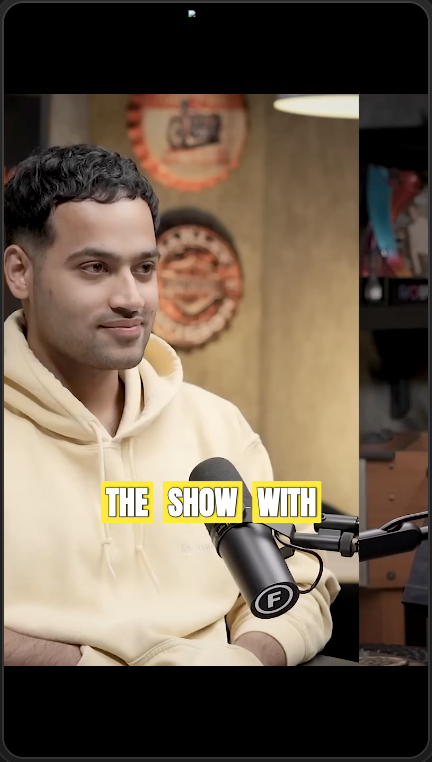
### 2. Pick a caption look
Open the clip's edit controls and tap **Caption**. At the top is a row of
ready-made looks. Tap through them and watch the preview change. Try a few and
keep the one that fits your video.
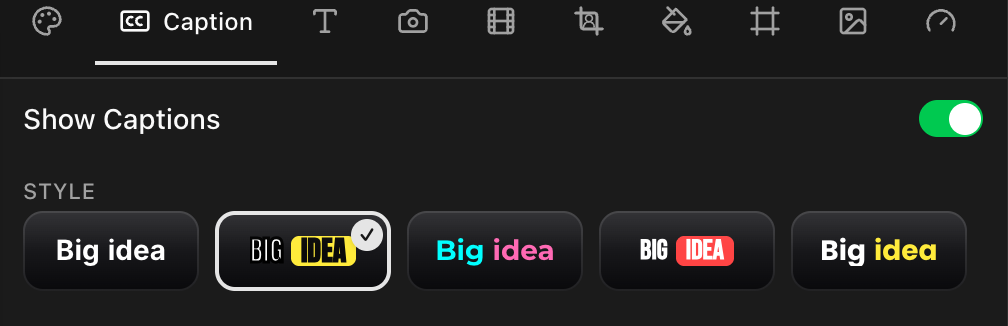
### 3. Make it yours (optional)
Under the looks are three tabs so you can fine-tune:
- **Font**: the typeface, and how big the words are.
- **Color**: the word color, plus a highlight color for the word being spoken.
- **Animation**: how the words pop in, and how many show at a time.
You do not have to touch these. The looks already handle it. Come here when you
want a specific color or a bigger size.
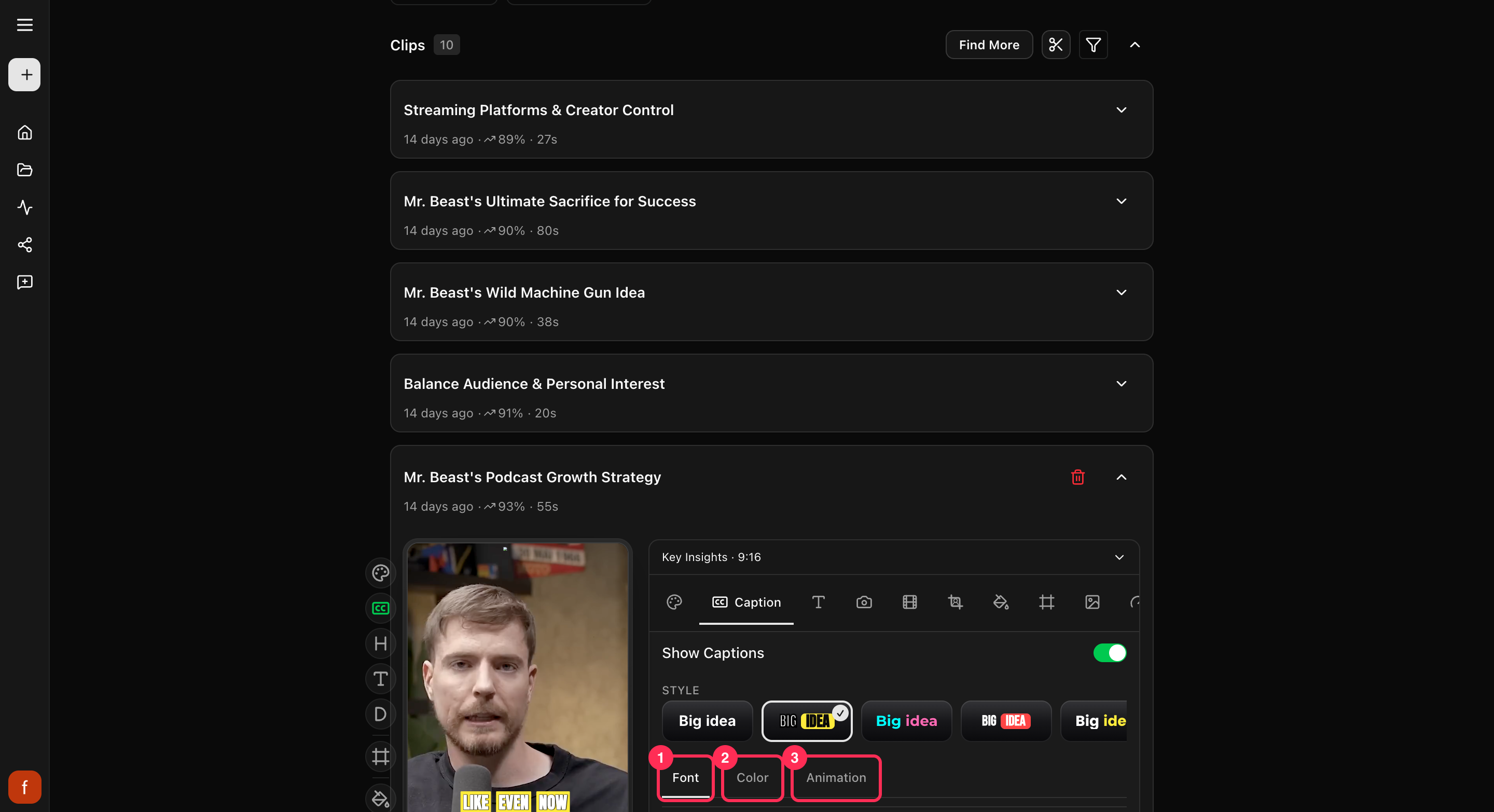
### 4. Move the captions
Drag the captions on the preview to reposition them. They snap left, center, or
right, and slide up or down. Keep them near the middle so they stay clear of the
buttons each app stacks along the edges.
### 5. Turn captions on or off
In the **Caption** tab, the **Show Captions** switch turns the words on or off
for this clip. Off is handy for a clip that is all music or all action.

## Keep captions clear of app buttons
Each app puts like, comment, and share buttons over the sides and bottom of your
clip. Turn on the **Safe zones** guide to see where those land, then nudge your
captions clear of them. More on that in [Keep text inside the safe zones](/help/safe-zones).
## Quick check before you Get Clip
- [ ] Play the clip and read the captions through.
- [ ] The look and size are easy to read on a phone.
- [ ] The captions sit clear of each app's buttons.
- [ ] If this clip should be silent, captions are turned off.
## Related
- New to Cliphi? [Make your first clips](/help/make-your-first-clips).
- The full row of clip controls: [The quick edit rail](/help/quick-edit-rail).
- Captions on a video you already have: [Add captions to a video](/tools/add-captions-to-video).
- Posting to Shorts? [Add captions to YouTube Shorts](/tools/add-subtitles-to-youtube-shorts).
- Want the moving-word style? [Animated captions](/tools/animated-captions).
---
# Add an intro, outro, and thumbnail
Top and tail your clip with a short intro or outro, and choose the cover image people see first.
> Canonical: https://www.cliphi.com/help/add-intro-outro-thumbnail
Beyond the clip itself, you can add a short intro or outro, and pick the cover
image that shows before it plays. Little touches that make a clip feel finished.
## Add an intro or outro
Open a clip and tap **Intro**.
- **Intro**: tap **Upload intro** and pick a short clip, up to 5 seconds and 10 MB,
to play before your clip. Good for a quick logo sting or a "welcome back."
- **Outro**: tap **Upload outro** and pick a short clip, up to 3 seconds and 10 MB,
to play after. Good for a "follow for more."
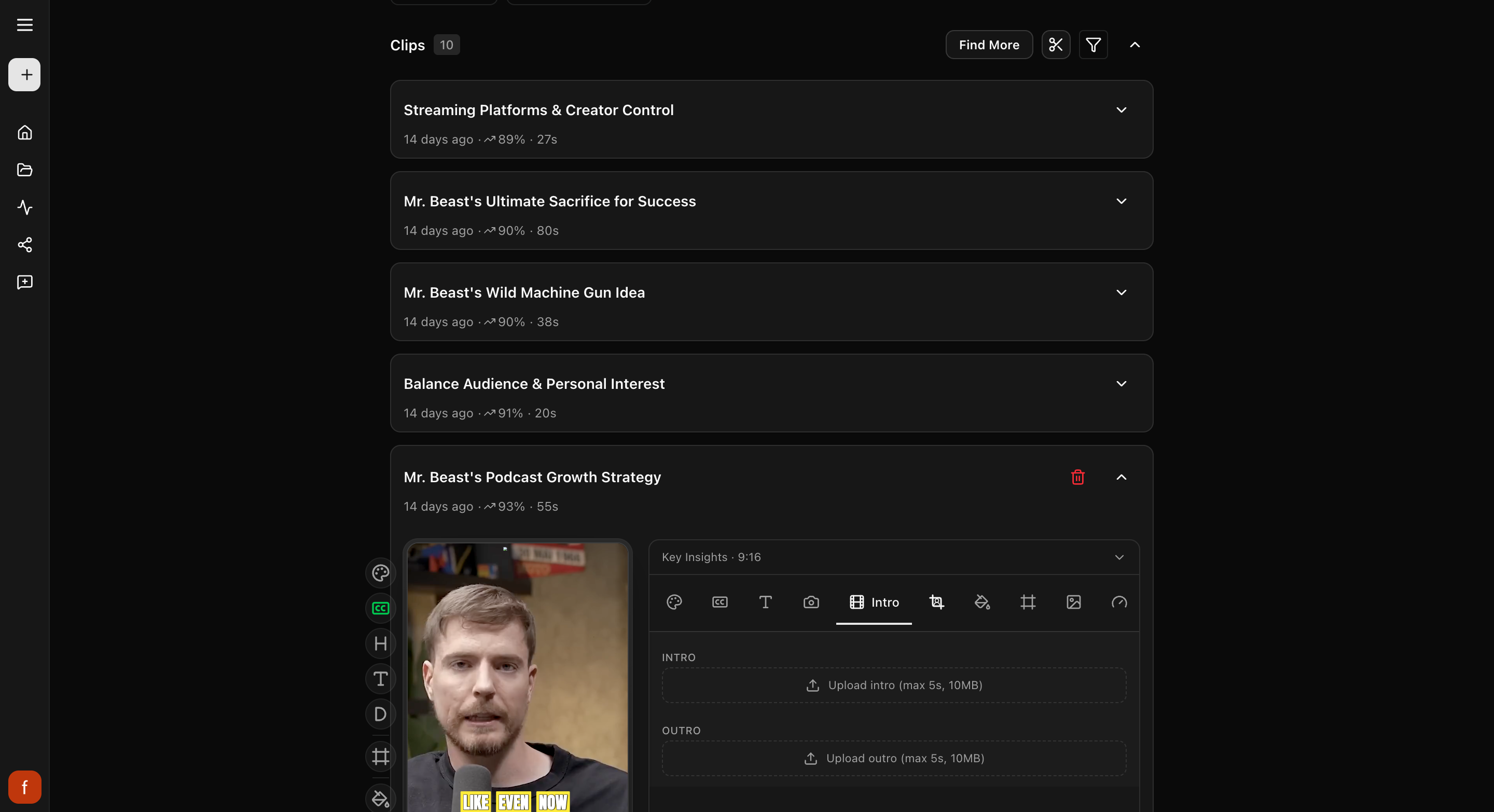
## Set the thumbnail
The thumbnail is the cover image people see before the clip plays. Tap
**Thumbnail**.
- **Pick a frame from the clip**: play to the moment you want, then tap
**Use current frame**.
- **Or upload your own**: tap **Upload image** and pick a picture.
If you pick a frame from the clip, you can also choose whether the hook, title,
and subtitle show on the cover.
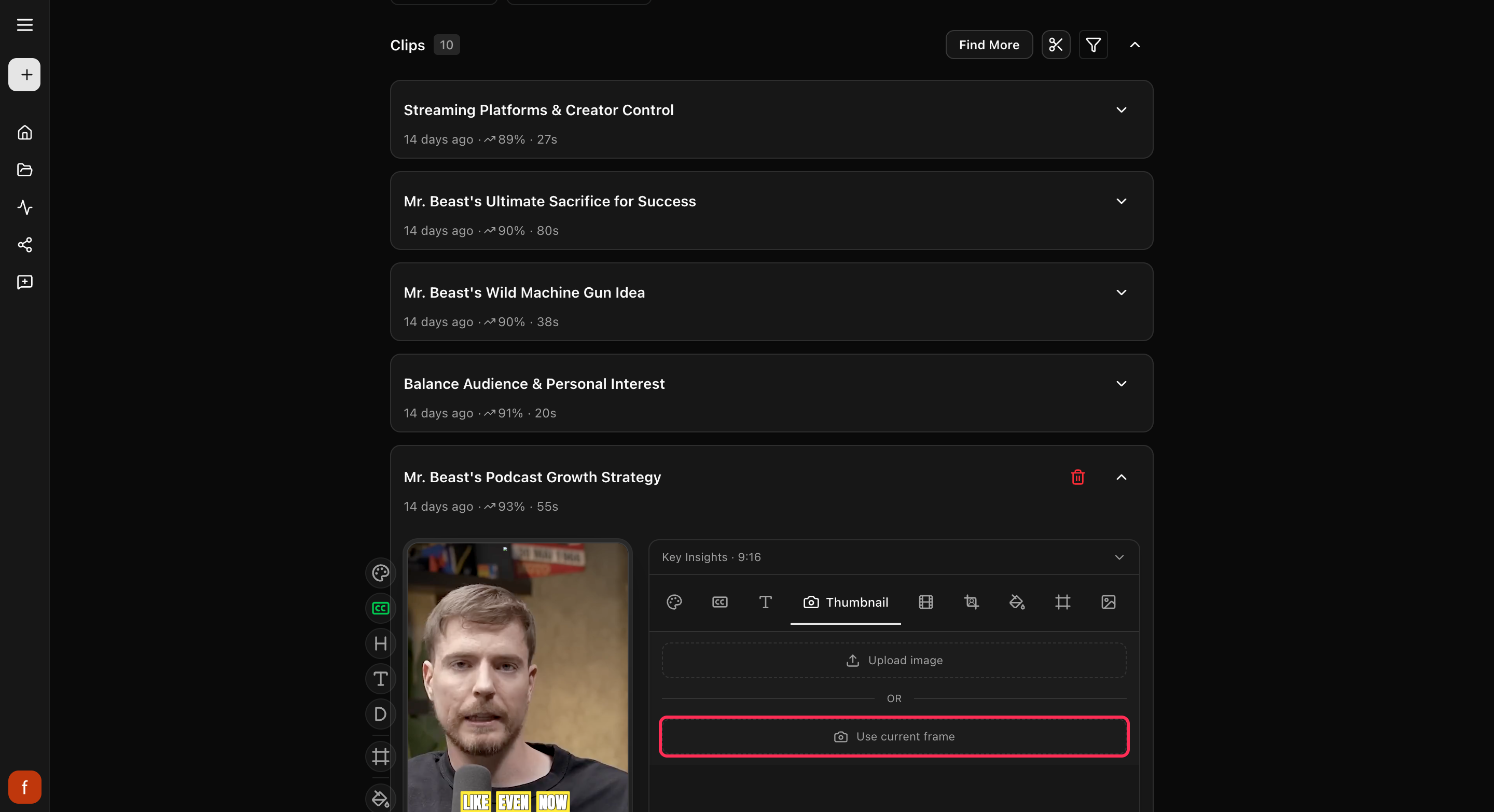
## Quick check before you Get Clip
- [ ] The cover looks good small, the way it shows in a feed.
- [ ] Your intro and outro are short, so the clip gets going fast.
- [ ] Any text on the cover is easy to read.
## What's next
- Choose what text shows: [Hook, title, and subtitle](/help/hook-title-and-description).
- Add your logo: [Set up your brand kit](/help/set-up-your-brand-kit).
---
# Buy credits
Top up with a one-time credit pack when you run low, without changing your plan.
> Canonical: https://www.cliphi.com/help/buy-credits
Credits are what you spend to make finished clips. When you are running low, you do
not have to wait for your plan to refill or jump to a bigger plan. You can buy a
one-time credit pack and keep going right away.
A pack is a one-off purchase, separate from a subscription. The credits land in your
balance straight away and sit on top of whatever you already have. Like all credits,
they never expire.
## When to use a pack
- You are in the middle of a project and ran out of credits.
- You do not want a monthly plan, just credits when you need them.
- You are on a plan but had a busy month and need a bit extra.
## Buy a pack
Open the [Usage page](/studio/usage) and select **Buy Credits**. Cliphi also offers
packs right when you try to make a clip and do not have enough credits, so you can
top up without losing your place.
Pick a pack and pay. There are a few sizes: a small one for a quick top-up, up to
larger ones with more credits so you do not have to top up as often. The credits
show up in your balance right after you pay.
## Packs vs a plan
- A **plan** refills your credits every month for a monthly price. Best if you make
clips regularly.
- A **pack** is a one-time top-up you buy whenever you want. Best for a one-off or
an occasional boost.
You can use both: keep a plan for your usual amount, and buy a pack on a heavier month.
## Related
- What credits pay for: [How credits work](/help/how-credits-work).
- Compare the monthly plans: [Plans and pricing](/help/plans-and-pricing).
- Check your balance and what you have spent: [Usage and credit history](/help/usage-and-credit-history).
---
# Change the background
The background is what fills the space around your video when it does not cover the whole tall frame. Here is how to change it.
> Canonical: https://www.cliphi.com/help/change-the-background
When your video does not fill the whole tall frame, Cliphi fills the space around
it with a background. By default that is a soft, blurred version of your video.
You can change it to a plain color, a color Cliphi picks for you, or an image of
your own.
## Steps
### 1. Open the Background controls
Open the clip and tap the **Background** tab. You can also tap the **Background** button
on the row of controls down the side for a quick switch between a blurred video and
plain black.
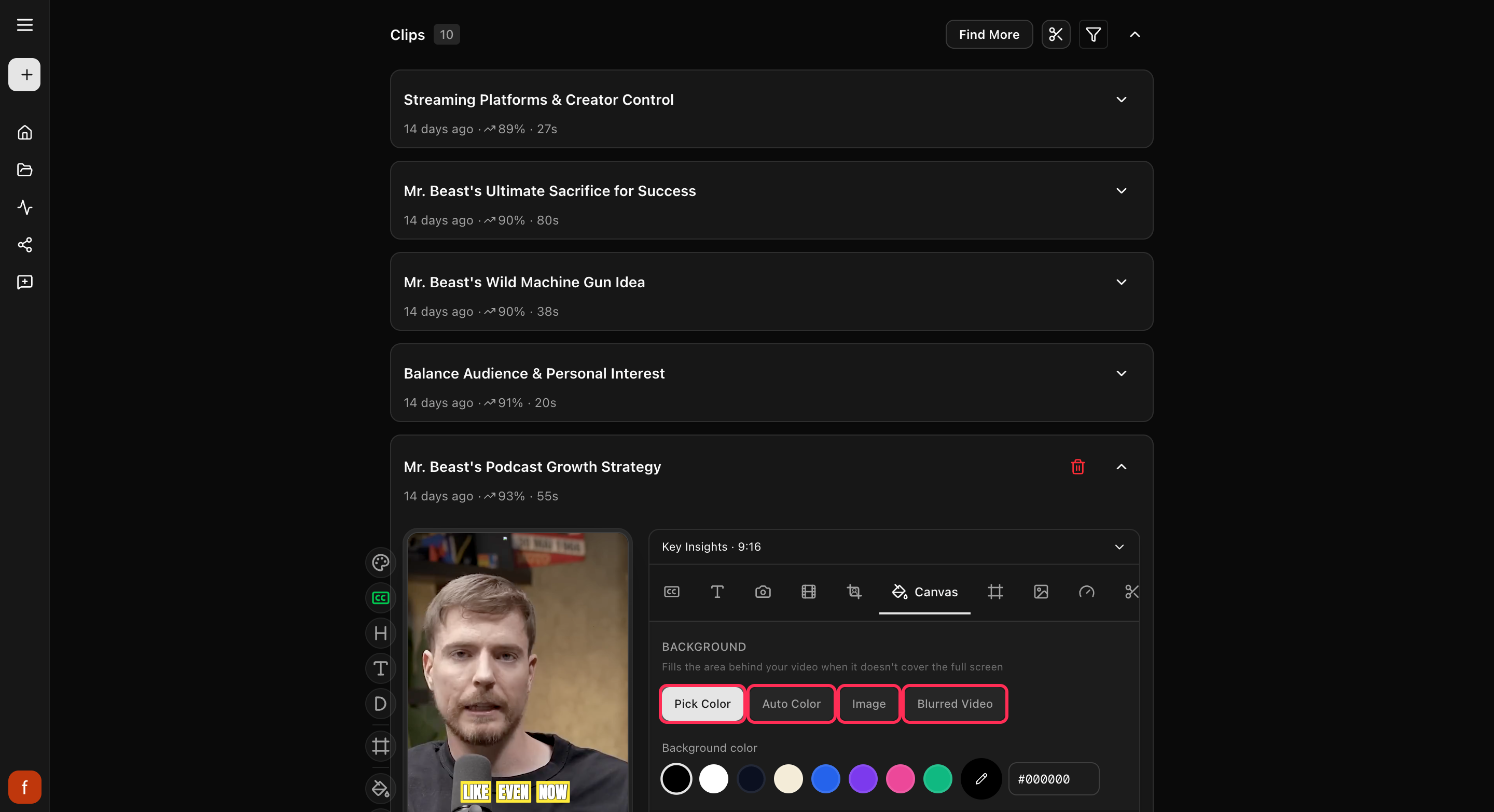
### 2. Pick a background
Choose the one you want:
- **Blurred Video**: a soft, blurred version of your clip. This is the default and
it suits most videos.
- **Pick Color**: choose a plain color from the swatches, or set your own.
- **Auto Color**: let Cliphi pick a color that matches your video.
- **Image**: upload your own background image (JPG, PNG, or WebP, up to 10 MB).
### 3. Fine-tune the blur (optional)
If you keep **Blurred Video**, you can adjust how strong the blur is, zoom the
background in a little, and darken it so your video stands out. The preview
updates as you go.
## Quick check before you Get Clip
- [ ] Your video stands out clearly from the background.
- [ ] The background is not busier than the video itself.
- [ ] If you used your own image, it fills the space without stretching.
## What's next
- What every side control does: [The quick edit rail](/help/quick-edit-rail).
- New to Cliphi? [Make your first clips](/help/make-your-first-clips).
---
# Change the clip speed
Play a clip a little faster or slower. Here is how to change the speed, and when it helps.
> Canonical: https://www.cliphi.com/help/change-the-clip-speed
Sometimes a clip is better a touch faster, like when someone talks slowly or a
moment drags. Other times a slower moment lands harder. You can change the speed
of any clip.
## Steps
### 1. Open the Speed controls
Open the clip and tap **Speed**.
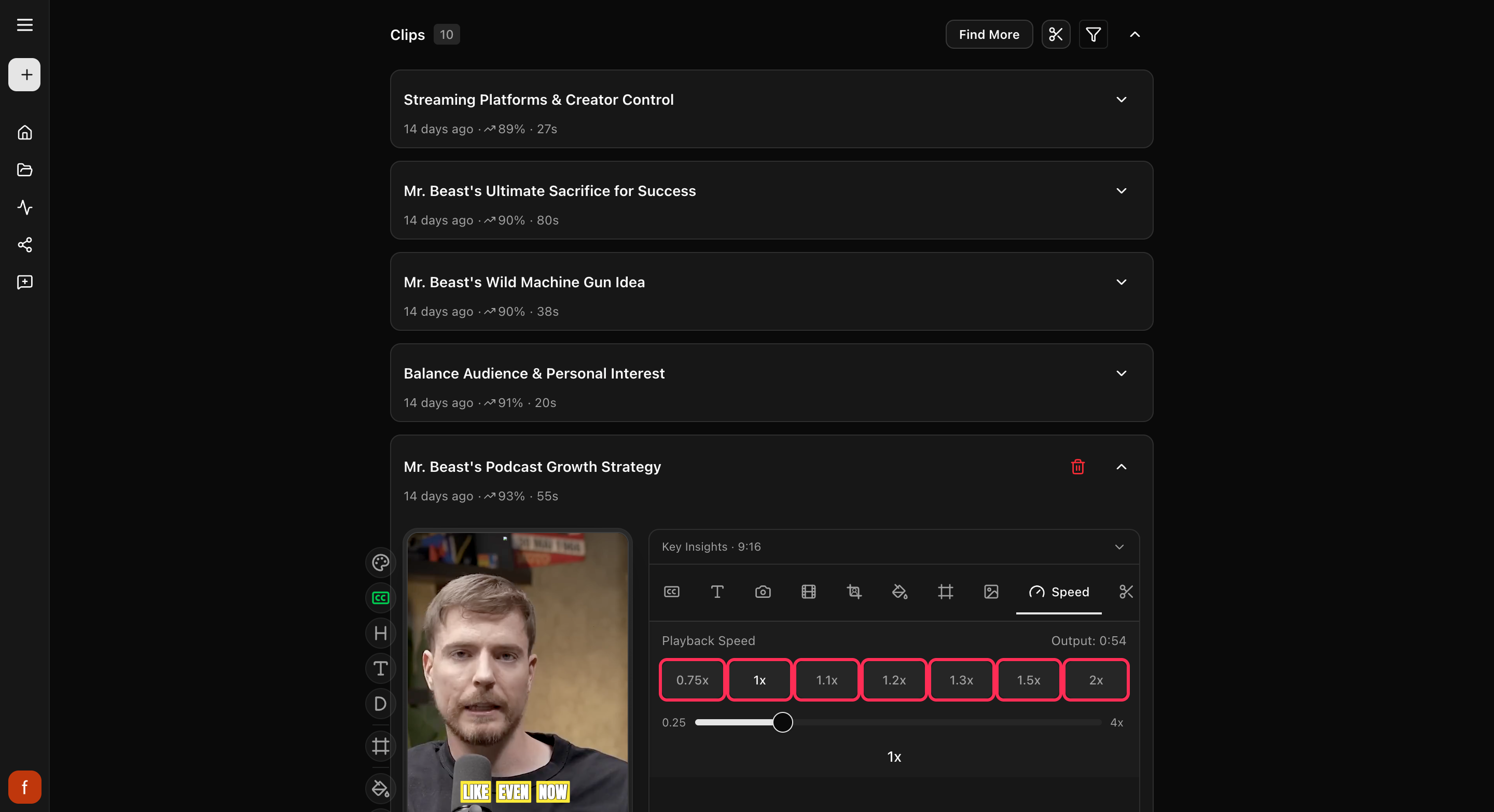
### 2. Pick a speed
Tap one of the buttons, from a touch slower than normal up to twice as fast. Want
something in between, or even slower or faster than that? Drag the slider. As you
change it, Cliphi shows you how long the finished clip will be.
## When to use it
- **A little faster** keeps a slow stretch moving, so people do not scroll away.
- **Slower** gives a big line or a reaction room to land.
Most talking clips feel natural just slightly sped up. There is also a quick
**Speed** button on the row of controls down the side that steps through the most
common speeds.
## Quick check before you Get Clip
- [ ] The talking still sounds natural, not chipmunky.
- [ ] The captions are not flying by too fast to read.
- [ ] The new length still works for where you are posting.
## Good to know
If the clip has a [reaction](/help/record-a-reaction) recorded on it, speed
stays locked at normal so your recording keeps its timing. Remove the
reaction first if you want a different speed.
## What's next
- What every side control does: [The quick edit rail](/help/quick-edit-rail).
- New to Cliphi? [Make your first clips](/help/make-your-first-clips).
---
# Choose which part to clip
Point Cliphi at one section of a long video instead of the whole thing, so it clips just the part you care about.
> Canonical: https://www.cliphi.com/help/choose-what-to-clip
You do not have to feed Cliphi the whole video. When you start a project, you can
point it at one stretch, like the second half of a podcast or a single topic in a
two-hour stream. Cliphi then looks for clips only inside that stretch. It is the
quickest way to skip long intros, sponsor reads, and dead air, and it gets you
clips from the part you actually want faster.
## When to use this
- Your video is long and the good stuff is all in one place.
- You want to skip the intro, the ad break, or the goodbyes at the end.
- You only care about one topic in a video that covers many.
- A stream ran for hours and you want clips from the last hour.
If you want clips from the whole video, you can skip all of this. Cliphi uses the
whole thing by default.
## Where you pick a section
After you paste a link or upload a file, Cliphi shows you the video with a footage
selector below it. For a short video it stays tucked away. For a long one (over
about half an hour) it opens on its own, since that is where picking a section
helps most. If it is closed, tap the settings control next to the video to open it.
Look for the line **Select footage for your clips**.
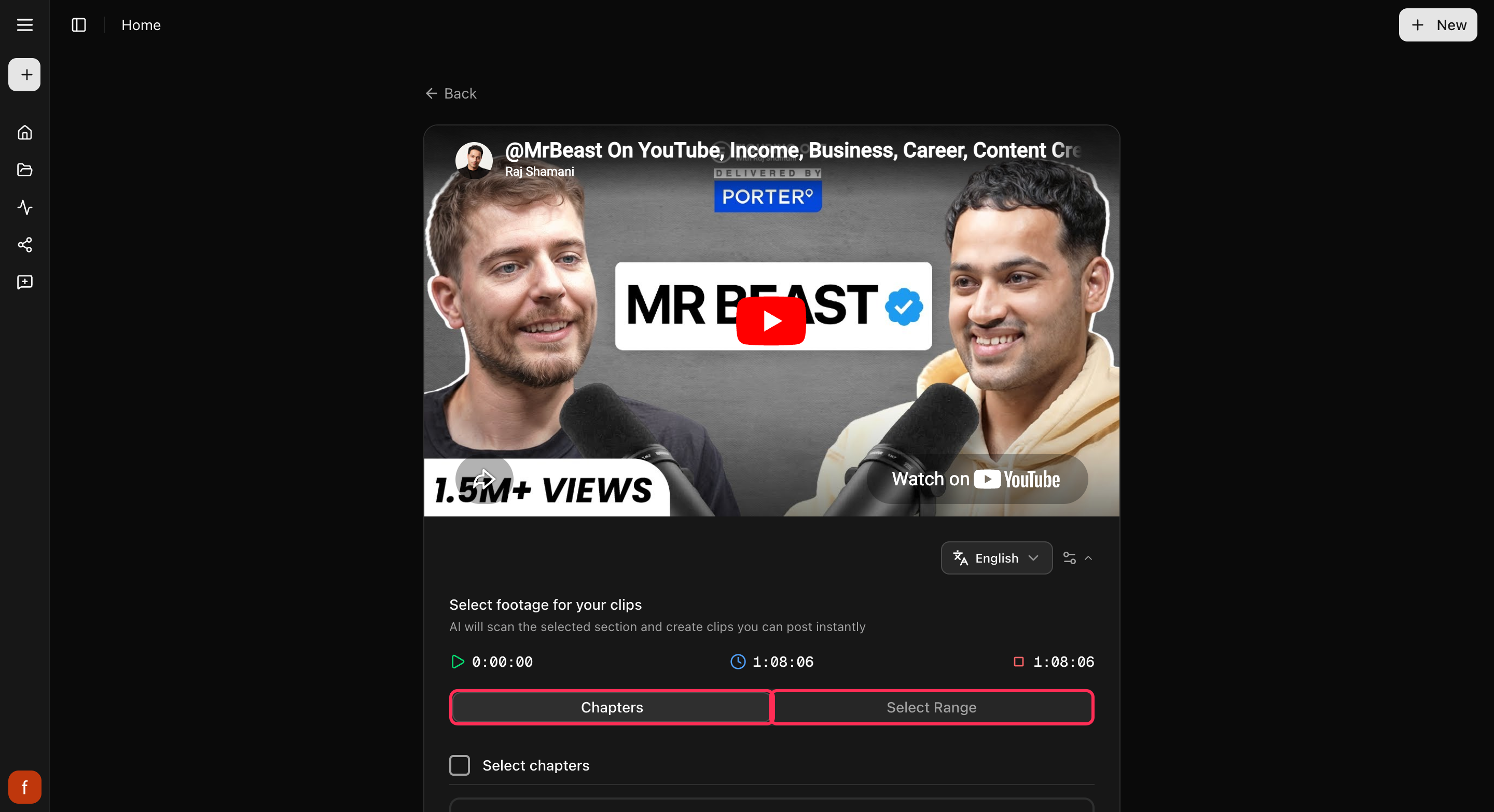
At the top you will see three times: where your section starts, how long it runs,
and where it ends. They update live as you change your pick.
## Two ways to pick
### By chapters
If the video has chapters, you get a **Chapters** list. Tick the ones you want and
Cliphi sets the section to cover them. Use **Select chapters** at the top to grab
them all at once.
Chapters have to be a run that sits next to each other, not a scattered few. Start
with any chapter, then add the one just before or just after it to grow the section.
To make it smaller, untick from either end. This keeps your section as one clean
stretch of the video.
### By dragging
Switch to **Select Range** (or, if the video has no chapters, you get this straight
away) to set the section by hand. Drag the two handles on the bar: the left one is
where your section starts, the right one is where it ends. A section has to be at
least a minute long.
## Then keep going
Once your section looks right, select **Continue** and finish the usual way. Cliphi
scans only the part you picked and makes clips from it. Everything after this, the
look of the clips and the editing, works exactly the same.
One thing to know: picking a section changes the part Cliphi *looks through* for
clips. It does not trim any single clip. To shave a few seconds off a finished clip,
use [Trim a clip](/help/trim-a-clip) instead.
## Quick check before you continue
- [ ] The start time is where the good part begins.
- [ ] The end time is past the last thing you want clipped.
- [ ] You have not left an intro or ad break inside the section.
## Related
- New to this? [Make your first clips](/help/make-your-first-clips).
- Clipping a long stream? [Clip a YouTube livestream](/help/clip-a-youtube-livestream).
- Want to trim one clip instead? [Trim a clip](/help/trim-a-clip).
- Missed a moment? [Find more clips](/help/find-more-clips).
---
# Clip a Kick stream
Turn a long Kick broadcast into short, captioned clips for TikTok, Reels, and Shorts. Paste the link and Cliphi finds the best moments.
> Canonical: https://www.cliphi.com/help/clip-a-kick-stream
Kick streams can run for hours, and the moment worth posting is usually buried in
the middle. Cliphi watches the whole thing, finds the best moments, and turns
each one into a short clip with captions on it.
## Before you start
You need a link to your Kick video. There are three kinds, and any of them works:
- **A past broadcast.** Your whole stream after it ends. On Kick, open your
channel, find the broadcast, and copy the link from your browser's address bar.
- **A clip.** A short bit already snipped from a stream. Open the clip on Kick and
copy its link.
- **A stream that's still going.** Paste your channel link while you are live and
clips can come back before you finish.
Your plain channel link only works while you are actually live. Once the stream
ends, grab the past broadcast instead.
## Steps
### 1. Paste the link
On the Cliphi home page, paste your Kick link into the box and select
**Get clips**.

### 2. Choose how much to use
A broadcast can run for hours, so Cliphi shows you the video and lets you point it
at the right part. Use the whole thing, or drag the handles to pick just the
stretch you care about. Then select **Continue**.
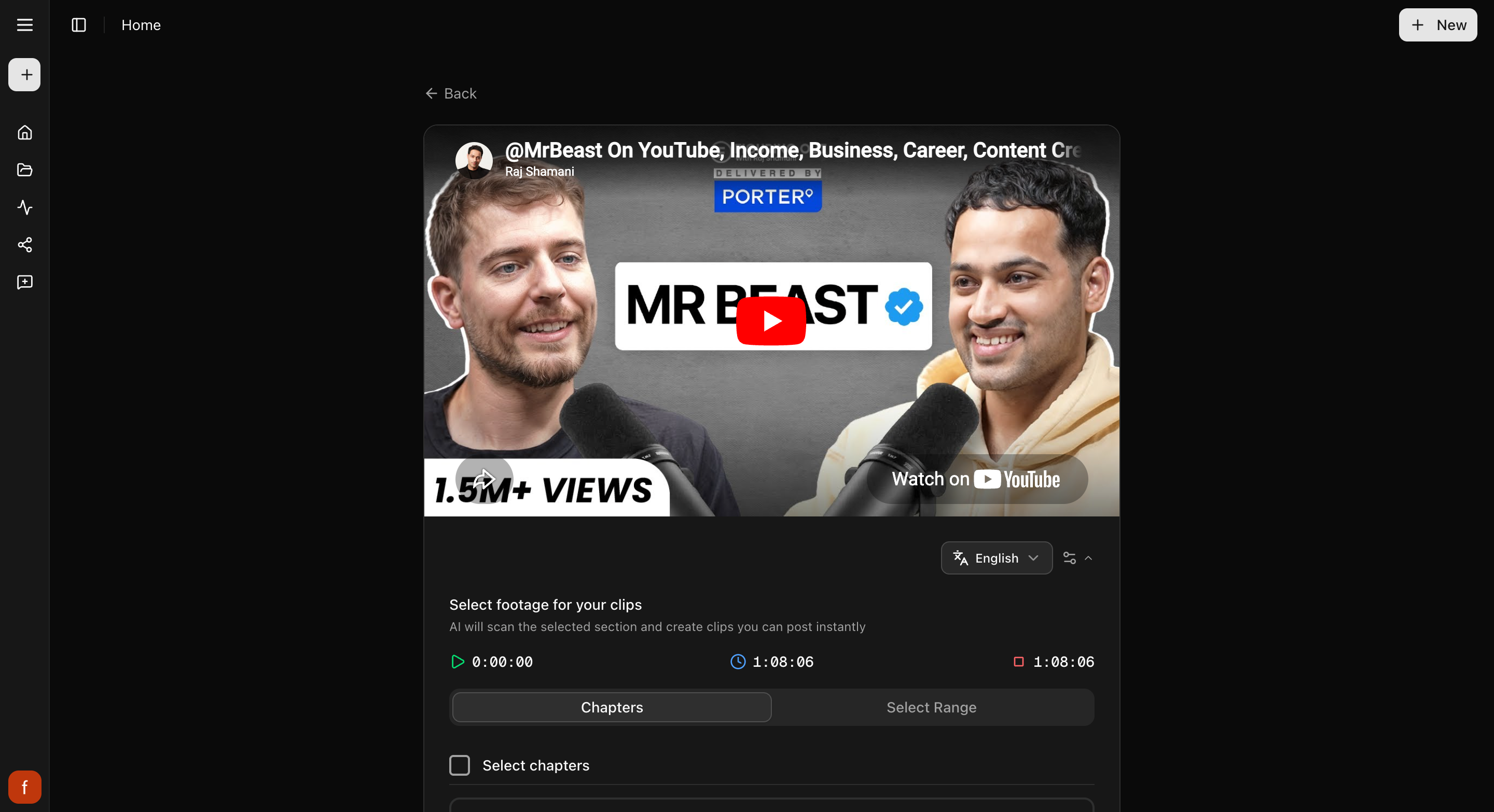
### 3. Look through your clips
Cliphi makes your clips and they show up one at a time, each cut tall with the
speaker in frame and captions already on it. Play any clip to see how it feels.
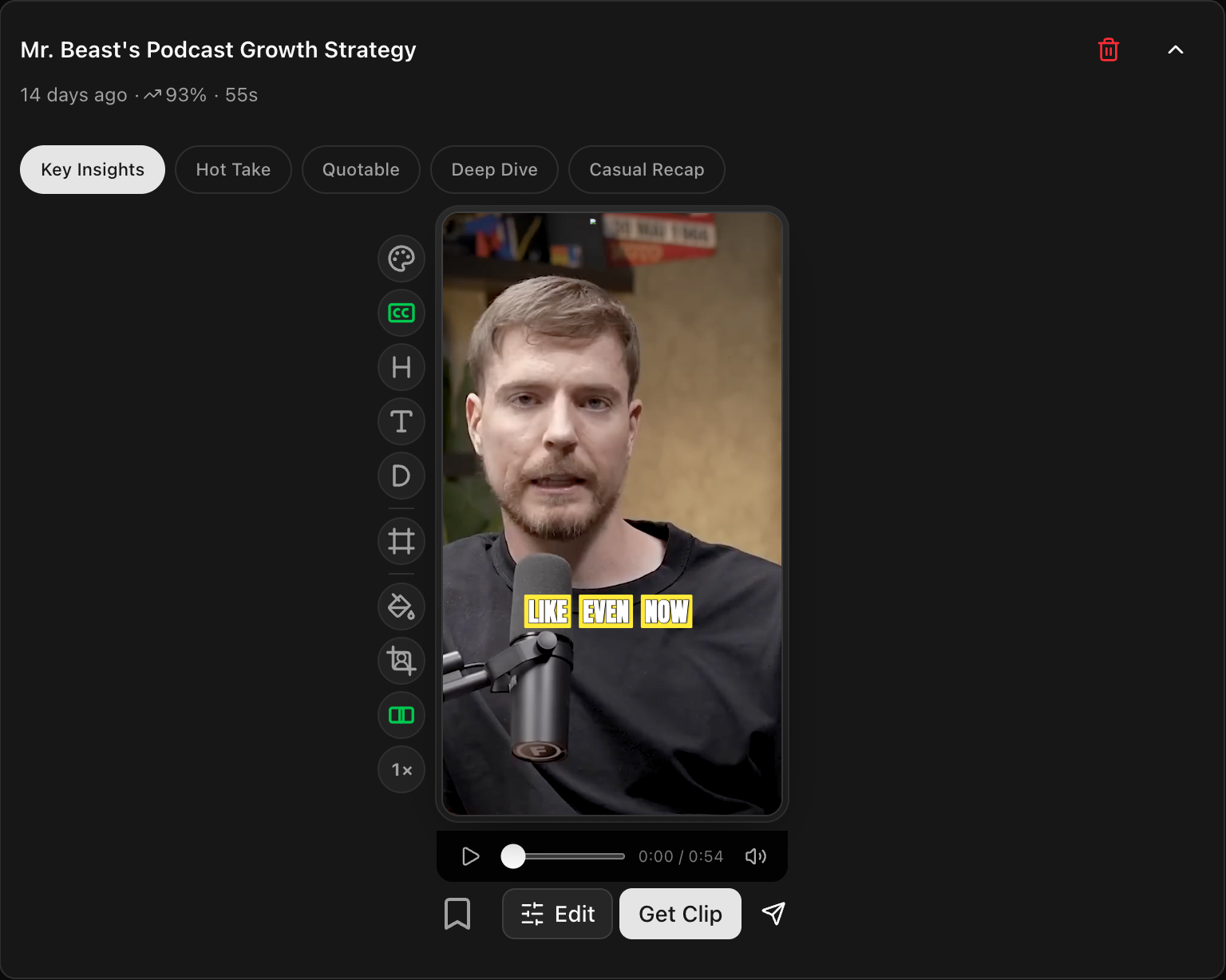
### 4. Tweak and post
Open a clip to change the look with the controls down the side, then tap
**Get Clip** to make the final version and download it, or **Share** to post it.
## Quick check before you post
- [ ] Watch the whole clip through.
- [ ] The speaker stays in frame the whole way.
- [ ] The captions read clearly and sit clear of the edges.
## Related
- New to Cliphi? [Make your first clips](/help/make-your-first-clips).
- What each control does: [The quick edit rail](/help/quick-edit-rail).
- Posting to TikTok? [Turn a Kick stream into a TikTok](/tools/kick-to-tiktok).
- Posting to Shorts? [Kick to YouTube Shorts](/tools/kick-to-youtube-shorts).
- Posting to Reels? [Kick to Instagram Reels](/tools/kick-to-instagram-reels).
---
# Turn a podcast into clips
A podcast episode is full of clip-worthy moments. Paste its YouTube link and Cliphi pulls out the best bits with captions, ready to post.
> Canonical: https://www.cliphi.com/help/clip-a-podcast
Podcasts are some of the best material for short clips. They are all talk, so
there is usually a strong line, a hot take, or a funny moment every few minutes.
Cliphi listens to the whole episode, finds those moments, and turns each one into
a short clip with captions on it.
## Before you start
Most podcasts are on YouTube, so the easiest way is to paste the episode's
**YouTube link**. Open the episode on YouTube and copy the link from your
browser's address bar. If your episode is a file on your computer instead, you can
[upload it directly](/help/upload-your-own-video).
## Steps
### 1. Paste the episode link
On the Cliphi home page, paste the podcast's YouTube link into the box and select
**Get clips**.

### 2. Choose how much to use
Episodes are long, so Cliphi shows you the video and lets you pick. Use the whole
episode, jump to a chapter, or drag the handles to a section. If you are not sure,
leave it on the whole thing. Then select **Continue**.

### 3. Look through your clips
Cliphi makes your clips and they show up one at a time. With one or two people on
the mic, it keeps whoever is talking in the frame as it cuts to the tall shape, so
each clip is ready to post.

### 4. Tweak and post
Open a clip to change the look with the controls down the side, then tap
**Get Clip** to make the final version and download it, or **Share** to post it.
## Quick check before you post
- [ ] Watch the whole clip through.
- [ ] Whoever is talking stays in frame.
- [ ] The captions read clearly and sit clear of the edges.
## Related
- New to Cliphi? [Make your first clips](/help/make-your-first-clips).
- Episode is a file? [Upload your own video](/help/upload-your-own-video).
- What each control does: [The quick edit rail](/help/quick-edit-rail).
- Posting to TikTok? [Turn a podcast into a TikTok](/tools/podcast-to-tiktok).
- Posting to Shorts? [Podcast to YouTube Shorts](/tools/podcast-to-youtube-shorts).
- Posting to Reels? [Podcast to Instagram Reels](/tools/podcast-to-instagram-reels).
---
# Clip a Twitch stream
Turn a long Twitch recording into short, captioned clips for TikTok, Reels, and Shorts. Paste the link and Cliphi finds the best moments for you.
> Canonical: https://www.cliphi.com/help/clip-a-twitch-stream
A Twitch recording can run for hours, and the moment worth posting is usually
buried somewhere in the middle. Cliphi watches the whole thing, finds the best
moments, and turns each one into a short clip with captions on it. Here is how to
do it.
## What you get back
You get a handful of short, tall clips, not the whole stream chopped up. Cliphi
picks the moments that tend to do well, like the clutch play or the line chat
went off for, and turns each one into its own clip with captions on it. Each clip
is ready to post as-is, and you can tweak any of them before you do.
## Before you start
You need a link to your Twitch video. There are three kinds you can paste, and
any of them works:
- **A past broadcast.** This is your whole stream after it ends. On Twitch, go to
your channel, open the **Videos** tab, open the broadcast you want, and copy the
link from your browser's address bar.
- **A clip.** A short bit someone already snipped from a stream. Open the clip on
Twitch and copy its link.
- **A stream that's still going.** Paste your channel link while you are live and
clips can come back before you even finish.
You do not need to download anything first, and you do not need to clip inside
Twitch before you start.
**Good to know.** Your plain channel link only works while you are actually live.
If your stream has ended, grab the past broadcast from your **Videos** tab
instead. And Twitch only keeps past broadcasts for a while before removing them,
so pull the clips you want while the broadcast is still there.
## Steps
### 1. Paste the Twitch link
On the Cliphi home page, paste your Twitch link into the box and select
**Get clips**. If you are not signed in yet, Cliphi asks you to sign in first,
then picks up where you left off.

### 2. Choose how much of the stream to use
A Twitch broadcast can run for hours. Cliphi shows you the video so you can point
it at the right part. Use the whole thing, or drag the handles to pick just the
stretch you care about, like the last hour where the good runs happened. Not sure?
Leave it on the whole video. Then select **Continue**.
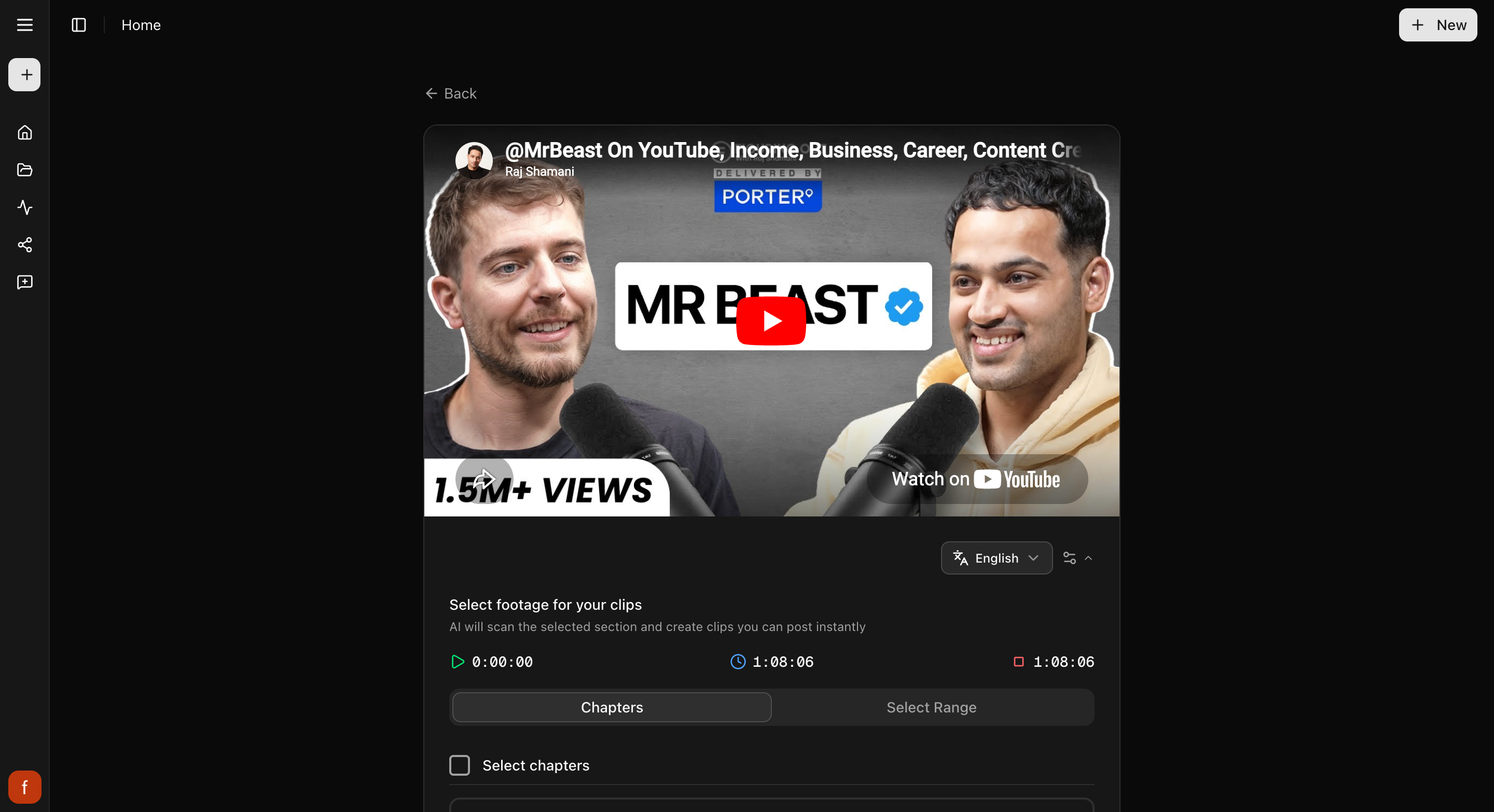
### 3. Pick a style
Cliphi may ask you to pick a style for your clips. Choose one you like and
select **Continue**. You can change it on any clip later. Want to see the options
first? See [Change your caption style](/help/add-captions-to-a-clip).
### 4. Let Cliphi find the moments
Cliphi watches the video and finds the best moments for you. A long broadcast
takes longer than a short one, so a full stream can take a while. You can leave
the page and come back. Clips show up as they are ready, so you can start looking
before they are all done.
### 5. Look through your clips
Each clip comes back ready to post. It is cut to a tall shape with the speaker
kept in frame and captions already on it. Open any clip to watch it.
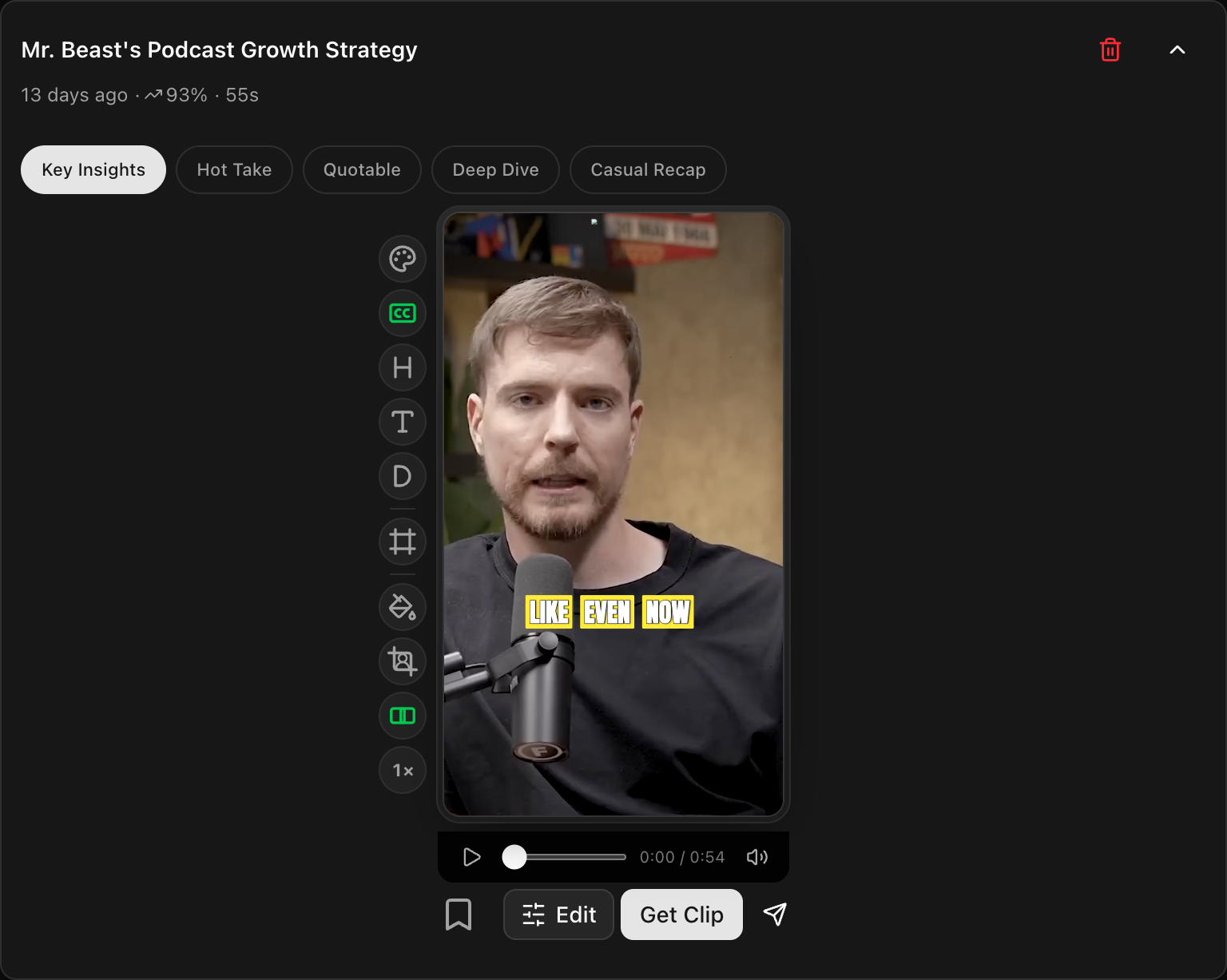
### 6. Tweak anything you want (optional)
Open a clip and use the row of controls down the side to change the caption look,
adjust the framing so the right part fills the tall frame, trim the start and end,
or make it feel livelier. Every change shows in the preview as you make it. For
what each control does, see [The quick edit rail](/help/quick-edit-rail). If you
are happy with the clips as they are, skip straight to posting.
### 7. Post or schedule
Download the clip, or connect your socials and post straight from Cliphi.
## Quick check before you post
Before you download or post, give the clip a quick once-over:
- [ ] Watch the whole clip through.
- [ ] The speaker stays in frame the whole way.
- [ ] The captions read clearly and sit clear of the edges.
- [ ] Turn off any text you don't need, like the subtitle, so the play stays the star.
## Related
- New to Cliphi? [Make your first clips](/help/make-your-first-clips).
- What each control on a clip does: [The quick edit rail](/help/quick-edit-rail).
- Want the captions to look different? [Change your caption style](/help/add-captions-to-a-clip).
- Where your clips land: [A tour of your project page](/help/project-page-tour).
- Posting to TikTok? [Turn a Twitch video into a TikTok](/tools/twitch-to-tiktok).
- Posting to Shorts? [Turn a Twitch VOD into YouTube Shorts](/tools/twitch-to-youtube-shorts).
- Posting to Reels? [Turn a Twitch moment into a Reel](/tools/twitch-to-instagram-reels).
---
# Clip a YouTube livestream
Clip a YouTube livestream while it is still going, so a highlight can go out before the stream even ends. Here is how.
> Canonical: https://www.cliphi.com/help/clip-a-youtube-livestream
You do not have to wait for a livestream to finish. Paste the link while it is
live, and Cliphi records along and turns the best moments into short clips, so a
highlight can go up while the stream is still running.
## Before you start
You need the link to a YouTube livestream that is **live right now**. Open the
stream on YouTube and copy the link from your browser's address bar. This only
works while the stream is actually live. Once it ends, treat it like a normal
video and follow [Clip a YouTube video](/help/clip-a-youtube-video) instead.
## Steps
### 1. Paste the link
On the Cliphi home page, paste the livestream link into the box and select
**Get clips**.

### 2. Choose how long to record
A livestream does not have a start and end yet, so instead of picking a section,
you choose how long Cliphi should record along. Pick a length, then select
**Start Recording**. Want to keep going after that? Just start a new project to
record the next stretch.
### 3. Clips come back as it records
Cliphi records the stream and finds the best moments while it goes. Clips show up
one at a time, so you can start posting highlights before the stream is even over.

### 4. Tweak and post
Open a clip to change the look with the controls down the side, then tap
**Get Clip** to make the final version and download it, or **Share** to post it.
## Quick check before you post
- [ ] Watch the whole clip through.
- [ ] The speaker stays in frame the whole way.
- [ ] The captions read clearly and sit clear of the edges.
## Related
- New to Cliphi? [Make your first clips](/help/make-your-first-clips).
- Stream already ended? [Clip a YouTube video](/help/clip-a-youtube-video).
- What each control does: [The quick edit rail](/help/quick-edit-rail).
- Posting to TikTok? [Turn a YouTube livestream into a TikTok](/tools/youtube-livestream-to-tiktok).
---
# Clip a YouTube video
Paste a YouTube link and Cliphi turns the video into short, captioned clips for TikTok, Reels, and Shorts. Here is how.
> Canonical: https://www.cliphi.com/help/clip-a-youtube-video
YouTube is where most long videos live, so it is the easiest place to start.
Paste a link to any public video, and Cliphi watches it, finds the best moments,
and turns each one into a short clip with captions on it.
## Before you start
You need the link to a public YouTube video. Open the video on YouTube and copy
the link from your browser's address bar, or use the video's **Share** button. A
regular video, a Short, or a past livestream all work. Keep it under about 3
hours, and if it is longer, you can point Cliphi at just one part.
## Steps
### 1. Paste the link
On the Cliphi home page, paste your YouTube link into the box and select
**Get clips**.

### 2. Choose how much to use
Cliphi shows you the video. Use the whole thing, or pick one part. Many YouTube
videos come with chapters, so you can jump straight to the section you want, or
drag the handles to choose a stretch. Then select **Continue**.

### 3. Look through your clips
Cliphi makes your clips and they show up one at a time. Each one is cut tall with
the speaker kept in frame and captions already on it. Play any clip to see how it
feels.

### 4. Tweak and post
Open a clip to change the look with the controls down the side, then tap
**Get Clip** to make the final version and download it, or **Share** to post it.
## Quick check before you post
- [ ] Watch the whole clip through.
- [ ] The speaker stays in frame the whole way.
- [ ] The captions read clearly and sit clear of the edges.
## Related
- New to Cliphi? [Make your first clips](/help/make-your-first-clips).
- What each control does: [The quick edit rail](/help/quick-edit-rail).
- Clipping a stream instead? [Clip a YouTube livestream](/help/clip-a-youtube-livestream).
- Posting to TikTok? [Turn a YouTube video into a TikTok](/tools/youtube-to-tiktok).
- Posting to Shorts? [YouTube to YouTube Shorts](/tools/youtube-to-youtube-shorts).
- Posting to Reels? [YouTube to Instagram Reels](/tools/youtube-to-instagram-reels).
---
# Clip angles explained
Some clips come with a row of tabs like Key Insights or Hot Take. They are the same moment worded a different way. Here is how to use them.
> Canonical: https://www.cliphi.com/help/clip-angles-explained
Open a clip and you might see a little row of tabs across the top, with names like
**Key Insights**, **Hot Take**, or **Quotable**. These are angles. They are all
the same moment, just framed a different way, so you can pick the one that fits how
you want to post it.

## What changes when you switch
Tapping a different angle changes the words around the clip: the **title**, the
**hook**, the **subtitle**, and the post text that goes out with it. The video
itself does not change. It is the same moment, the same length, the same framing.
Only the wording changes.
So one clip can be a serious "Key Insights" take or a punchy "Hot Take," depending
on which angle you pick, without making a whole new clip.
## The names depend on the video
The angle names fit the kind of video you clipped. A podcast or interview gives
you names like Key Insights, Hot Take, Quotable, Deep Dive, and Casual Recap. A
gaming stream or a tutorial shows its own set that suits that content.
## How to use them
Tap through the angles and read how each one frames the moment. Keep the one that
matches the mood you want, then post it or tweak it further. If you would rather
write your own line, you can always change the [hook, title, and
subtitle](/help/hook-title-and-description) by hand.
## What's next
- Edit the text yourself: [Hook, title, and subtitle](/help/hook-title-and-description).
- Get to know your clips: [A tour of your project page](/help/project-page-tour).
---
# Create a Supercut
A supercut stitches your video's best moments into one short highlight reel, grouped by theme. Here is how to make one.
> Canonical: https://www.cliphi.com/help/create-a-supercut
A supercut is a highlight reel. Instead of a single moment, Cliphi takes the best
bits from across your whole video and stitches them together by theme into one
short clip. It is a great way to sum up a long video in something snappy.
## Before you start
The **Create Supercut** button shows up once your video is long enough to have a
few moments worth stringing together, so you will see it on longer videos and not
on very short ones.
## Steps
### 1. Open Create Supercut
On your project page, tap **Create Supercut**.
### 2. Get your supercuts
Tap **Get Supercut Clips**. Cliphi goes through your video and puts together a few
supercut ideas, each grouped around a theme. They show up as clips you can play.
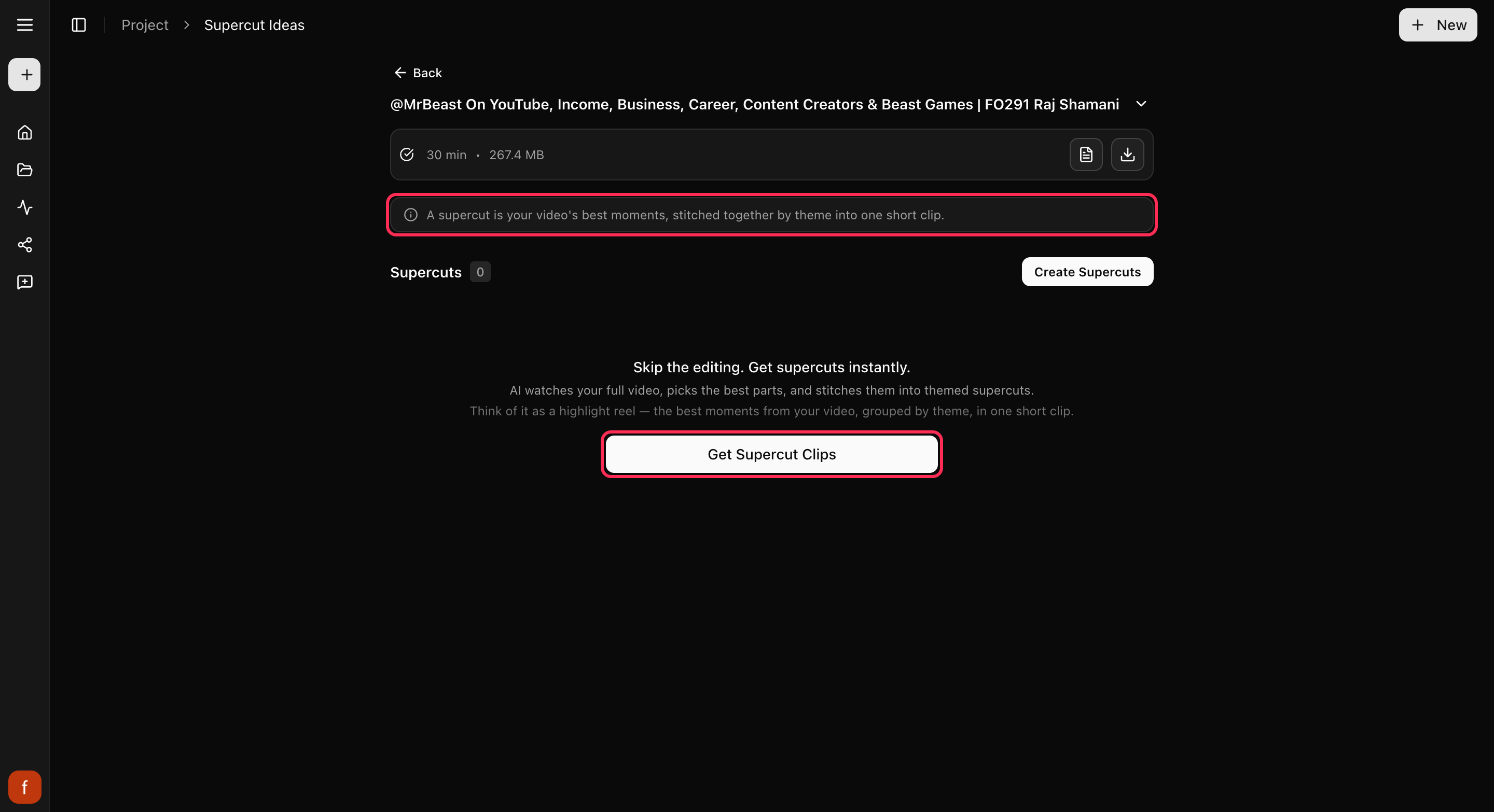
### 3. Ask for a specific one (optional)
Want a supercut about something in particular? Tap **Find More** and describe it,
like "funny moments" or "the best advice." You can also set how long you want the
supercut to be.
### 4. Customize and finish
A supercut works like any other clip. Change the look, then make the final version
and download it or post it.
## Good to know
Making a supercut uses credits, since Cliphi builds a new clip for you. Watching the
ideas and picking one is free; you spend credits when you make the supercut. See
[How credits work](/help/how-credits-work).
## What's next
- Get to know your clips: [A tour of your project page](/help/project-page-tour).
- Grab one exact moment instead: [Cut a clip from any moment](/help/cut-and-clip).
- What each control does: [The quick edit rail](/help/quick-edit-rail).
- New here? See what supercuts can do: [YouTube compilation maker](/tools/youtube-compilation-maker).
---
# Cut a clip from any moment
Download any part of your video with Cut (up to 10 minutes), or turn any part into a ready-to-post clip with Cut & Clip (up to 3 minutes).
> Canonical: https://www.cliphi.com/help/cut-and-clip
Cliphi picks the best moments on its own, but sometimes there is an exact bit you
have in mind. There are two ways to grab it:
- **Cut** downloads any part of your video, as it is. That's all it does. You'll
find it on your project's **Cuts** page.
- **Cut & Clip** turns any part of your video into a ready-to-post clip. You'll
find it on your **Clips** page, as the scissors above your clips.
## Cut: download a part of your video
1. On your project page, tap **Cuts** in the row under your video, then tap
**Cut** at the top right.
2. Pick the part you want, by time or by what's said, the same way as in Cut &
Clip below. A cut can be up to **10 minutes** long.
3. Tap **Download**. Cutting can take a minute for long pieces. When it's done,
the file saves with your video's name and the times you picked.
Nothing is added to your clips. Cut doesn't use credits.
## Cut & Clip: make a ready-to-post clip
### 1. Open Cut & Clip
On your project's **Clips** page, tap the scissors at the top of your clips,
next to **Find More**. Cut & Clip opens straight away.
### 2. Pick the part you want
There are two ways to choose the moment:
- **By time**: drag the two handles on the bar, or set a start and end time, to
mark the bit you want. The preview jumps to the spot as you drag.
- **By what's said**: switch to **Transcript** and select the words you want,
the way you select text anywhere else.
- On a computer, drag across the words. Click a word to play from there.
Shift-click to extend. Double-click picks one word, triple-click its line.
- On a phone, press and hold a word, then drag. Drag the two handles to change
it. Tap a word to play from there.
- With the keyboard, the arrow keys play word by word and Shift with an arrow
selects. Esc starts over.
Your selection always starts and ends on whole words. Search finds any word in
the transcript, and **Clear** starts over.
A clip can be as short as one second and up to **3 minutes** long. If you drag
past that, the selection stops at the last word that fits.
### 3. Create the clip
Tap **Create**. Your new clip appears with your others, ready to customize and
finish like any other clip.
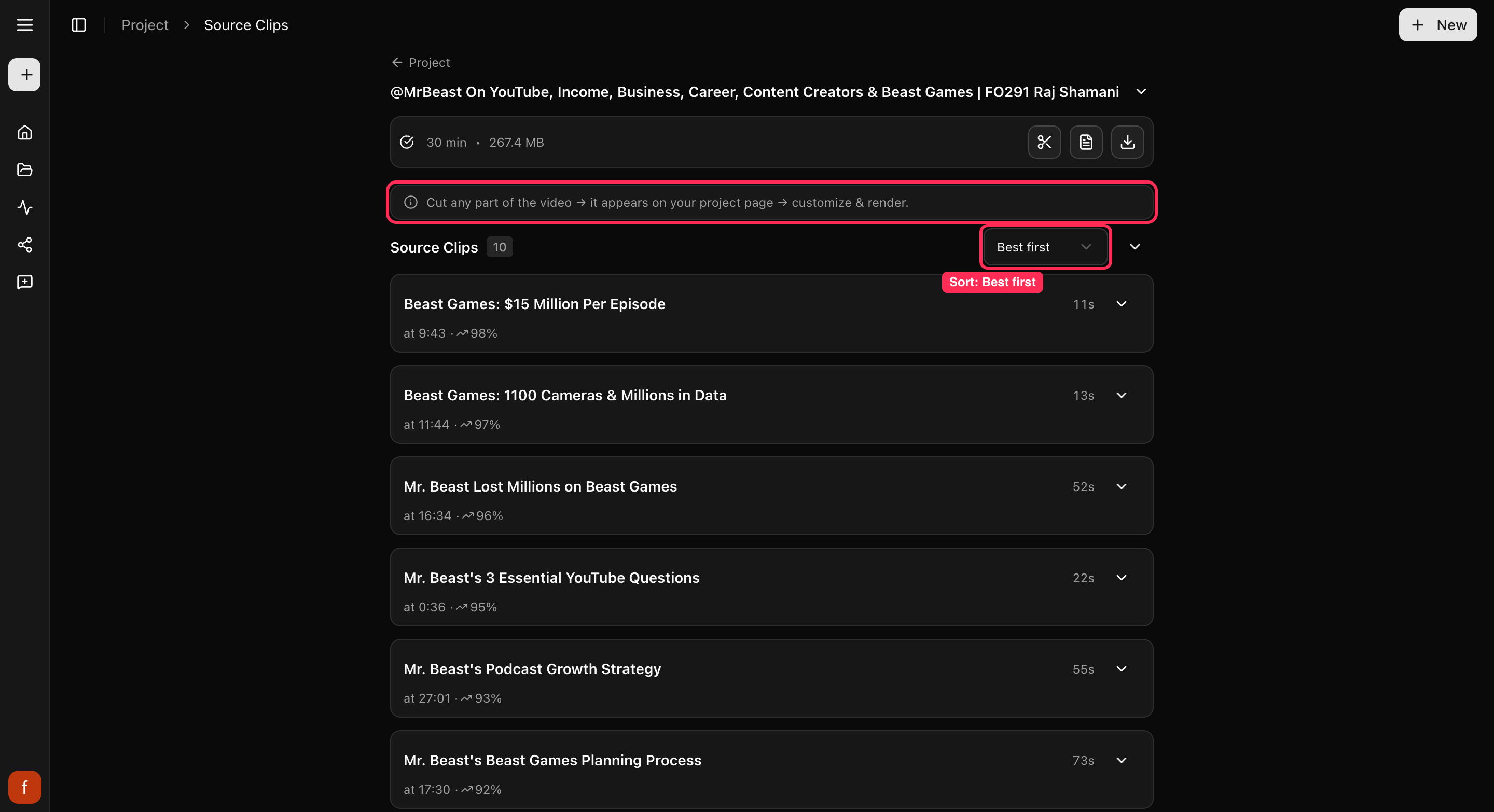
## Good to know
- Cut and Cut & Clip don't use credits, so grab as many moments as you like. You
only spend a credit when you make the final clip with **Get Clip**.
- Both work only while we still have your video stored. If it's gone, add the
link again to start a new project.
## Quick check before you Get Clip
- [ ] The clip starts and ends on the moment you wanted.
- [ ] The speaker stays in frame.
- [ ] The captions read clearly.
## What's next
- Get to know your clips: [A tour of your project page](/help/project-page-tour).
- What each control does: [The quick edit rail](/help/quick-edit-rail).
- Ready to save it? [Download a clip](/help/download-a-clip).
---
# Download a clip
Every clip starts as a preview. Here is how to make the finished version and save it to your device, ready to post anywhere.
> Canonical: https://www.cliphi.com/help/download-a-clip
Every clip on your project page starts as a preview. You can play it and change
how it looks, but to get a file you can post, you make the finished version
first. Here is how.
## Steps
### 1. Get the clip looking right
Play the clip and make any changes you want in the preview. Everything you see is
free to tweak, so get it the way you like before the next step. See
[The quick edit rail](/help/quick-edit-rail) for the controls.
### 2. Make the final clip
Tap **Get Clip**. Cliphi makes the finished version, which takes a moment. This
is the step that uses a credit, so make the clip once it looks right. See
[How credits work](/help/how-credits-work).

### 3. Download it
When the clip is ready, a **Download** button appears in place of Get Clip. Tap
it and the finished video saves to your device, ready to upload anywhere.
You can come back and download the same clip again any time, and that is free.
You only make it once.
## Want to post without leaving Cliphi?
Instead of downloading, tap **Share** on the clip to post it straight from Cliphi.
Download saves the file to your device. Share sends it out for you.
## Quick check before you Get Clip
- [ ] Watch the whole clip through in the preview.
- [ ] The subject stays in frame and the captions read clearly.
- [ ] Turn off anything you do not need, like the subtitle.
- [ ] It looks the way you want, since making it again uses another credit.
## What's next
- [How credits work](/help/how-credits-work)
- [Make your first clips](/help/make-your-first-clips)
- [A tour of your project page](/help/project-page-tour)
---
# Download the source video
Pasted a link? You can download the original video file too, straight from your project.
> Canonical: https://www.cliphi.com/help/download-the-source-video
If you started from a link, Cliphi can hand you the original video file as well,
not just the clips. Handy when you want the whole thing saved on your device.
## Steps
### 1. Find the download button
On your project page, look at the video at the top. Tap the **download** button on
it, the down-arrow icon next to the transcript button.

### 2. Save it
The original video saves to your device. This is the full video you started with,
not a clip.
## Good to know
Downloading the original is free. If you uploaded the video yourself, you already
have the file, so this button does not show up for uploads.
## What's next
- Get the words instead: [Get the full transcript](/help/get-the-transcript).
- Save a finished clip: [Download a clip](/help/download-a-clip).
---
# Filter and bookmark your clips
A long video can give you a lot of clips. Filters help you find the ones you want, and bookmarks help you keep track.
> Canonical: https://www.cliphi.com/help/filter-and-bookmark-clips
A long video can give you a lot of clips. Two things help you stay on top of them:
filters to narrow down to the ones you want, and bookmarks to mark the ones you
like.
## Filter your clips
Near your clips, tap the **filter** button. You can narrow down by:
- **How well a clip might do**: Top, Good, or Fair.
- **How long it is**: short clips, longer ones, and in between.
- **What you have done with it**: the ones you have bookmarked, or already posted.
Pick as many as you like to zero in, then tap **Clear all filters** to see
everything again.
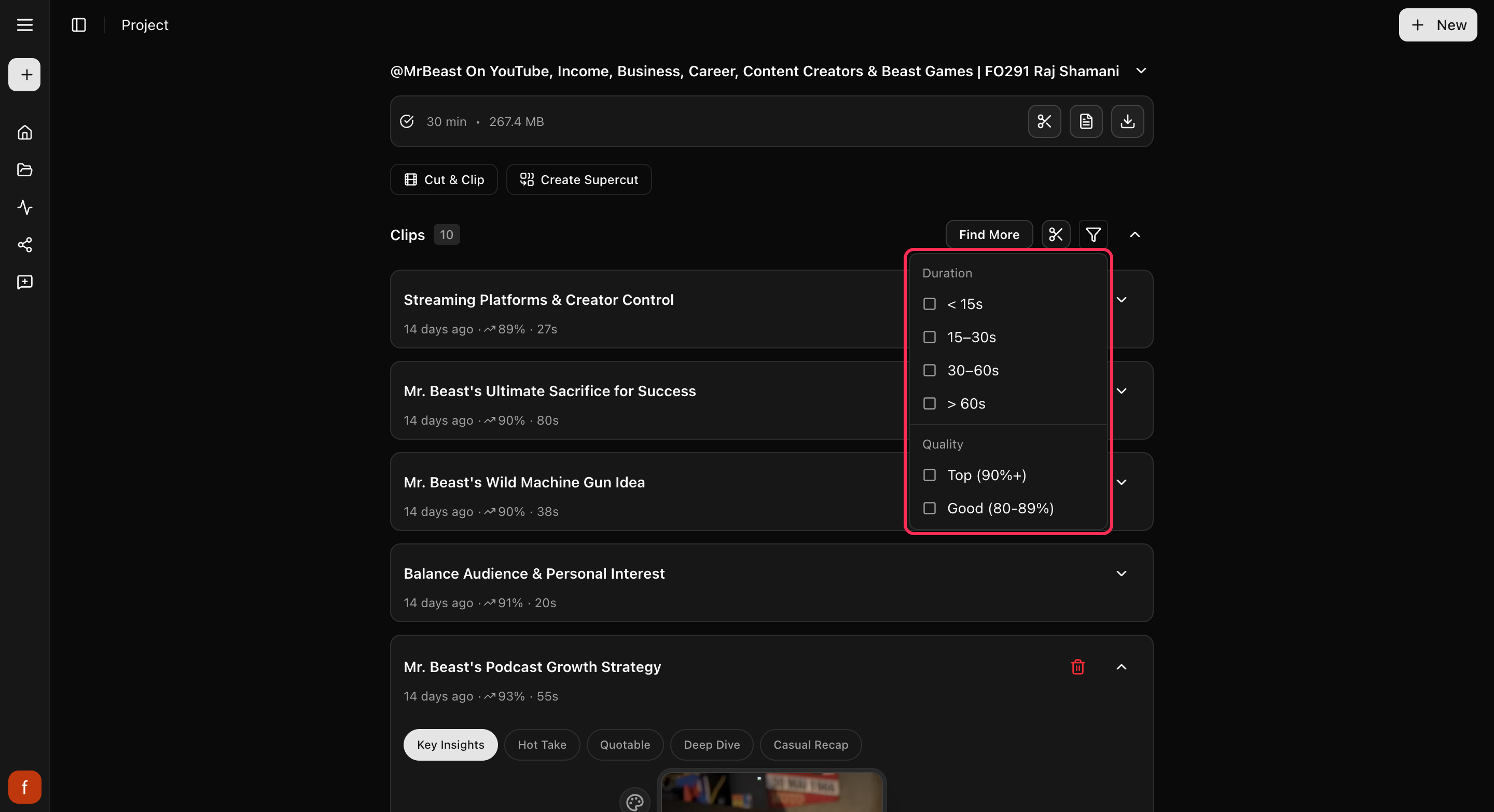
## Bookmark the ones you like
Each clip has a **bookmark**. Tap it once to bookmark a clip you want to come back
to, again to mark it as posted, and once more to clear it. Making a clip bookmarks
it for you automatically, and posting one marks it as posted, so your clips keep
themselves sorted as you work.
## What's next
- What the scores mean: [How the score works](/help/how-the-viral-score-works).
- Get to know your clips: [A tour of your project page](/help/project-page-tour).
---
# Find more clips from a video
Cliphi hands you a set of clips, but there is usually more in a long video. Here is how to find more.
> Canonical: https://www.cliphi.com/help/find-more-clips
Cliphi gives you a strong set of clips to start, but a long video often has more
good moments in it. **Find More** goes back through the same video to pull out
more.
## Steps
### 1. Tap Find More
On your project page, near your clips, tap **Find More**.
### 2. Get more clips
Find More first brings up any extra clips Cliphi already spotted but did not show
yet. They appear alongside your others.
### 3. Ask for something specific (optional)
Want a certain kind of clip? Find More lets you describe what you are after, like
"funny moments" or "the best advice," and set how long you want the clips to be.
You can also tell it to skip moments that overlap with clips you already have, so
you do not get repeats.
## Good to know
Finding more clips is free. You only spend a credit when you make a final clip
with **Get Clip**, so look through as many as you like.
## What's next
- Get to know your clips: [A tour of your project page](/help/project-page-tour).
- What you spend to make clips: [How credits work](/help/how-credits-work).
- Grab one exact moment instead: [Cut a clip from any moment](/help/cut-and-clip).
---
# Fine-tune Your Reaction
Move your face bubble, balance the sound, and choose whose words show as captions after you record a reaction.
> Canonical: https://www.cliphi.com/help/fine-tune-your-reaction
Once a reaction is on a clip, everything about how it looks and sounds stays
adjustable. This guide covers the small controls that make a reaction feel
right: the sound balance, the captions, and where your face sits.
## Steps
### 1. Reopen your reaction
The record button in the quick-edit rail turns green when a clip has a
reaction. Tap it to open the reaction card again, then tap **Adjust** to see
the options.
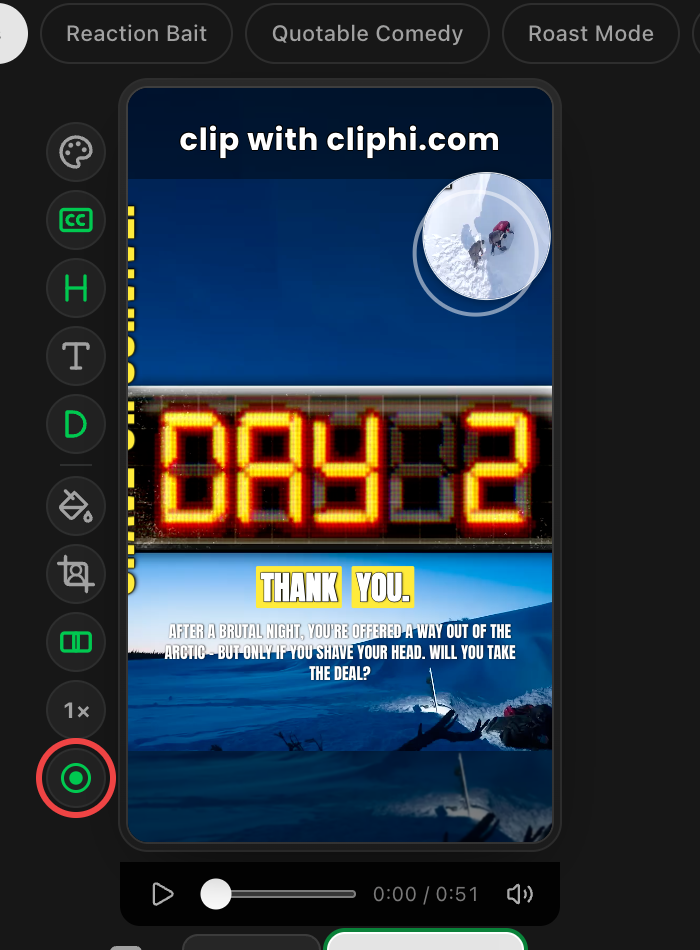
### 2. Balance the sound
The **Original sound** slider sets how much of the clip's own audio plays
under your voice. Slide it to zero and only your recording is heard. The
preview updates as you drag, so trust your ears.
### 3. Choose the captions
Under **Captions**, pick whose words appear on the clip:
- **My words** burns in what you said, transcribed automatically.
- **Video's words** keeps the original speaker's captions.
- **Off** hides captions on this clip.
Right after recording you may see "Writing your captions" for a few seconds
while your words are prepared.
### 4. Style the camera bubble
Camera reactions can be a **Circle** or **Square** bubble, or a strip across
the top or bottom of the clip. Corner and size presets sit below the style
choices. Voice-only recordings skip this section since there is nothing to
place.
### 5. Or just drag it
Grab the bubble right on the preview and drop it anywhere. It snaps to the
center lines to help you line things up. Picking a corner preset afterwards
moves it back to a corner.
## Good to know
- Every change here shows up in the preview immediately and in the final
render exactly the same.
- The trash button on the reaction card removes the reaction entirely. The
clip goes back to how it was, and you can record a fresh reaction any time.
- Each aspect ratio remembers its own bubble position, so your 9:16 layout
will not disturb a 1:1 version of the same clip.
## What's next
- [Record a reaction](/help/record-a-reaction)
- [Add captions to a clip](/help/add-captions-to-a-clip)
- [Download a clip](/help/download-a-clip)
---
# Fix a clip's framing
Cliphi keeps the person in frame for you. When it lands on the wrong spot, here is how to set the framing yourself.
> Canonical: https://www.cliphi.com/help/fix-the-framing
Cliphi crops each clip to the tall shape and keeps whoever is talking in frame,
following them as they move. Now and then it lands on the wrong spot, like when
the video is already split into two people side by side. When that happens, you
can set the framing yourself.
## Steps
### 1. Find the Crop control
Open the clip and look at the row of controls down the side. Tap **Crop**.
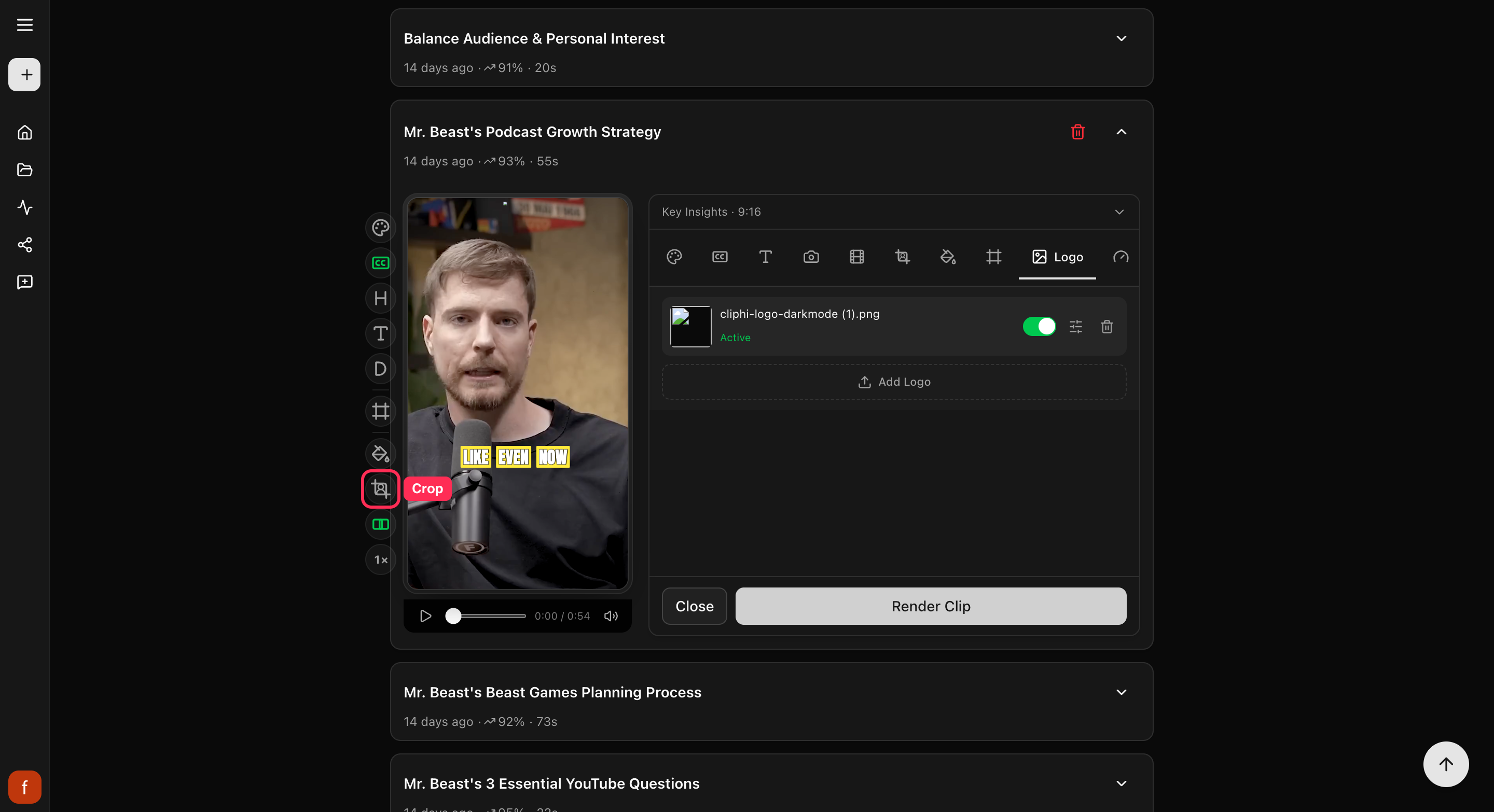
### 2. Switch from Auto to a fixed frame
Crop starts on **Auto**, which follows the person as they move. Tap it to switch
to a fixed frame, and tap again to cycle through the shapes. A fixed frame stays
put for the whole clip, so use it when Auto keeps cutting to the wrong place.
The control glows green once a fixed frame is on. You will not see Crop on clips
that are already wide, since there is nothing to reframe.
## Quick check before you Get Clip
- [ ] The subject stays in frame the whole way through.
- [ ] Nobody is cut off at an edge or sitting too low.
- [ ] Play it once to be sure Auto is not jumping to the wrong spot.
## What's next
- Need different framing for different parts of the clip? [Reframe cut by cut](/help/reframe-cut-by-cut).
- What every side control does: [The quick edit rail](/help/quick-edit-rail).
- Keep text clear of app buttons: [Keep text inside the safe zones](/help/safe-zones).
---
# My framing or captions look off
If a clip's framing or captions do not look right, here is the quick fix for each.
> Canonical: https://www.cliphi.com/help/framing-or-captions-look-off
Cliphi sets up the framing and captions for you, but now and then a clip needs a
little help. Whatever looks off, there is a quick fix.
## The person is not centered
If the framing has landed on the wrong spot, like an empty chair or the edge of
the shot, set the framing yourself with the **Crop** control. See
[Fix a clip's framing](/help/fix-the-framing).
## The captions look wrong
If the captions are too big, too plain, or in the wrong spot, you can change the
look and move them. See [Change your caption style](/help/add-captions-to-a-clip).
## Text is getting covered up
If your captions or text sit where an app puts its like and share buttons, they
can get hidden once you post. Turn on **Safe zones** to see where those land, then
nudge your text clear. See [Keep text inside the safe zones](/help/safe-zones).
## Still not right?
Every control that changes how a clip looks is explained in
[The quick edit rail](/help/quick-edit-rail).
## What's next
- [Fix a clip's framing](/help/fix-the-framing)
- [Change your caption style](/help/add-captions-to-a-clip)
- [Keep text inside the safe zones](/help/safe-zones)
---
# Get the full transcript
Cliphi writes out everything said in your video. Here is how to read it, search it, and download it as text or subtitles.
> Canonical: https://www.cliphi.com/help/get-the-transcript
Cliphi listens to your whole video and writes out every word. You can read the full
transcript, search it to jump to a moment, and download it as plain text or as a
subtitle file to use somewhere else. Here is how.
## 1. Open the transcript
Go to your project page. On the video bar at the top, tap the **Transcript** button,
the page icon that sits next to the download arrow. The transcript
slides open in a panel on the right.
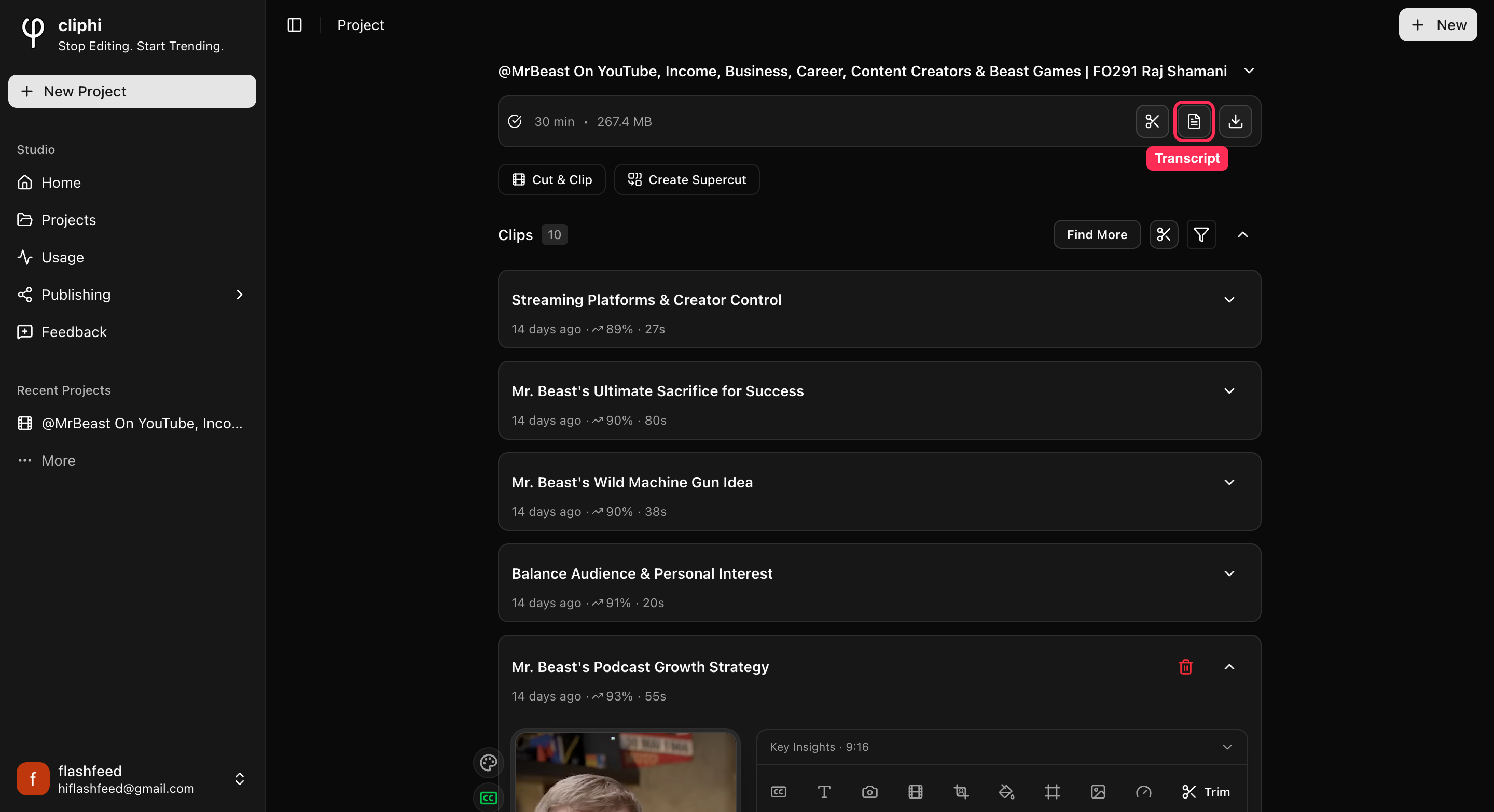
## 2. Find your way around
Everything you need is along the top of the panel:
1. **Search** the whole transcript for a word or phrase.
2. Switch between **Plain** text and **Timestamps**.
3. **Copy** the whole transcript.
4. **Download** it as a file.
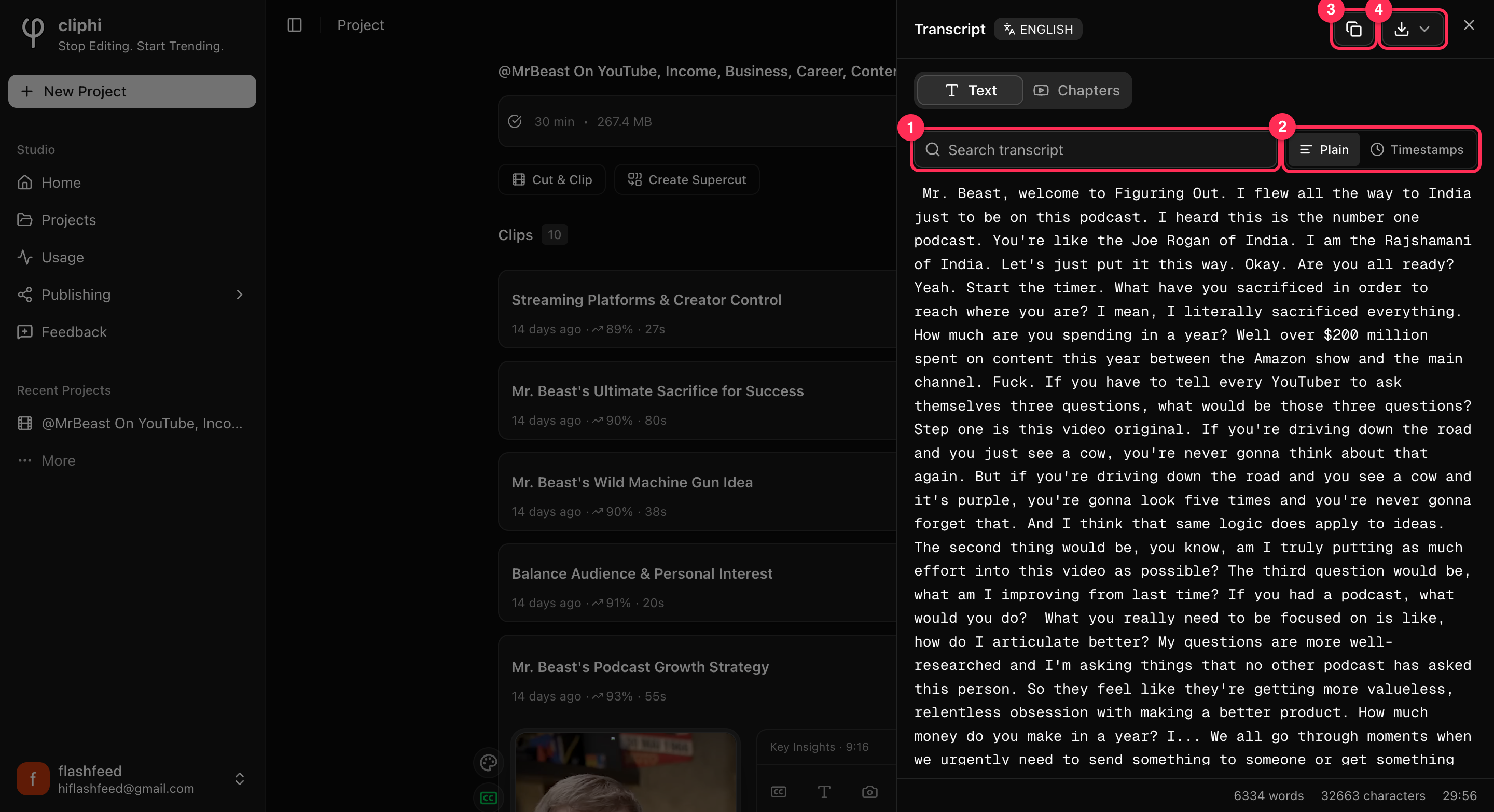
## 3. Search for a moment
Type a word or phrase into the **Search transcript** box. The transcript filters down
to the lines that match, so you can find exactly where something was said without
scrolling through the whole thing.
## 4. Read it with timestamps
Tap **Timestamps** to show the time each line was said, down the left side. This is
the easy way to find the exact spot for a clip, or to line the words up with the
video. Tap **Plain** to go back to plain reading.
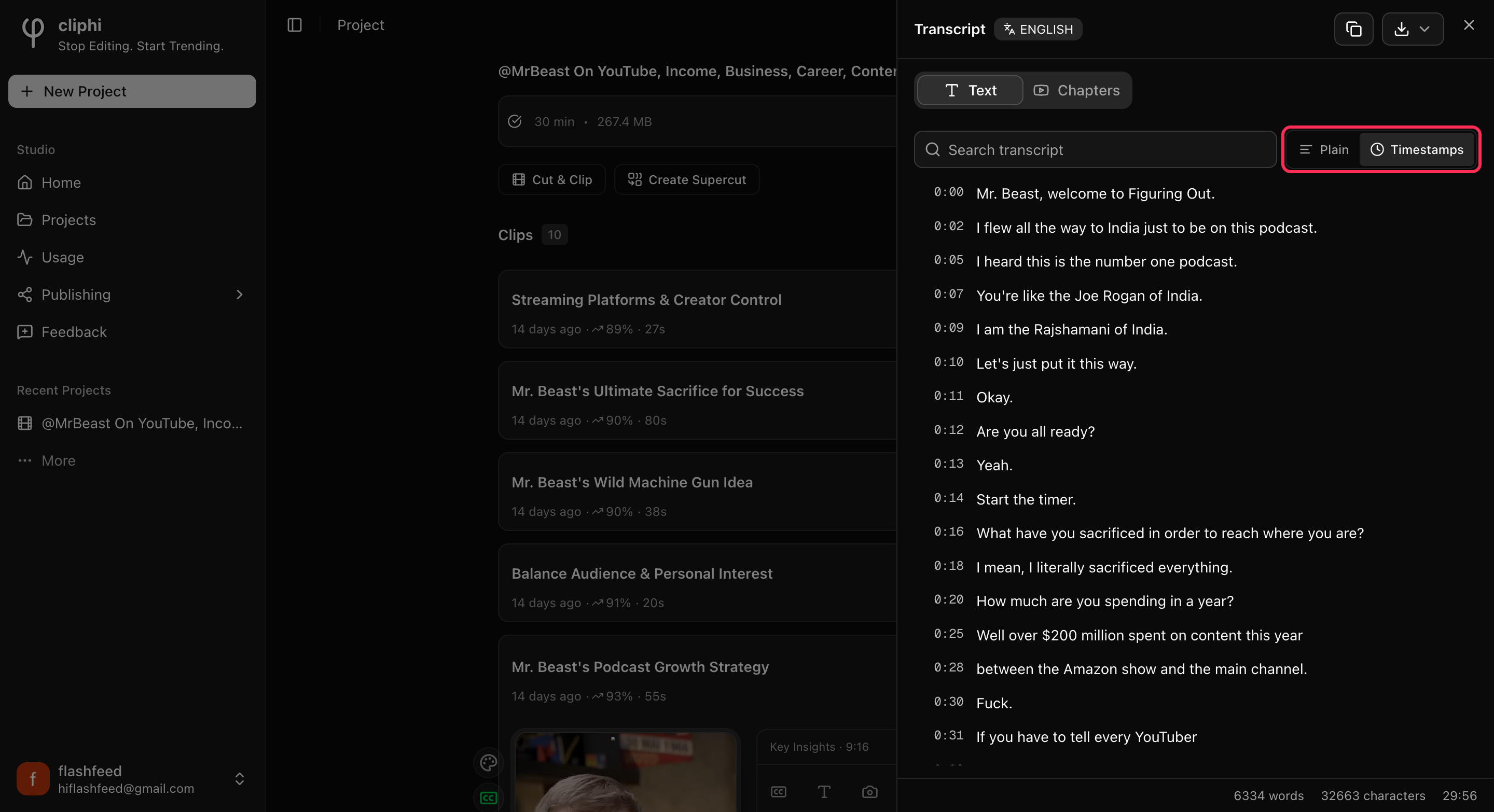
## 5. Copy or download it
- **Copy** grabs the whole transcript so you can paste it into your notes, a script,
or a description.
- **Download** gives you a file. Pick **Plain text (.txt)** to read or edit it
anywhere, or **Subtitles (.srt)** or **(.vtt)** if you want to add captions to a
video in another app.
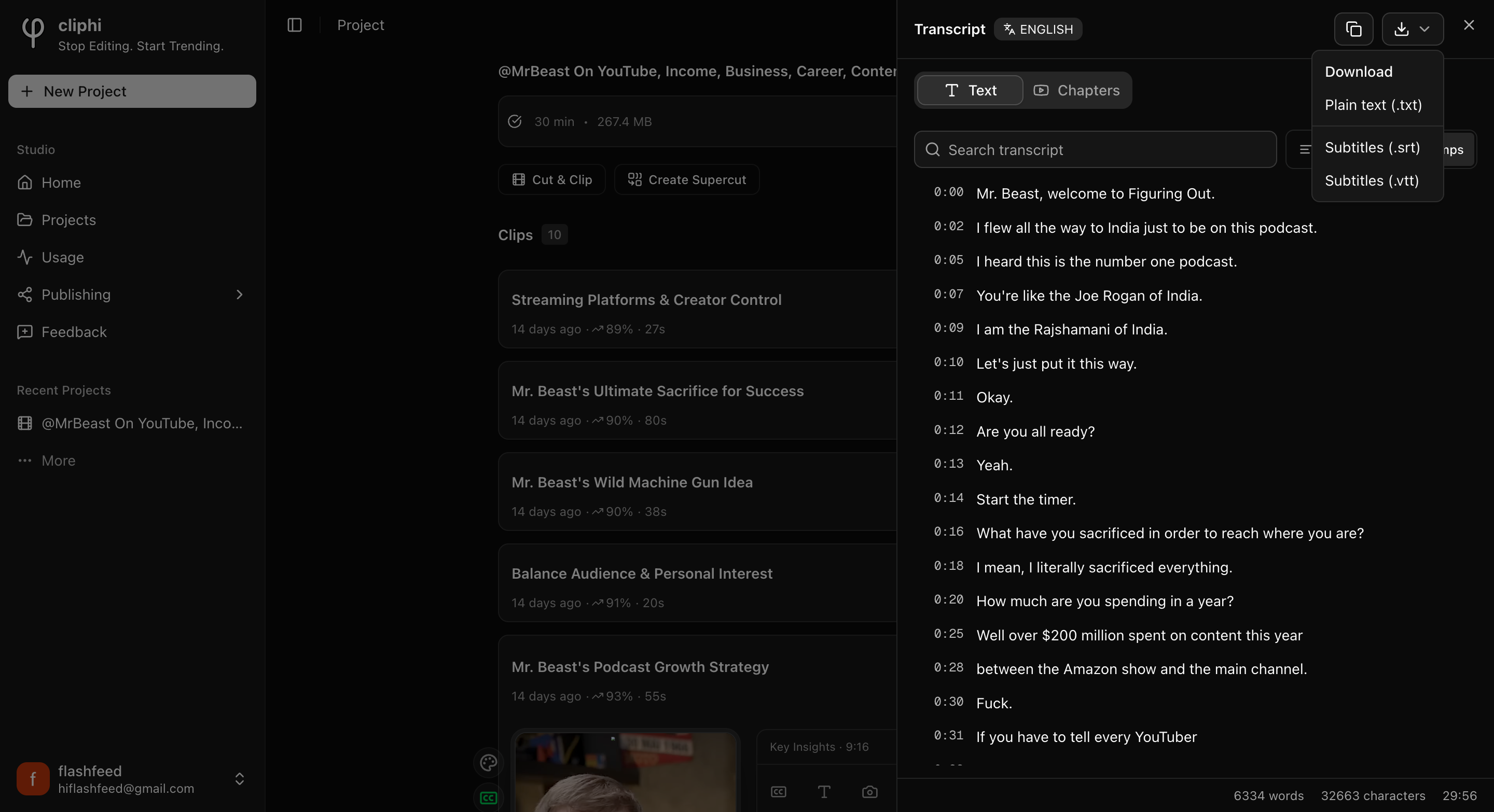
The subtitle files (.srt and .vtt) carry the timings, so they only show up when your
transcript has timestamps.
## Good to know
- **It is free.** Reading, searching, copying, and downloading the transcript does
not cost any credits.
- **Chapters.** If your video came with chapters, the **Chapters** tab lists them so
you can jump straight to a section.
## What's next
- Save the original video too: [Download the source video](/help/download-the-source-video).
- Add captions to a clip instead: [Change your caption style](/help/add-captions-to-a-clip).
- Get to know your clips: [A tour of your project page](/help/project-page-tour).
---
# Hook, title, and subtitle
Besides captions, a clip can show a hook, a title, and a subtitle. Here is how to turn each one on or off and change the words.
> Canonical: https://www.cliphi.com/help/hook-title-and-description
Every clip has captions on it already. On top of that, you can add three bits of
text: a **Hook** (the big line at the top that grabs people), a **Title**, and a
**Subtitle** (a smaller line under the title). You choose which ones to show, and
you write the words yourself. The subtitle used to be called the description.
## Turn each one on or off
Open the clip and tap **Text**. You will see three little tabs: **Hook**,
**Title**, and **Subtitle**. Each has a **Show** switch.
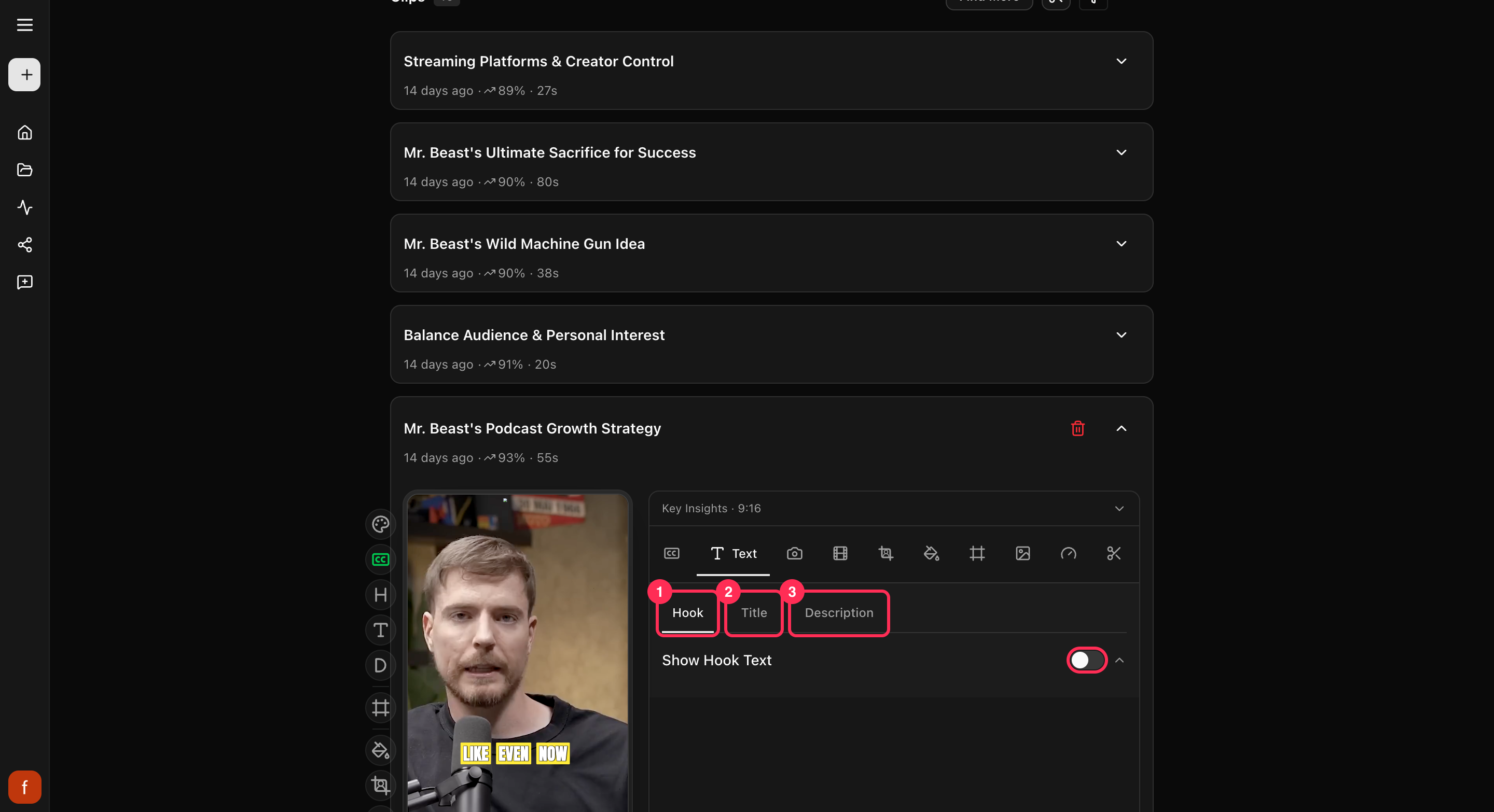
To start with, the **Title** is on and the **Hook** and **Subtitle** are off.
Flip a switch to show or hide that piece. You can also turn each one on or off
from the row of controls down the side of the clip.
## Change the words
Under each switch is a box where you type the text. Write a hook that makes people
stop, keep the title short, and use the subtitle only if the clip needs it. You
can also tap the text right on the preview to change it there.
## A note on captions
Captions are different. They are the moving words that match what is said, so you
do not type those here. To change how the captions look, see
[Change your caption style](/help/add-captions-to-a-clip).
## Quick check before you Get Clip
- [ ] The hook grabs attention in the first second.
- [ ] The words say what the clip is about, with no typos.
- [ ] The text sits clear of the app's own buttons.
- [ ] Only the pieces you want are showing.
## What's next
- What every side control does: [The quick edit rail](/help/quick-edit-rail).
- Keep text clear of app buttons: [Keep text inside the safe zones](/help/safe-zones).
---
# How credits work
Credits are what you spend to make finished clips in Cliphi. Here is what costs credits, what is free, and where to see your balance.
> Canonical: https://www.cliphi.com/help/how-credits-work
Credits are what you spend to make finished clips. You start with some free
credits so you can try Cliphi out, and you only spend them when you actually make
a clip to keep.
## What costs credits
- **Making a final clip.** When you tap **Get Clip** to turn a preview into the
finished file, that is the main thing credits are for. A longer clip costs a
little more than a short one.
- **Processing a video.** When Cliphi first goes through your video to find the
moments, it uses a small amount. This part is tiny compared to making clips.
## What's free
- **Looking around.** Playing your clips, trying different looks, and switching
the wording all cost nothing. Nothing is charged until you make a final clip.
- **Finding more clips.** Asking Cliphi to look through the video again with
**Find More** is free. You only spend credits on the ones you actually make.
- **Downloading again.** Once you have made a clip, you can download it as many
times as you like without spending more.
## A couple of things to know
- **Remaking a clip costs again.** If you change a clip after you have made it and
make it again, that is a new final clip, so it uses credits again. Get the clip
looking right in the preview first, then make it once.
- **Longer clips cost a little more.** Since a longer clip takes more to make, it
uses a few more credits than a short one.
## Where to see your balance
Open **Usage** from the menu to see how many credits you have left and a history
of what you have used. Run low and you can top up right there.
## Running low?
On the **Usage** page you can **Subscribe** for a regular batch of credits, or
buy a one-off pack. Pick whichever fits how often you make clips.
## What's next
- [Make your first clips](/help/make-your-first-clips)
- [Download a clip](/help/download-a-clip)
- [A tour of your project page](/help/project-page-tour)
---
# How the score works
Every clip comes with a score. Here is what that number means and how to use it to decide what to post first.
> Canonical: https://www.cliphi.com/help/how-the-viral-score-works
Next to each clip is a small number with an arrow, like 92 percent. That is the
clip's score. It is a quick guess at how likely the clip is to do well, so you
can tell at a glance which ones are worth posting first.

## What the number means
A higher score means Cliphi thinks that clip has a better shot at landing. If you
only have time to post a few, use the score to decide which ones. You can narrow
the list down to just the top-scoring clips from the **Filters** menu. See
[Filter and bookmark your clips](/help/filter-and-bookmark-clips).
## It is a guide, not a promise
The score is there to help you choose, not to decide for you. No number can know
for sure what will take off, so trust your own eye too. A clip with a slightly
lower score about something your audience loves can still be the one worth
posting. Watch a couple before you pick.
## What's next
- Get to know your clips: [A tour of your project page](/help/project-page-tour).
- The same moment, worded differently: [Clip angles explained](/help/clip-angles-explained).
- New to Cliphi? [Make your first clips](/help/make-your-first-clips).
---
# Cliphi Help Center
Learn how to turn long videos into short, captioned clips with Cliphi. Guides for clipping, captions, reframing, transcription, and posting.
> Canonical: https://www.cliphi.com/help
Turn a long video, livestream, or podcast into short, captioned clips ready to
post. Pick a guide below to get started.
## Start here
## Clip from a source
## Understand your clips
## Do more with a video
## Edit your clips
## Brand and presets
## Get your clips out
## Plans and credits
## Having trouble?
---
# Is Cliphi an app? Where to get it
Cliphi runs in your browser at cliphi.com. There is no APK, no desktop installer and no app store listing, and anything calling itself a Cliphi APK is not from us.
> Canonical: https://www.cliphi.com/help/is-cliphi-an-app
Cliphi is a web app. You use it at cliphi.com in the browser you already have,
on a phone or on a computer. There is nothing to download or install, and there
is no listing in the Play Store or the App Store.
## There is no Cliphi APK
Plenty of people search for "cliphi apk" or "cliphi download". If you land on a
site offering one, it is not ours. We have never published an Android package,
and we do not hand Cliphi to any app store or download site. A file labelled
"Cliphi APK" is either someone else's software wearing our name or a repackaged
web view, and we cannot say what it does with your account or your phone. Skip it.
## Open Cliphi on your phone
1. Open your browser. Chrome, Safari, Samsung Internet, any of them works.
2. Go to cliphi.com and sign in.
3. Paste a video link or upload a file, exactly as you would on a computer.
If you want an icon on your home screen, your browser can make one. On Android
in Chrome, tap the three dots and choose "Add to Home screen". On iPhone in
Safari, tap Share and choose "Add to Home Screen". The icon opens cliphi.com,
so it is still the real site.
## On a computer
Same thing: cliphi.com in Chrome, Edge, Firefox or Safari. Longer editing
sessions, like [reframing cut by cut](/help/reframe-cut-by-cut) or fixing
caption words, are easier with a bigger screen and a mouse, but nothing is
desktop-only.
## Where your clips end up
Finished clips are ordinary video files. Save them to your device from the
clip's Download button, or post them straight to a connected account. See
[Download a clip](/help/download-a-clip).
## Only sign in on our site
Sign in at cliphi.com, which sends you to our sign-in page on accounts.cliphi.com.
We never email you a file to install, and we never ask for your password in a
chat or a form on another site.
## What's next
- [What you can clip](/help/what-you-can-clip)
- [Make your first clips](/help/make-your-first-clips)
- [Plans and pricing](/help/plans-and-pricing)
---
# Make your first clips
Paste a video link and Cliphi turns it into short, captioned clips ready to post for TikTok, Reels, and Shorts. Here is how to make your first ones.
> Canonical: https://www.cliphi.com/help/make-your-first-clips
A clip is a short piece cut from a longer video, ready to post. Cliphi makes
them for you: you give it a video, and it hands back short clips with captions
already on them. Here is how to make your first ones.
## Steps
### 1. Paste your video link
On the Cliphi home page, paste a link to your video into the box and select
**Get clips**. It can be a YouTube video, a livestream, a podcast, and more. You
can also upload a video from your computer.
If you are not signed in yet, Cliphi asks you to sign in first, then picks up
right where you left off.
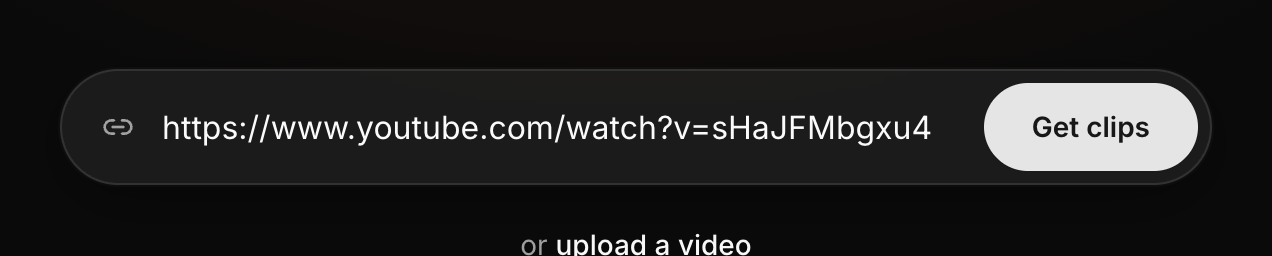
### 2. Choose how much to use
Cliphi shows you the video. You can use the whole thing, or pick just one part.
Pick a chapter, or drag the handles to choose a section. If you are not sure,
leave it on the whole video. Then select **Continue**.
A long video is fine here. A two-hour podcast or a full stream works. You do not
have to watch it or cut it down yourself. Pick the whole thing or just one part,
and Cliphi takes it from there.

Clipping a live stream? Instead of chapters, you choose how long to record and
press **Start Recording**. Clips can come back while it is still going.
### 3. Pick a style
Cliphi may ask you to pick a style for your clips: how the captions, hook, title
and subtitle look together. Choose one you like and select **Continue**. If you do
not see this step, no problem, Cliphi uses the look new accounts get. Either way
you can change it on any clip later, so nothing here is final.
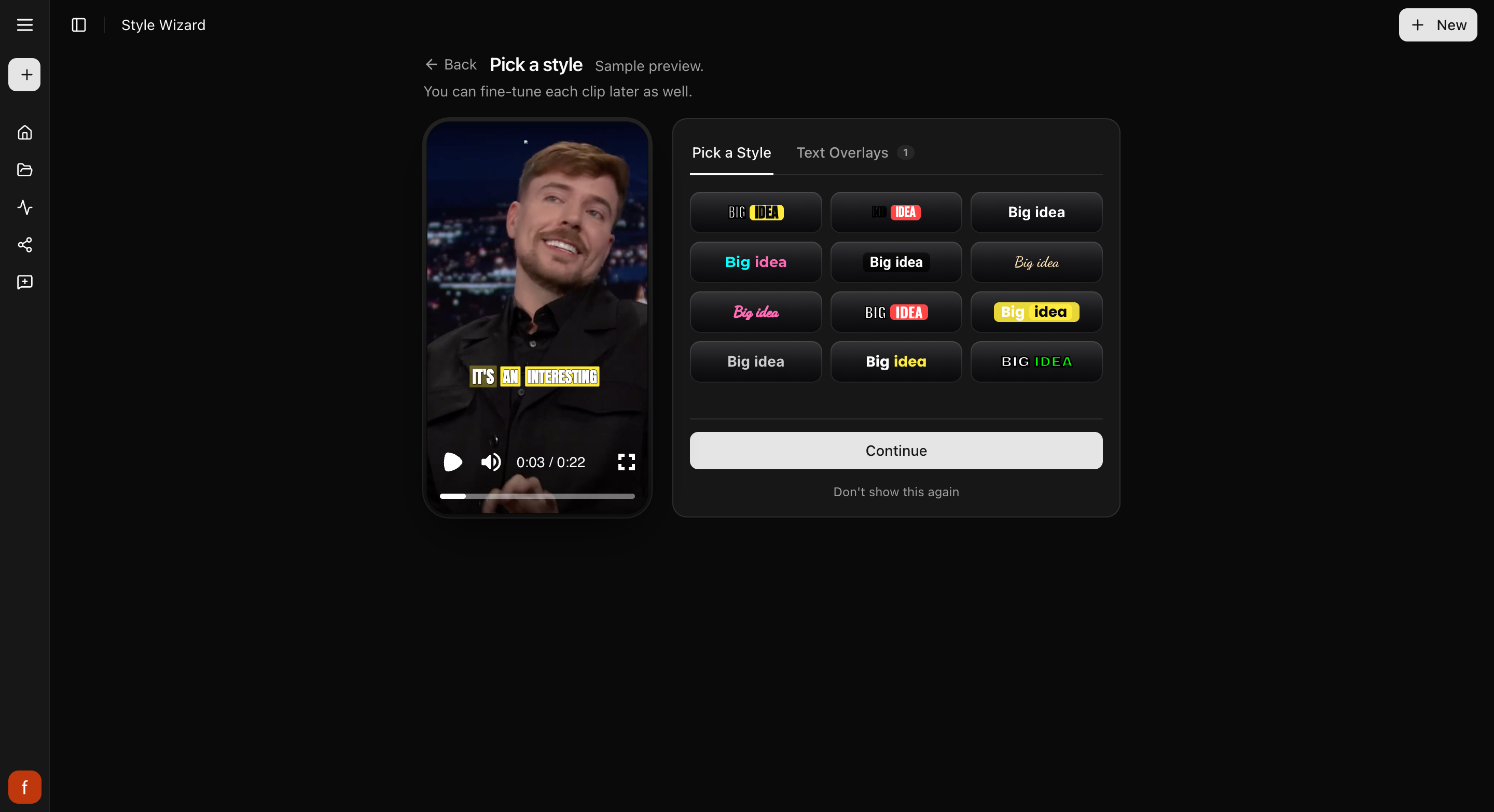
### 4. Let Cliphi make your clips
Now Cliphi gets to work. You will see it move through a few steps, like loading
your video, watching it, and finding the best clips. Your clips then start
showing up one at a time as they are ready, so you do not have to wait for the
whole batch.
This usually takes a few minutes. A longer video takes longer. You are free to
leave the page and come back whenever. Your clips will be here waiting.
### 5. Look through your clips
Each clip comes back ready to post. It is cut to a tall shape that fits TikTok,
Reels, and Shorts, with captions already on it.
Play a clip right where it sits to see how it feels. Next to each one is a small
number with an arrow, like 87 percent. It is a quick read on how well that clip
might do, so the higher ones are usually worth posting first. Trust your own eye
too. Watch a couple before you choose.

Some clips have a row of tabs across the top, like Key Insights or Hot Take.
They are the same moment written a different way. Tap through and keep the
wording you like.
### 6. Change anything you want (optional)
Happy with a clip as it is? You can skip straight ahead. If you would like to
tweak one, open it and use the controls down the side. Every change shows in the
preview as you make it.
Two things people reach for first:
- **Framing looks off?** If the person is not centered, tap **Crop** to switch the
shape, or open the controls to nudge them left, right, up, or down.
- **Want a different look?** Tap **Pick a style** to restyle all the words at once,
or tap **Caption** to change just the captions.
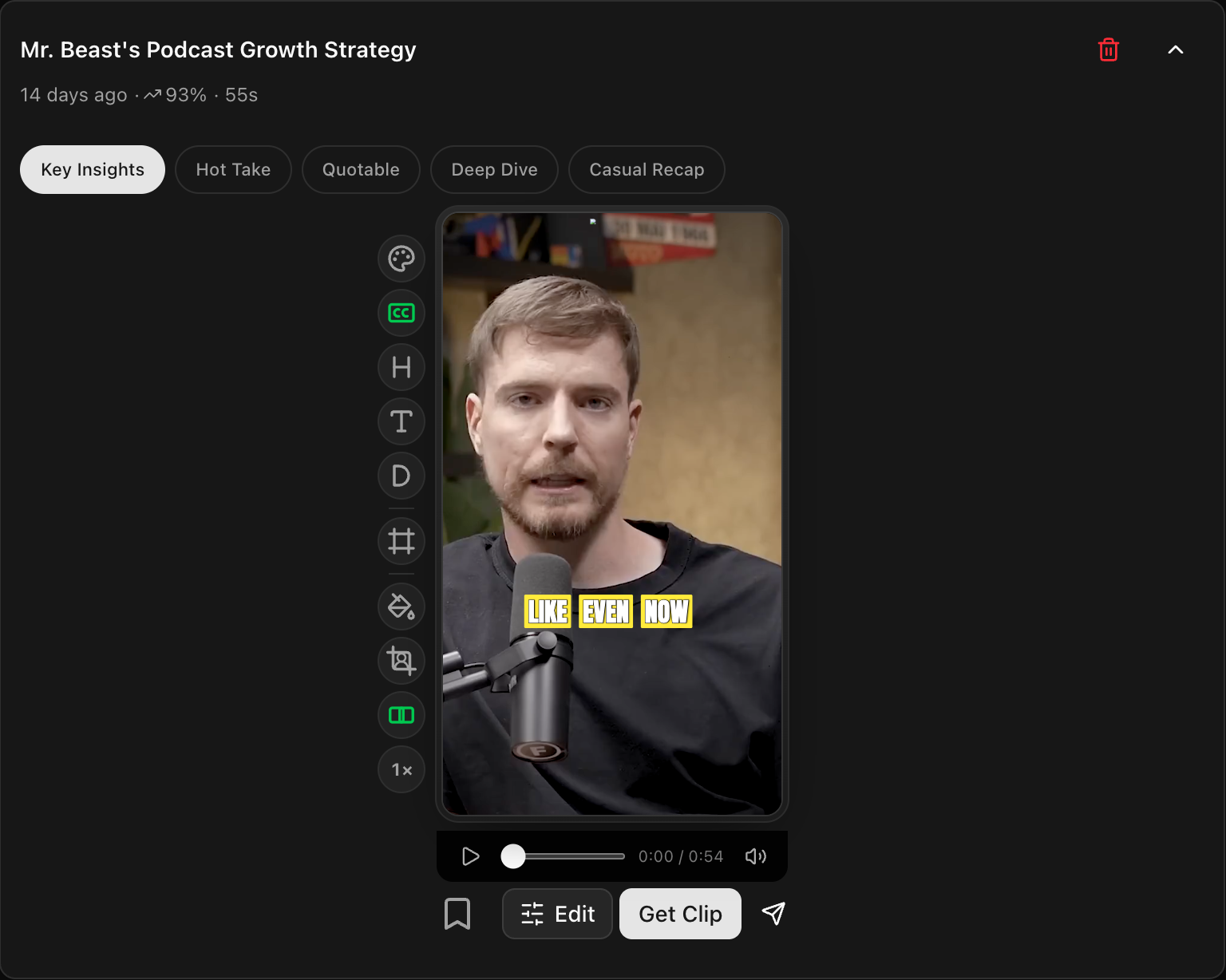
### 7. Get your clip
When a clip looks right, select **Get Clip**. Cliphi makes the final version and
a download button appears so you can save it. It keeps the clip too, so you can
always find it again.
Want to post without leaving Cliphi? Tap **Share** to send it to your connected
accounts, or to line it up for later. No accounts connected yet? Cliphi walks you
through it.

That's it. You have made your first clips and got one ready to post.
## Quick check before you Get Clip
Before you select **Get Clip**, give the clip a quick once-over in the preview:
- [ ] Watch the whole clip through.
- [ ] The person stays in frame the whole way.
- [ ] The captions read clearly and sit clear of the edges.
- [ ] Turn off anything you do not need, like the subtitle.
## Didn't get what you hoped?
Near the top of your clips, **Find More** pulls more from the same video, and you
can tell it what you are after.
## What's next
- Want the captions to look different? See [Change your caption style](/help/add-captions-to-a-clip).
- Get to know your clips: [A tour of your project page](/help/project-page-tour).
- What every side control does: [The quick edit rail](/help/quick-edit-rail).
- Which links and files work: [What you can clip](/help/what-you-can-clip).
- Saving the finished file: [Download a clip](/help/download-a-clip).
- What you spend to make clips: [How credits work](/help/how-credits-work).
---
# Manage your subscription
Change or cancel your plan, or buy a one-off pack of credits. Here is where to go.
> Canonical: https://www.cliphi.com/help/manage-your-subscription
A subscription gives you a regular batch of credits to make clips with. When you
want to change your plan, cancel, or just grab more credits, here is where to go.
## Change or cancel your plan
Open **Usage** from the menu.
- If you see a **Subscription** button, tap it. That opens your billing page,
where you can change or cancel your plan.
- If you do not see that button, reach out to support and they will change or
cancel it for you.
## Buy more credits any time
Whether or not you are on a plan, you can top up whenever you run low. On the
**Usage** page, tap **Buy Credits** and pick a pack. These are a one-time
purchase, and the credits never expire.
## What's next
- What you spend credits on: [How credits work](/help/how-credits-work).
- See what you have used: [Usage and credit history](/help/usage-and-credit-history).
---
# Plans and pricing
What the Cliphi plans include, how they differ, and how to pick the right one for how much you make.
> Canonical: https://www.cliphi.com/help/plans-and-pricing
A plan is a monthly subscription that gives you a batch of credits every month.
Credits are what you spend to make finished clips. If you make clips regularly, a
plan is the cheaper way to get them.
The nice part: every plan unlocks every feature. There is no "pro-only" tool locked
behind a higher tier. The only thing that changes between plans is how many credits
you get each month. A bigger plan just means more clips per month, not more features.
## See the plans
Open the [Pricing page](/pricing) any time to see the plans side by side. You will
also see them pop up inside Cliphi when you are low on credits.
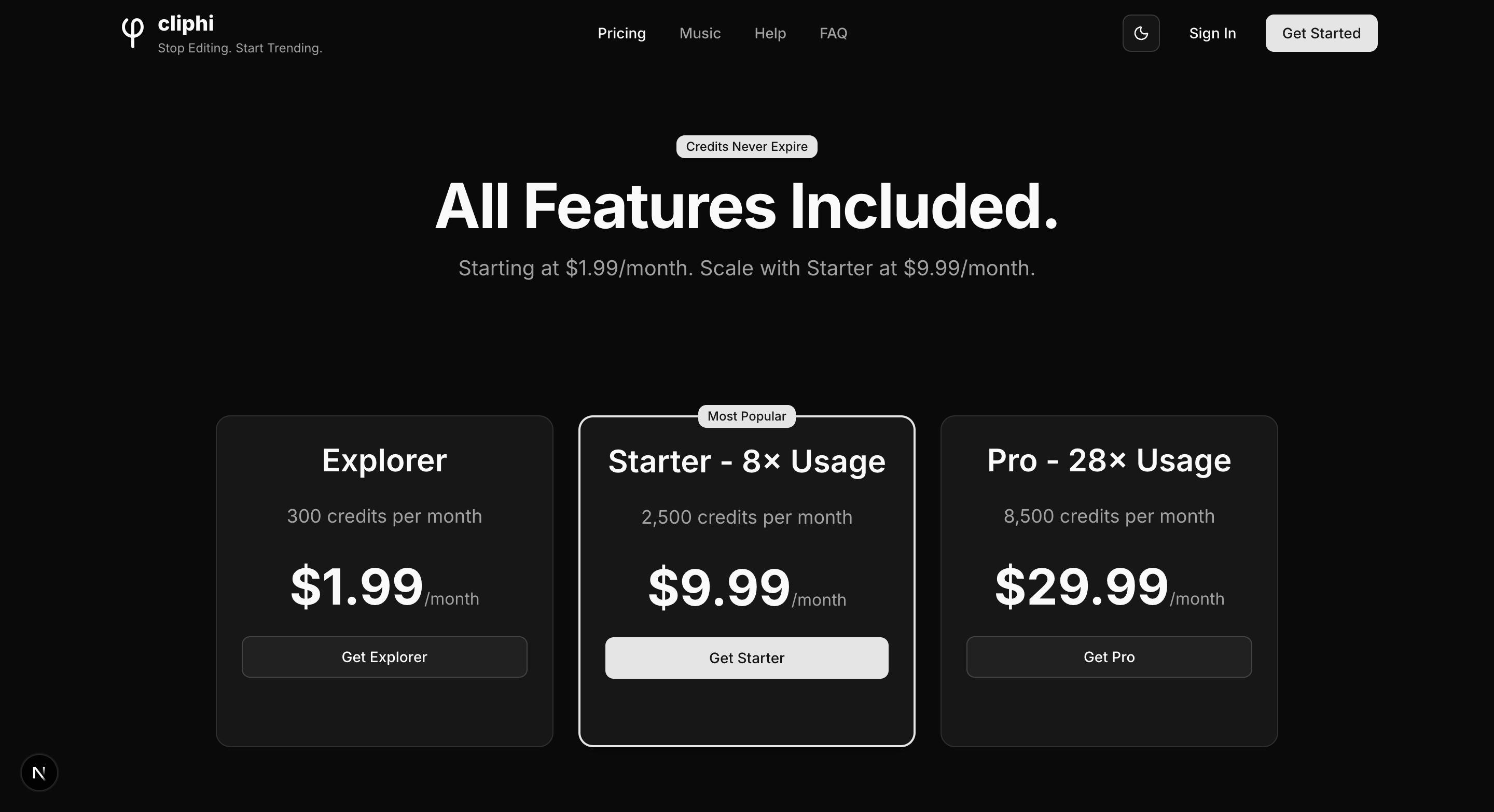
There are a few tiers, from a small starter plan up to a large one, with a "Most
Popular" pick in the middle. Each card shows how many credits you get a month and
what it costs. Prices and credit amounts are on the page itself, so you are always
looking at the current numbers.
## Pick the right one
Match the plan to how much video you plan to run each month, not to a feature you
want, since every plan has every feature. If you are just trying Cliphi out, start
small. If you are clipping most days, the middle or larger plan works out cheaper per
clip. You are not locked in: you can move up or down later, and you keep any credits
you have already got.
## Good to know
- **Credits never expire.** They roll over month to month, and you keep them even if
you cancel.
- **Cancel anytime.** There is no lock-in. If you cancel, you still keep the credits
you have.
- **Run low mid-month?** You do not have to jump to a bigger plan. You can top up with
a one-time [credit pack](/help/buy-credits) instead.
## Related
- What credits are and what they pay for: [How credits work](/help/how-credits-work).
- Need a one-off top-up: [Buy credits](/help/buy-credits).
- Change or cancel your plan: [Manage your subscription](/help/manage-your-subscription).
- See what you have used: [Usage and credit history](/help/usage-and-credit-history).
---
# Processing is taking a while
After you start, Cliphi loads your video, watches it, and finds the clips. Here is what is normal and what to do if it feels stuck.
> Canonical: https://www.cliphi.com/help/processing-is-stuck
After you start a project, Cliphi loads your video, watches it, and finds the best
clips. On a long video this takes a few minutes. Here is what is normal, so you
know when to wait and when something is actually wrong.
## What's normal
- **The status changes as it goes.** You will see it move through loading your
video, watching it, and finding the best clips.
- **Clips show up one at a time** as they are found, so you do not have to wait
for all of them.
- **You can leave and come back.** Your project keeps working while you are away,
and your clips will be waiting when you return.
## If it feels stuck
A long video simply takes longer, most of the wait is Cliphi getting through the
whole thing. The "finding the best clips" step does not show a percentage, so it
can look frozen even when it is working away. Give it a few minutes before you
worry.
## If you want to stop
Tap the **X** next to the progress to stop. Any clips it already found stay, so
you will not lose those.
## Still not working?
If it stops with an error, it is often about credits. Check your balance on the
**Usage** page and top up if you are low. See [How credits work](/help/how-credits-work).
## What's next
- Make your clips: [Make your first clips](/help/make-your-first-clips).
- Which videos work best: [What you can clip](/help/what-you-can-clip).
---
# A tour of your project page
When your clips are ready they land on the project page. Here is a quick tour of what everything on it does.
> Canonical: https://www.cliphi.com/help/project-page-tour
When Cliphi finishes, your clips land on the **project page**. Everything for
this video lives here. Here is a quick tour of what you are looking at.
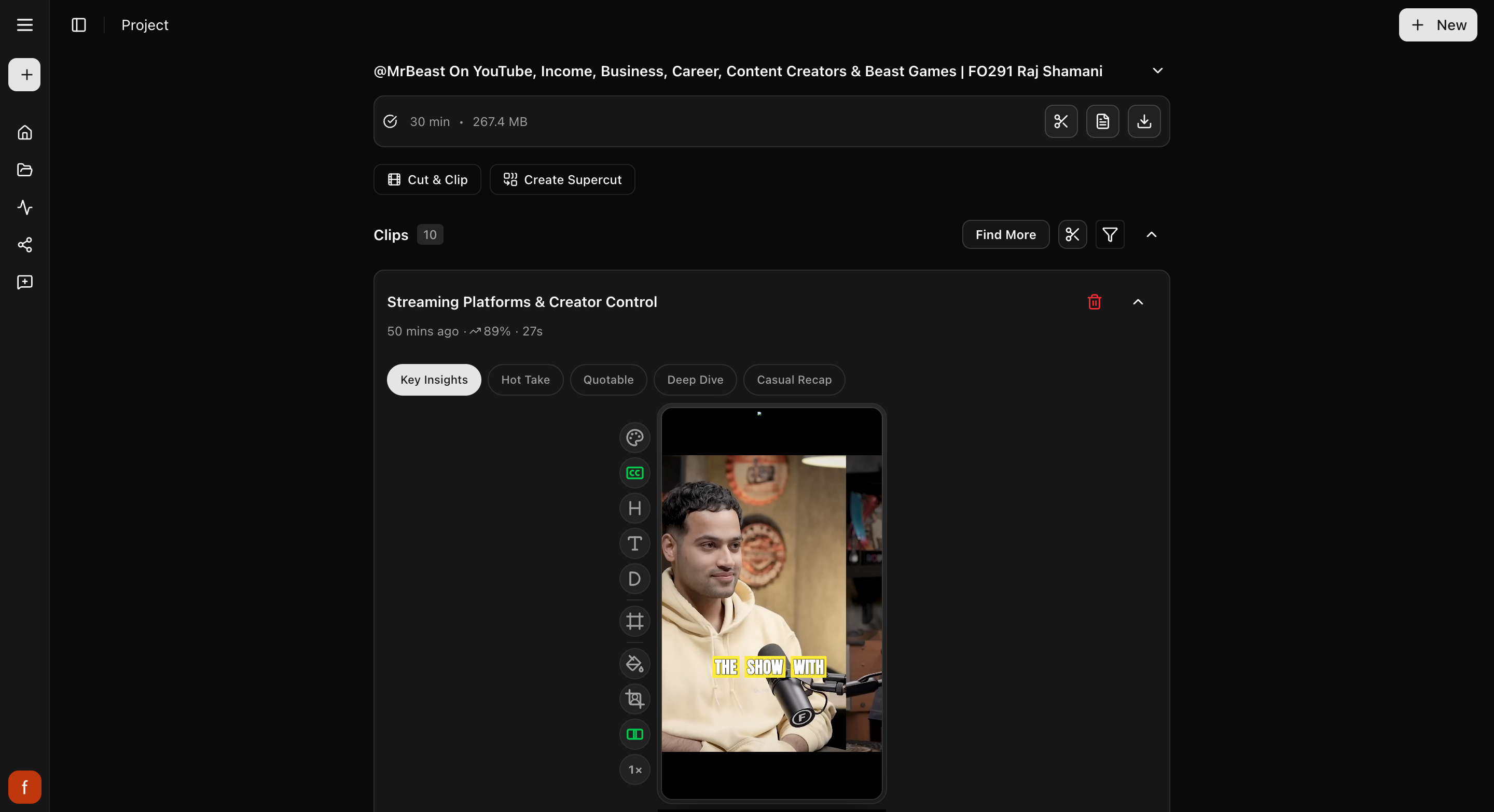
## Preview now, finished clip when you want it
Every clip on this page starts as a preview. You can play it, change how it
looks, and try different wording, all before you commit to anything. When one
looks right, you tap **Get Clip** and Cliphi makes the final version you can
download or post. Nothing is final until you ask for it, so feel free to poke
around.
## Your video
At the very top is the video you started with, folded up to keep things tidy.
Tap it to open it back up. From here you can read the full transcript of what was
said, or download the original video if you want the whole thing.
## How to read a clip
Below your video is the list of clips Cliphi pulled out for you. Each one is a
card you can play right where it sits. On every card you will see:
- **The title**, a short line about what the clip is.
- **The score**, shown as a percent next to a little up arrow. It is a quick
guess at how well the clip might do, so the higher ones are usually worth
posting first.
- **How long it is**, in seconds.
You do not have to watch all of them. If you just want your strongest ones, you
can jump to the top-scoring clips with the filter, more on that below.

## A few takes on each clip
Some clips have a little row of tabs, like Key Insights or Hot Take. They are the
same moment worded a different way. Tap one and the title and the caption text
change to match that angle, so you can pick the framing that fits how you want to
post it. You will see these before you make the final clip.
## The controls on each clip
Down the side of each clip is a row of quick controls: the captions, the hook,
the title, the subtitle, the framing, the background, how lively it feels, and
the speed. You do not have to touch any of them, but each one is there when you
want it. For what every control does, see [The quick edit rail](/help/quick-edit-rail).
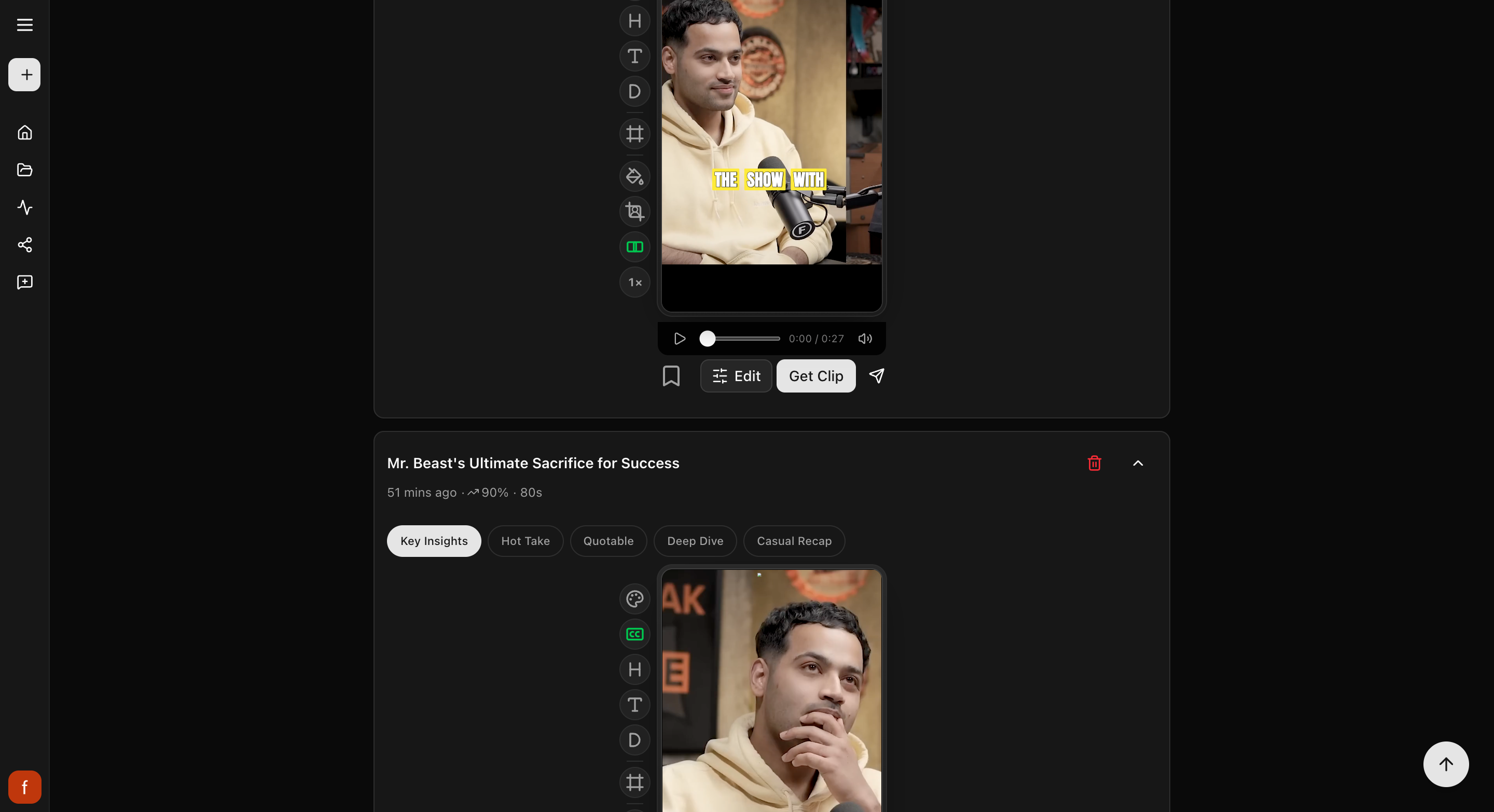
## Getting a clip out
Each clip has a few buttons of its own. Here is the usual path from preview to
posted:
- **Bookmark** marks a clip you like so you can find it again. Tap it once to
bookmark, again to mark it as posted, and again to clear it.
- **Edit** opens the clip's controls so you can tweak the look. You can skip this
if the clip already looks good.
- **Get Clip** makes the final version. Once it is done, a **Download** button
appears so you can save the file.
- **Share** posts the clip to the socials you have connected, or lines it up for
later.
You can post straight from here, or download and post yourself. Either way works.

## Your project's pages
Under your video is a row of your project's pages: **Cuts** (the parts of your
video, and **Cut** to download any part of it), **Clips**, **Supercuts**, and
**X/Threads**. Tap one to go there.
## Finding your way around a lot of clips
A long video can give you a lot of clips. To zero in on the ones you want, tap
the **filter** button near the top of the list. You can narrow down to your
top-scoring clips, the ones you have bookmarked, clips of a certain length, and
more. Tap the filter again to clear it and see everything.
## Want even more clips?
Near the top you will find three ways to make more:
- **Find More** goes back through the same video for a different kind of clip.
Use it when you have something specific in mind: tell it "funny moments" or
"the best advice," and it looks again. You can also tell it to skip clips you
already have.
- **Cut & Clip** (the scissors at the top of your clips) is for when you already
know the exact bit you want. Pick the spot in the video and it makes a clip from
there.
- **Create Supercut** stitches the video's best moments together by theme into one
short highlight clip. It shows up once your video is long enough to have a few
moments worth stringing together.
## What's next
- Want to tweak how a clip looks? See [The quick edit rail](/help/quick-edit-rail).
- What the score means: [How the score works](/help/how-the-viral-score-works).
- Grab an exact moment: [Cut a clip from any moment](/help/cut-and-clip).
- Make a highlight reel: [Create a Supercut](/help/create-a-supercut).
- New here? [Make your first clips](/help/make-your-first-clips).
---
# The quick edit rail
Down the side of each clip is a row of quick controls. Here is what each one changes, when to reach for it, and how it works on a phone.
> Canonical: https://www.cliphi.com/help/quick-edit-rail
Your clips come ready to post, so you do not have to edit them at all. But when
you want to tweak one, everything is in the row of controls down the side of the
clip. This is the quick edit rail. Tap a control and the preview updates right
away.
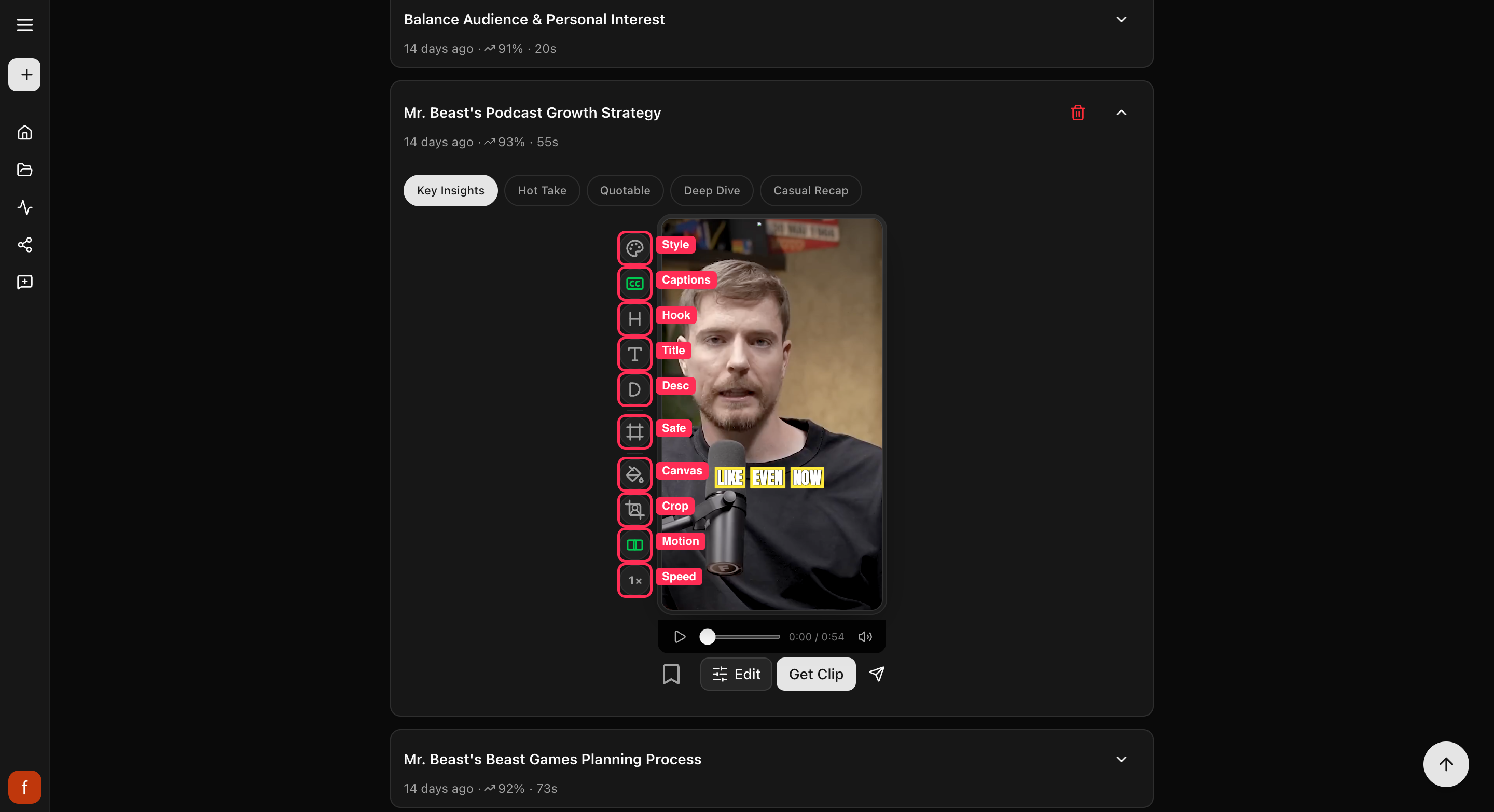
A control glows green when it is on. And you only see a control when it can
actually do something, so if a clip has no title, the Title control is not there,
and the framing control hides on clips that are already wide.
## What each control does
The controls fall into three simple jobs: the words on screen, the way it looks,
and how much it moves.
### The words on screen
- **Pick a style**: the quickest way to change the words look at once. Tap it
and choose a style from the little grid. It restyles the captions, hook, title
and subtitle together, so all the words match, and leaves the background, the
frame and your logo as they are. The grid stays open so you can try a few; tap
outside it when you are done. Start here if you just want a different vibe
without fiddling with each piece.
- **Captions**: turn the words on the screen on or off, and pick a look. Reach
for this if the captions feel too big, too plain, or you want them gone. See
[Change your caption style](/help/add-captions-to-a-clip).
- **Hook**: the big line of text at the top that grabs people in the first
second. Turn it off if it is covering something, or on if the clip needs a
stronger opening.
- **Title**: show or hide the clip's title. Turn it off when the hook already
says enough.
- **Subtitle**: show or hide the smaller line of text under the title. If the
screen feels crowded, this is usually the first thing to turn off.
- **Safe zones**: turns on a guide that shows where each app puts its own
buttons, like the like and share icons. Use it to check none of your text is
hiding behind them before you post.
### The way it looks
- **Background**: fills the space around the video when it does not cover the
whole tall frame. Tap to switch between a soft blurred version of the video and
plain black. Use black for a clean look, blur when black feels too stark.
- **Crop**: decides which part of the video fills the tall frame. Leave it on
Auto and it follows the person as they move. Switch to a fixed frame if Auto
ever lands on the wrong spot.
### How much it moves
- **Motion**: how lively the clip feels. Tap through from holding on one steady
shot to cutting between framings as people talk. More movement keeps a fast
clip punchy, less movement suits a calm talking clip.
- **Speed**: play the clip a little faster. Handy when someone talks slowly or a
moment drags. Tap to step up, tap again to keep going.
Every tap shows up in the preview straight away, so try a few and keep whatever
looks best. Nothing is saved to the final clip until you tap Get Clip.
## On a phone
On a small screen the rail cannot fit every control at once, so it shows them in
two sets. The text controls sit in one set, and the look, framing, and speed
controls sit in the other. Tap the **Swap** button at the bottom of the rail (the
up-and-down arrows) to flip between them. On a computer you see all of them at
once, so there is no Swap button.
## Quick check before you Get Clip
Once it looks the way you want, give it a quick once-over:
- [ ] Watch the whole clip in the preview.
- [ ] The subject stays in frame.
- [ ] Your text sits clear of the app's own buttons. Turn on Safe zones to check.
## Go deeper on a control
- [Change your caption style](/help/add-captions-to-a-clip)
- [Hook, title, and subtitle](/help/hook-title-and-description)
- [Change the background](/help/change-the-background)
- [Fix a clip's framing](/help/fix-the-framing)
- [Reframe cut by cut](/help/reframe-cut-by-cut)
- [Change the clip speed](/help/change-the-clip-speed)
- [Trim a clip](/help/trim-a-clip)
- [Keep text inside the safe zones](/help/safe-zones)
## What's next
- [A tour of your project page](/help/project-page-tour)
- [Make your first clips](/help/make-your-first-clips)
---
# Record a Reaction
Put your face or your voice on any clip. Tap the record button, talk while the clip plays, and your reaction becomes part of the clip.
> Canonical: https://www.cliphi.com/help/record-a-reaction
A reaction puts you on the clip. Record with your camera and you appear in a
small bubble over the video; record voice only and your commentary plays over
it. Either way, the clip's own sound drops to the background while you talk,
and what you say becomes the clip's captions.
## Before you start
Your browser will ask for permission to use your microphone (and camera, if
you record with it). Allow it once and you are set. On a phone, headphones
make the recording sound cleaner.
## Steps
### 1. Find the record button
Open a clip's editing view. The record button sits at the bottom of the
quick-edit rail beside the preview, a red dot in a ring.
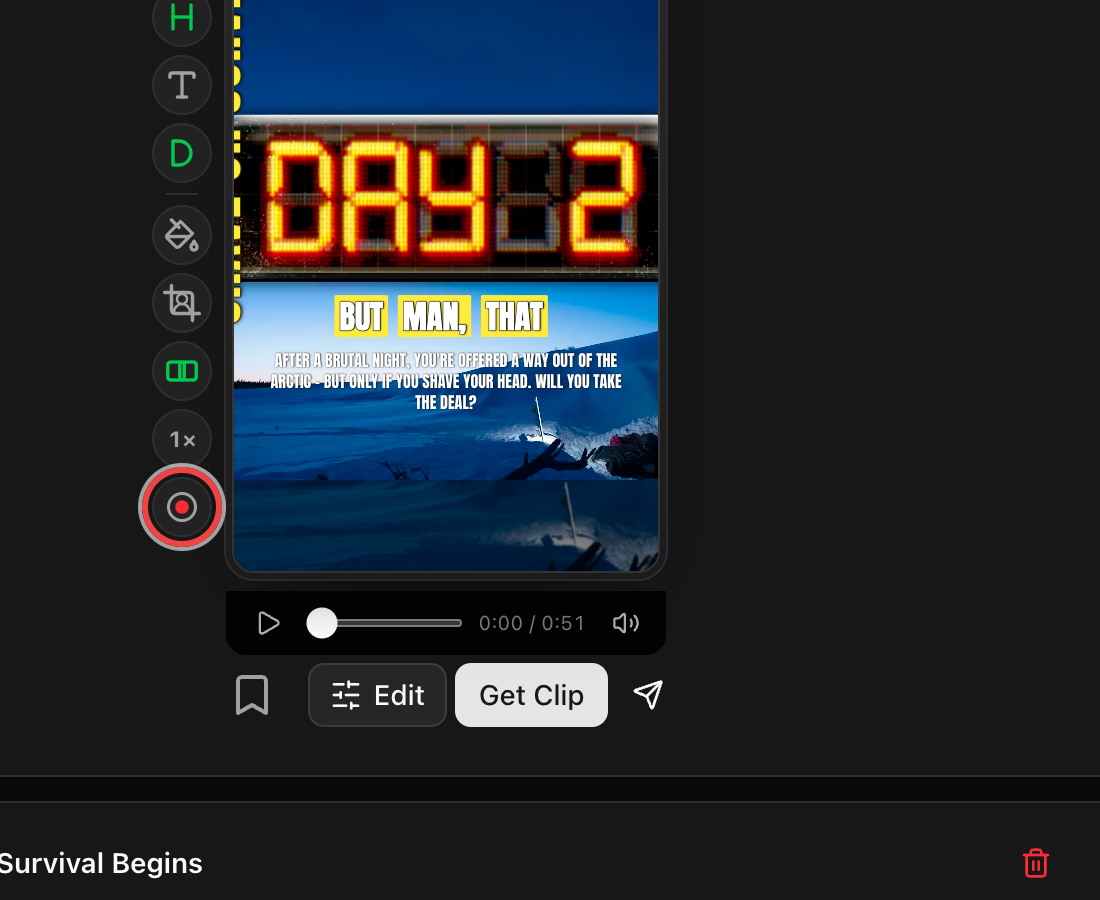
### 2. Choose camera or voice
The record surface opens with your camera preview so you can see exactly what
will be on the clip. Use the switch under the big button to go voice only, no
camera. Cliphi remembers your choice for next time.
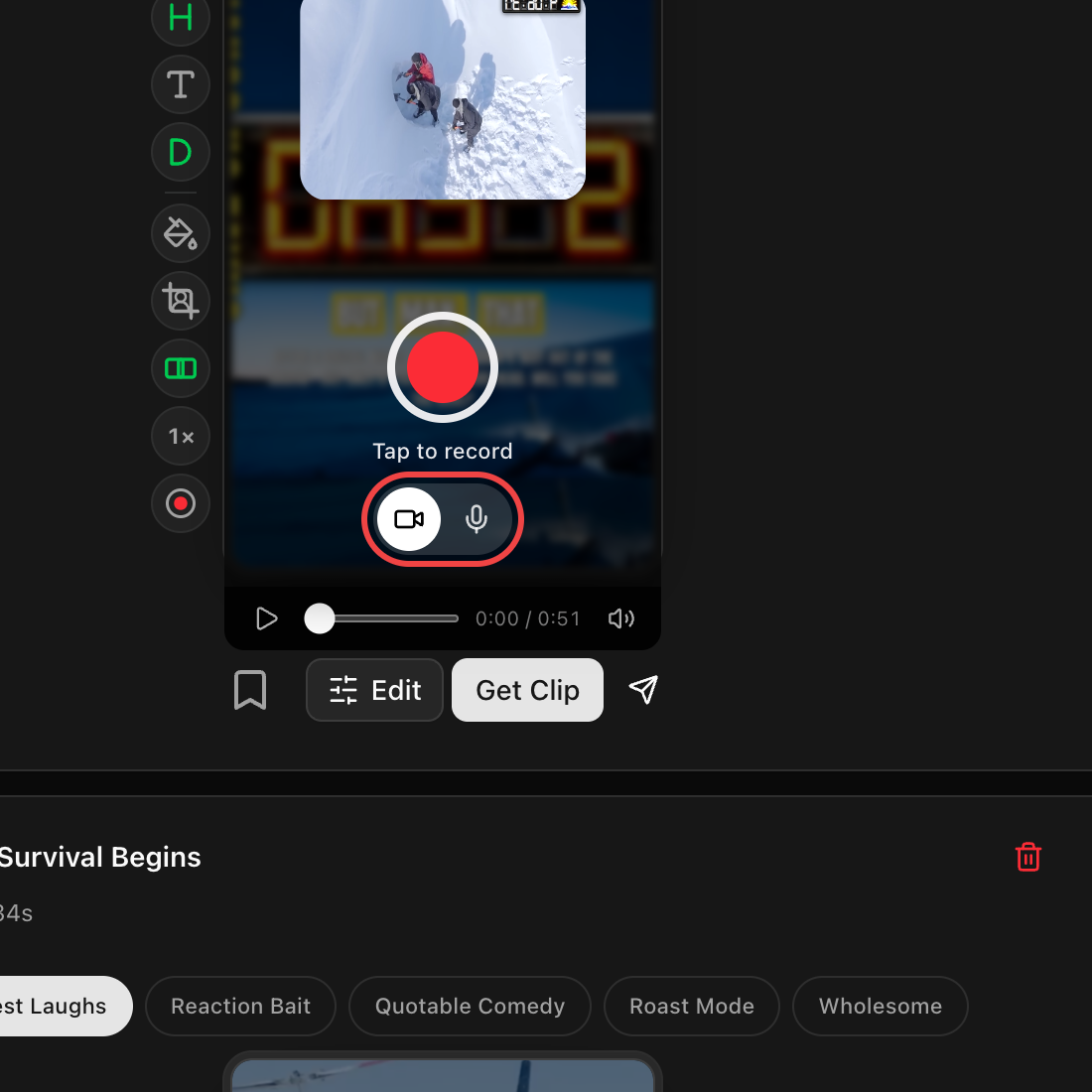
### 3. Record while the clip plays
Tap the big button. After a quick 3-2-1 countdown the clip starts playing and
recording begins, so say what you think as you watch. The clip's sound stays
low under your voice.
### 4. Review your recording
Tap the button again to stop, or let the clip run to the end. Your reaction
replays over the clip right away, exactly as it will look. Keep it with
**Use it**, redo it with the record-again arrow, or remove it with the trash
button.
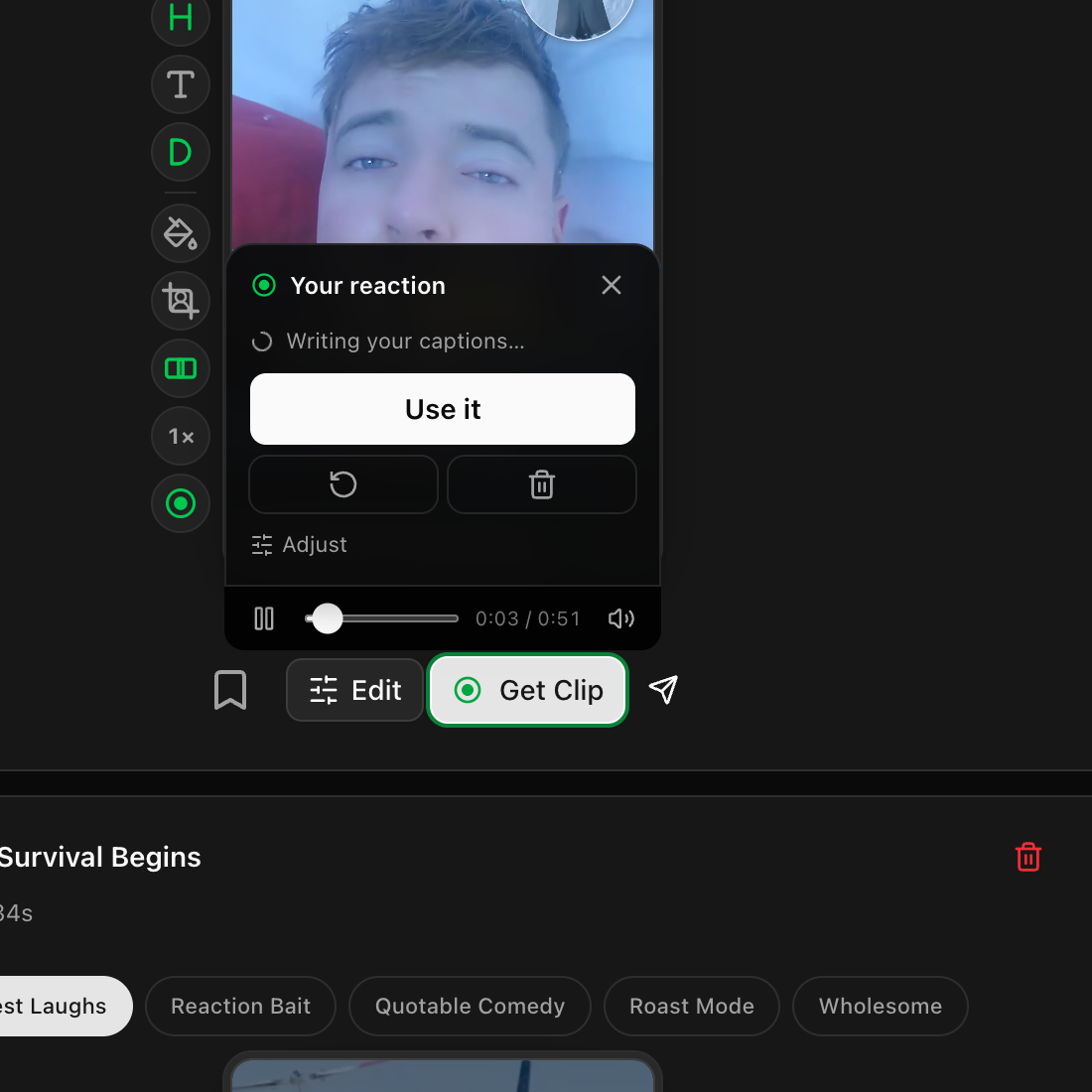
### 5. Get your clip
The **Get Clip** button shows a green ring when your reaction is included.
Tap it and the final clip renders with your reaction built in.
## Good to know
- Recording is free. Rendering the final clip uses credits like any other
clip. See [How credits work](/help/how-credits-work).
- A recording can be as long as the clip itself, up to about 3 minutes.
- While your reaction is on a clip, the clip's speed is locked at normal, and
trimming the clip removes the reaction. You can always record again after.
- Blocked the microphone by accident? Enable it in your browser's site
settings for cliphi.com, then try again. If only the camera is blocked, you
can still record voice only.
- Your words show up as the clip's captions a few seconds after you record.
Want the video's own words instead? See
[Fine-tune your reaction](/help/fine-tune-your-reaction).
## Quick check before you Get Clip
- [ ] Play the preview once. Your voice should sit clearly above the clip's sound.
- [ ] The camera bubble is not covering the captions or anything important.
- [ ] The captions show the words you want (yours or the video's).
- [ ] The right look is applied (style, background, and so on).
## What's next
- [Fine-tune your reaction](/help/fine-tune-your-reaction)
- [Add captions to a clip](/help/add-captions-to-a-clip)
- [Download a clip](/help/download-a-clip)
---
# Reframe cut by cut
Set the framing shot by shot, and add little transitions between cuts, so a busy clip stays locked on the right person.
> Canonical: https://www.cliphi.com/help/reframe-cut-by-cut
Most clips are made of a few cuts, where the video jumps from one shot to the next.
Cliphi frames each cut on the speaker for you. But when a clip switches between
people or the wrong thing ends up in the middle of the frame, you can step in and
set the framing for each cut yourself. That is what the **Cuts** tab is for. It is
the most hands-on control in the editor, and it is where you go when you want a clip
just so.
This is different from [fixing the framing](/help/fix-the-framing), which sets one
frame for the whole clip in a single tap. Reach for Cuts when different parts of the
clip need different framing.
## Open the Cuts tab
Open a clip, tap **Edit** under the preview, and pick **Cuts** from the row of tabs
(the crop icon).
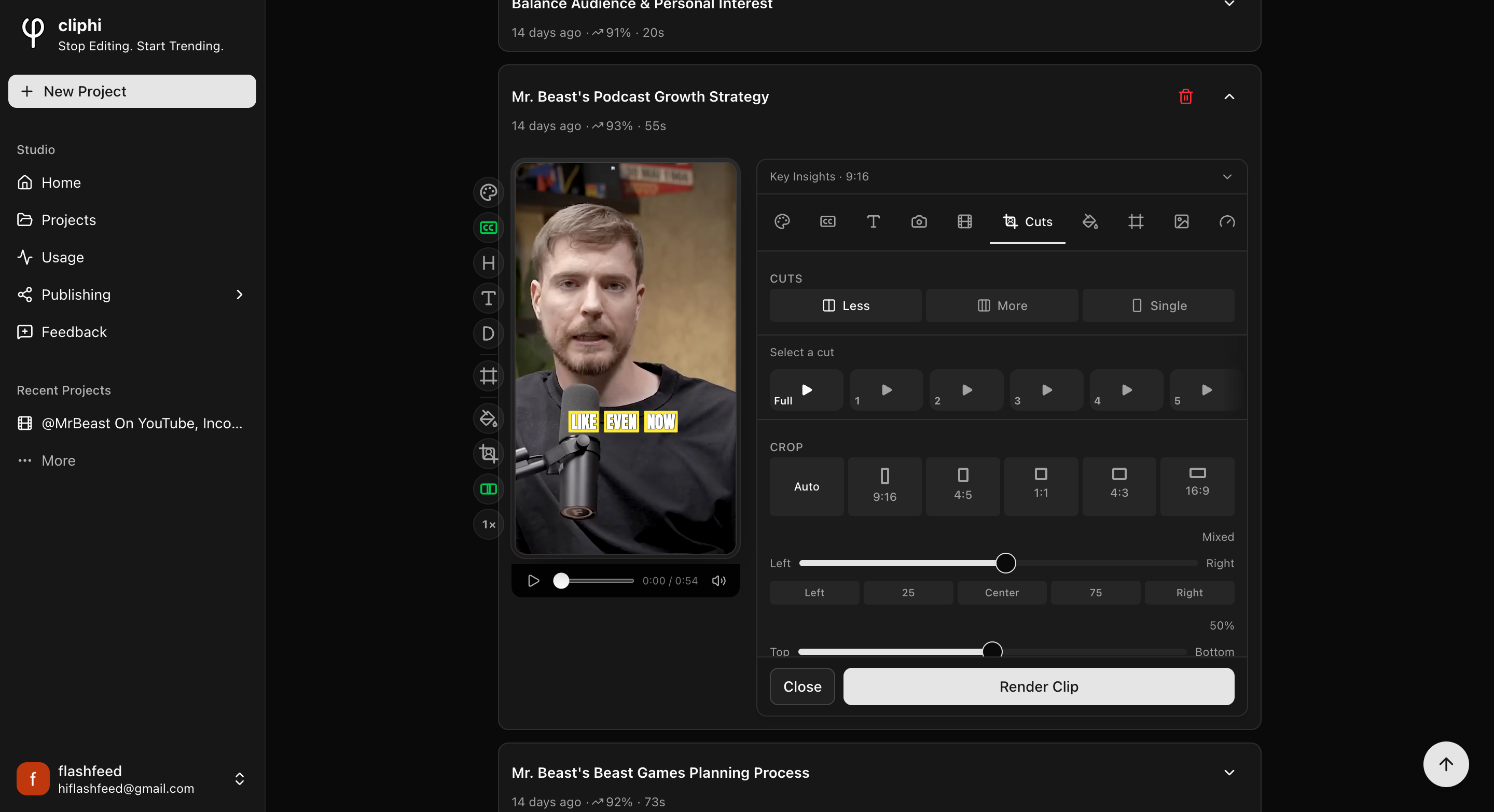
If you see "No cuts available," make the clip once with **Get Clip** first, then come
back and the cuts will be ready to edit.
## Set how often it cuts
At the top, **Cuts** decides how choppy the clip feels:
- **Less** cuts between shots now and then.
- **More** cuts more often for a snappier feel.
- **Single** turns cutting off, so the clip stays on one shot the whole way.
## Frame the whole clip at once
With **Whole clip** selected in the cut list, your changes apply to every cut together:
- **Crop** sets the shape. Leave it on **Auto** and each cut keeps the framing Cliphi
chose for it. Pick a shape (like 9:16 or 1:1) to use the same one across the clip.
- The **Left to Right** and **Top to Bottom** sliders nudge the framing. Drag them, or
tap Center, Left, and so on. If your cuts are framed differently, this reads
"Mixed" until you set one for all.
- **Transitions** adds a little animation at each cut. **Random** mixes them up, or
choose **None** to keep it clean.
## Frame one cut on its own
This is the real power of the tab. Tap a cut in the list (**1**, **2**, **3**, and so
on) to work on just that one. The preview jumps to it so you can see what you are
doing.
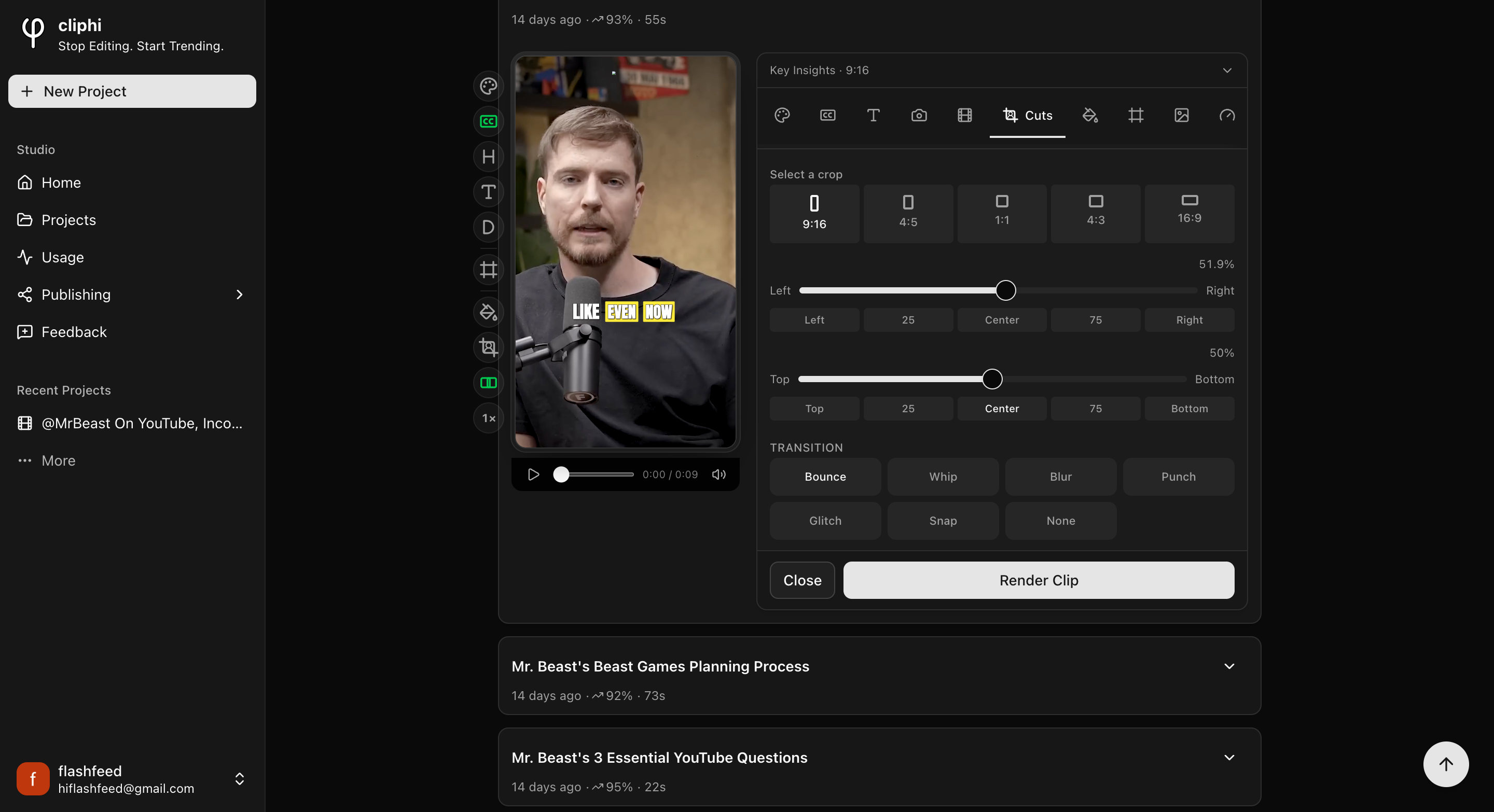
For the cut you picked, set:
- **Select a crop** for the shape of this cut.
- **Left to Right** and **Top to Bottom** to place the subject exactly where you want.
- **Transition** for the animation going into this cut: Bounce, Whip, Blur, Punch,
Glitch, Snap, or None.
Do the same for any other cut that needs it. Everything you set here is just for that
one cut, so you can keep the good ones as they are and only fix the cut that landed
wrong.
## Quick check before you Get Clip
- [ ] Play the clip through and watch each cut land.
- [ ] The right person is in frame in every cut.
- [ ] Nobody is cut off at the edge or sitting too low.
- [ ] The transitions feel smooth, not distracting.
## Related
- Frame the whole clip in one tap: [Fix a clip's framing](/help/fix-the-framing).
- Keep your text clear of the app buttons: [Keep text inside the safe zones](/help/safe-zones).
- What every control does: [The quick edit rail](/help/quick-edit-rail).
---
# Keep text inside the safe zones
Each app stacks its own buttons over your clip. Safe zones show you where they land so your text stays clear.
> Canonical: https://www.cliphi.com/help/safe-zones
When you post a clip, TikTok, Reels, and Shorts each stack their own buttons over
it: the like, comment, and share icons down the side, and a caption bar along the
bottom. If your captions or text sit in those spots, they get covered up. Safe
zones show you where to keep clear.
## Steps
### 1. Turn on Safe zones
Open the clip and tap **Safe zones** on the row of controls down the side.
### 2. See where the app buttons land
A guide appears over the preview showing where each app puts its buttons and its
caption bar. Tap the control again to cycle through the views: a realistic app
preview, then both together, then simple shaded blocks. One more tap turns it off.
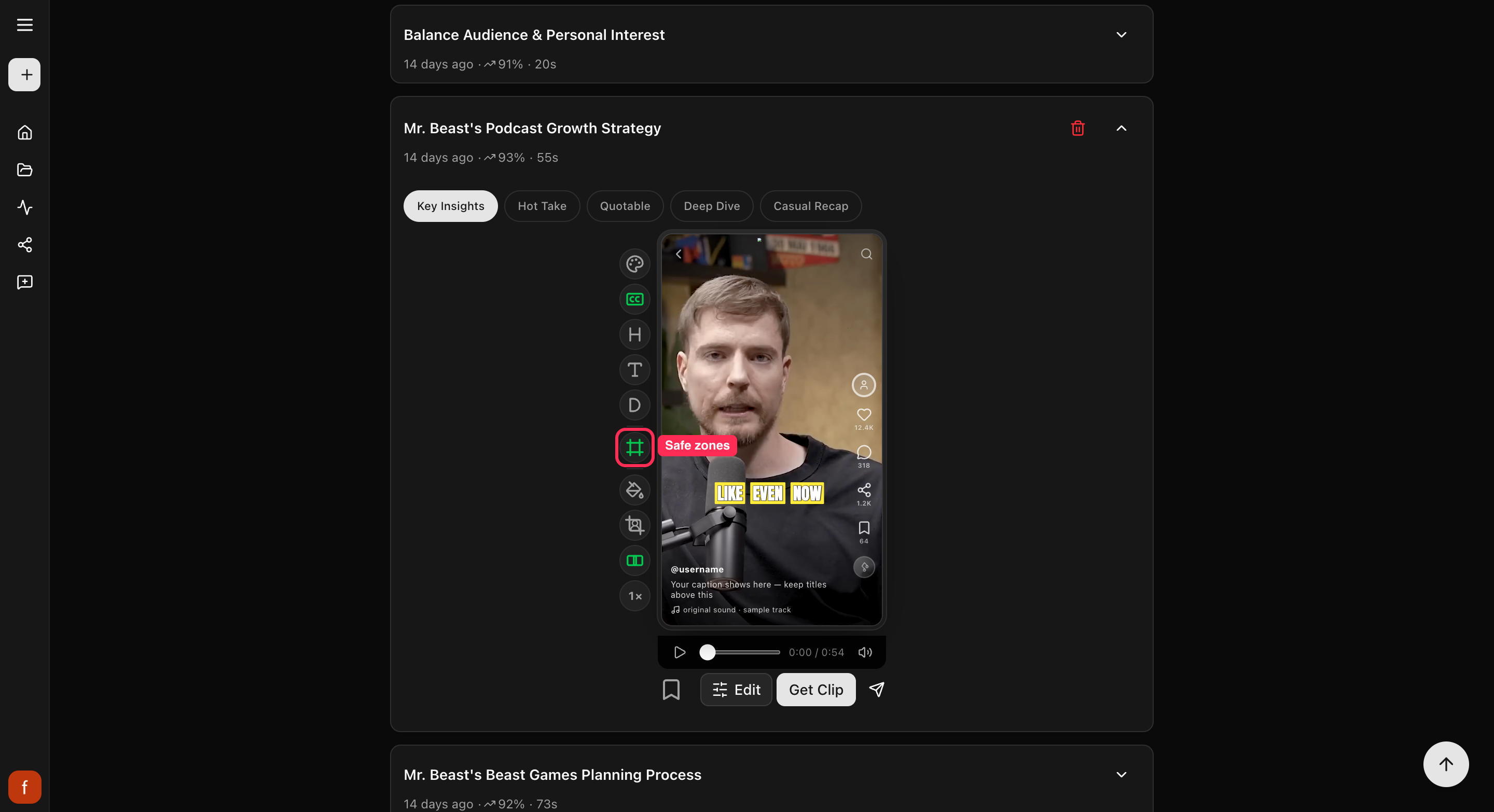
### 3. Move your text into the clear
Nudge your captions, hook, and title into the open middle of the frame, away from
those spots, so nothing important gets hidden once you post. To move the captions,
see [Change your caption style](/help/add-captions-to-a-clip).
## Good to know
Safe zones are only a guide to help you place things. They are never part of the
finished clip, so no one who watches your clip will see them. The guide shows on
tall clips.
## What's next
- What every side control does: [The quick edit rail](/help/quick-edit-rail).
- Move your captions: [Change your caption style](/help/add-captions-to-a-clip).
---
# Save a style preset
Style a clip the way you like, then save that look and reuse it on every clip after, in one tap.
> Canonical: https://www.cliphi.com/help/save-a-style-preset
Cliphi comes with ready-made looks you can tap to apply. Once you have a clip
styled just how you like it, you can also save that look as your own and reuse it
on every clip after. Your saved look is called a **Brand Style**.
This guide is about saving your own Brand Style, not the **Pick a style** step
you see when you start a video.
## Start from a ready-made look
Open a clip and tap **Presets** to see a grid of ready-made looks. Tap one to try
it on your clip, and switch until you find a starting point you like.
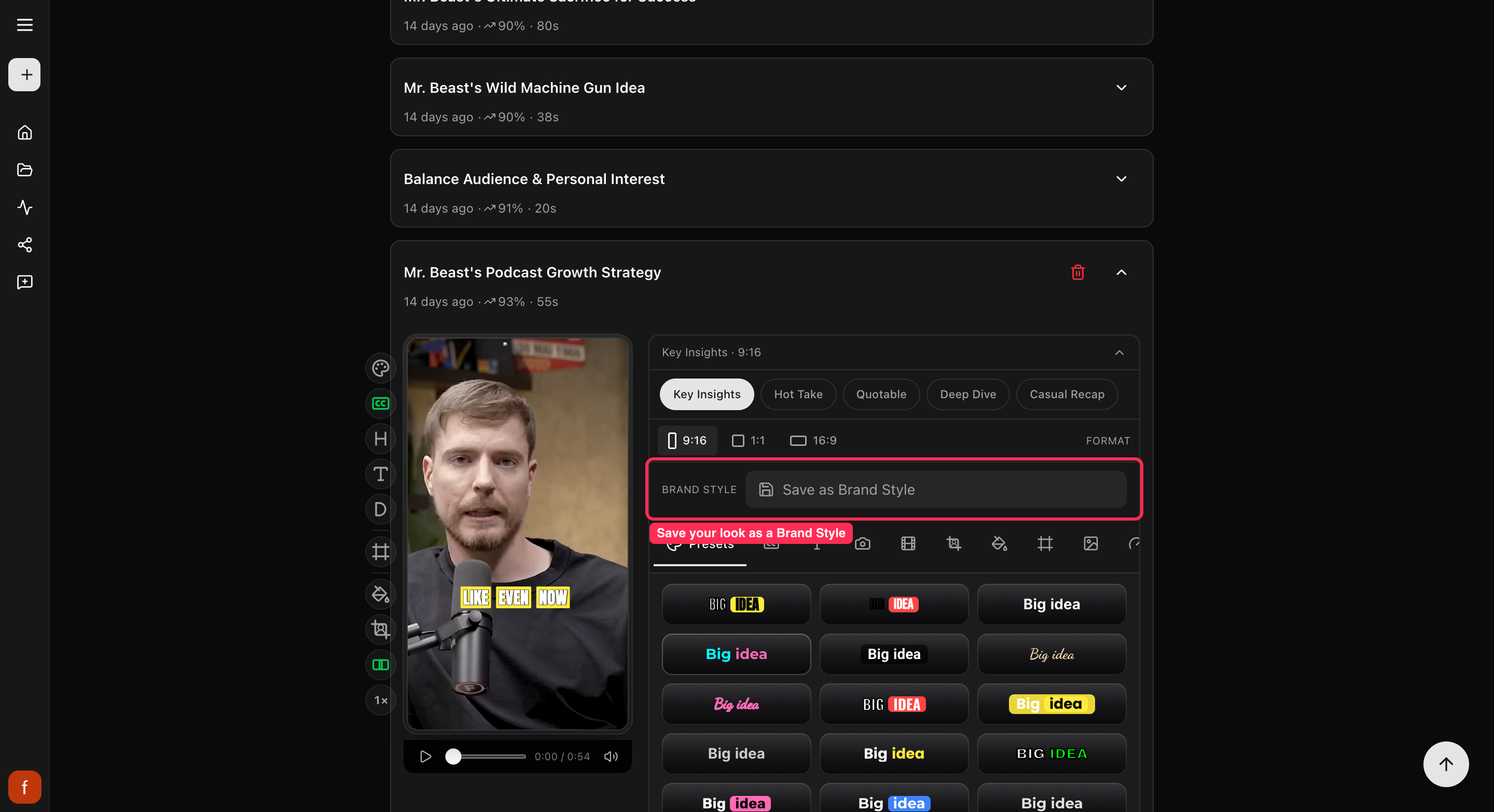
## Save your own look
Once the clip looks the way you want, with the captions, colors, and text set up
your way, save it:
1. At the top of the edit panel, tap **Save as Brand Style**.
2. Give it a name, like "My channel," and tap **Save**.
Your look is now saved to your account, not just this one clip.
## Reuse it on any clip
On any other clip, open the **Brand Style** menu at the top of the edit panel and
pick your saved style. Cliphi puts the whole look on that clip at once, so you do
not have to set it up again.
## What's next
- Add your logo too: [Set up your brand kit](/help/set-up-your-brand-kit).
- What every control does: [The quick edit rail](/help/quick-edit-rail).
---
# Set the language
Cliphi figures out the spoken language for you. Here is how to set it yourself if you would rather choose.
> Canonical: https://www.cliphi.com/help/set-the-transcription-language
Cliphi reads the words in your video to make the captions, and it figures out the
spoken language on its own. Most of the time you do not have to think about it.
When you want to choose the language yourself, here is where.
## Where to set it
Right after you paste a link, on the step where you pick how much of the video to
use, there is a **language** menu. Open it to choose.

## Pick a language
The menu is set to **Auto-detect** to start, which lets Cliphi work out the language
for you. Once it reads the video it usually fills in the language it heard. To set it
yourself, open the menu and pick one from the list.
- If Cliphi already spotted the spoken language, it is marked **detected**.
- A video that was dubbed into other languages shows a small speaker icon next to
the ones with real spoken audio.
If you are not sure, leave it on Auto-detect. Cliphi is good at getting it right.
## What's next
- Make your clips: [Make your first clips](/help/make-your-first-clips).
- Which videos work: [What you can clip](/help/what-you-can-clip).
---
# Set up your brand kit
Put your logo on your clips and save your look so every clip you make looks like yours.
> Canonical: https://www.cliphi.com/help/set-up-your-brand-kit
Your brand kit is the pieces that make a clip look like yours: your logo, and the
look you save and reuse. Set them up once and every clip can carry them.
## Add your logo
Open a clip and tap **Logo**.
1. Tap **Upload Logo** and pick your logo file. A see-through PNG works best, up
to 10 MB.
2. Move it where you want, make it bigger or smaller, and set how strong or faint
it looks.
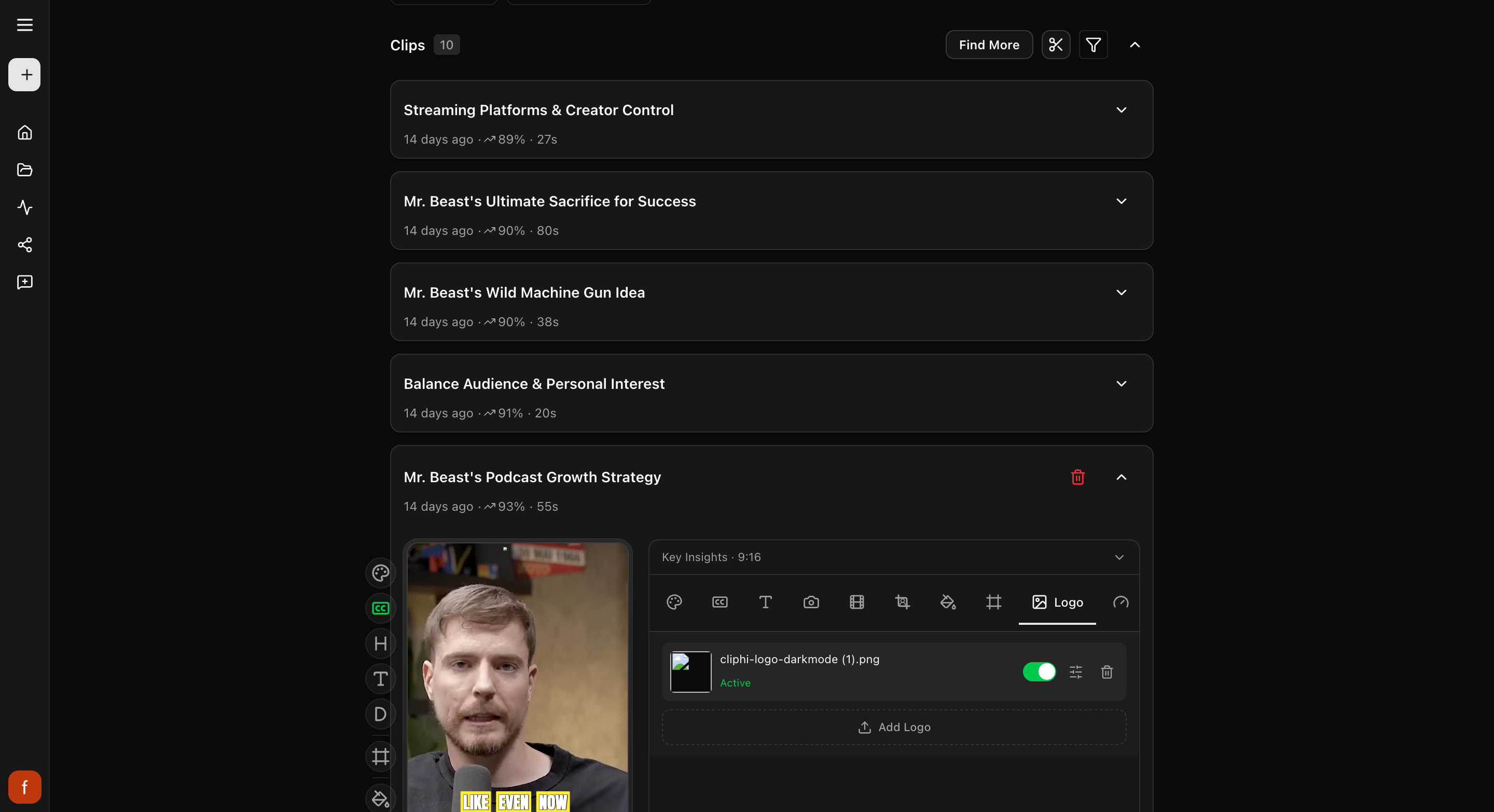
## Save your look to reuse it
Your look, the captions, colors, and text, can be saved and put on any clip in one
tap. Style a clip the way you like, then tap **Save as Brand Style** and give it a
name. After that, pick it from the **Brand Style** menu on any clip. Full steps
are in [Save a style preset](/help/save-a-style-preset).
## What's next
- Save your look: [Save a style preset](/help/save-a-style-preset).
- Add an intro or a cover image: [Add an intro, outro, and thumbnail](/help/add-intro-outro-thumbnail).
---
# Trim a clip
Cut a few seconds off the start or end of a clip so it opens and ends right where you want.
> Canonical: https://www.cliphi.com/help/trim-a-clip
Cliphi cuts each clip to a good length for you, but sometimes you want to shave a
little off the start so it opens on the strong line, or trim the end so it stops
before someone trails off. That is what trimming is for.
## Steps
### 1. Open the Trim controls
Open the clip, tap **Edit** under the preview, and pick **Trim** (the scissors).
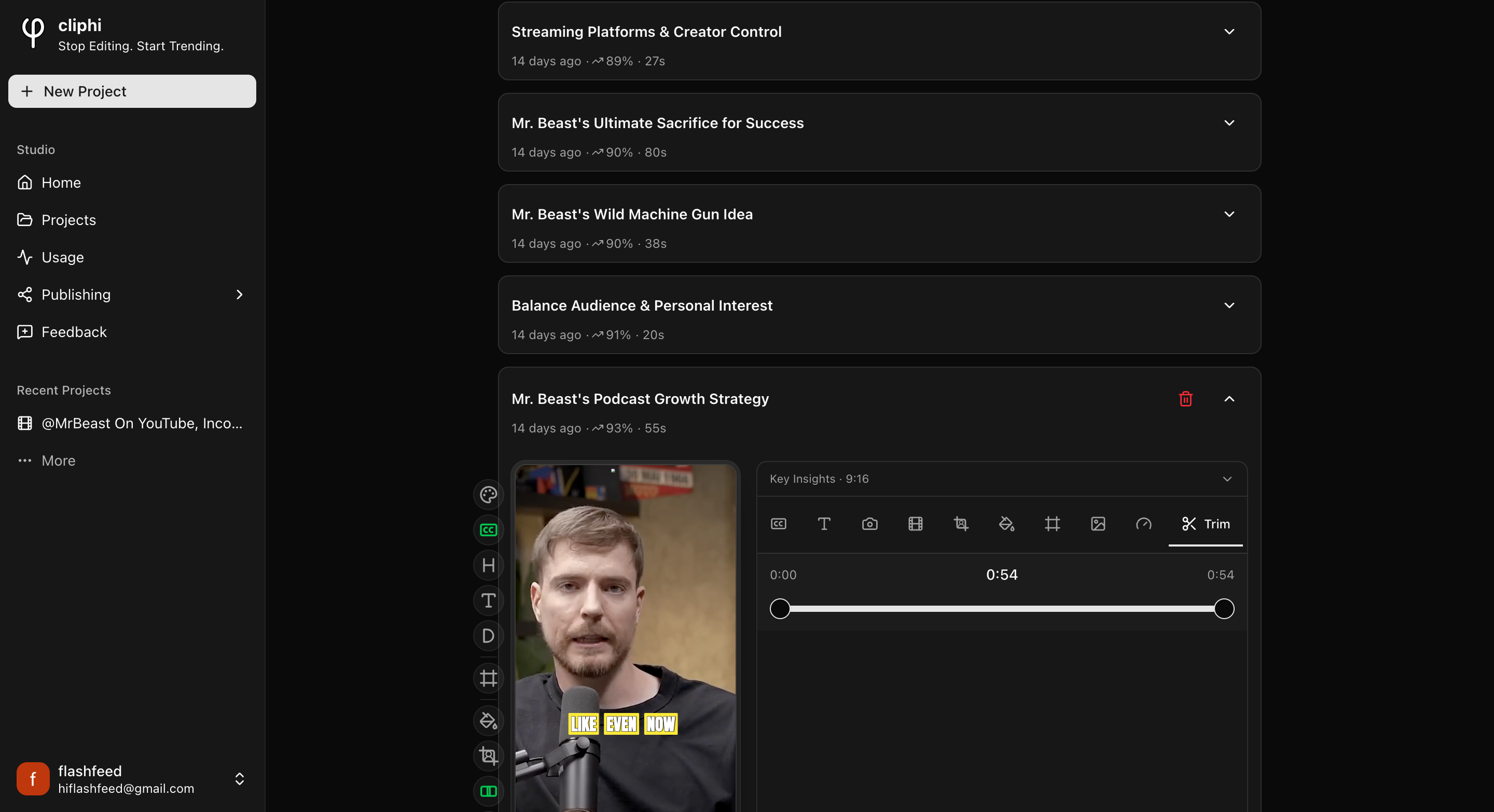
### 2. Set the start and end
Drag the two handles on the bar. The left one sets where the clip starts, the
right one sets where it ends. As you drag, the preview jumps to that exact spot so
you can land on the right moment.
The three times above the bar tell you where you are: the **start** on the left,
the **new length** in the middle, and the **end** on the right. Watch the middle
number to keep the clip the length you want.
### 3. Check it plays right
Play the clip back. It should open on your strong line and stop before anything
trails off. Nudge the handles until it feels right.
## Good to know
- **It is free.** Trimming just changes which part of the clip plays, so drag the
handles as much as you like. You only spend a credit when you make the final clip
with **Get Clip**.
- **Nothing is lost.** Trimming does not throw anything away. Drag the handles back
out any time to bring the trimmed bit back.
- **Reactions come off.** If the clip has a [reaction](/help/record-a-reaction)
on it, trimming removes it, since your recording was timed to the old length.
You can record a fresh take after trimming.
## Quick check before you Get Clip
- [ ] The clip opens right on the strong moment.
- [ ] It ends before anyone trails off or pauses.
- [ ] The length in the middle is where you want it.
## What's next
- What every side control does: [The quick edit rail](/help/quick-edit-rail).
- Ready to save it? [Download a clip](/help/download-a-clip).
---
# Unsupported or invalid link
If the link box turns red and asks for a different link, the one you pasted is not one Cliphi can use. Here is how to fix it.
> Canonical: https://www.cliphi.com/help/unsupported-link
If you paste a link and it turns red with a message like "Paste a YouTube,
TikTok, Instagram, Twitch, Kick, Pinterest, X, Facebook, or Google Drive video
link," Cliphi cannot use that link. It is usually a quick fix.

## Common reasons, and the fix
- **It is from a site Cliphi does not support.** Cliphi works with YouTube,
TikTok, Instagram, Twitch, Kick, Pinterest, X, Facebook, and Google Drive. If
your video is somewhere else, download it and
[upload the file](/help/upload-your-own-video) instead.
- **It is a playlist, channel, or profile.** Cliphi needs one single video, not a
whole page of them. Open the exact video you want and paste that link.
- **It is a YouTube Studio link.** Those are for managing your channel, not
watching. Open the video the normal way and copy its public link instead.
## Still stuck?
Double-check you copied the link to one video that anyone can watch. If it is
private or blocked, see [Video not available](/help/video-not-available).
## What's next
- Which links and files work: [What you can clip](/help/what-you-can-clip).
- Upload from your computer: [Upload your own video](/help/upload-your-own-video).
---
# Upload your own video file
No link? Upload a video straight from your computer and Cliphi turns it into short, captioned clips. Here is what works.
> Canonical: https://www.cliphi.com/help/upload-your-own-video
You do not need a link. If your video is a file on your computer, you can upload
it and Cliphi makes clips from it just the same. This is the way to go for footage
you filmed yourself, or any video you have the rights to that is not a public link.
## Steps
### 1. Choose Upload
On the Cliphi home page, switch to **Upload Video**, then drag your file onto the
box or click to browse and pick it.
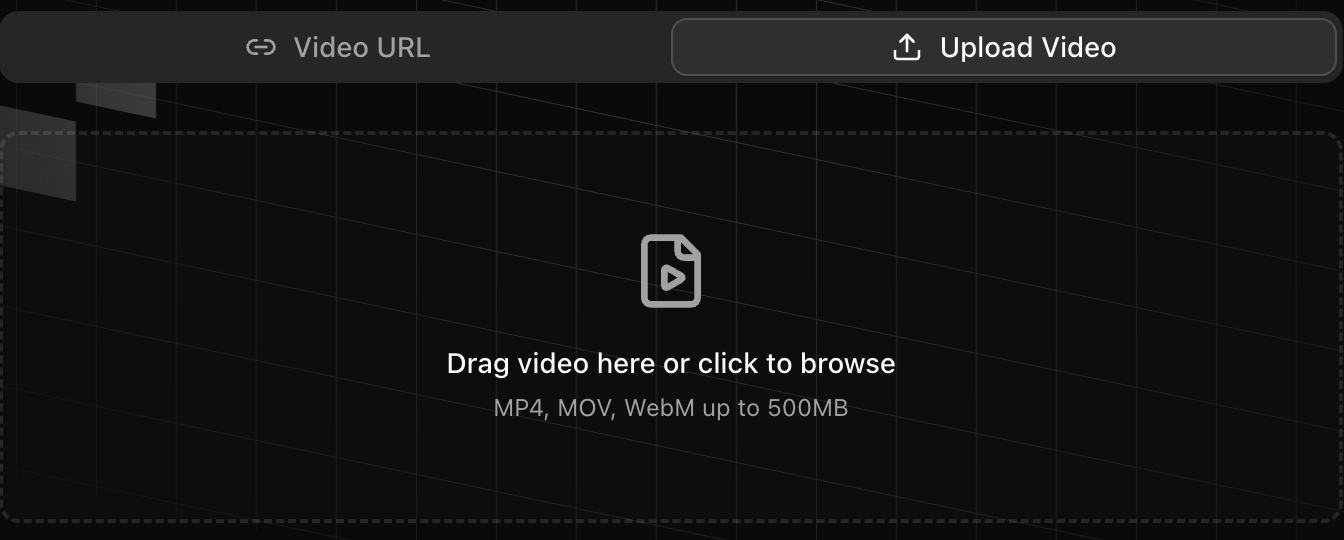
### 2. Check your file will work
Most common video files work, like MP4 and MOV, up to 500 MB. A few things to
know:
- There is no time limit on an uploaded file, only the 500 MB size. A very long or
very sharp video might need trimming first.
- Older Windows video files (.wmv) are not supported. Save or export as MP4 first.
- Filmed in 4K? No need to shrink it yourself. Cliphi handles that for you.
### 3. Choose how much to use
Once it uploads, Cliphi shows you the video. Use the whole thing, or drag the
handles to pick just one part. Then select **Continue**.

### 4. Look through your clips
Cliphi makes your clips and they show up one at a time, each cut tall with the
speaker in frame and captions already on it.

### 5. Tweak and post
Open a clip to change the look with the controls down the side, then tap
**Get Clip** to make the final version and download it, or **Share** to post it.
## Using the right video
Upload videos you made or have permission to use. Reposting someone else's video
without their say-so can break the rules on TikTok, YouTube, and the rest.
## Quick check before you post
- [ ] Watch the whole clip through.
- [ ] The speaker stays in frame the whole way.
- [ ] The captions read clearly and sit clear of the edges.
## Related
- What else you can clip: [What you can clip](/help/what-you-can-clip).
- New to Cliphi? [Make your first clips](/help/make-your-first-clips).
- What each control does: [The quick edit rail](/help/quick-edit-rail).
---
# Usage and credit history
See how many credits you have left and a full history of what you have used them on.
> Canonical: https://www.cliphi.com/help/usage-and-credit-history
The **Usage** page keeps track of your credits: how many you have left, and where
they went. Open **Usage** from the menu to see it.
## Your balance
At the top is your **Credit Balance**, the credits you have left to make clips
with. If you are running low, you can top up right there.
## Your history
Below that is your **Usage History**, a list of everything you have spent credits
on. Each row shows:
- **When** it happened.
- **What** it was: **Video Processing** when Cliphi went through a video to find
clips, or **Clip Rendering** when you made a final clip.
- **How long** the video or clip was, and **how many credits** it took.
- **Which video** it came from.
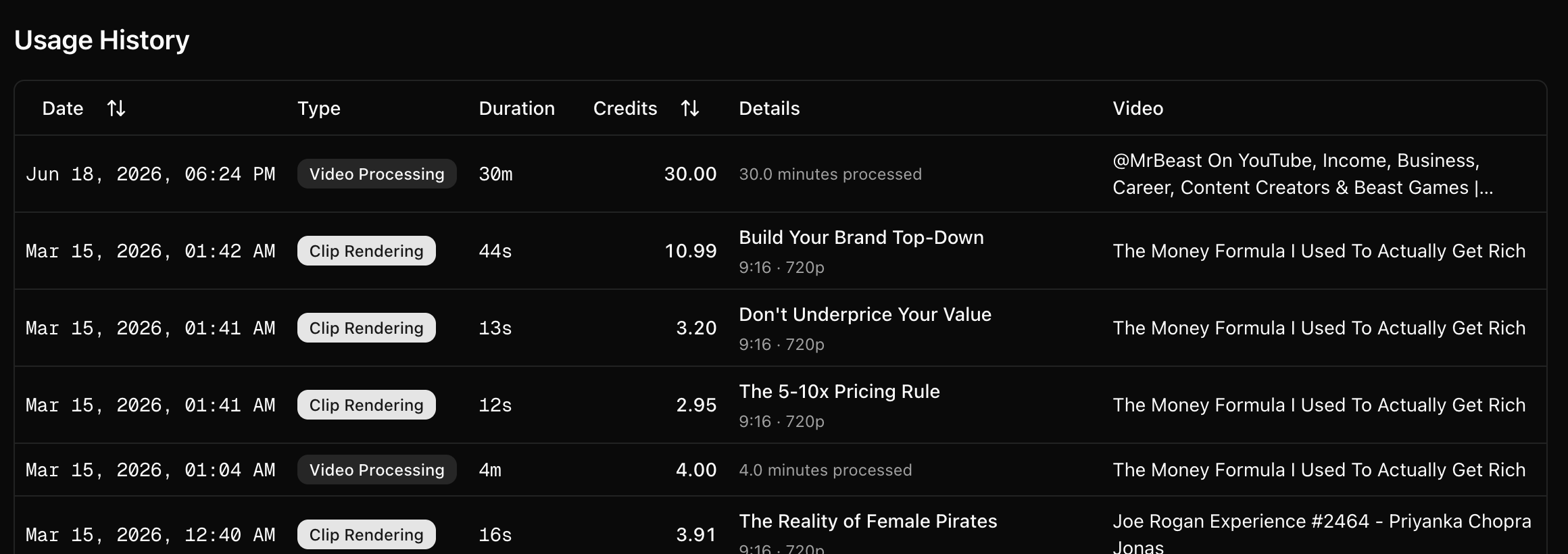
This is the easiest way to see where your credits go, so you know what a video or
a clip usually costs you.
## What's next
- What costs credits: [How credits work](/help/how-credits-work).
- Change your plan or buy more: [Manage your subscription](/help/manage-your-subscription).
---
# Video not available
Sometimes Cliphi cannot reach a video you paste. Here is what the message means and the quickest way around it.
> Canonical: https://www.cliphi.com/help/video-not-available
Now and then you paste a link and Cliphi tells you the video is not available.
That is almost always because of where the video lives, not the link itself. Here
is what is going on and how to get past it.
## Why it happens
- **It is blocked in your region.** Some videos are walled off by location, so
Cliphi cannot reach them. You will see a **Video Not Available** message.
- **It is private.** Only public videos work. A private video cannot be opened.
- **It has been taken down.** If the video was removed, there is nothing left to
clip.
## The quickest fix: upload the file
If you have the video as a file, or can download it, **upload it directly** and
Cliphi will clip it just the same. This gets around region blocks and private
videos, since Cliphi is working from your file instead of the link.
When a video is blocked in your region, the message has an **Upload Video** button
right there, so you can switch to a file in one tap. For a private or removed video
you will see **Try Another URL** instead, so start a new project and upload your
file the usual way. Either way, uploading is the fix. See
[Upload your own video](/help/upload-your-own-video).
If you do not have the file, paste a different, public video instead.
## What's next
- Which links and files work: [What you can clip](/help/what-you-can-clip).
- Upload from your computer: [Upload your own video](/help/upload-your-own-video).
- Link came back as unsupported? [Unsupported or invalid link](/help/unsupported-link).
---
# What you can clip
The kinds of video Cliphi can turn into clips, the links and files it accepts, how long they can be, and what makes a good one.
> Canonical: https://www.cliphi.com/help/what-you-can-clip
Cliphi makes short clips out of long video. You can give it a link, or upload a
file from your computer.
## Paste a link
Paste a link to a video and Cliphi does the rest. Here is what works:
**YouTube.** A normal video, a livestream, or a Short. With a livestream, clips
can come back while it is still going. See [YouTube to TikTok](/tools/youtube-to-tiktok).
**Twitch and Kick.** A past broadcast, a single clip, or a live channel. Live
works here too, so a highlight can go up before you have even ended the stream.
See [Twitch to TikTok](/tools/twitch-to-tiktok) and [Kick to TikTok](/tools/kick-to-tiktok).
**Podcasts.** Paste the podcast's YouTube link. See [Podcast to TikTok](/tools/podcast-to-tiktok).
**TikTok, Instagram, and Facebook.** A single video, reel, or post. For Instagram
you can also paste a story or a highlight.
**X (Twitter).** A video post. X Spaces will not work, since those are audio only.
**Pinterest.** A video pin.
**Google Drive.** A video file you have shared. Share the file itself, not a
folder.
One video at a time, please. Playlists, channels, and profile pages will not
work. Open the actual video and paste that link.
## Upload a file
No link? On the home page, tap **Upload Video** and pick a file from your
computer.
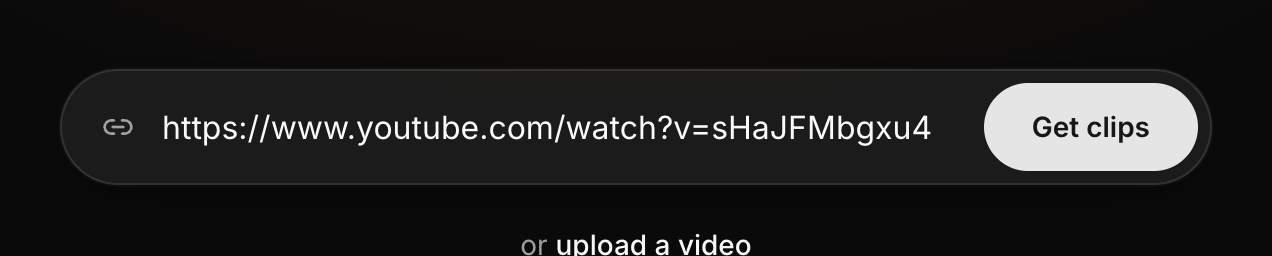
Most common video files work, like MP4 and MOV, up to 500 MB. There is no time
limit on a file you upload, only the size, so a very long or very sharp video
might need trimming first. Older Windows video files (.wmv) are not supported, so
save or export as MP4 first. And if you filmed in 4K, there is no need to shrink
it yourself. Cliphi sorts that out for you.
## How long can it be
For a pasted link, keep it under about 3 hours. Most podcasts, talks, and streams
fit fine. If yours is longer, just pick the part you want instead of the whole
thing.
Twitch and Kick work a little differently. The video itself can be as long as it
likes. What matters is the section you choose to clip, so pick a stretch under
about 3 hours and you are good.
For a live stream, Cliphi records for about an hour by default while you clip
along.
## What makes a good video to clip
Cliphi works best when there is someone talking. It listens to what is said,
finds the moments worth posting, and writes the captions from the words. So
interviews, podcasts, streams, talks, reactions, and vlogs are right in its
wheelhouse.
A video with no talking, like music on its own or silent footage, gives Cliphi
almost nothing to work with, so it will not be able to make clips from it.
One or two people on camera is ideal. Cliphi keeps whoever is talking in the
frame as it crops to the tall shape.
## When a link won't work
A few videos cannot be reached, and it is usually one of these:
- **It is private.** Only public videos work.
- **It has been taken down.** If the video was removed, there is nothing left to
clip.
- **It is blocked in some regions.** If a video is walled off by location,
downloading the file and uploading it here is the way around it.
- **It needs a login, membership, or purchase to watch.** Cliphi usually cannot
reach those either. Uploading the file directly is the fix.
- **It is a playlist, channel, or profile.** Open the one video you want and
paste that link instead.
## Using the right video
Clip videos you made or have permission to use. Reposting someone else's video
without their say-so can break the rules on TikTok, YouTube, and the rest, and
can get your clip pulled or your account in trouble.
## What's next
- [Make your first clips](/help/make-your-first-clips)
- [Clip a Twitch stream](/help/clip-a-twitch-stream)
- [A tour of your project page](/help/project-page-tour)
- [Change your caption style](/help/add-captions-to-a-clip)
---
# Authentication
API keys and OAuth — the two ways agents authenticate, and what access grants.
> Canonical: https://www.cliphi.com/docs/authentication
## Keys
Create keys at
[Settings → API Keys](https://www.cliphi.com/studio/settings/api-keys). A key:
- looks like `chp_live_...` and is shown once at creation,
- is tied to your account and spends your account's credit balance,
- can be revoked at any time; revocation takes effect immediately.
## Sending the key
Both header forms are accepted everywhere:
```bash
-H "Authorization: Bearer chp_live_..."
# or
-H "X-API-Key: chp_live_..."
```
ChatGPT Actions use `X-API-Key` (its auth UI asks for a custom header name);
MCP CLIs and configs use the bearer form; chat clients (Claude, Grok, Le Chat, ...) connect via OAuth instead — see [MCP server](/docs/mcp).
## Limits
- Up to 5 active keys per account.
- Keyed endpoints have no request rate limit beyond your credit balance and
duplicate-job protection. The keyless demo is limited per IP and answers
with `Retry-After` when throttled.
## Failures
Missing or invalid keys return the standard
[error envelope](/docs/errors) with `missing_api_key` or `invalid_api_key`,
and `billed` is always `false` on auth failures. The `message` states the fix
and where to create a key.
## Spend safety
- Submitting a job reserves processing credits and bills at completion,
exactly once.
- Renders state their cost in the response before the clip exists.
- Re-rendering an already-rendered moment requires an explicit `force: true`.
- The keyless `/api/v1/demo` endpoint spends nothing, ever.
---
# ChatGPT Actions
Build a custom GPT on the Cliphi API with the published schema and tested instructions.
> Canonical: https://www.cliphi.com/docs/chatgpt-actions
Two pastes build a working GPT:
1. **Schema**: import from
`https://www.cliphi.com/cliphi-actions.json` (OpenAPI 3.1). Set
authentication to API key with the custom header name `X-API-Key`.
2. **Instructions**: the tested instruction block, the schema download, and
the step-by-step kit live on the
[Agent API walkthrough](/docs/agents) page.
Publishing the GPT publicly? ChatGPT review requires a privacy policy URL:
use `https://www.cliphi.com/privacy`.
The schema marks only the render operation consequential
(`x-openai-isConsequential`), so ChatGPT asks the user exactly once at the
spend, the previews-first flow stays friction-free.
Rather use ChatGPT without building anything? The consumer setup lives at
[cliphi.com/agents/chatgpt](/agents/chatgpt).
---
# Credits and billing
What bills, what never bills, and the receipts your integration can rely on.
> Canonical: https://www.cliphi.com/docs/credits-and-billing
The API spends the same credits as the Cliphi app. No seats, no separate API
plan.
## What bills
| Action | Billing |
| --- | --- |
| Submit a job | Processing bills **per video minute**. Credits are reserved at admission and charged when the job completes, exactly once. |
| Render a clip | Billed **per second of finished clip**. The render response states `estimated_credits` before the clip exists. |
## What never bills
- Moment previews (`preview_page_url`): free, unlimited.
- Polling job status.
- The keyless `/api/v1/demo`.
- A render request answered with `status: "already_rendered"`: the existing
clip comes back free.
## Duplicate protection
`already_running: true` on submit means this video already has a job in
flight and nothing new was charged. Resubmitting a video whose job already
FINISHED starts and bills a new job; confirm with your user first.
`force_new: true` overrides in-flight dedup and always charges; require
explicit user approval.
## Receipts and failure honesty
- Every HTTP error body carries `billed`; it is `false` on all request errors.
- A rendered clip carries `billed_credits`: the receipt.
- A render that fails mid-pipeline makes **no billing claim**: billing runs
mid-pipeline, so a post-billing failure is possible. Never tell a user
"nothing was charged" on a failed render; point them at `studio_url` or
support.
---
# Errors
The error envelope, every stable error code, and what your agent should do for each.
> Canonical: https://www.cliphi.com/docs/errors
## The envelope
Every `/api/v1` error body has at least these keys (`validation_error` 422s add
`errors`, the raw validation list):
```json
{
"detail": {
"error_code": "insufficient_credits",
"message": "Insufficient credits: ... Top up at https://www.cliphi.com/pricing.",
"billed": false
}
}
```
`message` is written to be relayed to a human verbatim. `billed` says whether
money moved (always `false` on request errors).
Renders can also fail asynchronously: `render_status: "failed"` arrives
inside a successful poll. Branch on fields, never on HTTP codes alone.
## Error codes
| Code | HTTP | Meaning / agent action |
| --- | --- | --- |
| `missing_api_key` | 401 | No key sent. Message says where to create one. |
| `invalid_api_key` | 401 | Wrong or revoked key. |
| `invalid_url` | 400 | The URL is well-formed but not a usable video. Fix the input, do not retry unchanged. (A string that is not a URL at all fails earlier as 422 `validation_error`.) |
| `insufficient_credits` | 402 | Message includes balance, required amount, top-up link. |
| `video_too_long` | 422 | Over the length limit (up to 3 hours by default; the message states the current limit). With fast-ack this often surfaces as a failed poll instead. |
| `throttled` | 429 | Too many jobs; retry after the stated wait. |
| `maintenance` | 503 | Temporary; retry later. |
| `upstream_error` | varies | Source site refused the video; the upstream status is preserved. Often transient. |
| `job_not_found` | 404 | Unknown job id. (Another account's job is 403 `access_denied`, never 404.) |
| `access_denied` | 403 | The resource belongs to another account. |
| `moment_not_found` | 404 | Unknown moment id for this job. |
| `moment_not_ready` | 409 | Job still processing; poll first. |
| `source_expired` | 409 | Source files are kept 30 days; this one aged out. Resubmit the video. |
| `nothing_to_render` | 409 | 16:9 with captions, title and subtitle (the description field) all off and no crop would equal the free preview. |
| `clip_too_long` | 409 | Moment exceeds the render length cap. |
| `render_in_progress` | 409 | Same render already running; poll instead. |
| `sample_trial` | 402 | The job is the sample video: its clips are preview-only. Make clips from your own video. |
| `demo_unavailable` | 404 | Demo being refreshed; try later. |
| `not_found` / `method_not_allowed` | 404/405 | Wrong path or verb. |
| `http_error` | varies | Generic enveloped framework error. |
| `validation_error` | 422 | Request shape invalid; `errors` lists fields. |
| `invalid_token` | 401 | (MCP transport) Your OAuth session expired; reconnect the connector. |
| `internal_error` | 500 | Our side. Retry in a minute; nothing billed by the request itself. |
## Async render failures
`render_error_code` on a failed moment is one of:
| Code | Agent action |
| --- | --- |
| `insufficient_credits` | Top up, then render again. |
| `source_expired` | Resubmit the video. |
| `render_interrupted` | Safe to POST the render again. |
| `render_failed` | Relay `render_error`; do not claim anything about billing. |
---
# Cliphi for developers
Turn your long video into ready-to-post vertical clips from your agent, app, or workflow. One API, previews first, renders billed.
> Canonical: https://www.cliphi.com/docs
Cliphi's Agent API takes your video's URL, finds the strongest moments, and
returns finished vertical clips with captions and branding. Free previews come
first; rendering is the billed choice.
## Pick your surface
- **REST**: `https://www.cliphi.com/api/v1`: submit, status, render, plus
a keyless demo. Start with the [quickstart](/docs/quickstart).
- **MCP**: `https://www.cliphi.com/api/mcp`: the same API as MCP tools for
Claude connectors, Cursor, Gemini, n8n and any MCP client. See [MCP
server](/docs/mcp).
- **ChatGPT Actions**: import the [OpenAPI schema](https://www.cliphi.com/cliphi-actions.json)
into a custom GPT. See [ChatGPT Actions](/docs/chatgpt-actions).
- **Agent skill**: a ready-made SKILL.md for OpenClaw and skill-compatible
agents, guardrails baked in; published on the skill registries at launch.
## The full walkthrough
The [Agent API walkthrough](/docs/agents) carries every request and response
shape end to end, plus a keyless live demo you can curl right now:
```bash
curl https://www.cliphi.com/api/v1/demo
```
## The rules every integration should keep
1. Previews first: show the free `preview_page_url` links and get an explicit
pick before rendering.
2. Renders cost credits and state their price in the response
(`estimated_credits`). Never render unprompted.
3. Relay `message` fields verbatim; branch on the `status` FIELD, never assume
an HTTP 200 means success.
Not building anything? [Use Cliphi from ChatGPT or Claude instead](/agents).
---
# MCP server
Connect any MCP client to Cliphi with one URL — chat clients sign in via OAuth; CLIs use an API key.
> Canonical: https://www.cliphi.com/docs/mcp
Cliphi hosts a remote MCP server that exposes the Agent API as tools:
```
https://www.cliphi.com/api/mcp
```
- **Transport**: Streamable HTTP, stateless, JSON responses. POST your
JSON-RPC messages; there is no server-initiated SSE stream (GET returns
405). Both `/api/mcp` and `/api/mcp/` work.
- **Auth, two doors**: chat clients (Claude, Grok, Le Chat, Perplexity)
connect via **OAuth 2.1**: add the URL, the client opens a Cliphi
sign-in page, you approve once. CLIs, configs, and scripts can instead
send an API key as `Authorization: Bearer chp_live_...`. Same guards,
same billing as REST either way. Discovery, dynamic client
registration, and token refresh follow the MCP spec (RFC 8414/7591/9728).
- **Tools**: `submit_video`, `get_job_status`, `render_clip` (the billed
purchase moment), `get_demo` (free; works the moment you connect, no
Cliphi account content needed).
## Claude connector
In Claude, add a connector with the URL above. Claude opens the Cliphi
sign-in page the first time; approve and then ask for clips from your
video's link in plain words.
## Generic client config
```json
{
"mcpServers": {
"cliphi": {
"url": "https://www.cliphi.com/api/mcp",
"headers": { "Authorization": "Bearer chp_live_..." }
}
}
}
```
Tool errors carry the same human-ready `message` as the REST
[error envelope](/docs/errors), with the stable code in a
`[error_code: ...]` suffix.
---
# Quickstart
Keyless demo, then submit, poll, and render your first clip in about ten minutes.
> Canonical: https://www.cliphi.com/docs/quickstart
## 0. See the output before you write code
No key needed. A real finished job from our house account, in the exact shape
your integration will see:
```bash
curl https://www.cliphi.com/api/v1/demo
```
The `preview_page_url` links are live; open one to watch a finished-looking
clip.
## 1. Create a key
Sign in and create a key at
[Settings → API Keys](https://www.cliphi.com/studio/settings/api-keys). Keys
look like `chp_live_...` and are shown once. Send them as
`Authorization: Bearer` or `X-API-Key`; see
[Authentication](/docs/authentication).
## 2. Submit a video
```bash
curl -X POST https://www.cliphi.com/api/v1/jobs \
-H "Authorization: Bearer $CLIPHI_API_KEY" \
-H "Content-Type: application/json" \
-d '{"video_url": "https://www.youtube.com/watch?v=VIDEO_ID"}'
```
Returns in about two seconds with `job_id`, a relative `status_url`, a
`studio_url` (the human progress page), and a `message` to relay. Processing
bills per video minute; see [Credits and billing](/docs/credits-and-billing).
Optional fields: `instructions` (plain-language detection guidance, max 500
chars), `quality`, `start_time`/`end_time`, `language`, `force_new`.
## 3. Poll until complete
```bash
curl "https://www.cliphi.com/api/v1/jobs/$JOB_ID?wait=40" \
-H "Authorization: Bearer $CLIPHI_API_KEY"
```
- `wait=40` long-polls server-side (values under 3 behave as 0).
- Respect `poll_after_seconds` between polls.
- Branch on the `status` field (`processing` | `completed` | `failed`): a
failed job arrives inside a successful HTTP response.
- While processing, `phase_label` and `eta_seconds` narrate progress.
## 4. Render the picks
Show the free previews to a human first, then:
```bash
curl -X POST https://www.cliphi.com/api/v1/jobs/$JOB_ID/moments/$MOMENT_ID/render \
-H "Authorization: Bearer $CLIPHI_API_KEY" \
-H "Content-Type: application/json" \
-d '{"aspect_ratio": "9:16"}'
```
The response states `estimated_credits` before the clip exists. Poll the job
(`wait=40`) until the moment's `render_status` is `rendered` (clip URL in
`clips[]`) or `failed` (relay `render_error`; `render_error_code` says why).
Full request/response shapes with JSON examples:
[Agent API walkthrough](/docs/agents). Machine-readable spec:
[/cliphi-actions.json](https://www.cliphi.com/cliphi-actions.json).
---
> Canonical: https://www.cliphi.com/music
# No-Copyright Background Music — Free Download
Free royalty-free music for YouTube, TikTok, Instagram Reels, podcasts, and streams.
Safe for monetization. No attribution required.
## Browse by tag
- [Cinematic](https://www.cliphi.com/music/cinematic.md) — 516 tracks
- [Synth](https://www.cliphi.com/music/synth.md) — 309 tracks
- [Documentary](https://www.cliphi.com/music/documentary.md) — 243 tracks
- [Strings](https://www.cliphi.com/music/strings.md) — 228 tracks
- [Ambient](https://www.cliphi.com/music/ambient.md) — 209 tracks
- [Electronic](https://www.cliphi.com/music/electronic.md) — 195 tracks
- [Piano](https://www.cliphi.com/music/piano.md) — 172 tracks
- [Orchestral](https://www.cliphi.com/music/orchestral.md) — 136 tracks
- [Hopeful](https://www.cliphi.com/music/hopeful.md) — 109 tracks
- [Tense](https://www.cliphi.com/music/tense.md) — 81 tracks
- [Reflective](https://www.cliphi.com/music/reflective.md) — 74 tracks
- [Dramatic](https://www.cliphi.com/music/dramatic.md) — 71 tracks
- [Futuristic](https://www.cliphi.com/music/futuristic.md) — 68 tracks
- [Technology](https://www.cliphi.com/music/technology.md) — 64 tracks
- [Mysterious](https://www.cliphi.com/music/mysterious.md) — 57 tracks
- [Thoughtful](https://www.cliphi.com/music/thoughtful.md) — 54 tracks
- [Uplifting](https://www.cliphi.com/music/uplifting.md) — 52 tracks
- [Corporate](https://www.cliphi.com/music/corporate.md) — 51 tracks
- [Background](https://www.cliphi.com/music/background.md) — 50 tracks
- [Medium Tempo](https://www.cliphi.com/music/medium-tempo.md) — 49 tracks
- [Slow](https://www.cliphi.com/music/slow.md) — 45 tracks
- [Percussion](https://www.cliphi.com/music/percussion.md) — 39 tracks
- [Modern](https://www.cliphi.com/music/modern.md) — 38 tracks
- [Peaceful](https://www.cliphi.com/music/peaceful.md) — 36 tracks
- [Underscore](https://www.cliphi.com/music/underscore.md) — 34 tracks
- [Inspiring](https://www.cliphi.com/music/inspiring.md) — 31 tracks
- [Tech](https://www.cliphi.com/music/tech.md) — 30 tracks
- [Dark](https://www.cliphi.com/music/dark.md) — 30 tracks
- [Dark Ambient](https://www.cliphi.com/music/dark-ambient.md) — 29 tracks
- [Triumphant](https://www.cliphi.com/music/triumphant.md) — 28 tracks
- [Suspense](https://www.cliphi.com/music/suspense.md) — 26 tracks
- [Evolving](https://www.cliphi.com/music/evolving.md) — 25 tracks
- [Melancholic](https://www.cliphi.com/music/melancholic.md) — 24 tracks
- [Trailer](https://www.cliphi.com/music/trailer.md) — 23 tracks
- [Playful](https://www.cliphi.com/music/playful.md) — 23 tracks
- [Calm](https://www.cliphi.com/music/calm.md) — 21 tracks
- [Travel](https://www.cliphi.com/music/travel.md) — 20 tracks
- [Tension](https://www.cliphi.com/music/tension.md) — 19 tracks
- [Brass](https://www.cliphi.com/music/brass.md) — 18 tracks
- [Contemplative](https://www.cliphi.com/music/contemplative.md) — 18 tracks
- [Powerful](https://www.cliphi.com/music/powerful.md) — 18 tracks
- [Motivational](https://www.cliphi.com/music/motivational.md) — 17 tracks
- [Quirky](https://www.cliphi.com/music/quirky.md) — 17 tracks
- [Introspective](https://www.cliphi.com/music/introspective.md) — 17 tracks
- [Investigative](https://www.cliphi.com/music/investigative.md) — 16 tracks
- [Downtempo](https://www.cliphi.com/music/downtempo.md) — 15 tracks
- [Mystery](https://www.cliphi.com/music/mystery.md) — 15 tracks
- [Epic](https://www.cliphi.com/music/epic.md) — 14 tracks
- [Vlog](https://www.cliphi.com/music/vlog.md) — 13 tracks
- [Energetic](https://www.cliphi.com/music/energetic.md) — 13 tracks
- [Unsettling](https://www.cliphi.com/music/unsettling.md) — 13 tracks
- [Strategic](https://www.cliphi.com/music/strategic.md) — 13 tracks
- [Suspenseful](https://www.cliphi.com/music/suspenseful.md) — 13 tracks
- [Gaming](https://www.cliphi.com/music/gaming.md) — 12 tracks
- [Pizzicato Strings](https://www.cliphi.com/music/pizzicato-strings.md) — 11 tracks
- [Drama](https://www.cliphi.com/music/drama.md) — 11 tracks
- [Acoustic Guitar](https://www.cliphi.com/music/acoustic-guitar.md) — 11 tracks
- [Low Energy](https://www.cliphi.com/music/low-energy.md) — 11 tracks
- [High Energy](https://www.cliphi.com/music/high-energy.md) — 11 tracks
- [Warm](https://www.cliphi.com/music/warm.md) — 11 tracks
- [Upbeat](https://www.cliphi.com/music/upbeat.md) — 10 tracks
- [Ethereal](https://www.cliphi.com/music/ethereal.md) — 10 tracks
- [Urgent](https://www.cliphi.com/music/urgent.md) — 10 tracks
- [Medium Energy](https://www.cliphi.com/music/medium-energy.md) — 9 tracks
- [Inspirational](https://www.cliphi.com/music/inspirational.md) — 9 tracks
- [Nostalgic](https://www.cliphi.com/music/nostalgic.md) — 9 tracks
- [Innovation](https://www.cliphi.com/music/innovation.md) — 9 tracks
- [Building](https://www.cliphi.com/music/building.md) — 9 tracks
- [Synth Pads](https://www.cliphi.com/music/synth-pads.md) — 9 tracks
- [Podcast](https://www.cliphi.com/music/podcast.md) — 9 tracks
- [Intelligent](https://www.cliphi.com/music/intelligent.md) — 8 tracks
- [Thriller](https://www.cliphi.com/music/thriller.md) — 8 tracks
- [Tutorial](https://www.cliphi.com/music/tutorial.md) — 8 tracks
- [Discovery](https://www.cliphi.com/music/discovery.md) — 7 tracks
- [Informative](https://www.cliphi.com/music/informative.md) — 7 tracks
- [Drums](https://www.cliphi.com/music/drums.md) — 7 tracks
- [Dreamy](https://www.cliphi.com/music/dreamy.md) — 7 tracks
- [Pads](https://www.cliphi.com/music/pads.md) — 6 tracks
- [Exciting](https://www.cliphi.com/music/exciting.md) — 6 tracks
- [Game Show](https://www.cliphi.com/music/game-show.md) — 6 tracks
- [Thought Provoking](https://www.cliphi.com/music/thought-provoking.md) — 6 tracks
- [Intro](https://www.cliphi.com/music/intro.md) — 6 tracks
- [Spiritual](https://www.cliphi.com/music/spiritual.md) — 6 tracks
- [Determined](https://www.cliphi.com/music/determined.md) — 6 tracks
- [Intense](https://www.cliphi.com/music/intense.md) — 6 tracks
- [Professional](https://www.cliphi.com/music/professional.md) — 5 tracks
- [Majestic](https://www.cliphi.com/music/majestic.md) — 5 tracks
- [World](https://www.cliphi.com/music/world.md) — 5 tracks
- [Emotional](https://www.cliphi.com/music/emotional.md) — 5 tracks
- [Heartwarming](https://www.cliphi.com/music/heartwarming.md) — 5 tracks
- [Pensive](https://www.cliphi.com/music/pensive.md) — 5 tracks
- [Smooth](https://www.cliphi.com/music/smooth.md) — 5 tracks
- [Adventure](https://www.cliphi.com/music/adventure.md) — 5 tracks
- [Innovative](https://www.cliphi.com/music/innovative.md) — 5 tracks
- [Serious](https://www.cliphi.com/music/serious.md) — 5 tracks
- [Focused](https://www.cliphi.com/music/focused.md) — 5 tracks
- [Action](https://www.cliphi.com/music/action.md) — 5 tracks
- [Minimalist](https://www.cliphi.com/music/minimalist.md) — 5 tracks
- [Fast](https://www.cliphi.com/music/fast.md) — 5 tracks
- [Sports](https://www.cliphi.com/music/sports.md) — 5 tracks
- [Nature](https://www.cliphi.com/music/nature.md) — 5 tracks
- [Lo Fi](https://www.cliphi.com/music/lo-fi.md) — 4 tracks
- [Cinematic Electronic](https://www.cliphi.com/music/cinematic-electronic.md) — 4 tracks
- [True Crime](https://www.cliphi.com/music/true-crime.md) — 4 tracks
- [Medium](https://www.cliphi.com/music/medium.md) — 4 tracks
- [Curious](https://www.cliphi.com/music/curious.md) — 4 tracks
- [Fantasy](https://www.cliphi.com/music/fantasy.md) — 4 tracks
- [Glockenspiel](https://www.cliphi.com/music/glockenspiel.md) — 4 tracks
- [Lighthearted](https://www.cliphi.com/music/lighthearted.md) — 4 tracks
- [Comedy](https://www.cliphi.com/music/comedy.md) — 4 tracks
- [Analytical](https://www.cliphi.com/music/analytical.md) — 4 tracks
- [Chill](https://www.cliphi.com/music/chill.md) — 4 tracks
- [Confident](https://www.cliphi.com/music/confident.md) — 4 tracks
- [Foreboding](https://www.cliphi.com/music/foreboding.md) — 4 tracks
- [Comedic](https://www.cliphi.com/music/comedic.md) — 4 tracks
- [Psychological](https://www.cliphi.com/music/psychological.md) — 4 tracks
- [Build Up](https://www.cliphi.com/music/build-up.md) — 4 tracks
- [Industrial](https://www.cliphi.com/music/industrial.md) — 4 tracks
- [Meditative](https://www.cliphi.com/music/meditative.md) — 4 tracks
- [Intimate](https://www.cliphi.com/music/intimate.md) — 4 tracks
- [Humorous](https://www.cliphi.com/music/humorous.md) — 4 tracks
- [Orchestral Electronic](https://www.cliphi.com/music/orchestral-electronic.md) — 4 tracks
- [Reveal](https://www.cliphi.com/music/reveal.md) — 3 tracks
- [Optimistic](https://www.cliphi.com/music/optimistic.md) — 3 tracks
- [Science](https://www.cliphi.com/music/science.md) — 3 tracks
- [Educational](https://www.cliphi.com/music/educational.md) — 3 tracks
- [Ominous](https://www.cliphi.com/music/ominous.md) — 3 tracks
- [Medium Fast](https://www.cliphi.com/music/medium-fast.md) — 3 tracks
- [World Music](https://www.cliphi.com/music/world-music.md) — 3 tracks
- [Celebratory](https://www.cliphi.com/music/celebratory.md) — 3 tracks
- [Sports Anthem](https://www.cliphi.com/music/sports-anthem.md) — 3 tracks
- [Bright](https://www.cliphi.com/music/bright.md) — 3 tracks
- [Gentle](https://www.cliphi.com/music/gentle.md) — 3 tracks
- [Product Reveal](https://www.cliphi.com/music/product-reveal.md) — 3 tracks
- [Acoustic](https://www.cliphi.com/music/acoustic.md) — 3 tracks
- [Woodwinds](https://www.cliphi.com/music/woodwinds.md) — 3 tracks
- [Sleep](https://www.cliphi.com/music/sleep.md) — 3 tracks
- [Profound](https://www.cliphi.com/music/profound.md) — 3 tracks
- [Sci Fi](https://www.cliphi.com/music/sci-fi.md) — 3 tracks
- [Romantic](https://www.cliphi.com/music/romantic.md) — 3 tracks
- [Insightful](https://www.cliphi.com/music/insightful.md) — 3 tracks
- [Psychological Thriller](https://www.cliphi.com/music/psychological-thriller.md) — 3 tracks
- [Presentation](https://www.cliphi.com/music/presentation.md) — 3 tracks
- [Flute](https://www.cliphi.com/music/flute.md) — 3 tracks
- [Sleek](https://www.cliphi.com/music/sleek.md) — 3 tracks
- [Meditation](https://www.cliphi.com/music/meditation.md) — 3 tracks
- [Relaxing](https://www.cliphi.com/music/relaxing.md) — 3 tracks
- [Post Rock](https://www.cliphi.com/music/post-rock.md) — 2 tracks
- [Dynamic](https://www.cliphi.com/music/dynamic.md) — 2 tracks
- [Competitive](https://www.cliphi.com/music/competitive.md) — 2 tracks
- [Indie Folk](https://www.cliphi.com/music/indie-folk.md) — 2 tracks
- [Short Film](https://www.cliphi.com/music/short-film.md) — 2 tracks
- [Awe Inspiring](https://www.cliphi.com/music/awe-inspiring.md) — 2 tracks
- [Progressive](https://www.cliphi.com/music/progressive.md) — 2 tracks
- [Marimba](https://www.cliphi.com/music/marimba.md) — 2 tracks
- [Ai](https://www.cliphi.com/music/ai.md) — 2 tracks
- [Synthwave](https://www.cliphi.com/music/synthwave.md) — 2 tracks
- [Intellectual](https://www.cliphi.com/music/intellectual.md) — 2 tracks
- [Mischievous](https://www.cliphi.com/music/mischievous.md) — 2 tracks
- [Journey](https://www.cliphi.com/music/journey.md) — 2 tracks
- [Intriguing](https://www.cliphi.com/music/intriguing.md) — 2 tracks
- [Drone Shots](https://www.cliphi.com/music/drone-shots.md) — 2 tracks
- [Advertising](https://www.cliphi.com/music/advertising.md) — 2 tracks
- [Philosophical](https://www.cliphi.com/music/philosophical.md) — 2 tracks
- [Whimsical](https://www.cliphi.com/music/whimsical.md) — 2 tracks
- [Adventurous](https://www.cliphi.com/music/adventurous.md) — 2 tracks
- [Efficient](https://www.cliphi.com/music/efficient.md) — 2 tracks
- [Precision](https://www.cliphi.com/music/precision.md) — 2 tracks
- [Political Thriller](https://www.cliphi.com/music/political-thriller.md) — 2 tracks
- [Dark Fantasy](https://www.cliphi.com/music/dark-fantasy.md) — 2 tracks
- [Scary](https://www.cliphi.com/music/scary.md) — 2 tracks
- [Tech Innovation](https://www.cliphi.com/music/tech-innovation.md) — 2 tracks
- [Atmospheric](https://www.cliphi.com/music/atmospheric.md) — 2 tracks
- [Empowering](https://www.cliphi.com/music/empowering.md) — 2 tracks
- [Slow Build](https://www.cliphi.com/music/slow-build.md) — 2 tracks
- [Study](https://www.cliphi.com/music/study.md) — 2 tracks
- [Wondrous](https://www.cliphi.com/music/wondrous.md) — 2 tracks
- [Hip Hop](https://www.cliphi.com/music/hip-hop.md) — 2 tracks
- [Low Strings](https://www.cliphi.com/music/low-strings.md) — 2 tracks
- [Reassuring](https://www.cliphi.com/music/reassuring.md) — 2 tracks
- [Medium Slow](https://www.cliphi.com/music/medium-slow.md) — 2 tracks
- [Somber](https://www.cliphi.com/music/somber.md) — 2 tracks
- [Folk](https://www.cliphi.com/music/folk.md) — 2 tracks
- [Frustration](https://www.cliphi.com/music/frustration.md) — 2 tracks
- [Political](https://www.cliphi.com/music/political.md) — 2 tracks
- [Crime Drama](https://www.cliphi.com/music/crime-drama.md) — 1 track
- [Sad](https://www.cliphi.com/music/sad.md) — 1 track
- [Slow Burn](https://www.cliphi.com/music/slow-burn.md) — 1 track
- [Electronic Percussion](https://www.cliphi.com/music/electronic-percussion.md) — 1 track
- [Tribal](https://www.cliphi.com/music/tribal.md) — 1 track
- [Afro Cinematic](https://www.cliphi.com/music/afro-cinematic.md) — 1 track
- [Insistent](https://www.cliphi.com/music/insistent.md) — 1 track
- [Uneasy](https://www.cliphi.com/music/uneasy.md) — 1 track
- [Political Analysis](https://www.cliphi.com/music/political-analysis.md) — 1 track
- [Funk](https://www.cliphi.com/music/funk.md) — 1 track
- [Challenge](https://www.cliphi.com/music/challenge.md) — 1 track
- [Short Clip](https://www.cliphi.com/music/short-clip.md) — 1 track
- [Cinematic Tension](https://www.cliphi.com/music/cinematic-tension.md) — 1 track
- [Neutral](https://www.cliphi.com/music/neutral.md) — 1 track
- [Ancient](https://www.cliphi.com/music/ancient.md) — 1 track
- [Awe](https://www.cliphi.com/music/awe.md) — 1 track
- [Orchestral Elements](https://www.cliphi.com/music/orchestral-elements.md) — 1 track
- [Electric Piano](https://www.cliphi.com/music/electric-piano.md) — 1 track
- [Harp](https://www.cliphi.com/music/harp.md) — 1 track
- [Modern Tech](https://www.cliphi.com/music/modern-tech.md) — 1 track
- [Light Cinematic](https://www.cliphi.com/music/light-cinematic.md) — 1 track
- [Action Comedy](https://www.cliphi.com/music/action-comedy.md) — 1 track
- [Political Commentary](https://www.cliphi.com/music/political-commentary.md) — 1 track
- [Funny](https://www.cliphi.com/music/funny.md) — 1 track
- [Narrative](https://www.cliphi.com/music/narrative.md) — 1 track
- [Calming](https://www.cliphi.com/music/calming.md) — 1 track
- [Patriotic](https://www.cliphi.com/music/patriotic.md) — 1 track
- [Vulnerable](https://www.cliphi.com/music/vulnerable.md) — 1 track
- [Jazzy](https://www.cliphi.com/music/jazzy.md) — 1 track
- [Procedural](https://www.cliphi.com/music/procedural.md) — 1 track
- [Poignant](https://www.cliphi.com/music/poignant.md) — 1 track
- [Tech Noir](https://www.cliphi.com/music/tech-noir.md) — 1 track
- [Bass](https://www.cliphi.com/music/bass.md) — 1 track
- [Rhythmic](https://www.cliphi.com/music/rhythmic.md) — 1 track
- [Orchestral Hybrid](https://www.cliphi.com/music/orchestral-hybrid.md) — 1 track
- [Frustrated](https://www.cliphi.com/music/frustrated.md) — 1 track
- [Family](https://www.cliphi.com/music/family.md) — 1 track
- [Pizzicato](https://www.cliphi.com/music/pizzicato.md) — 1 track
- [Modern Orchestral](https://www.cliphi.com/music/modern-orchestral.md) — 1 track
- [Heartfelt](https://www.cliphi.com/music/heartfelt.md) — 1 track
- [World Ambient](https://www.cliphi.com/music/world-ambient.md) — 1 track
- [Animation](https://www.cliphi.com/music/animation.md) — 1 track
- [Ambitious](https://www.cliphi.com/music/ambitious.md) — 1 track
- [Sound Design](https://www.cliphi.com/music/sound-design.md) — 1 track
- [Grounding](https://www.cliphi.com/music/grounding.md) — 1 track
- [Chillwave](https://www.cliphi.com/music/chillwave.md) — 1 track
- [Empathetic](https://www.cliphi.com/music/empathetic.md) — 1 track
- [Anxious](https://www.cliphi.com/music/anxious.md) — 1 track
- [Irony](https://www.cliphi.com/music/irony.md) — 1 track
- [Cello](https://www.cliphi.com/music/cello.md) — 1 track
- [Love Confession](https://www.cliphi.com/music/love-confession.md) — 1 track
- [Fast Tempo](https://www.cliphi.com/music/fast-tempo.md) — 1 track
- [Comedic Orchestral](https://www.cliphi.com/music/comedic-orchestral.md) — 1 track
- [Problem Solving](https://www.cliphi.com/music/problem-solving.md) — 1 track
- [Space](https://www.cliphi.com/music/space.md) — 1 track
- [Groove](https://www.cliphi.com/music/groove.md) — 1 track
- [Tech Underscore](https://www.cliphi.com/music/tech-underscore.md) — 1 track
- [Light Orchestral](https://www.cliphi.com/music/light-orchestral.md) — 1 track
- [Anticipatory](https://www.cliphi.com/music/anticipatory.md) — 1 track
- [Wise](https://www.cliphi.com/music/wise.md) — 1 track
- [Bells](https://www.cliphi.com/music/bells.md) — 1 track
- [Trap](https://www.cliphi.com/music/trap.md) — 1 track
- [Subtle](https://www.cliphi.com/music/subtle.md) — 1 track
- [Survival](https://www.cliphi.com/music/survival.md) — 1 track
- [Dramatic Comedy](https://www.cliphi.com/music/dramatic-comedy.md) — 1 track
- [Wonder](https://www.cliphi.com/music/wonder.md) — 1 track
- [Gaming Music](https://www.cliphi.com/music/gaming-music.md) — 1 track
- [Thrilling](https://www.cliphi.com/music/thrilling.md) — 1 track
- [Lofi](https://www.cliphi.com/music/lofi.md) — 1 track
- [Building Energy](https://www.cliphi.com/music/building-energy.md) — 1 track
- [V R](https://www.cliphi.com/music/v-r.md) — 1 track
- [Eerie](https://www.cliphi.com/music/eerie.md) — 1 track
- [Resolved](https://www.cliphi.com/music/resolved.md) — 1 track
- [Solemn](https://www.cliphi.com/music/solemn.md) — 1 track
- [Horror](https://www.cliphi.com/music/horror.md) — 1 track
- [New Beginnings](https://www.cliphi.com/music/new-beginnings.md) — 1 track
- [Road Trip](https://www.cliphi.com/music/road-trip.md) — 1 track
- [Tech Explainer](https://www.cliphi.com/music/tech-explainer.md) — 1 track
- [Grateful](https://www.cliphi.com/music/grateful.md) — 1 track
- [Drone](https://www.cliphi.com/music/drone.md) — 1 track
- [Afrobeat](https://www.cliphi.com/music/afrobeat.md) — 1 track
- [Inspiration](https://www.cliphi.com/music/inspiration.md) — 1 track
- [Indie](https://www.cliphi.com/music/indie.md) — 1 track
- [Documentary Score](https://www.cliphi.com/music/documentary-score.md) — 1 track
- [Power Synth](https://www.cliphi.com/music/power-synth.md) — 1 track
- [Anime](https://www.cliphi.com/music/anime.md) — 1 track
- [Resilience](https://www.cliphi.com/music/resilience.md) — 1 track
- [Long Term](https://www.cliphi.com/music/long-term.md) — 1 track
- [Clean](https://www.cliphi.com/music/clean.md) — 1 track
- [Quirky Synth](https://www.cliphi.com/music/quirky-synth.md) — 1 track
- [Spy](https://www.cliphi.com/music/spy.md) — 1 track
- [Passionate](https://www.cliphi.com/music/passionate.md) — 1 track
- [World Percussion](https://www.cliphi.com/music/world-percussion.md) — 1 track
- [Engineering](https://www.cliphi.com/music/engineering.md) — 1 track
- [1970s](https://www.cliphi.com/music/1970s.md) — 1 track
- [Investigation](https://www.cliphi.com/music/investigation.md) — 1 track
- [Anxiety](https://www.cliphi.com/music/anxiety.md) — 1 track
- [Guitar](https://www.cliphi.com/music/guitar.md) — 1 track
- [Groovy](https://www.cliphi.com/music/groovy.md) — 1 track
- [Electric Guitar](https://www.cliphi.com/music/electric-guitar.md) — 1 track
- [War Music](https://www.cliphi.com/music/war-music.md) — 1 track
- [Grave](https://www.cliphi.com/music/grave.md) — 1 track
- [Lo Fi Hip Hop](https://www.cliphi.com/music/lo-fi-hip-hop.md) — 1 track
- [Immersive](https://www.cliphi.com/music/immersive.md) — 1 track
- [Dark Electronic](https://www.cliphi.com/music/dark-electronic.md) — 1 track
- [Comforting](https://www.cliphi.com/music/comforting.md) — 1 track
- [Folk Acoustic](https://www.cliphi.com/music/folk-acoustic.md) — 1 track
- [Shocking](https://www.cliphi.com/music/shocking.md) — 1 track
- [Sarcastic](https://www.cliphi.com/music/sarcastic.md) — 1 track
- [Orchestral Synth](https://www.cliphi.com/music/orchestral-synth.md) — 1 track
- [Slow Tempo](https://www.cliphi.com/music/slow-tempo.md) — 1 track
- [Resilient](https://www.cliphi.com/music/resilient.md) — 1 track
- [News](https://www.cliphi.com/music/news.md) — 1 track
- [Dramatic Shift](https://www.cliphi.com/music/dramatic-shift.md) — 1 track
- [Surprise](https://www.cliphi.com/music/surprise.md) — 1 track
- [Product Demo](https://www.cliphi.com/music/product-demo.md) — 1 track
- [Game Show Music](https://www.cliphi.com/music/game-show-music.md) — 1 track
- [Cinematic Ambient](https://www.cliphi.com/music/cinematic-ambient.md) — 1 track
- [Questioning](https://www.cliphi.com/music/questioning.md) — 1 track
- [Aggressive](https://www.cliphi.com/music/aggressive.md) — 1 track
- [Psychedelic](https://www.cliphi.com/music/psychedelic.md) — 1 track
- [Defiant](https://www.cliphi.com/music/defiant.md) — 1 track
- [Tech Review](https://www.cliphi.com/music/tech-review.md) — 1 track
## FAQ
### Is this royalty-free music really free to download?
Yes, all background music tracks are 100% free to download. No subscription, no hidden fees, no copyright claims. Perfect for YouTubers, podcasters, and content creators who need quality music without the cost.
### Can I use this music on YouTube without copyright strikes?
Absolutely. Our no-copyright music is safe for YouTube, TikTok, Instagram Reels, and all social platforms. You won't receive copyright claims or Content ID matches on any of our tracks.
### Is attribution required when using this music?
No attribution needed. Use our royalty-free tracks in your videos, podcasts, or streams without crediting Cliphi. It's truly free background music for creators.
### Can I monetize YouTube videos with this music?
Yes, all tracks are cleared for commercial use. Monetize your YouTube videos, run ads, use in client projects, or sell content that includes our music. No royalties, no revenue sharing.
### What types of background music are available?
We offer a variety of genres perfect for content creators: lo-fi beats for study videos, upbeat music for vlogs, cinematic scores for intros, ambient tracks for podcasts, and energetic music for gaming content.
### Where can I use this free background music?
Use our music anywhere: YouTube videos, YouTube Shorts, TikTok, Instagram Reels, podcasts, Twitch streams, corporate presentations, online courses, mobile apps, and video games. No restrictions.
## About Cliphi
**Long Video to Short Clips with Perfect Music**
Cliphi turns long videos into short clips automatically, adding royalty-free background music that matches the mood. Create scroll-stopping YouTube Shorts, TikToks, and Reels in minutes.
[Turn Long Videos to Clips](https://www.cliphi.com/)
---
> Canonical: https://www.cliphi.com/music/cinematic
# Free Cinematic Background Music — Royalty-Free & No Copyright
Download Cinematic music for YouTube Shorts, Reels, TikTok, and content creation. 10 free tracks available.
## Tracks
- [Warm Remembrance](https://www.cliphi.com/music/track/warm-remembrance-6a45544a.md) · 1:01 · Cinematic, Ambient, Piano, Strings, Nostalgic, Dreamy, Intimate
- [Quiet Regret](https://www.cliphi.com/music/track/quiet-regret-6a45541d.md) · 0:18 · Cinematic, Orchestral, Piano, Strings, Melancholic, Sad, Dramatic, Slow
- [Ancient Virtue's Gift](https://www.cliphi.com/music/track/ancient-virtue-s-gift-6a455406.md) · 0:31 · Cinematic, Mysterious, Orchestral, Piano, Hopeful, Dramatic, Fantasy
- [Earnest Resolve](https://www.cliphi.com/music/track/earnest-resolve-6a4553f8.md) · 0:22 · Cinematic, Orchestral, Piano, Strings, Hopeful, Determined, Motivational
- [Fated Bloom](https://www.cliphi.com/music/track/fated-bloom-6a4553e6.md) · 0:14 · Cinematic, Orchestral, Fantasy, Hopeful, Ethereal, Strings, Slow Build
- [A Tender Affirmation](https://www.cliphi.com/music/track/a-tender-affirmation-6a4553da.md) · 0:44 · Cinematic, Romantic, Orchestral, Strings, Piano, Emotional, Hopeful
- [Love's Resolve](https://www.cliphi.com/music/track/love-s-resolve-6a4553cd.md) · 0:15 · Cinematic, Orchestral, Dramatic, Romantic, Strings, Piano, Hopeful, Intense, Building, Love Confession, Trailer
- [Ethereal Reflection](https://www.cliphi.com/music/track/ethereal-reflection-6a3a23fa.md) · 0:31 · Cinematic, Ambient, Synth, Evolving, Peaceful, Thoughtful, Background
- [Ethereal Glimpse](https://www.cliphi.com/music/track/ethereal-glimpse-6a3a23fa.md) · 0:31 · Cinematic, Ambient, Piano, Strings, Ethereal, Peaceful, Intro
- [Path of Resolve](https://www.cliphi.com/music/track/path-of-resolve-6a3a2223.md) · 1:05 · Cinematic, Orchestral, Piano, Strings, Reflective, Hopeful, Drama
## Similar to Cinematic
- [Ambient](https://www.cliphi.com/music/ambient.md)
- [Piano](https://www.cliphi.com/music/piano.md)
- [Strings](https://www.cliphi.com/music/strings.md)
- [Nostalgic](https://www.cliphi.com/music/nostalgic.md)
- [Dreamy](https://www.cliphi.com/music/dreamy.md)
- [Intimate](https://www.cliphi.com/music/intimate.md)
- [Orchestral](https://www.cliphi.com/music/orchestral.md)
- [Melancholic](https://www.cliphi.com/music/melancholic.md)
## FAQ
### Can I use cinematic music in my short films and documentaries?
Yes, all our cinematic tracks are royalty-free and cleared for use in short films, documentaries, indie films, and student projects. No licensing fees required.
### Is this cinematic music safe for YouTube movie trailers?
Absolutely. Our cinematic music is no-copyright and won't trigger Content ID claims. Perfect for movie trailers, film teasers, and YouTube premiere announcements.
### What types of videos work best with cinematic music?
Cinematic music is ideal for travel vlogs, drone footage, product launches, wedding videos, epic gaming montages, motivational content, and any video needing an emotional soundtrack.
### Can I monetize YouTube videos with cinematic music?
Yes, all tracks are cleared for commercial use and YouTube monetization. Use them in ad-supported videos, sponsored content, or client projects without revenue sharing.
### Do I need to credit Cliphi when using cinematic music?
No attribution required. Use our cinematic tracks freely in your projects without crediting Cliphi in your video description or credits.
## About Cliphi
**Turn Your Films into Cinematic Shorts**
Cliphi adds epic cinematic scores to your clips automatically. Create movie-quality YouTube Shorts, TikToks, and Reels that captivate audiences.
[Create Cinematic Clips](https://www.cliphi.com/)
---
> Canonical: https://www.cliphi.com/music/strings
# Free Strings Background Music — Royalty-Free & No Copyright
Download Strings music for YouTube Shorts, Reels, TikTok, and content creation. 10 free tracks available.
## Tracks
- [Warm Remembrance](https://www.cliphi.com/music/track/warm-remembrance-6a45544a.md) · 1:01 · Cinematic, Ambient, Piano, Strings, Nostalgic, Dreamy, Intimate
- [Quiet Regret](https://www.cliphi.com/music/track/quiet-regret-6a45541d.md) · 0:18 · Cinematic, Orchestral, Piano, Strings, Melancholic, Sad, Dramatic, Slow
- [Earnest Resolve](https://www.cliphi.com/music/track/earnest-resolve-6a4553f8.md) · 0:22 · Cinematic, Orchestral, Piano, Strings, Hopeful, Determined, Motivational
- [Fated Bloom](https://www.cliphi.com/music/track/fated-bloom-6a4553e6.md) · 0:14 · Cinematic, Orchestral, Fantasy, Hopeful, Ethereal, Strings, Slow Build
- [A Tender Affirmation](https://www.cliphi.com/music/track/a-tender-affirmation-6a4553da.md) · 0:44 · Cinematic, Romantic, Orchestral, Strings, Piano, Emotional, Hopeful
- [Love's Resolve](https://www.cliphi.com/music/track/love-s-resolve-6a4553cd.md) · 0:15 · Cinematic, Orchestral, Dramatic, Romantic, Strings, Piano, Hopeful, Intense, Building, Love Confession, Trailer
- [Ethereal Glimpse](https://www.cliphi.com/music/track/ethereal-glimpse-6a3a23fa.md) · 0:31 · Cinematic, Ambient, Piano, Strings, Ethereal, Peaceful, Intro
- [Path of Resolve](https://www.cliphi.com/music/track/path-of-resolve-6a3a2223.md) · 1:05 · Cinematic, Orchestral, Piano, Strings, Reflective, Hopeful, Drama
- [Cunning Reveal](https://www.cliphi.com/music/track/cunning-reveal-6a3a2203.md) · 0:16 · Cinematic, Mystery, Suspense, Synth, Strings, Intelligent, Reveal
- [Vacation's Dark Twist](https://www.cliphi.com/music/track/vacation-s-dark-twist-6a3a2202.md) · 0:40 · Cinematic, Suspense, Mystery, Orchestral, Strings, Synth, Dramatic
## Similar to Strings
- [Cinematic](https://www.cliphi.com/music/cinematic.md)
- [Ambient](https://www.cliphi.com/music/ambient.md)
- [Piano](https://www.cliphi.com/music/piano.md)
- [Nostalgic](https://www.cliphi.com/music/nostalgic.md)
- [Dreamy](https://www.cliphi.com/music/dreamy.md)
- [Intimate](https://www.cliphi.com/music/intimate.md)
- [Orchestral](https://www.cliphi.com/music/orchestral.md)
- [Melancholic](https://www.cliphi.com/music/melancholic.md)
## FAQ
### What videos suit string music?
String music enhances cinematic content, emotional scenes, wedding videos, and elegant storytelling.
### Can I use strings for film projects?
Yes, string tracks add emotional depth to films, documentaries, and dramatic content.
### Is string music good for weddings?
Absolutely. Strings create beautiful atmospheres for wedding films and romantic content.
### Can I use strings for corporate videos?
Yes, string music adds sophistication to high-end corporate content and brand videos.
### Is string music copyright-free?
Yes, all string tracks are royalty-free and no-copyright.
## About Cliphi
**Add String Elegance to Your Videos**
Cliphi pairs lush string music with your premium content, documentaries, and emotional stories. Elevate production value.
[Create String Clips](https://www.cliphi.com/)
---
> Canonical: https://www.cliphi.com/music/synth
# Free Synth Background Music — Royalty-Free & No Copyright
Download Synth music for YouTube Shorts, Reels, TikTok, and content creation. 10 free tracks available.
## Tracks
- [Ethereal Reflection](https://www.cliphi.com/music/track/ethereal-reflection-6a3a23fa.md) · 0:31 · Cinematic, Ambient, Synth, Evolving, Peaceful, Thoughtful, Background
- [Quiet Genius](https://www.cliphi.com/music/track/quiet-genius-6a3a2220.md) · 0:43 · Cinematic, Mystery, Contemplative, Piano, Synth, Drama, Background
- [Cunning Reveal](https://www.cliphi.com/music/track/cunning-reveal-6a3a2203.md) · 0:16 · Cinematic, Mystery, Suspense, Synth, Strings, Intelligent, Reveal
- [Vacation's Dark Twist](https://www.cliphi.com/music/track/vacation-s-dark-twist-6a3a2202.md) · 0:40 · Cinematic, Suspense, Mystery, Orchestral, Strings, Synth, Dramatic
- [Shadowy Scheme](https://www.cliphi.com/music/track/shadowy-scheme-6a3a21f5.md) · 0:25 · Cinematic, Mystery, Suspense, Drama, Tense, Synth, Strings
- [Shocking Discovery](https://www.cliphi.com/music/track/shocking-discovery-6a3a21e4.md) · 0:14 · Cinematic, Suspenseful, Tension, Synth, Dramatic, Shocking, Psychological
- [Silent Revelation](https://www.cliphi.com/music/track/silent-revelation-6a3268b1.md) · 0:29 · Cinematic, Ambient, Synth, Strings, Mysterious, Evolving, Background, Low Energy
- [Ethereal Drift](https://www.cliphi.com/music/track/ethereal-drift-6a3268c9.md) · 0:54 · Ambient, Cinematic, Piano, Strings, Synth, Peaceful, Reflective, Background, Documentary, Slow
- [Lingering Reverie](https://www.cliphi.com/music/track/lingering-reverie-6a3268e9.md) · 0:24 · Cinematic, Ambient, Synth, Strings, Piano, Mysterious, Hopeful, Slow, Background
- [Quiet Unveiling](https://www.cliphi.com/music/track/quiet-unveiling-6a3268f8.md) · 0:57 · Cinematic, Ambient, Synth, Piano, Strings, Peaceful, Documentary
## Similar to Synth
- [Cinematic](https://www.cliphi.com/music/cinematic.md)
- [Ambient](https://www.cliphi.com/music/ambient.md)
- [Evolving](https://www.cliphi.com/music/evolving.md)
- [Peaceful](https://www.cliphi.com/music/peaceful.md)
- [Thoughtful](https://www.cliphi.com/music/thoughtful.md)
- [Background](https://www.cliphi.com/music/background.md)
- [Mystery](https://www.cliphi.com/music/mystery.md)
- [Contemplative](https://www.cliphi.com/music/contemplative.md)
## FAQ
### What content suits synth music?
Synth music is versatile for tech videos, sci-fi content, modern vlogs, product reveals, and any futuristic or electronic aesthetic.
### Can I use synth music for tech reviews?
Absolutely. Synth tracks create the perfect modern backdrop for tech reviews, unboxings, and gadget showcases.
### Is synth music good for commercials?
Yes, synth music works great for modern advertisements, product launches, and brand videos with a contemporary feel.
### Can I use synth tracks in video games?
Yes, our royalty-free synth music can be used in games, game trailers, and interactive media.
### Is synth music safe for YouTube?
Yes, all tracks are no-copyright and cleared for YouTube monetization without claims.
## About Cliphi
**Power Your Content with Synth Music**
Cliphi adds modern synth soundscapes to your tech content, sci-fi videos, and futuristic visuals. Create cutting-edge clips automatically.
[Create Synth Clips](https://www.cliphi.com/)
---
> Canonical: https://www.cliphi.com/music/documentary
# Free Documentary Background Music — Royalty-Free & No Copyright
Download Documentary music for YouTube Shorts, Reels, TikTok, and content creation. 10 free tracks available.
## Tracks
- [Ethereal Drift](https://www.cliphi.com/music/track/ethereal-drift-6a3268c9.md) · 0:54 · Ambient, Cinematic, Piano, Strings, Synth, Peaceful, Reflective, Background, Documentary, Slow
- [Quiet Unveiling](https://www.cliphi.com/music/track/quiet-unveiling-6a3268f8.md) · 0:57 · Cinematic, Ambient, Synth, Piano, Strings, Peaceful, Documentary
- [Frame Finish](https://www.cliphi.com/music/track/frame-finish-6a31285e.md) · 0:14 · Cinematic, Electronic, Minimalist, Synth, Percussion, Tense, Analytical, Documentary, Subtle
- [Quiet Discovery](https://www.cliphi.com/music/track/quiet-discovery-6a2fe084.md) · 0:48 · Cinematic, Ambient, Synth, Strings, Mysterious, Reflective, Documentary
- [Evolving Horizon](https://www.cliphi.com/music/track/evolving-horizon-6a2fe02a.md) · 0:35 · Cinematic, Ambient, Orchestral, Strings, Synth, Hopeful, Evolving, Background, Documentary, Medium Energy
- [Journey's Horizon](https://www.cliphi.com/music/track/journey-s-horizon-6a2fe06c.md) · 1:24 · Cinematic, Orchestral, Ambient, Hopeful, Dramatic, Strings, Piano, Synth, Documentary, Trailer, Evolving, Medium Tempo
- [Whispers of Dawn](https://www.cliphi.com/music/track/whispers-of-dawn-6a2fe0a5.md) · 0:49 · Cinematic, Ambient, Orchestral, Synth, Strings, Hopeful, Documentary, Medium Energy
- [Echoing Horizons](https://www.cliphi.com/music/track/echoing-horizons-6a2fe0f2.md) · 0:45 · Cinematic, Ambient, Piano, Strings, Mysterious, Documentary, Reflective
- [Silent Shadow Pact](https://www.cliphi.com/music/track/silent-shadow-pact-6a01d6e0.md) · 0:25 · Cinematic, Mysterious, Tense, Dark, Synth, Strings, Documentary, Slow
- [A Gentle Gift](https://www.cliphi.com/music/track/a-gentle-gift-69f8de6b.md) · 0:42 · Cinematic, Piano, Strings, Warm, Heartfelt, Celebratory, Documentary
## Similar to Documentary
- [Ambient](https://www.cliphi.com/music/ambient.md)
- [Cinematic](https://www.cliphi.com/music/cinematic.md)
- [Piano](https://www.cliphi.com/music/piano.md)
- [Strings](https://www.cliphi.com/music/strings.md)
- [Synth](https://www.cliphi.com/music/synth.md)
- [Peaceful](https://www.cliphi.com/music/peaceful.md)
- [Reflective](https://www.cliphi.com/music/reflective.md)
- [Background](https://www.cliphi.com/music/background.md)
## FAQ
### Can I use this music for documentary films?
Yes, all documentary tracks are royalty-free and cleared for feature documentaries, short docs, and docuseries.
### Is documentary music good for YouTube?
Absolutely. Documentary music enhances educational content, explainer videos, and investigative journalism.
### What types of documentaries suit this music?
Our tracks work for nature docs, historical content, true crime, biographical films, and social documentaries.
### Can I monetize documentary content?
Yes, all tracks are cleared for commercial use and YouTube monetization without revenue sharing.
### Is documentary music copyright-free?
Yes, all our documentary tracks are no-copyright and safe for broadcast and streaming.
## About Cliphi
**Create Documentary-Quality Clips**
Cliphi adds professional documentary music to your non-fiction content, investigation videos, and educational stories. Tell compelling stories.
[Make Documentary Clips](https://www.cliphi.com/)
---
> Canonical: https://www.cliphi.com/music/piano
# Free Piano Background Music — Royalty-Free & No Copyright
Download Piano music for YouTube Shorts, Reels, TikTok, and content creation. 10 free tracks available.
## Tracks
- [Warm Remembrance](https://www.cliphi.com/music/track/warm-remembrance-6a45544a.md) · 1:01 · Cinematic, Ambient, Piano, Strings, Nostalgic, Dreamy, Intimate
- [Quiet Regret](https://www.cliphi.com/music/track/quiet-regret-6a45541d.md) · 0:18 · Cinematic, Orchestral, Piano, Strings, Melancholic, Sad, Dramatic, Slow
- [Ancient Virtue's Gift](https://www.cliphi.com/music/track/ancient-virtue-s-gift-6a455406.md) · 0:31 · Cinematic, Mysterious, Orchestral, Piano, Hopeful, Dramatic, Fantasy
- [Earnest Resolve](https://www.cliphi.com/music/track/earnest-resolve-6a4553f8.md) · 0:22 · Cinematic, Orchestral, Piano, Strings, Hopeful, Determined, Motivational
- [A Tender Affirmation](https://www.cliphi.com/music/track/a-tender-affirmation-6a4553da.md) · 0:44 · Cinematic, Romantic, Orchestral, Strings, Piano, Emotional, Hopeful
- [Love's Resolve](https://www.cliphi.com/music/track/love-s-resolve-6a4553cd.md) · 0:15 · Cinematic, Orchestral, Dramatic, Romantic, Strings, Piano, Hopeful, Intense, Building, Love Confession, Trailer
- [Ethereal Glimpse](https://www.cliphi.com/music/track/ethereal-glimpse-6a3a23fa.md) · 0:31 · Cinematic, Ambient, Piano, Strings, Ethereal, Peaceful, Intro
- [Path of Resolve](https://www.cliphi.com/music/track/path-of-resolve-6a3a2223.md) · 1:05 · Cinematic, Orchestral, Piano, Strings, Reflective, Hopeful, Drama
- [Quiet Genius](https://www.cliphi.com/music/track/quiet-genius-6a3a2220.md) · 0:43 · Cinematic, Mystery, Contemplative, Piano, Synth, Drama, Background
- [Strategic Unveiling](https://www.cliphi.com/music/track/strategic-unveiling-6a3a21ec.md) · 0:27 · Cinematic, Mystery, Strategic, Piano, Strings, Underscore, Medium Tempo
## Similar to Piano
- [Cinematic](https://www.cliphi.com/music/cinematic.md)
- [Ambient](https://www.cliphi.com/music/ambient.md)
- [Strings](https://www.cliphi.com/music/strings.md)
- [Nostalgic](https://www.cliphi.com/music/nostalgic.md)
- [Dreamy](https://www.cliphi.com/music/dreamy.md)
- [Intimate](https://www.cliphi.com/music/intimate.md)
- [Orchestral](https://www.cliphi.com/music/orchestral.md)
- [Melancholic](https://www.cliphi.com/music/melancholic.md)
## FAQ
### What content suits piano music?
Piano music enhances emotional vlogs, wedding videos, memorial tributes, storytelling, and romantic content.
### Can I use piano music for weddings?
Yes, piano tracks are perfect for wedding films, ceremony videos, proposal content, and romantic storytelling.
### Is piano music good for emotional videos?
Absolutely. Piano provides powerful emotional support for personal stories and touching narratives.
### Can I use piano for real estate?
Yes, piano music adds sophistication to property tours, luxury home videos, and architectural content.
### Is piano music copyright-free?
Yes, all piano tracks are no-copyright and royalty-free for all uses.
## About Cliphi
**Create Beautiful Piano Content**
Cliphi matches elegant piano music to your emotional content, vlogs, and storytelling videos. Add sophistication automatically.
[Make Piano Clips](https://www.cliphi.com/)
---
> Canonical: https://www.cliphi.com/music/ambient
# Free Ambient Background Music — Royalty-Free & No Copyright
Download Ambient music for YouTube Shorts, Reels, TikTok, and content creation. 10 free tracks available.
## Tracks
- [Warm Remembrance](https://www.cliphi.com/music/track/warm-remembrance-6a45544a.md) · 1:01 · Cinematic, Ambient, Piano, Strings, Nostalgic, Dreamy, Intimate
- [Ethereal Reflection](https://www.cliphi.com/music/track/ethereal-reflection-6a3a23fa.md) · 0:31 · Cinematic, Ambient, Synth, Evolving, Peaceful, Thoughtful, Background
- [Ethereal Glimpse](https://www.cliphi.com/music/track/ethereal-glimpse-6a3a23fa.md) · 0:31 · Cinematic, Ambient, Piano, Strings, Ethereal, Peaceful, Intro
- [Silent Revelation](https://www.cliphi.com/music/track/silent-revelation-6a3268b1.md) · 0:29 · Cinematic, Ambient, Synth, Strings, Mysterious, Evolving, Background, Low Energy
- [Ethereal Drift](https://www.cliphi.com/music/track/ethereal-drift-6a3268c9.md) · 0:54 · Ambient, Cinematic, Piano, Strings, Synth, Peaceful, Reflective, Background, Documentary, Slow
- [Lingering Reverie](https://www.cliphi.com/music/track/lingering-reverie-6a3268e9.md) · 0:24 · Cinematic, Ambient, Synth, Strings, Piano, Mysterious, Hopeful, Slow, Background
- [Quiet Unveiling](https://www.cliphi.com/music/track/quiet-unveiling-6a3268f8.md) · 0:57 · Cinematic, Ambient, Synth, Piano, Strings, Peaceful, Documentary
- [Soft Reflections](https://www.cliphi.com/music/track/soft-reflections-6a326902.md) · 0:16 · Ambient, Lo Fi, Piano, Synth, Relaxing, Peaceful, Background
- [Ethereal Calm](https://www.cliphi.com/music/track/ethereal-calm-6a32690e.md) · 0:12 · Ambient, Cinematic, Piano, Synth, Strings, Peaceful, Dreamy
- [Subtle Awakening](https://www.cliphi.com/music/track/subtle-awakening-6a2fe0af.md) · 0:30 · Cinematic, Ambient, Orchestral, Piano, Strings, Reflective, Background
## Similar to Ambient
- [Cinematic](https://www.cliphi.com/music/cinematic.md)
- [Piano](https://www.cliphi.com/music/piano.md)
- [Strings](https://www.cliphi.com/music/strings.md)
- [Nostalgic](https://www.cliphi.com/music/nostalgic.md)
- [Dreamy](https://www.cliphi.com/music/dreamy.md)
- [Intimate](https://www.cliphi.com/music/intimate.md)
- [Synth](https://www.cliphi.com/music/synth.md)
- [Evolving](https://www.cliphi.com/music/evolving.md)
## FAQ
### What is ambient music best used for?
Ambient music creates atmospheric backgrounds perfect for meditation videos, spa content, nature documentaries, ASMR, sleep aids, yoga sessions, and relaxation channels.
### Can I use ambient music for meditation apps?
Yes, our ambient tracks are royalty-free for commercial use including mobile apps, meditation platforms, and wellness applications.
### Is ambient music good for video game streams?
Ambient music works well for calm gaming content, exploration games, building streams, and gameplay needing a peaceful soundtrack.
### Can I loop ambient tracks for longer videos?
Absolutely. Our ambient tracks are designed to loop seamlessly, perfect for extended content like sleep videos and study streams.
### Is ambient music copyright-free for YouTube?
Yes, all ambient tracks are no-copyright and safe for YouTube. Perfect for monetized relaxation channels.
## About Cliphi
**Create Immersive Ambient Content**
Cliphi matches atmospheric ambient music to your meditation, ASMR, and relaxation content. Build a calming channel effortlessly.
[Make Ambient Clips](https://www.cliphi.com/)
---
> Canonical: https://www.cliphi.com/music/orchestral
# Free Orchestral Background Music — Royalty-Free & No Copyright
Download Orchestral music for YouTube Shorts, Reels, TikTok, and content creation. 10 free tracks available.
## Tracks
- [Quiet Regret](https://www.cliphi.com/music/track/quiet-regret-6a45541d.md) · 0:18 · Cinematic, Orchestral, Piano, Strings, Melancholic, Sad, Dramatic, Slow
- [Ancient Virtue's Gift](https://www.cliphi.com/music/track/ancient-virtue-s-gift-6a455406.md) · 0:31 · Cinematic, Mysterious, Orchestral, Piano, Hopeful, Dramatic, Fantasy
- [Earnest Resolve](https://www.cliphi.com/music/track/earnest-resolve-6a4553f8.md) · 0:22 · Cinematic, Orchestral, Piano, Strings, Hopeful, Determined, Motivational
- [Fated Bloom](https://www.cliphi.com/music/track/fated-bloom-6a4553e6.md) · 0:14 · Cinematic, Orchestral, Fantasy, Hopeful, Ethereal, Strings, Slow Build
- [A Tender Affirmation](https://www.cliphi.com/music/track/a-tender-affirmation-6a4553da.md) · 0:44 · Cinematic, Romantic, Orchestral, Strings, Piano, Emotional, Hopeful
- [Love's Resolve](https://www.cliphi.com/music/track/love-s-resolve-6a4553cd.md) · 0:15 · Cinematic, Orchestral, Dramatic, Romantic, Strings, Piano, Hopeful, Intense, Building, Love Confession, Trailer
- [Path of Resolve](https://www.cliphi.com/music/track/path-of-resolve-6a3a2223.md) · 1:05 · Cinematic, Orchestral, Piano, Strings, Reflective, Hopeful, Drama
- [Vacation's Dark Twist](https://www.cliphi.com/music/track/vacation-s-dark-twist-6a3a2202.md) · 0:40 · Cinematic, Suspense, Mystery, Orchestral, Strings, Synth, Dramatic
- [Grand Finale](https://www.cliphi.com/music/track/grand-finale-6a312861.md) · 0:21 · Cinematic, Electronic, Orchestral, Gaming, Energetic, Triumphant, Suspenseful, Fast Tempo
- [Whimsical Elimination](https://www.cliphi.com/music/track/whimsical-elimination-6a31283c.md) · 0:19 · Cinematic, Quirky, Playful, Game Show, Orchestral, Upbeat, Pizzicato Strings
## Similar to Orchestral
- [Cinematic](https://www.cliphi.com/music/cinematic.md)
- [Piano](https://www.cliphi.com/music/piano.md)
- [Strings](https://www.cliphi.com/music/strings.md)
- [Melancholic](https://www.cliphi.com/music/melancholic.md)
- [Sad](https://www.cliphi.com/music/sad.md)
- [Dramatic](https://www.cliphi.com/music/dramatic.md)
- [Slow](https://www.cliphi.com/music/slow.md)
- [Mysterious](https://www.cliphi.com/music/mysterious.md)
## FAQ
### Can I use orchestral music for film scoring?
Yes, our orchestral tracks are perfect for film scores, short films, documentaries, and cinematic projects. Royalty-free with no licensing fees.
### Is orchestral music good for wedding videos?
Absolutely. Orchestral music adds elegance and emotion to wedding films, ceremony highlights, and romantic montages.
### What projects suit orchestral background music?
Orchestral music works beautifully for documentaries, nature films, historical content, corporate videos, and any project needing grandeur.
### Can I use orchestral tracks in video games?
Yes, our royalty-free orchestral music can be used in indie games, game trailers, and interactive media without additional licensing.
### Is this orchestral music safe for monetization?
Yes, all tracks are cleared for commercial use. Monetize your YouTube videos and use in client projects freely.
## About Cliphi
**Add Orchestral Grandeur to Your Videos**
Cliphi pairs your content with elegant orchestral music automatically. Perfect for documentaries, wedding videos, and premium content.
[Create Orchestral Clips](https://www.cliphi.com/)
---
> Canonical: https://www.cliphi.com/music/electronic
# Free Electronic Background Music — Royalty-Free & No Copyright
Download Electronic music for YouTube Shorts, Reels, TikTok, and content creation. 10 free tracks available.
## Tracks
- [Chaotic Cash Reveal](https://www.cliphi.com/music/track/chaotic-cash-reveal-6a31288b.md) · 0:17 · Cinematic, Game Show, Electronic, Exciting, Triumphant, Quirky, Dramatic
- [Outburst Reveal](https://www.cliphi.com/music/track/outburst-reveal-6a312888.md) · 0:20 · Cinematic, Electronic, Tense, Dramatic, Synth, Gaming, Trailer
- [Grand Finale](https://www.cliphi.com/music/track/grand-finale-6a312861.md) · 0:21 · Cinematic, Electronic, Orchestral, Gaming, Energetic, Triumphant, Suspenseful, Fast Tempo
- [Frame Finish](https://www.cliphi.com/music/track/frame-finish-6a31285e.md) · 0:14 · Cinematic, Electronic, Minimalist, Synth, Percussion, Tense, Analytical, Documentary, Subtle
- [First Try Triumph](https://www.cliphi.com/music/track/first-try-triumph-6a312838.md) · 0:10 · Cinematic, Electronic, Synth, Playful, Triumphant, Short Clip, Upbeat
- [Glitchy Tease](https://www.cliphi.com/music/track/glitchy-tease-6a31281b.md) · 0:14 · Electronic, Cinematic, Gaming Music, Playful, Tense, Quirky, Build Up
- [Ethereal Awakening](https://www.cliphi.com/music/track/ethereal-awakening-6a25a58e.md) · 0:15 · Cinematic, Ambient, Electronic, Synth, Reflective, Peaceful, Background
- [Frantic Denial](https://www.cliphi.com/music/track/frantic-denial-6a2121d7.md) · 0:15 · Cinematic, Electronic, Synth, Tense, Dramatic, Unsettling, Trailer, Dark
- [Clutch Play Anthem](https://www.cliphi.com/music/track/clutch-play-anthem-6a1ed992.md) · 0:50 · Cinematic, Electronic, Gaming, Epic, Intense, Triumphant, High Energy
- [Casual Tech Banter](https://www.cliphi.com/music/track/casual-tech-banter-6a047430.md) · 0:12 · Electronic, Lo Fi, Synth, Vlog, Playful, Chill, Modern
## Similar to Electronic
- [Cinematic](https://www.cliphi.com/music/cinematic.md)
- [Game Show](https://www.cliphi.com/music/game-show.md)
- [Exciting](https://www.cliphi.com/music/exciting.md)
- [Triumphant](https://www.cliphi.com/music/triumphant.md)
- [Quirky](https://www.cliphi.com/music/quirky.md)
- [Dramatic](https://www.cliphi.com/music/dramatic.md)
- [Tense](https://www.cliphi.com/music/tense.md)
- [Synth](https://www.cliphi.com/music/synth.md)
## FAQ
### What content works best with electronic music?
Electronic music is perfect for tech reviews, gaming content, workout videos, futuristic visuals, product demos, and any modern, high-energy content.
### Can I use electronic music for gaming streams?
Yes, all electronic tracks are DMCA-safe and cleared for Twitch, YouTube Gaming, and all streaming platforms. No muted VODs or copyright strikes.
### Is electronic music good for YouTube intros?
Absolutely. Electronic music creates punchy, attention-grabbing intros perfect for tech channels, gaming content, and modern vlogs.
### Can I use this in commercial advertisements?
Yes, all tracks are royalty-free for commercial use including TV ads, online advertisements, and promotional campaigns.
### Is electronic music copyright-free?
Yes, all our electronic tracks are no-copyright and safe for all platforms. You won't receive any copyright claims.
## About Cliphi
**Create High-Energy Electronic Content**
Cliphi matches electronic beats to your tech reviews, gaming content, and modern vlogs. Automate your workflow and create viral clips faster.
[Make Electronic Clips](https://www.cliphi.com/)
---
> Canonical: https://www.cliphi.com/music/reflective
# Free Reflective Background Music — Royalty-Free & No Copyright
Download Reflective music for YouTube Shorts, Reels, TikTok, and content creation. 10 free tracks available.
## Tracks
- [Path of Resolve](https://www.cliphi.com/music/track/path-of-resolve-6a3a2223.md) · 1:05 · Cinematic, Orchestral, Piano, Strings, Reflective, Hopeful, Drama
- [Ethereal Drift](https://www.cliphi.com/music/track/ethereal-drift-6a3268c9.md) · 0:54 · Ambient, Cinematic, Piano, Strings, Synth, Peaceful, Reflective, Background, Documentary, Slow
- [Subtle Awakening](https://www.cliphi.com/music/track/subtle-awakening-6a2fe0af.md) · 0:30 · Cinematic, Ambient, Orchestral, Piano, Strings, Reflective, Background
- [Quiet Discovery](https://www.cliphi.com/music/track/quiet-discovery-6a2fe084.md) · 0:48 · Cinematic, Ambient, Synth, Strings, Mysterious, Reflective, Documentary
- [Echoing Horizons](https://www.cliphi.com/music/track/echoing-horizons-6a2fe0f2.md) · 0:45 · Cinematic, Ambient, Piano, Strings, Mysterious, Documentary, Reflective
- [Gentle Horizon Glow](https://www.cliphi.com/music/track/gentle-horizon-glow-6a25a4b9.md) · 0:16 · Cinematic, Ambient, Synth, Piano, Peaceful, Reflective, Background
- [Quiet Contemplation](https://www.cliphi.com/music/track/quiet-contemplation-6a25a545.md) · 0:38 · Cinematic, Ambient, Piano, Synth, Strings, Peaceful, Reflective, Background, Meditation, Slow
- [Quiet Reflection](https://www.cliphi.com/music/track/quiet-reflection-6a25a56b.md) · 0:24 · Cinematic, Ambient, Strings, Piano, Peaceful, Reflective, Background
- [Ethereal Awakening](https://www.cliphi.com/music/track/ethereal-awakening-6a25a58e.md) · 0:15 · Cinematic, Ambient, Electronic, Synth, Reflective, Peaceful, Background
- [Whispered Trust](https://www.cliphi.com/music/track/whispered-trust-6a21223c.md) · 0:20 · Cinematic, Ambient, Piano, Strings, Hopeful, Reflective, Peaceful
## Similar to Reflective
- [Cinematic](https://www.cliphi.com/music/cinematic.md)
- [Orchestral](https://www.cliphi.com/music/orchestral.md)
- [Piano](https://www.cliphi.com/music/piano.md)
- [Strings](https://www.cliphi.com/music/strings.md)
- [Hopeful](https://www.cliphi.com/music/hopeful.md)
- [Drama](https://www.cliphi.com/music/drama.md)
- [Ambient](https://www.cliphi.com/music/ambient.md)
- [Synth](https://www.cliphi.com/music/synth.md)
## FAQ
### What videos suit reflective music?
Reflective music enhances personal stories, year-in-review videos, memorial content, and thoughtful documentaries.
### Can I use reflective music for vlogs?
Yes, reflective tracks add emotional depth to personal vlogs, life updates, and introspective content.
### Is reflective music good for documentaries?
Absolutely. Reflective music creates contemplative atmospheres for biographical and historical content.
### Can I monetize videos with reflective music?
Yes, all tracks are cleared for commercial use and YouTube monetization.
### Is reflective music copyright-free?
Yes, all our reflective tracks are no-copyright and royalty-free.
## About Cliphi
**Create Thoughtful Reflective Content**
Cliphi adds contemplative reflective music to your personal stories, life updates, and introspective videos. Connect authentically.
[Create Reflective Clips](https://www.cliphi.com/)
---
> Canonical: https://www.cliphi.com/music/hopeful
# Free Hopeful Background Music — Royalty-Free & No Copyright
Download Hopeful music for YouTube Shorts, Reels, TikTok, and content creation. 10 free tracks available.
## Tracks
- [Ancient Virtue's Gift](https://www.cliphi.com/music/track/ancient-virtue-s-gift-6a455406.md) · 0:31 · Cinematic, Mysterious, Orchestral, Piano, Hopeful, Dramatic, Fantasy
- [Earnest Resolve](https://www.cliphi.com/music/track/earnest-resolve-6a4553f8.md) · 0:22 · Cinematic, Orchestral, Piano, Strings, Hopeful, Determined, Motivational
- [Fated Bloom](https://www.cliphi.com/music/track/fated-bloom-6a4553e6.md) · 0:14 · Cinematic, Orchestral, Fantasy, Hopeful, Ethereal, Strings, Slow Build
- [A Tender Affirmation](https://www.cliphi.com/music/track/a-tender-affirmation-6a4553da.md) · 0:44 · Cinematic, Romantic, Orchestral, Strings, Piano, Emotional, Hopeful
- [Love's Resolve](https://www.cliphi.com/music/track/love-s-resolve-6a4553cd.md) · 0:15 · Cinematic, Orchestral, Dramatic, Romantic, Strings, Piano, Hopeful, Intense, Building, Love Confession, Trailer
- [Path of Resolve](https://www.cliphi.com/music/track/path-of-resolve-6a3a2223.md) · 1:05 · Cinematic, Orchestral, Piano, Strings, Reflective, Hopeful, Drama
- [Lingering Reverie](https://www.cliphi.com/music/track/lingering-reverie-6a3268e9.md) · 0:24 · Cinematic, Ambient, Synth, Strings, Piano, Mysterious, Hopeful, Slow, Background
- [Evolving Horizon](https://www.cliphi.com/music/track/evolving-horizon-6a2fe02a.md) · 0:35 · Cinematic, Ambient, Orchestral, Strings, Synth, Hopeful, Evolving, Background, Documentary, Medium Energy
- [Journey's Horizon](https://www.cliphi.com/music/track/journey-s-horizon-6a2fe06c.md) · 1:24 · Cinematic, Orchestral, Ambient, Hopeful, Dramatic, Strings, Piano, Synth, Documentary, Trailer, Evolving, Medium Tempo
- [Whispers of Dawn](https://www.cliphi.com/music/track/whispers-of-dawn-6a2fe0a5.md) · 0:49 · Cinematic, Ambient, Orchestral, Synth, Strings, Hopeful, Documentary, Medium Energy
## Similar to Hopeful
- [Cinematic](https://www.cliphi.com/music/cinematic.md)
- [Mysterious](https://www.cliphi.com/music/mysterious.md)
- [Orchestral](https://www.cliphi.com/music/orchestral.md)
- [Piano](https://www.cliphi.com/music/piano.md)
- [Dramatic](https://www.cliphi.com/music/dramatic.md)
- [Fantasy](https://www.cliphi.com/music/fantasy.md)
- [Strings](https://www.cliphi.com/music/strings.md)
- [Determined](https://www.cliphi.com/music/determined.md)
## FAQ
### What content works with hopeful music?
Hopeful music is perfect for inspirational videos, success stories, charity content, recovery journeys, and uplifting documentaries.
### Can I use hopeful music for corporate videos?
Yes, hopeful tracks create positive atmospheres for company videos, team presentations, and brand storytelling.
### Is hopeful music good for YouTube?
Absolutely. Hopeful music enhances motivational content, personal growth videos, and feel-good vlogs.
### Can I monetize videos with hopeful music?
Yes, all tracks are royalty-free for commercial use including monetized YouTube videos.
### Is hopeful music copyright-free?
Yes, all our hopeful tracks are no-copyright and safe for all platforms.
## About Cliphi
**Create Uplifting Hopeful Content**
Cliphi matches inspiring hopeful music to your success stories, charity content, and motivational videos. Spread positivity automatically.
[Make Hopeful Clips](https://www.cliphi.com/)
---
> Canonical: https://www.cliphi.com/music/dramatic
# Free Dramatic Background Music — Royalty-Free & No Copyright
Download Dramatic music for YouTube Shorts, Reels, TikTok, and content creation. 10 free tracks available.
## Tracks
- [Quiet Regret](https://www.cliphi.com/music/track/quiet-regret-6a45541d.md) · 0:18 · Cinematic, Orchestral, Piano, Strings, Melancholic, Sad, Dramatic, Slow
- [Ancient Virtue's Gift](https://www.cliphi.com/music/track/ancient-virtue-s-gift-6a455406.md) · 0:31 · Cinematic, Mysterious, Orchestral, Piano, Hopeful, Dramatic, Fantasy
- [Love's Resolve](https://www.cliphi.com/music/track/love-s-resolve-6a4553cd.md) · 0:15 · Cinematic, Orchestral, Dramatic, Romantic, Strings, Piano, Hopeful, Intense, Building, Love Confession, Trailer
- [Vacation's Dark Twist](https://www.cliphi.com/music/track/vacation-s-dark-twist-6a3a2202.md) · 0:40 · Cinematic, Suspense, Mystery, Orchestral, Strings, Synth, Dramatic
- [Shocking Discovery](https://www.cliphi.com/music/track/shocking-discovery-6a3a21e4.md) · 0:14 · Cinematic, Suspenseful, Tension, Synth, Dramatic, Shocking, Psychological
- [Chaotic Cash Reveal](https://www.cliphi.com/music/track/chaotic-cash-reveal-6a31288b.md) · 0:17 · Cinematic, Game Show, Electronic, Exciting, Triumphant, Quirky, Dramatic
- [Outburst Reveal](https://www.cliphi.com/music/track/outburst-reveal-6a312888.md) · 0:20 · Cinematic, Electronic, Tense, Dramatic, Synth, Gaming, Trailer
- [Rival's Speed Reveal](https://www.cliphi.com/music/track/rival-s-speed-reveal-6a31281b.md) · 0:11 · Cinematic, Orchestral, Trailer, Intense, Dramatic, Sports, Powerful
- [Journey's Horizon](https://www.cliphi.com/music/track/journey-s-horizon-6a2fe06c.md) · 1:24 · Cinematic, Orchestral, Ambient, Hopeful, Dramatic, Strings, Piano, Synth, Documentary, Trailer, Evolving, Medium Tempo
- [Warrior's Affirmation](https://www.cliphi.com/music/track/warrior-s-affirmation-6a2edc39.md) · 0:29 · Cinematic, Orchestral, Epic, Powerful, Dramatic, Trailer, Brass
## Similar to Dramatic
- [Cinematic](https://www.cliphi.com/music/cinematic.md)
- [Orchestral](https://www.cliphi.com/music/orchestral.md)
- [Piano](https://www.cliphi.com/music/piano.md)
- [Strings](https://www.cliphi.com/music/strings.md)
- [Melancholic](https://www.cliphi.com/music/melancholic.md)
- [Sad](https://www.cliphi.com/music/sad.md)
- [Slow](https://www.cliphi.com/music/slow.md)
- [Mysterious](https://www.cliphi.com/music/mysterious.md)
## FAQ
### What content needs dramatic music?
Dramatic music is perfect for film trailers, emotional reveals, sports highlights, transformation videos, and climactic moments.
### Can I use dramatic music for YouTube videos?
Yes, dramatic tracks enhance storytelling, documentary climaxes, and emotionally impactful content on YouTube.
### Is dramatic music good for trailers?
Absolutely. Dramatic music creates powerful trailers for films, games, products, and channel announcements.
### Can I monetize videos with dramatic music?
Yes, all tracks are cleared for commercial use and YouTube monetization without claims.
### Is dramatic music copyright-free?
Yes, all our dramatic tracks are no-copyright and royalty-free for all uses.
## About Cliphi
**Create Dramatic Impact**
Cliphi adds powerful dramatic music to your reveals, transformations, and emotional moments. Make every scene unforgettable.
[Make Dramatic Clips](https://www.cliphi.com/)
---
> Canonical: https://www.cliphi.com/music/tense
# Free Tense Background Music — Royalty-Free & No Copyright
Download Tense music for YouTube Shorts, Reels, TikTok, and content creation. 10 free tracks available.
## Tracks
- [Shadowy Scheme](https://www.cliphi.com/music/track/shadowy-scheme-6a3a21f5.md) · 0:25 · Cinematic, Mystery, Suspense, Drama, Tense, Synth, Strings
- [Outburst Reveal](https://www.cliphi.com/music/track/outburst-reveal-6a312888.md) · 0:20 · Cinematic, Electronic, Tense, Dramatic, Synth, Gaming, Trailer
- [Frame Finish](https://www.cliphi.com/music/track/frame-finish-6a31285e.md) · 0:14 · Cinematic, Electronic, Minimalist, Synth, Percussion, Tense, Analytical, Documentary, Subtle
- [Glitchy Tease](https://www.cliphi.com/music/track/glitchy-tease-6a31281b.md) · 0:14 · Electronic, Cinematic, Gaming Music, Playful, Tense, Quirky, Build Up
- [Desperate Cry](https://www.cliphi.com/music/track/desperate-cry-6a2121f3.md) · 0:18 · Cinematic, Suspense, Tense, Urgent, Strings, Synth, Dramatic
- [Frantic Denial](https://www.cliphi.com/music/track/frantic-denial-6a2121d7.md) · 0:15 · Cinematic, Electronic, Synth, Tense, Dramatic, Unsettling, Trailer, Dark
- [Silent Shadow Pact](https://www.cliphi.com/music/track/silent-shadow-pact-6a01d6e0.md) · 0:25 · Cinematic, Mysterious, Tense, Dark, Synth, Strings, Documentary, Slow
- [Shadowed Domination Plan](https://www.cliphi.com/music/track/shadowed-domination-plan-6a01d69e.md) · 0:26 · Cinematic, Dark Ambient, Orchestral, Strings, Synth, Tense, Ominous, Powerful, Fantasy
- [Panic Uncoils](https://www.cliphi.com/music/track/panic-uncoils-69ee4a4f.md) · 0:21 · Cinematic, Suspense, Tense, Dramatic, Orchestral, Thriller, High Energy
- [Coiled Power](https://www.cliphi.com/music/track/coiled-power-69ee4bdf.md) · 0:21 · Cinematic, Tense, Orchestral, Documentary, Percussion, Dark, Mysterious
## Similar to Tense
- [Cinematic](https://www.cliphi.com/music/cinematic.md)
- [Mystery](https://www.cliphi.com/music/mystery.md)
- [Suspense](https://www.cliphi.com/music/suspense.md)
- [Drama](https://www.cliphi.com/music/drama.md)
- [Synth](https://www.cliphi.com/music/synth.md)
- [Strings](https://www.cliphi.com/music/strings.md)
- [Electronic](https://www.cliphi.com/music/electronic.md)
- [Dramatic](https://www.cliphi.com/music/dramatic.md)
## FAQ
### What videos need tense background music?
Tense music is ideal for thriller content, true crime videos, suspenseful documentaries, horror gaming, and dramatic reveals.
### Can I use tense music for true crime content?
Yes, tense tracks create the perfect atmosphere for true crime documentaries, mystery videos, and investigative content.
### Is tense music good for gaming videos?
Absolutely. Tense music enhances horror games, survival gameplay, and suspenseful gaming moments.
### Can I monetize videos with tense music?
Yes, all tracks are cleared for commercial use and YouTube monetization.
### Is tense music copyright-free?
Yes, all our tense tracks are no-copyright and safe for all content.
## About Cliphi
**Build Tension in Your Videos**
Cliphi adds suspenseful tense music to your true crime, thriller content, and dramatic reveals. Keep viewers on the edge of their seats.
[Create Tense Clips](https://www.cliphi.com/)
---
> Canonical: https://www.cliphi.com/music/mysterious
# Free Mysterious Background Music — Royalty-Free & No Copyright
Download Mysterious music for YouTube Shorts, Reels, TikTok, and content creation. 10 free tracks available.
## Tracks
- [Ancient Virtue's Gift](https://www.cliphi.com/music/track/ancient-virtue-s-gift-6a455406.md) · 0:31 · Cinematic, Mysterious, Orchestral, Piano, Hopeful, Dramatic, Fantasy
- [Silent Revelation](https://www.cliphi.com/music/track/silent-revelation-6a3268b1.md) · 0:29 · Cinematic, Ambient, Synth, Strings, Mysterious, Evolving, Background, Low Energy
- [Lingering Reverie](https://www.cliphi.com/music/track/lingering-reverie-6a3268e9.md) · 0:24 · Cinematic, Ambient, Synth, Strings, Piano, Mysterious, Hopeful, Slow, Background
- [Quiet Discovery](https://www.cliphi.com/music/track/quiet-discovery-6a2fe084.md) · 0:48 · Cinematic, Ambient, Synth, Strings, Mysterious, Reflective, Documentary
- [Quiet Horizons](https://www.cliphi.com/music/track/quiet-horizons-6a2fe04e.md) · 0:20 · Cinematic, Ambient, Synth, Strings, Peaceful, Mysterious, Background, Low Energy
- [Echoing Horizons](https://www.cliphi.com/music/track/echoing-horizons-6a2fe0f2.md) · 0:45 · Cinematic, Ambient, Piano, Strings, Mysterious, Documentary, Reflective
- [Unassailable Realm](https://www.cliphi.com/music/track/unassailable-realm-6a01d6ba.md) · 0:37 · Cinematic, Dark Fantasy, Orchestral, Strategic, Mysterious, Powerful, Underscore
- [Silent Shadow Pact](https://www.cliphi.com/music/track/silent-shadow-pact-6a01d6e0.md) · 0:25 · Cinematic, Mysterious, Tense, Dark, Synth, Strings, Documentary, Slow
- [Coiled Power](https://www.cliphi.com/music/track/coiled-power-69ee4bdf.md) · 0:21 · Cinematic, Tense, Orchestral, Documentary, Percussion, Dark, Mysterious
- [Serpent Understanding](https://www.cliphi.com/music/track/serpent-understanding-69ee4bad.md) · 0:19 · Cinematic, Ambient, Electronic, Synth, Piano, Mysterious, Educational, Calm, Documentary, Nature, Medium Tempo
## Similar to Mysterious
- [Cinematic](https://www.cliphi.com/music/cinematic.md)
- [Orchestral](https://www.cliphi.com/music/orchestral.md)
- [Piano](https://www.cliphi.com/music/piano.md)
- [Hopeful](https://www.cliphi.com/music/hopeful.md)
- [Dramatic](https://www.cliphi.com/music/dramatic.md)
- [Fantasy](https://www.cliphi.com/music/fantasy.md)
- [Ambient](https://www.cliphi.com/music/ambient.md)
- [Synth](https://www.cliphi.com/music/synth.md)
## FAQ
### What videos work with mysterious music?
Mysterious music suits true crime content, conspiracy documentaries, unsolved mystery videos, paranormal content, and thriller narratives.
### Can I use mysterious music for documentaries?
Yes, mysterious tracks create intrigue for investigative documentaries, historical mysteries, and unexplained phenomena content.
### Is mysterious music good for gaming?
Absolutely. Mysterious music enhances exploration games, puzzle content, and mystery-themed gaming videos.
### Can I monetize videos with mysterious music?
Yes, all tracks are royalty-free for commercial use and YouTube monetization.
### Is mysterious music copyright-free?
Yes, all our mysterious tracks are no-copyright and safe for all platforms.
## About Cliphi
**Add Mystery to Your Content**
Cliphi pairs intriguing mysterious music with your unsolved content, investigation videos, and enigmatic stories. Captivate curious viewers.
[Create Mysterious Clips](https://www.cliphi.com/)
---
> Canonical: https://www.cliphi.com/music/slow
# Free Slow Background Music — Royalty-Free & No Copyright
Download Slow music for YouTube Shorts, Reels, TikTok, and content creation. 10 free tracks available.
## Tracks
- [Quiet Regret](https://www.cliphi.com/music/track/quiet-regret-6a45541d.md) · 0:18 · Cinematic, Orchestral, Piano, Strings, Melancholic, Sad, Dramatic, Slow
- [Ethereal Drift](https://www.cliphi.com/music/track/ethereal-drift-6a3268c9.md) · 0:54 · Ambient, Cinematic, Piano, Strings, Synth, Peaceful, Reflective, Background, Documentary, Slow
- [Lingering Reverie](https://www.cliphi.com/music/track/lingering-reverie-6a3268e9.md) · 0:24 · Cinematic, Ambient, Synth, Strings, Piano, Mysterious, Hopeful, Slow, Background
- [Quiet Contemplation](https://www.cliphi.com/music/track/quiet-contemplation-6a25a545.md) · 0:38 · Cinematic, Ambient, Piano, Synth, Strings, Peaceful, Reflective, Background, Meditation, Slow
- [Silent Shadow Pact](https://www.cliphi.com/music/track/silent-shadow-pact-6a01d6e0.md) · 0:25 · Cinematic, Mysterious, Tense, Dark, Synth, Strings, Documentary, Slow
- [Unseen Chains](https://www.cliphi.com/music/track/unseen-chains-69f6b85b.md) · 0:19 · Cinematic, Ambient, Synth, Strings, Pensive, Dramatic, Documentary, Slow, Introspective
- [Failure's Weight](https://www.cliphi.com/music/track/failure-s-weight-69d27eea.md) · 0:45 · Cinematic, Documentary, Strings, Synth, Somber, Tense, Slow
- [Profound Diagnosis](https://www.cliphi.com/music/track/profound-diagnosis-69d2453a.md) · 0:42 · Cinematic, Ambient, Strings, Piano, Documentary, Serious, Reflective, Slow
- [Quiet Perseverance](https://www.cliphi.com/music/track/quiet-perseverance-69b0fa17.md) · 0:16 · Cinematic, Reflective, Hopeful, Piano, Synth, Documentary, Inspiring, Slow
- [Echoes of Yesterday](https://www.cliphi.com/music/track/echoes-of-yesterday-69ac2db9.md) · 0:21 · Cinematic, Reflective, Nostalgic, Piano, Strings, Ambient, Documentary, Slow
## Similar to Slow
- [Cinematic](https://www.cliphi.com/music/cinematic.md)
- [Orchestral](https://www.cliphi.com/music/orchestral.md)
- [Piano](https://www.cliphi.com/music/piano.md)
- [Strings](https://www.cliphi.com/music/strings.md)
- [Melancholic](https://www.cliphi.com/music/melancholic.md)
- [Sad](https://www.cliphi.com/music/sad.md)
- [Dramatic](https://www.cliphi.com/music/dramatic.md)
- [Ambient](https://www.cliphi.com/music/ambient.md)
## FAQ
### What content suits slow music?
Slow music enhances emotional content, reflective moments, sad scenes, and contemplative videos.
### Can I use slow music for memorials?
Yes, slow tracks create respectful atmospheres for memorial tributes and remembrance content.
### Is slow music good for documentaries?
Absolutely. Slow music supports reflective documentary moments and emotional narratives.
### Can I use slow music for relaxation?
Yes, slow tracks work well for calming content, meditation, and peaceful videos.
### Is slow music copyright-free?
Yes, all slow tracks are no-copyright and royalty-free.
## About Cliphi
**Create Slow Emotional Content**
Cliphi matches gentle slow music to your reflective content, memorials, and contemplative videos. Take your time.
[Make Slow Clips](https://www.cliphi.com/)
---
> Canonical: https://www.cliphi.com/music/background
# Free Background Background Music — Royalty-Free & No Copyright
Download Background music for YouTube Shorts, Reels, TikTok, and content creation. 10 free tracks available.
## Tracks
- [Ethereal Reflection](https://www.cliphi.com/music/track/ethereal-reflection-6a3a23fa.md) · 0:31 · Cinematic, Ambient, Synth, Evolving, Peaceful, Thoughtful, Background
- [Quiet Genius](https://www.cliphi.com/music/track/quiet-genius-6a3a2220.md) · 0:43 · Cinematic, Mystery, Contemplative, Piano, Synth, Drama, Background
- [Silent Revelation](https://www.cliphi.com/music/track/silent-revelation-6a3268b1.md) · 0:29 · Cinematic, Ambient, Synth, Strings, Mysterious, Evolving, Background, Low Energy
- [Ethereal Drift](https://www.cliphi.com/music/track/ethereal-drift-6a3268c9.md) · 0:54 · Ambient, Cinematic, Piano, Strings, Synth, Peaceful, Reflective, Background, Documentary, Slow
- [Lingering Reverie](https://www.cliphi.com/music/track/lingering-reverie-6a3268e9.md) · 0:24 · Cinematic, Ambient, Synth, Strings, Piano, Mysterious, Hopeful, Slow, Background
- [Soft Reflections](https://www.cliphi.com/music/track/soft-reflections-6a326902.md) · 0:16 · Ambient, Lo Fi, Piano, Synth, Relaxing, Peaceful, Background
- [Subtle Awakening](https://www.cliphi.com/music/track/subtle-awakening-6a2fe0af.md) · 0:30 · Cinematic, Ambient, Orchestral, Piano, Strings, Reflective, Background
- [Evolving Horizon](https://www.cliphi.com/music/track/evolving-horizon-6a2fe02a.md) · 0:35 · Cinematic, Ambient, Orchestral, Strings, Synth, Hopeful, Evolving, Background, Documentary, Medium Energy
- [Quiet Horizons](https://www.cliphi.com/music/track/quiet-horizons-6a2fe04e.md) · 0:20 · Cinematic, Ambient, Synth, Strings, Peaceful, Mysterious, Background, Low Energy
- [Gentle Horizon Glow](https://www.cliphi.com/music/track/gentle-horizon-glow-6a25a4b9.md) · 0:16 · Cinematic, Ambient, Synth, Piano, Peaceful, Reflective, Background
## Similar to Background
- [Cinematic](https://www.cliphi.com/music/cinematic.md)
- [Ambient](https://www.cliphi.com/music/ambient.md)
- [Synth](https://www.cliphi.com/music/synth.md)
- [Evolving](https://www.cliphi.com/music/evolving.md)
- [Peaceful](https://www.cliphi.com/music/peaceful.md)
- [Thoughtful](https://www.cliphi.com/music/thoughtful.md)
- [Mystery](https://www.cliphi.com/music/mystery.md)
- [Contemplative](https://www.cliphi.com/music/contemplative.md)
## FAQ
### What is background music for?
Background music provides subtle accompaniment for any video content without drawing attention from the main focus.
### Can I use background music for any video?
Yes, our versatile background tracks work for vlogs, tutorials, presentations, and all video types.
### Is background music good for podcasts?
Absolutely. Background music enhances podcasts without overpowering conversation.
### Can I adjust volume freely?
Yes, our tracks are designed to work at any volume level as subtle backgrounds.
### Is background music copyright-free?
Yes, all background tracks are no-copyright and royalty-free.
## About Cliphi
**Create Perfect Background Content**
Cliphi adds seamless background music to any content type. Never struggle with music selection again.
[Create Background Clips](https://www.cliphi.com/)
---
> Canonical: https://www.cliphi.com/music/peaceful
# Free Peaceful Background Music — Royalty-Free & No Copyright
Download Peaceful music for YouTube Shorts, Reels, TikTok, and content creation. 10 free tracks available.
## Tracks
- [Ethereal Reflection](https://www.cliphi.com/music/track/ethereal-reflection-6a3a23fa.md) · 0:31 · Cinematic, Ambient, Synth, Evolving, Peaceful, Thoughtful, Background
- [Ethereal Glimpse](https://www.cliphi.com/music/track/ethereal-glimpse-6a3a23fa.md) · 0:31 · Cinematic, Ambient, Piano, Strings, Ethereal, Peaceful, Intro
- [Ethereal Drift](https://www.cliphi.com/music/track/ethereal-drift-6a3268c9.md) · 0:54 · Ambient, Cinematic, Piano, Strings, Synth, Peaceful, Reflective, Background, Documentary, Slow
- [Quiet Unveiling](https://www.cliphi.com/music/track/quiet-unveiling-6a3268f8.md) · 0:57 · Cinematic, Ambient, Synth, Piano, Strings, Peaceful, Documentary
- [Soft Reflections](https://www.cliphi.com/music/track/soft-reflections-6a326902.md) · 0:16 · Ambient, Lo Fi, Piano, Synth, Relaxing, Peaceful, Background
- [Ethereal Calm](https://www.cliphi.com/music/track/ethereal-calm-6a32690e.md) · 0:12 · Ambient, Cinematic, Piano, Synth, Strings, Peaceful, Dreamy
- [Quiet Horizons](https://www.cliphi.com/music/track/quiet-horizons-6a2fe04e.md) · 0:20 · Cinematic, Ambient, Synth, Strings, Peaceful, Mysterious, Background, Low Energy
- [Gentle Horizon Glow](https://www.cliphi.com/music/track/gentle-horizon-glow-6a25a4b9.md) · 0:16 · Cinematic, Ambient, Synth, Piano, Peaceful, Reflective, Background
- [Quiet Contemplation](https://www.cliphi.com/music/track/quiet-contemplation-6a25a545.md) · 0:38 · Cinematic, Ambient, Piano, Synth, Strings, Peaceful, Reflective, Background, Meditation, Slow
- [Ethereal Dawn Canvas](https://www.cliphi.com/music/track/ethereal-dawn-canvas-6a25a524.md) · 0:19 · Cinematic, Ambient, Piano, Strings, Calm, Background, Peaceful
## Similar to Peaceful
- [Cinematic](https://www.cliphi.com/music/cinematic.md)
- [Ambient](https://www.cliphi.com/music/ambient.md)
- [Synth](https://www.cliphi.com/music/synth.md)
- [Evolving](https://www.cliphi.com/music/evolving.md)
- [Thoughtful](https://www.cliphi.com/music/thoughtful.md)
- [Background](https://www.cliphi.com/music/background.md)
- [Piano](https://www.cliphi.com/music/piano.md)
- [Strings](https://www.cliphi.com/music/strings.md)
## FAQ
### What videos suit peaceful music?
Peaceful music is ideal for nature documentaries, meditation content, spa videos, slow living vlogs, and calming ASMR.
### Can I use peaceful music for sleep videos?
Yes, peaceful tracks are perfect for sleep aids, relaxation compilations, and nighttime ambient content.
### Is peaceful music good for yoga content?
Absolutely. Peaceful music creates serene atmospheres for yoga tutorials, stretching videos, and wellness content.
### Can I monetize videos with peaceful music?
Yes, all tracks are royalty-free for commercial use including monetized relaxation channels.
### Is peaceful music copyright-free?
Yes, all our peaceful tracks are no-copyright and safe for all platforms.
## About Cliphi
**Build Peaceful Content Experiences**
Cliphi matches tranquil peaceful music to your meditation, yoga, and mindfulness content. Create a sanctuary for your viewers.
[Create Peaceful Clips](https://www.cliphi.com/)
---
> Canonical: https://www.cliphi.com/music/uplifting
# Free Uplifting Background Music — Royalty-Free & No Copyright
Download Uplifting music for YouTube Shorts, Reels, TikTok, and content creation. 10 free tracks available.
## Tracks
- [Hopeful Horizons](https://www.cliphi.com/music/track/hopeful-horizons-69ee5e3f.md) · 0:38 · Cinematic, Orchestral, Hopeful, Inspirational, Piano, Strings, Uplifting, Dramatic, Documentary, Medium Tempo
- [Dawn of Opportunity](https://www.cliphi.com/music/track/dawn-of-opportunity-69ee5eb8.md) · 0:39 · Cinematic, Orchestral, Hopeful, Inspiring, Documentary, Piano, Strings, Uplifting
- [Forward Momentum](https://www.cliphi.com/music/track/forward-momentum-69b2e0a5.md) · 0:33 · Cinematic, Motivational, Uplifting, Electronic, Synth, Podcast, Hopeful
- [Channeling Life](https://www.cliphi.com/music/track/channeling-life-69a7f131.md) · 0:24 · Cinematic, Orchestral, Uplifting, Hopeful, Dramatic, Documentary, Strings
- [Inner Wisdom Flow](https://www.cliphi.com/music/track/inner-wisdom-flow-69a7f131.md) · 0:31 · Cinematic, Ambient, Reflective, Spiritual, Uplifting, Piano, Strings
- [Purposeful Ascent](https://www.cliphi.com/music/track/purposeful-ascent-69a7efd0.md) · 0:22 · Cinematic, Orchestral, Inspirational, Uplifting, Strings, Piano, Motivational
- [Divine Blueprint](https://www.cliphi.com/music/track/divine-blueprint-69a7efd0.md) · 0:22 · Cinematic, Inspiring, Orchestral Electronic, Post Rock, Synth, Strings, Uplifting
- [Vessels of Hope](https://www.cliphi.com/music/track/vessels-of-hope-69a7f027.md) · 0:47 · Cinematic, Orchestral, Strings, Piano, Dramatic, Hopeful, Uplifting
- [Ready For Victory](https://www.cliphi.com/music/track/ready-for-victory-69a255ab.md) · 0:18 · Cinematic, Orchestral, Epic, Exciting, Trailer, Uplifting, Percussion
- [Vibrant African Welcome](https://www.cliphi.com/music/track/vibrant-african-welcome-69a256f8.md) · 0:13 · World, Afrobeat, Percussion, Rhythmic, Energetic, Uplifting, Travel, Documentary, Celebratory
## Similar to Uplifting
- [Cinematic](https://www.cliphi.com/music/cinematic.md)
- [Orchestral](https://www.cliphi.com/music/orchestral.md)
- [Hopeful](https://www.cliphi.com/music/hopeful.md)
- [Inspirational](https://www.cliphi.com/music/inspirational.md)
- [Piano](https://www.cliphi.com/music/piano.md)
- [Strings](https://www.cliphi.com/music/strings.md)
- [Dramatic](https://www.cliphi.com/music/dramatic.md)
- [Documentary](https://www.cliphi.com/music/documentary.md)
## FAQ
### What content works with uplifting music?
Uplifting music is perfect for motivational videos, success stories, celebration content, travel vlogs, and feel-good compilations.
### Can I use uplifting music for corporate videos?
Yes, uplifting tracks create positive energy for company announcements, team videos, and brand content.
### Is uplifting music good for YouTube?
Absolutely. Uplifting music enhances vlogs, milestone celebrations, and inspirational content on YouTube.
### Can I monetize videos with uplifting music?
Yes, all tracks are cleared for commercial use and YouTube monetization.
### Is uplifting music copyright-free?
Yes, all our uplifting tracks are no-copyright and royalty-free.
## About Cliphi
**Create Uplifting Viral Content**
Cliphi adds inspiring uplifting music to your motivational videos, success stories, and feel-good content. Spread joy automatically.
[Make Uplifting Clips](https://www.cliphi.com/)
---
> Canonical: https://www.cliphi.com/music/suspense
# Free Suspense Background Music — Royalty-Free & No Copyright
Download Suspense music for YouTube Shorts, Reels, TikTok, and content creation. 10 free tracks available.
## Tracks
- [Cunning Reveal](https://www.cliphi.com/music/track/cunning-reveal-6a3a2203.md) · 0:16 · Cinematic, Mystery, Suspense, Synth, Strings, Intelligent, Reveal
- [Vacation's Dark Twist](https://www.cliphi.com/music/track/vacation-s-dark-twist-6a3a2202.md) · 0:40 · Cinematic, Suspense, Mystery, Orchestral, Strings, Synth, Dramatic
- [Shadowy Scheme](https://www.cliphi.com/music/track/shadowy-scheme-6a3a21f5.md) · 0:25 · Cinematic, Mystery, Suspense, Drama, Tense, Synth, Strings
- [Desperate Cry](https://www.cliphi.com/music/track/desperate-cry-6a2121f3.md) · 0:18 · Cinematic, Suspense, Tense, Urgent, Strings, Synth, Dramatic
- [Kill Intent](https://www.cliphi.com/music/track/kill-intent-6a2121ad.md) · 0:17 · Cinematic, Dark Electronic, Industrial, Suspense, Aggressive, Trailer, Synth
- [Panic Uncoils](https://www.cliphi.com/music/track/panic-uncoils-69ee4a4f.md) · 0:21 · Cinematic, Suspense, Tense, Dramatic, Orchestral, Thriller, High Energy
- [Abyssal Encounter](https://www.cliphi.com/music/track/abyssal-encounter-69a2579b.md) · 0:17 · Cinematic, Suspense, Tense, Orchestral, Electronic, Dramatic, Scary
- [Island Secrets Unveiled](https://www.cliphi.com/music/track/island-secrets-unveiled-698ee272.md) · 0:42 · Cinematic, Dark Ambient, Suspense, Synth, Strings, Mystery, Tense, Ominous, Documentary, Thriller, Downtempo
- [Unseen Enemy](https://www.cliphi.com/music/track/unseen-enemy-698e6f3c.md) · 0:21 · Cinematic, Electronic, Suspense, Dramatic, Tense, Synth, Strings, Documentary, Dark, Medium Tempo
- [Looming Shadows](https://www.cliphi.com/music/track/looming-shadows-698e156e.md) · 0:52 · Cinematic, Dark, Orchestral, Suspense, Foreboding, Dramatic, Documentary
## Similar to Suspense
- [Cinematic](https://www.cliphi.com/music/cinematic.md)
- [Mystery](https://www.cliphi.com/music/mystery.md)
- [Synth](https://www.cliphi.com/music/synth.md)
- [Strings](https://www.cliphi.com/music/strings.md)
- [Intelligent](https://www.cliphi.com/music/intelligent.md)
- [Reveal](https://www.cliphi.com/music/reveal.md)
- [Orchestral](https://www.cliphi.com/music/orchestral.md)
- [Dramatic](https://www.cliphi.com/music/dramatic.md)
## FAQ
### What content needs suspense music?
Suspense music is essential for thriller videos, mystery reveals, true crime content, and dramatic storytelling moments.
### Can I use suspense music for true crime?
Yes, suspense tracks create gripping atmospheres for true crime documentaries and investigative content.
### Is suspense music good for YouTube?
Absolutely. Suspense music keeps viewers engaged through tense moments and dramatic reveals.
### Can I monetize videos with suspense music?
Yes, all tracks are royalty-free for commercial use and YouTube monetization.
### Is suspense music copyright-free?
Yes, all our suspense tracks are no-copyright and safe for all platforms.
## About Cliphi
**Long Video to Short Clips in Minutes**
Cliphi turns long videos into short clips automatically, adding royalty-free background music that matches the mood. Create scroll-stopping YouTube Shorts, TikToks, and Reels.
[Turn Long Videos to Clips](https://www.cliphi.com/)
---
> Canonical: https://www.cliphi.com/music/technology
# Free Technology Background Music — Royalty-Free & No Copyright
Download Technology music for YouTube Shorts, Reels, TikTok, and content creation. 10 free tracks available.
## Tracks
- [Unseen Power](https://www.cliphi.com/music/track/unseen-power-69b2eae3.md) · 0:25 · Cinematic, Electronic, Ambient, Synth, Strings, Mysterious, Documentary, Technology, Building
- [Digital Trust Foundation](https://www.cliphi.com/music/track/digital-trust-foundation-69b2eb2d.md) · 0:49 · Cinematic, Electronic, Thoughtful, Insightful, Documentary, Technology, Medium Tempo
- [Digital Sequence](https://www.cliphi.com/music/track/digital-sequence-69a255db.md) · 0:12 · Electronic, Cinematic, Tech Noir, Synth, Focused, Mystery, Background, Technology
- [Future's Guiding Hand](https://www.cliphi.com/music/track/future-s-guiding-hand-6996a8bb.md) · 0:31 · Cinematic, Orchestral, Futuristic, Hopeful, Inspiring, Documentary, Strings, Synth, Brass, Percussion, Medium Fast, Trailer, Technology, Epic
- [Digital Dawning](https://www.cliphi.com/music/track/digital-dawning-6996a884.md) · 0:30 · Cinematic, Electronic, Orchestral, Hopeful, Futuristic, Technology, Building
- [Strategic Growth](https://www.cliphi.com/music/track/strategic-growth-6996a85e.md) · 0:25 · Cinematic, Corporate, Electronic, Synth, Inspiring, Modern, Technology
- [Future's Promise](https://www.cliphi.com/music/track/future-s-promise-6996a824.md) · 0:16 · Cinematic, Orchestral, Electronic, Hopeful, Uplifting, Inspiring, Documentary, Technology, Futuristic, Medium Energy
- [Future Unveiled](https://www.cliphi.com/music/track/future-unveiled-699608cd.md) · 0:24 · Cinematic Electronic, Corporate, Modern, Synth, Futuristic, Technology, Medium Tempo
- [Tech Ascent](https://www.cliphi.com/music/track/tech-ascent-6996087d.md) · 0:21 · Electronic, Cinematic, Synth, Modern, Corporate, Technology, Sleek
- [Sleek Refinements](https://www.cliphi.com/music/track/sleek-refinements-6995fde2.md) · 0:54 · Electronic, Ambient, Synth, Technology, Sleek, Modern, Downtempo
## Similar to Technology
- [Cinematic](https://www.cliphi.com/music/cinematic.md)
- [Electronic](https://www.cliphi.com/music/electronic.md)
- [Ambient](https://www.cliphi.com/music/ambient.md)
- [Synth](https://www.cliphi.com/music/synth.md)
- [Strings](https://www.cliphi.com/music/strings.md)
- [Mysterious](https://www.cliphi.com/music/mysterious.md)
- [Documentary](https://www.cliphi.com/music/documentary.md)
- [Building](https://www.cliphi.com/music/building.md)
## FAQ
### What videos suit technology music?
Technology music enhances tech reviews, product demos, startup content, and innovation-focused videos.
### Can I use technology music for SaaS?
Yes, technology tracks work perfectly for software demos, app showcases, and tech brand content.
### Is technology music good for corporate?
Absolutely. Technology music suits corporate tech content, digital transformation videos, and innovation stories.
### Can I use this for gadget reviews?
Yes, technology music enhances tech unboxings, gadget reviews, and device comparisons.
### Is technology music copyright-free?
Yes, all technology tracks are no-copyright and royalty-free.
## About Cliphi
**Create Cutting-Edge Tech Content**
Cliphi matches innovative technology music to your tech reviews, product demos, and digital content. Sound futuristic.
[Make Tech Clips](https://www.cliphi.com/)
---
> Canonical: https://www.cliphi.com/music/thoughtful
# Free Thoughtful Background Music — Royalty-Free & No Copyright
Download Thoughtful music for YouTube Shorts, Reels, TikTok, and content creation. 10 free tracks available.
## Tracks
- [Ethereal Reflection](https://www.cliphi.com/music/track/ethereal-reflection-6a3a23fa.md) · 0:31 · Cinematic, Ambient, Synth, Evolving, Peaceful, Thoughtful, Background
- [Ethereal Discovery](https://www.cliphi.com/music/track/ethereal-discovery-6a25a4d9.md) · 0:29 · Cinematic, Ambient, Synth, Pads, Thoughtful, Evolving, Background
- [Evolving Solutions](https://www.cliphi.com/music/track/evolving-solutions-69eeffba.md) · 0:12 · Cinematic, Ambient, Electronic, Synth, Piano, Thoughtful, Documentary
- [Intellectual Horizons](https://www.cliphi.com/music/track/intellectual-horizons-69ee5ebe.md) · 0:25 · Cinematic, Orchestral, Piano, Strings, Thoughtful, Hopeful, Documentary
- [Quiet Doubt](https://www.cliphi.com/music/track/quiet-doubt-69ee5ebd.md) · 0:32 · Cinematic, Introspective, Piano, Strings, Ambient, Thoughtful, Documentary
- [Pivotal Ascent](https://www.cliphi.com/music/track/pivotal-ascent-69ee5ebe.md) · 0:20 · Cinematic, Orchestral, Dramatic, Thoughtful, Hopeful, Documentary, Medium Tempo
- [Quiet Conviction](https://www.cliphi.com/music/track/quiet-conviction-69ee5ebc.md) · 0:39 · Cinematic, Documentary, Piano, Synth, Thoughtful, Resolved, Background
- [Numerical Gambit](https://www.cliphi.com/music/track/numerical-gambit-69ee5eba.md) · 0:42 · Cinematic, Orchestral, Electronic, Thoughtful, Mysterious, Documentary, Strategic
- [Diagnostic Inquiry](https://www.cliphi.com/music/track/diagnostic-inquiry-69d24561.md) · 0:30 · Cinematic, Ambient, Electronic, Investigative, Thoughtful, Podcast, Low Energy
- [Inner Clarity](https://www.cliphi.com/music/track/inner-clarity-69be637f.md) · 0:24 · Cinematic, Ambient, Piano, Synth, Introspective, Thoughtful, Documentary
## Similar to Thoughtful
- [Cinematic](https://www.cliphi.com/music/cinematic.md)
- [Ambient](https://www.cliphi.com/music/ambient.md)
- [Synth](https://www.cliphi.com/music/synth.md)
- [Evolving](https://www.cliphi.com/music/evolving.md)
- [Peaceful](https://www.cliphi.com/music/peaceful.md)
- [Background](https://www.cliphi.com/music/background.md)
- [Pads](https://www.cliphi.com/music/pads.md)
- [Electronic](https://www.cliphi.com/music/electronic.md)
## FAQ
### What content suits thoughtful music?
Thoughtful music enhances educational content, philosophical discussions, documentary narratives, and contemplative vlogs.
### Can I use thoughtful music for podcasts?
Yes, thoughtful tracks provide subtle backgrounds for interview podcasts and intellectual discussions.
### Is thoughtful music good for YouTube?
Absolutely. Thoughtful music suits essay videos, analysis content, and educational channels.
### Can I monetize videos with thoughtful music?
Yes, all tracks are royalty-free for commercial use and monetization.
### Is thoughtful music copyright-free?
Yes, all our thoughtful tracks are no-copyright and safe for all platforms.
## About Cliphi
**Long Video to Short Clips in Minutes**
Cliphi turns long videos into short clips automatically, adding royalty-free background music that matches the mood. Create scroll-stopping YouTube Shorts, TikToks, and Reels.
[Turn Long Videos to Clips](https://www.cliphi.com/)
---
> Canonical: https://www.cliphi.com/music/medium-tempo
# Free Medium Tempo Background Music — Royalty-Free & No Copyright
Download Medium Tempo music for YouTube Shorts, Reels, TikTok, and content creation. 10 free tracks available.
## Tracks
- [Strategic Unveiling](https://www.cliphi.com/music/track/strategic-unveiling-6a3a21ec.md) · 0:27 · Cinematic, Mystery, Strategic, Piano, Strings, Underscore, Medium Tempo
- [Journey's Horizon](https://www.cliphi.com/music/track/journey-s-horizon-6a2fe06c.md) · 1:24 · Cinematic, Orchestral, Ambient, Hopeful, Dramatic, Strings, Piano, Synth, Documentary, Trailer, Evolving, Medium Tempo
- [Serpent Understanding](https://www.cliphi.com/music/track/serpent-understanding-69ee4bad.md) · 0:19 · Cinematic, Ambient, Electronic, Synth, Piano, Mysterious, Educational, Calm, Documentary, Nature, Medium Tempo
- [Systemic Pressure](https://www.cliphi.com/music/track/systemic-pressure-69ee5ebd.md) · 0:15 · Cinematic, Documentary, Strings, Synth, Reflective, Tense, Medium Tempo
- [Pivotal Ascent](https://www.cliphi.com/music/track/pivotal-ascent-69ee5ebe.md) · 0:20 · Cinematic, Orchestral, Dramatic, Thoughtful, Hopeful, Documentary, Medium Tempo
- [Hopeful Horizons](https://www.cliphi.com/music/track/hopeful-horizons-69ee5e3f.md) · 0:38 · Cinematic, Orchestral, Hopeful, Inspirational, Piano, Strings, Uplifting, Dramatic, Documentary, Medium Tempo
- [Digital Pulse](https://www.cliphi.com/music/track/digital-pulse-69b2e9af.md) · 0:59 · Cinematic, Electronic, Tech, Modern, Corporate, Efficient, Synth, Medium Tempo
- [Digital Genesis Costs](https://www.cliphi.com/music/track/digital-genesis-costs-69b2e9f8.md) · 0:35 · Cinematic, Electronic, Ambient, Synth, Thoughtful, Documentary, Medium Tempo
- [Network Pulse](https://www.cliphi.com/music/track/network-pulse-69b2ea34.md) · 0:35 · Cinematic, Electronic, Documentary, Thoughtful, Synth, Informative, Medium Tempo
- [Digital Trust Foundation](https://www.cliphi.com/music/track/digital-trust-foundation-69b2eb2d.md) · 0:49 · Cinematic, Electronic, Thoughtful, Insightful, Documentary, Technology, Medium Tempo
## Similar to Medium Tempo
- [Cinematic](https://www.cliphi.com/music/cinematic.md)
- [Mystery](https://www.cliphi.com/music/mystery.md)
- [Strategic](https://www.cliphi.com/music/strategic.md)
- [Piano](https://www.cliphi.com/music/piano.md)
- [Strings](https://www.cliphi.com/music/strings.md)
- [Underscore](https://www.cliphi.com/music/underscore.md)
- [Orchestral](https://www.cliphi.com/music/orchestral.md)
- [Ambient](https://www.cliphi.com/music/ambient.md)
## FAQ
### What is medium tempo music for?
Medium tempo music provides versatile backgrounds suitable for most video content types.
### Can I use medium tempo for vlogs?
Yes, medium tempo tracks are perfect for daily vlogs, lifestyle content, and general videos.
### Is medium tempo music good for corporate?
Absolutely. Medium tempo works well for business content, presentations, and professional videos.
### Can I use this for tutorials?
Yes, medium tempo provides comfortable pacing for educational and how-to content.
### Is medium tempo music copyright-free?
Yes, all medium tempo tracks are royalty-free and no-copyright.
## About Cliphi
**Create Balanced Content**
Cliphi adds versatile medium-tempo music to any content type. The perfect pace for most videos.
[Create Medium Clips](https://www.cliphi.com/)
---
> Canonical: https://www.cliphi.com/music/futuristic
# Free Futuristic Background Music — Royalty-Free & No Copyright
Download Futuristic music for YouTube Shorts, Reels, TikTok, and content creation. 10 free tracks available.
## Tracks
- [Future's Guiding Hand](https://www.cliphi.com/music/track/future-s-guiding-hand-6996a8bb.md) · 0:31 · Cinematic, Orchestral, Futuristic, Hopeful, Inspiring, Documentary, Strings, Synth, Brass, Percussion, Medium Fast, Trailer, Technology, Epic
- [Digital Dawning](https://www.cliphi.com/music/track/digital-dawning-6996a884.md) · 0:30 · Cinematic, Electronic, Orchestral, Hopeful, Futuristic, Technology, Building
- [Future's Promise](https://www.cliphi.com/music/track/future-s-promise-6996a824.md) · 0:16 · Cinematic, Orchestral, Electronic, Hopeful, Uplifting, Inspiring, Documentary, Technology, Futuristic, Medium Energy
- [Ascending Intellect](https://www.cliphi.com/music/track/ascending-intellect-6996a7f1.md) · 0:35 · Cinematic, Sci Fi, Electronic, Ambient, Synth, Futuristic, Documentary
- [Future Unveiled](https://www.cliphi.com/music/track/future-unveiled-699608cd.md) · 0:24 · Cinematic Electronic, Corporate, Modern, Synth, Futuristic, Technology, Medium Tempo
- [Autonomous Innovation](https://www.cliphi.com/music/track/autonomous-innovation-6994b2df.md) · 0:11 · Cinematic, Electronic, Synth, Futuristic, Technology, Intelligent, Calm
- [Digital Insight](https://www.cliphi.com/music/track/digital-insight-6994b29a.md) · 0:18 · Cinematic, Electronic, Ambient, Synth, Futuristic, Thoughtful, Documentary
- [Rapid Digital Flux](https://www.cliphi.com/music/track/rapid-digital-flux-6994b22e.md) · 0:11 · Cinematic, Electronic, Synth, Thoughtful, Futuristic, Documentary, Background
- [Digital Revelation](https://www.cliphi.com/music/track/digital-revelation-6994b16c.md) · 0:25 · Cinematic, Electronic, Ambient, Synth, Piano, Discovery, Futuristic, Thoughtful, Documentary
- [Future Horizon Pulse](https://www.cliphi.com/music/track/future-horizon-pulse-6994b13c.md) · 0:14 · Cinematic, Electronic, Ambient, Synth, Futuristic, Thoughtful, Documentary
## Similar to Futuristic
- [Cinematic](https://www.cliphi.com/music/cinematic.md)
- [Orchestral](https://www.cliphi.com/music/orchestral.md)
- [Hopeful](https://www.cliphi.com/music/hopeful.md)
- [Inspiring](https://www.cliphi.com/music/inspiring.md)
- [Documentary](https://www.cliphi.com/music/documentary.md)
- [Strings](https://www.cliphi.com/music/strings.md)
- [Synth](https://www.cliphi.com/music/synth.md)
- [Brass](https://www.cliphi.com/music/brass.md)
## FAQ
### What content suits futuristic music?
Futuristic music enhances sci-fi content, technology videos, space themes, and forward-looking narratives.
### Can I use futuristic music for tech?
Yes, futuristic tracks create modern atmospheres for cutting-edge technology content.
### Is futuristic music good for gaming?
Absolutely. Futuristic music suits sci-fi games, space exploration, and cyberpunk content.
### Can I use this for ads?
Yes, futuristic music enhances innovative brand campaigns and forward-thinking advertisements.
### Is futuristic music copyright-free?
Yes, all futuristic tracks are no-copyright and royalty-free.
## About Cliphi
**Create Futuristic Forward Content**
Cliphi matches sci-fi futuristic music to your technology content, space themes, and innovative videos. Look ahead.
[Make Futuristic Clips](https://www.cliphi.com/)
---
> Canonical: https://www.cliphi.com/music/mystery
# Free Mystery Background Music — Royalty-Free & No Copyright
Download Mystery music for YouTube Shorts, Reels, TikTok, and content creation. 10 free tracks available.
## Tracks
- [Quiet Genius](https://www.cliphi.com/music/track/quiet-genius-6a3a2220.md) · 0:43 · Cinematic, Mystery, Contemplative, Piano, Synth, Drama, Background
- [Cunning Reveal](https://www.cliphi.com/music/track/cunning-reveal-6a3a2203.md) · 0:16 · Cinematic, Mystery, Suspense, Synth, Strings, Intelligent, Reveal
- [Vacation's Dark Twist](https://www.cliphi.com/music/track/vacation-s-dark-twist-6a3a2202.md) · 0:40 · Cinematic, Suspense, Mystery, Orchestral, Strings, Synth, Dramatic
- [Shadowy Scheme](https://www.cliphi.com/music/track/shadowy-scheme-6a3a21f5.md) · 0:25 · Cinematic, Mystery, Suspense, Drama, Tense, Synth, Strings
- [Strategic Unveiling](https://www.cliphi.com/music/track/strategic-unveiling-6a3a21ec.md) · 0:27 · Cinematic, Mystery, Strategic, Piano, Strings, Underscore, Medium Tempo
- [Demonic Influx](https://www.cliphi.com/music/track/demonic-influx-6a1a6f46.md) · 0:19 · Cinematic, Dark, Orchestral, Tension, Mystery, Foreboding, Trailer
- [Subtle Foreshadow](https://www.cliphi.com/music/track/subtle-foreshadow-69acb286.md) · 0:19 · Cinematic, Ambient, Piano, Synth Pads, Strings, Mystery, Peaceful, Documentary
- [Digital Sequence](https://www.cliphi.com/music/track/digital-sequence-69a255db.md) · 0:12 · Electronic, Cinematic, Tech Noir, Synth, Focused, Mystery, Background, Technology
- [Uncertain Market](https://www.cliphi.com/music/track/uncertain-market-69a25631.md) · 0:24 · Cinematic, World Music, Percussion, Tension, Mystery, Travel, Documentary
- [Island Secrets Unveiled](https://www.cliphi.com/music/track/island-secrets-unveiled-698ee272.md) · 0:42 · Cinematic, Dark Ambient, Suspense, Synth, Strings, Mystery, Tense, Ominous, Documentary, Thriller, Downtempo
## Similar to Mystery
- [Cinematic](https://www.cliphi.com/music/cinematic.md)
- [Contemplative](https://www.cliphi.com/music/contemplative.md)
- [Piano](https://www.cliphi.com/music/piano.md)
- [Synth](https://www.cliphi.com/music/synth.md)
- [Drama](https://www.cliphi.com/music/drama.md)
- [Background](https://www.cliphi.com/music/background.md)
- [Suspense](https://www.cliphi.com/music/suspense.md)
- [Strings](https://www.cliphi.com/music/strings.md)
## FAQ
### What content needs mystery music?
Mystery music enhances unsolved content, true crime, puzzle videos, and enigmatic narratives.
### Can I use mystery music for true crime?
Yes, mystery tracks create intrigue for true crime documentaries and cold case content.
### Is mystery music good for YouTube?
Absolutely. Mystery music suits mystery channels, unsolved content, and investigative videos.
### Can I use this for gaming?
Yes, mystery music enhances puzzle games, detective content, and mystery playthroughs.
### Is mystery music copyright-free?
Yes, all mystery tracks are royalty-free and no-copyright.
## About Cliphi
**Create Mystery Intrigue Content**
Cliphi adds enigmatic mystery music to your unsolved content, investigation videos, and puzzle stories. Keep them guessing.
[Make Mystery Clips](https://www.cliphi.com/)
---
> Canonical: https://www.cliphi.com/music/percussion
# Free Percussion Background Music — Royalty-Free & No Copyright
Download Percussion music for YouTube Shorts, Reels, TikTok, and content creation. 10 free tracks available.
## Tracks
- [Frame Finish](https://www.cliphi.com/music/track/frame-finish-6a31285e.md) · 0:14 · Cinematic, Electronic, Minimalist, Synth, Percussion, Tense, Analytical, Documentary, Subtle
- [Clutch Play](https://www.cliphi.com/music/track/clutch-play-6a2d5ea6.md) · 0:23 · Cinematic, Orchestral, Sports, Exciting, Triumphant, Dramatic, High Energy, Strings, Brass, Percussion, Trailer, Intro, Fast
- [Stadium Glory](https://www.cliphi.com/music/track/stadium-glory-6a2d5ea9.md) · 0:29 · Cinematic, Sports Anthem, Triumphant, Orchestral Electronic, High Energy, Percussion, Brass
- [Epic Goal](https://www.cliphi.com/music/track/epic-goal-6a2d5662.md) · 0:19 · Cinematic, Orchestral, Triumphant, Epic, Sports, High Energy, Brass, Percussion
- [Kinetic Whimsy](https://www.cliphi.com/music/track/kinetic-whimsy-6a1a6e4c.md) · 0:18 · Cinematic, Playful, Energetic, Pizzicato Strings, Percussion, Adventurous, Quirky
- [Chat Defiance](https://www.cliphi.com/music/track/chat-defiance-6a038ff9.md) · 0:14 · Electronic, Synth, Percussion, Defiant, Sarcastic, Gaming, Vlog
- [Coiled Power](https://www.cliphi.com/music/track/coiled-power-69ee4bdf.md) · 0:21 · Cinematic, Tense, Orchestral, Documentary, Percussion, Dark, Mysterious
- [Ducky Charm Debacle](https://www.cliphi.com/music/track/ducky-charm-debacle-69e246ed.md) · 0:23 · Cinematic, Spy, Action Comedy, Synth, Percussion, Quirky, Energetic
- [Critical Strike](https://www.cliphi.com/music/track/critical-strike-69e23ba0.md) · 0:10 · Cinematic, Electronic, Gaming, Tension, Frustration, Synth, Percussion, Dramatic, Urgent, Medium Energy
- [Vibrant Folk Essence](https://www.cliphi.com/music/track/vibrant-folk-essence-69ad0500.md) · 0:35 · Cinematic, World Music, Acoustic Guitar, Strings, Percussion, Flute, Passionate, Energetic, Emotional, Dramatic, Documentary, Medium Tempo, Upbeat
## Similar to Percussion
- [Cinematic](https://www.cliphi.com/music/cinematic.md)
- [Electronic](https://www.cliphi.com/music/electronic.md)
- [Minimalist](https://www.cliphi.com/music/minimalist.md)
- [Synth](https://www.cliphi.com/music/synth.md)
- [Tense](https://www.cliphi.com/music/tense.md)
- [Analytical](https://www.cliphi.com/music/analytical.md)
- [Documentary](https://www.cliphi.com/music/documentary.md)
- [Subtle](https://www.cliphi.com/music/subtle.md)
## FAQ
### What content needs percussion music?
Percussion enhances action content, sports videos, rhythmic montages, and high-energy sequences.
### Can I use percussion for trailers?
Yes, percussion builds tension and excitement in trailers, teasers, and promotional content.
### Is percussion good for sports?
Absolutely. Percussion drives sports highlights, athletic content, and competition footage.
### Can I use percussion for build-ups?
Yes, percussion creates powerful build-ups for reveals, announcements, and climactic moments.
### Is percussion music copyright-free?
Yes, all percussion tracks are royalty-free and no-copyright.
## About Cliphi
**Drive Your Content with Percussion**
Cliphi matches dynamic percussion to your action content, sports videos, and high-energy clips. Create rhythm.
[Make Percussion Clips](https://www.cliphi.com/)
---
> Canonical: https://www.cliphi.com/music/dark-ambient
# Free Dark Ambient Background Music — Royalty-Free & No Copyright
Download Dark Ambient music for YouTube Shorts, Reels, TikTok, and content creation. 10 free tracks available.
## Tracks
- [Shadowed Domination Plan](https://www.cliphi.com/music/track/shadowed-domination-plan-6a01d69e.md) · 0:26 · Cinematic, Dark Ambient, Orchestral, Strings, Synth, Tense, Ominous, Powerful, Fantasy
- [Lingering Shadows](https://www.cliphi.com/music/track/lingering-shadows-69ee5ebb.md) · 0:19 · Cinematic, Dark Ambient, Piano, Strings, Melancholic, Reflective, Documentary
- [End Game Standoff](https://www.cliphi.com/music/track/end-game-standoff-69a029fb.md) · 0:30 · Cinematic, Dark Ambient, Orchestral, Synth, Strings, Tense, Suspenseful, Gaming, Trailer
- [Island Secrets Unveiled](https://www.cliphi.com/music/track/island-secrets-unveiled-698ee272.md) · 0:42 · Cinematic, Dark Ambient, Suspense, Synth, Strings, Mystery, Tense, Ominous, Documentary, Thriller, Downtempo
- [Unveiled Horror](https://www.cliphi.com/music/track/unveiled-horror-594c1288.md) · 0:18 · Dark Ambient, Cinematic, Unsettling, Tension, Electronic, Documentary, Sound Design
- [Arrested Lies](https://www.cliphi.com/music/track/arrested-lies-3e905e6d.md) · 1:05 · Cinematic, Dark Ambient, Electronic, Synth, Tense, Investigative, Crime Drama
- [Truth Exposed](https://www.cliphi.com/music/track/truth-exposed-3e905e6d.md) · 0:23 · Cinematic, Tense, Dark Ambient, Strings, Synth, Documentary, Psychological Thriller
- [Shadowy Demands](https://www.cliphi.com/music/track/shadowy-demands-3e905e6d.md) · 0:14 · Cinematic, Dark Ambient, Suspense, Synth, Unsettling, True Crime, Documentary
- [Unveiled Deception](https://www.cliphi.com/music/track/unveiled-deception-3e905e6d.md) · 0:40 · Cinematic, Dark Ambient, Tense, Mysterious, Investigative, Unsettling, Synth
- [Solemn Reckoning](https://www.cliphi.com/music/track/solemn-reckoning-10a5cc17.md) · 0:35 · Cinematic, Dark Ambient, Strings, Percussion, Dramatic, Somber, Documentary
## Similar to Dark Ambient
- [Cinematic](https://www.cliphi.com/music/cinematic.md)
- [Orchestral](https://www.cliphi.com/music/orchestral.md)
- [Strings](https://www.cliphi.com/music/strings.md)
- [Synth](https://www.cliphi.com/music/synth.md)
- [Tense](https://www.cliphi.com/music/tense.md)
- [Ominous](https://www.cliphi.com/music/ominous.md)
- [Powerful](https://www.cliphi.com/music/powerful.md)
- [Fantasy](https://www.cliphi.com/music/fantasy.md)
## FAQ
### What videos need dark ambient music?
Dark ambient suits horror games, creepypasta narrations, atmospheric documentaries, and unsettling content.
### Can I use dark ambient for horror content?
Yes, dark ambient tracks create eerie atmospheres perfect for horror gaming and scary storytelling.
### Is dark ambient good for background?
Absolutely. Dark ambient provides subtle, unsettling backgrounds without overpowering narration or dialogue.
### Can I monetize videos with dark ambient?
Yes, all tracks are royalty-free for commercial use and monetization.
### Is dark ambient copyright-free?
Yes, all our dark ambient tracks are no-copyright and safe for all platforms.
## About Cliphi
**Build Haunting Dark Ambient Content**
Cliphi adds eerie dark ambient soundscapes to your horror gaming, creepy content, and atmospheric videos. Unsettle your audience.
[Make Dark Ambient Clips](https://www.cliphi.com/)
---
> Canonical: https://www.cliphi.com/music/dreamy
# Free Dreamy Background Music — Royalty-Free & No Copyright
Download Dreamy music for YouTube Shorts, Reels, TikTok, and content creation. 7 free tracks available.
## Tracks
- [Warm Remembrance](https://www.cliphi.com/music/track/warm-remembrance-6a45544a.md) · 1:01 · Cinematic, Ambient, Piano, Strings, Nostalgic, Dreamy, Intimate
- [Ethereal Calm](https://www.cliphi.com/music/track/ethereal-calm-6a32690e.md) · 0:12 · Ambient, Cinematic, Piano, Synth, Strings, Peaceful, Dreamy
- [Silent Reflection](https://www.cliphi.com/music/track/silent-reflection-69d6e7c0.md) · 0:35 · Cinematic, Ambient, Orchestral, Piano, Strings, Synth, Reflective, Peaceful, Dreamy, Downtempo, Documentary, Background
- [Quiet Discovery](https://www.cliphi.com/music/track/quiet-discovery-69d6e741.md) · 0:24 · Cinematic, Ambient, Ethereal, Orchestral, Synth, Peaceful, Contemplative, Documentary, Background, Strings, Pads, Medium Energy, Dreamy
- [Moonlit Slumber](https://www.cliphi.com/music/track/moonlit-slumber-69a97c2b.md) · 0:51 · Cinematic, Ambient, Piano, Synth, Strings, Peaceful, Dreamy, Sleep
- [Starlight Slumber](https://www.cliphi.com/music/track/starlight-slumber-69a97c43.md) · 0:51 · Cinematic, Ambient, Piano, Strings, Glockenspiel, Sleep, Relaxing, Dreamy
- [Feline Fascination](https://www.cliphi.com/music/track/feline-fascination-69a25833.md) · 0:19 · Cinematic, Nostalgic, Acoustic Guitar, Dreamy, Ambient, Documentary, Slow
## Similar to Dreamy
- [Cinematic](https://www.cliphi.com/music/cinematic.md)
- [Ambient](https://www.cliphi.com/music/ambient.md)
- [Piano](https://www.cliphi.com/music/piano.md)
- [Strings](https://www.cliphi.com/music/strings.md)
- [Nostalgic](https://www.cliphi.com/music/nostalgic.md)
- [Intimate](https://www.cliphi.com/music/intimate.md)
- [Synth](https://www.cliphi.com/music/synth.md)
- [Peaceful](https://www.cliphi.com/music/peaceful.md)
## FAQ
### Is this background music free to download?
Yes, all tracks are completely free to download. No subscription required, no hidden fees. Perfect for content creators who need quality music without the cost.
### Can I use this music on YouTube without copyright claims?
Absolutely. Our tracks are no-copyright music, safe for YouTube, TikTok, Instagram Reels, and all social platforms. You won't receive copyright strikes or Content ID claims.
### Can I monetize videos with this background music?
Yes, all tracks are royalty-free for commercial use. Monetize your YouTube videos, run ads, use in client projects, or sell content that includes our music.
### What types of videos work with this music?
Our tracks work great for vlogs, tutorials, podcasts, social media content, presentations, and any video project that needs quality background music.
### Do I need to credit Cliphi when using this music?
No attribution required. You can use our tracks freely without crediting Cliphi. It's truly free background music for creators.
## About Cliphi
**Create Dreamy Visual Stories**
Cliphi pairs soft dreamy music with your aesthetic content, fantasy videos, and ethereal visuals. Build a dreamscape for viewers.
[Make Dreamy Clips](https://www.cliphi.com/)
---
> Canonical: https://www.cliphi.com/music/inspiring
# Free Inspiring Background Music — Royalty-Free & No Copyright
Download Inspiring music for YouTube Shorts, Reels, TikTok, and content creation. 10 free tracks available.
## Tracks
- [Functional Horizon](https://www.cliphi.com/music/track/functional-horizon-69eeffa5.md) · 0:11 · Cinematic, Orchestral, Electronic, Hopeful, Inspiring, Corporate, Modern
- [Dawn of Opportunity](https://www.cliphi.com/music/track/dawn-of-opportunity-69ee5eb8.md) · 0:39 · Cinematic, Orchestral, Hopeful, Inspiring, Documentary, Piano, Strings, Uplifting
- [Pulse of Hope](https://www.cliphi.com/music/track/pulse-of-hope-69ee5da5.md) · 0:44 · Cinematic, Orchestral, Hopeful, Inspiring, Piano, Strings, Documentary
- [Guiding Vision](https://www.cliphi.com/music/track/guiding-vision-69ee5d41.md) · 0:17 · Cinematic, Orchestral, Piano, Strings, Hopeful, Inspiring, Documentary
- [Future Foundations](https://www.cliphi.com/music/track/future-foundations-69b2e10e.md) · 0:27 · Cinematic, Electronic, Synth, Piano, Inspiring, Modern, Educational
- [Quiet Perseverance](https://www.cliphi.com/music/track/quiet-perseverance-69b0fa17.md) · 0:16 · Cinematic, Reflective, Hopeful, Piano, Synth, Documentary, Inspiring, Slow
- [Fortis Foundation](https://www.cliphi.com/music/track/fortis-foundation-69b0fa49.md) · 0:38 · Cinematic, Electronic, Synth, Inspiring, Hopeful, Corporate, Documentary, Build Up, Medium Tempo, New Beginnings
- [Steady Progression](https://www.cliphi.com/music/track/steady-progression-69b0e522.md) · 0:10 · Cinematic, Electronic, Ambient, Inspiring, Hopeful, Progressive, Background
- [Divine Blueprint](https://www.cliphi.com/music/track/divine-blueprint-69a7efd0.md) · 0:22 · Cinematic, Inspiring, Orchestral Electronic, Post Rock, Synth, Strings, Uplifting
- [Future's Guiding Hand](https://www.cliphi.com/music/track/future-s-guiding-hand-6996a8bb.md) · 0:31 · Cinematic, Orchestral, Futuristic, Hopeful, Inspiring, Documentary, Strings, Synth, Brass, Percussion, Medium Fast, Trailer, Technology, Epic
## Similar to Inspiring
- [Cinematic](https://www.cliphi.com/music/cinematic.md)
- [Orchestral](https://www.cliphi.com/music/orchestral.md)
- [Electronic](https://www.cliphi.com/music/electronic.md)
- [Hopeful](https://www.cliphi.com/music/hopeful.md)
- [Corporate](https://www.cliphi.com/music/corporate.md)
- [Modern](https://www.cliphi.com/music/modern.md)
- [Documentary](https://www.cliphi.com/music/documentary.md)
- [Piano](https://www.cliphi.com/music/piano.md)
## FAQ
### What videos work with inspiring music?
Inspiring music enhances motivational speeches, success stories, documentary climaxes, and achievement celebrations.
### Can I use inspiring music for corporate videos?
Yes, inspiring tracks create powerful atmospheres for company missions, team achievements, and brand stories.
### Is inspiring music good for YouTube?
Absolutely. Inspiring music elevates motivational content, personal growth videos, and transformation stories.
### Can I monetize videos with inspiring music?
Yes, all tracks are royalty-free for commercial use and YouTube monetization.
### Is inspiring music copyright-free?
Yes, all our inspiring tracks are no-copyright and royalty-free.
## About Cliphi
**Create Inspiring Content That Moves**
Cliphi adds motivational inspiring music to your achievement videos, transformation stories, and empowering content. Inspire action.
[Make Inspiring Clips](https://www.cliphi.com/)
---
> Canonical: https://www.cliphi.com/music/modern
# Free Modern Background Music — Royalty-Free & No Copyright
Download Modern music for YouTube Shorts, Reels, TikTok, and content creation. 10 free tracks available.
## Tracks
- [Casual Tech Banter](https://www.cliphi.com/music/track/casual-tech-banter-6a047430.md) · 0:12 · Electronic, Lo Fi, Synth, Vlog, Playful, Chill, Modern
- [Functional Horizon](https://www.cliphi.com/music/track/functional-horizon-69eeffa5.md) · 0:11 · Cinematic, Orchestral, Electronic, Hopeful, Inspiring, Corporate, Modern
- [Digital Pulse](https://www.cliphi.com/music/track/digital-pulse-69b2e9af.md) · 0:59 · Cinematic, Electronic, Tech, Modern, Corporate, Efficient, Synth, Medium Tempo
- [Future Foundations](https://www.cliphi.com/music/track/future-foundations-69b2e10e.md) · 0:27 · Cinematic, Electronic, Synth, Piano, Inspiring, Modern, Educational
- [Informed Strategy](https://www.cliphi.com/music/track/informed-strategy-69b0fabd.md) · 0:41 · Cinematic, Electronic, Synth, Documentary, Corporate, Analytical, Strategic, Medium Tempo, Underscore, Modern
- [Strategic Growth](https://www.cliphi.com/music/track/strategic-growth-6996a85e.md) · 0:25 · Cinematic, Corporate, Electronic, Synth, Inspiring, Modern, Technology
- [Future Unveiled](https://www.cliphi.com/music/track/future-unveiled-699608cd.md) · 0:24 · Cinematic Electronic, Corporate, Modern, Synth, Futuristic, Technology, Medium Tempo
- [Tech Ascent](https://www.cliphi.com/music/track/tech-ascent-6996087d.md) · 0:21 · Electronic, Cinematic, Synth, Modern, Corporate, Technology, Sleek
- [Sleek Refinements](https://www.cliphi.com/music/track/sleek-refinements-6995fde2.md) · 0:54 · Electronic, Ambient, Synth, Technology, Sleek, Modern, Downtempo
- [Innovate Her Future](https://www.cliphi.com/music/track/innovate-her-future-699483ef.md) · 0:36 · Cinematic, Orchestral, Inspiring, Uplifting, Strings, Synth, Documentary, Modern, Hopeful
## Similar to Modern
- [Electronic](https://www.cliphi.com/music/electronic.md)
- [Lo Fi](https://www.cliphi.com/music/lo-fi.md)
- [Synth](https://www.cliphi.com/music/synth.md)
- [Vlog](https://www.cliphi.com/music/vlog.md)
- [Playful](https://www.cliphi.com/music/playful.md)
- [Chill](https://www.cliphi.com/music/chill.md)
- [Cinematic](https://www.cliphi.com/music/cinematic.md)
- [Orchestral](https://www.cliphi.com/music/orchestral.md)
## FAQ
### What videos suit modern music?
Modern music provides contemporary backgrounds for current content, trendy vlogs, and up-to-date themes.
### Can I use modern music for brands?
Yes, modern tracks create current, relevant atmospheres for brand content and marketing.
### Is modern music good for YouTube?
Absolutely. Modern music keeps content feeling fresh and current for today's audiences.
### Can I use this for social media?
Yes, modern music suits TikTok, Instagram Reels, and contemporary social content.
### Is modern music copyright-free?
Yes, all modern tracks are royalty-free and no-copyright.
## About Cliphi
**Create Contemporary Modern Content**
Cliphi adds trendy modern music to your current content, lifestyle videos, and fresh vlogs. Stay relevant.
[Create Modern Clips](https://www.cliphi.com/)
---
> Canonical: https://www.cliphi.com/music/triumphant
# Free Triumphant Background Music — Royalty-Free & No Copyright
Download Triumphant music for YouTube Shorts, Reels, TikTok, and content creation. 10 free tracks available.
## Tracks
- [Chaotic Cash Reveal](https://www.cliphi.com/music/track/chaotic-cash-reveal-6a31288b.md) · 0:17 · Cinematic, Game Show, Electronic, Exciting, Triumphant, Quirky, Dramatic
- [Grand Finale](https://www.cliphi.com/music/track/grand-finale-6a312861.md) · 0:21 · Cinematic, Electronic, Orchestral, Gaming, Energetic, Triumphant, Suspenseful, Fast Tempo
- [First Try Triumph](https://www.cliphi.com/music/track/first-try-triumph-6a312838.md) · 0:10 · Cinematic, Electronic, Synth, Playful, Triumphant, Short Clip, Upbeat
- [World Cup Glory](https://www.cliphi.com/music/track/world-cup-glory-6a2edc37.md) · 0:21 · Cinematic, Sports Anthem, High Energy, Drums, Brass, Triumphant, Trailer
- [Clutch Play](https://www.cliphi.com/music/track/clutch-play-6a2d5ea6.md) · 0:23 · Cinematic, Orchestral, Sports, Exciting, Triumphant, Dramatic, High Energy, Strings, Brass, Percussion, Trailer, Intro, Fast
- [Stadium Glory](https://www.cliphi.com/music/track/stadium-glory-6a2d5ea9.md) · 0:29 · Cinematic, Sports Anthem, Triumphant, Orchestral Electronic, High Energy, Percussion, Brass
- [Epic Goal](https://www.cliphi.com/music/track/epic-goal-6a2d5662.md) · 0:19 · Cinematic, Orchestral, Triumphant, Epic, Sports, High Energy, Brass, Percussion
- [Stadium Glory](https://www.cliphi.com/music/track/stadium-glory-6a2d569b.md) · 0:20 · Cinematic, Orchestral, Sports Anthem, High Energy, Triumphant, Brass, Drums
- [Clutch Play Anthem](https://www.cliphi.com/music/track/clutch-play-anthem-6a1ed992.md) · 0:50 · Cinematic, Electronic, Gaming, Epic, Intense, Triumphant, High Energy
- [Majestic Dominion](https://www.cliphi.com/music/track/majestic-dominion-69a7f09a.md) · 0:36 · Cinematic, Orchestral, Triumphant, Majestic, Hopeful, Documentary, Epic
## Similar to Triumphant
- [Cinematic](https://www.cliphi.com/music/cinematic.md)
- [Game Show](https://www.cliphi.com/music/game-show.md)
- [Electronic](https://www.cliphi.com/music/electronic.md)
- [Exciting](https://www.cliphi.com/music/exciting.md)
- [Quirky](https://www.cliphi.com/music/quirky.md)
- [Dramatic](https://www.cliphi.com/music/dramatic.md)
- [Orchestral](https://www.cliphi.com/music/orchestral.md)
- [Gaming](https://www.cliphi.com/music/gaming.md)
## FAQ
### What content suits triumphant music?
Triumphant music celebrates victories, achievements, success stories, and milestone moments.
### Can I use triumphant music for sports?
Yes, triumphant tracks are perfect for victory celebrations, championship moments, and sports highlights.
### Is triumphant music good for YouTube?
Absolutely. Triumphant music enhances achievement videos, milestone celebrations, and success stories.
### Can I monetize videos with triumphant music?
Yes, all tracks are royalty-free for commercial use and monetization.
### Is triumphant music copyright-free?
Yes, all our triumphant tracks are no-copyright and safe for all platforms.
## About Cliphi
**Create Triumphant Victory Content**
Cliphi adds victorious triumphant music to your achievement videos, success stories, and celebration content. Celebrate wins.
[Make Triumphant Clips](https://www.cliphi.com/)
---
> Canonical: https://www.cliphi.com/music/contemplative
# Free Contemplative Background Music — Royalty-Free & No Copyright
Download Contemplative music for YouTube Shorts, Reels, TikTok, and content creation. 10 free tracks available.
## Tracks
- [Quiet Genius](https://www.cliphi.com/music/track/quiet-genius-6a3a2220.md) · 0:43 · Cinematic, Mystery, Contemplative, Piano, Synth, Drama, Background
- [Legal Contemplation](https://www.cliphi.com/music/track/legal-contemplation-69ee5cb4.md) · 0:31 · Cinematic, Orchestral, Documentary, Contemplative, Strings, Piano, Serious
- [Quiet Reflection](https://www.cliphi.com/music/track/quiet-reflection-69ee5cfb.md) · 0:29 · Cinematic, Orchestral, Ambient, Contemplative, Melancholic, Documentary, Strings
- [Quiet Discovery](https://www.cliphi.com/music/track/quiet-discovery-69d6e741.md) · 0:24 · Cinematic, Ambient, Ethereal, Orchestral, Synth, Peaceful, Contemplative, Documentary, Background, Strings, Pads, Medium Energy, Dreamy
- [Ethereal Horizon](https://www.cliphi.com/music/track/ethereal-horizon-69acb293.md) · 0:29 · Cinematic, Ambient, Synth, Strings, Mysterious, Contemplative, Slow
- [Path of Wisdom](https://www.cliphi.com/music/track/path-of-wisdom-69a7f0c8.md) · 0:22 · Cinematic, Orchestral, Piano, Strings, Ambient, Contemplative, Documentary
- [Quiet Acceptance](https://www.cliphi.com/music/track/quiet-acceptance-6998c462.md) · 0:41 · Cinematic, Ambient, Strings, Synth, Contemplative, Triumphant, Inspirational
- [Cathartic Truth](https://www.cliphi.com/music/track/cathartic-truth-6998c32f.md) · 0:36 · Cinematic, Ambient, Piano, Strings, Synth, Reflective, Contemplative, Documentary, Background, Introspective, Thoughtful
- [Digital Disclosure](https://www.cliphi.com/music/track/digital-disclosure-6994b325.md) · 0:37 · Electronic, Ambient, Synth, Contemplative, Mysterious, Documentary, Tech, Calm
- [Neurotic Society's Echo](https://www.cliphi.com/music/track/neurotic-society-s-echo-698e4b40.md) · 0:37 · Cinematic, Contemplative, Unsettling, Piano, Strings, Slow, Documentary
## Similar to Contemplative
- [Cinematic](https://www.cliphi.com/music/cinematic.md)
- [Mystery](https://www.cliphi.com/music/mystery.md)
- [Piano](https://www.cliphi.com/music/piano.md)
- [Synth](https://www.cliphi.com/music/synth.md)
- [Drama](https://www.cliphi.com/music/drama.md)
- [Background](https://www.cliphi.com/music/background.md)
- [Orchestral](https://www.cliphi.com/music/orchestral.md)
- [Documentary](https://www.cliphi.com/music/documentary.md)
## FAQ
### What videos need contemplative music?
Contemplative music suits philosophical content, nature documentaries, meditation videos, and reflective storytelling.
### Can I use contemplative music for documentaries?
Yes, contemplative tracks add depth to biographical films, nature docs, and thought-provoking content.
### Is contemplative music good for meditation?
Absolutely. Contemplative music creates perfect atmospheres for meditation and mindfulness content.
### Can I monetize videos with contemplative music?
Yes, all tracks are cleared for commercial use and YouTube monetization.
### Is contemplative music copyright-free?
Yes, all our contemplative tracks are no-copyright and royalty-free.
## About Cliphi
**Create Contemplative Deep Content**
Cliphi matches thoughtful contemplative music to your philosophy content, deep discussions, and meaningful videos. Provoke thought.
[Create Contemplative Clips](https://www.cliphi.com/)
---
> Canonical: https://www.cliphi.com/music/corporate
# Free Corporate Background Music — Royalty-Free & No Copyright
Download Corporate music for YouTube Shorts, Reels, TikTok, and content creation. 10 free tracks available.
## Tracks
- [Functional Horizon](https://www.cliphi.com/music/track/functional-horizon-69eeffa5.md) · 0:11 · Cinematic, Orchestral, Electronic, Hopeful, Inspiring, Corporate, Modern
- [Smart Savings](https://www.cliphi.com/music/track/smart-savings-69ee5de7.md) · 0:10 · Cinematic, Ambient, Synth, Piano, Hopeful, Corporate, Intro
- [Digital Pulse](https://www.cliphi.com/music/track/digital-pulse-69b2e9af.md) · 0:59 · Cinematic, Electronic, Tech, Modern, Corporate, Efficient, Synth, Medium Tempo
- [Fortis Foundation](https://www.cliphi.com/music/track/fortis-foundation-69b0fa49.md) · 0:38 · Cinematic, Electronic, Synth, Inspiring, Hopeful, Corporate, Documentary, Build Up, Medium Tempo, New Beginnings
- [Strategic Flow](https://www.cliphi.com/music/track/strategic-flow-69b0fa8c.md) · 0:18 · Cinematic, Electronic, Corporate, Calm, Strategic, Synth, Background
- [Informed Strategy](https://www.cliphi.com/music/track/informed-strategy-69b0fabd.md) · 0:41 · Cinematic, Electronic, Synth, Documentary, Corporate, Analytical, Strategic, Medium Tempo, Underscore, Modern
- [Calculated Choices](https://www.cliphi.com/music/track/calculated-choices-69b0e66d.md) · 0:26 · Cinematic, Ambient, Electronic, Piano, Reflective, Strategic, Corporate, Motivational
- [Skill's True Luck](https://www.cliphi.com/music/track/skill-s-true-luck-69b0e3ed.md) · 0:13 · Cinematic, Ambient, Piano, Synth, Motivational, Corporate, Insightful
- [Strategic Growth](https://www.cliphi.com/music/track/strategic-growth-6996a85e.md) · 0:25 · Cinematic, Corporate, Electronic, Synth, Inspiring, Modern, Technology
- [Future Unveiled](https://www.cliphi.com/music/track/future-unveiled-699608cd.md) · 0:24 · Cinematic Electronic, Corporate, Modern, Synth, Futuristic, Technology, Medium Tempo
## Similar to Corporate
- [Cinematic](https://www.cliphi.com/music/cinematic.md)
- [Orchestral](https://www.cliphi.com/music/orchestral.md)
- [Electronic](https://www.cliphi.com/music/electronic.md)
- [Hopeful](https://www.cliphi.com/music/hopeful.md)
- [Inspiring](https://www.cliphi.com/music/inspiring.md)
- [Modern](https://www.cliphi.com/music/modern.md)
- [Ambient](https://www.cliphi.com/music/ambient.md)
- [Synth](https://www.cliphi.com/music/synth.md)
## FAQ
### Can I use corporate music for presentations?
Yes, corporate tracks are perfect for PowerPoint, keynotes, investor pitches, and professional presentations.
### Is corporate music good for explainer videos?
Absolutely. Corporate music provides professional backdrops for explainer videos, product demos, and tutorials.
### Can I use this for LinkedIn videos?
Yes, corporate tracks are ideal for LinkedIn content, thought leadership, and B2B marketing videos.
### Is corporate music good for webinars?
Yes, corporate music works great for webinar intros, transitions, and professional online events.
### Is corporate music copyright-free?
Yes, all corporate tracks are no-copyright and cleared for commercial business use.
## About Cliphi
**Create Professional Corporate Content**
Cliphi matches polished corporate music to your business videos, presentations, and brand content. Look professional effortlessly.
[Create Corporate Clips](https://www.cliphi.com/)
---
> Canonical: https://www.cliphi.com/music/nostalgic
# Free Nostalgic Background Music — Royalty-Free & No Copyright
Download Nostalgic music for YouTube Shorts, Reels, TikTok, and content creation. 9 free tracks available.
## Tracks
- [Warm Remembrance](https://www.cliphi.com/music/track/warm-remembrance-6a45544a.md) · 1:01 · Cinematic, Ambient, Piano, Strings, Nostalgic, Dreamy, Intimate
- [Golden Ascent](https://www.cliphi.com/music/track/golden-ascent-69ad06d9.md) · 0:16 · Cinematic, Ambient, Nostalgic, Hopeful, Piano, Strings, Documentary
- [Genesis Melody](https://www.cliphi.com/music/track/genesis-melody-69ad06b3.md) · 0:10 · Cinematic, Piano, Strings, Reflective, Nostalgic, Documentary, Background
- [Echoes of Yesterday](https://www.cliphi.com/music/track/echoes-of-yesterday-69ac2db9.md) · 0:21 · Cinematic, Reflective, Nostalgic, Piano, Strings, Ambient, Documentary, Slow
- [Feline Fascination](https://www.cliphi.com/music/track/feline-fascination-69a25833.md) · 0:19 · Cinematic, Nostalgic, Acoustic Guitar, Dreamy, Ambient, Documentary, Slow
- [Homeward Warmth](https://www.cliphi.com/music/track/homeward-warmth-a8756ae9.md) · 0:45 · Cinematic, Acoustic, Folk, Nostalgic, Heartwarming, Piano, Documentary
- [Young Vision's Spark](https://www.cliphi.com/music/track/young-vision-s-spark-696f2cbc.md) · 0:33 · Cinematic, Nostalgic, Hopeful, Piano, Strings, Glockenspiel, Documentary, Medium Tempo
- [Early Ambition](https://www.cliphi.com/music/track/early-ambition-0a916f83.md) · 0:33 · Cinematic, Ambient, Hopeful, Nostalgic, Piano, Synth, Documentary
- [Digital Companion Grows](https://www.cliphi.com/music/track/digital-companion-grows-fcff0a30.md) · 0:31 · Electronic, Synth, Playful, Futuristic, Nostalgic, Gaming, Tech Innovation
## Similar to Nostalgic
- [Cinematic](https://www.cliphi.com/music/cinematic.md)
- [Ambient](https://www.cliphi.com/music/ambient.md)
- [Piano](https://www.cliphi.com/music/piano.md)
- [Strings](https://www.cliphi.com/music/strings.md)
- [Dreamy](https://www.cliphi.com/music/dreamy.md)
- [Intimate](https://www.cliphi.com/music/intimate.md)
- [Hopeful](https://www.cliphi.com/music/hopeful.md)
- [Documentary](https://www.cliphi.com/music/documentary.md)
## FAQ
### What videos work with nostalgic music?
Nostalgic music enhances throwback content, memory montages, childhood stories, and vintage-themed videos.
### Can I use nostalgic music for compilations?
Yes, nostalgic tracks create emotional resonance for memory compilations and retrospective videos.
### Is nostalgic music good for vlogs?
Absolutely. Nostalgic music adds emotional depth to personal histories and childhood memory videos.
### Can I monetize videos with nostalgic music?
Yes, all tracks are cleared for commercial use and YouTube monetization.
### Is nostalgic music copyright-free?
Yes, all our nostalgic tracks are no-copyright and royalty-free.
## About Cliphi
**Create Nostalgic Content That Resonates**
Cliphi matches wistful nostalgic music to your throwback content, memory videos, and retro aesthetics. Trigger powerful emotions.
[Create Nostalgic Clips](https://www.cliphi.com/)
---
> Canonical: https://www.cliphi.com/music/trailer
# Free Trailer Background Music — Royalty-Free & No Copyright
Download Trailer music for YouTube Shorts, Reels, TikTok, and content creation. 10 free tracks available.
## Tracks
- [Love's Resolve](https://www.cliphi.com/music/track/love-s-resolve-6a4553cd.md) · 0:15 · Cinematic, Orchestral, Dramatic, Romantic, Strings, Piano, Hopeful, Intense, Building, Love Confession, Trailer
- [Outburst Reveal](https://www.cliphi.com/music/track/outburst-reveal-6a312888.md) · 0:20 · Cinematic, Electronic, Tense, Dramatic, Synth, Gaming, Trailer
- [Rival's Speed Reveal](https://www.cliphi.com/music/track/rival-s-speed-reveal-6a31281b.md) · 0:11 · Cinematic, Orchestral, Trailer, Intense, Dramatic, Sports, Powerful
- [Journey's Horizon](https://www.cliphi.com/music/track/journey-s-horizon-6a2fe06c.md) · 1:24 · Cinematic, Orchestral, Ambient, Hopeful, Dramatic, Strings, Piano, Synth, Documentary, Trailer, Evolving, Medium Tempo
- [World Cup Glory](https://www.cliphi.com/music/track/world-cup-glory-6a2edc37.md) · 0:21 · Cinematic, Sports Anthem, High Energy, Drums, Brass, Triumphant, Trailer
- [Warrior's Affirmation](https://www.cliphi.com/music/track/warrior-s-affirmation-6a2edc39.md) · 0:29 · Cinematic, Orchestral, Epic, Powerful, Dramatic, Trailer, Brass
- [Clutch Play](https://www.cliphi.com/music/track/clutch-play-6a2d5ea6.md) · 0:23 · Cinematic, Orchestral, Sports, Exciting, Triumphant, Dramatic, High Energy, Strings, Brass, Percussion, Trailer, Intro, Fast
- [Frantic Denial](https://www.cliphi.com/music/track/frantic-denial-6a2121d7.md) · 0:15 · Cinematic, Electronic, Synth, Tense, Dramatic, Unsettling, Trailer, Dark
- [Kill Intent](https://www.cliphi.com/music/track/kill-intent-6a2121ad.md) · 0:17 · Cinematic, Dark Electronic, Industrial, Suspense, Aggressive, Trailer, Synth
- [Dark Exchange](https://www.cliphi.com/music/track/dark-exchange-6a1a6e92.md) · 0:18 · Cinematic, Dark Fantasy, Tension, Foreboding, Orchestral, Synth, Trailer
## Similar to Trailer
- [Cinematic](https://www.cliphi.com/music/cinematic.md)
- [Orchestral](https://www.cliphi.com/music/orchestral.md)
- [Dramatic](https://www.cliphi.com/music/dramatic.md)
- [Romantic](https://www.cliphi.com/music/romantic.md)
- [Strings](https://www.cliphi.com/music/strings.md)
- [Piano](https://www.cliphi.com/music/piano.md)
- [Hopeful](https://www.cliphi.com/music/hopeful.md)
- [Intense](https://www.cliphi.com/music/intense.md)
## FAQ
### Can I use trailer music for film projects?
Yes, trailer tracks are perfect for movie trailers, game trailers, and promotional teasers.
### Is trailer music good for YouTube?
Absolutely. Trailer music creates impactful channel trailers, video announcements, and premiere promos.
### Can I use this for indie films?
Yes, our royalty-free trailer music is cleared for indie films, student projects, and festival entries.
### Is trailer music good for gaming?
Yes, trailer tracks enhance game trailers, launch videos, and gaming announcements.
### Is trailer music copyright-free?
Yes, all our trailer tracks are no-copyright and royalty-free.
## About Cliphi
**Create Compelling Trailers**
Cliphi matches powerful trailer music to your teasers, previews, and promotional content. Build anticipation.
[Make Trailer Clips](https://www.cliphi.com/)
---
> Canonical: https://www.cliphi.com/music/intimate
# Free Intimate Background Music — Royalty-Free & No Copyright
Download Intimate music for YouTube Shorts, Reels, TikTok, and content creation. 4 free tracks available.
## Tracks
- [Warm Remembrance](https://www.cliphi.com/music/track/warm-remembrance-6a45544a.md) · 1:01 · Cinematic, Ambient, Piano, Strings, Nostalgic, Dreamy, Intimate
- [Familial Embrace](https://www.cliphi.com/music/track/familial-embrace-69ad055d.md) · 0:15 · Cinematic, Orchestral, Piano, Strings, Warm, Grateful, Intimate, Documentary
- [Treasured Engraving](https://www.cliphi.com/music/track/treasured-engraving-6998c373.md) · 0:32 · Cinematic, Acoustic, Reflective, Intimate, Indie Folk, Piano, Guitar
- [Digital Intimacy](https://www.cliphi.com/music/track/digital-intimacy-698ce02d.md) · 0:14 · Cinematic, Electronic, Ambient, Synth, Piano, Modern, Thoughtful, Evolving, Technology, Documentary, Intimate
## Similar to Intimate
- [Cinematic](https://www.cliphi.com/music/cinematic.md)
- [Ambient](https://www.cliphi.com/music/ambient.md)
- [Piano](https://www.cliphi.com/music/piano.md)
- [Strings](https://www.cliphi.com/music/strings.md)
- [Nostalgic](https://www.cliphi.com/music/nostalgic.md)
- [Dreamy](https://www.cliphi.com/music/dreamy.md)
- [Orchestral](https://www.cliphi.com/music/orchestral.md)
- [Warm](https://www.cliphi.com/music/warm.md)
## FAQ
### Is this background music free to download?
Yes, all tracks are completely free to download. No subscription required, no hidden fees. Perfect for content creators who need quality music without the cost.
### Can I use this music on YouTube without copyright claims?
Absolutely. Our tracks are no-copyright music, safe for YouTube, TikTok, Instagram Reels, and all social platforms. You won't receive copyright strikes or Content ID claims.
### Can I monetize videos with this background music?
Yes, all tracks are royalty-free for commercial use. Monetize your YouTube videos, run ads, use in client projects, or sell content that includes our music.
### What types of videos work with this music?
Our tracks work great for vlogs, tutorials, podcasts, social media content, presentations, and any video project that needs quality background music.
### Do I need to credit Cliphi when using this music?
No attribution required. You can use our tracks freely without crediting Cliphi. It's truly free background music for creators.
## About Cliphi
**Create Intimate Personal Content**
Cliphi matches close intimate music to your personal stories, quiet vlogs, and heartfelt videos. Get personal.
[Create Intimate Clips](https://www.cliphi.com/)
---
> Canonical: https://www.cliphi.com/music/evolving
# Free Evolving Background Music — Royalty-Free & No Copyright
Download Evolving music for YouTube Shorts, Reels, TikTok, and content creation. 10 free tracks available.
## Tracks
- [Ethereal Reflection](https://www.cliphi.com/music/track/ethereal-reflection-6a3a23fa.md) · 0:31 · Cinematic, Ambient, Synth, Evolving, Peaceful, Thoughtful, Background
- [Silent Revelation](https://www.cliphi.com/music/track/silent-revelation-6a3268b1.md) · 0:29 · Cinematic, Ambient, Synth, Strings, Mysterious, Evolving, Background, Low Energy
- [Evolving Horizon](https://www.cliphi.com/music/track/evolving-horizon-6a2fe02a.md) · 0:35 · Cinematic, Ambient, Orchestral, Strings, Synth, Hopeful, Evolving, Background, Documentary, Medium Energy
- [Journey's Horizon](https://www.cliphi.com/music/track/journey-s-horizon-6a2fe06c.md) · 1:24 · Cinematic, Orchestral, Ambient, Hopeful, Dramatic, Strings, Piano, Synth, Documentary, Trailer, Evolving, Medium Tempo
- [Echoes of Discovery](https://www.cliphi.com/music/track/echoes-of-discovery-6a2fe109.md) · 1:25 · Cinematic, Orchestral, Ambient, Strings, Piano, Hopeful, Evolving
- [Ethereal Discovery](https://www.cliphi.com/music/track/ethereal-discovery-6a25a4d9.md) · 0:29 · Cinematic, Ambient, Synth, Pads, Thoughtful, Evolving, Background
- [Subtle Discovery](https://www.cliphi.com/music/track/subtle-discovery-6a25a4eb.md) · 0:16 · Cinematic, Ambient, Synth, Strings, Piano, Evolving, Background
- [Evolving Horizon](https://www.cliphi.com/music/track/evolving-horizon-69d6e7d8.md) · 0:12 · Cinematic, Ambient, Strings, Synth, Mysterious, Evolving, Background
- [Digital Horizon](https://www.cliphi.com/music/track/digital-horizon-69b2eaa2.md) · 0:26 · Cinematic, Ambient, Synth, Hopeful, Documentary, Evolving
- [Accidental Virality](https://www.cliphi.com/music/track/accidental-virality-69b0fa6d.md) · 0:27 · Cinematic, Ambient, Electronic, Synth, Reflective, Evolving, Discovery
## Similar to Evolving
- [Cinematic](https://www.cliphi.com/music/cinematic.md)
- [Ambient](https://www.cliphi.com/music/ambient.md)
- [Synth](https://www.cliphi.com/music/synth.md)
- [Peaceful](https://www.cliphi.com/music/peaceful.md)
- [Thoughtful](https://www.cliphi.com/music/thoughtful.md)
- [Background](https://www.cliphi.com/music/background.md)
- [Strings](https://www.cliphi.com/music/strings.md)
- [Mysterious](https://www.cliphi.com/music/mysterious.md)
## FAQ
### What content suits evolving music?
Evolving music creates dynamic progression for transformation content, journeys, and developing narratives.
### Can I use evolving music for documentaries?
Yes, evolving tracks enhance documentary narratives with developing themes and changing moods.
### Is evolving music good for trailers?
Absolutely. Evolving music creates building tension and progression in trailers.
### Can I use this for transformation videos?
Yes, evolving music perfectly suits before/after content and transformation stories.
### Is evolving music copyright-free?
Yes, all evolving tracks are royalty-free and no-copyright.
## About Cliphi
**Create Evolving Journey Content**
Cliphi adds transforming evolving music to your progression content, journey videos, and growth stories. Show evolution.
[Make Evolving Clips](https://www.cliphi.com/)
---
> Canonical: https://www.cliphi.com/music/underscore
# Free Underscore Background Music — Royalty-Free & No Copyright
Download Underscore music for YouTube Shorts, Reels, TikTok, and content creation. 10 free tracks available.
## Tracks
- [Strategic Unveiling](https://www.cliphi.com/music/track/strategic-unveiling-6a3a21ec.md) · 0:27 · Cinematic, Mystery, Strategic, Piano, Strings, Underscore, Medium Tempo
- [Persistent Plea](https://www.cliphi.com/music/track/persistent-plea-6a0b6f1f.md) · 0:13 · Cinematic, Underscore, Quirky, Pizzicato Strings, Synth, Playful, Insistent
- [Unassailable Realm](https://www.cliphi.com/music/track/unassailable-realm-6a01d6ba.md) · 0:37 · Cinematic, Dark Fantasy, Orchestral, Strategic, Mysterious, Powerful, Underscore
- [Masked Truths](https://www.cliphi.com/music/track/masked-truths-69f6b886.md) · 0:43 · Cinematic, Ambient, Piano, Strings, Reflective, Solemn, Documentary, Underscore, Pensive
- [Medical Clarity](https://www.cliphi.com/music/track/medical-clarity-69d244e4.md) · 0:27 · Cinematic, Ambient, Documentary, Synth Pads, Calming, Informative, Underscore
- [Denied Signature](https://www.cliphi.com/music/track/denied-signature-69d243ae.md) · 0:43 · Cinematic, Underscore, Tense, Mysterious, Synth, Strings, Investigative, Medium Energy
- [Informed Strategy](https://www.cliphi.com/music/track/informed-strategy-69b0fabd.md) · 0:41 · Cinematic, Electronic, Synth, Documentary, Corporate, Analytical, Strategic, Medium Tempo, Underscore, Modern
- [Time's True Price](https://www.cliphi.com/music/track/time-s-true-price-69b0e337.md) · 0:18 · Cinematic, Electronic, Underscore, Piano, Synth, Reflective, Motivational, Documentary
- [Evolving Horizon](https://www.cliphi.com/music/track/evolving-horizon-69abfbfc.md) · 0:14 · Cinematic, Ambient, Synth, Underscore, Reflective, Evolving, Intro
- [Victory's Punchline](https://www.cliphi.com/music/track/victory-s-punchline-69a25a90.md) · 0:12 · Cinematic, Triumphant, Playful, Humorous, Orchestral, Synth, Strings, Brass, Percussion, Glockenspiel, Medium Fast, Vlog, Underscore
## Similar to Underscore
- [Cinematic](https://www.cliphi.com/music/cinematic.md)
- [Mystery](https://www.cliphi.com/music/mystery.md)
- [Strategic](https://www.cliphi.com/music/strategic.md)
- [Piano](https://www.cliphi.com/music/piano.md)
- [Strings](https://www.cliphi.com/music/strings.md)
- [Medium Tempo](https://www.cliphi.com/music/medium-tempo.md)
- [Quirky](https://www.cliphi.com/music/quirky.md)
- [Pizzicato Strings](https://www.cliphi.com/music/pizzicato-strings.md)
## FAQ
### What is underscore music for?
Underscore music provides subtle support for dialogue, narration, and voiceover without competing for attention.
### Can I use underscore for documentaries?
Yes, underscore tracks are perfect for documentary narration and interview segments.
### Is underscore music good for podcasts?
Absolutely. Underscore provides subtle emotional support without overwhelming speech.
### Can I use this for audiobooks?
Yes, underscore music enhances audiobooks, narration, and spoken word content.
### Is underscore music copyright-free?
Yes, all underscore tracks are royalty-free and no-copyright.
## About Cliphi
**Create Perfect Underscore Content**
Cliphi adds subtle underscore music to your narration, voiceovers, and dialogue-heavy content. Support without distraction.
[Create Underscore Clips](https://www.cliphi.com/)
---
> Canonical: https://www.cliphi.com/music/drama
# Free Drama Background Music — Royalty-Free & No Copyright
Download Drama music for YouTube Shorts, Reels, TikTok, and content creation. 10 free tracks available.
## Tracks
- [Path of Resolve](https://www.cliphi.com/music/track/path-of-resolve-6a3a2223.md) · 1:05 · Cinematic, Orchestral, Piano, Strings, Reflective, Hopeful, Drama
- [Quiet Genius](https://www.cliphi.com/music/track/quiet-genius-6a3a2220.md) · 0:43 · Cinematic, Mystery, Contemplative, Piano, Synth, Drama, Background
- [Shadowy Scheme](https://www.cliphi.com/music/track/shadowy-scheme-6a3a21f5.md) · 0:25 · Cinematic, Mystery, Suspense, Drama, Tense, Synth, Strings
- [Quiet Gratitude](https://www.cliphi.com/music/track/quiet-gratitude-6a21221e.md) · 0:16 · Cinematic, Piano, Strings, Drama, Peaceful, Warm, Emotional
- [Unspoken Scrutiny](https://www.cliphi.com/music/track/unspoken-scrutiny-699045e9.md) · 0:59 · Cinematic, Underscore, Tense, Mysterious, Melancholic, Synth, Strings, Documentary, Slow, Ambient, Drama, Anxiety, Psychological
- [Personal Accountability](https://www.cliphi.com/music/track/personal-accountability-698e0b62.md) · 0:16 · Cinematic, Orchestral, Drama, Thoughtful, Serious, Strings, Piano, Documentary, Medium Tempo
- [Impending Ruin](https://www.cliphi.com/music/track/impending-ruin-69896d15.md) · 0:23 · Cinematic, Suspense, Drama, Piano, Strings, Anxious, Dark
- [Impending Arrival](https://www.cliphi.com/music/track/impending-arrival-697ebec3.md) · 1:19 · Cinematic, Tension, Orchestral, Electronic, Dark, Suspenseful, Drama, Underscore
- [Digital Shadows](https://www.cliphi.com/music/track/digital-shadows-10a5cc17.md) · 0:29 · Cinematic, Tense, Dark, Investigative, Synth, Underscore, Drama
- [Lingering Unease](https://www.cliphi.com/music/track/lingering-unease-697da786.md) · 1:08 · Cinematic, Atmospheric, Tense, Underscore, Synth, Strings, Drama, True Crime
## Similar to Drama
- [Cinematic](https://www.cliphi.com/music/cinematic.md)
- [Orchestral](https://www.cliphi.com/music/orchestral.md)
- [Piano](https://www.cliphi.com/music/piano.md)
- [Strings](https://www.cliphi.com/music/strings.md)
- [Reflective](https://www.cliphi.com/music/reflective.md)
- [Hopeful](https://www.cliphi.com/music/hopeful.md)
- [Mystery](https://www.cliphi.com/music/mystery.md)
- [Contemplative](https://www.cliphi.com/music/contemplative.md)
## FAQ
### Is this background music free to download?
Yes, all tracks are completely free to download. No subscription required, no hidden fees. Perfect for content creators who need quality music without the cost.
### Can I use this music on YouTube without copyright claims?
Absolutely. Our tracks are no-copyright music, safe for YouTube, TikTok, Instagram Reels, and all social platforms. You won't receive copyright strikes or Content ID claims.
### Can I monetize videos with this background music?
Yes, all tracks are royalty-free for commercial use. Monetize your YouTube videos, run ads, use in client projects, or sell content that includes our music.
### What types of videos work with this music?
Our tracks work great for vlogs, tutorials, podcasts, social media content, presentations, and any video project that needs quality background music.
### Do I need to credit Cliphi when using this music?
No attribution required. You can use our tracks freely without crediting Cliphi. It's truly free background music for creators.
## About Cliphi
**Create Dramatic Story Content**
Cliphi matches intense drama music to your emotional stories, conflict videos, and theatrical content. Create drama.
[Create Drama Clips](https://www.cliphi.com/)
---
> Canonical: https://www.cliphi.com/music/warm
# Free Warm Background Music — Royalty-Free & No Copyright
Download Warm music for YouTube Shorts, Reels, TikTok, and content creation. 10 free tracks available.
## Tracks
- [Quiet Gratitude](https://www.cliphi.com/music/track/quiet-gratitude-6a21221e.md) · 0:16 · Cinematic, Piano, Strings, Drama, Peaceful, Warm, Emotional
- [Whimsical Reveal](https://www.cliphi.com/music/track/whimsical-reveal-6a038fd3.md) · 0:16 · Playful, Curious, Light Cinematic, Pizzicato Strings, Piano, Vlog, Warm
- [A Gentle Gift](https://www.cliphi.com/music/track/a-gentle-gift-69f8de6b.md) · 0:42 · Cinematic, Piano, Strings, Warm, Heartfelt, Celebratory, Documentary
- [Familial Embrace](https://www.cliphi.com/music/track/familial-embrace-69ad055d.md) · 0:15 · Cinematic, Orchestral, Piano, Strings, Warm, Grateful, Intimate, Documentary
- [Heartfelt Camaraderie](https://www.cliphi.com/music/track/heartfelt-camaraderie-69ad0630.md) · 0:20 · Cinematic, Acoustic Guitar, Piano, Warm, Heartwarming, Hopeful, Documentary
- [Vibrant Essence](https://www.cliphi.com/music/track/vibrant-essence-69a25749.md) · 0:19 · Cinematic, Chillwave, Electronic, Percussion, Travel, Warm, Smooth
- [United Hearts](https://www.cliphi.com/music/track/united-hearts-698e56d8.md) · 0:33 · Cinematic, Uplifting, Hopeful, Piano, Acoustic Guitar, Strings, Warm
- [Everlasting Embrace](https://www.cliphi.com/music/track/everlasting-embrace-6973c939.md) · 0:28 · Cinematic, Piano, Strings, Warm, Peaceful, Emotional, Romantic
- [Kitchen Bond](https://www.cliphi.com/music/track/kitchen-bond-5b17bee2.md) · 0:24 · Cinematic, Acoustic Guitar, Piano, Strings, Warm, Peaceful, Family
- [Guiding Success](https://www.cliphi.com/music/track/guiding-success-d83ff9a0.md) · 0:52 · Cinematic, Piano, Strings, Hopeful, Uplifting, Documentary, Warm
## Similar to Warm
- [Cinematic](https://www.cliphi.com/music/cinematic.md)
- [Piano](https://www.cliphi.com/music/piano.md)
- [Strings](https://www.cliphi.com/music/strings.md)
- [Drama](https://www.cliphi.com/music/drama.md)
- [Peaceful](https://www.cliphi.com/music/peaceful.md)
- [Emotional](https://www.cliphi.com/music/emotional.md)
- [Playful](https://www.cliphi.com/music/playful.md)
- [Curious](https://www.cliphi.com/music/curious.md)
## FAQ
### Is this background music free to download?
Yes, all tracks are completely free to download. No subscription required, no hidden fees. Perfect for content creators who need quality music without the cost.
### Can I use this music on YouTube without copyright claims?
Absolutely. Our tracks are no-copyright music, safe for YouTube, TikTok, Instagram Reels, and all social platforms. You won't receive copyright strikes or Content ID claims.
### Can I monetize videos with this background music?
Yes, all tracks are royalty-free for commercial use. Monetize your YouTube videos, run ads, use in client projects, or sell content that includes our music.
### What types of videos work with this music?
Our tracks work great for vlogs, tutorials, podcasts, social media content, presentations, and any video project that needs quality background music.
### Do I need to credit Cliphi when using this music?
No attribution required. You can use our tracks freely without crediting Cliphi. It's truly free background music for creators.
## About Cliphi
**Create Warm Inviting Content**
Cliphi adds cozy warm music to your comfort content, home videos, and welcoming vlogs. Make viewers feel at home.
[Make Warm Clips](https://www.cliphi.com/)
---
> Canonical: https://www.cliphi.com/music/epic
# Free Epic Background Music — Royalty-Free & No Copyright
Download Epic music for YouTube Shorts, Reels, TikTok, and content creation. 10 free tracks available.
## Tracks
- [Warrior's Affirmation](https://www.cliphi.com/music/track/warrior-s-affirmation-6a2edc39.md) · 0:29 · Cinematic, Orchestral, Epic, Powerful, Dramatic, Trailer, Brass
- [Epic Goal](https://www.cliphi.com/music/track/epic-goal-6a2d5662.md) · 0:19 · Cinematic, Orchestral, Triumphant, Epic, Sports, High Energy, Brass, Percussion
- [Clutch Play Anthem](https://www.cliphi.com/music/track/clutch-play-anthem-6a1ed992.md) · 0:50 · Cinematic, Electronic, Gaming, Epic, Intense, Triumphant, High Energy
- [Silent Sentinel](https://www.cliphi.com/music/track/silent-sentinel-69ee4c0f.md) · 0:28 · Cinematic, Orchestral, Electronic, Strings, Powerful, Documentary, Epic
- [Majestic Dominion](https://www.cliphi.com/music/track/majestic-dominion-69a7f09a.md) · 0:36 · Cinematic, Orchestral, Triumphant, Majestic, Hopeful, Documentary, Epic
- [Eswatini Resolve](https://www.cliphi.com/music/track/eswatini-resolve-69a25ac0.md) · 0:10 · Cinematic, Orchestral, World, Inspirational, Epic, Building, Brass
- [Ready For Victory](https://www.cliphi.com/music/track/ready-for-victory-69a255ab.md) · 0:18 · Cinematic, Orchestral, Epic, Exciting, Trailer, Uplifting, Percussion
- [Ancient Reckoning](https://www.cliphi.com/music/track/ancient-reckoning-69a04f65.md) · 0:24 · Cinematic, Orchestral, Epic, Tense, Dramatic, War Music, Trailer
- [Victory's Serene Summit](https://www.cliphi.com/music/track/victory-s-serene-summit-69a04fa7.md) · 0:14 · Cinematic, Orchestral, Epic, Triumphant, Dramatic, Spiritual, Journey
- [Mythic Succession](https://www.cliphi.com/music/track/mythic-succession-69a04f1f.md) · 0:19 · Cinematic, Orchestral, Epic, Dramatic, Mysterious, World Percussion, Documentary
## Similar to Epic
- [Cinematic](https://www.cliphi.com/music/cinematic.md)
- [Orchestral](https://www.cliphi.com/music/orchestral.md)
- [Powerful](https://www.cliphi.com/music/powerful.md)
- [Dramatic](https://www.cliphi.com/music/dramatic.md)
- [Trailer](https://www.cliphi.com/music/trailer.md)
- [Brass](https://www.cliphi.com/music/brass.md)
- [Triumphant](https://www.cliphi.com/music/triumphant.md)
- [Sports](https://www.cliphi.com/music/sports.md)
## FAQ
### What videos need epic music?
Epic music is essential for trailers, cinematic content, gaming montages, and climactic video moments.
### Can I use epic music for film trailers?
Yes, epic tracks create powerful trailers for films, games, and major announcements.
### Is epic music good for gaming content?
Absolutely. Epic music enhances gaming highlights, boss battles, and achievement montages.
### Can I monetize videos with epic music?
Yes, all tracks are cleared for commercial use and YouTube monetization.
### Is epic music copyright-free?
Yes, all our epic tracks are no-copyright and royalty-free.
## About Cliphi
**Create Epic Viral Moments**
Cliphi adds powerful epic music to your highlight reels, achievement videos, and grand reveals. Make content that feels legendary.
[Create Epic Clips](https://www.cliphi.com/)
---
> Canonical: https://www.cliphi.com/music/dark
# Free Dark Background Music — Royalty-Free & No Copyright
Download Dark music for YouTube Shorts, Reels, TikTok, and content creation. 10 free tracks available.
## Tracks
- [Frantic Denial](https://www.cliphi.com/music/track/frantic-denial-6a2121d7.md) · 0:15 · Cinematic, Electronic, Synth, Tense, Dramatic, Unsettling, Trailer, Dark
- [Demonic Influx](https://www.cliphi.com/music/track/demonic-influx-6a1a6f46.md) · 0:19 · Cinematic, Dark, Orchestral, Tension, Mystery, Foreboding, Trailer
- [Silent Shadow Pact](https://www.cliphi.com/music/track/silent-shadow-pact-6a01d6e0.md) · 0:25 · Cinematic, Mysterious, Tense, Dark, Synth, Strings, Documentary, Slow
- [Coiled Power](https://www.cliphi.com/music/track/coiled-power-69ee4bdf.md) · 0:21 · Cinematic, Tense, Orchestral, Documentary, Percussion, Dark, Mysterious
- [Primal Descent](https://www.cliphi.com/music/track/primal-descent-69ee5ebb.md) · 0:12 · Cinematic, Dark, Tense, Industrial, Orchestral Elements, Synth, Trailer
- [Agitated Circuit](https://www.cliphi.com/music/track/agitated-circuit-69e245d6.md) · 0:24 · Cinematic, Electronic, Industrial, Tense, Dark, Synth, Gaming
- [Escalating Attack](https://www.cliphi.com/music/track/escalating-attack-69dceb94.md) · 0:36 · Cinematic, Orchestral, Tense, Dramatic, Dark, Documentary, Political Analysis
- [Unseen Barriers](https://www.cliphi.com/music/track/unseen-barriers-69a256bb.md) · 0:12 · Cinematic, Ambient, Synth, Tense, Dramatic, Travel, Underscore, Low Energy, Dark, Mysterious
- [Unseen Enemy](https://www.cliphi.com/music/track/unseen-enemy-698e6f3c.md) · 0:21 · Cinematic, Electronic, Suspense, Dramatic, Tense, Synth, Strings, Documentary, Dark, Medium Tempo
- [Stark Revelation](https://www.cliphi.com/music/track/stark-revelation-698e4b1b.md) · 0:13 · Cinematic, Electronic, Synth, Dramatic, Dark, Thought Provoking, Documentary
## Similar to Dark
- [Cinematic](https://www.cliphi.com/music/cinematic.md)
- [Electronic](https://www.cliphi.com/music/electronic.md)
- [Synth](https://www.cliphi.com/music/synth.md)
- [Tense](https://www.cliphi.com/music/tense.md)
- [Dramatic](https://www.cliphi.com/music/dramatic.md)
- [Unsettling](https://www.cliphi.com/music/unsettling.md)
- [Trailer](https://www.cliphi.com/music/trailer.md)
- [Orchestral](https://www.cliphi.com/music/orchestral.md)
## FAQ
### What content suits dark music?
Dark music enhances horror content, thriller videos, true crime documentaries, suspenseful gaming, and dramatic narratives.
### Can I use dark music for horror content?
Yes, dark tracks create perfect atmospheres for horror games, creepy content, and Halloween videos.
### Is dark music good for true crime?
Absolutely. Dark music adds tension to true crime documentaries, mystery content, and investigative videos.
### Can I monetize videos with dark music?
Yes, all tracks are cleared for commercial use and YouTube monetization.
### Is dark music copyright-free?
Yes, all our dark tracks are no-copyright and safe for all platforms.
## About Cliphi
**Create Dark Atmospheric Content**
Cliphi matches brooding dark music to your horror content, thriller videos, and edgy aesthetics. Set the perfect sinister mood.
[Create Dark Clips](https://www.cliphi.com/)
---
> Canonical: https://www.cliphi.com/music/spiritual
# Free Spiritual Background Music — Royalty-Free & No Copyright
Download Spiritual music for YouTube Shorts, Reels, TikTok, and content creation. 6 free tracks available.
## Tracks
- [Voice of Innocence](https://www.cliphi.com/music/track/voice-of-innocence-69dcebd2.md) · 0:37 · Cinematic, Orchestral, Hopeful, Peaceful, Spiritual, Piano, Strings
- [Inner Wisdom Flow](https://www.cliphi.com/music/track/inner-wisdom-flow-69a7f131.md) · 0:31 · Cinematic, Ambient, Reflective, Spiritual, Uplifting, Piano, Strings
- [Heart's Awakening](https://www.cliphi.com/music/track/heart-s-awakening-69a1fd57.md) · 0:19 · Cinematic, Orchestral, Spiritual, Hopeful, Strings, Ambient, Uplifting
- [Victory's Serene Summit](https://www.cliphi.com/music/track/victory-s-serene-summit-69a04fa7.md) · 0:14 · Cinematic, Orchestral, Epic, Triumphant, Dramatic, Spiritual, Journey
- [Spiritual Contemplation](https://www.cliphi.com/music/track/spiritual-contemplation-698e6fd9.md) · 0:21 · Cinematic, Ambient, Piano, Strings, Reflective, Spiritual, Calm, Documentary
- [Lost Worldview](https://www.cliphi.com/music/track/lost-worldview-8d85ae77.md) · 0:39 · Cinematic, Ambient, Mysterious, Spiritual, Orchestral, Slow, Documentary, Ancient
## Similar to Spiritual
- [Cinematic](https://www.cliphi.com/music/cinematic.md)
- [Orchestral](https://www.cliphi.com/music/orchestral.md)
- [Hopeful](https://www.cliphi.com/music/hopeful.md)
- [Peaceful](https://www.cliphi.com/music/peaceful.md)
- [Piano](https://www.cliphi.com/music/piano.md)
- [Strings](https://www.cliphi.com/music/strings.md)
- [Ambient](https://www.cliphi.com/music/ambient.md)
- [Reflective](https://www.cliphi.com/music/reflective.md)
## FAQ
### Is this background music free to download?
Yes, all tracks are completely free to download. No subscription required, no hidden fees. Perfect for content creators who need quality music without the cost.
### Can I use this music on YouTube without copyright claims?
Absolutely. Our tracks are no-copyright music, safe for YouTube, TikTok, Instagram Reels, and all social platforms. You won't receive copyright strikes or Content ID claims.
### Can I monetize videos with this background music?
Yes, all tracks are royalty-free for commercial use. Monetize your YouTube videos, run ads, use in client projects, or sell content that includes our music.
### What types of videos work with this music?
Our tracks work great for vlogs, tutorials, podcasts, social media content, presentations, and any video project that needs quality background music.
### Do I need to credit Cliphi when using this music?
No attribution required. You can use our tracks freely without crediting Cliphi. It's truly free background music for creators.
## About Cliphi
**Long Video to Short Clips in Minutes**
Cliphi turns long videos into short clips automatically, adding royalty-free background music that matches the mood. Create scroll-stopping YouTube Shorts, TikToks, and Reels.
[Turn Long Videos to Clips](https://www.cliphi.com/)
---
> Canonical: https://www.cliphi.com/music/melancholic
# Free Melancholic Background Music — Royalty-Free & No Copyright
Download Melancholic music for YouTube Shorts, Reels, TikTok, and content creation. 10 free tracks available.
## Tracks
- [Quiet Regret](https://www.cliphi.com/music/track/quiet-regret-6a45541d.md) · 0:18 · Cinematic, Orchestral, Piano, Strings, Melancholic, Sad, Dramatic, Slow
- [Quiet Resolve](https://www.cliphi.com/music/track/quiet-resolve-69ee5ebc.md) · 0:20 · Cinematic, Melancholic, Reflective, Orchestral, Piano, Strings, Dramatic
- [Lingering Shadows](https://www.cliphi.com/music/track/lingering-shadows-69ee5ebb.md) · 0:19 · Cinematic, Dark Ambient, Piano, Strings, Melancholic, Reflective, Documentary
- [Quiet Reflection](https://www.cliphi.com/music/track/quiet-reflection-69ee5cfb.md) · 0:29 · Cinematic, Orchestral, Ambient, Contemplative, Melancholic, Documentary, Strings
- [Solitary Path](https://www.cliphi.com/music/track/solitary-path-69ad0687.md) · 0:59 · Cinematic, Ambient, Piano, Strings, Melancholic, Documentary, Introspective
- [Unseen Path](https://www.cliphi.com/music/track/unseen-path-69a25b20.md) · 0:11 · Cinematic, Mysterious, Melancholic, Strings, Piano, Documentary, Downtempo
- [Unspoken Scrutiny](https://www.cliphi.com/music/track/unspoken-scrutiny-699045e9.md) · 0:59 · Cinematic, Underscore, Tense, Mysterious, Melancholic, Synth, Strings, Documentary, Slow, Ambient, Drama, Anxiety, Psychological
- [Digital Companions](https://www.cliphi.com/music/track/digital-companions-698ce076.md) · 0:13 · Cinematic, Ambient, Futuristic, Synth, Melancholic, Documentary, Thought Provoking
- [Unveiled Decades](https://www.cliphi.com/music/track/unveiled-decades-69896d4e.md) · 0:45 · Cinematic, Melancholic, Piano, Strings, Introspective, Vulnerable, Background
- [Ironic Ambition](https://www.cliphi.com/music/track/ironic-ambition-69896c73.md) · 0:42 · Cinematic, Dramatic, Melancholic, Tense, Piano, Strings, Synth, Documentary, Slow, Unsettling, Irony
## Similar to Melancholic
- [Cinematic](https://www.cliphi.com/music/cinematic.md)
- [Orchestral](https://www.cliphi.com/music/orchestral.md)
- [Piano](https://www.cliphi.com/music/piano.md)
- [Strings](https://www.cliphi.com/music/strings.md)
- [Sad](https://www.cliphi.com/music/sad.md)
- [Dramatic](https://www.cliphi.com/music/dramatic.md)
- [Slow](https://www.cliphi.com/music/slow.md)
- [Reflective](https://www.cliphi.com/music/reflective.md)
## FAQ
### What videos suit melancholic music?
Melancholic music enhances emotional storytelling, memorial tributes, reflective documentaries, and bittersweet narratives.
### Can I use melancholic music for films?
Yes, melancholic tracks add emotional depth to indie films, short films, and dramatic scenes.
### Is melancholic music good for YouTube?
Absolutely. Melancholic music suits personal stories, emotional vlogs, and contemplative content.
### Can I monetize videos with melancholic music?
Yes, all tracks are royalty-free for commercial use and YouTube monetization.
### Is melancholic music copyright-free?
Yes, all our melancholic tracks are no-copyright and safe for all platforms.
## About Cliphi
**Capture Melancholic Moments**
Cliphi pairs emotional melancholic music with your reflective content, sad stories, and nostalgic videos. Connect deeply with viewers.
[Create Melancholic Clips](https://www.cliphi.com/)
---
> Canonical: https://www.cliphi.com/music/unsettling
# Free Unsettling Background Music — Royalty-Free & No Copyright
Download Unsettling music for YouTube Shorts, Reels, TikTok, and content creation. 10 free tracks available.
## Tracks
- [Frantic Denial](https://www.cliphi.com/music/track/frantic-denial-6a2121d7.md) · 0:15 · Cinematic, Electronic, Synth, Tense, Dramatic, Unsettling, Trailer, Dark
- [Liberating Minds](https://www.cliphi.com/music/track/liberating-minds-69907192.md) · 1:00 · Cinematic, Electronic, Ambient, Documentary, Thought Provoking, Unsettling, Synth
- [Neurotic Society's Echo](https://www.cliphi.com/music/track/neurotic-society-s-echo-698e4b40.md) · 0:37 · Cinematic, Contemplative, Unsettling, Piano, Strings, Slow, Documentary
- [Ironic Ambition](https://www.cliphi.com/music/track/ironic-ambition-69896c73.md) · 0:42 · Cinematic, Dramatic, Melancholic, Tense, Piano, Strings, Synth, Documentary, Slow, Unsettling, Irony
- [Unveiled Horror](https://www.cliphi.com/music/track/unveiled-horror-594c1288.md) · 0:18 · Dark Ambient, Cinematic, Unsettling, Tension, Electronic, Documentary, Sound Design
- [Shadowy Demands](https://www.cliphi.com/music/track/shadowy-demands-3e905e6d.md) · 0:14 · Cinematic, Dark Ambient, Suspense, Synth, Unsettling, True Crime, Documentary
- [Unveiled Deception](https://www.cliphi.com/music/track/unveiled-deception-3e905e6d.md) · 0:40 · Cinematic, Dark Ambient, Tense, Mysterious, Investigative, Unsettling, Synth
- [Corporate Shadows](https://www.cliphi.com/music/track/corporate-shadows-8f0e42b5.md) · 1:21 · Cinematic, Dark Ambient, Tense, Electronic, Documentary, Orchestral, Unsettling
- [Neurotic Unraveling](https://www.cliphi.com/music/track/neurotic-unraveling-3d5dd025.md) · 0:22 · Cinematic, Dark Ambient, Tense, Psychological, Low Strings, Unsettling, Dramatic
- [Dark Correspondence](https://www.cliphi.com/music/track/dark-correspondence-7363b2c0.md) · 0:25 · Cinematic, Dark Ambient, Tense, Mysterious, Investigative, Synth, Slow, Documentary, Unsettling
## Similar to Unsettling
- [Cinematic](https://www.cliphi.com/music/cinematic.md)
- [Electronic](https://www.cliphi.com/music/electronic.md)
- [Synth](https://www.cliphi.com/music/synth.md)
- [Tense](https://www.cliphi.com/music/tense.md)
- [Dramatic](https://www.cliphi.com/music/dramatic.md)
- [Trailer](https://www.cliphi.com/music/trailer.md)
- [Dark](https://www.cliphi.com/music/dark.md)
- [Ambient](https://www.cliphi.com/music/ambient.md)
## FAQ
### What content needs unsettling music?
Unsettling music enhances horror content, creepy videos, psychological thrillers, and disturbing narratives.
### Can I use unsettling music for horror?
Yes, unsettling tracks create eerie atmospheres for horror games, scary stories, and creepy content.
### Is unsettling music good for true crime?
Absolutely. Unsettling music adds tension to true crime documentaries and mystery content.
### Can I monetize videos with unsettling music?
Yes, all tracks are royalty-free for commercial use and monetization.
### Is unsettling music copyright-free?
Yes, all our unsettling tracks are no-copyright and safe for all platforms.
## About Cliphi
**Long Video to Short Clips in Minutes**
Cliphi turns long videos into short clips automatically, adding royalty-free background music that matches the mood. Create scroll-stopping YouTube Shorts, TikToks, and Reels.
[Turn Long Videos to Clips](https://www.cliphi.com/)
---
> Canonical: https://www.cliphi.com/music/meditation
# Free Meditation Background Music — Royalty-Free & No Copyright
Download Meditation music for YouTube Shorts, Reels, TikTok, and content creation. 3 free tracks available.
## Tracks
- [Quiet Contemplation](https://www.cliphi.com/music/track/quiet-contemplation-6a25a545.md) · 0:38 · Cinematic, Ambient, Piano, Synth, Strings, Peaceful, Reflective, Background, Meditation, Slow
- [Inner Quietude](https://www.cliphi.com/music/track/inner-quietude-63678755.md) · 0:38 · Cinematic, Ambient, Peaceful, Meditation, Synth, Piano, Downtempo
- [Present Moment Focus](https://www.cliphi.com/music/track/present-moment-focus-8a613209.md) · 0:43 · Cinematic, Ambient, Piano, Strings, Peaceful, Contemplative, Meditation, Slow
## Similar to Meditation
- [Cinematic](https://www.cliphi.com/music/cinematic.md)
- [Ambient](https://www.cliphi.com/music/ambient.md)
- [Piano](https://www.cliphi.com/music/piano.md)
- [Synth](https://www.cliphi.com/music/synth.md)
- [Strings](https://www.cliphi.com/music/strings.md)
- [Peaceful](https://www.cliphi.com/music/peaceful.md)
- [Reflective](https://www.cliphi.com/music/reflective.md)
- [Background](https://www.cliphi.com/music/background.md)
## FAQ
### Is this background music free to download?
Yes, all tracks are completely free to download. No subscription required, no hidden fees. Perfect for content creators who need quality music without the cost.
### Can I use this music on YouTube without copyright claims?
Absolutely. Our tracks are no-copyright music, safe for YouTube, TikTok, Instagram Reels, and all social platforms. You won't receive copyright strikes or Content ID claims.
### Can I monetize videos with this background music?
Yes, all tracks are royalty-free for commercial use. Monetize your YouTube videos, run ads, use in client projects, or sell content that includes our music.
### What types of videos work with this music?
Our tracks work great for vlogs, tutorials, podcasts, social media content, presentations, and any video project that needs quality background music.
### Do I need to credit Cliphi when using this music?
No attribution required. You can use our tracks freely without crediting Cliphi. It's truly free background music for creators.
## About Cliphi
**Long Video to Short Clips in Minutes**
Cliphi turns long videos into short clips automatically, adding royalty-free background music that matches the mood. Create scroll-stopping YouTube Shorts, TikToks, and Reels.
[Turn Long Videos to Clips](https://www.cliphi.com/)
---
> Canonical: https://www.cliphi.com/music/tech
# Free Tech Background Music — Royalty-Free & No Copyright
Download Tech music for YouTube Shorts, Reels, TikTok, and content creation. 10 free tracks available.
## Tracks
- [Digital Pulse](https://www.cliphi.com/music/track/digital-pulse-69b2e9af.md) · 0:59 · Cinematic, Electronic, Tech, Modern, Corporate, Efficient, Synth, Medium Tempo
- [System Initialization](https://www.cliphi.com/music/track/system-initialization-69a255db.md) · 0:12 · Electronic, Ambient, Tech, Focused, Documentary, Synth, Procedural
- [Digital Disclosure](https://www.cliphi.com/music/track/digital-disclosure-6994b325.md) · 0:37 · Electronic, Ambient, Synth, Contemplative, Mysterious, Documentary, Tech, Calm
- [Accidental Spark](https://www.cliphi.com/music/track/accidental-spark-6994b1de.md) · 0:32 · Electronic, Cinematic, Ambient, Tech, Synth, Hopeful, Discovery
- [Digital Hero Ascent](https://www.cliphi.com/music/track/digital-hero-ascent-812afab6.md) · 0:19 · Electronic, Cinematic, Uplifting, Motivational, Synth, Corporate, Tech
- [Digital Architect](https://www.cliphi.com/music/track/digital-architect-849b5e60.md) · 0:19 · Cinematic, Electronic, Tech, Synth, Energetic, Powerful, Futuristic
- [Digital Ascent](https://www.cliphi.com/music/track/digital-ascent-ceb1681c.md) · 0:30 · Cinematic, Electronic, Inspirational, Tech, Synth, Uplifting, Background, Evolving, Hopeful
- [Code Clash Comedy](https://www.cliphi.com/music/track/code-clash-comedy-ceb1681c.md) · 0:28 · Electronic, Synth, Humorous, Playful, Tech, Upbeat, Vlog, Intro
- [Digital Independence](https://www.cliphi.com/music/track/digital-independence-a233a826.md) · 0:27 · Electronic, Cinematic, Tech, Synth, Informative, Modern, Medium
- [Builder's Resolve](https://www.cliphi.com/music/track/builder-s-resolve-e78f2844.md) · 0:34 · Cinematic, Reflective, Determined, Piano, Strings, Motivational, Tech
## Similar to Tech
- [Cinematic](https://www.cliphi.com/music/cinematic.md)
- [Electronic](https://www.cliphi.com/music/electronic.md)
- [Modern](https://www.cliphi.com/music/modern.md)
- [Corporate](https://www.cliphi.com/music/corporate.md)
- [Efficient](https://www.cliphi.com/music/efficient.md)
- [Synth](https://www.cliphi.com/music/synth.md)
- [Medium Tempo](https://www.cliphi.com/music/medium-tempo.md)
- [Ambient](https://www.cliphi.com/music/ambient.md)
## FAQ
### What content needs tech music?
Tech music provides modern backgrounds for technology content, reviews, tutorials, and digital content.
### Can I use tech music for YouTube?
Yes, tech tracks enhance tech channels, gadget reviews, and software tutorials.
### Is tech music good for startups?
Absolutely. Tech music suits startup pitches, product demos, and innovation content.
### Can I use this for apps?
Yes, tech music works well for app promo videos, software demos, and digital products.
### Is tech music copyright-free?
Yes, all tech tracks are royalty-free and no-copyright.
## About Cliphi
**Power Your Tech Content**
Cliphi adds modern tech music to your gadget reviews, software tutorials, and startup videos. Stay current.
[Create Tech Clips](https://www.cliphi.com/)
---
> Canonical: https://www.cliphi.com/music/celebratory
# Free Celebratory Background Music — Royalty-Free & No Copyright
Download Celebratory music for YouTube Shorts, Reels, TikTok, and content creation. 3 free tracks available.
## Tracks
- [A Gentle Gift](https://www.cliphi.com/music/track/a-gentle-gift-69f8de6b.md) · 0:42 · Cinematic, Piano, Strings, Warm, Heartfelt, Celebratory, Documentary
- [Rhythmic African Joy](https://www.cliphi.com/music/track/rhythmic-african-joy-69a256f8.md) · 0:13 · Afro Cinematic, World Music, Percussion, Brass, Energetic, Celebratory, Travel
- [Vibrant African Welcome](https://www.cliphi.com/music/track/vibrant-african-welcome-69a256f8.md) · 0:13 · World, Afrobeat, Percussion, Rhythmic, Energetic, Uplifting, Travel, Documentary, Celebratory
## Similar to Celebratory
- [Cinematic](https://www.cliphi.com/music/cinematic.md)
- [Piano](https://www.cliphi.com/music/piano.md)
- [Strings](https://www.cliphi.com/music/strings.md)
- [Warm](https://www.cliphi.com/music/warm.md)
- [Heartfelt](https://www.cliphi.com/music/heartfelt.md)
- [Documentary](https://www.cliphi.com/music/documentary.md)
- [Afro Cinematic](https://www.cliphi.com/music/afro-cinematic.md)
- [World Music](https://www.cliphi.com/music/world-music.md)
## FAQ
### Is this background music free to download?
Yes, all tracks are completely free to download. No subscription required, no hidden fees. Perfect for content creators who need quality music without the cost.
### Can I use this music on YouTube without copyright claims?
Absolutely. Our tracks are no-copyright music, safe for YouTube, TikTok, Instagram Reels, and all social platforms. You won't receive copyright strikes or Content ID claims.
### Can I monetize videos with this background music?
Yes, all tracks are royalty-free for commercial use. Monetize your YouTube videos, run ads, use in client projects, or sell content that includes our music.
### What types of videos work with this music?
Our tracks work great for vlogs, tutorials, podcasts, social media content, presentations, and any video project that needs quality background music.
### Do I need to credit Cliphi when using this music?
No attribution required. You can use our tracks freely without crediting Cliphi. It's truly free background music for creators.
## About Cliphi
**Long Video to Short Clips in Minutes**
Cliphi turns long videos into short clips automatically, adding royalty-free background music that matches the mood. Create scroll-stopping YouTube Shorts, TikToks, and Reels.
[Turn Long Videos to Clips](https://www.cliphi.com/)
---
> Canonical: https://www.cliphi.com/music/brass
# Free Brass Background Music — Royalty-Free & No Copyright
Download Brass music for YouTube Shorts, Reels, TikTok, and content creation. 10 free tracks available.
## Tracks
- [World Cup Glory](https://www.cliphi.com/music/track/world-cup-glory-6a2edc37.md) · 0:21 · Cinematic, Sports Anthem, High Energy, Drums, Brass, Triumphant, Trailer
- [Warrior's Affirmation](https://www.cliphi.com/music/track/warrior-s-affirmation-6a2edc39.md) · 0:29 · Cinematic, Orchestral, Epic, Powerful, Dramatic, Trailer, Brass
- [Clutch Play](https://www.cliphi.com/music/track/clutch-play-6a2d5ea6.md) · 0:23 · Cinematic, Orchestral, Sports, Exciting, Triumphant, Dramatic, High Energy, Strings, Brass, Percussion, Trailer, Intro, Fast
- [Stadium Glory](https://www.cliphi.com/music/track/stadium-glory-6a2d5ea9.md) · 0:29 · Cinematic, Sports Anthem, Triumphant, Orchestral Electronic, High Energy, Percussion, Brass
- [Epic Goal](https://www.cliphi.com/music/track/epic-goal-6a2d5662.md) · 0:19 · Cinematic, Orchestral, Triumphant, Epic, Sports, High Energy, Brass, Percussion
- [Stadium Glory](https://www.cliphi.com/music/track/stadium-glory-6a2d569b.md) · 0:20 · Cinematic, Orchestral, Sports Anthem, High Energy, Triumphant, Brass, Drums
- [Soldiers' Resolve](https://www.cliphi.com/music/track/soldiers-resolve-69ad0528.md) · 0:11 · Cinematic, Orchestral, Dramatic, Powerful, Strings, Brass, Documentary, Profound
- [Victory's Punchline](https://www.cliphi.com/music/track/victory-s-punchline-69a25a90.md) · 0:12 · Cinematic, Triumphant, Playful, Humorous, Orchestral, Synth, Strings, Brass, Percussion, Glockenspiel, Medium Fast, Vlog, Underscore
- [Eswatini Resolve](https://www.cliphi.com/music/track/eswatini-resolve-69a25ac0.md) · 0:10 · Cinematic, Orchestral, World, Inspirational, Epic, Building, Brass
- [Rhythmic African Joy](https://www.cliphi.com/music/track/rhythmic-african-joy-69a256f8.md) · 0:13 · Afro Cinematic, World Music, Percussion, Brass, Energetic, Celebratory, Travel
## Similar to Brass
- [Cinematic](https://www.cliphi.com/music/cinematic.md)
- [Sports Anthem](https://www.cliphi.com/music/sports-anthem.md)
- [High Energy](https://www.cliphi.com/music/high-energy.md)
- [Drums](https://www.cliphi.com/music/drums.md)
- [Triumphant](https://www.cliphi.com/music/triumphant.md)
- [Trailer](https://www.cliphi.com/music/trailer.md)
- [Orchestral](https://www.cliphi.com/music/orchestral.md)
- [Epic](https://www.cliphi.com/music/epic.md)
## FAQ
### What videos suit brass music?
Brass music enhances triumphant moments, epic content, sports victories, and powerful announcements.
### Can I use brass for trailers?
Yes, brass tracks create powerful, epic atmospheres for film and game trailers.
### Is brass music good for sports?
Absolutely. Brass creates triumphant energy for sports victories and championship content.
### Can I use brass for corporate?
Yes, brass adds power and prestige to major corporate announcements and brand reveals.
### Is brass music copyright-free?
Yes, all brass tracks are royalty-free and no-copyright.
## About Cliphi
**Create Bold Brass Content**
Cliphi adds powerful brass music to your epic content, sports videos, and triumphant moments. Make a statement.
[Create Brass Clips](https://www.cliphi.com/)
---
> Canonical: https://www.cliphi.com/music/acoustic-guitar
# Free Acoustic Guitar Background Music — Royalty-Free & No Copyright
Download Acoustic Guitar music for YouTube Shorts, Reels, TikTok, and content creation. 10 free tracks available.
## Tracks
- [Vibrant Folk Essence](https://www.cliphi.com/music/track/vibrant-folk-essence-69ad0500.md) · 0:35 · Cinematic, World Music, Acoustic Guitar, Strings, Percussion, Flute, Passionate, Energetic, Emotional, Dramatic, Documentary, Medium Tempo, Upbeat
- [Heartfelt Camaraderie](https://www.cliphi.com/music/track/heartfelt-camaraderie-69ad0630.md) · 0:20 · Cinematic, Acoustic Guitar, Piano, Warm, Heartwarming, Hopeful, Documentary
- [Organic Harmony](https://www.cliphi.com/music/track/organic-harmony-69a7f130.md) · 0:20 · Cinematic, Ambient, Piano, Acoustic Guitar, Strings, Reflective, Nature, Documentary
- [Feline Fascination](https://www.cliphi.com/music/track/feline-fascination-69a25833.md) · 0:19 · Cinematic, Nostalgic, Acoustic Guitar, Dreamy, Ambient, Documentary, Slow
- [Driven Spirit](https://www.cliphi.com/music/track/driven-spirit-6998c4b9.md) · 0:37 · Cinematic, Indie Folk, Acoustic Guitar, Strings, Uplifting, Motivational, Dramatic
- [Free Spirit Bloom](https://www.cliphi.com/music/track/free-spirit-bloom-6998c533.md) · 0:39 · Cinematic, Folk Acoustic, Uplifting, Hopeful, Acoustic Guitar, Strings, Documentary
- [Joyful Path Realized](https://www.cliphi.com/music/track/joyful-path-realized-6998c1dd.md) · 0:22 · Cinematic, Indie, Folk, Acoustic Guitar, Piano, Uplifting, Reflective
- [United Hearts](https://www.cliphi.com/music/track/united-hearts-698e56d8.md) · 0:33 · Cinematic, Uplifting, Hopeful, Piano, Acoustic Guitar, Strings, Warm
- [Kitchen Bond](https://www.cliphi.com/music/track/kitchen-bond-5b17bee2.md) · 0:24 · Cinematic, Acoustic Guitar, Piano, Strings, Warm, Peaceful, Family
- [Journey's First Frame](https://www.cliphi.com/music/track/journey-s-first-frame-204b12e6.md) · 0:31 · Cinematic, Travel, Vlog, Acoustic Guitar, Piano, Strings, Uplifting, Hopeful, Documentary
## Similar to Acoustic Guitar
- [Cinematic](https://www.cliphi.com/music/cinematic.md)
- [World Music](https://www.cliphi.com/music/world-music.md)
- [Strings](https://www.cliphi.com/music/strings.md)
- [Percussion](https://www.cliphi.com/music/percussion.md)
- [Flute](https://www.cliphi.com/music/flute.md)
- [Passionate](https://www.cliphi.com/music/passionate.md)
- [Energetic](https://www.cliphi.com/music/energetic.md)
- [Emotional](https://www.cliphi.com/music/emotional.md)
## FAQ
### What content suits acoustic guitar music?
Acoustic guitar enhances vlogs, lifestyle content, coffee shop vibes, indie films, and warm storytelling.
### Can I use acoustic guitar for vlogs?
Yes, acoustic guitar tracks create warm, inviting atmospheres for lifestyle and daily vlogs.
### Is acoustic guitar good for podcasts?
Absolutely. Acoustic guitar provides friendly, approachable backgrounds for casual podcasts.
### Can I use this for ads?
Yes, acoustic guitar works well for lifestyle brands, food content, and authentic advertising.
### Is acoustic guitar music copyright-free?
Yes, all acoustic guitar tracks are no-copyright and royalty-free.
## About Cliphi
**Create Warm Acoustic Content**
Cliphi adds organic acoustic guitar music to your vlogs, travel content, and intimate videos. Keep it natural.
[Make Acoustic Clips](https://www.cliphi.com/)
---
> Canonical: https://www.cliphi.com/music/energetic
# Free Energetic Background Music — Royalty-Free & No Copyright
Download Energetic music for YouTube Shorts, Reels, TikTok, and content creation. 10 free tracks available.
## Tracks
- [Grand Finale](https://www.cliphi.com/music/track/grand-finale-6a312861.md) · 0:21 · Cinematic, Electronic, Orchestral, Gaming, Energetic, Triumphant, Suspenseful, Fast Tempo
- [Kinetic Whimsy](https://www.cliphi.com/music/track/kinetic-whimsy-6a1a6e4c.md) · 0:18 · Cinematic, Playful, Energetic, Pizzicato Strings, Percussion, Adventurous, Quirky
- [Claim To Fame](https://www.cliphi.com/music/track/claim-to-fame-69feed97.md) · 0:33 · Cinematic, Electronic, Orchestral, Energetic, Humorous, Dramatic, Fast, Podcast, Sports
- [Ducky Charm Debacle](https://www.cliphi.com/music/track/ducky-charm-debacle-69e246ed.md) · 0:23 · Cinematic, Spy, Action Comedy, Synth, Percussion, Quirky, Energetic
- [Vibrant Folk Essence](https://www.cliphi.com/music/track/vibrant-folk-essence-69ad0500.md) · 0:35 · Cinematic, World Music, Acoustic Guitar, Strings, Percussion, Flute, Passionate, Energetic, Emotional, Dramatic, Documentary, Medium Tempo, Upbeat
- [Rhythmic African Joy](https://www.cliphi.com/music/track/rhythmic-african-joy-69a256f8.md) · 0:13 · Afro Cinematic, World Music, Percussion, Brass, Energetic, Celebratory, Travel
- [Flash Challenge Accepted](https://www.cliphi.com/music/track/flash-challenge-accepted-69a25690.md) · 0:24 · Cinematic, Electronic, Energetic, Competitive, Synth, Drums, Action, Fast
- [Vibrant African Welcome](https://www.cliphi.com/music/track/vibrant-african-welcome-69a256f8.md) · 0:13 · World, Afrobeat, Percussion, Rhythmic, Energetic, Uplifting, Travel, Documentary, Celebratory
- [Hart's Verdict](https://www.cliphi.com/music/track/hart-s-verdict-2dc6fecf.md) · 0:23 · Funk, Hip Hop, Comedic, Energetic, Groove, Synth, Podcast
- [Million Dollar Game](https://www.cliphi.com/music/track/million-dollar-game-2dc6fecf.md) · 0:22 · Cinematic, Electronic, Game Show, Suspenseful, Energetic, Trailer, Challenge
## Similar to Energetic
- [Cinematic](https://www.cliphi.com/music/cinematic.md)
- [Electronic](https://www.cliphi.com/music/electronic.md)
- [Orchestral](https://www.cliphi.com/music/orchestral.md)
- [Gaming](https://www.cliphi.com/music/gaming.md)
- [Triumphant](https://www.cliphi.com/music/triumphant.md)
- [Suspenseful](https://www.cliphi.com/music/suspenseful.md)
- [Fast Tempo](https://www.cliphi.com/music/fast-tempo.md)
- [Playful](https://www.cliphi.com/music/playful.md)
## FAQ
### What videos need energetic music?
Energetic music powers sports highlights, workout videos, extreme sports, motivational content, and action-packed vlogs.
### Can I use energetic music for sports content?
Yes, energetic tracks are perfect for sports highlights, game recaps, and athletic montages.
### Is energetic music good for fitness?
Absolutely. Energetic music drives workout videos, gym content, and fitness transformation videos.
### Can I monetize videos with energetic music?
Yes, all tracks are royalty-free for commercial use and YouTube monetization.
### Is energetic music copyright-free?
Yes, all our energetic tracks are no-copyright and safe for all platforms.
## About Cliphi
**Create High-Energy Viral Clips**
Cliphi adds pumping energetic music to your fitness content, sports highlights, and action videos. Get viewers hyped automatically.
[Make Energetic Clips](https://www.cliphi.com/)
---
> Canonical: https://www.cliphi.com/music/playful
# Free Playful Background Music — Royalty-Free & No Copyright
Download Playful music for YouTube Shorts, Reels, TikTok, and content creation. 10 free tracks available.
## Tracks
- [Whimsical Elimination](https://www.cliphi.com/music/track/whimsical-elimination-6a31283c.md) · 0:19 · Cinematic, Quirky, Playful, Game Show, Orchestral, Upbeat, Pizzicato Strings
- [First Try Triumph](https://www.cliphi.com/music/track/first-try-triumph-6a312838.md) · 0:10 · Cinematic, Electronic, Synth, Playful, Triumphant, Short Clip, Upbeat
- [Glitchy Tease](https://www.cliphi.com/music/track/glitchy-tease-6a31281b.md) · 0:14 · Electronic, Cinematic, Gaming Music, Playful, Tense, Quirky, Build Up
- [Kinetic Whimsy](https://www.cliphi.com/music/track/kinetic-whimsy-6a1a6e4c.md) · 0:18 · Cinematic, Playful, Energetic, Pizzicato Strings, Percussion, Adventurous, Quirky
- [Persistent Plea](https://www.cliphi.com/music/track/persistent-plea-6a0b6f1f.md) · 0:13 · Cinematic, Underscore, Quirky, Pizzicato Strings, Synth, Playful, Insistent
- [Bread Police Pursuit](https://www.cliphi.com/music/track/bread-police-pursuit-6a05ca6e.md) · 0:26 · Comedic Orchestral, Quirky, Playful, Pizzicato Strings, Woodwinds, Lighthearted, Animation
- [Casual Tech Banter](https://www.cliphi.com/music/track/casual-tech-banter-6a047430.md) · 0:12 · Electronic, Lo Fi, Synth, Vlog, Playful, Chill, Modern
- [Whimsical Reveal](https://www.cliphi.com/music/track/whimsical-reveal-6a038fd3.md) · 0:16 · Playful, Curious, Light Cinematic, Pizzicato Strings, Piano, Vlog, Warm
- [Tiny Clothes Tantrum](https://www.cliphi.com/music/track/tiny-clothes-tantrum-6a01d667.md) · 0:12 · Comedic, Quirky, Playful, Pizzicato Strings, Woodwinds, Upbeat, Anime
- [Daring Little Kiss](https://www.cliphi.com/music/track/daring-little-kiss-69f75e9a.md) · 0:37 · Cinematic, Playful, Pizzicato, Woodwinds, Quirky, Suspenseful, Vlog
## Similar to Playful
- [Cinematic](https://www.cliphi.com/music/cinematic.md)
- [Quirky](https://www.cliphi.com/music/quirky.md)
- [Game Show](https://www.cliphi.com/music/game-show.md)
- [Orchestral](https://www.cliphi.com/music/orchestral.md)
- [Upbeat](https://www.cliphi.com/music/upbeat.md)
- [Pizzicato Strings](https://www.cliphi.com/music/pizzicato-strings.md)
- [Electronic](https://www.cliphi.com/music/electronic.md)
- [Synth](https://www.cliphi.com/music/synth.md)
## FAQ
### What content suits playful music?
Playful music is perfect for kids content, pet videos, comedy sketches, lighthearted vlogs, and fun tutorials.
### Can I use playful music for children's videos?
Yes, playful tracks create cheerful atmospheres for family-friendly and educational content.
### Is playful music good for social media?
Absolutely. Playful music enhances TikToks, Instagram Reels, and YouTube Shorts with fun, engaging energy.
### Can I monetize videos with playful music?
Yes, all tracks are cleared for commercial use and monetization on all platforms.
### Is playful music copyright-free?
Yes, all our playful tracks are no-copyright and royalty-free.
## About Cliphi
**Create Fun Playful Content**
Cliphi adds cheerful playful music to your kids content, comedy videos, and lighthearted vlogs. Bring smiles to your audience.
[Make Playful Clips](https://www.cliphi.com/)
---
> Canonical: https://www.cliphi.com/music/motivational
# Free Motivational Background Music — Royalty-Free & No Copyright
Download Motivational music for YouTube Shorts, Reels, TikTok, and content creation. 10 free tracks available.
## Tracks
- [Earnest Resolve](https://www.cliphi.com/music/track/earnest-resolve-6a4553f8.md) · 0:22 · Cinematic, Orchestral, Piano, Strings, Hopeful, Determined, Motivational
- [Forward Momentum](https://www.cliphi.com/music/track/forward-momentum-69b2e0a5.md) · 0:33 · Cinematic, Motivational, Uplifting, Electronic, Synth, Podcast, Hopeful
- [Quiet Determination](https://www.cliphi.com/music/track/quiet-determination-69b0f9fe.md) · 0:35 · Cinematic, Synth, Piano, Hopeful, Motivational, Documentary, Medium
- [Future's Call](https://www.cliphi.com/music/track/future-s-call-69b0e640.md) · 0:20 · Cinematic, Orchestral, Piano, Strings, Reflective, Hopeful, Motivational, Documentary
- [Calculated Choices](https://www.cliphi.com/music/track/calculated-choices-69b0e66d.md) · 0:26 · Cinematic, Ambient, Electronic, Piano, Reflective, Strategic, Corporate, Motivational
- [After Hours Resolve](https://www.cliphi.com/music/track/after-hours-resolve-69b0e6f6.md) · 0:26 · Lo Fi, Cinematic, Ambient, Electronic, Study, Motivational, Downtempo
- [Time's True Price](https://www.cliphi.com/music/track/time-s-true-price-69b0e337.md) · 0:18 · Cinematic, Electronic, Underscore, Piano, Synth, Reflective, Motivational, Documentary
- [Skill's True Luck](https://www.cliphi.com/music/track/skill-s-true-luck-69b0e3ed.md) · 0:13 · Cinematic, Ambient, Piano, Synth, Motivational, Corporate, Insightful
- [Focused Growth](https://www.cliphi.com/music/track/focused-growth-69b0e492.md) · 0:16 · Cinematic, Ambient, Synth, Piano, Hopeful, Motivational, Study
- [Spiritual Wealth](https://www.cliphi.com/music/track/spiritual-wealth-69a7f132.md) · 0:10 · Cinematic, Piano, Ambient, Reflective, Motivational, Documentary, Thoughtful
## Similar to Motivational
- [Cinematic](https://www.cliphi.com/music/cinematic.md)
- [Orchestral](https://www.cliphi.com/music/orchestral.md)
- [Piano](https://www.cliphi.com/music/piano.md)
- [Strings](https://www.cliphi.com/music/strings.md)
- [Hopeful](https://www.cliphi.com/music/hopeful.md)
- [Determined](https://www.cliphi.com/music/determined.md)
- [Uplifting](https://www.cliphi.com/music/uplifting.md)
- [Electronic](https://www.cliphi.com/music/electronic.md)
## FAQ
### Is this background music free to download?
Yes, all tracks are completely free to download. No subscription required, no hidden fees. Perfect for content creators who need quality music without the cost.
### Can I use this music on YouTube without copyright claims?
Absolutely. Our tracks are no-copyright music, safe for YouTube, TikTok, Instagram Reels, and all social platforms. You won't receive copyright strikes or Content ID claims.
### Can I monetize videos with this background music?
Yes, all tracks are royalty-free for commercial use. Monetize your YouTube videos, run ads, use in client projects, or sell content that includes our music.
### What types of videos work with this music?
Our tracks work great for vlogs, tutorials, podcasts, social media content, presentations, and any video project that needs quality background music.
### Do I need to credit Cliphi when using this music?
No attribution required. You can use our tracks freely without crediting Cliphi. It's truly free background music for creators.
## About Cliphi
**Long Video to Short Clips in Minutes**
Cliphi turns long videos into short clips automatically, adding royalty-free background music that matches the mood. Create scroll-stopping YouTube Shorts, TikToks, and Reels.
[Turn Long Videos to Clips](https://www.cliphi.com/)
---
> Canonical: https://www.cliphi.com/music/powerful
# Free Powerful Background Music — Royalty-Free & No Copyright
Download Powerful music for YouTube Shorts, Reels, TikTok, and content creation. 10 free tracks available.
## Tracks
- [Rival's Speed Reveal](https://www.cliphi.com/music/track/rival-s-speed-reveal-6a31281b.md) · 0:11 · Cinematic, Orchestral, Trailer, Intense, Dramatic, Sports, Powerful
- [Warrior's Affirmation](https://www.cliphi.com/music/track/warrior-s-affirmation-6a2edc39.md) · 0:29 · Cinematic, Orchestral, Epic, Powerful, Dramatic, Trailer, Brass
- [Final Boss Drop](https://www.cliphi.com/music/track/final-boss-drop-6a0238ee.md) · 0:39 · Trap, Cinematic, Hip Hop, Intense, Powerful, Gaming, Action
- [Unassailable Realm](https://www.cliphi.com/music/track/unassailable-realm-6a01d6ba.md) · 0:37 · Cinematic, Dark Fantasy, Orchestral, Strategic, Mysterious, Powerful, Underscore
- [Shadowed Domination Plan](https://www.cliphi.com/music/track/shadowed-domination-plan-6a01d69e.md) · 0:26 · Cinematic, Dark Ambient, Orchestral, Strings, Synth, Tense, Ominous, Powerful, Fantasy
- [Silent Sentinel](https://www.cliphi.com/music/track/silent-sentinel-69ee4c0f.md) · 0:28 · Cinematic, Orchestral, Electronic, Strings, Powerful, Documentary, Epic
- [Soldiers' Resolve](https://www.cliphi.com/music/track/soldiers-resolve-69ad0528.md) · 0:11 · Cinematic, Orchestral, Dramatic, Powerful, Strings, Brass, Documentary, Profound
- [Grand Declaration](https://www.cliphi.com/music/track/grand-declaration-69947d0d.md) · 0:12 · Cinematic, Orchestral, Powerful, Triumphant, Documentary, Brass, Strings
- [Steadfast Alliance](https://www.cliphi.com/music/track/steadfast-alliance-69947c2a.md) · 0:38 · Cinematic, Orchestral, Powerful, Triumphant, Dramatic, Technology, Documentary
- [Visionary Ascent](https://www.cliphi.com/music/track/visionary-ascent-698f6310.md) · 0:28 · Cinematic, Orchestral, Uplifting, Powerful, Documentary, Strings, Brass, Percussion, Building, Triumphant, Corporate, Inspiring
## Similar to Powerful
- [Cinematic](https://www.cliphi.com/music/cinematic.md)
- [Orchestral](https://www.cliphi.com/music/orchestral.md)
- [Trailer](https://www.cliphi.com/music/trailer.md)
- [Intense](https://www.cliphi.com/music/intense.md)
- [Dramatic](https://www.cliphi.com/music/dramatic.md)
- [Sports](https://www.cliphi.com/music/sports.md)
- [Epic](https://www.cliphi.com/music/epic.md)
- [Brass](https://www.cliphi.com/music/brass.md)
## FAQ
### What content needs powerful music?
Powerful music enhances epic trailers, motivational videos, sports highlights, and climactic moments.
### Can I use powerful music for trailers?
Yes, powerful tracks create impactful trailers for films, games, and product launches.
### Is powerful music good for sports content?
Absolutely. Powerful music elevates sports highlights, athletic achievements, and competition footage.
### Can I monetize videos with powerful music?
Yes, all tracks are royalty-free for commercial use and monetization.
### Is powerful music copyright-free?
Yes, all our powerful tracks are no-copyright and safe for all platforms.
## About Cliphi
**Create Powerful Impactful Content**
Cliphi adds commanding powerful music to your speeches, motivational content, and empowering videos. Make statements.
[Make Powerful Clips](https://www.cliphi.com/)
---
> Canonical: https://www.cliphi.com/music/quirky
# Free Quirky Background Music — Royalty-Free & No Copyright
Download Quirky music for YouTube Shorts, Reels, TikTok, and content creation. 10 free tracks available.
## Tracks
- [Chaotic Cash Reveal](https://www.cliphi.com/music/track/chaotic-cash-reveal-6a31288b.md) · 0:17 · Cinematic, Game Show, Electronic, Exciting, Triumphant, Quirky, Dramatic
- [Whimsical Elimination](https://www.cliphi.com/music/track/whimsical-elimination-6a31283c.md) · 0:19 · Cinematic, Quirky, Playful, Game Show, Orchestral, Upbeat, Pizzicato Strings
- [Glitchy Tease](https://www.cliphi.com/music/track/glitchy-tease-6a31281b.md) · 0:14 · Electronic, Cinematic, Gaming Music, Playful, Tense, Quirky, Build Up
- [Kinetic Whimsy](https://www.cliphi.com/music/track/kinetic-whimsy-6a1a6e4c.md) · 0:18 · Cinematic, Playful, Energetic, Pizzicato Strings, Percussion, Adventurous, Quirky
- [Persistent Plea](https://www.cliphi.com/music/track/persistent-plea-6a0b6f1f.md) · 0:13 · Cinematic, Underscore, Quirky, Pizzicato Strings, Synth, Playful, Insistent
- [Bread Police Pursuit](https://www.cliphi.com/music/track/bread-police-pursuit-6a05ca6e.md) · 0:26 · Comedic Orchestral, Quirky, Playful, Pizzicato Strings, Woodwinds, Lighthearted, Animation
- [Tiny Clothes Tantrum](https://www.cliphi.com/music/track/tiny-clothes-tantrum-6a01d667.md) · 0:12 · Comedic, Quirky, Playful, Pizzicato Strings, Woodwinds, Upbeat, Anime
- [Daring Little Kiss](https://www.cliphi.com/music/track/daring-little-kiss-69f75e9a.md) · 0:37 · Cinematic, Playful, Pizzicato, Woodwinds, Quirky, Suspenseful, Vlog
- [Ducky Charm Debacle](https://www.cliphi.com/music/track/ducky-charm-debacle-69e246ed.md) · 0:23 · Cinematic, Spy, Action Comedy, Synth, Percussion, Quirky, Energetic
- [Quizzical Hold](https://www.cliphi.com/music/track/quizzical-hold-69e24640.md) · 0:23 · Playful, Quirky, Cinematic, Synth, Pizzicato Strings, Mysterious, Vlog
## Similar to Quirky
- [Cinematic](https://www.cliphi.com/music/cinematic.md)
- [Game Show](https://www.cliphi.com/music/game-show.md)
- [Electronic](https://www.cliphi.com/music/electronic.md)
- [Exciting](https://www.cliphi.com/music/exciting.md)
- [Triumphant](https://www.cliphi.com/music/triumphant.md)
- [Dramatic](https://www.cliphi.com/music/dramatic.md)
- [Playful](https://www.cliphi.com/music/playful.md)
- [Orchestral](https://www.cliphi.com/music/orchestral.md)
## FAQ
### Is this background music free to download?
Yes, all tracks are completely free to download. No subscription required, no hidden fees. Perfect for content creators who need quality music without the cost.
### Can I use this music on YouTube without copyright claims?
Absolutely. Our tracks are no-copyright music, safe for YouTube, TikTok, Instagram Reels, and all social platforms. You won't receive copyright strikes or Content ID claims.
### Can I monetize videos with this background music?
Yes, all tracks are royalty-free for commercial use. Monetize your YouTube videos, run ads, use in client projects, or sell content that includes our music.
### What types of videos work with this music?
Our tracks work great for vlogs, tutorials, podcasts, social media content, presentations, and any video project that needs quality background music.
### Do I need to credit Cliphi when using this music?
No attribution required. You can use our tracks freely without crediting Cliphi. It's truly free background music for creators.
## About Cliphi
**Long Video to Short Clips in Minutes**
Cliphi turns long videos into short clips automatically, adding royalty-free background music that matches the mood. Create scroll-stopping YouTube Shorts, TikToks, and Reels.
[Turn Long Videos to Clips](https://www.cliphi.com/)
---
> Canonical: https://www.cliphi.com/music/low-energy
# Free Low Energy Background Music — Royalty-Free & No Copyright
Download Low Energy music for YouTube Shorts, Reels, TikTok, and content creation. 10 free tracks available.
## Tracks
- [Silent Revelation](https://www.cliphi.com/music/track/silent-revelation-6a3268b1.md) · 0:29 · Cinematic, Ambient, Synth, Strings, Mysterious, Evolving, Background, Low Energy
- [Quiet Horizons](https://www.cliphi.com/music/track/quiet-horizons-6a2fe04e.md) · 0:20 · Cinematic, Ambient, Synth, Strings, Peaceful, Mysterious, Background, Low Energy
- [Diagnostic Inquiry](https://www.cliphi.com/music/track/diagnostic-inquiry-69d24561.md) · 0:30 · Cinematic, Ambient, Electronic, Investigative, Thoughtful, Podcast, Low Energy
- [Unseen Barriers](https://www.cliphi.com/music/track/unseen-barriers-69a256bb.md) · 0:12 · Cinematic, Ambient, Synth, Tense, Dramatic, Travel, Underscore, Low Energy, Dark, Mysterious
- [Unchanged Design](https://www.cliphi.com/music/track/unchanged-design-6995fd90.md) · 0:52 · Electronic, Ambient, Minimalist, Tech Review, Neutral, Calm, Low Energy
- [Echoes of Thought](https://www.cliphi.com/music/track/echoes-of-thought-698ce28e.md) · 0:25 · Cinematic, Ambient, Synth, Piano, Strings, Pensive, Documentary, Reflective, Slow, Low Energy
- [Critical Confession](https://www.cliphi.com/music/track/critical-confession-69896cc2.md) · 0:57 · Cinematic, Suspenseful, Dramatic, Synth, Underscore, Mysterious, Low Energy
- [Dark Proceedings](https://www.cliphi.com/music/track/dark-proceedings-10a5cc17.md) · 0:35 · Cinematic, Dark Ambient, Tense, Grave, Strings, Underscore, Low Energy
- [Unsettled Truth](https://www.cliphi.com/music/track/unsettled-truth-10a5cc17.md) · 0:24 · Cinematic, Ambient, Synth, Tense, Mysterious, Psychological Thriller, Background, Low Energy
- [Quiet Resolve](https://www.cliphi.com/music/track/quiet-resolve-d011d773.md) · 0:52 · Cinematic, Ambient, Piano, Strings, Thoughtful, Corporate, Low Energy
## Similar to Low Energy
- [Cinematic](https://www.cliphi.com/music/cinematic.md)
- [Ambient](https://www.cliphi.com/music/ambient.md)
- [Synth](https://www.cliphi.com/music/synth.md)
- [Strings](https://www.cliphi.com/music/strings.md)
- [Mysterious](https://www.cliphi.com/music/mysterious.md)
- [Evolving](https://www.cliphi.com/music/evolving.md)
- [Background](https://www.cliphi.com/music/background.md)
- [Peaceful](https://www.cliphi.com/music/peaceful.md)
## FAQ
### What content needs low energy music?
Low energy music suits calm content, relaxation videos, meditation, and subtle backgrounds.
### Can I use low energy for sleep content?
Yes, low energy tracks are perfect for sleep videos, ambient content, and relaxation channels.
### Is low energy good for podcasts?
Absolutely. Low energy provides subtle backgrounds that won't overpower conversation.
### Can I use this for focus content?
Yes, low energy music helps create focused, distraction-free environments.
### Is low energy music copyright-free?
Yes, all low energy tracks are no-copyright and royalty-free.
## About Cliphi
**Create Calm Low-Energy Content**
Cliphi matches subtle low-energy music to your relaxation content, sleep videos, and quiet vlogs. Keep it peaceful.
[Make Low-Energy Clips](https://www.cliphi.com/)
---
> Canonical: https://www.cliphi.com/music/fantasy
# Free Fantasy Background Music — Royalty-Free & No Copyright
Download Fantasy music for YouTube Shorts, Reels, TikTok, and content creation. 4 free tracks available.
## Tracks
- [Ancient Virtue's Gift](https://www.cliphi.com/music/track/ancient-virtue-s-gift-6a455406.md) · 0:31 · Cinematic, Mysterious, Orchestral, Piano, Hopeful, Dramatic, Fantasy
- [Fated Bloom](https://www.cliphi.com/music/track/fated-bloom-6a4553e6.md) · 0:14 · Cinematic, Orchestral, Fantasy, Hopeful, Ethereal, Strings, Slow Build
- [Co-Prosperity Dawn](https://www.cliphi.com/music/track/co-prosperity-dawn-6a01d6fb.md) · 0:18 · Cinematic, Orchestral, Fantasy, Hopeful, Majestic, Strings, Ambient
- [Shadowed Domination Plan](https://www.cliphi.com/music/track/shadowed-domination-plan-6a01d69e.md) · 0:26 · Cinematic, Dark Ambient, Orchestral, Strings, Synth, Tense, Ominous, Powerful, Fantasy
## Similar to Fantasy
- [Cinematic](https://www.cliphi.com/music/cinematic.md)
- [Mysterious](https://www.cliphi.com/music/mysterious.md)
- [Orchestral](https://www.cliphi.com/music/orchestral.md)
- [Piano](https://www.cliphi.com/music/piano.md)
- [Hopeful](https://www.cliphi.com/music/hopeful.md)
- [Dramatic](https://www.cliphi.com/music/dramatic.md)
- [Ethereal](https://www.cliphi.com/music/ethereal.md)
- [Strings](https://www.cliphi.com/music/strings.md)
## FAQ
### Is this background music free to download?
Yes, all tracks are completely free to download. No subscription required, no hidden fees. Perfect for content creators who need quality music without the cost.
### Can I use this music on YouTube without copyright claims?
Absolutely. Our tracks are no-copyright music, safe for YouTube, TikTok, Instagram Reels, and all social platforms. You won't receive copyright strikes or Content ID claims.
### Can I monetize videos with this background music?
Yes, all tracks are royalty-free for commercial use. Monetize your YouTube videos, run ads, use in client projects, or sell content that includes our music.
### What types of videos work with this music?
Our tracks work great for vlogs, tutorials, podcasts, social media content, presentations, and any video project that needs quality background music.
### Do I need to credit Cliphi when using this music?
No attribution required. You can use our tracks freely without crediting Cliphi. It's truly free background music for creators.
## About Cliphi
**Create Fantasy World Content**
Cliphi adds magical fantasy music to your otherworldly content, fairy tale videos, and imaginative projects. Build fantasy worlds.
[Make Fantasy Clips](https://www.cliphi.com/)
---
> Canonical: https://www.cliphi.com/music/ethereal
# Free Ethereal Background Music — Royalty-Free & No Copyright
Download Ethereal music for YouTube Shorts, Reels, TikTok, and content creation. 10 free tracks available.
## Tracks
- [Fated Bloom](https://www.cliphi.com/music/track/fated-bloom-6a4553e6.md) · 0:14 · Cinematic, Orchestral, Fantasy, Hopeful, Ethereal, Strings, Slow Build
- [Ethereal Glimpse](https://www.cliphi.com/music/track/ethereal-glimpse-6a3a23fa.md) · 0:31 · Cinematic, Ambient, Piano, Strings, Ethereal, Peaceful, Intro
- [Ethereal Echoes](https://www.cliphi.com/music/track/ethereal-echoes-6a25a509.md) · 0:15 · Cinematic, Ambient, Synth, Piano, Strings, Ethereal, Background
- [Quiet Discovery](https://www.cliphi.com/music/track/quiet-discovery-69d6e741.md) · 0:24 · Cinematic, Ambient, Ethereal, Orchestral, Synth, Peaceful, Contemplative, Documentary, Background, Strings, Pads, Medium Energy, Dreamy
- [Drifting Horizons](https://www.cliphi.com/music/track/drifting-horizons-69acafc1.md) · 0:48 · Cinematic, Ambient, Ethereal, Synth Pads, Strings, Reflective, Slow
- [Emergent Faith](https://www.cliphi.com/music/track/emergent-faith-698ce00a.md) · 0:16 · Cinematic, Electronic, Ambient, Futuristic, Mysterious, Thought Provoking, Documentary, Slow, Synth, Ethereal
- [Gateway to Insight](https://www.cliphi.com/music/track/gateway-to-insight-ecdd3f57.md) · 0:36 · Cinematic, Ambient, Synth, Ethereal, Mystery, Contemplative, Psychedelic
- [First Glimpse](https://www.cliphi.com/music/track/first-glimpse-387ffc15.md) · 0:24 · Cinematic, Orchestral, Ambient, World, Strings, Synth, Percussion, Mysterious, Awe Inspiring, Discovery, Documentary, Nature, Medium Tempo, Ethereal
- [Conscious Void](https://www.cliphi.com/music/track/conscious-void-069e39d4.md) · 0:53 · Ambient, Cinematic, Meditative, Ethereal, Synth, Peaceful, Slow
- [Skyward Gliding](https://www.cliphi.com/music/track/skyward-gliding-69652a6a.md) · 0:27 · Cinematic, Ambient, Electronic, Synth, Ethereal, Drone Shots, Futuristic, Peaceful, Travel, Technology
## Similar to Ethereal
- [Cinematic](https://www.cliphi.com/music/cinematic.md)
- [Orchestral](https://www.cliphi.com/music/orchestral.md)
- [Fantasy](https://www.cliphi.com/music/fantasy.md)
- [Hopeful](https://www.cliphi.com/music/hopeful.md)
- [Strings](https://www.cliphi.com/music/strings.md)
- [Slow Build](https://www.cliphi.com/music/slow-build.md)
- [Ambient](https://www.cliphi.com/music/ambient.md)
- [Piano](https://www.cliphi.com/music/piano.md)
## FAQ
### Is this background music free to download?
Yes, all tracks are completely free to download. No subscription required, no hidden fees. Perfect for content creators who need quality music without the cost.
### Can I use this music on YouTube without copyright claims?
Absolutely. Our tracks are no-copyright music, safe for YouTube, TikTok, Instagram Reels, and all social platforms. You won't receive copyright strikes or Content ID claims.
### Can I monetize videos with this background music?
Yes, all tracks are royalty-free for commercial use. Monetize your YouTube videos, run ads, use in client projects, or sell content that includes our music.
### What types of videos work with this music?
Our tracks work great for vlogs, tutorials, podcasts, social media content, presentations, and any video project that needs quality background music.
### Do I need to credit Cliphi when using this music?
No attribution required. You can use our tracks freely without crediting Cliphi. It's truly free background music for creators.
## About Cliphi
**Create Ethereal Dream-Like Content**
Cliphi matches otherworldly ethereal music to your fantasy content, dreamy visuals, and spiritual videos. Transport viewers.
[Make Ethereal Clips](https://www.cliphi.com/)
---
> Canonical: https://www.cliphi.com/music/vlog
# Free Vlog Background Music — Royalty-Free & No Copyright
Download Vlog music for YouTube Shorts, Reels, TikTok, and content creation. 10 free tracks available.
## Tracks
- [Panic and Punchline](https://www.cliphi.com/music/track/panic-and-punchline-6a05cb5a.md) · 0:26 · Cinematic Tension, Comedic, Quirky Synth, Electronic Percussion, Dramatic Shift, Vlog, Short Film
- [Casual Tech Banter](https://www.cliphi.com/music/track/casual-tech-banter-6a047430.md) · 0:12 · Electronic, Lo Fi, Synth, Vlog, Playful, Chill, Modern
- [Chat Defiance](https://www.cliphi.com/music/track/chat-defiance-6a038ff9.md) · 0:14 · Electronic, Synth, Percussion, Defiant, Sarcastic, Gaming, Vlog
- [Whimsical Reveal](https://www.cliphi.com/music/track/whimsical-reveal-6a038fd3.md) · 0:16 · Playful, Curious, Light Cinematic, Pizzicato Strings, Piano, Vlog, Warm
- [Daring Little Kiss](https://www.cliphi.com/music/track/daring-little-kiss-69f75e9a.md) · 0:37 · Cinematic, Playful, Pizzicato, Woodwinds, Quirky, Suspenseful, Vlog
- [Quizzical Hold](https://www.cliphi.com/music/track/quizzical-hold-69e24640.md) · 0:23 · Playful, Quirky, Cinematic, Synth, Pizzicato Strings, Mysterious, Vlog
- [Hidden Gem Humour](https://www.cliphi.com/music/track/hidden-gem-humour-69aaf7ab.md) · 0:16 · Cinematic, Comedic, Orchestral, Quirky, Playful, Travel, Vlog
- [Victory's Punchline](https://www.cliphi.com/music/track/victory-s-punchline-69a25a90.md) · 0:12 · Cinematic, Triumphant, Playful, Humorous, Orchestral, Synth, Strings, Brass, Percussion, Glockenspiel, Medium Fast, Vlog, Underscore
- [Cape Town Groove](https://www.cliphi.com/music/track/cape-town-groove-69a25749.md) · 0:19 · Lo Fi Hip Hop, Jazzy, Smooth, Groovy, Vlog, Electric Piano, Medium Tempo
- [Code Clash Comedy](https://www.cliphi.com/music/track/code-clash-comedy-ceb1681c.md) · 0:28 · Electronic, Synth, Humorous, Playful, Tech, Upbeat, Vlog, Intro
## Similar to Vlog
- [Cinematic Tension](https://www.cliphi.com/music/cinematic-tension.md)
- [Comedic](https://www.cliphi.com/music/comedic.md)
- [Quirky Synth](https://www.cliphi.com/music/quirky-synth.md)
- [Electronic Percussion](https://www.cliphi.com/music/electronic-percussion.md)
- [Dramatic Shift](https://www.cliphi.com/music/dramatic-shift.md)
- [Short Film](https://www.cliphi.com/music/short-film.md)
- [Electronic](https://www.cliphi.com/music/electronic.md)
- [Lo Fi](https://www.cliphi.com/music/lo-fi.md)
## FAQ
### What makes good vlog background music?
Vlog music should be upbeat and non-distracting. Our tracks enhance content without overpowering your voice.
### Can I use vlog music for daily videos?
Yes, use our tracks in unlimited vlogs. Perfect for daily uploads, travel content, and lifestyle videos.
### Is vlog music safe for YouTube?
Absolutely. All vlog tracks are no-copyright and safe for YouTube monetization.
### Can I use vlog music for Instagram?
Yes, our tracks work great for Instagram Reels, Stories, and IGTV content.
### Is vlog music copyright-free?
Yes, all our vlog tracks are royalty-free and safe for all social platforms.
## About Cliphi
**Level Up Your Vlog Content**
Cliphi adds perfect vlog music to your daily content, lifestyle videos, and personal stories. Create engaging vlogs faster.
[Make Vlog Clips](https://www.cliphi.com/)
---
> Canonical: https://www.cliphi.com/music/suspenseful
# Free Suspenseful Background Music — Royalty-Free & No Copyright
Download Suspenseful music for YouTube Shorts, Reels, TikTok, and content creation. 10 free tracks available.
## Tracks
- [Shocking Discovery](https://www.cliphi.com/music/track/shocking-discovery-6a3a21e4.md) · 0:14 · Cinematic, Suspenseful, Tension, Synth, Dramatic, Shocking, Psychological
- [Grand Finale](https://www.cliphi.com/music/track/grand-finale-6a312861.md) · 0:21 · Cinematic, Electronic, Orchestral, Gaming, Energetic, Triumphant, Suspenseful, Fast Tempo
- [Daring Little Kiss](https://www.cliphi.com/music/track/daring-little-kiss-69f75e9a.md) · 0:37 · Cinematic, Playful, Pizzicato, Woodwinds, Quirky, Suspenseful, Vlog
- [End Game Standoff](https://www.cliphi.com/music/track/end-game-standoff-69a029fb.md) · 0:30 · Cinematic, Dark Ambient, Orchestral, Synth, Strings, Tense, Suspenseful, Gaming, Trailer
- [Critical Confession](https://www.cliphi.com/music/track/critical-confession-69896cc2.md) · 0:57 · Cinematic, Suspenseful, Dramatic, Synth, Underscore, Mysterious, Low Energy
- [Gamble Awaits](https://www.cliphi.com/music/track/gamble-awaits-2dc6fecf.md) · 0:23 · Cinematic, Electronic, Orchestral, Tense, Dramatic, Suspenseful, Game Show
- [Million Dollar Game](https://www.cliphi.com/music/track/million-dollar-game-2dc6fecf.md) · 0:22 · Cinematic, Electronic, Game Show, Suspenseful, Energetic, Trailer, Challenge
- [Impending Arrival](https://www.cliphi.com/music/track/impending-arrival-697ebec3.md) · 1:19 · Cinematic, Tension, Orchestral, Electronic, Dark, Suspenseful, Drama, Underscore
- [Unseen Deception](https://www.cliphi.com/music/track/unseen-deception-10a5cc17.md) · 0:43 · Cinematic, Dark Ambient, Tense, Eerie, Underscore, Synth, Suspenseful, Documentary
- [Unseen Presence](https://www.cliphi.com/music/track/unseen-presence-2186acca.md) · 0:35 · Cinematic, Dark Ambient, Tense, Suspenseful, Ominous, Strings, Documentary
## Similar to Suspenseful
- [Cinematic](https://www.cliphi.com/music/cinematic.md)
- [Tension](https://www.cliphi.com/music/tension.md)
- [Synth](https://www.cliphi.com/music/synth.md)
- [Dramatic](https://www.cliphi.com/music/dramatic.md)
- [Shocking](https://www.cliphi.com/music/shocking.md)
- [Psychological](https://www.cliphi.com/music/psychological.md)
- [Electronic](https://www.cliphi.com/music/electronic.md)
- [Orchestral](https://www.cliphi.com/music/orchestral.md)
## FAQ
### What videos need suspenseful music?
Suspenseful music enhances thriller content, mystery reveals, true crime, horror gaming, and dramatic tension moments.
### Can I use suspenseful music for documentaries?
Yes, suspenseful tracks build tension in true crime docs, investigative journalism, and mystery content.
### Is suspenseful music good for gaming?
Absolutely. Suspenseful music enhances horror games, escape rooms, and tense gameplay moments.
### Can I monetize videos with suspenseful music?
Yes, all tracks are cleared for commercial use and YouTube monetization.
### Is suspenseful music copyright-free?
Yes, all our suspenseful tracks are no-copyright and royalty-free.
## About Cliphi
**Create Edge-of-Seat Suspense**
Cliphi pairs gripping suspenseful music with your mystery content, thriller videos, and dramatic reveals. Keep viewers hooked.
[Create Suspenseful Clips](https://www.cliphi.com/)
---
> Canonical: https://www.cliphi.com/music/intelligent
# Free Intelligent Background Music — Royalty-Free & No Copyright
Download Intelligent music for YouTube Shorts, Reels, TikTok, and content creation. 8 free tracks available.
## Tracks
- [Cunning Reveal](https://www.cliphi.com/music/track/cunning-reveal-6a3a2203.md) · 0:16 · Cinematic, Mystery, Suspense, Synth, Strings, Intelligent, Reveal
- [Autonomous Innovation](https://www.cliphi.com/music/track/autonomous-innovation-6994b2df.md) · 0:11 · Cinematic, Electronic, Synth, Futuristic, Technology, Intelligent, Calm
- [Tech Logic Flow](https://www.cliphi.com/music/track/tech-logic-flow-d2587ac6.md) · 0:19 · Electronic, Ambient, Corporate, Synth, Intelligent, Technology, Background, Smooth
- [Strategic Evolution](https://www.cliphi.com/music/track/strategic-evolution-93d29f7a.md) · 0:41 · Cinematic, Electronic, Documentary, Technology, Intelligent, Reflective, Synth
- [Digital Dexterity](https://www.cliphi.com/music/track/digital-dexterity-6525e578.md) · 0:38 · Electronic, Cinematic, Futuristic, Science, Precision, Intelligent, Synth Pads, Documentary, Ambient
- [Bipedal Innovation](https://www.cliphi.com/music/track/bipedal-innovation-fbbd5f77.md) · 0:29 · Cinematic, Electronic, Synth, Futuristic, Technology, Intelligent, Corporate
- [Cooling Innovation](https://www.cliphi.com/music/track/cooling-innovation-7bb56e21.md) · 0:28 · Cinematic, Electronic, Ambient, Synth, Strings, Bells, Intelligent, Innovative, Hopeful, Technology, Documentary, Futuristic, Calm
- [Strategic Systems Evolve](https://www.cliphi.com/music/track/strategic-systems-evolve-b4076d82.md) · 0:21 · Cinematic, Electronic, Synth, Corporate, Technology, Intelligent, Background
## Similar to Intelligent
- [Cinematic](https://www.cliphi.com/music/cinematic.md)
- [Mystery](https://www.cliphi.com/music/mystery.md)
- [Suspense](https://www.cliphi.com/music/suspense.md)
- [Synth](https://www.cliphi.com/music/synth.md)
- [Strings](https://www.cliphi.com/music/strings.md)
- [Reveal](https://www.cliphi.com/music/reveal.md)
- [Electronic](https://www.cliphi.com/music/electronic.md)
- [Futuristic](https://www.cliphi.com/music/futuristic.md)
## FAQ
### What content suits intelligent music?
Intelligent music enhances educational content, analysis videos, smart discussions, and thought-provoking topics.
### Can I use intelligent music for documentaries?
Yes, intelligent tracks suit documentaries exploring complex topics and analytical content.
### Is intelligent music good for essays?
Absolutely. Intelligent music enhances video essays, analysis pieces, and deep-dive content.
### Can I use this for educational content?
Yes, intelligent music works well for learning content and academic presentations.
### Is intelligent music copyright-free?
Yes, all intelligent tracks are royalty-free and no-copyright.
## About Cliphi
**Long Video to Short Clips in Minutes**
Cliphi turns long videos into short clips automatically, adding royalty-free background music that matches the mood. Create scroll-stopping YouTube Shorts, TikToks, and Reels.
[Turn Long Videos to Clips](https://www.cliphi.com/)
---
> Canonical: https://www.cliphi.com/music/urgent
# Free Urgent Background Music — Royalty-Free & No Copyright
Download Urgent music for YouTube Shorts, Reels, TikTok, and content creation. 10 free tracks available.
## Tracks
- [Desperate Cry](https://www.cliphi.com/music/track/desperate-cry-6a2121f3.md) · 0:18 · Cinematic, Suspense, Tense, Urgent, Strings, Synth, Dramatic
- [Critical Strike](https://www.cliphi.com/music/track/critical-strike-69e23ba0.md) · 0:10 · Cinematic, Electronic, Gaming, Tension, Frustration, Synth, Percussion, Dramatic, Urgent, Medium Energy
- [Stomach Surprise](https://www.cliphi.com/music/track/stomach-surprise-69a258c6.md) · 0:15 · Cinematic, Comedy, Quirky, Urgent, Synth, Percussion, Lighthearted
- [Urgent Pursuit](https://www.cliphi.com/music/track/urgent-pursuit-69976538.md) · 0:29 · Cinematic, Intense, Urgent, Drums, Synth, Trailer, High Energy
- [Urgent Impetus](https://www.cliphi.com/music/track/urgent-impetus-69976538.md) · 0:29 · Cinematic, Tense, Urgent, Drums, Orchestral, Action, Dramatic
- [Decision Looming](https://www.cliphi.com/music/track/decision-looming-2dc6fecf.md) · 0:30 · Cinematic, Tension, Electronic, Orchestral, Suspense, Dramatic, Urgent, Game Show, Trailer, Synth, Percussion, Strings, Medium Fast
- [Urgent Data Stream](https://www.cliphi.com/music/track/urgent-data-stream-a7738a57.md) · 0:24 · Cinematic, Electronic, Tense, Urgent, Mysterious, Synth, Documentary
- [Amazon's Dark Echoes](https://www.cliphi.com/music/track/amazon-s-dark-echoes-58941f30.md) · 0:34 · Cinematic, Documentary, Orchestral, Dark Ambient, Tense, Dramatic, Foreboding, Strings, Synth, Percussion, Background, News, Urgent, Melancholic, Slow Burn
- [Primal Echoes](https://www.cliphi.com/music/track/primal-echoes-1eeb79a0.md) · 0:52 · Cinematic, Tribal, Suspense, Percussion, Mysterious, Urgent, Nature
- [Shadowed Truce](https://www.cliphi.com/music/track/shadowed-truce-b98faaa5.md) · 0:48 · Cinematic, Orchestral, Electronic, Suspenseful, Tense, Dramatic, Political Thriller, Documentary, Strings, Synth, Percussion, Medium Tempo, Dark, Urgent, Trailer
## Similar to Urgent
- [Cinematic](https://www.cliphi.com/music/cinematic.md)
- [Suspense](https://www.cliphi.com/music/suspense.md)
- [Tense](https://www.cliphi.com/music/tense.md)
- [Strings](https://www.cliphi.com/music/strings.md)
- [Synth](https://www.cliphi.com/music/synth.md)
- [Dramatic](https://www.cliphi.com/music/dramatic.md)
- [Electronic](https://www.cliphi.com/music/electronic.md)
- [Gaming](https://www.cliphi.com/music/gaming.md)
## FAQ
### What content needs urgent music?
Urgent music creates tension for breaking news, time-sensitive content, and high-stakes moments.
### Can I use urgent music for news?
Yes, urgent tracks enhance breaking news content, live updates, and important announcements.
### Is urgent music good for trailers?
Absolutely. Urgent music creates tension in thriller trailers and dramatic teasers.
### Can I use this for gaming?
Yes, urgent music enhances time-limited gameplay, countdown sequences, and tense moments.
### Is urgent music copyright-free?
Yes, all urgent tracks are no-copyright and royalty-free.
## About Cliphi
**Create Urgent Breaking Content**
Cliphi matches pressing urgent music to your breaking news, time-sensitive content, and high-stakes videos. Create urgency.
[Create Urgent Clips](https://www.cliphi.com/)
---
> Canonical: https://www.cliphi.com/music/calm
# Free Calm Background Music — Royalty-Free & No Copyright
Download Calm music for YouTube Shorts, Reels, TikTok, and content creation. 10 free tracks available.
## Tracks
- [Ethereal Dawn Canvas](https://www.cliphi.com/music/track/ethereal-dawn-canvas-6a25a524.md) · 0:19 · Cinematic, Ambient, Piano, Strings, Calm, Background, Peaceful
- [Serpent Understanding](https://www.cliphi.com/music/track/serpent-understanding-69ee4bad.md) · 0:19 · Cinematic, Ambient, Electronic, Synth, Piano, Mysterious, Educational, Calm, Documentary, Nature, Medium Tempo
- [Strategic Flow](https://www.cliphi.com/music/track/strategic-flow-69b0fa8c.md) · 0:18 · Cinematic, Electronic, Corporate, Calm, Strategic, Synth, Background
- [Unchanged Design](https://www.cliphi.com/music/track/unchanged-design-6995fd90.md) · 0:52 · Electronic, Ambient, Minimalist, Tech Review, Neutral, Calm, Low Energy
- [Digital Disclosure](https://www.cliphi.com/music/track/digital-disclosure-6994b325.md) · 0:37 · Electronic, Ambient, Synth, Contemplative, Mysterious, Documentary, Tech, Calm
- [Autonomous Innovation](https://www.cliphi.com/music/track/autonomous-innovation-6994b2df.md) · 0:11 · Cinematic, Electronic, Synth, Futuristic, Technology, Intelligent, Calm
- [Spiritual Contemplation](https://www.cliphi.com/music/track/spiritual-contemplation-698e6fd9.md) · 0:21 · Cinematic, Ambient, Piano, Strings, Reflective, Spiritual, Calm, Documentary
- [Inner Quietude](https://www.cliphi.com/music/track/inner-quietude-69822262.md) · 0:57 · Ambient, Meditative, Synth Pads, Peaceful, Calm, Introspective, Slow
- [Inner Stillness Unveiled](https://www.cliphi.com/music/track/inner-stillness-unveiled-698222a0.md) · 0:59 · Ambient, Cinematic, Meditative, Piano, Synth, Peaceful, Calm
- [Night Code Relief](https://www.cliphi.com/music/track/night-code-relief-05c5f496.md) · 0:23 · Cinematic, Electronic, Lo Fi, Synth, Mystery, Calm, Downtempo
## Similar to Calm
- [Cinematic](https://www.cliphi.com/music/cinematic.md)
- [Ambient](https://www.cliphi.com/music/ambient.md)
- [Piano](https://www.cliphi.com/music/piano.md)
- [Strings](https://www.cliphi.com/music/strings.md)
- [Background](https://www.cliphi.com/music/background.md)
- [Peaceful](https://www.cliphi.com/music/peaceful.md)
- [Electronic](https://www.cliphi.com/music/electronic.md)
- [Synth](https://www.cliphi.com/music/synth.md)
## FAQ
### What content suits calm music?
Calm music is perfect for meditation videos, ASMR, sleep content, spa videos, yoga tutorials, and relaxation channels.
### Can I use calm music for wellness apps?
Yes, our calm tracks are royalty-free for mobile apps, meditation platforms, and wellness applications.
### Is calm music good for podcasts?
Absolutely. Calm music provides subtle background for interview podcasts, therapy content, and thoughtful discussions.
### Can I loop calm tracks for long videos?
Yes, our calm music loops seamlessly for extended sleep videos, study streams, and ambient content.
### Is calm music copyright-free?
Yes, all tracks are no-copyright and safe for monetized content on all platforms.
## About Cliphi
**Create Peaceful Calm Content**
Cliphi matches soothing calm music to your wellness videos, nature content, and relaxation channels. Build a serene viewing experience.
[Make Calm Clips](https://www.cliphi.com/)
---
> Canonical: https://www.cliphi.com/music/high-energy
# Free High Energy Background Music — Royalty-Free & No Copyright
Download High Energy music for YouTube Shorts, Reels, TikTok, and content creation. 10 free tracks available.
## Tracks
- [World Cup Glory](https://www.cliphi.com/music/track/world-cup-glory-6a2edc37.md) · 0:21 · Cinematic, Sports Anthem, High Energy, Drums, Brass, Triumphant, Trailer
- [Clutch Play](https://www.cliphi.com/music/track/clutch-play-6a2d5ea6.md) · 0:23 · Cinematic, Orchestral, Sports, Exciting, Triumphant, Dramatic, High Energy, Strings, Brass, Percussion, Trailer, Intro, Fast
- [Stadium Glory](https://www.cliphi.com/music/track/stadium-glory-6a2d5ea9.md) · 0:29 · Cinematic, Sports Anthem, Triumphant, Orchestral Electronic, High Energy, Percussion, Brass
- [Epic Goal](https://www.cliphi.com/music/track/epic-goal-6a2d5662.md) · 0:19 · Cinematic, Orchestral, Triumphant, Epic, Sports, High Energy, Brass, Percussion
- [Stadium Glory](https://www.cliphi.com/music/track/stadium-glory-6a2d569b.md) · 0:20 · Cinematic, Orchestral, Sports Anthem, High Energy, Triumphant, Brass, Drums
- [Clutch Play Anthem](https://www.cliphi.com/music/track/clutch-play-anthem-6a1ed992.md) · 0:50 · Cinematic, Electronic, Gaming, Epic, Intense, Triumphant, High Energy
- [Panic Uncoils](https://www.cliphi.com/music/track/panic-uncoils-69ee4a4f.md) · 0:21 · Cinematic, Suspense, Tense, Dramatic, Orchestral, Thriller, High Energy
- [Electric Dribble](https://www.cliphi.com/music/track/electric-dribble-69bed4ab.md) · 0:20 · Cinematic, Sports, High Energy, Orchestral, Electronic, Drums, Strings, Dramatic, Exciting, Fast
- [Velocity Showdown](https://www.cliphi.com/music/track/velocity-showdown-69a25690.md) · 0:24 · Electronic, Cinematic, Synthwave, High Energy, Competitive, Trailer
- [African Horizon Odyssey](https://www.cliphi.com/music/track/african-horizon-odyssey-69a25552.md) · 0:14 · Cinematic, Orchestral, World, Uplifting, Adventurous, Brass, Travel, High Energy, Documentary
## Similar to High Energy
- [Cinematic](https://www.cliphi.com/music/cinematic.md)
- [Sports Anthem](https://www.cliphi.com/music/sports-anthem.md)
- [Drums](https://www.cliphi.com/music/drums.md)
- [Brass](https://www.cliphi.com/music/brass.md)
- [Triumphant](https://www.cliphi.com/music/triumphant.md)
- [Trailer](https://www.cliphi.com/music/trailer.md)
- [Orchestral](https://www.cliphi.com/music/orchestral.md)
- [Sports](https://www.cliphi.com/music/sports.md)
## FAQ
### Is this background music free to download?
Yes, all tracks are completely free to download. No subscription required, no hidden fees. Perfect for content creators who need quality music without the cost.
### Can I use this music on YouTube without copyright claims?
Absolutely. Our tracks are no-copyright music, safe for YouTube, TikTok, Instagram Reels, and all social platforms. You won't receive copyright strikes or Content ID claims.
### Can I monetize videos with this background music?
Yes, all tracks are royalty-free for commercial use. Monetize your YouTube videos, run ads, use in client projects, or sell content that includes our music.
### What types of videos work with this music?
Our tracks work great for vlogs, tutorials, podcasts, social media content, presentations, and any video project that needs quality background music.
### Do I need to credit Cliphi when using this music?
No attribution required. You can use our tracks freely without crediting Cliphi. It's truly free background music for creators.
## About Cliphi
**Create Maximum Energy Content**
Cliphi adds pumping high-energy music to your workout videos, action content, and hype clips. Go full throttle.
[Create High-Energy Clips](https://www.cliphi.com/)
---
> Canonical: https://www.cliphi.com/music/pensive
# Free Pensive Background Music — Royalty-Free & No Copyright
Download Pensive music for YouTube Shorts, Reels, TikTok, and content creation. 5 free tracks available.
## Tracks
- [Unseen Chains](https://www.cliphi.com/music/track/unseen-chains-69f6b85b.md) · 0:19 · Cinematic, Ambient, Synth, Strings, Pensive, Dramatic, Documentary, Slow, Introspective
- [Masked Truths](https://www.cliphi.com/music/track/masked-truths-69f6b886.md) · 0:43 · Cinematic, Ambient, Piano, Strings, Reflective, Solemn, Documentary, Underscore, Pensive
- [Mindset Shift](https://www.cliphi.com/music/track/mindset-shift-6994b2c6.md) · 0:26 · Cinematic, Ambient, Synth, Piano, Thoughtful, Evolving, Documentary, Pensive
- [Echoes of Thought](https://www.cliphi.com/music/track/echoes-of-thought-698ce28e.md) · 0:25 · Cinematic, Ambient, Synth, Piano, Strings, Pensive, Documentary, Reflective, Slow, Low Energy
- [Unseen Burden](https://www.cliphi.com/music/track/unseen-burden-850d258b.md) · 0:27 · Cinematic, Piano, Strings, Melancholic, Tense, Documentary, Slow, Pensive
## Similar to Pensive
- [Cinematic](https://www.cliphi.com/music/cinematic.md)
- [Ambient](https://www.cliphi.com/music/ambient.md)
- [Synth](https://www.cliphi.com/music/synth.md)
- [Strings](https://www.cliphi.com/music/strings.md)
- [Dramatic](https://www.cliphi.com/music/dramatic.md)
- [Documentary](https://www.cliphi.com/music/documentary.md)
- [Slow](https://www.cliphi.com/music/slow.md)
- [Introspective](https://www.cliphi.com/music/introspective.md)
## FAQ
### Is this background music free to download?
Yes, all tracks are completely free to download. No subscription required, no hidden fees. Perfect for content creators who need quality music without the cost.
### Can I use this music on YouTube without copyright claims?
Absolutely. Our tracks are no-copyright music, safe for YouTube, TikTok, Instagram Reels, and all social platforms. You won't receive copyright strikes or Content ID claims.
### Can I monetize videos with this background music?
Yes, all tracks are royalty-free for commercial use. Monetize your YouTube videos, run ads, use in client projects, or sell content that includes our music.
### What types of videos work with this music?
Our tracks work great for vlogs, tutorials, podcasts, social media content, presentations, and any video project that needs quality background music.
### Do I need to credit Cliphi when using this music?
No attribution required. You can use our tracks freely without crediting Cliphi. It's truly free background music for creators.
## About Cliphi
**Long Video to Short Clips in Minutes**
Cliphi turns long videos into short clips automatically, adding royalty-free background music that matches the mood. Create scroll-stopping YouTube Shorts, TikToks, and Reels.
[Turn Long Videos to Clips](https://www.cliphi.com/)
---
> Canonical: https://www.cliphi.com/music/game-show
# Free Game Show Background Music — Royalty-Free & No Copyright
Download Game Show music for YouTube Shorts, Reels, TikTok, and content creation. 6 free tracks available.
## Tracks
- [Chaotic Cash Reveal](https://www.cliphi.com/music/track/chaotic-cash-reveal-6a31288b.md) · 0:17 · Cinematic, Game Show, Electronic, Exciting, Triumphant, Quirky, Dramatic
- [Whimsical Elimination](https://www.cliphi.com/music/track/whimsical-elimination-6a31283c.md) · 0:19 · Cinematic, Quirky, Playful, Game Show, Orchestral, Upbeat, Pizzicato Strings
- [Gamble Awaits](https://www.cliphi.com/music/track/gamble-awaits-2dc6fecf.md) · 0:23 · Cinematic, Electronic, Orchestral, Tense, Dramatic, Suspenseful, Game Show
- [Decision Looming](https://www.cliphi.com/music/track/decision-looming-2dc6fecf.md) · 0:30 · Cinematic, Tension, Electronic, Orchestral, Suspense, Dramatic, Urgent, Game Show, Trailer, Synth, Percussion, Strings, Medium Fast
- [Pole Chaos Reveal](https://www.cliphi.com/music/track/pole-chaos-reveal-2dc6fecf.md) · 0:29 · Cinematic, Orchestral, Game Show, Dramatic, Playful, Tension, Reveal
- [Million Dollar Game](https://www.cliphi.com/music/track/million-dollar-game-2dc6fecf.md) · 0:22 · Cinematic, Electronic, Game Show, Suspenseful, Energetic, Trailer, Challenge
## Similar to Game Show
- [Cinematic](https://www.cliphi.com/music/cinematic.md)
- [Electronic](https://www.cliphi.com/music/electronic.md)
- [Exciting](https://www.cliphi.com/music/exciting.md)
- [Triumphant](https://www.cliphi.com/music/triumphant.md)
- [Quirky](https://www.cliphi.com/music/quirky.md)
- [Dramatic](https://www.cliphi.com/music/dramatic.md)
- [Playful](https://www.cliphi.com/music/playful.md)
- [Orchestral](https://www.cliphi.com/music/orchestral.md)
## FAQ
### Is this background music free to download?
Yes, all tracks are completely free to download. No subscription required, no hidden fees. Perfect for content creators who need quality music without the cost.
### Can I use this music on YouTube without copyright claims?
Absolutely. Our tracks are no-copyright music, safe for YouTube, TikTok, Instagram Reels, and all social platforms. You won't receive copyright strikes or Content ID claims.
### Can I monetize videos with this background music?
Yes, all tracks are royalty-free for commercial use. Monetize your YouTube videos, run ads, use in client projects, or sell content that includes our music.
### What types of videos work with this music?
Our tracks work great for vlogs, tutorials, podcasts, social media content, presentations, and any video project that needs quality background music.
### Do I need to credit Cliphi when using this music?
No attribution required. You can use our tracks freely without crediting Cliphi. It's truly free background music for creators.
## About Cliphi
**Long Video to Short Clips in Minutes**
Cliphi turns long videos into short clips automatically, adding royalty-free background music that matches the mood. Create scroll-stopping YouTube Shorts, TikToks, and Reels.
[Turn Long Videos to Clips](https://www.cliphi.com/)
---
> Canonical: https://www.cliphi.com/music/travel
# Free Travel Background Music — Royalty-Free & No Copyright
Download Travel music for YouTube Shorts, Reels, TikTok, and content creation. 10 free tracks available.
## Tracks
- [Hidden Gem Humour](https://www.cliphi.com/music/track/hidden-gem-humour-69aaf7ab.md) · 0:16 · Cinematic, Comedic, Orchestral, Quirky, Playful, Travel, Vlog
- [Savanna Awe](https://www.cliphi.com/music/track/savanna-awe-69a25b03.md) · 0:14 · Cinematic, Orchestral, Adventure, Nature, Majestic, Wondrous, Travel
- [Rhythmic African Joy](https://www.cliphi.com/music/track/rhythmic-african-joy-69a256f8.md) · 0:13 · Afro Cinematic, World Music, Percussion, Brass, Energetic, Celebratory, Travel
- [Uncertain Market](https://www.cliphi.com/music/track/uncertain-market-69a25631.md) · 0:24 · Cinematic, World Music, Percussion, Tension, Mystery, Travel, Documentary
- [Unseen Barriers](https://www.cliphi.com/music/track/unseen-barriers-69a256bb.md) · 0:12 · Cinematic, Ambient, Synth, Tense, Dramatic, Travel, Underscore, Low Energy, Dark, Mysterious
- [African Dawn Journey](https://www.cliphi.com/music/track/african-dawn-journey-69a255ab.md) · 0:18 · Cinematic, Adventure, Upbeat, Synth, Percussion, Hopeful, Travel
- [Vibrant African Welcome](https://www.cliphi.com/music/track/vibrant-african-welcome-69a256f8.md) · 0:13 · World, Afrobeat, Percussion, Rhythmic, Energetic, Uplifting, Travel, Documentary, Celebratory
- [Vibrant Essence](https://www.cliphi.com/music/track/vibrant-essence-69a25749.md) · 0:19 · Cinematic, Chillwave, Electronic, Percussion, Travel, Warm, Smooth
- [African Horizon Odyssey](https://www.cliphi.com/music/track/african-horizon-odyssey-69a25552.md) · 0:14 · Cinematic, Orchestral, World, Uplifting, Adventurous, Brass, Travel, High Energy, Documentary
- [Skyward Gliding](https://www.cliphi.com/music/track/skyward-gliding-69652a6a.md) · 0:27 · Cinematic, Ambient, Electronic, Synth, Ethereal, Drone Shots, Futuristic, Peaceful, Travel, Technology
## Similar to Travel
- [Cinematic](https://www.cliphi.com/music/cinematic.md)
- [Comedic](https://www.cliphi.com/music/comedic.md)
- [Orchestral](https://www.cliphi.com/music/orchestral.md)
- [Quirky](https://www.cliphi.com/music/quirky.md)
- [Playful](https://www.cliphi.com/music/playful.md)
- [Vlog](https://www.cliphi.com/music/vlog.md)
- [Adventure](https://www.cliphi.com/music/adventure.md)
- [Nature](https://www.cliphi.com/music/nature.md)
## FAQ
### What videos suit travel music?
Travel music enhances vacation vlogs, destination guides, road trip content, and adventure documentaries.
### Can I use travel music for drone footage?
Yes, travel tracks are perfect for aerial shots, landscape videos, and cinematic travel content.
### Is travel music good for YouTube?
Absolutely. Travel music enhances travel vlogs, destination reviews, and cultural exploration videos.
### Can I monetize travel videos?
Yes, all tracks are cleared for commercial use and YouTube monetization.
### Is travel music copyright-free?
Yes, all our travel tracks are no-copyright and royalty-free.
## About Cliphi
**Create Stunning Travel Content**
Cliphi matches adventurous travel music to your destination videos, vlogs, and wanderlust content. Inspire exploration.
[Create Travel Clips](https://www.cliphi.com/)
---
> Canonical: https://www.cliphi.com/music/tension
# Free Tension Background Music — Royalty-Free & No Copyright
Download Tension music for YouTube Shorts, Reels, TikTok, and content creation. 10 free tracks available.
## Tracks
- [Shocking Discovery](https://www.cliphi.com/music/track/shocking-discovery-6a3a21e4.md) · 0:14 · Cinematic, Suspenseful, Tension, Synth, Dramatic, Shocking, Psychological
- [Dark Exchange](https://www.cliphi.com/music/track/dark-exchange-6a1a6e92.md) · 0:18 · Cinematic, Dark Fantasy, Tension, Foreboding, Orchestral, Synth, Trailer
- [Demonic Influx](https://www.cliphi.com/music/track/demonic-influx-6a1a6f46.md) · 0:19 · Cinematic, Dark, Orchestral, Tension, Mystery, Foreboding, Trailer
- [Critical Strike](https://www.cliphi.com/music/track/critical-strike-69e23ba0.md) · 0:10 · Cinematic, Electronic, Gaming, Tension, Frustration, Synth, Percussion, Dramatic, Urgent, Medium Energy
- [Grave Warnings](https://www.cliphi.com/music/track/grave-warnings-69d24433.md) · 0:38 · Cinematic, Tension, Documentary, Strings, Synth, Serious, Investigative
- [Jaws of Fear](https://www.cliphi.com/music/track/jaws-of-fear-69a2579b.md) · 0:17 · Cinematic, Horror, Tension, Orchestral, Strings, Percussion, Scary
- [Uncertain Market](https://www.cliphi.com/music/track/uncertain-market-69a25631.md) · 0:24 · Cinematic, World Music, Percussion, Tension, Mystery, Travel, Documentary
- [Judicial Echoes](https://www.cliphi.com/music/track/judicial-echoes-698e0b1e.md) · 0:19 · Cinematic, Underscore, Tension, Electronic, Political Commentary, Thought Provoking, Modern
- [Unveiled Horror](https://www.cliphi.com/music/track/unveiled-horror-594c1288.md) · 0:18 · Dark Ambient, Cinematic, Unsettling, Tension, Electronic, Documentary, Sound Design
- [Decision Looming](https://www.cliphi.com/music/track/decision-looming-2dc6fecf.md) · 0:30 · Cinematic, Tension, Electronic, Orchestral, Suspense, Dramatic, Urgent, Game Show, Trailer, Synth, Percussion, Strings, Medium Fast
## Similar to Tension
- [Cinematic](https://www.cliphi.com/music/cinematic.md)
- [Suspenseful](https://www.cliphi.com/music/suspenseful.md)
- [Synth](https://www.cliphi.com/music/synth.md)
- [Dramatic](https://www.cliphi.com/music/dramatic.md)
- [Shocking](https://www.cliphi.com/music/shocking.md)
- [Psychological](https://www.cliphi.com/music/psychological.md)
- [Dark Fantasy](https://www.cliphi.com/music/dark-fantasy.md)
- [Foreboding](https://www.cliphi.com/music/foreboding.md)
## FAQ
### Is this background music free to download?
Yes, all tracks are completely free to download. No subscription required, no hidden fees. Perfect for content creators who need quality music without the cost.
### Can I use this music on YouTube without copyright claims?
Absolutely. Our tracks are no-copyright music, safe for YouTube, TikTok, Instagram Reels, and all social platforms. You won't receive copyright strikes or Content ID claims.
### Can I monetize videos with this background music?
Yes, all tracks are royalty-free for commercial use. Monetize your YouTube videos, run ads, use in client projects, or sell content that includes our music.
### What types of videos work with this music?
Our tracks work great for vlogs, tutorials, podcasts, social media content, presentations, and any video project that needs quality background music.
### Do I need to credit Cliphi when using this music?
No attribution required. You can use our tracks freely without crediting Cliphi. It's truly free background music for creators.
## About Cliphi
**Long Video to Short Clips in Minutes**
Cliphi turns long videos into short clips automatically, adding royalty-free background music that matches the mood. Create scroll-stopping YouTube Shorts, TikToks, and Reels.
[Turn Long Videos to Clips](https://www.cliphi.com/)
---
> Canonical: https://www.cliphi.com/music/inspirational
# Free Inspirational Background Music — Royalty-Free & No Copyright
Download Inspirational music for YouTube Shorts, Reels, TikTok, and content creation. 9 free tracks available.
## Tracks
- [Quiet Triumph](https://www.cliphi.com/music/track/quiet-triumph-69ee5eba.md) · 0:12 · Cinematic, Orchestral, Inspirational, Piano, Strings, Hopeful, Documentary
- [Hopeful Horizons](https://www.cliphi.com/music/track/hopeful-horizons-69ee5e3f.md) · 0:38 · Cinematic, Orchestral, Hopeful, Inspirational, Piano, Strings, Uplifting, Dramatic, Documentary, Medium Tempo
- [Dream Life Blueprint](https://www.cliphi.com/music/track/dream-life-blueprint-69b0e6b4.md) · 0:11 · Cinematic, Ambient, Hopeful, Inspirational, Synth, Strings, Documentary
- [Purposeful Ascent](https://www.cliphi.com/music/track/purposeful-ascent-69a7efd0.md) · 0:22 · Cinematic, Orchestral, Inspirational, Uplifting, Strings, Piano, Motivational
- [Eswatini Resolve](https://www.cliphi.com/music/track/eswatini-resolve-69a25ac0.md) · 0:10 · Cinematic, Orchestral, World, Inspirational, Epic, Building, Brass
- [Quiet Acceptance](https://www.cliphi.com/music/track/quiet-acceptance-6998c462.md) · 0:41 · Cinematic, Ambient, Strings, Synth, Contemplative, Triumphant, Inspirational
- [Purposeful Ambition](https://www.cliphi.com/music/track/purposeful-ambition-6973c86c.md) · 0:52 · Cinematic, Orchestral, Inspirational, Hopeful, Piano, Strings, Build Up
- [Digital Ascent](https://www.cliphi.com/music/track/digital-ascent-ceb1681c.md) · 0:30 · Cinematic, Electronic, Inspirational, Tech, Synth, Uplifting, Background, Evolving, Hopeful
- [Unwavering Spirit](https://www.cliphi.com/music/track/unwavering-spirit-ed0bf145.md) · 0:58 · Cinematic, Orchestral, Inspirational, Piano, Strings, Uplifting, Determined, Documentary, Medium Tempo
## Similar to Inspirational
- [Cinematic](https://www.cliphi.com/music/cinematic.md)
- [Orchestral](https://www.cliphi.com/music/orchestral.md)
- [Piano](https://www.cliphi.com/music/piano.md)
- [Strings](https://www.cliphi.com/music/strings.md)
- [Hopeful](https://www.cliphi.com/music/hopeful.md)
- [Documentary](https://www.cliphi.com/music/documentary.md)
- [Uplifting](https://www.cliphi.com/music/uplifting.md)
- [Dramatic](https://www.cliphi.com/music/dramatic.md)
## FAQ
### Is this background music free to download?
Yes, all tracks are completely free to download. No subscription required, no hidden fees. Perfect for content creators who need quality music without the cost.
### Can I use this music on YouTube without copyright claims?
Absolutely. Our tracks are no-copyright music, safe for YouTube, TikTok, Instagram Reels, and all social platforms. You won't receive copyright strikes or Content ID claims.
### Can I monetize videos with this background music?
Yes, all tracks are royalty-free for commercial use. Monetize your YouTube videos, run ads, use in client projects, or sell content that includes our music.
### What types of videos work with this music?
Our tracks work great for vlogs, tutorials, podcasts, social media content, presentations, and any video project that needs quality background music.
### Do I need to credit Cliphi when using this music?
No attribution required. You can use our tracks freely without crediting Cliphi. It's truly free background music for creators.
## About Cliphi
**Long Video to Short Clips in Minutes**
Cliphi turns long videos into short clips automatically, adding royalty-free background music that matches the mood. Create scroll-stopping YouTube Shorts, TikToks, and Reels.
[Turn Long Videos to Clips](https://www.cliphi.com/)
---
> Canonical: https://www.cliphi.com/music/medium-energy
# Free Medium Energy Background Music — Royalty-Free & No Copyright
Download Medium Energy music for YouTube Shorts, Reels, TikTok, and content creation. 9 free tracks available.
## Tracks
- [Evolving Horizon](https://www.cliphi.com/music/track/evolving-horizon-6a2fe02a.md) · 0:35 · Cinematic, Ambient, Orchestral, Strings, Synth, Hopeful, Evolving, Background, Documentary, Medium Energy
- [Whispers of Dawn](https://www.cliphi.com/music/track/whispers-of-dawn-6a2fe0a5.md) · 0:49 · Cinematic, Ambient, Orchestral, Synth, Strings, Hopeful, Documentary, Medium Energy
- [Critical Strike](https://www.cliphi.com/music/track/critical-strike-69e23ba0.md) · 0:10 · Cinematic, Electronic, Gaming, Tension, Frustration, Synth, Percussion, Dramatic, Urgent, Medium Energy
- [Quiet Discovery](https://www.cliphi.com/music/track/quiet-discovery-69d6e741.md) · 0:24 · Cinematic, Ambient, Ethereal, Orchestral, Synth, Peaceful, Contemplative, Documentary, Background, Strings, Pads, Medium Energy, Dreamy
- [Denied Signature](https://www.cliphi.com/music/track/denied-signature-69d243ae.md) · 0:43 · Cinematic, Underscore, Tense, Mysterious, Synth, Strings, Investigative, Medium Energy
- [Future's Promise](https://www.cliphi.com/music/track/future-s-promise-6996a824.md) · 0:16 · Cinematic, Orchestral, Electronic, Hopeful, Uplifting, Inspiring, Documentary, Technology, Futuristic, Medium Energy
- [Unanswered Summit](https://www.cliphi.com/music/track/unanswered-summit-6995c66e.md) · 0:30 · Cinematic, Underscore, Documentary, Piano, Strings, Synth, Tense, Questioning, Medium Energy, Political
- [First Contact Gifts](https://www.cliphi.com/music/track/first-contact-gifts-2c0b925c.md) · 0:45 · Cinematic, Documentary, World Ambient, Curious, Hopeful, Medium Energy, Warm
- [Sleek Intelligence](https://www.cliphi.com/music/track/sleek-intelligence-9902b85f.md) · 0:30 · Cinematic, Electronic, Futuristic, Tech, Ambient, Synth, Innovation, Documentary, Uplifting, Medium Energy
## Similar to Medium Energy
- [Cinematic](https://www.cliphi.com/music/cinematic.md)
- [Ambient](https://www.cliphi.com/music/ambient.md)
- [Orchestral](https://www.cliphi.com/music/orchestral.md)
- [Strings](https://www.cliphi.com/music/strings.md)
- [Synth](https://www.cliphi.com/music/synth.md)
- [Hopeful](https://www.cliphi.com/music/hopeful.md)
- [Evolving](https://www.cliphi.com/music/evolving.md)
- [Background](https://www.cliphi.com/music/background.md)
## FAQ
### What content suits medium energy music?
Medium energy music provides balanced backgrounds for versatile content without being too intense.
### Can I use medium energy for vlogs?
Yes, medium energy tracks work perfectly for lifestyle vlogs, day-in-life content, and casual videos.
### Is medium energy good for corporate?
Absolutely. Medium energy provides professional backgrounds without being distracting.
### Can I use this for any video type?
Yes, medium energy is versatile enough for most content styles and video formats.
### Is medium energy music copyright-free?
Yes, all medium energy tracks are no-copyright and royalty-free.
## About Cliphi
**Create Perfectly Balanced Content**
Cliphi matches medium-energy music to your everyday content, vlogs, and general videos. Not too much, not too little.
[Make Balanced Clips](https://www.cliphi.com/)
---
> Canonical: https://www.cliphi.com/music/introspective
# Free Introspective Background Music — Royalty-Free & No Copyright
Download Introspective music for YouTube Shorts, Reels, TikTok, and content creation. 10 free tracks available.
## Tracks
- [Unseen Chains](https://www.cliphi.com/music/track/unseen-chains-69f6b85b.md) · 0:19 · Cinematic, Ambient, Synth, Strings, Pensive, Dramatic, Documentary, Slow, Introspective
- [Quiet Doubt](https://www.cliphi.com/music/track/quiet-doubt-69ee5ebd.md) · 0:32 · Cinematic, Introspective, Piano, Strings, Ambient, Thoughtful, Documentary
- [Inner Clarity](https://www.cliphi.com/music/track/inner-clarity-69be637f.md) · 0:24 · Cinematic, Ambient, Piano, Synth, Introspective, Thoughtful, Documentary
- [Unseen Passage](https://www.cliphi.com/music/track/unseen-passage-69b0e469.md) · 0:12 · Cinematic, Ambient, Piano, Synth, Strings, Reflective, Hopeful, Downtempo, Documentary, Peaceful, Introspective
- [Solitary Path](https://www.cliphi.com/music/track/solitary-path-69ad0687.md) · 0:59 · Cinematic, Ambient, Piano, Strings, Melancholic, Documentary, Introspective
- [Cathartic Truth](https://www.cliphi.com/music/track/cathartic-truth-6998c32f.md) · 0:36 · Cinematic, Ambient, Piano, Strings, Synth, Reflective, Contemplative, Documentary, Background, Introspective, Thoughtful
- [Deep Revelations](https://www.cliphi.com/music/track/deep-revelations-6990715c.md) · 0:49 · Cinematic, Ambient, Synth, Piano, Introspective, Mysterious, Documentary
- [Questioning Self](https://www.cliphi.com/music/track/questioning-self-698ce2bb.md) · 0:20 · Cinematic, Ambient, Synth, Introspective, Philosophical, Documentary, Slow, Piano, Strings
- [Inner Algorithm](https://www.cliphi.com/music/track/inner-algorithm-698ce258.md) · 0:12 · Cinematic, Ambient, Electronic, Synth, Introspective, Mysterious, Documentary
- [Mind's Echoes](https://www.cliphi.com/music/track/mind-s-echoes-698ce214.md) · 0:28 · Cinematic, Ambient, Synth, Mysterious, Introspective, Documentary, Thought Provoking
## Similar to Introspective
- [Cinematic](https://www.cliphi.com/music/cinematic.md)
- [Ambient](https://www.cliphi.com/music/ambient.md)
- [Synth](https://www.cliphi.com/music/synth.md)
- [Strings](https://www.cliphi.com/music/strings.md)
- [Pensive](https://www.cliphi.com/music/pensive.md)
- [Dramatic](https://www.cliphi.com/music/dramatic.md)
- [Documentary](https://www.cliphi.com/music/documentary.md)
- [Slow](https://www.cliphi.com/music/slow.md)
## FAQ
### What content suits introspective music?
Introspective music enhances personal documentaries, self-reflection vlogs, therapy content, and emotional storytelling.
### Can I use introspective music for personal videos?
Yes, introspective tracks add emotional weight to personal stories, life updates, and reflective content.
### Is introspective music good for YouTube?
Absolutely. Introspective music suits essay videos, journal vlogs, and thoughtful content creators.
### Can I monetize videos with introspective music?
Yes, all tracks are royalty-free for commercial use and monetization.
### Is introspective music copyright-free?
Yes, all our introspective tracks are no-copyright and safe for all platforms.
## About Cliphi
**Long Video to Short Clips in Minutes**
Cliphi turns long videos into short clips automatically, adding royalty-free background music that matches the mood. Create scroll-stopping YouTube Shorts, TikToks, and Reels.
[Turn Long Videos to Clips](https://www.cliphi.com/)
---
> Canonical: https://www.cliphi.com/music/upbeat
# Free Upbeat Background Music — Royalty-Free & No Copyright
Download Upbeat music for YouTube Shorts, Reels, TikTok, and content creation. 10 free tracks available.
## Tracks
- [Whimsical Elimination](https://www.cliphi.com/music/track/whimsical-elimination-6a31283c.md) · 0:19 · Cinematic, Quirky, Playful, Game Show, Orchestral, Upbeat, Pizzicato Strings
- [First Try Triumph](https://www.cliphi.com/music/track/first-try-triumph-6a312838.md) · 0:10 · Cinematic, Electronic, Synth, Playful, Triumphant, Short Clip, Upbeat
- [Tiny Clothes Tantrum](https://www.cliphi.com/music/track/tiny-clothes-tantrum-6a01d667.md) · 0:12 · Comedic, Quirky, Playful, Pizzicato Strings, Woodwinds, Upbeat, Anime
- [Vibrant Folk Essence](https://www.cliphi.com/music/track/vibrant-folk-essence-69ad0500.md) · 0:35 · Cinematic, World Music, Acoustic Guitar, Strings, Percussion, Flute, Passionate, Energetic, Emotional, Dramatic, Documentary, Medium Tempo, Upbeat
- [African Dawn Journey](https://www.cliphi.com/music/track/african-dawn-journey-69a255ab.md) · 0:18 · Cinematic, Adventure, Upbeat, Synth, Percussion, Hopeful, Travel
- [Code Clash Comedy](https://www.cliphi.com/music/track/code-clash-comedy-ceb1681c.md) · 0:28 · Electronic, Synth, Humorous, Playful, Tech, Upbeat, Vlog, Intro
- [Future Game On](https://www.cliphi.com/music/track/future-game-on-dd217634.md) · 0:24 · Electronic, Cinematic, Futuristic, Gaming, Synth, Immersive, Upbeat
- [Dbrand's Heroic Save](https://www.cliphi.com/music/track/dbrand-s-heroic-save-5e6823b9.md) · 0:25 · Electronic, Synth, Upbeat, Playful, Vlog, Advertising, Tech, Medium Tempo
- [Effortless Innovation](https://www.cliphi.com/music/track/effortless-innovation-3d408dc7.md) · 0:29 · Electronic, Corporate, Synth, Upbeat, Optimistic, Product Reveal, Modern
- [Tech Reveal Pulse](https://www.cliphi.com/music/track/tech-reveal-pulse-95d21eba.md) · 0:45 · Electronic, Cinematic, Synth, Tech, Upbeat, Product Reveal, Futuristic
## Similar to Upbeat
- [Cinematic](https://www.cliphi.com/music/cinematic.md)
- [Quirky](https://www.cliphi.com/music/quirky.md)
- [Playful](https://www.cliphi.com/music/playful.md)
- [Game Show](https://www.cliphi.com/music/game-show.md)
- [Orchestral](https://www.cliphi.com/music/orchestral.md)
- [Pizzicato Strings](https://www.cliphi.com/music/pizzicato-strings.md)
- [Electronic](https://www.cliphi.com/music/electronic.md)
- [Synth](https://www.cliphi.com/music/synth.md)
## FAQ
### What videos need upbeat background music?
Upbeat music powers vlogs, unboxing videos, hauls, travel montages, fitness content, product reviews, and celebration videos.
### Can I use upbeat music for commercials?
Yes, all upbeat tracks are cleared for commercial advertisements, promotional videos, and marketing campaigns.
### Is upbeat music good for YouTube Shorts?
Absolutely. Upbeat tracks keep viewers engaged in short-form content on YouTube, TikTok, and Instagram.
### Can I use upbeat music for fitness videos?
Yes, upbeat music is ideal for workout tutorials, gym vlogs, fitness challenges, and high-energy content.
### Is upbeat music safe for monetization?
Yes, all tracks are royalty-free. Use them in ad-supported videos without copyright concerns.
## About Cliphi
**Energize Your Content with Upbeat Music**
Cliphi matches lively upbeat tracks to your vlogs, lifestyle content, and energetic videos. Keep viewers engaged and entertained.
[Create Upbeat Clips](https://www.cliphi.com/)
---
> Canonical: https://www.cliphi.com/music/exciting
# Free Exciting Background Music — Royalty-Free & No Copyright
Download Exciting music for YouTube Shorts, Reels, TikTok, and content creation. 6 free tracks available.
## Tracks
- [Chaotic Cash Reveal](https://www.cliphi.com/music/track/chaotic-cash-reveal-6a31288b.md) · 0:17 · Cinematic, Game Show, Electronic, Exciting, Triumphant, Quirky, Dramatic
- [Clutch Play](https://www.cliphi.com/music/track/clutch-play-6a2d5ea6.md) · 0:23 · Cinematic, Orchestral, Sports, Exciting, Triumphant, Dramatic, High Energy, Strings, Brass, Percussion, Trailer, Intro, Fast
- [Electric Dribble](https://www.cliphi.com/music/track/electric-dribble-69bed4ab.md) · 0:20 · Cinematic, Sports, High Energy, Orchestral, Electronic, Drums, Strings, Dramatic, Exciting, Fast
- [Ready For Victory](https://www.cliphi.com/music/track/ready-for-victory-69a255ab.md) · 0:18 · Cinematic, Orchestral, Epic, Exciting, Trailer, Uplifting, Percussion
- [Digital Dexterity](https://www.cliphi.com/music/track/digital-dexterity-5d3037ba.md) · 0:20 · Cinematic, Electronic, Futuristic, Synth, Percussion, Technology, Exciting, Dynamic
- [Vivid Display](https://www.cliphi.com/music/track/vivid-display-a49e5bf5.md) · 0:30 · Cinematic Electronic, Futuristic, Synth, Bright, Exciting, Technology, Product Reveal, Dynamic
## Similar to Exciting
- [Cinematic](https://www.cliphi.com/music/cinematic.md)
- [Game Show](https://www.cliphi.com/music/game-show.md)
- [Electronic](https://www.cliphi.com/music/electronic.md)
- [Triumphant](https://www.cliphi.com/music/triumphant.md)
- [Quirky](https://www.cliphi.com/music/quirky.md)
- [Dramatic](https://www.cliphi.com/music/dramatic.md)
- [Orchestral](https://www.cliphi.com/music/orchestral.md)
- [Sports](https://www.cliphi.com/music/sports.md)
## FAQ
### What videos need exciting music?
Exciting music powers action content, adventure vlogs, sports highlights, and high-energy reveals.
### Can I use exciting music for travel content?
Yes, exciting tracks enhance travel adventures, road trips, and exploration videos.
### Is exciting music good for YouTube?
Absolutely. Exciting music keeps viewers engaged through action sequences and thrilling moments.
### Can I monetize videos with exciting music?
Yes, all tracks are cleared for commercial use and YouTube monetization.
### Is exciting music copyright-free?
Yes, all our exciting tracks are no-copyright and royalty-free.
## About Cliphi
**Long Video to Short Clips in Minutes**
Cliphi turns long videos into short clips automatically, adding royalty-free background music that matches the mood. Create scroll-stopping YouTube Shorts, TikToks, and Reels.
[Turn Long Videos to Clips](https://www.cliphi.com/)
---
> Canonical: https://www.cliphi.com/music/reveal
# Free Reveal Background Music — Royalty-Free & No Copyright
Download Reveal music for YouTube Shorts, Reels, TikTok, and content creation. 3 free tracks available.
## Tracks
- [Cunning Reveal](https://www.cliphi.com/music/track/cunning-reveal-6a3a2203.md) · 0:16 · Cinematic, Mystery, Suspense, Synth, Strings, Intelligent, Reveal
- [Scoreboard Surprise](https://www.cliphi.com/music/track/scoreboard-surprise-2dc6fecf.md) · 0:21 · Cinematic, Comedy, Quirky, Pizzicato Strings, Glockenspiel, Synth, Surprise, Funny, Reveal, Tension, Short Film, Game Show Music
- [Pole Chaos Reveal](https://www.cliphi.com/music/track/pole-chaos-reveal-2dc6fecf.md) · 0:29 · Cinematic, Orchestral, Game Show, Dramatic, Playful, Tension, Reveal
## Similar to Reveal
- [Cinematic](https://www.cliphi.com/music/cinematic.md)
- [Mystery](https://www.cliphi.com/music/mystery.md)
- [Suspense](https://www.cliphi.com/music/suspense.md)
- [Synth](https://www.cliphi.com/music/synth.md)
- [Strings](https://www.cliphi.com/music/strings.md)
- [Intelligent](https://www.cliphi.com/music/intelligent.md)
- [Comedy](https://www.cliphi.com/music/comedy.md)
- [Quirky](https://www.cliphi.com/music/quirky.md)
## FAQ
### Is this background music free to download?
Yes, all tracks are completely free to download. No subscription required, no hidden fees. Perfect for content creators who need quality music without the cost.
### Can I use this music on YouTube without copyright claims?
Absolutely. Our tracks are no-copyright music, safe for YouTube, TikTok, Instagram Reels, and all social platforms. You won't receive copyright strikes or Content ID claims.
### Can I monetize videos with this background music?
Yes, all tracks are royalty-free for commercial use. Monetize your YouTube videos, run ads, use in client projects, or sell content that includes our music.
### What types of videos work with this music?
Our tracks work great for vlogs, tutorials, podcasts, social media content, presentations, and any video project that needs quality background music.
### Do I need to credit Cliphi when using this music?
No attribution required. You can use our tracks freely without crediting Cliphi. It's truly free background music for creators.
## About Cliphi
**Long Video to Short Clips in Minutes**
Cliphi turns long videos into short clips automatically, adding royalty-free background music that matches the mood. Create scroll-stopping YouTube Shorts, TikToks, and Reels.
[Turn Long Videos to Clips](https://www.cliphi.com/)
---
> Canonical: https://www.cliphi.com/music/downtempo
# Free Downtempo Background Music — Royalty-Free & No Copyright
Download Downtempo music for YouTube Shorts, Reels, TikTok, and content creation. 10 free tracks available.
## Tracks
- [Silent Reflection](https://www.cliphi.com/music/track/silent-reflection-69d6e7c0.md) · 0:35 · Cinematic, Ambient, Orchestral, Piano, Strings, Synth, Reflective, Peaceful, Dreamy, Downtempo, Documentary, Background
- [After Hours Resolve](https://www.cliphi.com/music/track/after-hours-resolve-69b0e6f6.md) · 0:26 · Lo Fi, Cinematic, Ambient, Electronic, Study, Motivational, Downtempo
- [Unseen Passage](https://www.cliphi.com/music/track/unseen-passage-69b0e469.md) · 0:12 · Cinematic, Ambient, Piano, Synth, Strings, Reflective, Hopeful, Downtempo, Documentary, Peaceful, Introspective
- [Unseen Path](https://www.cliphi.com/music/track/unseen-path-69a25b20.md) · 0:11 · Cinematic, Mysterious, Melancholic, Strings, Piano, Documentary, Downtempo
- [Sleek Refinements](https://www.cliphi.com/music/track/sleek-refinements-6995fde2.md) · 0:54 · Electronic, Ambient, Synth, Technology, Sleek, Modern, Downtempo
- [Unseen Connections](https://www.cliphi.com/music/track/unseen-connections-699047ba.md) · 0:36 · Cinematic, Ambient, Piano, Reflective, Intriguing, Downtempo, Documentary
- [Island Secrets Unveiled](https://www.cliphi.com/music/track/island-secrets-unveiled-698ee272.md) · 0:42 · Cinematic, Dark Ambient, Suspense, Synth, Strings, Mystery, Tense, Ominous, Documentary, Thriller, Downtempo
- [Night Code Relief](https://www.cliphi.com/music/track/night-code-relief-05c5f496.md) · 0:23 · Cinematic, Electronic, Lo Fi, Synth, Mystery, Calm, Downtempo
- [Measured Wisdom](https://www.cliphi.com/music/track/measured-wisdom-696f7b9c.md) · 0:52 · Cinematic, Ambient, Synth, Strings, Thoughtful, Corporate, Downtempo
- [Inner Quietude](https://www.cliphi.com/music/track/inner-quietude-63678755.md) · 0:38 · Cinematic, Ambient, Peaceful, Meditation, Synth, Piano, Downtempo
## Similar to Downtempo
- [Cinematic](https://www.cliphi.com/music/cinematic.md)
- [Ambient](https://www.cliphi.com/music/ambient.md)
- [Orchestral](https://www.cliphi.com/music/orchestral.md)
- [Piano](https://www.cliphi.com/music/piano.md)
- [Strings](https://www.cliphi.com/music/strings.md)
- [Synth](https://www.cliphi.com/music/synth.md)
- [Reflective](https://www.cliphi.com/music/reflective.md)
- [Peaceful](https://www.cliphi.com/music/peaceful.md)
## FAQ
### What content suits downtempo music?
Downtempo music enhances chill content, relaxed vlogs, ambient videos, and laid-back atmospheres.
### Can I use downtempo for study content?
Yes, downtempo tracks create focused backgrounds for study streams and concentration content.
### Is downtempo good for night content?
Absolutely. Downtempo works well for evening vlogs, late-night streams, and chill content.
### Can I use this for lifestyle vlogs?
Yes, downtempo enhances relaxed lifestyle content and slow-living videos.
### Is downtempo music copyright-free?
Yes, all downtempo tracks are royalty-free and no-copyright.
## About Cliphi
**Create Chill Downtempo Content**
Cliphi adds laid-back downtempo music to your chill content, night vlogs, and relaxed videos. Slow it down.
[Create Downtempo Clips](https://www.cliphi.com/)
---
> Canonical: https://www.cliphi.com/music/true-crime
# Free True Crime Background Music — Royalty-Free & No Copyright
Download True Crime music for YouTube Shorts, Reels, TikTok, and content creation. 4 free tracks available.
## Tracks
- [Shadowy Demands](https://www.cliphi.com/music/track/shadowy-demands-3e905e6d.md) · 0:14 · Cinematic, Dark Ambient, Suspense, Synth, Unsettling, True Crime, Documentary
- [Lingering Unease](https://www.cliphi.com/music/track/lingering-unease-697da786.md) · 1:08 · Cinematic, Atmospheric, Tense, Underscore, Synth, Strings, Drama, True Crime
- [Twisted Revelation](https://www.cliphi.com/music/track/twisted-revelation-695816b1.md) · 0:25 · Cinematic, Dark Ambient, Tense, Mysterious, True Crime, Strings, Synth
- [Dark Prison Twist](https://www.cliphi.com/music/track/dark-prison-twist-69581633.md) · 0:27 · Cinematic, Suspense, Dark Ambient, Synth, Low Strings, Mysterious, True Crime
## Similar to True Crime
- [Cinematic](https://www.cliphi.com/music/cinematic.md)
- [Dark Ambient](https://www.cliphi.com/music/dark-ambient.md)
- [Suspense](https://www.cliphi.com/music/suspense.md)
- [Synth](https://www.cliphi.com/music/synth.md)
- [Unsettling](https://www.cliphi.com/music/unsettling.md)
- [Documentary](https://www.cliphi.com/music/documentary.md)
- [Atmospheric](https://www.cliphi.com/music/atmospheric.md)
- [Tense](https://www.cliphi.com/music/tense.md)
## FAQ
### Can I use true crime music for documentaries?
Yes, true crime tracks create suspenseful atmospheres for crime documentaries and investigative content.
### Is true crime music good for YouTube?
Absolutely. True crime music enhances mystery videos, cold case content, and crime analysis channels.
### What makes good true crime music?
True crime music balances tension and restraint, building suspense without overwhelming narration.
### Can I monetize true crime content?
Yes, all tracks are cleared for commercial use and YouTube monetization.
### Is true crime music copyright-free?
Yes, all our true crime tracks are no-copyright and safe for all platforms.
## About Cliphi
**Long Video to Short Clips in Minutes**
Cliphi turns long videos into short clips automatically, adding royalty-free background music that matches the mood. Create scroll-stopping YouTube Shorts, TikToks, and Reels.
[Turn Long Videos to Clips](https://www.cliphi.com/)
---
> Canonical: https://www.cliphi.com/music/gaming
# Free Gaming Background Music — Royalty-Free & No Copyright
Download Gaming music for YouTube Shorts, Reels, TikTok, and content creation. 10 free tracks available.
## Tracks
- [Outburst Reveal](https://www.cliphi.com/music/track/outburst-reveal-6a312888.md) · 0:20 · Cinematic, Electronic, Tense, Dramatic, Synth, Gaming, Trailer
- [Grand Finale](https://www.cliphi.com/music/track/grand-finale-6a312861.md) · 0:21 · Cinematic, Electronic, Orchestral, Gaming, Energetic, Triumphant, Suspenseful, Fast Tempo
- [Clutch Play Anthem](https://www.cliphi.com/music/track/clutch-play-anthem-6a1ed992.md) · 0:50 · Cinematic, Electronic, Gaming, Epic, Intense, Triumphant, High Energy
- [Chat Defiance](https://www.cliphi.com/music/track/chat-defiance-6a038ff9.md) · 0:14 · Electronic, Synth, Percussion, Defiant, Sarcastic, Gaming, Vlog
- [Final Boss Drop](https://www.cliphi.com/music/track/final-boss-drop-6a0238ee.md) · 0:39 · Trap, Cinematic, Hip Hop, Intense, Powerful, Gaming, Action
- [Agitated Circuit](https://www.cliphi.com/music/track/agitated-circuit-69e245d6.md) · 0:24 · Cinematic, Electronic, Industrial, Tense, Dark, Synth, Gaming
- [Critical Strike](https://www.cliphi.com/music/track/critical-strike-69e23ba0.md) · 0:10 · Cinematic, Electronic, Gaming, Tension, Frustration, Synth, Percussion, Dramatic, Urgent, Medium Energy
- [End Game Standoff](https://www.cliphi.com/music/track/end-game-standoff-69a029fb.md) · 0:30 · Cinematic, Dark Ambient, Orchestral, Synth, Strings, Tense, Suspenseful, Gaming, Trailer
- [Future Game On](https://www.cliphi.com/music/track/future-game-on-dd217634.md) · 0:24 · Electronic, Cinematic, Futuristic, Gaming, Synth, Immersive, Upbeat
- [Sleek Display Anthem](https://www.cliphi.com/music/track/sleek-display-anthem-25f1f30c.md) · 0:31 · Electronic, Cinematic, Synth, Gaming, Modern, Energetic, Tech, Advertising, Futuristic, Uplifting
## Similar to Gaming
- [Cinematic](https://www.cliphi.com/music/cinematic.md)
- [Electronic](https://www.cliphi.com/music/electronic.md)
- [Tense](https://www.cliphi.com/music/tense.md)
- [Dramatic](https://www.cliphi.com/music/dramatic.md)
- [Synth](https://www.cliphi.com/music/synth.md)
- [Trailer](https://www.cliphi.com/music/trailer.md)
- [Orchestral](https://www.cliphi.com/music/orchestral.md)
- [Energetic](https://www.cliphi.com/music/energetic.md)
## FAQ
### Can I use gaming music for Twitch?
Yes, all gaming tracks are DMCA-safe and cleared for Twitch, YouTube Gaming, and all streaming platforms.
### What games suit this music?
Our gaming tracks work for action games, RPGs, battle royales, speedruns, and Let's Play content.
### Is gaming music safe for monetization?
Yes, all tracks are royalty-free. Monetize your gaming videos and accept sponsorships freely.
### Can I use this for highlight videos?
Absolutely. Gaming music is perfect for highlight reels, montages, and best moments compilations.
### Is gaming music copyright-free?
Yes, all gaming tracks are no-copyright and DMCA-safe for streaming.
## About Cliphi
**Create Epic Gaming Content**
Cliphi matches DMCA-safe gaming music to your streams, highlights, and gameplay videos. Never worry about muted VODs again.
[Create Gaming Clips](https://www.cliphi.com/)
---
> Canonical: https://www.cliphi.com/music/ominous
# Free Ominous Background Music — Royalty-Free & No Copyright
Download Ominous music for YouTube Shorts, Reels, TikTok, and content creation. 3 free tracks available.
## Tracks
- [Shadowed Domination Plan](https://www.cliphi.com/music/track/shadowed-domination-plan-6a01d69e.md) · 0:26 · Cinematic, Dark Ambient, Orchestral, Strings, Synth, Tense, Ominous, Powerful, Fantasy
- [Island Secrets Unveiled](https://www.cliphi.com/music/track/island-secrets-unveiled-698ee272.md) · 0:42 · Cinematic, Dark Ambient, Suspense, Synth, Strings, Mystery, Tense, Ominous, Documentary, Thriller, Downtempo
- [Unseen Presence](https://www.cliphi.com/music/track/unseen-presence-2186acca.md) · 0:35 · Cinematic, Dark Ambient, Tense, Suspenseful, Ominous, Strings, Documentary
## Similar to Ominous
- [Cinematic](https://www.cliphi.com/music/cinematic.md)
- [Dark Ambient](https://www.cliphi.com/music/dark-ambient.md)
- [Orchestral](https://www.cliphi.com/music/orchestral.md)
- [Strings](https://www.cliphi.com/music/strings.md)
- [Synth](https://www.cliphi.com/music/synth.md)
- [Tense](https://www.cliphi.com/music/tense.md)
- [Powerful](https://www.cliphi.com/music/powerful.md)
- [Fantasy](https://www.cliphi.com/music/fantasy.md)
## FAQ
### Is this background music free to download?
Yes, all tracks are completely free to download. No subscription required, no hidden fees. Perfect for content creators who need quality music without the cost.
### Can I use this music on YouTube without copyright claims?
Absolutely. Our tracks are no-copyright music, safe for YouTube, TikTok, Instagram Reels, and all social platforms. You won't receive copyright strikes or Content ID claims.
### Can I monetize videos with this background music?
Yes, all tracks are royalty-free for commercial use. Monetize your YouTube videos, run ads, use in client projects, or sell content that includes our music.
### What types of videos work with this music?
Our tracks work great for vlogs, tutorials, podcasts, social media content, presentations, and any video project that needs quality background music.
### Do I need to credit Cliphi when using this music?
No attribution required. You can use our tracks freely without crediting Cliphi. It's truly free background music for creators.
## About Cliphi
**Build Ominous Tension**
Cliphi adds foreboding ominous music to your thriller content, warning videos, and dark reveals. Create dread.
[Make Ominous Clips](https://www.cliphi.com/)
---
> Canonical: https://www.cliphi.com/music/drums
# Free Drums Background Music — Royalty-Free & No Copyright
Download Drums music for YouTube Shorts, Reels, TikTok, and content creation. 7 free tracks available.
## Tracks
- [World Cup Glory](https://www.cliphi.com/music/track/world-cup-glory-6a2edc37.md) · 0:21 · Cinematic, Sports Anthem, High Energy, Drums, Brass, Triumphant, Trailer
- [Stadium Glory](https://www.cliphi.com/music/track/stadium-glory-6a2d569b.md) · 0:20 · Cinematic, Orchestral, Sports Anthem, High Energy, Triumphant, Brass, Drums
- [Electric Dribble](https://www.cliphi.com/music/track/electric-dribble-69bed4ab.md) · 0:20 · Cinematic, Sports, High Energy, Orchestral, Electronic, Drums, Strings, Dramatic, Exciting, Fast
- [Apex Donuts](https://www.cliphi.com/music/track/apex-donuts-69a25955.md) · 0:16 · Cinematic, Action, Electronic, Thrilling, Fast, Synth, Drums
- [Flash Challenge Accepted](https://www.cliphi.com/music/track/flash-challenge-accepted-69a25690.md) · 0:24 · Cinematic, Electronic, Energetic, Competitive, Synth, Drums, Action, Fast
- [Urgent Pursuit](https://www.cliphi.com/music/track/urgent-pursuit-69976538.md) · 0:29 · Cinematic, Intense, Urgent, Drums, Synth, Trailer, High Energy
- [Urgent Impetus](https://www.cliphi.com/music/track/urgent-impetus-69976538.md) · 0:29 · Cinematic, Tense, Urgent, Drums, Orchestral, Action, Dramatic
## Similar to Drums
- [Cinematic](https://www.cliphi.com/music/cinematic.md)
- [Sports Anthem](https://www.cliphi.com/music/sports-anthem.md)
- [High Energy](https://www.cliphi.com/music/high-energy.md)
- [Brass](https://www.cliphi.com/music/brass.md)
- [Triumphant](https://www.cliphi.com/music/triumphant.md)
- [Trailer](https://www.cliphi.com/music/trailer.md)
- [Orchestral](https://www.cliphi.com/music/orchestral.md)
- [Sports](https://www.cliphi.com/music/sports.md)
## FAQ
### Is this background music free to download?
Yes, all tracks are completely free to download. No subscription required, no hidden fees. Perfect for content creators who need quality music without the cost.
### Can I use this music on YouTube without copyright claims?
Absolutely. Our tracks are no-copyright music, safe for YouTube, TikTok, Instagram Reels, and all social platforms. You won't receive copyright strikes or Content ID claims.
### Can I monetize videos with this background music?
Yes, all tracks are royalty-free for commercial use. Monetize your YouTube videos, run ads, use in client projects, or sell content that includes our music.
### What types of videos work with this music?
Our tracks work great for vlogs, tutorials, podcasts, social media content, presentations, and any video project that needs quality background music.
### Do I need to credit Cliphi when using this music?
No attribution required. You can use our tracks freely without crediting Cliphi. It's truly free background music for creators.
## About Cliphi
**Power Your Content with Drums**
Cliphi matches driving drum tracks to your action content, sports videos, and energetic clips. Set the pace.
[Make Drum Clips](https://www.cliphi.com/)
---
> Canonical: https://www.cliphi.com/music/emotional
# Free Emotional Background Music — Royalty-Free & No Copyright
Download Emotional music for YouTube Shorts, Reels, TikTok, and content creation. 5 free tracks available.
## Tracks
- [A Tender Affirmation](https://www.cliphi.com/music/track/a-tender-affirmation-6a4553da.md) · 0:44 · Cinematic, Romantic, Orchestral, Strings, Piano, Emotional, Hopeful
- [Quiet Gratitude](https://www.cliphi.com/music/track/quiet-gratitude-6a21221e.md) · 0:16 · Cinematic, Piano, Strings, Drama, Peaceful, Warm, Emotional
- [Vibrant Folk Essence](https://www.cliphi.com/music/track/vibrant-folk-essence-69ad0500.md) · 0:35 · Cinematic, World Music, Acoustic Guitar, Strings, Percussion, Flute, Passionate, Energetic, Emotional, Dramatic, Documentary, Medium Tempo, Upbeat
- [Everlasting Embrace](https://www.cliphi.com/music/track/everlasting-embrace-6973c939.md) · 0:28 · Cinematic, Piano, Strings, Warm, Peaceful, Emotional, Romantic
- [Wisdom in Vulnerability](https://www.cliphi.com/music/track/wisdom-in-vulnerability-6dcd4049.md) · 0:38 · Cinematic, Reflective, Piano, Strings, Emotional, Documentary, Slow Tempo
## Similar to Emotional
- [Cinematic](https://www.cliphi.com/music/cinematic.md)
- [Romantic](https://www.cliphi.com/music/romantic.md)
- [Orchestral](https://www.cliphi.com/music/orchestral.md)
- [Strings](https://www.cliphi.com/music/strings.md)
- [Piano](https://www.cliphi.com/music/piano.md)
- [Hopeful](https://www.cliphi.com/music/hopeful.md)
- [Drama](https://www.cliphi.com/music/drama.md)
- [Peaceful](https://www.cliphi.com/music/peaceful.md)
## FAQ
### Is this background music free to download?
Yes, all tracks are completely free to download. No subscription required, no hidden fees. Perfect for content creators who need quality music without the cost.
### Can I use this music on YouTube without copyright claims?
Absolutely. Our tracks are no-copyright music, safe for YouTube, TikTok, Instagram Reels, and all social platforms. You won't receive copyright strikes or Content ID claims.
### Can I monetize videos with this background music?
Yes, all tracks are royalty-free for commercial use. Monetize your YouTube videos, run ads, use in client projects, or sell content that includes our music.
### What types of videos work with this music?
Our tracks work great for vlogs, tutorials, podcasts, social media content, presentations, and any video project that needs quality background music.
### Do I need to credit Cliphi when using this music?
No attribution required. You can use our tracks freely without crediting Cliphi. It's truly free background music for creators.
## About Cliphi
**Create Deeply Emotional Content**
Cliphi matches moving emotional music to your heartfelt stories, tribute videos, and touching moments. Make viewers feel.
[Make Emotional Clips](https://www.cliphi.com/)
---
> Canonical: https://www.cliphi.com/music/podcast
# Free Podcast Background Music — Royalty-Free & No Copyright
Download Podcast music for YouTube Shorts, Reels, TikTok, and content creation. 9 free tracks available.
## Tracks
- [Claim To Fame](https://www.cliphi.com/music/track/claim-to-fame-69feed97.md) · 0:33 · Cinematic, Electronic, Orchestral, Energetic, Humorous, Dramatic, Fast, Podcast, Sports
- [Diagnostic Inquiry](https://www.cliphi.com/music/track/diagnostic-inquiry-69d24561.md) · 0:30 · Cinematic, Ambient, Electronic, Investigative, Thoughtful, Podcast, Low Energy
- [Unconfirmed Truth](https://www.cliphi.com/music/track/unconfirmed-truth-69d243e9.md) · 0:43 · Cinematic, Tense, Investigative, Mysterious, Dramatic, Podcast, Background, Strings, Synth, Piano
- [Conscious Choice](https://www.cliphi.com/music/track/conscious-choice-69caa747.md) · 0:43 · Cinematic, Ambient, Piano, Strings, Reflective, Empowering, Podcast
- [Forward Momentum](https://www.cliphi.com/music/track/forward-momentum-69b2e0a5.md) · 0:33 · Cinematic, Motivational, Uplifting, Electronic, Synth, Podcast, Hopeful
- [Digital Deception](https://www.cliphi.com/music/track/digital-deception-69801e55.md) · 1:22 · Cinematic, Electronic, Suspense, Tense, Mysterious, Podcast, Modern
- [Hart's Verdict](https://www.cliphi.com/music/track/hart-s-verdict-2dc6fecf.md) · 0:23 · Funk, Hip Hop, Comedic, Energetic, Groove, Synth, Podcast
- [Echoes of Words](https://www.cliphi.com/music/track/echoes-of-words-6973c6fa.md) · 0:50 · Cinematic, Ambient, Piano, Strings, Reflective, Introspective, Podcast
- [Wisdom Unfolding](https://www.cliphi.com/music/track/wisdom-unfolding-d19532b5.md) · 0:23 · Cinematic, Thoughtful, Wise, Modern, Underscore, Synth, Piano, Documentary, Podcast
## Similar to Podcast
- [Cinematic](https://www.cliphi.com/music/cinematic.md)
- [Electronic](https://www.cliphi.com/music/electronic.md)
- [Orchestral](https://www.cliphi.com/music/orchestral.md)
- [Energetic](https://www.cliphi.com/music/energetic.md)
- [Humorous](https://www.cliphi.com/music/humorous.md)
- [Dramatic](https://www.cliphi.com/music/dramatic.md)
- [Fast](https://www.cliphi.com/music/fast.md)
- [Sports](https://www.cliphi.com/music/sports.md)
## FAQ
### What makes good podcast music?
Podcast music should be subtle. Our tracks provide professional backgrounds without overpowering speech.
### Can I use this for podcast intros?
Yes, our tracks are perfect for intros, outros, transitions, and segment breaks.
### Is podcast music safe for Spotify?
Yes, all tracks are cleared for podcast distribution on Spotify, Apple Podcasts, and all platforms.
### Can I use the same music for all episodes?
Absolutely. Use your chosen track across unlimited episodes for consistent branding.
### Is podcast music copyright-free?
Yes, all podcast tracks are royalty-free and safe for all podcast platforms.
## About Cliphi
**Elevate Your Podcast Clips**
Cliphi adds professional podcast music to your clips, intros, and highlight reels. Grow your podcast audience.
[Make Podcast Clips](https://www.cliphi.com/)
---
> Canonical: https://www.cliphi.com/music/pizzicato-strings
# Free Pizzicato Strings Background Music — Royalty-Free & No Copyright
Download Pizzicato Strings music for YouTube Shorts, Reels, TikTok, and content creation. 10 free tracks available.
## Tracks
- [Whimsical Elimination](https://www.cliphi.com/music/track/whimsical-elimination-6a31283c.md) · 0:19 · Cinematic, Quirky, Playful, Game Show, Orchestral, Upbeat, Pizzicato Strings
- [Kinetic Whimsy](https://www.cliphi.com/music/track/kinetic-whimsy-6a1a6e4c.md) · 0:18 · Cinematic, Playful, Energetic, Pizzicato Strings, Percussion, Adventurous, Quirky
- [Persistent Plea](https://www.cliphi.com/music/track/persistent-plea-6a0b6f1f.md) · 0:13 · Cinematic, Underscore, Quirky, Pizzicato Strings, Synth, Playful, Insistent
- [Bread Police Pursuit](https://www.cliphi.com/music/track/bread-police-pursuit-6a05ca6e.md) · 0:26 · Comedic Orchestral, Quirky, Playful, Pizzicato Strings, Woodwinds, Lighthearted, Animation
- [Whimsical Reveal](https://www.cliphi.com/music/track/whimsical-reveal-6a038fd3.md) · 0:16 · Playful, Curious, Light Cinematic, Pizzicato Strings, Piano, Vlog, Warm
- [Tiny Clothes Tantrum](https://www.cliphi.com/music/track/tiny-clothes-tantrum-6a01d667.md) · 0:12 · Comedic, Quirky, Playful, Pizzicato Strings, Woodwinds, Upbeat, Anime
- [Quizzical Hold](https://www.cliphi.com/music/track/quizzical-hold-69e24640.md) · 0:23 · Playful, Quirky, Cinematic, Synth, Pizzicato Strings, Mysterious, Vlog
- [Whimsical Prophecy](https://www.cliphi.com/music/track/whimsical-prophecy-69a259e5.md) · 0:17 · Cinematic, Whimsical, Pizzicato Strings, Marimba, Curious, Lighthearted, Narrative
- [Scoreboard Surprise](https://www.cliphi.com/music/track/scoreboard-surprise-2dc6fecf.md) · 0:21 · Cinematic, Comedy, Quirky, Pizzicato Strings, Glockenspiel, Synth, Surprise, Funny, Reveal, Tension, Short Film, Game Show Music
- [Howie's Honest Hoax](https://www.cliphi.com/music/track/howie-s-honest-hoax-697f628f.md) · 0:27 · Cinematic, Playful, Mischievous, Light Orchestral, Humorous, Quirky, Background, Pizzicato Strings
## Similar to Pizzicato Strings
- [Cinematic](https://www.cliphi.com/music/cinematic.md)
- [Quirky](https://www.cliphi.com/music/quirky.md)
- [Playful](https://www.cliphi.com/music/playful.md)
- [Game Show](https://www.cliphi.com/music/game-show.md)
- [Orchestral](https://www.cliphi.com/music/orchestral.md)
- [Upbeat](https://www.cliphi.com/music/upbeat.md)
- [Energetic](https://www.cliphi.com/music/energetic.md)
- [Percussion](https://www.cliphi.com/music/percussion.md)
## FAQ
### Is this background music free to download?
Yes, all tracks are completely free to download. No subscription required, no hidden fees. Perfect for content creators who need quality music without the cost.
### Can I use this music on YouTube without copyright claims?
Absolutely. Our tracks are no-copyright music, safe for YouTube, TikTok, Instagram Reels, and all social platforms. You won't receive copyright strikes or Content ID claims.
### Can I monetize videos with this background music?
Yes, all tracks are royalty-free for commercial use. Monetize your YouTube videos, run ads, use in client projects, or sell content that includes our music.
### What types of videos work with this music?
Our tracks work great for vlogs, tutorials, podcasts, social media content, presentations, and any video project that needs quality background music.
### Do I need to credit Cliphi when using this music?
No attribution required. You can use our tracks freely without crediting Cliphi. It's truly free background music for creators.
## About Cliphi
**Long Video to Short Clips in Minutes**
Cliphi turns long videos into short clips automatically, adding royalty-free background music that matches the mood. Create scroll-stopping YouTube Shorts, TikToks, and Reels.
[Turn Long Videos to Clips](https://www.cliphi.com/)
---
> Canonical: https://www.cliphi.com/music/thriller
# Free Thriller Background Music — Royalty-Free & No Copyright
Download Thriller music for YouTube Shorts, Reels, TikTok, and content creation. 8 free tracks available.
## Tracks
- [Panic Uncoils](https://www.cliphi.com/music/track/panic-uncoils-69ee4a4f.md) · 0:21 · Cinematic, Suspense, Tense, Dramatic, Orchestral, Thriller, High Energy
- [Thriller's Edge](https://www.cliphi.com/music/track/thriller-s-edge-69ad05ba.md) · 0:15 · Cinematic, Thriller, Orchestral, Synth, Strings, Percussion, Tense, Dramatic, Trailer
- [Island Secrets Unveiled](https://www.cliphi.com/music/track/island-secrets-unveiled-698ee272.md) · 0:42 · Cinematic, Dark Ambient, Suspense, Synth, Strings, Mystery, Tense, Ominous, Documentary, Thriller, Downtempo
- [Knife Edge Confrontation](https://www.cliphi.com/music/track/knife-edge-confrontation-69801eeb.md) · 1:10 · Cinematic, Thriller, Suspense, Tense, Dark, Percussion, Strings
- [Truth Unveiled](https://www.cliphi.com/music/track/truth-unveiled-3e905e6d.md) · 0:27 · Cinematic, Thriller, Suspense, Dark, Tense, Synth, Percussion
- [River Ambush](https://www.cliphi.com/music/track/river-ambush-ce24b59c.md) · 0:36 · Cinematic, Action, Thriller, Orchestral, Percussion, Intense, Survival
- [Shadowed Past](https://www.cliphi.com/music/track/shadowed-past-69581610.md) · 0:20 · Cinematic, Thriller, Mysterious, Tense, Synth, Strings, Documentary
- [Dark Prison Twist](https://www.cliphi.com/music/track/dark-prison-twist-676ddf55.md) · 0:27 · Cinematic, Suspense, Mysterious, Dark Ambient, Strings, Synth, Thriller
## Similar to Thriller
- [Cinematic](https://www.cliphi.com/music/cinematic.md)
- [Suspense](https://www.cliphi.com/music/suspense.md)
- [Tense](https://www.cliphi.com/music/tense.md)
- [Dramatic](https://www.cliphi.com/music/dramatic.md)
- [Orchestral](https://www.cliphi.com/music/orchestral.md)
- [High Energy](https://www.cliphi.com/music/high-energy.md)
- [Synth](https://www.cliphi.com/music/synth.md)
- [Strings](https://www.cliphi.com/music/strings.md)
## FAQ
### What content suits thriller music?
Thriller music enhances suspense content, crime videos, tense narratives, and dramatic stories.
### Can I use thriller music for films?
Yes, thriller tracks create tension for thriller films, suspense sequences, and dramatic scenes.
### Is thriller music good for gaming?
Absolutely. Thriller music suits horror games, suspense gameplay, and tense gaming moments.
### Can I use this for true crime?
Yes, thriller music enhances true crime content, investigation videos, and crime documentaries.
### Is thriller music copyright-free?
Yes, all thriller tracks are no-copyright and royalty-free.
## About Cliphi
**Create Thrilling Suspense Content**
Cliphi matches gripping thriller music to your suspense content, crime videos, and edge-of-seat stories. Thrill viewers.
[Create Thriller Clips](https://www.cliphi.com/)
---
> Canonical: https://www.cliphi.com/music/tutorial
# Free Tutorial Background Music — Royalty-Free & No Copyright
Download Tutorial music for YouTube Shorts, Reels, TikTok, and content creation. 8 free tracks available.
## Tracks
- [Clear Path](https://www.cliphi.com/music/track/clear-path-6994b255.md) · 0:22 · Ambient, Electronic, Chill, Synth, Informative, Background, Tutorial
- [Algorithm Flow](https://www.cliphi.com/music/track/algorithm-flow-5cd80cdc.md) · 1:27 · Electronic, Ambient, Minimalist, Synth, Focused, Tutorial, Technology
- [Digital Echoes](https://www.cliphi.com/music/track/digital-echoes-d0ebec69.md) · 0:27 · Ambient, Electronic, Chill, Synth, Background, Tutorial, Reflective, Calm
- [Clean Concept Clarity](https://www.cliphi.com/music/track/clean-concept-clarity-ea01a7af.md) · 0:18 · Electronic, Ambient, Minimalist, Synth, Calm, Tutorial, Background, Modern
- [Pinning For Impact](https://www.cliphi.com/music/track/pinning-for-impact-0a1451fa.md) · 1:00 · Electronic, Ambient, Corporate, Tutorial, Synth, Informative, Modern
- [Next-Gen Vision](https://www.cliphi.com/music/track/next-gen-vision-397a7df9.md) · 0:36 · Electronic, Synth, Modern Tech, Innovative, Uplifting, Background, Tutorial
- [Digital Ergonomics](https://www.cliphi.com/music/track/digital-ergonomics-a645749f.md) · 0:43 · Cinematic, Electronic, Synth, Tech, Modern, Corporate, Efficient, Sleek, Presentation, Tutorial
- [Password Peace](https://www.cliphi.com/music/track/password-peace-963a42f0.md) · 0:20 · Cinematic, Electronic, Synth, Piano, Corporate, Problem Solving, Tutorial
## Similar to Tutorial
- [Ambient](https://www.cliphi.com/music/ambient.md)
- [Electronic](https://www.cliphi.com/music/electronic.md)
- [Chill](https://www.cliphi.com/music/chill.md)
- [Synth](https://www.cliphi.com/music/synth.md)
- [Informative](https://www.cliphi.com/music/informative.md)
- [Background](https://www.cliphi.com/music/background.md)
- [Minimalist](https://www.cliphi.com/music/minimalist.md)
- [Focused](https://www.cliphi.com/music/focused.md)
## FAQ
### What makes good tutorial music?
Tutorial music should be subtle and non-distracting. Our tracks support learning without overwhelming instruction.
### Can I use tutorial music for courses?
Yes, our tracks are royalty-free for online courses, educational platforms, and e-learning content.
### Is tutorial music good for YouTube?
Absolutely. Tutorial music enhances how-to videos, software tutorials, and educational content.
### Can I use this for screencasts?
Yes, tutorial tracks provide professional backgrounds for screen recordings and walkthroughs.
### Is tutorial music copyright-free?
Yes, all tutorial tracks are no-copyright and cleared for commercial educational use.
## About Cliphi
**Create Engaging Tutorial Content**
Cliphi adds supportive tutorial music to your how-to videos, educational content, and guides. Keep learners engaged.
[Make Tutorial Clips](https://www.cliphi.com/)
---
> Canonical: https://www.cliphi.com/music/determined
# Free Determined Background Music — Royalty-Free & No Copyright
Download Determined music for YouTube Shorts, Reels, TikTok, and content creation. 6 free tracks available.
## Tracks
- [Earnest Resolve](https://www.cliphi.com/music/track/earnest-resolve-6a4553f8.md) · 0:22 · Cinematic, Orchestral, Piano, Strings, Hopeful, Determined, Motivational
- [Builder's Resolve](https://www.cliphi.com/music/track/builder-s-resolve-e78f2844.md) · 0:34 · Cinematic, Reflective, Determined, Piano, Strings, Motivational, Tech
- [Unwavering Spirit](https://www.cliphi.com/music/track/unwavering-spirit-ed0bf145.md) · 0:58 · Cinematic, Orchestral, Inspirational, Piano, Strings, Uplifting, Determined, Documentary, Medium Tempo
- [Digital Odyssey](https://www.cliphi.com/music/track/digital-odyssey-b63488fc.md) · 0:44 · Cinematic, Electronic, Synth, Strings, Hopeful, Determined, Documentary
- [Sovereign Resolve](https://www.cliphi.com/music/track/sovereign-resolve-e38b23c6.md) · 0:29 · Cinematic, Orchestral, Dramatic, Powerful, Determined, Political, Underscore
- [Sacred Promise](https://www.cliphi.com/music/track/sacred-promise-c2da2397.md) · 0:29 · Cinematic, Orchestral, Piano, Strings, Poignant, Determined, Slow
## Similar to Determined
- [Cinematic](https://www.cliphi.com/music/cinematic.md)
- [Orchestral](https://www.cliphi.com/music/orchestral.md)
- [Piano](https://www.cliphi.com/music/piano.md)
- [Strings](https://www.cliphi.com/music/strings.md)
- [Hopeful](https://www.cliphi.com/music/hopeful.md)
- [Motivational](https://www.cliphi.com/music/motivational.md)
- [Reflective](https://www.cliphi.com/music/reflective.md)
- [Tech](https://www.cliphi.com/music/tech.md)
## FAQ
### What content suits determined music?
Determined music enhances motivational content, perseverance stories, and goal-achievement videos.
### Can I use determined music for fitness?
Yes, determined tracks power workout content, fitness challenges, and athletic perseverance.
### Is determined music good for motivation?
Absolutely. Determined music drives motivational speeches, success stories, and hustle content.
### Can I use this for sports?
Yes, determined music enhances comeback stories, training montages, and athletic achievement.
### Is determined music copyright-free?
Yes, all determined tracks are no-copyright and royalty-free.
## About Cliphi
**Long Video to Short Clips in Minutes**
Cliphi turns long videos into short clips automatically, adding royalty-free background music that matches the mood. Create scroll-stopping YouTube Shorts, TikToks, and Reels.
[Turn Long Videos to Clips](https://www.cliphi.com/)
---
> Canonical: https://www.cliphi.com/music/informative
# Free Informative Background Music — Royalty-Free & No Copyright
Download Informative music for YouTube Shorts, Reels, TikTok, and content creation. 7 free tracks available.
## Tracks
- [Medical Clarity](https://www.cliphi.com/music/track/medical-clarity-69d244e4.md) · 0:27 · Cinematic, Ambient, Documentary, Synth Pads, Calming, Informative, Underscore
- [Network Pulse](https://www.cliphi.com/music/track/network-pulse-69b2ea34.md) · 0:35 · Cinematic, Electronic, Documentary, Thoughtful, Synth, Informative, Medium Tempo
- [Clear Path](https://www.cliphi.com/music/track/clear-path-6994b255.md) · 0:22 · Ambient, Electronic, Chill, Synth, Informative, Background, Tutorial
- [Core Logic](https://www.cliphi.com/music/track/core-logic-697df17a.md) · 0:24 · Cinematic, Electronic, Synth, Documentary, Technology, Evolving, Informative
- [Digital Independence](https://www.cliphi.com/music/track/digital-independence-a233a826.md) · 0:27 · Electronic, Cinematic, Tech, Synth, Informative, Modern, Medium
- [Pinning For Impact](https://www.cliphi.com/music/track/pinning-for-impact-0a1451fa.md) · 1:00 · Electronic, Ambient, Corporate, Tutorial, Synth, Informative, Modern
- [Future Value](https://www.cliphi.com/music/track/future-value-12f4cb0f.md) · 0:22 · Electronic, Cinematic, Tech, Modern, Synth, Uplifting, Informative
## Similar to Informative
- [Cinematic](https://www.cliphi.com/music/cinematic.md)
- [Ambient](https://www.cliphi.com/music/ambient.md)
- [Documentary](https://www.cliphi.com/music/documentary.md)
- [Synth Pads](https://www.cliphi.com/music/synth-pads.md)
- [Calming](https://www.cliphi.com/music/calming.md)
- [Underscore](https://www.cliphi.com/music/underscore.md)
- [Electronic](https://www.cliphi.com/music/electronic.md)
- [Thoughtful](https://www.cliphi.com/music/thoughtful.md)
## FAQ
### What content suits informative music?
Informative music supports educational videos, tutorials, explainers, and knowledge-sharing content.
### Can I use informative music for tutorials?
Yes, informative tracks provide appropriate backgrounds for how-to content and educational videos.
### Is informative music good for presentations?
Absolutely. Informative music suits business presentations and educational lectures.
### Can I use this for courses?
Yes, informative music works well for online courses and e-learning content.
### Is informative music copyright-free?
Yes, all informative tracks are no-copyright and royalty-free.
## About Cliphi
**Create Informative Educational Content**
Cliphi matches supportive informative music to your tutorials, explainers, and educational videos. Educate effectively.
[Create Informative Clips](https://www.cliphi.com/)
---
> Canonical: https://www.cliphi.com/music/discovery
# Free Discovery Background Music — Royalty-Free & No Copyright
Download Discovery music for YouTube Shorts, Reels, TikTok, and content creation. 7 free tracks available.
## Tracks
- [Accidental Virality](https://www.cliphi.com/music/track/accidental-virality-69b0fa6d.md) · 0:27 · Cinematic, Ambient, Electronic, Synth, Reflective, Evolving, Discovery
- [Sonic Revelation](https://www.cliphi.com/music/track/sonic-revelation-6998c4f0.md) · 0:47 · Cinematic, Electronic, Synth, Ambient, Discovery, Hopeful, Documentary
- [Accidental Spark](https://www.cliphi.com/music/track/accidental-spark-6994b1de.md) · 0:32 · Electronic, Cinematic, Ambient, Tech, Synth, Hopeful, Discovery
- [Digital Revelation](https://www.cliphi.com/music/track/digital-revelation-6994b16c.md) · 0:25 · Cinematic, Electronic, Ambient, Synth, Piano, Discovery, Futuristic, Thoughtful, Documentary
- [Space Code Triumph](https://www.cliphi.com/music/track/space-code-triumph-6994b493.md) · 0:11 · Cinematic, Ambient, Electronic, Synth, Space, Discovery, Hopeful
- [First Glimpse](https://www.cliphi.com/music/track/first-glimpse-387ffc15.md) · 0:24 · Cinematic, Orchestral, Ambient, World, Strings, Synth, Percussion, Mysterious, Awe Inspiring, Discovery, Documentary, Nature, Medium Tempo, Ethereal
- [Ancient Echoes Rise](https://www.cliphi.com/music/track/ancient-echoes-rise-247c0c55.md) · 0:25 · Cinematic, Orchestral, Ambient, Mysterious, Awe Inspiring, Discovery, Documentary
## Similar to Discovery
- [Cinematic](https://www.cliphi.com/music/cinematic.md)
- [Ambient](https://www.cliphi.com/music/ambient.md)
- [Electronic](https://www.cliphi.com/music/electronic.md)
- [Synth](https://www.cliphi.com/music/synth.md)
- [Reflective](https://www.cliphi.com/music/reflective.md)
- [Evolving](https://www.cliphi.com/music/evolving.md)
- [Hopeful](https://www.cliphi.com/music/hopeful.md)
- [Documentary](https://www.cliphi.com/music/documentary.md)
## FAQ
### Is this background music free to download?
Yes, all tracks are completely free to download. No subscription required, no hidden fees. Perfect for content creators who need quality music without the cost.
### Can I use this music on YouTube without copyright claims?
Absolutely. Our tracks are no-copyright music, safe for YouTube, TikTok, Instagram Reels, and all social platforms. You won't receive copyright strikes or Content ID claims.
### Can I monetize videos with this background music?
Yes, all tracks are royalty-free for commercial use. Monetize your YouTube videos, run ads, use in client projects, or sell content that includes our music.
### What types of videos work with this music?
Our tracks work great for vlogs, tutorials, podcasts, social media content, presentations, and any video project that needs quality background music.
### Do I need to credit Cliphi when using this music?
No attribution required. You can use our tracks freely without crediting Cliphi. It's truly free background music for creators.
## About Cliphi
**Long Video to Short Clips in Minutes**
Cliphi turns long videos into short clips automatically, adding royalty-free background music that matches the mood. Create scroll-stopping YouTube Shorts, TikToks, and Reels.
[Turn Long Videos to Clips](https://www.cliphi.com/)
---
> Canonical: https://www.cliphi.com/music/minimalist
# Free Minimalist Background Music — Royalty-Free & No Copyright
Download Minimalist music for YouTube Shorts, Reels, TikTok, and content creation. 5 free tracks available.
## Tracks
- [Frame Finish](https://www.cliphi.com/music/track/frame-finish-6a31285e.md) · 0:14 · Cinematic, Electronic, Minimalist, Synth, Percussion, Tense, Analytical, Documentary, Subtle
- [Unchanged Design](https://www.cliphi.com/music/track/unchanged-design-6995fd90.md) · 0:52 · Electronic, Ambient, Minimalist, Tech Review, Neutral, Calm, Low Energy
- [Mind's Echo](https://www.cliphi.com/music/track/mind-s-echo-698ce240.md) · 0:15 · Cinematic, Ambient, Synth, Thoughtful, Documentary, Minimalist, Reflective
- [Algorithm Flow](https://www.cliphi.com/music/track/algorithm-flow-5cd80cdc.md) · 1:27 · Electronic, Ambient, Minimalist, Synth, Focused, Tutorial, Technology
- [Clean Concept Clarity](https://www.cliphi.com/music/track/clean-concept-clarity-ea01a7af.md) · 0:18 · Electronic, Ambient, Minimalist, Synth, Calm, Tutorial, Background, Modern
## Similar to Minimalist
- [Cinematic](https://www.cliphi.com/music/cinematic.md)
- [Electronic](https://www.cliphi.com/music/electronic.md)
- [Synth](https://www.cliphi.com/music/synth.md)
- [Percussion](https://www.cliphi.com/music/percussion.md)
- [Tense](https://www.cliphi.com/music/tense.md)
- [Analytical](https://www.cliphi.com/music/analytical.md)
- [Documentary](https://www.cliphi.com/music/documentary.md)
- [Subtle](https://www.cliphi.com/music/subtle.md)
## FAQ
### Is this background music free to download?
Yes, all tracks are completely free to download. No subscription required, no hidden fees. Perfect for content creators who need quality music without the cost.
### Can I use this music on YouTube without copyright claims?
Absolutely. Our tracks are no-copyright music, safe for YouTube, TikTok, Instagram Reels, and all social platforms. You won't receive copyright strikes or Content ID claims.
### Can I monetize videos with this background music?
Yes, all tracks are royalty-free for commercial use. Monetize your YouTube videos, run ads, use in client projects, or sell content that includes our music.
### What types of videos work with this music?
Our tracks work great for vlogs, tutorials, podcasts, social media content, presentations, and any video project that needs quality background music.
### Do I need to credit Cliphi when using this music?
No attribution required. You can use our tracks freely without crediting Cliphi. It's truly free background music for creators.
## About Cliphi
**Create Minimalist Elegant Content**
Cliphi adds refined minimalist music to your clean designs, simple aesthetics, and understated videos. Embrace simplicity.
[Make Minimalist Clips](https://www.cliphi.com/)
---
> Canonical: https://www.cliphi.com/music/building
# Free Building Background Music — Royalty-Free & No Copyright
Download Building music for YouTube Shorts, Reels, TikTok, and content creation. 9 free tracks available.
## Tracks
- [Love's Resolve](https://www.cliphi.com/music/track/love-s-resolve-6a4553cd.md) · 0:15 · Cinematic, Orchestral, Dramatic, Romantic, Strings, Piano, Hopeful, Intense, Building, Love Confession, Trailer
- [Unseen Power](https://www.cliphi.com/music/track/unseen-power-69b2eae3.md) · 0:25 · Cinematic, Electronic, Ambient, Synth, Strings, Mysterious, Documentary, Technology, Building
- [Artistic Endeavor](https://www.cliphi.com/music/track/artistic-endeavor-69ad0602.md) · 0:44 · Cinematic, Reflective, Building, Orchestral Hybrid, Piano, Strings, Documentary
- [Eswatini Resolve](https://www.cliphi.com/music/track/eswatini-resolve-69a25ac0.md) · 0:10 · Cinematic, Orchestral, World, Inspirational, Epic, Building, Brass
- [Digital Dawning](https://www.cliphi.com/music/track/digital-dawning-6996a884.md) · 0:30 · Cinematic, Electronic, Orchestral, Hopeful, Futuristic, Technology, Building
- [Visionary Ascent](https://www.cliphi.com/music/track/visionary-ascent-698f6310.md) · 0:28 · Cinematic, Orchestral, Uplifting, Powerful, Documentary, Strings, Brass, Percussion, Building, Triumphant, Corporate, Inspiring
- [Digital Foundation](https://www.cliphi.com/music/track/digital-foundation-d03bae24.md) · 0:21 · Electronic, Cinematic, Synth, Technology, Corporate, Analytical, Building
- [Augmented Awe](https://www.cliphi.com/music/track/augmented-awe-5b35d110.md) · 0:24 · Cinematic, Electronic, Futuristic, Wonder, Inspiring, Tech, Building
- [Blocked Urges](https://www.cliphi.com/music/track/blocked-urges-695cddf4.md) · 0:22 · Cinematic, Tense, Dark Ambient, Psychological, Strings, Synth, Building
## Similar to Building
- [Cinematic](https://www.cliphi.com/music/cinematic.md)
- [Orchestral](https://www.cliphi.com/music/orchestral.md)
- [Dramatic](https://www.cliphi.com/music/dramatic.md)
- [Romantic](https://www.cliphi.com/music/romantic.md)
- [Strings](https://www.cliphi.com/music/strings.md)
- [Piano](https://www.cliphi.com/music/piano.md)
- [Hopeful](https://www.cliphi.com/music/hopeful.md)
- [Intense](https://www.cliphi.com/music/intense.md)
## FAQ
### What content needs building music?
Building music creates rising tension and anticipation for reveals, climaxes, and big moments.
### Can I use building music for reveals?
Yes, building tracks create anticipation for product reveals, announcements, and surprise moments.
### Is building music good for trailers?
Absolutely. Building music drives tension toward climactic moments in trailers and teasers.
### Can I use this for sports?
Yes, building music enhances sports build-ups, pre-game content, and anticipation moments.
### Is building music copyright-free?
Yes, all building tracks are no-copyright and royalty-free.
## About Cliphi
**Create Building Anticipation Content**
Cliphi matches rising building music to your reveals, announcements, and climactic moments. Build to the moment.
[Create Building Clips](https://www.cliphi.com/)
---
> Canonical: https://www.cliphi.com/music/synth-pads
# Free Synth Pads Background Music — Royalty-Free & No Copyright
Download Synth Pads music for YouTube Shorts, Reels, TikTok, and content creation. 9 free tracks available.
## Tracks
- [Medical Clarity](https://www.cliphi.com/music/track/medical-clarity-69d244e4.md) · 0:27 · Cinematic, Ambient, Documentary, Synth Pads, Calming, Informative, Underscore
- [Subtle Foreshadow](https://www.cliphi.com/music/track/subtle-foreshadow-69acb286.md) · 0:19 · Cinematic, Ambient, Piano, Synth Pads, Strings, Mystery, Peaceful, Documentary
- [Drifting Horizons](https://www.cliphi.com/music/track/drifting-horizons-69acafc1.md) · 0:48 · Cinematic, Ambient, Ethereal, Synth Pads, Strings, Reflective, Slow
- [Ancient Pattern Unveiled](https://www.cliphi.com/music/track/ancient-pattern-unveiled-69a7f058.md) · 0:24 · Cinematic, Ambient, Synth Pads, Hopeful, Thoughtful, Documentary, Meditative
- [Unveiling Truths](https://www.cliphi.com/music/track/unveiling-truths-69a7f0fe.md) · 0:27 · Cinematic, Ambient, Reflective, Profound, Synth Pads, Documentary
- [Inner Quietude](https://www.cliphi.com/music/track/inner-quietude-69822262.md) · 0:57 · Ambient, Meditative, Synth Pads, Peaceful, Calm, Introspective, Slow
- [Shrinking Horizons](https://www.cliphi.com/music/track/shrinking-horizons-28205788.md) · 0:44 · Cinematic, Electronic, Synth Pads, Strings, Hopeful, Futuristic, Documentary
- [Digital Dexterity](https://www.cliphi.com/music/track/digital-dexterity-6525e578.md) · 0:38 · Electronic, Cinematic, Futuristic, Science, Precision, Intelligent, Synth Pads, Documentary, Ambient
- [Journey's First Steps](https://www.cliphi.com/music/track/journey-s-first-steps-64db654d.md) · 0:30 · Cinematic, Travel, Hopeful, Acoustic Guitar, Synth Pads, Inspiring, Documentary
## Similar to Synth Pads
- [Cinematic](https://www.cliphi.com/music/cinematic.md)
- [Ambient](https://www.cliphi.com/music/ambient.md)
- [Documentary](https://www.cliphi.com/music/documentary.md)
- [Calming](https://www.cliphi.com/music/calming.md)
- [Informative](https://www.cliphi.com/music/informative.md)
- [Underscore](https://www.cliphi.com/music/underscore.md)
- [Piano](https://www.cliphi.com/music/piano.md)
- [Strings](https://www.cliphi.com/music/strings.md)
## FAQ
### What is synth pad music for?
Synth pads create atmospheric, electronic textures for modern content, sci-fi themes, and ambient videos.
### Can I use synth pads for tech content?
Yes, synth pads enhance technology videos, futuristic themes, and modern brand content.
### Is synth pad music good for backgrounds?
Absolutely. Synth pads provide subtle, modern backgrounds without overwhelming content.
### Can I use this for meditation?
Yes, synth pads work well for contemporary meditation and modern relaxation content.
### Is synth pad music copyright-free?
Yes, all synth pad tracks are royalty-free and no-copyright.
## About Cliphi
**Create Lush Synth Pad Content**
Cliphi adds atmospheric synth pads to your ambient content, relaxation videos, and dreamy clips. Build texture.
[Make Synth Pad Clips](https://www.cliphi.com/)
---
> Canonical: https://www.cliphi.com/music/intro
# Free Intro Background Music — Royalty-Free & No Copyright
Download Intro music for YouTube Shorts, Reels, TikTok, and content creation. 6 free tracks available.
## Tracks
- [Ethereal Glimpse](https://www.cliphi.com/music/track/ethereal-glimpse-6a3a23fa.md) · 0:31 · Cinematic, Ambient, Piano, Strings, Ethereal, Peaceful, Intro
- [Clutch Play](https://www.cliphi.com/music/track/clutch-play-6a2d5ea6.md) · 0:23 · Cinematic, Orchestral, Sports, Exciting, Triumphant, Dramatic, High Energy, Strings, Brass, Percussion, Trailer, Intro, Fast
- [Smart Savings](https://www.cliphi.com/music/track/smart-savings-69ee5de7.md) · 0:10 · Cinematic, Ambient, Synth, Piano, Hopeful, Corporate, Intro
- [Evolving Horizon](https://www.cliphi.com/music/track/evolving-horizon-69abfbfc.md) · 0:14 · Cinematic, Ambient, Synth, Underscore, Reflective, Evolving, Intro
- [Global Growth Engine](https://www.cliphi.com/music/track/global-growth-engine-698f5fe7.md) · 0:17 · Cinematic, Orchestral, Triumphant, Hopeful, Majestic, Presentation, Intro
- [Code Clash Comedy](https://www.cliphi.com/music/track/code-clash-comedy-ceb1681c.md) · 0:28 · Electronic, Synth, Humorous, Playful, Tech, Upbeat, Vlog, Intro
## Similar to Intro
- [Cinematic](https://www.cliphi.com/music/cinematic.md)
- [Ambient](https://www.cliphi.com/music/ambient.md)
- [Piano](https://www.cliphi.com/music/piano.md)
- [Strings](https://www.cliphi.com/music/strings.md)
- [Ethereal](https://www.cliphi.com/music/ethereal.md)
- [Peaceful](https://www.cliphi.com/music/peaceful.md)
- [Orchestral](https://www.cliphi.com/music/orchestral.md)
- [Sports](https://www.cliphi.com/music/sports.md)
## FAQ
### Is this background music free to download?
Yes, all tracks are completely free to download. No subscription required, no hidden fees. Perfect for content creators who need quality music without the cost.
### Can I use this music on YouTube without copyright claims?
Absolutely. Our tracks are no-copyright music, safe for YouTube, TikTok, Instagram Reels, and all social platforms. You won't receive copyright strikes or Content ID claims.
### Can I monetize videos with this background music?
Yes, all tracks are royalty-free for commercial use. Monetize your YouTube videos, run ads, use in client projects, or sell content that includes our music.
### What types of videos work with this music?
Our tracks work great for vlogs, tutorials, podcasts, social media content, presentations, and any video project that needs quality background music.
### Do I need to credit Cliphi when using this music?
No attribution required. You can use our tracks freely without crediting Cliphi. It's truly free background music for creators.
## About Cliphi
**Long Video to Short Clips in Minutes**
Cliphi turns long videos into short clips automatically, adding royalty-free background music that matches the mood. Create scroll-stopping YouTube Shorts, TikToks, and Reels.
[Turn Long Videos to Clips](https://www.cliphi.com/)
---
> Canonical: https://www.cliphi.com/music/world-music
# Free World Music Background Music — Royalty-Free & No Copyright
Download World Music music for YouTube Shorts, Reels, TikTok, and content creation. 3 free tracks available.
## Tracks
- [Vibrant Folk Essence](https://www.cliphi.com/music/track/vibrant-folk-essence-69ad0500.md) · 0:35 · Cinematic, World Music, Acoustic Guitar, Strings, Percussion, Flute, Passionate, Energetic, Emotional, Dramatic, Documentary, Medium Tempo, Upbeat
- [Rhythmic African Joy](https://www.cliphi.com/music/track/rhythmic-african-joy-69a256f8.md) · 0:13 · Afro Cinematic, World Music, Percussion, Brass, Energetic, Celebratory, Travel
- [Uncertain Market](https://www.cliphi.com/music/track/uncertain-market-69a25631.md) · 0:24 · Cinematic, World Music, Percussion, Tension, Mystery, Travel, Documentary
## Similar to World Music
- [Cinematic](https://www.cliphi.com/music/cinematic.md)
- [Acoustic Guitar](https://www.cliphi.com/music/acoustic-guitar.md)
- [Strings](https://www.cliphi.com/music/strings.md)
- [Percussion](https://www.cliphi.com/music/percussion.md)
- [Flute](https://www.cliphi.com/music/flute.md)
- [Passionate](https://www.cliphi.com/music/passionate.md)
- [Energetic](https://www.cliphi.com/music/energetic.md)
- [Emotional](https://www.cliphi.com/music/emotional.md)
## FAQ
### Is this background music free to download?
Yes, all tracks are completely free to download. No subscription required, no hidden fees. Perfect for content creators who need quality music without the cost.
### Can I use this music on YouTube without copyright claims?
Absolutely. Our tracks are no-copyright music, safe for YouTube, TikTok, Instagram Reels, and all social platforms. You won't receive copyright strikes or Content ID claims.
### Can I monetize videos with this background music?
Yes, all tracks are royalty-free for commercial use. Monetize your YouTube videos, run ads, use in client projects, or sell content that includes our music.
### What types of videos work with this music?
Our tracks work great for vlogs, tutorials, podcasts, social media content, presentations, and any video project that needs quality background music.
### Do I need to credit Cliphi when using this music?
No attribution required. You can use our tracks freely without crediting Cliphi. It's truly free background music for creators.
## About Cliphi
**Long Video to Short Clips in Minutes**
Cliphi turns long videos into short clips automatically, adding royalty-free background music that matches the mood. Create scroll-stopping YouTube Shorts, TikToks, and Reels.
[Turn Long Videos to Clips](https://www.cliphi.com/)
---
> Canonical: https://www.cliphi.com/music/sports-anthem
# Free Sports Anthem Background Music — Royalty-Free & No Copyright
Download Sports Anthem music for YouTube Shorts, Reels, TikTok, and content creation. 3 free tracks available.
## Tracks
- [World Cup Glory](https://www.cliphi.com/music/track/world-cup-glory-6a2edc37.md) · 0:21 · Cinematic, Sports Anthem, High Energy, Drums, Brass, Triumphant, Trailer
- [Stadium Glory](https://www.cliphi.com/music/track/stadium-glory-6a2d5ea9.md) · 0:29 · Cinematic, Sports Anthem, Triumphant, Orchestral Electronic, High Energy, Percussion, Brass
- [Stadium Glory](https://www.cliphi.com/music/track/stadium-glory-6a2d569b.md) · 0:20 · Cinematic, Orchestral, Sports Anthem, High Energy, Triumphant, Brass, Drums
## Similar to Sports Anthem
- [Cinematic](https://www.cliphi.com/music/cinematic.md)
- [High Energy](https://www.cliphi.com/music/high-energy.md)
- [Drums](https://www.cliphi.com/music/drums.md)
- [Brass](https://www.cliphi.com/music/brass.md)
- [Triumphant](https://www.cliphi.com/music/triumphant.md)
- [Trailer](https://www.cliphi.com/music/trailer.md)
- [Orchestral Electronic](https://www.cliphi.com/music/orchestral-electronic.md)
- [Percussion](https://www.cliphi.com/music/percussion.md)
## FAQ
### Is this background music free to download?
Yes, all tracks are completely free to download. No subscription required, no hidden fees. Perfect for content creators who need quality music without the cost.
### Can I use this music on YouTube without copyright claims?
Absolutely. Our tracks are no-copyright music, safe for YouTube, TikTok, Instagram Reels, and all social platforms. You won't receive copyright strikes or Content ID claims.
### Can I monetize videos with this background music?
Yes, all tracks are royalty-free for commercial use. Monetize your YouTube videos, run ads, use in client projects, or sell content that includes our music.
### What types of videos work with this music?
Our tracks work great for vlogs, tutorials, podcasts, social media content, presentations, and any video project that needs quality background music.
### Do I need to credit Cliphi when using this music?
No attribution required. You can use our tracks freely without crediting Cliphi. It's truly free background music for creators.
## About Cliphi
**Long Video to Short Clips in Minutes**
Cliphi turns long videos into short clips automatically, adding royalty-free background music that matches the mood. Create scroll-stopping YouTube Shorts, TikToks, and Reels.
[Turn Long Videos to Clips](https://www.cliphi.com/)
---
> Canonical: https://www.cliphi.com/music/sleek
# Free Sleek Background Music — Royalty-Free & No Copyright
Download Sleek music for YouTube Shorts, Reels, TikTok, and content creation. 3 free tracks available.
## Tracks
- [Tech Ascent](https://www.cliphi.com/music/track/tech-ascent-6996087d.md) · 0:21 · Electronic, Cinematic, Synth, Modern, Corporate, Technology, Sleek
- [Sleek Refinements](https://www.cliphi.com/music/track/sleek-refinements-6995fde2.md) · 0:54 · Electronic, Ambient, Synth, Technology, Sleek, Modern, Downtempo
- [Digital Ergonomics](https://www.cliphi.com/music/track/digital-ergonomics-a645749f.md) · 0:43 · Cinematic, Electronic, Synth, Tech, Modern, Corporate, Efficient, Sleek, Presentation, Tutorial
## Similar to Sleek
- [Electronic](https://www.cliphi.com/music/electronic.md)
- [Cinematic](https://www.cliphi.com/music/cinematic.md)
- [Synth](https://www.cliphi.com/music/synth.md)
- [Modern](https://www.cliphi.com/music/modern.md)
- [Corporate](https://www.cliphi.com/music/corporate.md)
- [Technology](https://www.cliphi.com/music/technology.md)
- [Ambient](https://www.cliphi.com/music/ambient.md)
- [Downtempo](https://www.cliphi.com/music/downtempo.md)
## FAQ
### What content suits sleek music?
Sleek music enhances modern brands, tech content, sophisticated videos, and polished productions.
### Can I use sleek music for tech?
Yes, sleek tracks create sophisticated atmospheres for technology videos and product showcases.
### Is sleek music good for corporate?
Absolutely. Sleek music suits high-end corporate content and premium brand videos.
### Can I use this for ads?
Yes, sleek music enhances luxury brand advertising and sophisticated commercials.
### Is sleek music copyright-free?
Yes, all sleek tracks are royalty-free and no-copyright.
## About Cliphi
**Create Sleek Premium Content**
Cliphi adds polished sleek music to your luxury brand content, tech showcases, and high-end videos. Sophistication matters.
[Make Sleek Clips](https://www.cliphi.com/)
---
> Canonical: https://www.cliphi.com/music/investigative
# Free Investigative Background Music — Royalty-Free & No Copyright
Download Investigative music for YouTube Shorts, Reels, TikTok, and content creation. 10 free tracks available.
## Tracks
- [Falsehood Exposed](https://www.cliphi.com/music/track/falsehood-exposed-69d24493.md) · 0:44 · Cinematic, Mysterious, Tense, Investigative, Synth, Strings, Documentary
- [Diagnostic Inquiry](https://www.cliphi.com/music/track/diagnostic-inquiry-69d24561.md) · 0:30 · Cinematic, Ambient, Electronic, Investigative, Thoughtful, Podcast, Low Energy
- [Grave Warnings](https://www.cliphi.com/music/track/grave-warnings-69d24433.md) · 0:38 · Cinematic, Tension, Documentary, Strings, Synth, Serious, Investigative
- [Denied Signature](https://www.cliphi.com/music/track/denied-signature-69d243ae.md) · 0:43 · Cinematic, Underscore, Tense, Mysterious, Synth, Strings, Investigative, Medium Energy
- [Unconfirmed Truth](https://www.cliphi.com/music/track/unconfirmed-truth-69d243e9.md) · 0:43 · Cinematic, Tense, Investigative, Mysterious, Dramatic, Podcast, Background, Strings, Synth, Piano
- [Arrested Lies](https://www.cliphi.com/music/track/arrested-lies-3e905e6d.md) · 1:05 · Cinematic, Dark Ambient, Electronic, Synth, Tense, Investigative, Crime Drama
- [Unveiled Deception](https://www.cliphi.com/music/track/unveiled-deception-3e905e6d.md) · 0:40 · Cinematic, Dark Ambient, Tense, Mysterious, Investigative, Unsettling, Synth
- [Grim Verdict](https://www.cliphi.com/music/track/grim-verdict-10a5cc17.md) · 0:35 · Cinematic, Tense, Dramatic, Strings, Percussion, Dark, Investigative
- [Digital Shadows](https://www.cliphi.com/music/track/digital-shadows-10a5cc17.md) · 0:29 · Cinematic, Tense, Dark, Investigative, Synth, Underscore, Drama
- [Unregistered Echoes](https://www.cliphi.com/music/track/unregistered-echoes-0af5091f.md) · 0:28 · Cinematic, Electronic, Synth, Tense, Mysterious, Investigative, Documentary
## Similar to Investigative
- [Cinematic](https://www.cliphi.com/music/cinematic.md)
- [Mysterious](https://www.cliphi.com/music/mysterious.md)
- [Tense](https://www.cliphi.com/music/tense.md)
- [Synth](https://www.cliphi.com/music/synth.md)
- [Strings](https://www.cliphi.com/music/strings.md)
- [Documentary](https://www.cliphi.com/music/documentary.md)
- [Ambient](https://www.cliphi.com/music/ambient.md)
- [Electronic](https://www.cliphi.com/music/electronic.md)
## FAQ
### What content suits investigative music?
Investigative music enhances journalism, documentary exposés, research content, and mystery investigations.
### Can I use investigative music for news?
Yes, investigative tracks work for news features, exposé videos, and journalistic content.
### Is investigative music good for podcasts?
Absolutely. Investigative music creates intrigue for true crime podcasts and research discussions.
### Can I monetize investigative content?
Yes, all tracks are royalty-free for commercial use and monetization.
### Is investigative music copyright-free?
Yes, all investigative tracks are no-copyright and safe for broadcast.
## About Cliphi
**Long Video to Short Clips in Minutes**
Cliphi turns long videos into short clips automatically, adding royalty-free background music that matches the mood. Create scroll-stopping YouTube Shorts, TikToks, and Reels.
[Turn Long Videos to Clips](https://www.cliphi.com/)
---
> Canonical: https://www.cliphi.com/music/strategic
# Free Strategic Background Music — Royalty-Free & No Copyright
Download Strategic music for YouTube Shorts, Reels, TikTok, and content creation. 10 free tracks available.
## Tracks
- [Strategic Unveiling](https://www.cliphi.com/music/track/strategic-unveiling-6a3a21ec.md) · 0:27 · Cinematic, Mystery, Strategic, Piano, Strings, Underscore, Medium Tempo
- [Unassailable Realm](https://www.cliphi.com/music/track/unassailable-realm-6a01d6ba.md) · 0:37 · Cinematic, Dark Fantasy, Orchestral, Strategic, Mysterious, Powerful, Underscore
- [Numerical Gambit](https://www.cliphi.com/music/track/numerical-gambit-69ee5eba.md) · 0:42 · Cinematic, Orchestral, Electronic, Thoughtful, Mysterious, Documentary, Strategic
- [Long Game Wisdom](https://www.cliphi.com/music/track/long-game-wisdom-69b0f9c8.md) · 0:32 · Cinematic, Ambient, Synth, Piano, Strategic, Thoughtful, Long Term
- [Strategic Flow](https://www.cliphi.com/music/track/strategic-flow-69b0fa8c.md) · 0:18 · Cinematic, Electronic, Corporate, Calm, Strategic, Synth, Background
- [Informed Strategy](https://www.cliphi.com/music/track/informed-strategy-69b0fabd.md) · 0:41 · Cinematic, Electronic, Synth, Documentary, Corporate, Analytical, Strategic, Medium Tempo, Underscore, Modern
- [Calculated Choices](https://www.cliphi.com/music/track/calculated-choices-69b0e66d.md) · 0:26 · Cinematic, Ambient, Electronic, Piano, Reflective, Strategic, Corporate, Motivational
- [Strategic Collective](https://www.cliphi.com/music/track/strategic-collective-8e04e4a2.md) · 0:35 · Cinematic, Corporate, Orchestral, Electronic, Strategic, Confident, Technology, Professional, Building Energy, Medium Tempo
- [Strategic Horizon](https://www.cliphi.com/music/track/strategic-horizon-a00fb3c2.md) · 0:41 · Cinematic, Electronic, Corporate, Synth, Thoughtful, Inspiring, Strategic
- [Ingenious Horizons](https://www.cliphi.com/music/track/ingenious-horizons-f367071e.md) · 0:31 · Cinematic, Orchestral, Hopeful, Uplifting, Documentary, Strategic, Modern
## Similar to Strategic
- [Cinematic](https://www.cliphi.com/music/cinematic.md)
- [Mystery](https://www.cliphi.com/music/mystery.md)
- [Piano](https://www.cliphi.com/music/piano.md)
- [Strings](https://www.cliphi.com/music/strings.md)
- [Underscore](https://www.cliphi.com/music/underscore.md)
- [Medium Tempo](https://www.cliphi.com/music/medium-tempo.md)
- [Dark Fantasy](https://www.cliphi.com/music/dark-fantasy.md)
- [Orchestral](https://www.cliphi.com/music/orchestral.md)
## FAQ
### Is this background music free to download?
Yes, all tracks are completely free to download. No subscription required, no hidden fees. Perfect for content creators who need quality music without the cost.
### Can I use this music on YouTube without copyright claims?
Absolutely. Our tracks are no-copyright music, safe for YouTube, TikTok, Instagram Reels, and all social platforms. You won't receive copyright strikes or Content ID claims.
### Can I monetize videos with this background music?
Yes, all tracks are royalty-free for commercial use. Monetize your YouTube videos, run ads, use in client projects, or sell content that includes our music.
### What types of videos work with this music?
Our tracks work great for vlogs, tutorials, podcasts, social media content, presentations, and any video project that needs quality background music.
### Do I need to credit Cliphi when using this music?
No attribution required. You can use our tracks freely without crediting Cliphi. It's truly free background music for creators.
## About Cliphi
**Long Video to Short Clips in Minutes**
Cliphi turns long videos into short clips automatically, adding royalty-free background music that matches the mood. Create scroll-stopping YouTube Shorts, TikToks, and Reels.
[Turn Long Videos to Clips](https://www.cliphi.com/)
---
> Canonical: https://www.cliphi.com/music/comedic
# Free Comedic Background Music — Royalty-Free & No Copyright
Download Comedic music for YouTube Shorts, Reels, TikTok, and content creation. 4 free tracks available.
## Tracks
- [Panic and Punchline](https://www.cliphi.com/music/track/panic-and-punchline-6a05cb5a.md) · 0:26 · Cinematic Tension, Comedic, Quirky Synth, Electronic Percussion, Dramatic Shift, Vlog, Short Film
- [Tiny Clothes Tantrum](https://www.cliphi.com/music/track/tiny-clothes-tantrum-6a01d667.md) · 0:12 · Comedic, Quirky, Playful, Pizzicato Strings, Woodwinds, Upbeat, Anime
- [Hidden Gem Humour](https://www.cliphi.com/music/track/hidden-gem-humour-69aaf7ab.md) · 0:16 · Cinematic, Comedic, Orchestral, Quirky, Playful, Travel, Vlog
- [Hart's Verdict](https://www.cliphi.com/music/track/hart-s-verdict-2dc6fecf.md) · 0:23 · Funk, Hip Hop, Comedic, Energetic, Groove, Synth, Podcast
## Similar to Comedic
- [Cinematic Tension](https://www.cliphi.com/music/cinematic-tension.md)
- [Quirky Synth](https://www.cliphi.com/music/quirky-synth.md)
- [Electronic Percussion](https://www.cliphi.com/music/electronic-percussion.md)
- [Dramatic Shift](https://www.cliphi.com/music/dramatic-shift.md)
- [Vlog](https://www.cliphi.com/music/vlog.md)
- [Short Film](https://www.cliphi.com/music/short-film.md)
- [Quirky](https://www.cliphi.com/music/quirky.md)
- [Playful](https://www.cliphi.com/music/playful.md)
## FAQ
### Is this background music free to download?
Yes, all tracks are completely free to download. No subscription required, no hidden fees. Perfect for content creators who need quality music without the cost.
### Can I use this music on YouTube without copyright claims?
Absolutely. Our tracks are no-copyright music, safe for YouTube, TikTok, Instagram Reels, and all social platforms. You won't receive copyright strikes or Content ID claims.
### Can I monetize videos with this background music?
Yes, all tracks are royalty-free for commercial use. Monetize your YouTube videos, run ads, use in client projects, or sell content that includes our music.
### What types of videos work with this music?
Our tracks work great for vlogs, tutorials, podcasts, social media content, presentations, and any video project that needs quality background music.
### Do I need to credit Cliphi when using this music?
No attribution required. You can use our tracks freely without crediting Cliphi. It's truly free background music for creators.
## About Cliphi
**Long Video to Short Clips in Minutes**
Cliphi turns long videos into short clips automatically, adding royalty-free background music that matches the mood. Create scroll-stopping YouTube Shorts, TikToks, and Reels.
[Turn Long Videos to Clips](https://www.cliphi.com/)
---
> Canonical: https://www.cliphi.com/music/intense
# Free Intense Background Music — Royalty-Free & No Copyright
Download Intense music for YouTube Shorts, Reels, TikTok, and content creation. 6 free tracks available.
## Tracks
- [Love's Resolve](https://www.cliphi.com/music/track/love-s-resolve-6a4553cd.md) · 0:15 · Cinematic, Orchestral, Dramatic, Romantic, Strings, Piano, Hopeful, Intense, Building, Love Confession, Trailer
- [Rival's Speed Reveal](https://www.cliphi.com/music/track/rival-s-speed-reveal-6a31281b.md) · 0:11 · Cinematic, Orchestral, Trailer, Intense, Dramatic, Sports, Powerful
- [Clutch Play Anthem](https://www.cliphi.com/music/track/clutch-play-anthem-6a1ed992.md) · 0:50 · Cinematic, Electronic, Gaming, Epic, Intense, Triumphant, High Energy
- [Final Boss Drop](https://www.cliphi.com/music/track/final-boss-drop-6a0238ee.md) · 0:39 · Trap, Cinematic, Hip Hop, Intense, Powerful, Gaming, Action
- [Urgent Pursuit](https://www.cliphi.com/music/track/urgent-pursuit-69976538.md) · 0:29 · Cinematic, Intense, Urgent, Drums, Synth, Trailer, High Energy
- [River Ambush](https://www.cliphi.com/music/track/river-ambush-ce24b59c.md) · 0:36 · Cinematic, Action, Thriller, Orchestral, Percussion, Intense, Survival
## Similar to Intense
- [Cinematic](https://www.cliphi.com/music/cinematic.md)
- [Orchestral](https://www.cliphi.com/music/orchestral.md)
- [Dramatic](https://www.cliphi.com/music/dramatic.md)
- [Romantic](https://www.cliphi.com/music/romantic.md)
- [Strings](https://www.cliphi.com/music/strings.md)
- [Piano](https://www.cliphi.com/music/piano.md)
- [Hopeful](https://www.cliphi.com/music/hopeful.md)
- [Building](https://www.cliphi.com/music/building.md)
## FAQ
### Is this background music free to download?
Yes, all tracks are completely free to download. No subscription required, no hidden fees. Perfect for content creators who need quality music without the cost.
### Can I use this music on YouTube without copyright claims?
Absolutely. Our tracks are no-copyright music, safe for YouTube, TikTok, Instagram Reels, and all social platforms. You won't receive copyright strikes or Content ID claims.
### Can I monetize videos with this background music?
Yes, all tracks are royalty-free for commercial use. Monetize your YouTube videos, run ads, use in client projects, or sell content that includes our music.
### What types of videos work with this music?
Our tracks work great for vlogs, tutorials, podcasts, social media content, presentations, and any video project that needs quality background music.
### Do I need to credit Cliphi when using this music?
No attribution required. You can use our tracks freely without crediting Cliphi. It's truly free background music for creators.
## About Cliphi
**Create Intense Gripping Content**
Cliphi adds powerful intense music to your action content, dramatic moments, and high-stakes videos. Maximize viewer engagement.
[Make Intense Clips](https://www.cliphi.com/)
---
> Canonical: https://www.cliphi.com/music/heartwarming
# Free Heartwarming Background Music — Royalty-Free & No Copyright
Download Heartwarming music for YouTube Shorts, Reels, TikTok, and content creation. 5 free tracks available.
## Tracks
- [Sweetest Gift Revealed](https://www.cliphi.com/music/track/sweetest-gift-revealed-6a01d67b.md) · 0:13 · Cinematic, Orchestral, Heartwarming, Gentle, Flute, Harp, Background
- [Heartfelt Camaraderie](https://www.cliphi.com/music/track/heartfelt-camaraderie-69ad0630.md) · 0:20 · Cinematic, Acoustic Guitar, Piano, Warm, Heartwarming, Hopeful, Documentary
- [Marimba Lesson](https://www.cliphi.com/music/track/marimba-lesson-69a25be7.md) · 0:32 · Cinematic, Acoustic, Marimba, Heartwarming, Gentle, Documentary, Chill
- [Quirky Confession](https://www.cliphi.com/music/track/quirky-confession-697f628f.md) · 0:27 · Cinematic, Comedy, Quirky, Pizzicato Strings, Playful, Heartwarming, Medium Tempo
- [Homeward Warmth](https://www.cliphi.com/music/track/homeward-warmth-a8756ae9.md) · 0:45 · Cinematic, Acoustic, Folk, Nostalgic, Heartwarming, Piano, Documentary
## Similar to Heartwarming
- [Cinematic](https://www.cliphi.com/music/cinematic.md)
- [Orchestral](https://www.cliphi.com/music/orchestral.md)
- [Gentle](https://www.cliphi.com/music/gentle.md)
- [Flute](https://www.cliphi.com/music/flute.md)
- [Harp](https://www.cliphi.com/music/harp.md)
- [Background](https://www.cliphi.com/music/background.md)
- [Acoustic Guitar](https://www.cliphi.com/music/acoustic-guitar.md)
- [Piano](https://www.cliphi.com/music/piano.md)
## FAQ
### Is this background music free to download?
Yes, all tracks are completely free to download. No subscription required, no hidden fees. Perfect for content creators who need quality music without the cost.
### Can I use this music on YouTube without copyright claims?
Absolutely. Our tracks are no-copyright music, safe for YouTube, TikTok, Instagram Reels, and all social platforms. You won't receive copyright strikes or Content ID claims.
### Can I monetize videos with this background music?
Yes, all tracks are royalty-free for commercial use. Monetize your YouTube videos, run ads, use in client projects, or sell content that includes our music.
### What types of videos work with this music?
Our tracks work great for vlogs, tutorials, podcasts, social media content, presentations, and any video project that needs quality background music.
### Do I need to credit Cliphi when using this music?
No attribution required. You can use our tracks freely without crediting Cliphi. It's truly free background music for creators.
## About Cliphi
**Long Video to Short Clips in Minutes**
Cliphi turns long videos into short clips automatically, adding royalty-free background music that matches the mood. Create scroll-stopping YouTube Shorts, TikToks, and Reels.
[Turn Long Videos to Clips](https://www.cliphi.com/)
---
> Canonical: https://www.cliphi.com/music/chill
# Free Chill Background Music — Royalty-Free & No Copyright
Download Chill music for YouTube Shorts, Reels, TikTok, and content creation. 4 free tracks available.
## Tracks
- [Casual Tech Banter](https://www.cliphi.com/music/track/casual-tech-banter-6a047430.md) · 0:12 · Electronic, Lo Fi, Synth, Vlog, Playful, Chill, Modern
- [Marimba Lesson](https://www.cliphi.com/music/track/marimba-lesson-69a25be7.md) · 0:32 · Cinematic, Acoustic, Marimba, Heartwarming, Gentle, Documentary, Chill
- [Clear Path](https://www.cliphi.com/music/track/clear-path-6994b255.md) · 0:22 · Ambient, Electronic, Chill, Synth, Informative, Background, Tutorial
- [Digital Echoes](https://www.cliphi.com/music/track/digital-echoes-d0ebec69.md) · 0:27 · Ambient, Electronic, Chill, Synth, Background, Tutorial, Reflective, Calm
## Similar to Chill
- [Electronic](https://www.cliphi.com/music/electronic.md)
- [Lo Fi](https://www.cliphi.com/music/lo-fi.md)
- [Synth](https://www.cliphi.com/music/synth.md)
- [Vlog](https://www.cliphi.com/music/vlog.md)
- [Playful](https://www.cliphi.com/music/playful.md)
- [Modern](https://www.cliphi.com/music/modern.md)
- [Cinematic](https://www.cliphi.com/music/cinematic.md)
- [Acoustic](https://www.cliphi.com/music/acoustic.md)
## FAQ
### Is this background music free to download?
Yes, all tracks are completely free to download. No subscription required, no hidden fees. Perfect for content creators who need quality music without the cost.
### Can I use this music on YouTube without copyright claims?
Absolutely. Our tracks are no-copyright music, safe for YouTube, TikTok, Instagram Reels, and all social platforms. You won't receive copyright strikes or Content ID claims.
### Can I monetize videos with this background music?
Yes, all tracks are royalty-free for commercial use. Monetize your YouTube videos, run ads, use in client projects, or sell content that includes our music.
### What types of videos work with this music?
Our tracks work great for vlogs, tutorials, podcasts, social media content, presentations, and any video project that needs quality background music.
### Do I need to credit Cliphi when using this music?
No attribution required. You can use our tracks freely without crediting Cliphi. It's truly free background music for creators.
## About Cliphi
**Create Chill Vibes Content**
Cliphi matches laid-back chill music to your relaxed vlogs, casual streams, and easy-going content. Keep it cool.
[Create Chill Clips](https://www.cliphi.com/)
---
> Canonical: https://www.cliphi.com/music/flute
# Free Flute Background Music — Royalty-Free & No Copyright
Download Flute music for YouTube Shorts, Reels, TikTok, and content creation. 3 free tracks available.
## Tracks
- [Sweetest Gift Revealed](https://www.cliphi.com/music/track/sweetest-gift-revealed-6a01d67b.md) · 0:13 · Cinematic, Orchestral, Heartwarming, Gentle, Flute, Harp, Background
- [Vibrant Folk Essence](https://www.cliphi.com/music/track/vibrant-folk-essence-69ad0500.md) · 0:35 · Cinematic, World Music, Acoustic Guitar, Strings, Percussion, Flute, Passionate, Energetic, Emotional, Dramatic, Documentary, Medium Tempo, Upbeat
- [Connected Spirit](https://www.cliphi.com/music/track/connected-spirit-901f5d08.md) · 0:40 · Cinematic, World, Percussion, Flute, Hopeful, Playful, Documentary
## Similar to Flute
- [Cinematic](https://www.cliphi.com/music/cinematic.md)
- [Orchestral](https://www.cliphi.com/music/orchestral.md)
- [Heartwarming](https://www.cliphi.com/music/heartwarming.md)
- [Gentle](https://www.cliphi.com/music/gentle.md)
- [Harp](https://www.cliphi.com/music/harp.md)
- [Background](https://www.cliphi.com/music/background.md)
- [World Music](https://www.cliphi.com/music/world-music.md)
- [Acoustic Guitar](https://www.cliphi.com/music/acoustic-guitar.md)
## FAQ
### Is this background music free to download?
Yes, all tracks are completely free to download. No subscription required, no hidden fees. Perfect for content creators who need quality music without the cost.
### Can I use this music on YouTube without copyright claims?
Absolutely. Our tracks are no-copyright music, safe for YouTube, TikTok, Instagram Reels, and all social platforms. You won't receive copyright strikes or Content ID claims.
### Can I monetize videos with this background music?
Yes, all tracks are royalty-free for commercial use. Monetize your YouTube videos, run ads, use in client projects, or sell content that includes our music.
### What types of videos work with this music?
Our tracks work great for vlogs, tutorials, podcasts, social media content, presentations, and any video project that needs quality background music.
### Do I need to credit Cliphi when using this music?
No attribution required. You can use our tracks freely without crediting Cliphi. It's truly free background music for creators.
## About Cliphi
**Add Flute Serenity to Your Videos**
Cliphi pairs peaceful flute music with your nature content, meditation videos, and calming clips. Create tranquility.
[Create Flute Clips](https://www.cliphi.com/)
---
> Canonical: https://www.cliphi.com/music/medium-fast
# Free Medium Fast Background Music — Royalty-Free & No Copyright
Download Medium Fast music for YouTube Shorts, Reels, TikTok, and content creation. 3 free tracks available.
## Tracks
- [Victory's Punchline](https://www.cliphi.com/music/track/victory-s-punchline-69a25a90.md) · 0:12 · Cinematic, Triumphant, Playful, Humorous, Orchestral, Synth, Strings, Brass, Percussion, Glockenspiel, Medium Fast, Vlog, Underscore
- [Future's Guiding Hand](https://www.cliphi.com/music/track/future-s-guiding-hand-6996a8bb.md) · 0:31 · Cinematic, Orchestral, Futuristic, Hopeful, Inspiring, Documentary, Strings, Synth, Brass, Percussion, Medium Fast, Trailer, Technology, Epic
- [Decision Looming](https://www.cliphi.com/music/track/decision-looming-2dc6fecf.md) · 0:30 · Cinematic, Tension, Electronic, Orchestral, Suspense, Dramatic, Urgent, Game Show, Trailer, Synth, Percussion, Strings, Medium Fast
## Similar to Medium Fast
- [Cinematic](https://www.cliphi.com/music/cinematic.md)
- [Triumphant](https://www.cliphi.com/music/triumphant.md)
- [Playful](https://www.cliphi.com/music/playful.md)
- [Humorous](https://www.cliphi.com/music/humorous.md)
- [Orchestral](https://www.cliphi.com/music/orchestral.md)
- [Synth](https://www.cliphi.com/music/synth.md)
- [Strings](https://www.cliphi.com/music/strings.md)
- [Brass](https://www.cliphi.com/music/brass.md)
## FAQ
### Is this background music free to download?
Yes, all tracks are completely free to download. No subscription required, no hidden fees. Perfect for content creators who need quality music without the cost.
### Can I use this music on YouTube without copyright claims?
Absolutely. Our tracks are no-copyright music, safe for YouTube, TikTok, Instagram Reels, and all social platforms. You won't receive copyright strikes or Content ID claims.
### Can I monetize videos with this background music?
Yes, all tracks are royalty-free for commercial use. Monetize your YouTube videos, run ads, use in client projects, or sell content that includes our music.
### What types of videos work with this music?
Our tracks work great for vlogs, tutorials, podcasts, social media content, presentations, and any video project that needs quality background music.
### Do I need to credit Cliphi when using this music?
No attribution required. You can use our tracks freely without crediting Cliphi. It's truly free background music for creators.
## About Cliphi
**Long Video to Short Clips in Minutes**
Cliphi turns long videos into short clips automatically, adding royalty-free background music that matches the mood. Create scroll-stopping YouTube Shorts, TikToks, and Reels.
[Turn Long Videos to Clips](https://www.cliphi.com/)